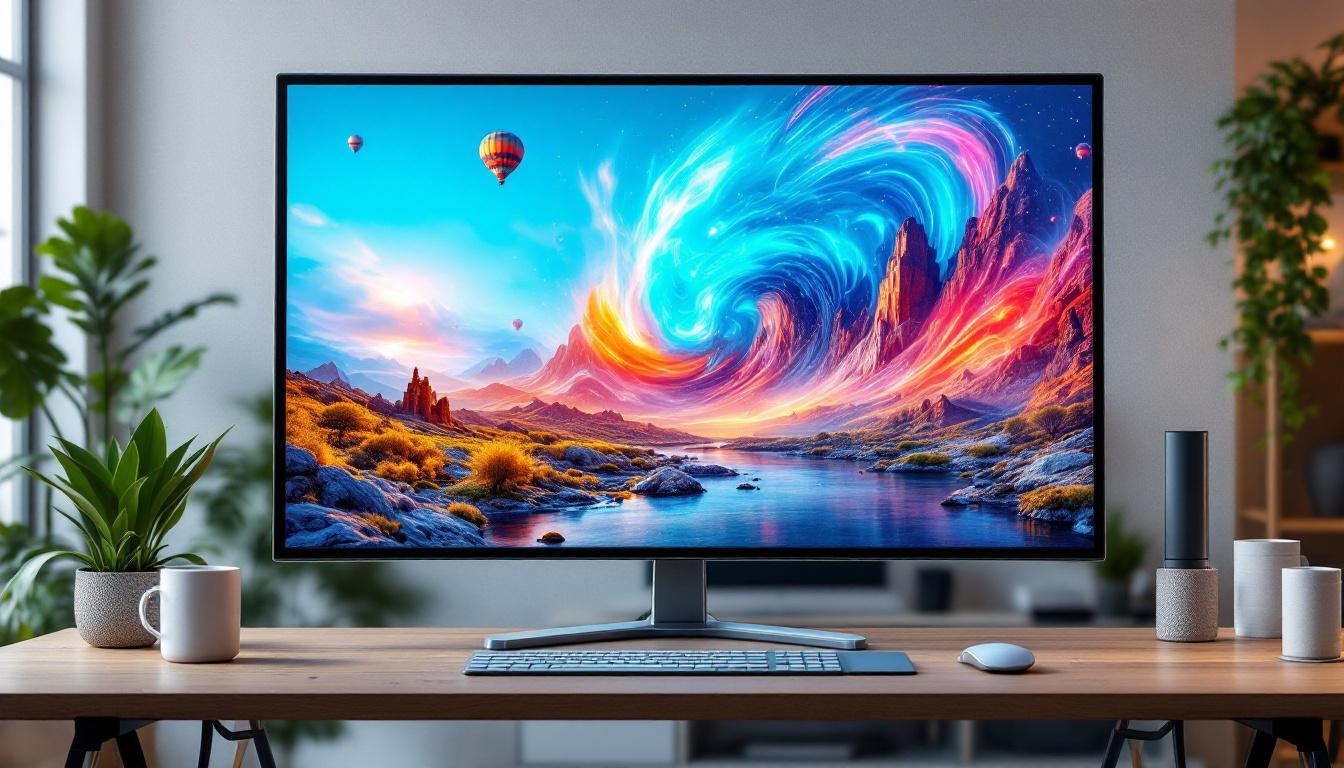
In today’s digital world, the quality of a monitor’s display can significantly impact productivity, visual comfort, and overall user experience. Among the many factors that determine screen quality, brightness plays a pivotal role. This article delves into the intricacies of monitor screen brightness, focusing particularly on LED displays, to help users understand what affects brightness, why it matters, and how to optimize it for various environments.
Understanding Monitor Screen Brightness
Screen brightness refers to the amount of light a monitor emits, typically measured in nits (candelas per square meter). The higher the nit value, the brighter the screen appears. For instance, a typical office monitor may have a brightness of around 250 to 350 nits, while high-end HDR (High Dynamic Range) displays can reach 1000 nits or more.
Brightness is crucial not only for image clarity but also for reducing eye strain during prolonged use. A screen that is too dim can make content hard to see, while a screen that is too bright can cause discomfort and fatigue. Therefore, understanding how brightness works and how it is controlled is essential for both manufacturers and end-users.
How Brightness is Measured
The standard unit for brightness is the nit, which quantifies luminous intensity per unit area. One nit equals one candela per square meter (cd/m²). To put it in perspective, a typical smartphone screen ranges from 400 to 600 nits, whereas outdoor visibility requires monitors to exceed 700 nits to combat sunlight glare effectively.
Brightness measurements are usually taken using specialized equipment like a luminance meter, which gauges the light emitted from the screen’s surface. These measurements help manufacturers set specifications and allow consumers to compare different models objectively. Additionally, the method of measurement can vary based on the technology used in the display. For instance, OLED screens may exhibit different brightness characteristics compared to LED or LCD screens, due to their unique pixel illumination methods. This variance can influence not only the perceived brightness but also the color accuracy and contrast ratio, which are equally important for a high-quality viewing experience.
Moreover, the ability to adjust brightness settings is a common feature in modern monitors, allowing users to tailor their viewing experience based on ambient lighting conditions. Many monitors now come equipped with adaptive brightness technology, which automatically adjusts the screen brightness in response to the surrounding light. This not only enhances visibility but can also extend the lifespan of the display by reducing unnecessary strain on the backlighting system. Understanding these features can empower users to optimize their setup for both comfort and performance, ensuring that they get the most out of their display technology.
What Makes LED Displays Different?
LED (Light Emitting Diode) displays have become the standard in modern monitors, replacing older technologies such as CCFL (Cold Cathode Fluorescent Lamp) backlighting. Understanding how LED displays produce brightness provides insight into their advantages and limitations.
LED Backlighting Technology
Most LED monitors use an LCD (Liquid Crystal Display) panel illuminated by an array of LEDs. These LEDs serve as the backlight, shining through the liquid crystals to create visible images. Unlike CCFLs, LEDs are more energy-efficient, have a longer lifespan, and can achieve higher brightness levels.
There are two primary types of LED backlighting:
- Edge-Lit LED: LEDs are placed around the edges of the screen, and light is diffused across the display. This design allows for thinner monitors but can sometimes result in uneven brightness distribution.
- Full-Array LED: LEDs are distributed evenly behind the entire screen, enabling better brightness uniformity and local dimming capabilities for improved contrast.
Brightness and Color Accuracy
LED backlighting impacts not only brightness but also color reproduction. Higher brightness levels can enhance color vibrancy, making images appear more lifelike. However, pushing brightness too high can sometimes wash out colors or cause glare, which is why calibration is essential.
Modern LED monitors often support HDR, which relies on increased brightness and contrast to display a wider range of colors and details in shadows and highlights. HDR-capable monitors typically have peak brightness values exceeding 600 nits, with some reaching 1000 nits or more.
Furthermore, the color gamut of LED displays plays a crucial role in their performance. Many high-end LED monitors are capable of covering a significant portion of color spaces like sRGB, Adobe RGB, or DCI-P3, which are essential for professionals in photography, video editing, and graphic design. This expanded color range allows for more accurate and vibrant color representation, making it easier for creators to achieve their desired visual outcomes.
Additionally, the technology behind LED displays continues to evolve, with advancements such as Mini-LED and Micro-LED. Mini-LED technology utilizes smaller LEDs to enhance local dimming and improve contrast ratios, while Micro-LED offers self-emissive properties similar to OLED but with improved brightness and longevity. These innovations promise to further elevate the visual experience, providing users with even more immersive and dynamic displays.
Factors Affecting Monitor Brightness
Several factors influence how bright a monitor appears in real-world conditions. Understanding these can help users make informed choices and adjust settings for optimal viewing.
Ambient Lighting Conditions
The environment’s lighting plays a significant role in perceived screen brightness. In brightly lit rooms or outdoor settings, higher brightness is necessary to maintain visibility and reduce reflections. Conversely, in dim environments, a lower brightness setting can prevent eye strain and improve comfort.
Research suggests that ambient lighting should be considered when setting monitor brightness. For example, a study published in the Journal of the Society for Information Display recommends adjusting brightness to approximately 120 cd/m² in dim rooms and up to 300 cd/m² in well-lit spaces.
Display Size and Resolution
Larger screens may require higher brightness levels to maintain uniform visibility across the display area. Additionally, higher-resolution monitors often have smaller pixels, which can affect light transmission and perceived brightness. Manufacturers balance these factors by optimizing backlight intensity and panel technology.
Power Consumption and Heat
Increasing brightness generally leads to higher power consumption and heat generation. Efficient LED backlighting helps mitigate these issues, but users should be aware that running a monitor at maximum brightness for extended periods can reduce its lifespan and increase energy costs.
How to Optimize Monitor Brightness
Proper brightness adjustment is key to maximizing comfort, productivity, and display quality. Here are practical tips for optimizing monitor brightness in various scenarios.
Manual Brightness Adjustment
Most monitors come with built-in controls to adjust brightness. Users should avoid setting brightness to maximum by default. Instead, adjust the brightness to a comfortable level that balances visibility and eye comfort. A good starting point is to set the brightness to match the ambient lighting, then fine-tune based on personal preference.
Using Software Tools
Operating systems like Windows and macOS offer software controls for brightness adjustment. Additionally, third-party applications can dynamically adjust brightness based on ambient light sensors or time of day, reducing eye strain during prolonged use.
For professionals working with color-sensitive tasks, calibration tools such as colorimeters can help achieve accurate brightness and color settings, ensuring that the display matches industry standards.
Enabling Adaptive Brightness
Many modern monitors and laptops feature adaptive brightness, which automatically adjusts screen brightness according to ambient light conditions. This feature helps maintain optimal visibility while conserving energy and reducing eye fatigue.
However, adaptive brightness may not always be perfect. Users should monitor its performance and disable it if it causes frequent or distracting brightness changes.
Common Myths About Monitor Brightness
There are several misconceptions regarding monitor brightness that can lead to suboptimal usage or unnecessary concerns.
Brighter is Always Better
While higher brightness can improve visibility, especially in bright environments, it is not always beneficial. Excessive brightness can cause glare, wash out colors, and increase eye strain. The goal is to find a balance that suits the environment and personal comfort.
LED Monitors Emit Harmful Blue Light Due to Brightness
LED backlights do emit blue light, which can contribute to eye strain and disrupt sleep patterns if used late at night. However, this is not directly caused by brightness alone. Many monitors include blue light filters or “night mode” settings to reduce blue light emission without compromising brightness.
Brightness Settings Affect Monitor Lifespan Dramatically
While running a monitor at maximum brightness can accelerate wear, modern LED displays are designed to handle high brightness levels efficiently. Regular use at moderate brightness levels typically does not significantly impact lifespan.
Future Trends in Monitor Brightness Technology
As display technology evolves, new innovations promise to enhance brightness capabilities while improving energy efficiency and visual quality.
Mini-LED and Micro-LED Displays
Mini-LED technology uses thousands of tiny LEDs for backlighting, offering superior brightness control and contrast compared to traditional LED arrays. This results in brighter displays with better local dimming and reduced halo effects.
Micro-LED displays, still emerging in the market, integrate microscopic LEDs directly into the display panel. They promise even higher brightness, improved color accuracy, and longer lifespans without the drawbacks of current backlighting methods.
Quantum Dot Technology
Quantum dots are semiconductor nanocrystals that emit precise wavelengths of light when illuminated. Incorporating quantum dots into LED backlighting enhances brightness and color gamut, enabling displays with vivid colors and high peak brightness suitable for HDR content.
Energy-Efficient Brightness Control
Advancements in sensor technology and AI-driven algorithms are enabling smarter brightness adjustments that optimize power consumption without sacrificing visual quality. These systems can adapt to user habits and environmental changes more seamlessly than traditional methods.
Conclusion
Monitor screen brightness is a fundamental aspect of display performance that directly affects user experience, eye health, and energy consumption. LED displays, with their efficient backlighting technology, have revolutionized how brightness is delivered, offering brighter, more vibrant screens than ever before.
Understanding the factors that influence brightness, from ambient lighting to panel technology, empowers users to optimize their monitors for comfort and productivity. As display technologies continue to advance, users can look forward to even brighter, more energy-efficient, and visually stunning monitors in the near future.
Explore Cutting-Edge Brightness with LumenMatrix
Ready to experience the pinnacle of monitor screen brightness and display innovation? LumenMatrix is at the forefront of LED display technology, offering a vast array of solutions tailored to your needs. From Indoor and Outdoor LED Wall Displays to specialized options like Vehicle, Sports, and Floor LED Displays, our products are designed to captivate and engage. Discover how our Custom, All-in-One, and Transparent LED Displays can transform your visual communication. Don’t just take our word for it; check out LumenMatrix LED Display Solutions today and see the difference for yourself!