In today’s digital age, the way information is presented is just as important as the content itself. LED displays have revolutionized the visual communication landscape, providing vibrant, dynamic, and energy-efficient solutions for a variety of applications. When paired with a well-designed monitor stand, these displays become even more effective, offering ergonomic benefits and enhanced usability. This article delves into the intricacies of LED displays, their integration with monitor stands, and why this combination is essential for both professional and personal environments.
Understanding LED Display Technology
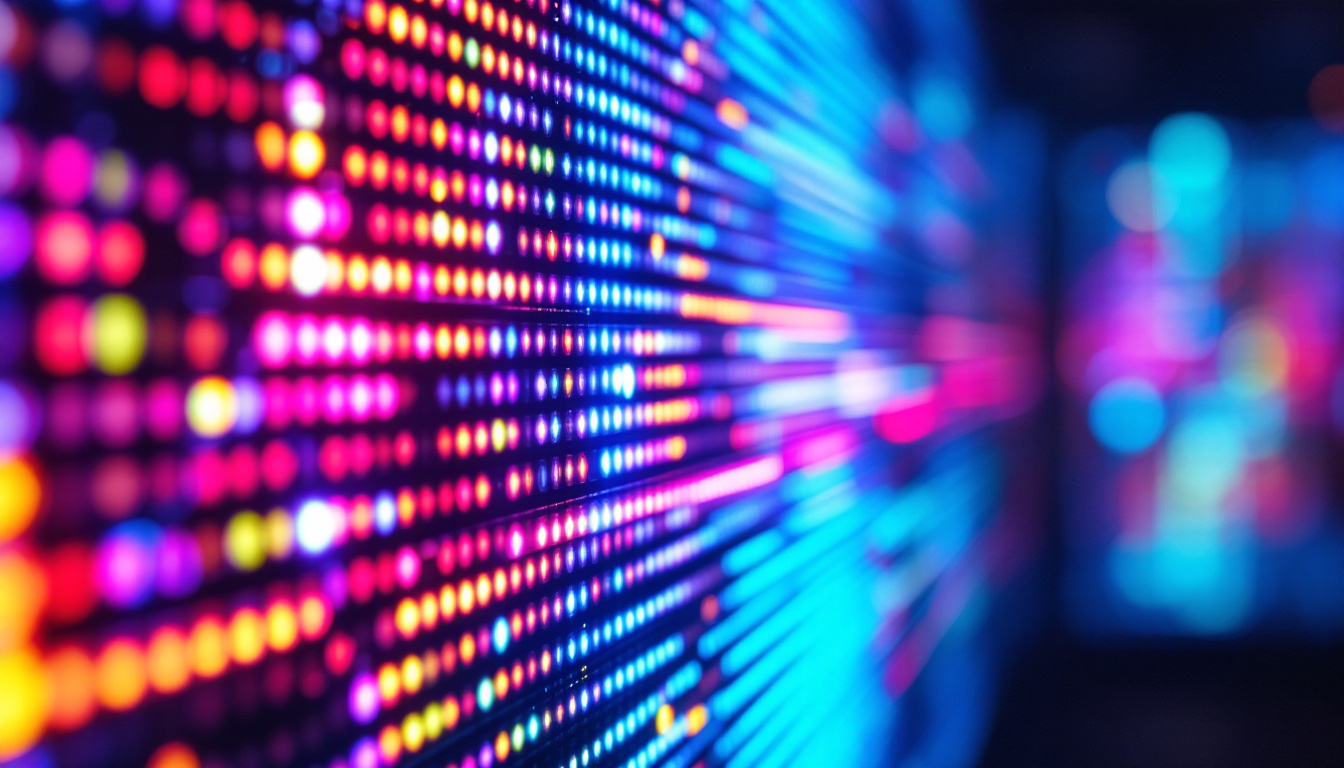
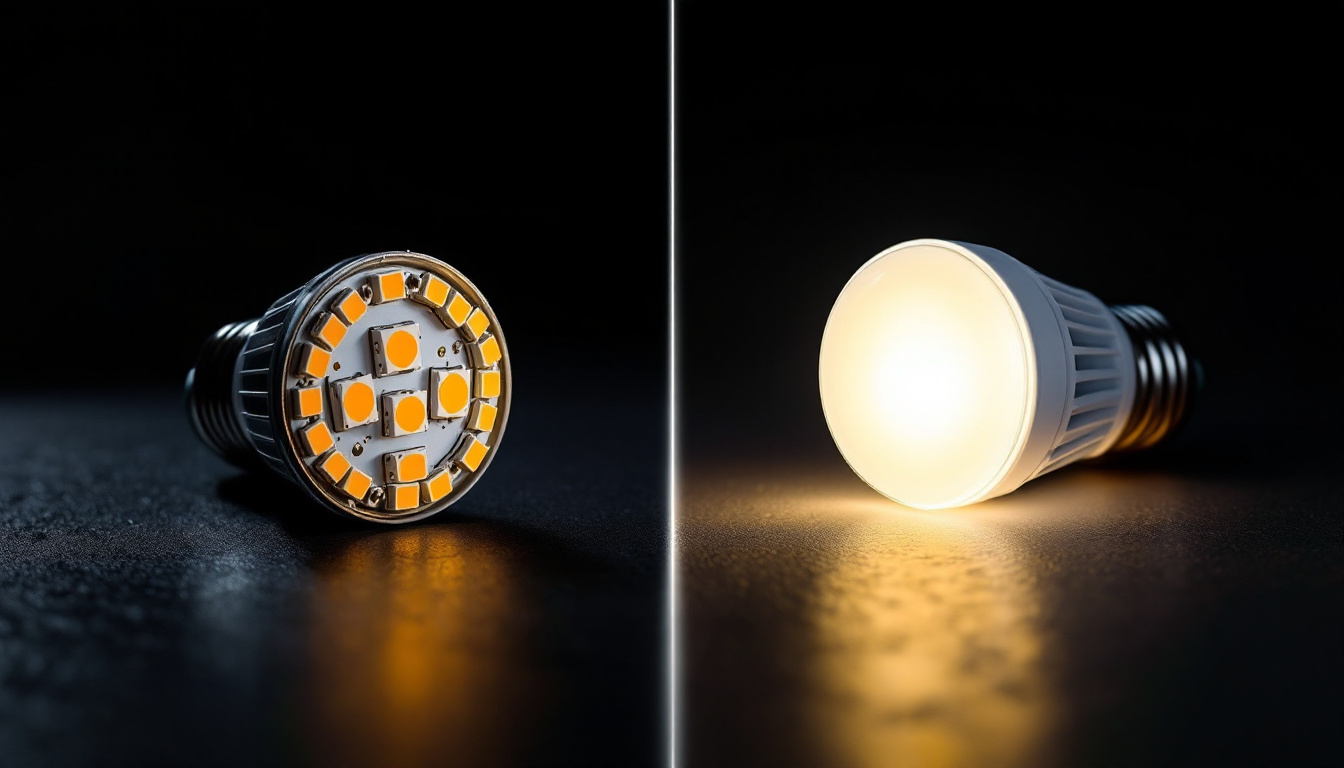
LED, or Light Emitting Diode, technology has become the cornerstone of modern display systems. Unlike traditional LCD screens that rely on backlighting, LED displays use tiny diodes that emit light individually, resulting in brighter images, deeper blacks, and more vibrant colors. This individual light emission allows for more precise control over the image quality, making LED displays particularly popular in settings where visual clarity is paramount, such as in professional photography, graphic design, and gaming.
One of the key advantages of LED technology is its energy efficiency. According to the U.S. Department of Energy, LED displays consume up to 75% less energy compared to conventional incandescent lighting, making them an eco-friendly choice for businesses and consumers alike. This efficiency also translates into lower operating costs over time, which is particularly beneficial for large-scale digital signage or multi-monitor setups. Additionally, LED displays have a longer lifespan, often lasting tens of thousands of hours, which reduces the need for frequent replacements and further contributes to their sustainability profile.
Types of LED Displays
LED displays come in various forms, each suited to different uses. The most common types include:
- Direct LED: These displays have LEDs placed directly behind the screen, offering excellent brightness and contrast. This configuration is ideal for environments with high ambient light, as it ensures visibility without compromising on color fidelity.
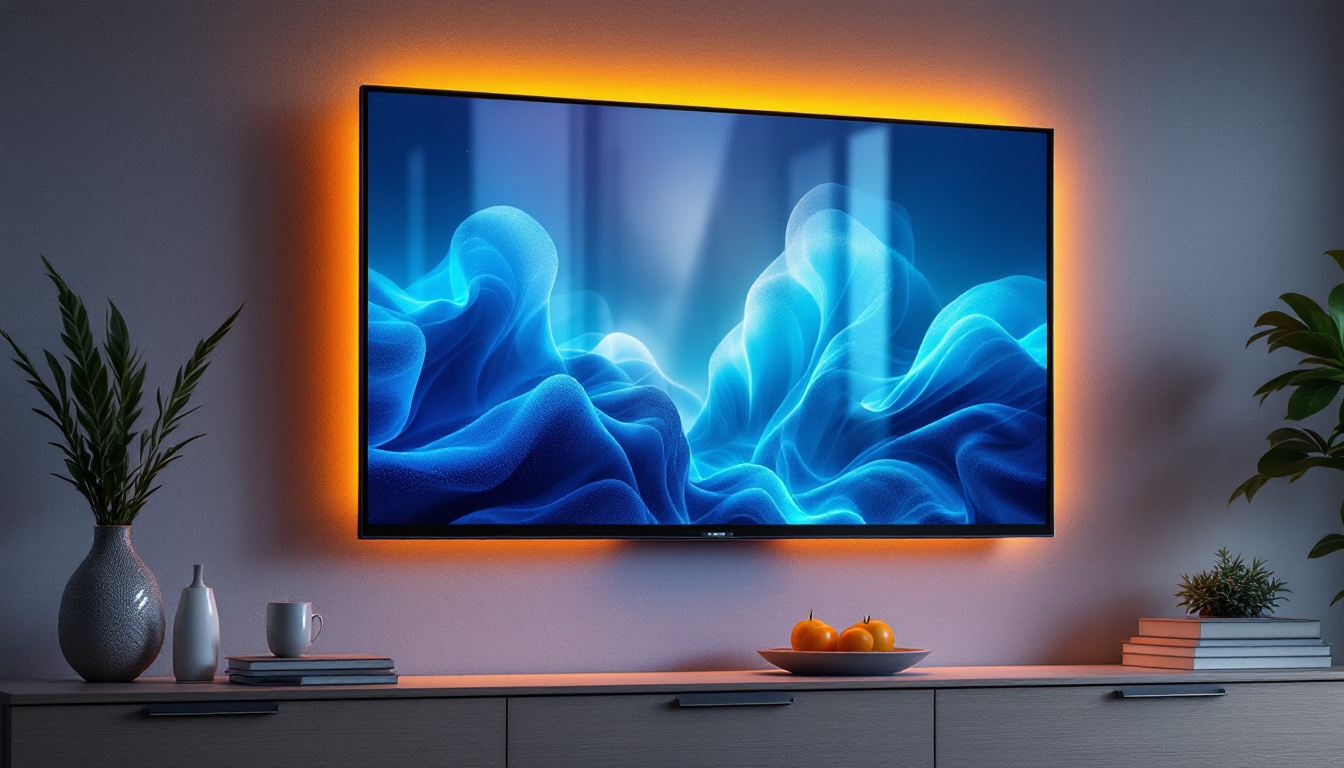
- Edge-lit LED: LEDs are positioned around the edges of the screen, allowing for thinner displays but sometimes at the expense of uniform brightness. These displays are often favored in applications where space is limited, such as in sleek modern offices or homes.
- MicroLED: An emerging technology that uses microscopic LEDs to create ultra-high-definition displays with exceptional color accuracy and brightness. MicroLED displays promise to revolutionize the market with their ability to achieve true blacks and a wider color gamut, making them a strong contender for future high-end television models.
For monitor stands, direct LED and edge-lit LED panels are the most prevalent, balancing performance and cost effectively. Furthermore, the versatility of LED technology allows for innovative applications beyond traditional screens. For instance, flexible LED panels are being developed for use in curved displays and even wearable technology, opening up new possibilities in both consumer electronics and advertising. As the technology continues to evolve, we can expect to see even more groundbreaking uses for LED displays in various industries.
The Role of Monitor Stands in Enhancing LED Displays
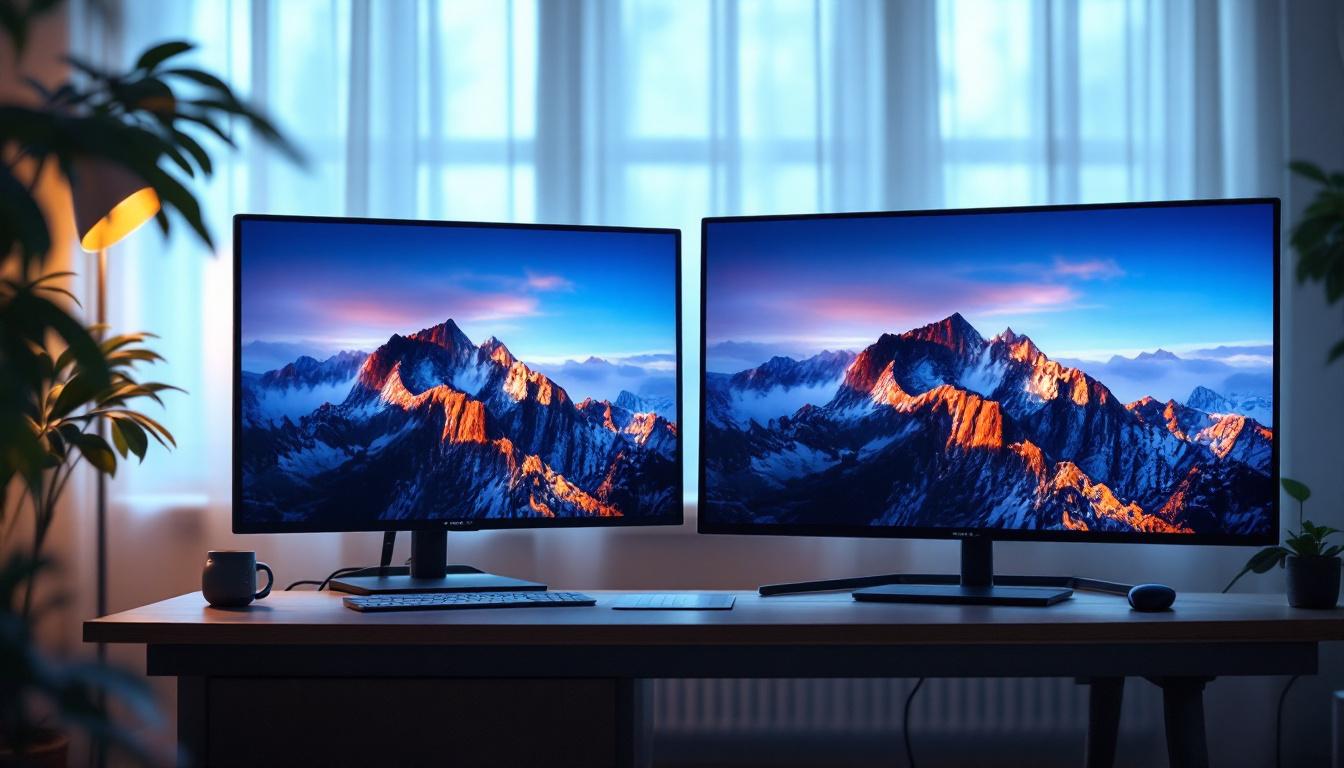
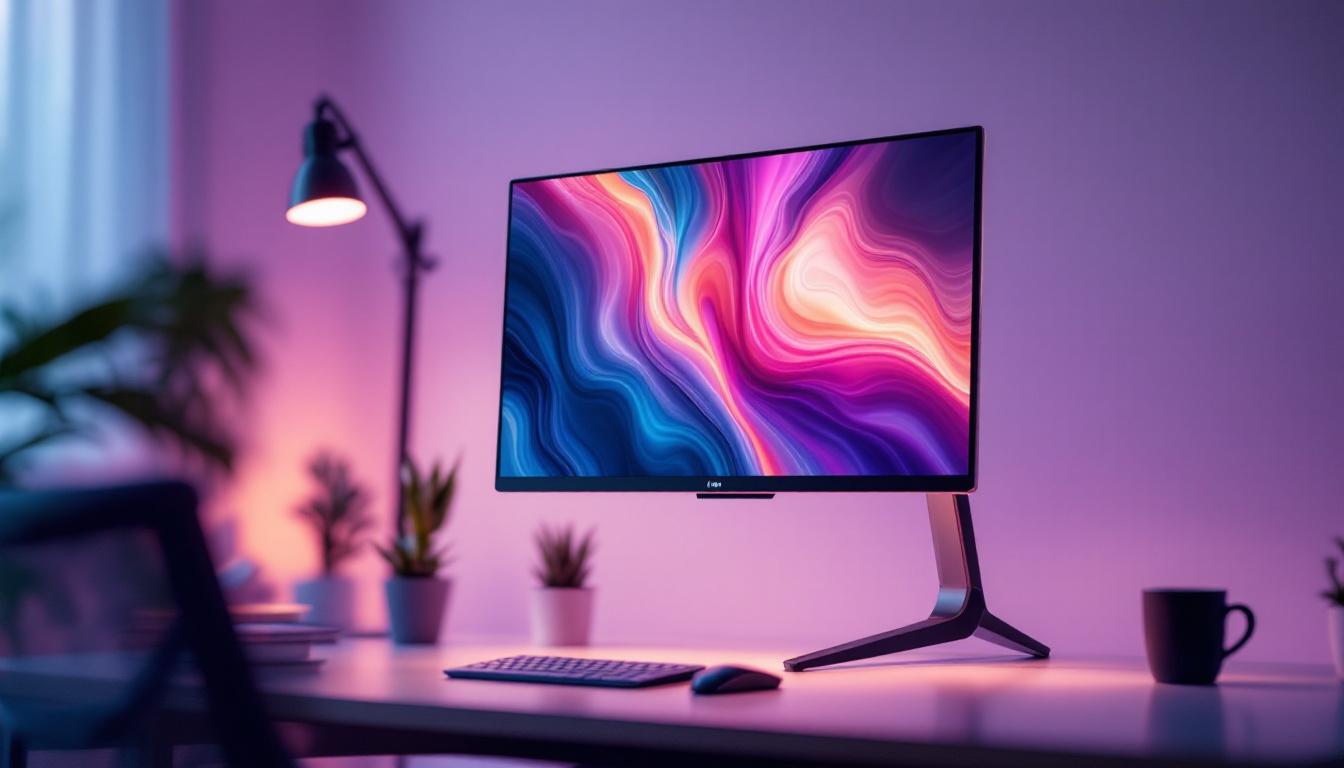
While the LED display itself is crucial, the way it is positioned can significantly impact user experience. Monitor stands are not just accessories; they are fundamental components that influence ergonomics, productivity, and even the lifespan of the display.
Ergonomics and Health Benefits
Improper monitor placement can lead to neck strain, eye fatigue, and poor posture. Adjustable monitor stands allow users to set the screen height, tilt, and swivel to optimal positions, reducing the risk of musculoskeletal disorders. The Occupational Safety and Health Administration (OSHA) recommends that the top of the monitor screen be at or slightly below eye level and about 20 to 30 inches away from the eyes for comfortable viewing. Monitor stands facilitate meeting these guidelines effortlessly.
Moreover, the benefits of ergonomic monitor stands extend beyond immediate comfort. Studies have shown that a well-positioned monitor can enhance focus and productivity, as users are less likely to experience distractions caused by discomfort. With the ability to customize the setup, users can create a personalized workspace that not only promotes health but also boosts efficiency, allowing for longer periods of concentrated work without the accompanying fatigue.
Space Optimization and Aesthetics
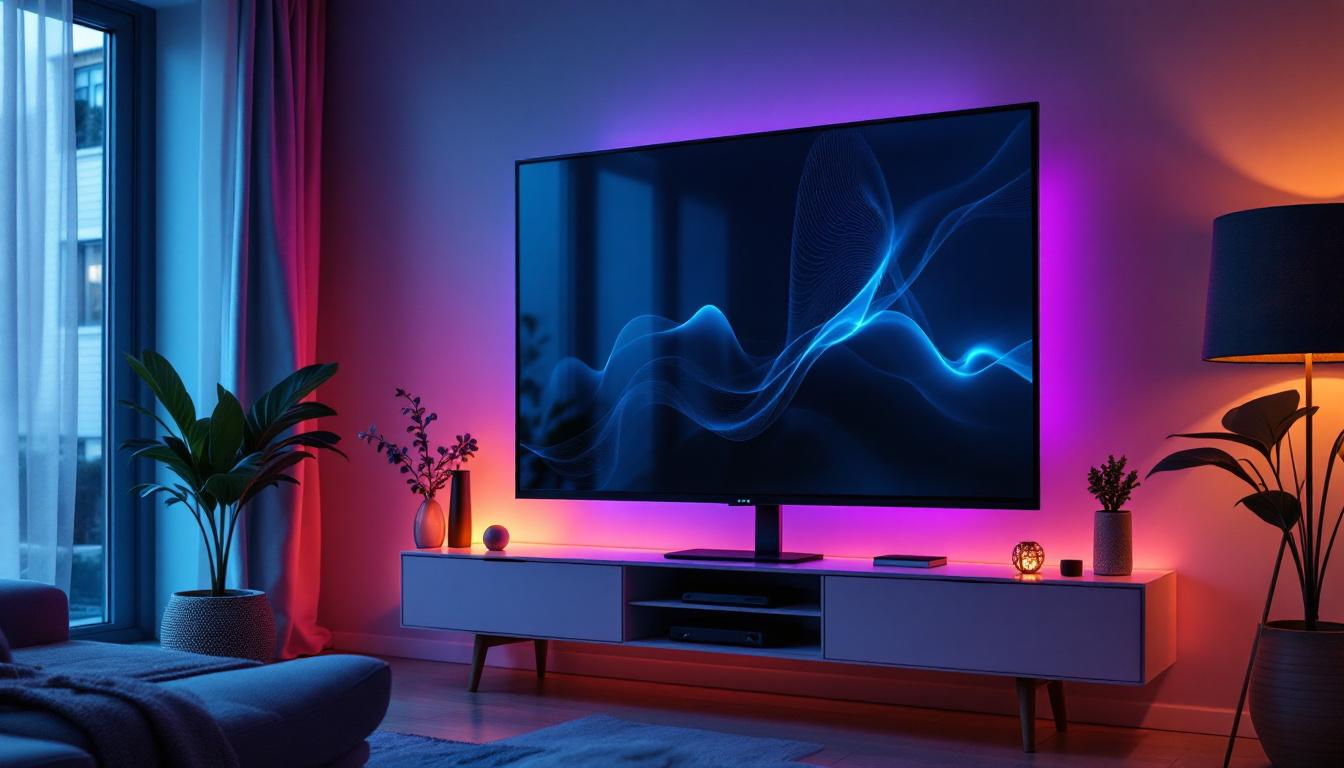
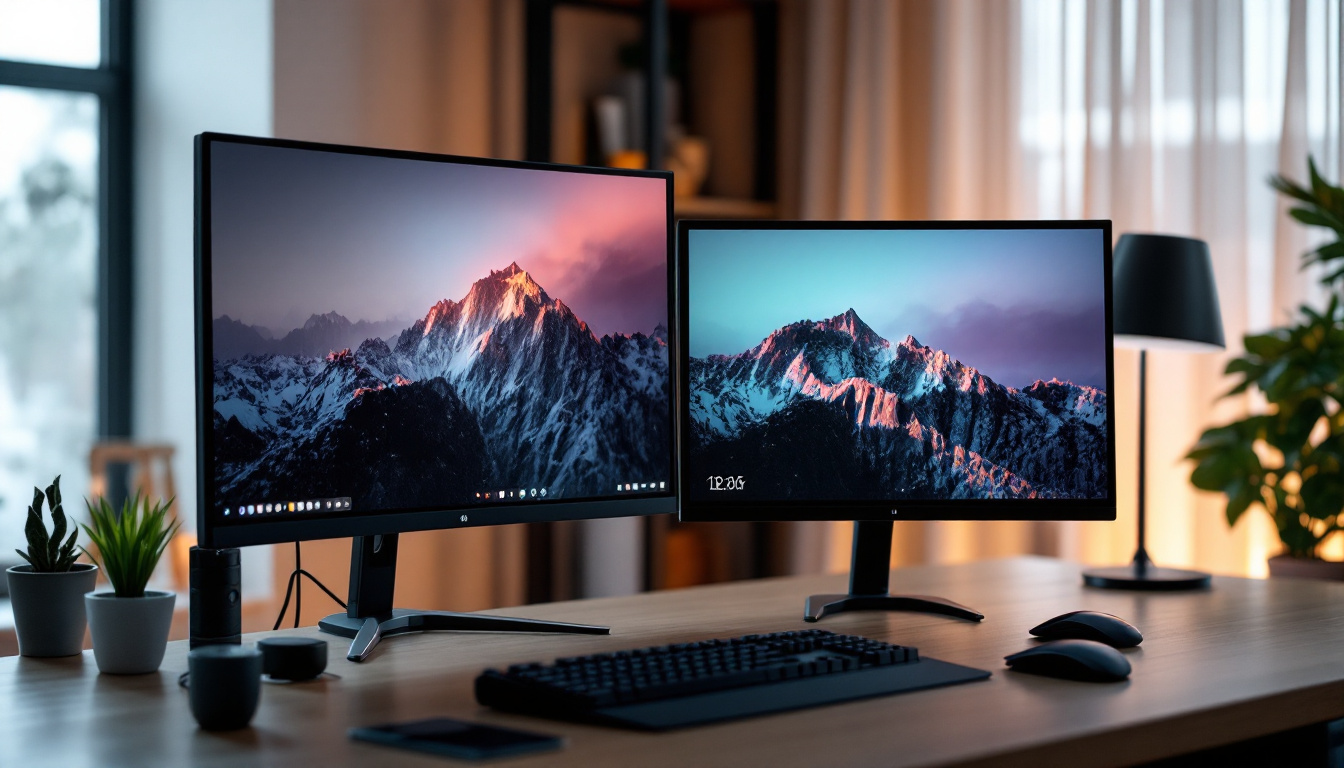
Modern workspaces often require efficient use of limited desk space. Monitor stands can free up valuable surface area by lifting the screen off the desk, creating room for keyboards, documents, or other peripherals. Additionally, sleek and minimalist stands complement the aesthetics of LED displays, contributing to a clean and professional environment.
In addition to functionality, many monitor stands come with built-in cable management systems, helping to declutter the workspace further. This feature not only enhances the visual appeal of the setup but also prevents tangling and damage to cables, which can be a common nuisance in busy work environments. Furthermore, the variety of designs available—from industrial metal to elegant wood finishes—allows users to select a stand that aligns with their personal style or corporate branding, making the workspace not just efficient but also visually appealing.
Choosing the Right Monitor Stand for Your LED Display
Selecting the appropriate monitor stand involves considering several factors, including the size and weight of the LED display, adjustability features, and compatibility with mounting standards such as VESA.
Weight Capacity and Stability
LED displays vary widely in size, from compact 22-inch models to large 32-inch or even bigger screens. It is essential to choose a monitor stand that can support the weight of the display securely. A stand that is too light or unstable can lead to accidental tipping or damage. Many manufacturers specify weight limits, and it is advisable to select a stand with a margin above the actual weight of the monitor for added safety.
Adjustability Features
Flexibility is key when it comes to monitor stands. Look for stands that offer height adjustment, tilt, swivel, and rotation capabilities. Height adjustment helps align the monitor with eye level, tilt reduces glare from overhead lighting, swivel allows sharing the screen with colleagues, and rotation is useful for switching between landscape and portrait modes. These features collectively enhance comfort and productivity.
VESA Compatibility
The Video Electronics Standards Association (VESA) has established mounting standards that ensure compatibility between monitors and stands or mounts. Most LED displays support VESA mounting patterns such as 75×75 mm or 100×100 mm. Ensuring that the monitor stand supports the VESA pattern of your LED display is crucial for a secure fit. This standardization also allows for easy upgrades or changes to monitor stands without replacing the display.
Applications of LED Displays with Monitor Stands
LED displays paired with monitor stands are versatile tools used across various industries and environments. Their applications range from everyday office workstations to specialized professional setups.
Office and Corporate Environments
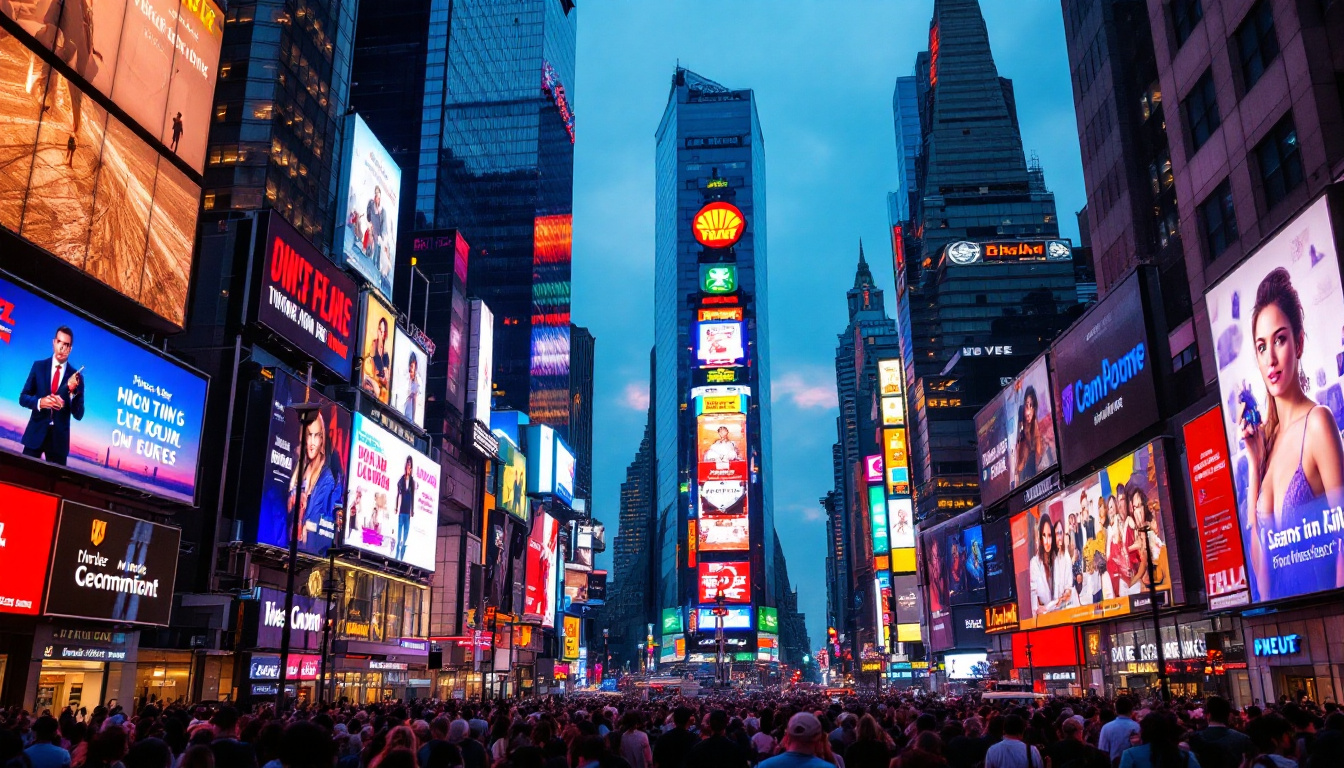
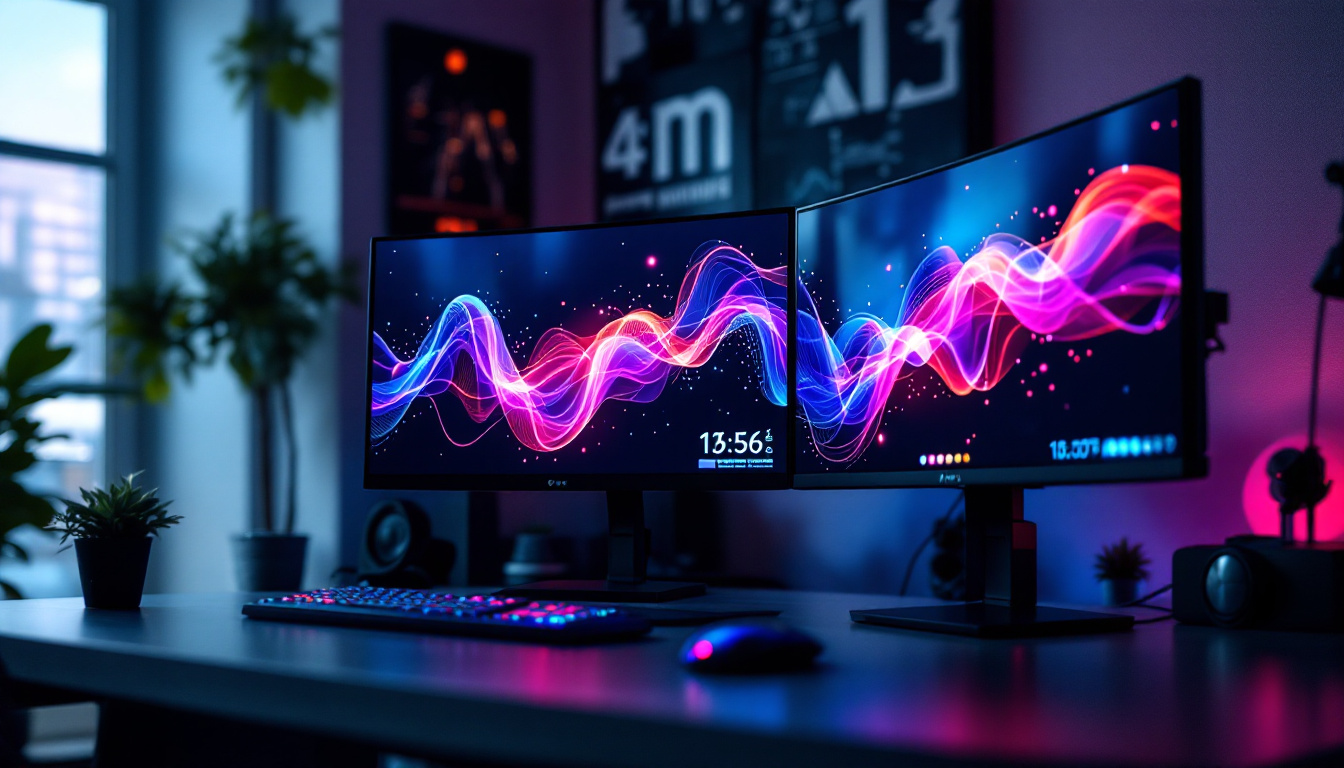
In corporate settings, LED displays are essential for multitasking, video conferencing, and data analysis. Adjustable monitor stands enable employees to customize their workspace for maximum comfort, which studies have shown can increase productivity by up to 12%. Moreover, dual or triple monitor setups mounted on multi-monitor stands are common in sectors such as finance, marketing, and software development, where screen real estate is critical.
Gaming and Entertainment
For gamers and content creators, LED displays offer high refresh rates, low response times, and vivid colors that enhance the immersive experience. Monitor stands designed for gaming often include features like quick-release mounts and cable management systems to maintain a tidy setup. Adjustable stands also help reduce neck and eye strain during extended gaming sessions.
Healthcare and Medical Imaging
High-resolution LED displays are vital in medical imaging, where clarity and color accuracy can impact diagnosis and treatment. Monitor stands in healthcare environments must be robust, easily adjustable, and sometimes mobile to accommodate different procedures and users. Additionally, stands with antimicrobial coatings are becoming more common to maintain hygiene standards.
Future Trends in LED Displays and Monitor Stands
The technology behind LED displays and monitor stands continues to evolve rapidly, driven by advancements in materials, design, and user needs.
Integration with Smart Technologies
Future LED displays are expected to integrate more seamlessly with smart office ecosystems. This includes features like automatic brightness adjustment based on ambient light, voice control, and integration with productivity software. Monitor stands may incorporate sensors to track posture and provide real-time feedback to users, promoting healthier work habits.
Eco-Friendly Materials and Manufacturing
As sustainability becomes a priority, manufacturers are exploring eco-friendly materials for both LED displays and monitor stands. Recycled aluminum, biodegradable plastics, and energy-efficient production methods are gaining traction. Consumers can expect more environmentally responsible options without compromising on performance or aesthetics.
Modular and Customizable Designs
Modularity is another emerging trend, allowing users to customize their monitor stands with additional accessories such as USB hubs, wireless chargers, or lighting. This flexibility caters to diverse user preferences and work styles, making the workspace more personalized and efficient.
Conclusion
LED displays have transformed the way information is presented, offering unparalleled brightness, color accuracy, and energy efficiency. When combined with the right monitor stand, these displays provide ergonomic benefits, space optimization, and enhanced usability that contribute to a healthier and more productive environment. Whether in corporate offices, gaming setups, or healthcare facilities, understanding the technology behind LED displays and the importance of monitor stands is essential for making informed decisions.
As technology advances, the synergy between LED displays and monitor stands will continue to evolve, offering smarter, more sustainable, and customizable solutions that cater to the dynamic needs of users worldwide. Investing in quality LED displays and compatible monitor stands is not just a matter of convenience but a strategic choice that impacts comfort, efficiency, and long-term well-being.
Discover LumenMatrix’s Advanced LED Display Solutions
Embrace the future of visual technology with LumenMatrix’s innovative LED display solutions. As a leader in LED display technology, LumenMatrix offers a diverse range of products designed to elevate your visual experience. From captivating Indoor and Outdoor LED Wall Displays to dynamic Vehicle and Sports LED Displays, our solutions are tailored to meet your unique needs. Enhance your space with our LED Poster Displays, Floor LED Displays, and Custom LED solutions, or experience the convenience of our All-in-One and Transparent LED Displays. Join the revolution in visual communication and let LumenMatrix empower your business to make a lasting impression. Check out LumenMatrix LED Display Solutions today and see how we can help you share your message with unparalleled impact and clarity.