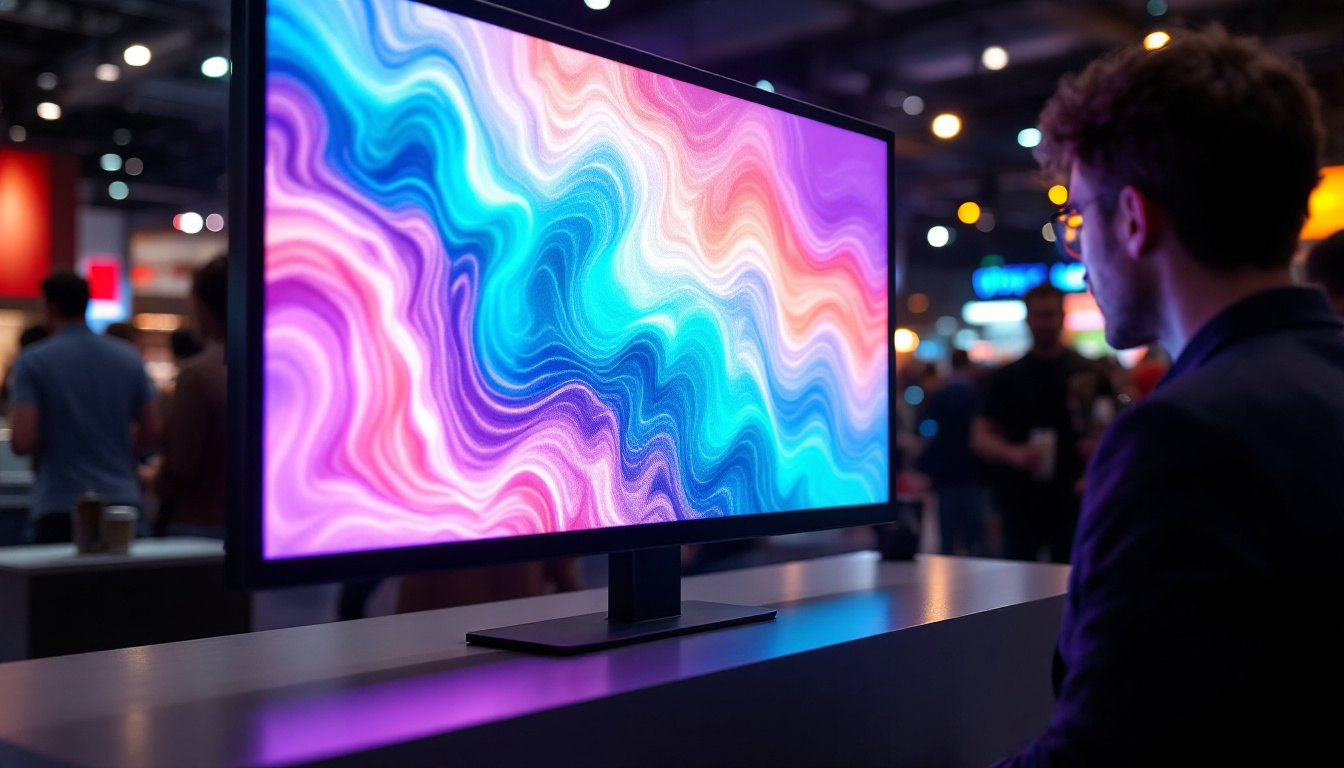
In today’s fast-paced digital environment, productivity and visual clarity are paramount. Whether for professional workstations, gaming setups, or creative studios, the integration of multiple monitors has become a standard. Among the various options available, a multi monitor stand designed for 27-inch LED displays offers an optimal balance of size, resolution, and ergonomic flexibility. This article delves into the essentials of multi monitor stands tailored for 27-inch LED displays, exploring their benefits, key features, and how to choose the right setup to enhance your workspace.
Understanding the Appeal of 27-Inch LED Displays
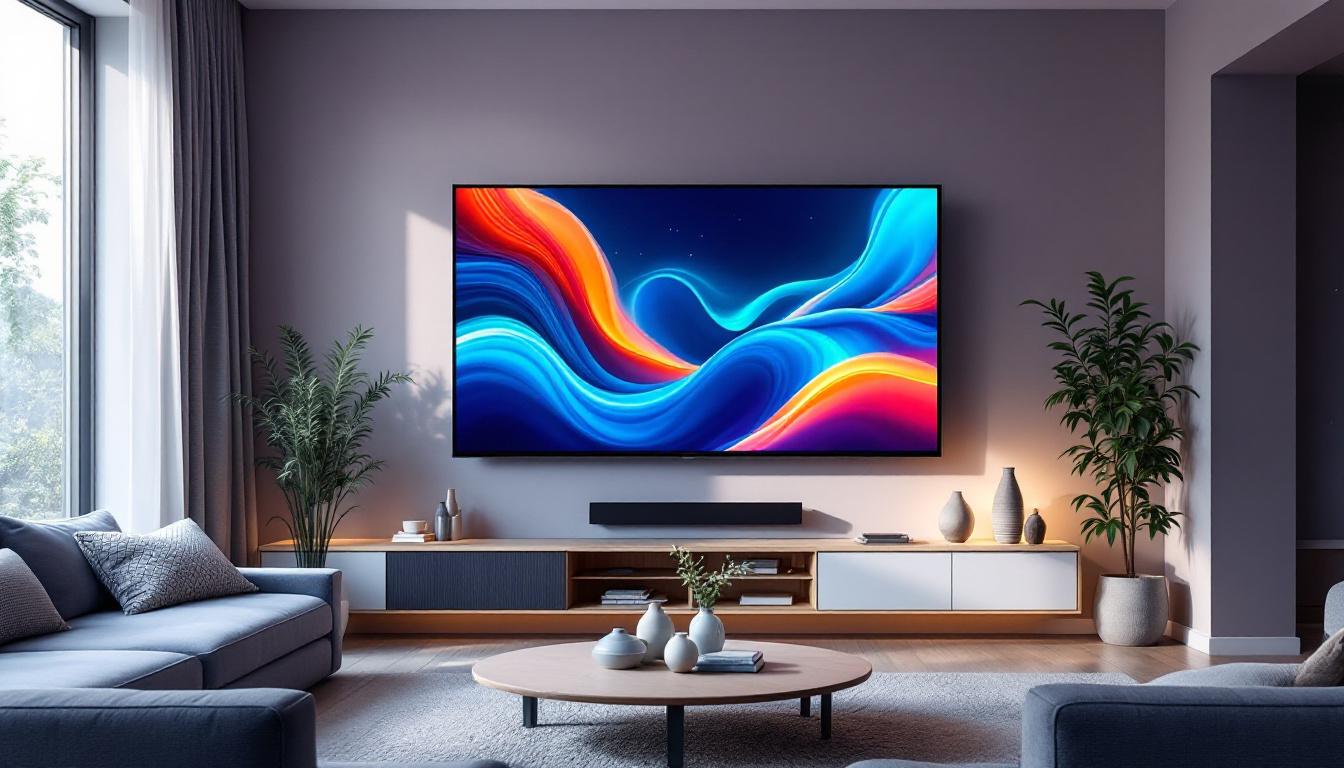
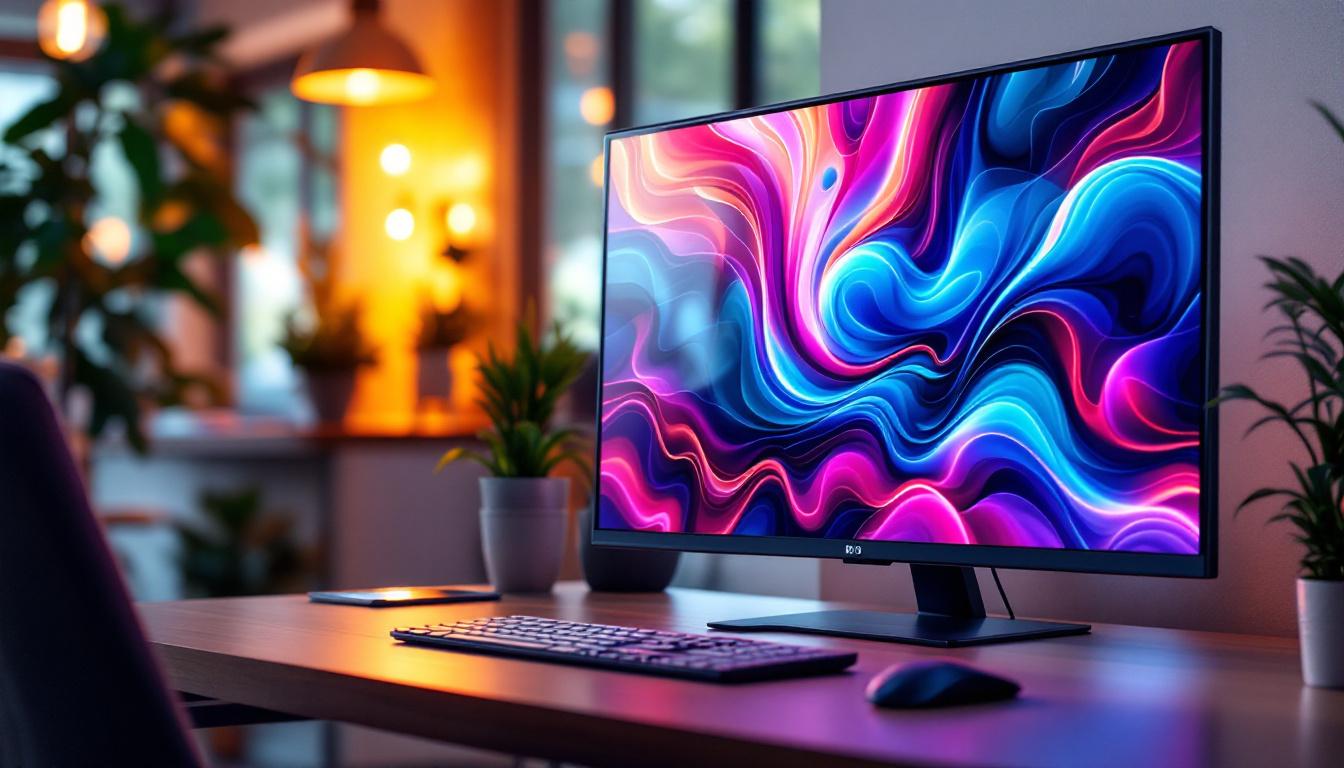
The 27-inch monitor has emerged as one of the most popular sizes for both professional and personal use. It strikes a sweet spot between screen real estate and desk space, providing ample viewing area without overwhelming the user.
LED (Light Emitting Diode) technology further enhances these monitors by delivering brighter images, deeper contrasts, and energy-efficient performance. Compared to older LCD panels with CCFL backlighting, LED displays offer superior color accuracy and thinner designs, making them ideal for multi-monitor configurations.
For professionals such as graphic designers, video editors, and financial analysts, the clarity and color fidelity of 27-inch LED monitors can significantly impact workflow quality. Gamers and content consumers also benefit from the immersive experience these displays provide, especially when arranged across multiple screens.
Why 27 Inches? The Balance of Size and Usability
While larger monitors like 32-inch or ultrawide models are gaining traction, 27 inches remains a highly versatile size. It provides enough screen space to comfortably view multiple windows side-by-side without excessive head movement. This is crucial in multi-monitor setups where seamless transition between screens is desired.
Moreover, 27-inch monitors typically support high resolutions such as 2560×1440 (QHD), offering sharper images and more workspace compared to standard 1080p displays. This resolution is ideal for professional tasks that require detailed visuals, such as CAD design or photo editing.
In addition to their practical applications, the aesthetic appeal of 27-inch LED displays cannot be overlooked. Many models feature sleek, modern designs with minimal bezels, allowing them to blend seamlessly into any workspace. This contemporary look not only enhances the visual appeal of an office or gaming setup but also contributes to a more organized and professional environment. Furthermore, the adjustable stands available for many 27-inch monitors allow users to customize their viewing angles, promoting better ergonomics and reducing strain during long hours of use.
Another significant advantage of these monitors is their adaptability to various tasks. Whether you’re watching movies, engaging in graphic-intensive gaming, or conducting virtual meetings, the 27-inch LED display can handle it all with ease. The wide viewing angles provided by IPS (In-Plane Switching) technology ensure that colors remain consistent and vibrant, even when viewed from the side, making them perfect for collaborative work or presentations. As a result, the 27-inch LED monitor has become a staple in both home and office environments, catering to a diverse range of users and applications.
Benefits of Using a Multi Monitor Stand for 27-Inch LED Displays
While it’s possible to place multiple monitors directly on a desk, a dedicated multi monitor stand offers several advantages that improve ergonomics, aesthetics, and functionality.
Enhanced Ergonomics and Comfort
One of the primary benefits of a multi monitor stand is the ability to adjust the height, tilt, and angle of each monitor independently. This customization helps reduce neck and eye strain by aligning screens at the optimal viewing level. For users who spend long hours in front of their computers, this ergonomic adjustment is essential to maintaining comfort and preventing repetitive strain injuries.
Desk Space Optimization
Multi monitor stands elevate the monitors off the desk surface, freeing up valuable workspace underneath. This extra space can be used for organizing peripherals, documents, or other office essentials. Additionally, a clean and uncluttered desk contributes to a more focused and productive work environment.
Improved Cable Management
Many multi monitor stands come equipped with integrated cable management systems. These help route power cords, HDMI cables, and USB connections neatly along the stand, reducing clutter and minimizing the risk of accidental disconnections. A tidy setup not only looks professional but also simplifies troubleshooting and maintenance.
Key Features to Look for in a Multi Monitor Stand for 27-Inch LED Displays
Choosing the right multi monitor stand requires careful consideration of several factors. The following features are essential to ensure compatibility, durability, and ease of use.
Weight Capacity and Stability
27-inch LED monitors typically weigh between 10 to 15 pounds, depending on the model and build. A multi monitor stand must support the combined weight of all attached monitors without wobbling or tipping. Look for stands with robust construction, often made from steel or aluminum, and check the manufacturer’s specified weight limits.
Adjustability and Range of Motion
Flexibility in positioning is crucial for creating an ergonomic setup. The stand should offer height adjustment, tilt, swivel, and rotation capabilities. Some stands also support landscape and portrait orientations, which can be beneficial for coding, reading documents, or social media management.
Compatibility and Mounting Standards
Most 27-inch monitors use the VESA mounting standard, typically 75×75 mm or 100×100 mm. Ensure the stand supports these patterns. Additionally, verify the number of monitors the stand can hold—common configurations include dual, triple, or even quadruple monitor stands.
Ease of Installation and Assembly
A user-friendly design with clear instructions and minimal tools required can save time and frustration. Some stands feature quick-release mechanisms or modular components that allow for easy addition or removal of monitors.
Popular Multi Monitor Stand Configurations for 27-Inch LED Displays
Depending on workspace size, budget, and intended use, several multi monitor stand configurations are popular among users of 27-inch LED displays.
Dual Monitor Stands
Dual stands are the most common and affordable option. They allow two 27-inch monitors to be positioned side-by-side, ideal for multitasking or extended desktop space. These stands often feature adjustable arms that enable users to create seamless screen continuity or angle the monitors inward for a more immersive experience.
Triple Monitor Stands
Triple monitor stands support three 27-inch displays, perfect for professionals who require extensive screen real estate, such as stock traders, programmers, or video editors. These setups can be arranged in a straight line or with the center monitor slightly forward and angled side monitors for a curved effect.
Quadruple and Multi-Display Stands
For specialized environments like control rooms or advanced gaming rigs, stands that support four or more monitors are available. These are more complex and often require sturdier construction and larger desk space. They provide unparalleled multitasking capabilities but may require more careful ergonomic planning.
How to Set Up a Multi Monitor Stand for 27-Inch LED Displays
Proper setup is key to maximizing the benefits of a multi monitor stand. The following steps outline best practices for installation and positioning.
Step 1: Assess Your Workspace
Measure your desk dimensions and consider the available space. Ensure there is enough clearance behind the monitors for cables and ventilation. Also, think about natural light sources to avoid glare on the screens.
Step 2: Assemble the Stand
Follow the manufacturer’s instructions carefully. Secure the base or clamp firmly to the desk to prevent movement. If the stand uses a grommet mount, ensure the desk has a compatible hole or consider drilling one if necessary.
Step 3: Attach the Monitors
Mount each 27-inch LED display onto the stand’s arms using the VESA mounting holes. Double-check that all screws are tightened securely. If the stand supports rotation, decide which monitors will be in portrait or landscape orientation.
Step 4: Adjust for Ergonomics
Position the monitors so that the top edge is roughly at eye level. Angle the screens to reduce reflections and minimize neck movement. The ideal distance between your eyes and the screen is typically between 20 to 30 inches.
Step 5: Manage Cables
Use the built-in cable management channels or clips to route cables neatly. Avoid tight bends or tension on cables to prolong their lifespan. Labeling cables can also help with future maintenance.
Common Challenges and Solutions with Multi Monitor Stands
While multi monitor stands offer many benefits, users may encounter some challenges during setup or daily use.
Challenge: Monitor Compatibility Issues
Not all monitors fit perfectly on every stand, especially if the VESA pattern differs or the weight exceeds the stand’s capacity. To avoid this, verify compatibility before purchase and consider adjustable adapters if necessary.
Challenge: Desk Stability
Heavy multi monitor stands can cause desk wobble, especially on lightweight or glass desks. Using a clamp mount rather than a freestanding base can improve stability. Alternatively, upgrading to a sturdier desk may be warranted.
Challenge: Cable Clutter
Despite cable management features, multiple monitors can create a tangled mess of wires. Investing in cable sleeves, ties, or under-desk trays can further organize cables and keep the workspace tidy.
Future Trends in Multi Monitor Stands and LED Displays
The evolution of display technology and workspace design continues to influence multi monitor setups. Emerging trends include:
Integration with USB-C and Thunderbolt
Modern monitors increasingly support USB-C and Thunderbolt connections, enabling video, data, and power delivery through a single cable. Multi monitor stands are adapting to accommodate these streamlined connections, reducing cable clutter further.
Heightened Focus on Ergonomics and Health
With growing awareness of workplace health, stands are incorporating features like motorized height adjustment, anti-glare coatings, and blue light filters. These innovations aim to reduce fatigue and improve user well-being.
Modular and Customizable Designs
Future stands may offer greater modularity, allowing users to easily add or remove monitors and accessories like webcams, speakers, or lighting. This flexibility caters to dynamic work environments and evolving user needs.
Conclusion
Multi monitor stands designed for 27-inch LED displays represent a powerful tool for enhancing productivity, comfort, and workspace organization. By understanding the benefits, key features, and setup considerations, users can create efficient and visually appealing multi-monitor configurations tailored to their specific needs.
Whether for professional applications or immersive entertainment, investing in a quality multi monitor stand ensures that your 27-inch LED displays perform at their best while maintaining ergonomic integrity. As technology advances, these stands will continue to evolve, offering even more sophisticated solutions for the modern user.
Discover the Future of Visual Display with LumenMatrix
Ready to elevate your workspace and experience the pinnacle of LED display technology? LumenMatrix is at the forefront of innovation, offering a diverse range of LED display solutions that transform any environment into a dynamic visual showcase. From immersive Indoor LED Walls to vibrant Outdoor Displays and beyond, our products are designed to captivate and engage. Embrace the future of visual communication with LumenMatrix and let our LED displays amplify your message with unparalleled clarity and impact. Check out LumenMatrix LED Display Solutions today and see the difference for yourself.