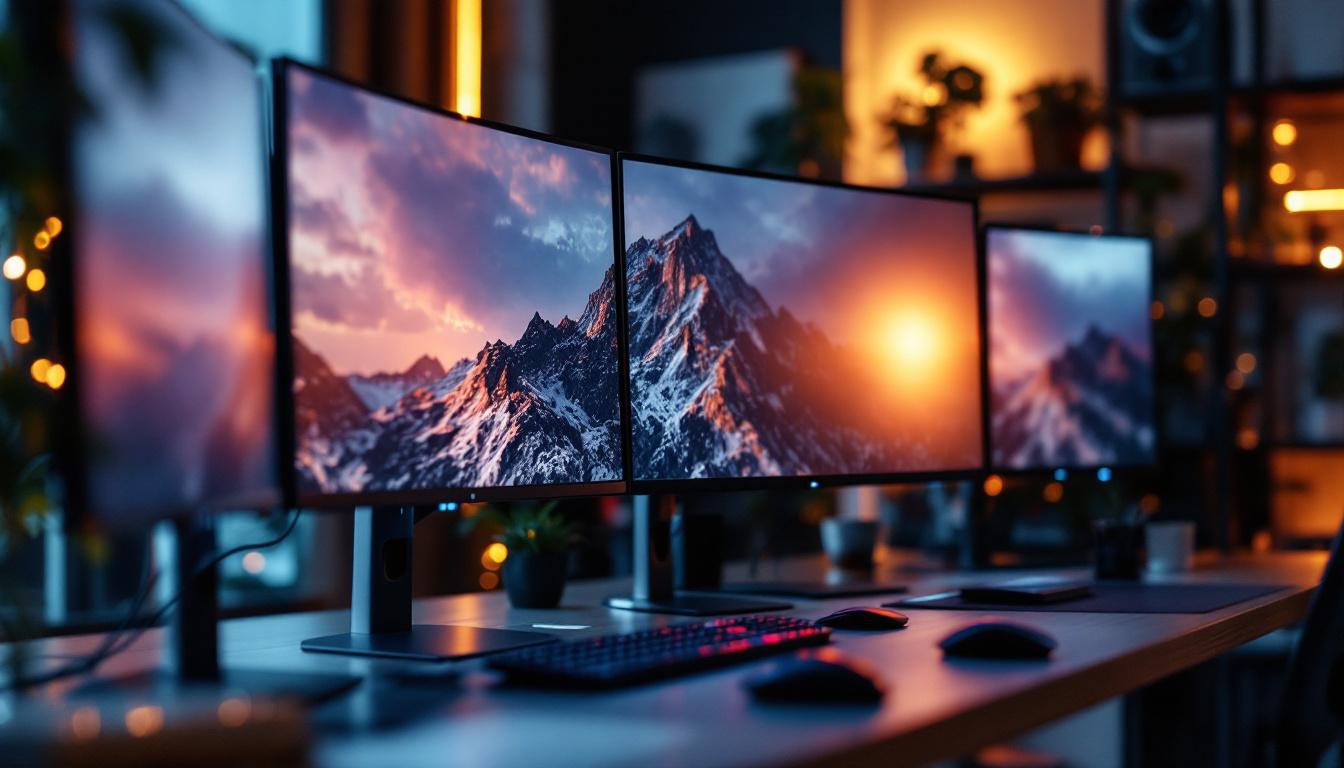
In today’s fast-paced digital world, the demand for efficient and ergonomic workspace setups has never been higher. Multiple monitor setups have become increasingly popular among professionals, gamers, and creatives alike. Central to optimizing these setups are multiple monitor stands, especially those designed to support LED displays. This article delves into the nuances of multiple monitor stands tailored for LED screens, explaining their benefits, types, and how to choose the right one for your needs.
Understanding LED Displays and Their Role in Multi-Monitor Setups
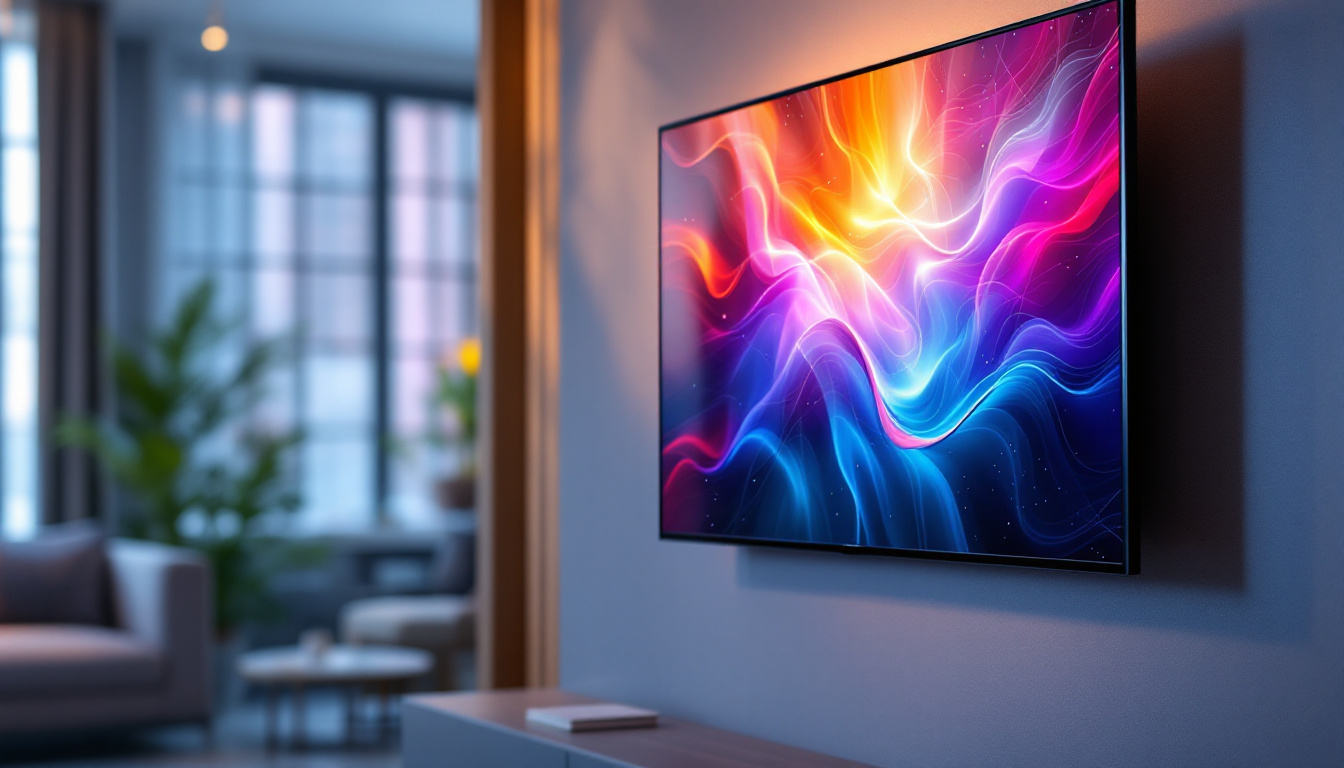
LED (Light Emitting Diode) displays have revolutionized the way we view digital content. Compared to older LCD or CRT monitors, LED displays offer brighter images, better color accuracy, and thinner profiles. These qualities make them ideal candidates for multi-monitor configurations, where seamless visuals and space efficiency are paramount. The advancements in LED technology have also led to the development of various types of displays, such as OLED and QLED, which further enhance the viewing experience with deeper blacks and more vibrant colors, catering to the diverse needs of users across different sectors.
LED technology also contributes to energy efficiency and longer lifespan, factors that are important for users who rely on their monitors for extended periods. When combining multiple LED displays, the goal is to create a cohesive visual environment that enhances productivity or immersion without causing strain or clutter. The ability to adjust brightness levels and color temperatures on LED displays can also help reduce eye fatigue, making them a preferred choice for long hours of work or gaming. Furthermore, the lightweight nature of LED panels allows for easier installation and rearrangement, providing users with the flexibility to adapt their workspace as needed.
Why Multiple Monitors?
Using multiple monitors can increase productivity by up to 42%, according to a study by the University of Utah. Professionals in fields such as finance, software development, graphic design, and video editing benefit from having more screen real estate to manage multiple applications simultaneously. Gamers and streamers also use multi-monitor setups to enhance gameplay and monitor streaming tools concurrently. This setup allows for a more immersive experience, where players can keep an eye on game stats, chat windows, and streaming software without constantly switching between tabs or windows.
However, to fully leverage the advantages of multiple LED displays, the physical setup must be carefully considered. This is where multiple monitor stands come into play, offering the necessary support and flexibility to position screens ergonomically and aesthetically. Adjustable stands can accommodate varying heights and angles, ensuring that users maintain proper posture and comfort during long hours of use. Additionally, cable management solutions integrated into these stands help keep workspaces tidy, reducing clutter and distractions that can hinder productivity. The aesthetic appeal of a well-organized multi-monitor setup can also enhance the overall ambiance of a workspace, making it not just functional but visually pleasing as well.
Types of Multiple Monitor Stands for LED Displays
Multiple monitor stands come in various designs and configurations, each suited to different needs and desk environments. Understanding these types helps users select the best option for their setup.
Desk-Mounted Monitor Stands
Desk-mounted stands attach directly to the edge of a desk using clamps or grommets. They are popular for their space-saving design and stability. These stands often feature adjustable arms that allow users to tilt, swivel, and rotate each LED display independently.
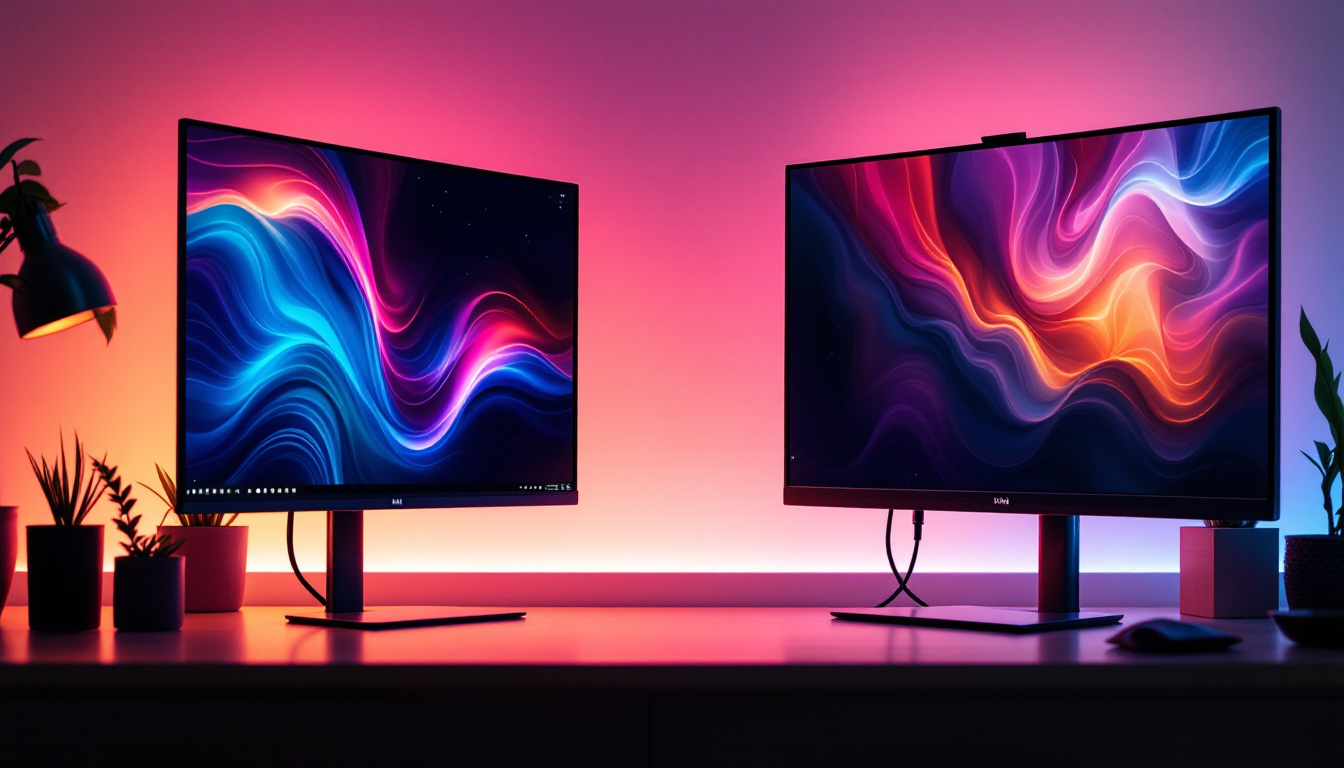
For example, a triple monitor desk mount with articulating arms can enable a user to arrange three LED screens in a curved or linear formation, reducing neck strain and improving viewing angles. These mounts are ideal for users with limited desk space who want a clean and organized setup.
Freestanding Monitor Stands
Freestanding stands sit on the desk surface without requiring clamps. They are easier to install and move but typically take up more desk space. These stands come in configurations supporting two to six monitors, with varying degrees of adjustability.
Freestanding stands are often preferred by users who cannot modify their desks or want a portable solution. Some models feature weighted bases for stability, ensuring that multiple LED displays remain securely positioned.
Wall-Mounted Monitor Stands
Wall-mounted stands are an excellent option for maximizing desk space and achieving a minimalist aesthetic. By mounting LED displays on the wall, users can free up valuable surface area for other tasks.
These stands usually offer tilt and swivel adjustments but less flexibility in terms of height changes compared to desk-mounted arms. Wall mounts are popular in professional environments such as trading floors or design studios, where multiple large LED monitors are used.
Custom and Modular Systems
For users with specialized needs, custom or modular monitor stand systems provide unparalleled flexibility. These setups can be tailored to support unusual monitor sizes or configurations, including vertical stacking or multi-row arrangements.
Modular systems often use standardized components that can be added or rearranged as needs evolve. This adaptability is particularly valuable in dynamic work environments or for users who frequently upgrade their hardware.
Key Features to Consider When Choosing Multiple Monitor Stands for LED Displays
Selecting the right multiple monitor stand involves evaluating several critical features to ensure compatibility, comfort, and durability.
Weight Capacity and Size Compatibility
LED monitors vary widely in size and weight, from compact 21-inch displays to expansive 34-inch ultrawide screens. It is essential to choose a monitor stand that can safely support the combined weight of all attached LED displays.
Manufacturers typically specify maximum weight limits per arm or mount. Exceeding these limits can compromise stability and risk damage to the monitors or workspace.
Adjustability and Ergonomics
Ergonomic positioning is crucial for reducing eye strain, neck pain, and repetitive stress injuries. Multiple monitor stands should offer height adjustment, tilt, swivel, and rotation capabilities to align each LED display to the user’s natural line of sight.
Height adjustability is particularly important for multi-monitor setups, as it allows users to create a seamless visual plane across screens. Some advanced stands also include cable management systems to keep cords organized and out of sight.
Build Quality and Materials
Durability is a vital consideration, especially for setups that involve frequent adjustments or heavy monitors. High-quality materials such as steel or aluminum provide strength and longevity.
Plastic components may reduce cost but often at the expense of sturdiness. Investing in a well-built stand can save money in the long run by avoiding replacements and ensuring consistent performance.
Installation and Compatibility
Ease of installation varies between desk-mounted, freestanding, and wall-mounted stands. Users should consider their desk type, thickness, and available space before choosing a mounting method.
Compatibility with VESA mounting standards (typically 75x75mm or 100x100mm) is essential, as most LED monitors adhere to these specifications. Ensuring that the stand supports the correct VESA pattern guarantees a secure fit.
Benefits of Using Multiple Monitor Stands with LED Displays
Investing in a quality multiple monitor stand designed for LED displays offers numerous advantages beyond just holding screens in place.
Improved Productivity and Workflow
By arranging multiple LED monitors ergonomically, users can effortlessly switch between tasks, reference multiple documents, or monitor real-time data streams. This setup minimizes the need to constantly alt-tab between windows, streamlining workflow and reducing cognitive load.
Studies have shown that multi-monitor users experience fewer errors and faster task completion times, making these setups invaluable in professions demanding high accuracy and multitasking.
Enhanced Comfort and Reduced Physical Strain
Properly positioned LED displays reduce awkward postures that can lead to musculoskeletal issues. Adjustable monitor stands help maintain neutral neck and eye positions, preventing fatigue during long working hours.
For example, a monitor stand that allows tilting the screen to reduce glare can significantly decrease eye strain, especially in brightly lit environments.
Space Optimization and Aesthetic Appeal
Multiple monitor stands help declutter workspaces by elevating monitors off the desk surface or consolidating them into a single mounting system. This creates more room for peripherals, documents, or personal items.
Additionally, well-designed stands contribute to a professional and organized appearance, which can positively influence workplace morale and client impressions.
Tips for Setting Up Multiple LED Monitors on Stands
To maximize the benefits of multiple monitor stands, proper setup and calibration are essential.
Aligning Monitor Heights and Angles
Ensure that the top edges of all LED monitors are at or slightly below eye level. This alignment helps maintain a natural gaze and prevents neck strain. The monitors should be angled inward slightly to create a curved viewing field that matches the user’s natural field of vision.
Managing Cables Efficiently
Use integrated cable management features on the monitor stand or additional clips and sleeves to bundle cables neatly. This reduces clutter and prevents cables from tangling or getting damaged.
Calibrating Color and Brightness Across Displays
For users working with graphics or video, consistent color calibration across multiple LED monitors is crucial. Utilize calibration tools or software to match brightness, contrast, and color profiles, ensuring a seamless visual experience.
Conclusion
Multiple monitor stands designed for LED displays are more than just functional accessories—they are essential components in creating efficient, comfortable, and visually appealing multi-monitor workspaces. By understanding the types of stands available, key features to consider, and best practices for setup, users can significantly enhance their productivity and well-being.
Whether for professional environments, gaming stations, or creative studios, investing in the right multiple monitor stand tailored to LED displays ensures that users get the most out of their technology while maintaining ergonomic integrity and workspace organization.
Explore LumenMatrix’s Advanced LED Display Solutions
Ready to elevate your multi-monitor setup with the latest in LED display technology? Discover LumenMatrix’s comprehensive range of LED display solutions, meticulously engineered to transform your workspace and enhance your visual experience. From immersive Indoor LED Walls to dynamic Outdoor LED Displays and beyond, LumenMatrix is committed to providing innovative solutions that cater to your specific needs. Check out LumenMatrix LED Display Solutions today and step into a world of unparalleled clarity and engagement.