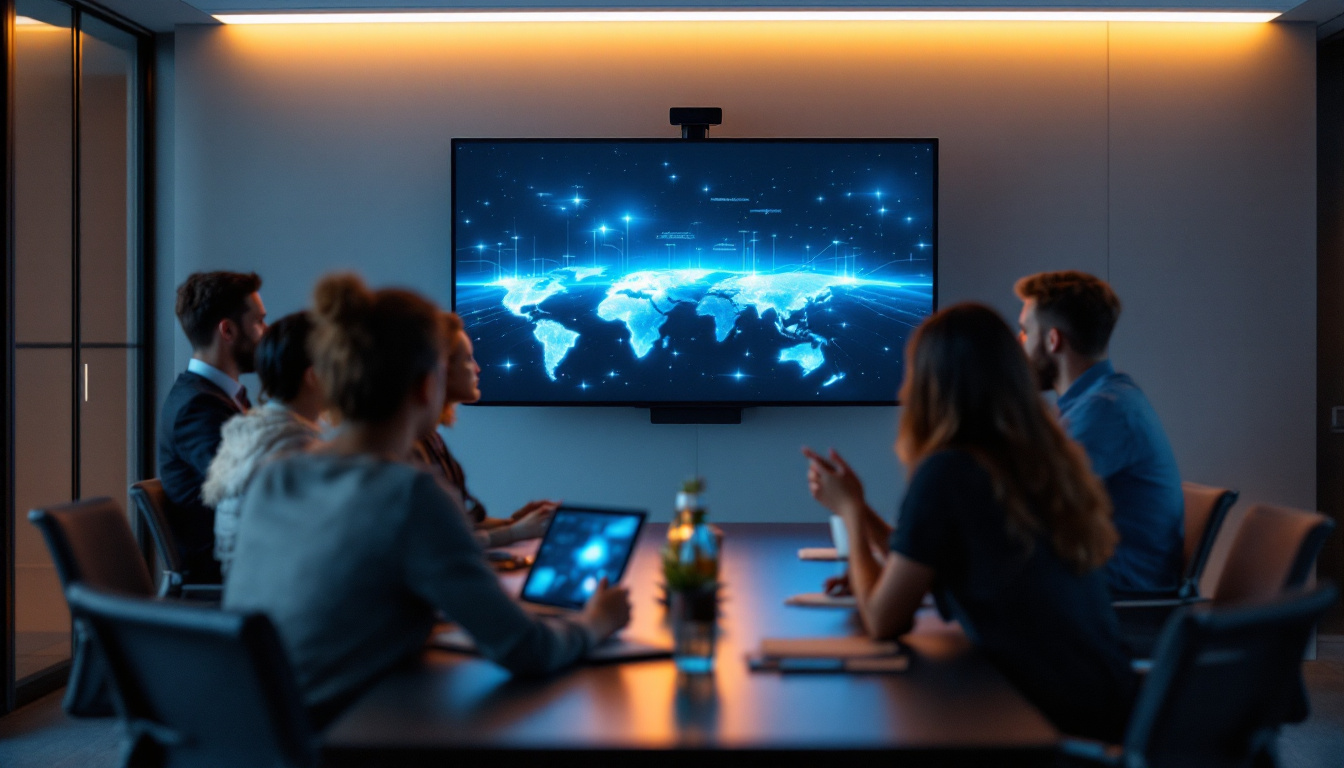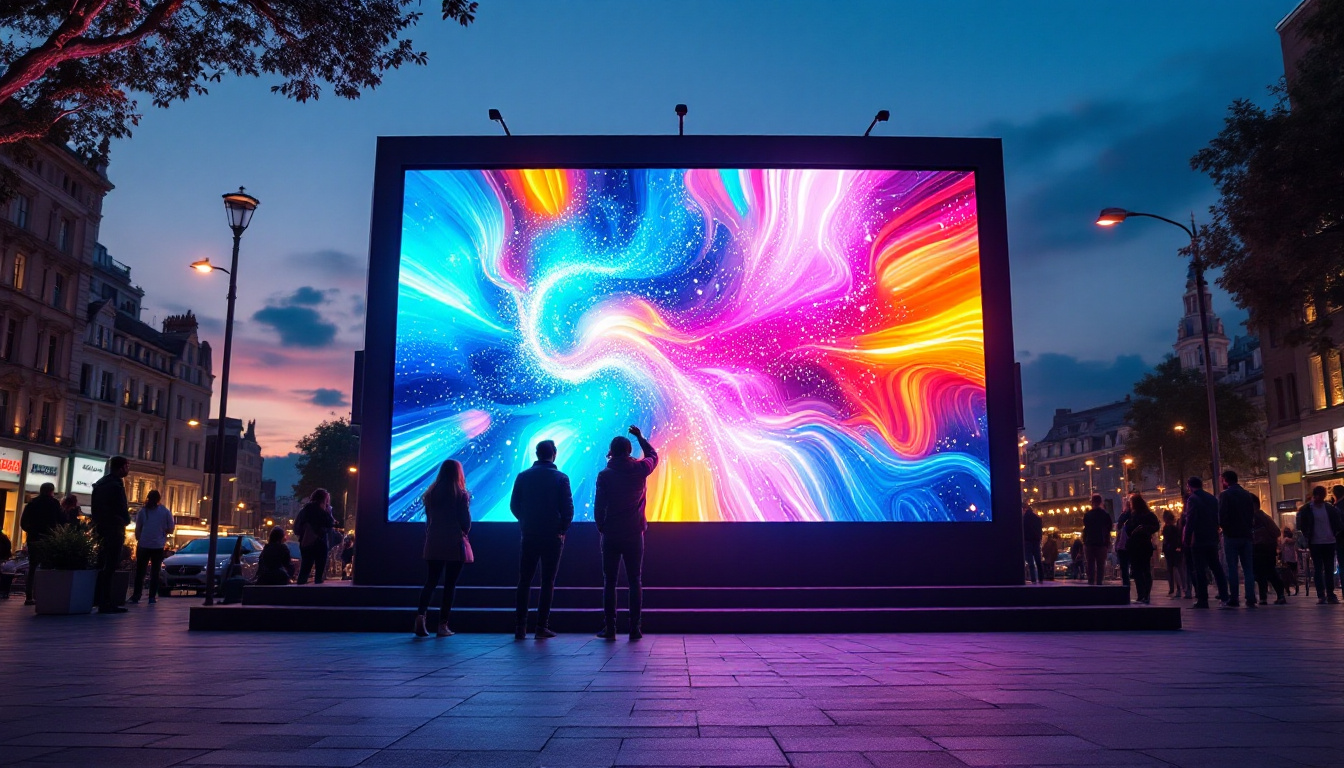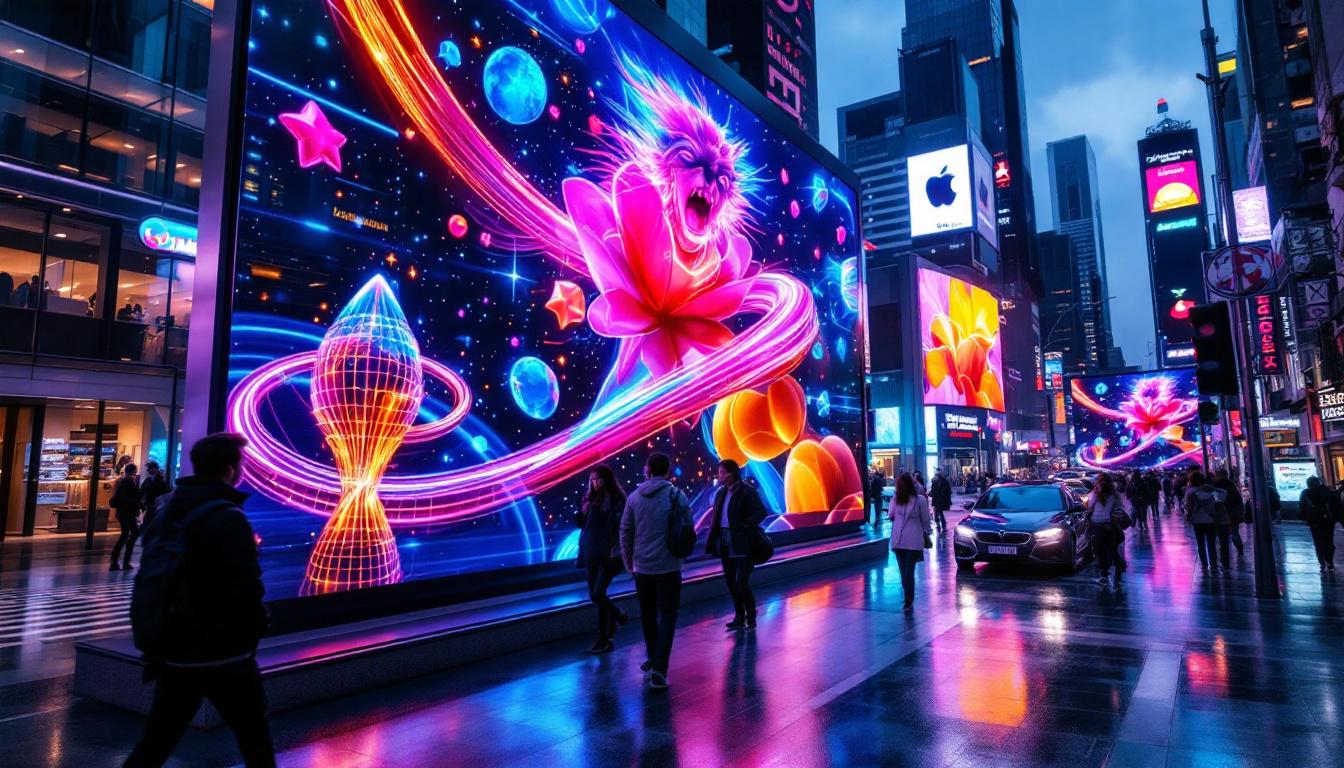
The Novastar Mx40 has rapidly become a cornerstone in the LED display controller market, renowned for its versatility, reliability, and advanced features. As LED technology continues to evolve, understanding the capabilities and applications of devices like the Novastar Mx40 is essential for professionals in event production, digital signage, and large-scale display installations.
This article offers a comprehensive exploration of the Novastar Mx40, breaking down its technical specifications, key features, and practical applications. Whether you are an AV technician, a system integrator, or a digital signage specialist, gaining a deeper understanding of this controller will help you make informed decisions and optimize your LED display projects.
What is the Novastar Mx40?
The Novastar Mx40 is a high-performance LED display controller designed to manage and process video signals for LED screens. It acts as the central hub that connects your content source—such as a media player or computer—to the LED display, ensuring smooth, high-quality video playback.
Manufactured by Novastar, a leading company in LED control systems, the Mx40 is part of their comprehensive lineup of video processors and controllers. It is specifically engineered to handle complex video processing tasks, including scaling, image enhancement, and multi-screen synchronization, making it suitable for a wide range of indoor and outdoor LED display applications.
Key Technical Specifications
The Mx40 supports a maximum input resolution of 4K at 60Hz, enabling ultra-high-definition content playback. It features multiple input ports, including HDMI, DVI, and DisplayPort, allowing flexible connectivity options. The device supports a refresh rate up to 3840Hz, which is crucial for flicker-free video display, especially in broadcast and live event environments.
One of the standout technical aspects is its ability to handle up to 3840 x 2160 pixels in output resolution, making it compatible with large-scale LED panels. Additionally, the Mx40 offers robust processing power with a 10-bit color depth, delivering vibrant and accurate color reproduction essential for professional-grade visual presentations.
Beyond its impressive specifications, the Novastar Mx40 also incorporates advanced features such as real-time monitoring and diagnostics, which allow operators to keep track of performance metrics and troubleshoot any issues that may arise during operation. This functionality is particularly beneficial in high-stakes environments like concerts or sporting events, where seamless performance is critical. Furthermore, the Mx40 supports a variety of control protocols, making it easy to integrate into existing systems and workflows, whether for live events, installations, or digital signage.
Moreover, the Mx40 is designed with user-friendliness in mind. Its intuitive interface allows operators to quickly set up and manage displays, reducing the learning curve for new users. The device also supports advanced features such as pixel-level calibration, which ensures that every pixel on the display is accurately adjusted for optimal brightness and color consistency. This level of precision is essential for applications where visual fidelity is paramount, such as art installations or high-end advertising displays, where the quality of the image can significantly impact viewer engagement.
Core Features and Functionalities
Understanding the core features of the Novastar Mx40 helps to appreciate why it is favored by professionals worldwide. Its combination of hardware and software capabilities provides a seamless user experience and exceptional display performance.
Multi-Input and Output Flexibility
The Mx40’s multiple input options allow users to connect various video sources simultaneously. This flexibility is particularly beneficial in complex setups where switching between different content types—such as live feeds, prerecorded videos, and graphics—is necessary. On the output side, it supports multiple LED screen configurations, including single and multiple screen splicing, which is essential for creating expansive video walls.
Advanced Image Processing
Equipped with powerful image processing algorithms, the Mx40 enhances the quality of the displayed content. Features such as noise reduction, color correction, and gamma adjustment ensure that visuals are crisp and vibrant. The device also supports real-time scaling, which allows content to be resized without loss of quality, an important feature when adapting content to different screen sizes and resolutions.
Real-Time Monitoring and Control
The Novastar Mx40 integrates with Novastar’s proprietary software, enabling real-time monitoring and control of the LED display. Users can adjust brightness, contrast, color settings, and refresh rates remotely, ensuring optimal display conditions throughout an event or installation. This level of control is critical for maintaining consistent image quality, especially in dynamic environments where lighting conditions may change.
Applications of the Novastar Mx40 in LED Displays
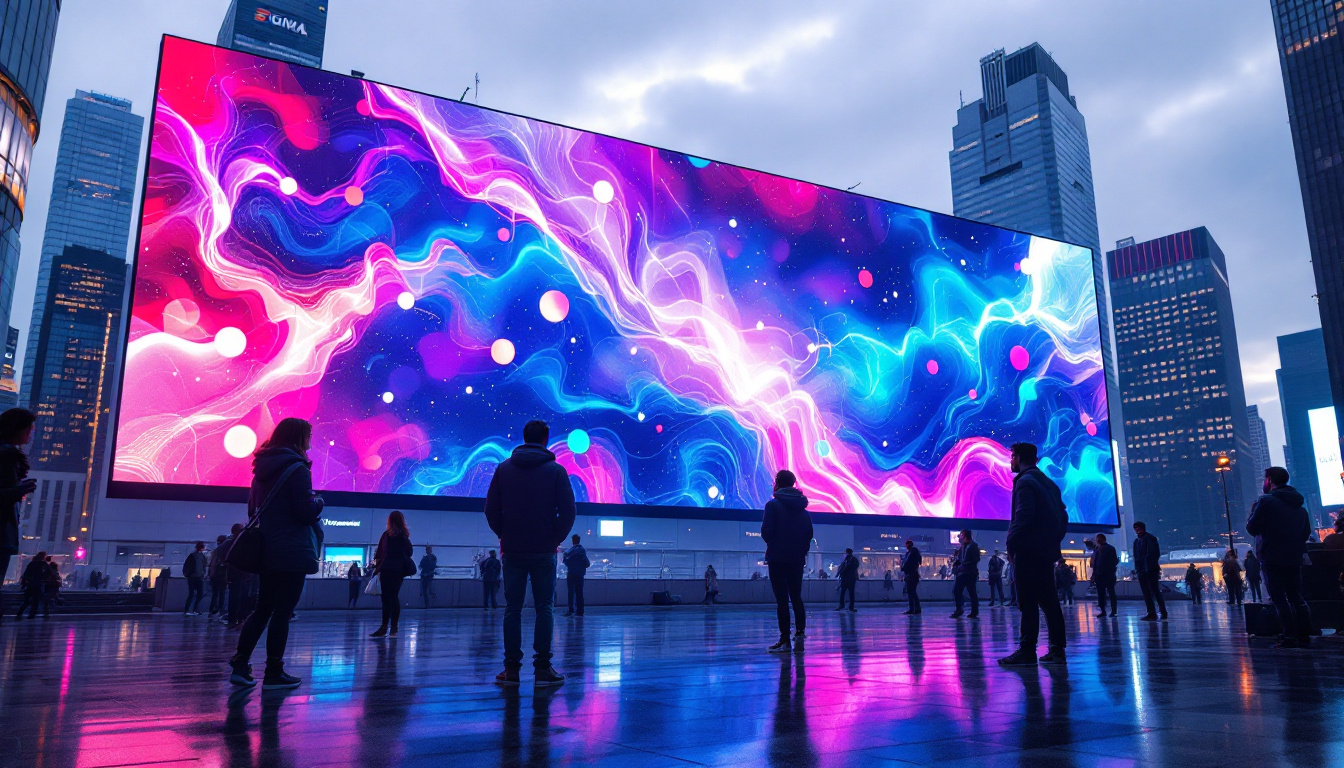
The versatility of the Mx40 makes it suitable for a wide variety of LED display applications, ranging from live events to permanent installations. Its robust performance and ease of use have made it a popular choice across multiple industries.
Live Events and Concerts
In live event settings, the demand for flawless video playback and rapid content switching is high. The Mx40’s low latency and multi-input capability allow event producers to deliver immersive visual experiences without delay or interruption. Its high refresh rate ensures that LED screens are flicker-free, which is particularly important for audiences and broadcast cameras.
Sports Arenas and Stadiums
Sports venues require large LED displays that can handle dynamic content such as live scores, instant replays, and advertisements. The Mx40’s ability to manage ultra-high-definition content and synchronize multiple screens makes it ideal for these environments. Additionally, its real-time control features allow operators to adjust displays quickly in response to game developments or audience engagement.
Retail and Digital Signage
Retail environments benefit from the Mx40’s sharp image quality and flexible input options. Digital signage often requires frequent content updates and varied media formats, which the Mx40 can handle effortlessly. Its compact design also makes it easy to integrate into existing AV infrastructure without occupying excessive space.
Broadcast and Studio Use
Broadcast studios rely on precise color accuracy and stable video output. The Mx40’s 10-bit color depth and advanced image processing ensure that visuals meet broadcast standards. Its compatibility with professional video equipment and support for multiple video formats make it a trusted tool in studio environments.
How the Novastar Mx40 Compares to Competitors
In a crowded market of LED display controllers, the Novastar Mx40 stands out due to its balance of performance, ease of use, and cost-effectiveness. Comparing it to other popular controllers highlights its strengths and potential limitations.
Performance and Image Quality
Compared to controllers like the Brompton Tessera SX40 or the Colorlight X16, the Mx40 offers comparable input resolutions and refresh rates. However, Novastar’s proprietary image processing algorithms often deliver superior color fidelity and smoother scaling. This advantage is particularly noticeable in environments where image quality is paramount.
User Interface and Software Integration
The Mx40’s integration with Novastar’s user-friendly software suite provides a more intuitive control experience than some competitors, which may require more complex configuration. This ease of use reduces setup time and minimizes the risk of operator error, an important consideration in live event scenarios.
Price and Value
While the Mx40 is competitively priced, it offers a feature set that rivals higher-end controllers. This makes it an excellent choice for organizations seeking professional-grade performance without the premium price tag. Its durability and support network further enhance its value proposition.
Installation and Setup Best Practices
Proper installation and configuration are critical to maximizing the performance of the Novastar Mx40. Following best practices ensures that the LED display operates reliably and delivers the best possible image quality.
Hardware Installation
Mount the Mx40 in a well-ventilated rack or cabinet to prevent overheating. Ensure that all input and output cables are securely connected and that signal paths are clearly labeled to avoid confusion during setup. Using high-quality HDMI or DisplayPort cables can also reduce signal degradation, which is vital for maintaining image integrity.
Software Configuration
Utilize Novastar’s control software to configure the device according to your LED panel specifications. Calibrate color and brightness settings to match ambient lighting conditions, and set the refresh rate to the optimal level for your display type. Regularly update the firmware to benefit from the latest features and performance improvements.
Testing and Troubleshooting
Before going live, conduct thorough testing of all inputs and outputs. Check for any latency issues, color inconsistencies, or flickering. The Mx40’s real-time monitoring tools can help identify and resolve problems quickly. Maintaining a checklist during setup can streamline this process and ensure no critical steps are overlooked.
Future Trends and the Role of the Novastar Mx40
The LED display industry is evolving rapidly, with increasing demand for higher resolutions, greater color accuracy, and more integrated control solutions. The Novastar Mx40 is well-positioned to adapt to these trends thanks to its modular design and ongoing software enhancements.
Integration with AI and Automation
Emerging trends include the integration of AI-driven content management and automated calibration. Future iterations of devices like the Mx40 may incorporate machine learning algorithms to optimize display settings dynamically, reducing manual intervention and improving overall efficiency.
Support for 8K and Beyond
As 8K content becomes more accessible, LED controllers will need to support even higher input resolutions and data throughput. While the Mx40 currently handles 4K at 60Hz, Novastar’s roadmap suggests future models will embrace these advancements, ensuring compatibility with next-generation displays.
Enhanced Connectivity and Remote Management
With the rise of IoT and cloud-based management, remote monitoring and control of LED displays are becoming standard. The Mx40’s existing network capabilities provide a strong foundation for these features, enabling operators to manage multiple displays across different locations from a centralized platform.
Conclusion
The Novastar Mx40 is a robust, versatile LED display controller that meets the demanding needs of modern visual display applications. Its advanced features, flexible connectivity, and user-friendly software make it a preferred choice for professionals across various industries.
By understanding the technical capabilities and practical applications of the Mx40, users can leverage its full potential to create stunning, high-quality LED displays. Whether for live events, sports venues, retail environments, or broadcast studios, the Novastar Mx40 offers a reliable solution that balances performance with ease of use.
As LED technology continues to advance, staying informed about tools like the Mx40 will be essential for anyone involved in digital display production and management.
Discover LumenMatrix’s Advanced LED Solutions
Ready to elevate your visual display capabilities? Explore LumenMatrix’s innovative LED display solutions, where cutting-edge technology meets creative design. From vibrant indoor and outdoor displays to dynamic vehicle and sports solutions, LumenMatrix offers a diverse range of products that bring your content to life. Embrace the future of visual communication with LED displays that promise to captivate your audience and amplify your message. Check out LumenMatrix LED Display Solutions today and transform your space into a mesmerizing visual experience.