Understanding the power consumption of a personal computer (PC) is essential for optimizing energy efficiency, ensuring system stability, and managing electricity costs. With the increasing complexity of modern PCs and the widespread adoption of power-saving technologies, accurate measurement and calculation of power usage have become more important than ever. One useful tool in this regard is the PC power usage calculator, often integrated with LED displays that provide real-time feedback on energy consumption.
This article delves into the workings of PC power usage calculators, the role of LED displays in presenting power data, and how users can leverage these tools to make informed decisions about their computer setups. Whether you are a casual user, a gamer, or a professional managing multiple workstations, understanding these concepts can lead to better power management and cost savings.
Why Monitor PC Power Usage?
Monitoring the power usage of a PC is not just about keeping an eye on the electricity bill. It has broader implications for system performance, hardware longevity, and environmental impact.
Energy Efficiency and Cost Savings
Electricity costs can add up significantly, especially for users who run their PCs for extended periods. According to the U.S. Energy Information Administration, the average residential electricity rate in the United States was about 15.7 cents per kilowatt-hour in 2023. For high-performance PCs that can consume between 200 to 600 watts under load, this translates to noticeable monthly expenses.
By accurately measuring power consumption, users can identify components or usage patterns that are energy-intensive and adjust accordingly. For example, upgrading to more efficient power supplies or enabling power-saving modes can reduce energy consumption without compromising performance. Additionally, implementing smart power strips can help manage peripheral devices that draw power even when not in active use, further contributing to energy savings. These small changes can accumulate over time, leading to substantial reductions in energy bills.
System Stability and Hardware Longevity
Power consumption is closely linked to heat generation. Excessive power draw can lead to higher temperatures, which in turn may cause hardware instability or shorten component lifespan. Monitoring power usage helps in diagnosing potential issues related to overheating or insufficient power delivery.
For instance, if a graphics card is drawing more power than expected, it might indicate a malfunction or the need for better cooling solutions. Similarly, ensuring that the power supply unit (PSU) is adequately rated for the system’s power demands prevents sudden shutdowns or damage. Regularly checking power consumption can also help users spot trends over time; for example, a gradual increase in power usage might suggest that a component is degrading or that dust buildup is affecting cooling efficiency. This proactive approach can save users from costly repairs and replacements down the line.
Environmental Impact
Reducing energy consumption is also an environmental responsibility. PCs that consume less power contribute to lower carbon emissions, especially when the electricity is sourced from fossil fuels. By understanding and managing power usage, users can minimize their ecological footprint.
Moreover, the environmental benefits extend beyond just individual users. When a significant number of PC users adopt energy-efficient practices, the cumulative effect can lead to a noticeable reduction in overall energy demand, which can influence energy production strategies and policies. Many tech companies are now focusing on sustainability, offering products that are designed with energy efficiency in mind, and consumers can play a crucial role by choosing such options. Engaging in energy monitoring not only fosters personal accountability but also aligns with global efforts to combat climate change, making every small action count towards a larger goal.
Understanding PC Power Usage Calculators
PC power usage calculators are tools designed to estimate or measure the amount of electrical power a computer system consumes. These calculators can be software-based, hardware-based, or a combination of both.
Software-Based Power Usage Calculators
Software calculators estimate power consumption based on the specifications of PC components such as the CPU, GPU, RAM, storage devices, and peripherals. Users input details like model numbers, clock speeds, and usage scenarios, and the calculator provides an estimate of power draw.
These tools are convenient and accessible but have limitations. They rely on manufacturer specifications and typical usage patterns, which may not reflect real-time or peak consumption accurately. Examples include online calculators provided by hardware manufacturers or third-party websites.
Hardware-Based Power Usage Calculators
Hardware calculators use physical measurement devices such as power meters, wattmeters, or smart plugs with built-in energy monitoring. These devices measure the actual power drawn from the electrical outlet, providing real-time and precise data.
Some advanced PC power supplies come with integrated monitoring capabilities that report power usage via software interfaces. Additionally, external devices like the Kill A Watt meter or smart home energy monitors can be used to track power consumption of the entire PC setup.
Hybrid Solutions
Hybrid solutions combine software estimation with hardware monitoring to offer a more comprehensive view. For example, software might track component usage and estimate power draw, while hardware sensors validate these estimates against actual consumption.
This approach is particularly useful for enthusiasts and professionals seeking to optimize power usage without investing in expensive measurement equipment.
The Role of LED Displays in Power Usage Monitoring
LED displays are increasingly incorporated into power usage calculators and monitoring devices to provide immediate visual feedback. Understanding how these displays work and what information they convey is crucial for effective power management.
Types of LED Displays Used
LED displays in power monitoring devices vary from simple numeric readouts to more complex graphical interfaces. Common types include:
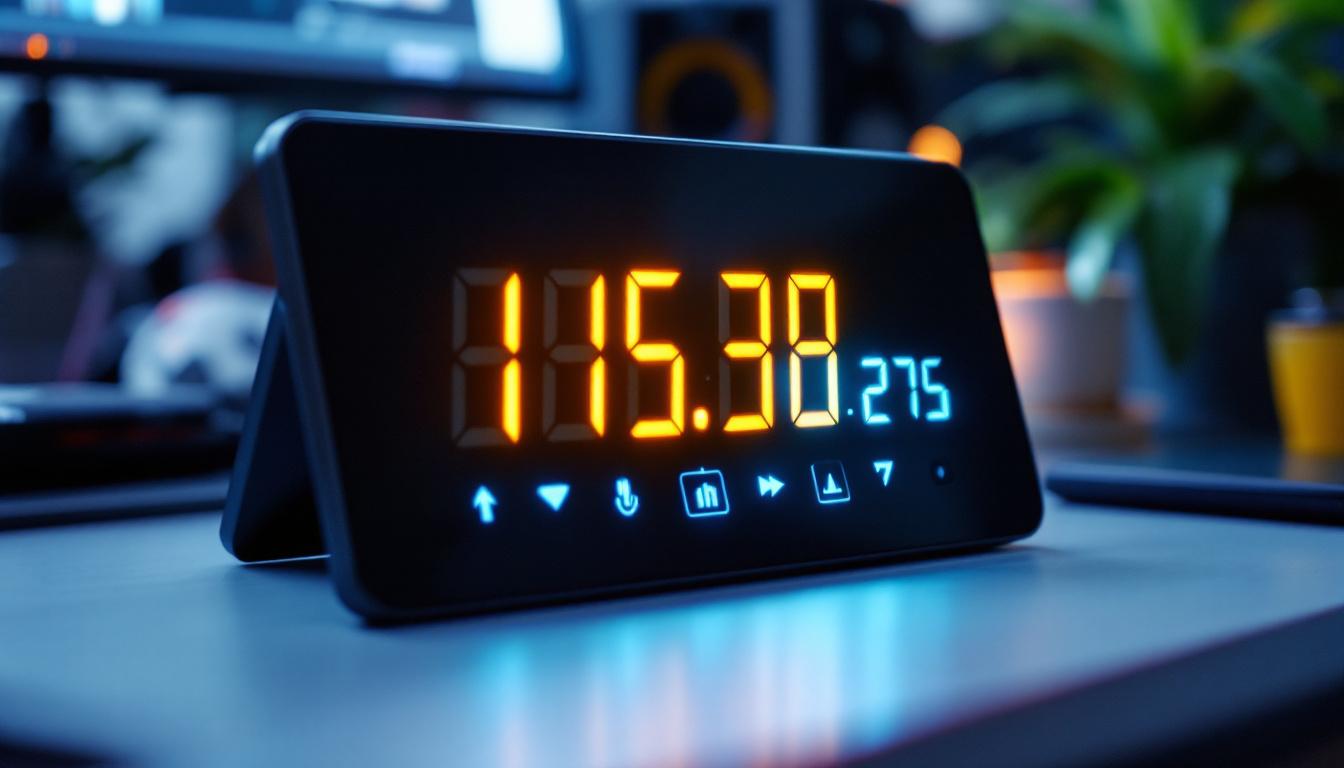
- 7-Segment LED Displays: These are basic numeric displays that show power consumption values such as watts or volts. They are easy to read and cost-effective.
- Dot Matrix LED Displays: These can display more detailed information, including text messages, graphs, or multiple parameters simultaneously.
- OLED and LCD Displays with LED Backlighting: While technically different, these displays often use LEDs for illumination and can present rich, colorful data visualizations.
Information Displayed
LED displays on power usage calculators typically show:
- Instantaneous Power Consumption: Measured in watts, this indicates the current power draw of the PC.
- Voltage and Current: Some devices display the voltage supplied and the current drawn, helping diagnose electrical issues.
- Energy Usage Over Time: Cumulative energy consumption in kilowatt-hours (kWh), useful for tracking costs.
- Power Factor: Indicates the efficiency of power usage, particularly relevant for industrial or commercial setups.
Benefits of Real-Time LED Feedback
Real-time LED displays allow users to instantly see how different activities affect power consumption. For example, launching a game or running a rendering task will cause a noticeable increase in wattage displayed.
This immediate feedback helps users make informed decisions about workload distribution, component upgrades, or power-saving settings. It also aids in troubleshooting by highlighting abnormal power spikes or drops.
How to Use a PC Power Usage Calculator with LED Display
Effectively using a PC power usage calculator equipped with an LED display involves several steps, from setup to interpretation of data.
Setting Up the Device
For hardware-based calculators, the device is typically plugged into the power outlet, and the PC’s power cord is connected to the device. Ensure the device’s specifications match your region’s voltage and frequency standards (e.g., 110V/60Hz or 230V/50Hz).
Some advanced power supplies with built-in monitoring require installation of manufacturer software and connection via USB or motherboard headers. Follow the manufacturer’s instructions carefully.
Interpreting the Display
Once powered on, the LED display will show real-time power data. Key points to consider:
- Baseline Power Consumption: Observe the wattage when the PC is idle to understand the minimum power draw.
- Load Variations: Run different applications and note changes in power consumption to identify high-demand components.
- Energy Usage Tracking: Use cumulative kWh readings to estimate monthly energy costs by multiplying with your local electricity rates.
Optimizing Power Usage
Based on the data, users can take steps to optimize power consumption:
- Enable Power Saving Modes: Use operating system settings or BIOS options to reduce power draw during idle or low activity.
- Upgrade Components: Replace older, less efficient parts such as power supplies, CPUs, or GPUs with modern, energy-efficient models.
- Manage Peripheral Devices: Disconnect or power down unused peripherals that contribute to overall consumption.
Common Challenges and Considerations
While PC power usage calculators and LED displays are valuable tools, users should be aware of certain challenges and limitations.
Accuracy and Calibration
Software estimations may not reflect actual power usage due to variations in component behavior and workload. Hardware devices can also have calibration errors or be affected by electrical noise.
For critical applications, it is advisable to use high-quality, calibrated measurement devices and cross-reference data from multiple sources.
Understanding Power Factor
Power factor is a measure of how effectively electrical power is being used. Many consumer-grade power meters do not account for power factor, which can lead to discrepancies between measured power and actual energy costs.
For typical residential users, this is less of a concern, but for commercial setups or high-end workstations, considering power factor can improve accuracy.
Impact of Power Supply Efficiency
The efficiency rating of the PSU (e.g., 80 Plus Bronze, Silver, Gold, Platinum) affects how much power is drawn from the wall versus what is delivered to components. A less efficient PSU wastes more energy as heat, increasing overall consumption.
Power usage calculators should ideally factor in PSU efficiency to provide realistic estimates.
Future Trends in PC Power Monitoring
Advancements in technology continue to enhance the capabilities of power usage calculators and LED displays.
Integration with Smart Home Systems
Modern power monitoring devices increasingly support integration with smart home ecosystems, allowing users to track and control PC power consumption remotely via smartphones or voice assistants.
Enhanced Data Analytics
Cloud-based analytics and machine learning algorithms are being applied to power usage data to provide predictive insights, anomaly detection, and personalized recommendations for energy savings.
Improved Display Technologies
Future LED displays may incorporate higher resolution, color accuracy, and interactive features, making power data more accessible and actionable.
Conclusion
PC power usage calculators equipped with LED displays offer valuable insights into the energy consumption of computer systems. By understanding how these tools work and interpreting their data correctly, users can optimize their setups for efficiency, cost savings, and environmental responsibility.
Whether through simple hardware meters or integrated software solutions, monitoring power usage is a practical step toward smarter computing. As technology evolves, these tools will become even more sophisticated, empowering users to manage their PC power consumption with greater precision and ease.
Illuminate Your Energy Efficiency with LumenMatrix
Ready to take control of your PC’s power consumption with the same precision and innovation that LumenMatrix brings to LED display technology? Discover a world where efficiency meets visual brilliance with LumenMatrix’s comprehensive range of LED display solutions. From captivating Indoor LED Walls to dynamic Outdoor Displays and beyond, each product is designed to transform your space and conserve energy. Check out LumenMatrix LED Display Solutions today and step into the future of sustainable, high-impact visual communication.