The Google Pixel 7 has quickly become a favorite among smartphone enthusiasts due to its sleek design, powerful performance, and impressive camera capabilities. However, like all smartphones, it is susceptible to accidental damage, with screen issues being among the most common. Understanding the intricacies of the Pixel 7’s LED display is essential for anyone considering a screen replacement, whether you’re a DIY enthusiast or seeking professional repair services.
Understanding the Pixel 7’s LED Display Technology
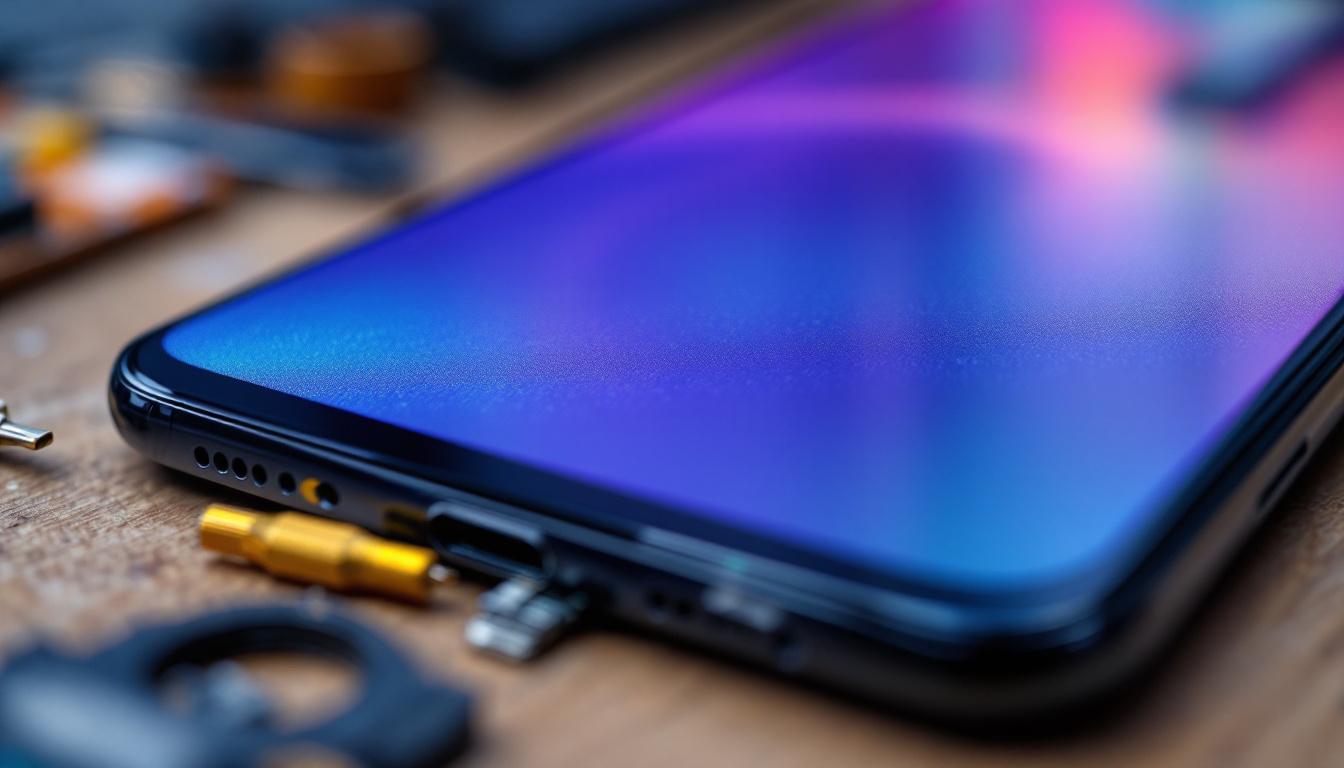
At the heart of the Pixel 7’s visual experience is its state-of-the-art OLED (Organic Light Emitting Diode) display. Unlike traditional LCD screens that rely on a backlight, OLED displays emit light from individual pixels, allowing for deeper blacks, richer colors, and improved energy efficiency. This technology contributes significantly to the Pixel 7’s vibrant and crisp screen quality. The ability of OLED to produce true blacks means that users can enjoy a more immersive viewing experience, especially when watching movies or playing games in low-light conditions.
The Pixel 7 features a 6.3-inch Full HD+ OLED display with a 90Hz refresh rate, which ensures smooth scrolling and fluid animations. The OLED panel is manufactured with precision, incorporating millions of organic compounds that glow when an electric current passes through them. This design not only enhances visual clarity but also reduces power consumption compared to LCD counterparts. Additionally, the high refresh rate makes a noticeable difference in user experience, particularly in fast-paced activities such as gaming or navigating through apps, where every frame counts for a seamless interaction.
It’s important to note that the term “LED display” often causes confusion. While the Pixel 7’s screen is technically an OLED, it is sometimes referred to as an LED display because OLED is a subset of LED technology. Understanding this distinction is crucial when sourcing replacement parts or discussing repairs with technicians. Moreover, as OLED technology continues to evolve, manufacturers are finding new ways to enhance durability and reduce issues like burn-in, making it a more reliable choice for everyday use.
Key Features of the Pixel 7 OLED Display
Some standout features of the Pixel 7’s OLED display include:
- High contrast ratio: OLED pixels can turn off completely, resulting in true blacks and a contrast ratio that surpasses LCD screens.
- Wide color gamut: Supports DCI-P3 color space, offering vibrant and accurate color reproduction.
- Adaptive refresh rate: The 90Hz refresh rate adjusts dynamically to optimize battery life without compromising smoothness.
- HDR support: Enables enhanced brightness and color detail when viewing compatible content.
In addition to these features, the Pixel 7’s display is designed to be responsive to ambient lighting conditions, utilizing adaptive brightness technology. This means that the screen can automatically adjust its brightness based on the surrounding light, ensuring optimal visibility whether you’re outdoors in bright sunlight or in a dimly lit room. This intelligent feature not only enhances user comfort but also contributes to energy savings, as the display can dim when not needed at full brightness. Furthermore, the screen is protected by Corning Gorilla Glass, providing a layer of durability that helps resist scratches and impacts, making it suitable for everyday use.
Another notable aspect of the Pixel 7’s OLED display is its ability to deliver an exceptional viewing angle. Users can enjoy consistent color and brightness levels from various angles, which is particularly beneficial when sharing content with friends or family. This characteristic makes the Pixel 7 an excellent device for media consumption, allowing multiple viewers to experience the same high-quality visuals without distortion. As a result, the Pixel 7 stands out not just as a smartphone but as a portable entertainment hub, capable of delivering an impressive visual experience in a compact form factor.
Common Causes of Pixel 7 Screen Damage
Despite its advanced technology, the Pixel 7’s screen is vulnerable to damage from everyday mishaps. Understanding the common causes of screen failure can help users take preventive measures and make informed decisions about repairs.
Physical Impact and Cracks
Dropping the phone is the most frequent cause of screen damage. Even with Gorilla Glass Victus protection, the Pixel 7’s display can crack or shatter upon impact. Cracks not only affect aesthetics but can also impair touch sensitivity and lead to further internal damage.
Pressure and Flexing Damage
Applying excessive pressure on the screen, such as sitting on the phone or carrying it in a tight pocket, can cause internal damage to the OLED layers. This may result in dead pixels, discoloration, or display distortion.
Water and Moisture Exposure
The Pixel 7 has an IP68 rating, meaning it is resistant to dust and water up to a certain depth and duration. However, prolonged exposure or submersion beyond recommended limits can cause moisture to seep into the screen assembly, leading to malfunction or permanent damage.
Signs You Need a Pixel 7 Screen Replacement
Recognizing when your Pixel 7’s screen requires replacement is critical to maintaining device functionality and preventing further damage. Some issues can be resolved with software updates or minor repairs, but others necessitate a full screen replacement.
Visible Cracks or Shattered Glass
Obvious physical damage is the most apparent indicator. Cracks can worsen over time and may cause injury from sharp glass edges.
Unresponsive Touchscreen
If the touchscreen fails to register taps, swipes, or gestures accurately, it often points to digitizer damage integrated within the display assembly. This requires replacing the entire screen unit.
Display Malfunctions
Issues such as flickering, discoloration, dead pixels, or black spots are signs of OLED panel failure. These problems cannot be fixed through software and typically call for a screen replacement.
Backlight or Brightness Problems
Although OLEDs don’t use traditional backlights, uneven brightness or dim areas can indicate damage to the display layers or connectors.
The Screen Replacement Process: What to Expect
Replacing the Pixel 7 screen is a delicate procedure that requires specialized tools and expertise. Whether opting for professional repair or a DIY approach, understanding the process helps set realistic expectations.
Professional Repair Services
Authorized service centers and reputable third-party repair shops use genuine or high-quality OEM parts to ensure compatibility and performance. The replacement involves:
- Carefully heating the phone to soften adhesive bonds.
- Removing the back cover and disconnecting internal components.
- Separating the damaged screen from the frame without damaging the OLED panel or digitizer.
- Installing the new screen assembly and reassembling the device.
- Testing the display and touchscreen functionality before returning the phone.
Professional repairs typically come with warranties ranging from 90 days to one year, providing peace of mind.
DIY Screen Replacement Considerations
For those with technical skills, replacing the Pixel 7 screen at home is possible but challenging. It requires purchasing the correct replacement screen, which includes the OLED panel and digitizer, and having access to precision tools such as:
- Heat gun or heating pad
- Plastic pry tools and suction cups
- Precision screwdrivers
- Anti-static wrist strap
DIY repairs carry risks including further damage, voiding warranties, and loss of water resistance if seals are not properly restored. It’s crucial to follow detailed guides and videos from trusted sources.
Choosing the Right Replacement Screen
Not all replacement screens are created equal. Selecting the right screen is vital to restore the Pixel 7’s original display quality and functionality.
OEM vs. Aftermarket Screens
OEM (Original Equipment Manufacturer) screens are produced by the same manufacturers that supply Google. These parts guarantee the highest quality, color accuracy, and touch responsiveness but are often more expensive and harder to source.
Aftermarket screens are third-party replacements that vary widely in quality. Some offer near-OEM performance at a lower cost, while others may suffer from poor color reproduction, reduced brightness, or touch issues. It’s advisable to research vendors thoroughly and read customer reviews before purchasing.
Compatibility and Features
Ensure the replacement screen matches the Pixel 7’s specifications, including size, resolution, refresh rate, and connector type. Some aftermarket screens may lack features like HDR support or adaptive refresh rates, impacting user experience.
Maintaining Your Pixel 7 Screen Post-Replacement
Once the screen has been replaced, proper care can extend its lifespan and preserve display quality.
Use a High-Quality Screen Protector
Applying a tempered glass or high-grade plastic screen protector adds a layer of defense against scratches and minor impacts.
Invest in a Protective Case
A sturdy case with raised edges can prevent direct impact on the screen during accidental drops.
Avoid Excessive Pressure
Be mindful not to place heavy objects on your phone or sit with it in tight pockets to reduce stress on the display.
Keep Software Updated
Google frequently releases software updates that optimize display performance and fix bugs. Staying current ensures your Pixel 7 runs smoothly.
Conclusion: The Importance of Understanding Pixel 7’s LED Display for Screen Replacement
The Pixel 7’s OLED display is a sophisticated component that delivers stunning visuals and responsive touch interactions. When damage occurs, recognizing the technology behind the screen helps users make informed decisions about repairs and replacements. Whether choosing professional services or attempting a DIY fix, selecting the right parts and following proper procedures is essential to restore the phone’s original performance.
Investing in quality replacement screens and maintaining the device with protective accessories can significantly enhance the longevity and user experience of the Pixel 7. As smartphone technology continues to evolve, understanding these components empowers users to care for their devices more effectively.
Explore Cutting-Edge Screen Technology with LumenMatrix
If you’re captivated by the advanced OLED technology of the Pixel 7 and are interested in exploring more innovative display solutions, LumenMatrix is your go-to source. As a leader in LED display technology, LumenMatrix offers a wide range of products from Indoor and Outdoor LED Wall Displays to specialized solutions like Vehicle and Sports LED Displays. Whether you’re looking to enhance your brand’s visibility or create a mesmerizing visual experience, LumenMatrix has the expertise to bring your vision to life. Check out LumenMatrix LED Display Solutions today and see how they can transform your visual communication.