Choosing the right monitor size is a crucial decision for anyone looking to optimize their workspace, gaming setup, or multimedia experience. Among the many options available, the 22-inch LED monitor stands out as a popular choice for its balance between screen real estate and desk space efficiency. But what does a 22-inch monitor size actually mean? How does it compare to other sizes, and what should you consider when selecting an LED display of this size? This comprehensive guide breaks down the key aspects of 22-inch monitors, helping you understand their dimensions, advantages, and practical applications.
Understanding the 22-Inch Monitor Size
What Does 22 Inches Refer To?
The “22-inch” measurement of a monitor refers to the diagonal length of the screen, measured from one corner to the opposite corner. This is a standard way of describing display size across all types of monitors and TVs. For a 22-inch monitor, the diagonal screen length is exactly 22 inches, or about 55.88 centimeters.
It’s important to note that this measurement does not include the bezel or frame surrounding the screen, which means the actual physical width and height of the monitor will be larger than the screen itself. The screen’s aspect ratio—commonly 16:9 for LED monitors—also determines the width and height dimensions of the display area. This aspect ratio is particularly beneficial for watching movies and playing video games, as it closely aligns with the format used in most cinematic productions, providing an immersive viewing experience.
Physical Dimensions: Width and Height
For a 22-inch monitor with a 16:9 aspect ratio, the approximate screen dimensions are:
- Width: 19.2 inches (48.7 cm)
- Height: 10.8 inches (27.4 cm)
These dimensions provide a good balance between horizontal and vertical space, making the screen suitable for a variety of tasks including office work, casual gaming, and media consumption. The ample width allows for side-by-side multitasking, which is particularly useful for professionals who need to compare documents or reference materials while working on projects. Additionally, the height is sufficient for comfortable viewing without excessive neck strain, making it an ergonomic choice for long hours of use.
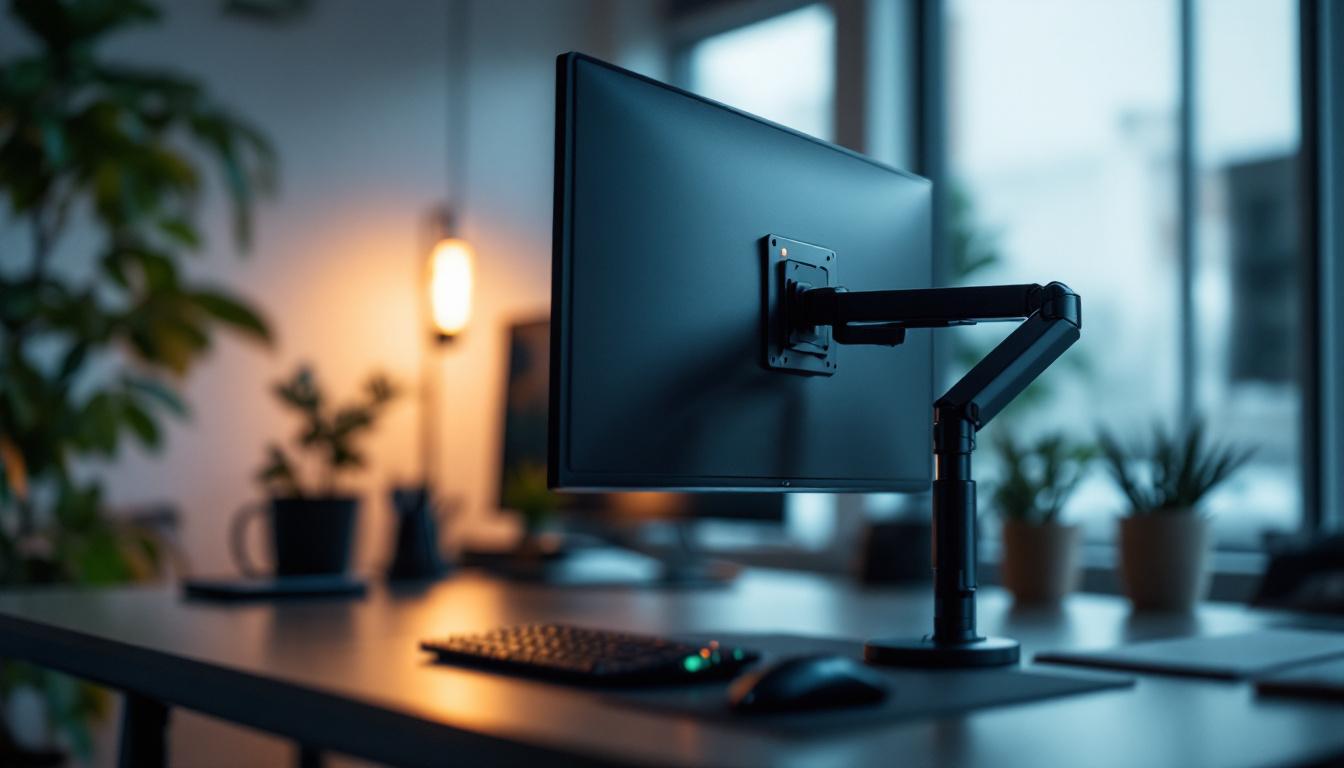
When considering the entire monitor, including bezels and stand, the physical footprint will be larger. Typically, a 22-inch monitor’s overall width ranges from 20 to 21 inches, and height can vary depending on the stand design and whether the monitor supports tilt or height adjustment. Some models even come with VESA mount compatibility, allowing users to customize their setup further by mounting the monitor on a wall or an adjustable arm. This flexibility can significantly enhance desk space and improve the overall aesthetic of a workspace, making it easier to create a clean and organized environment.
Advantages of a 22-Inch LED Monitor
Space Efficiency and Desk Fit
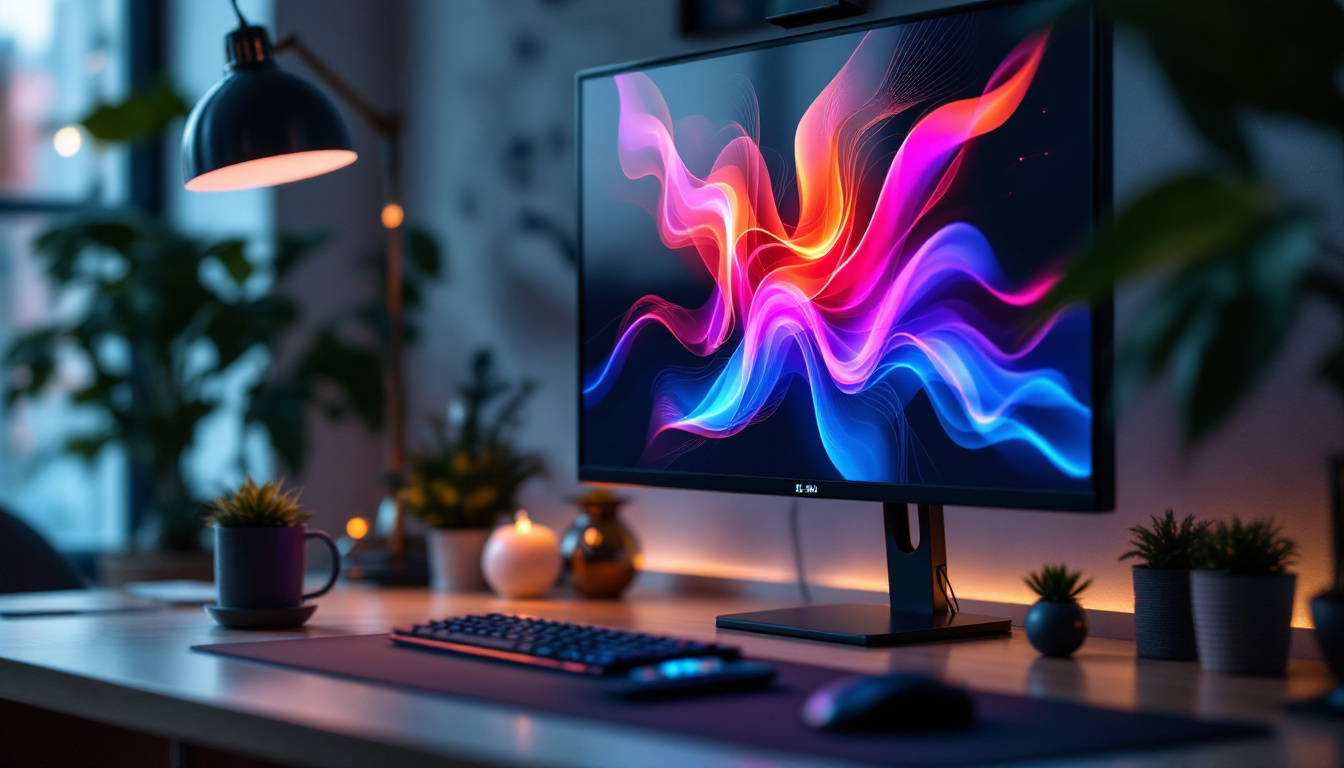
One of the primary advantages of a 22-inch monitor is its compact size. It fits comfortably on most desks without overwhelming the workspace, making it ideal for small home offices, dorm rooms, or multi-monitor setups. For users with limited desk space, a 22-inch monitor offers a practical solution that balances screen size with spatial constraints.
Additionally, because it’s smaller than larger monitors, it generally weighs less and is easier to move or reposition. This is particularly beneficial in dynamic work environments where flexibility is key. Users can easily shift the monitor to accommodate collaborative work or presentations, enhancing productivity without the hassle of heavy equipment. Furthermore, the ability to mount a 22-inch monitor on a wall or an adjustable arm can free up even more desk space, allowing for a more organized and efficient workspace.
Cost-Effectiveness
22-inch monitors are often more affordable compared to larger displays. The price point makes them accessible for students, budget-conscious professionals, and casual users who want a reliable screen without investing in high-end, large-format monitors.
Despite the lower cost, many 22-inch LED monitors offer Full HD (1920×1080) resolution, providing crisp images and clear text. This resolution is sufficient for most everyday tasks, including web browsing, document editing, and watching videos. Additionally, the affordability of these monitors does not compromise quality; many models come equipped with features such as built-in speakers, adjustable stands, and multiple connectivity options, making them versatile for various uses. For those who might need a second screen for multitasking, the cost-effectiveness of a 22-inch monitor makes it an attractive option for enhancing workflow without breaking the bank.
Energy Efficiency
LED technology is known for its energy efficiency compared to older LCD and CRT monitors. A 22-inch LED monitor typically consumes less power than larger models, which can contribute to lower electricity bills and a smaller environmental footprint.
Energy Star ratings and other certifications are common among LED monitors in this size range, ensuring that users benefit from modern, eco-friendly technology. This energy efficiency not only helps in reducing costs but also promotes sustainability, appealing to environmentally conscious consumers. Moreover, with features like automatic brightness adjustment and low-power standby modes, these monitors are designed to minimize energy usage further, making them a smart choice for those looking to reduce their overall energy consumption while still enjoying high-quality visual performance.
Common Use Cases for 22-Inch LED Monitors
Office and Productivity Work
For office environments, a 22-inch monitor is often the sweet spot between screen size and desk space. It provides enough room for multitasking with multiple windows or applications open side by side, while not requiring the extensive space that larger monitors demand.
Many businesses equip their workstations with 22-inch monitors because they strike a balance between cost, usability, and ergonomics. The Full HD resolution ensures text and spreadsheets are sharp and easy to read, reducing eye strain during long work sessions.
Home Computing and Casual Use
At home, 22-inch monitors serve well for general computer use such as browsing the internet, streaming videos, and light photo editing. Their size is comfortable for typical viewing distances of about 20 to 30 inches, which is common in home setups.
For families or shared spaces, these monitors are versatile enough to accommodate different users’ needs without dominating the room.
Gaming and Entertainment
While gamers often prefer larger screens for immersive experiences, a 22-inch LED monitor can still be a solid choice for casual gaming, especially in competitive or fast-paced games where a smaller screen can reduce eye movement and improve reaction times.
Many 22-inch monitors feature refresh rates of 60Hz or higher, with some models offering 75Hz or even 120Hz, which enhances the smoothness of gameplay. Additionally, LED panels typically provide good color reproduction and contrast ratios, contributing to enjoyable gaming and video watching experiences.
Comparing 22-Inch Monitors to Other Sizes
22-Inch vs. 24-Inch Monitors
The 24-inch monitor is one of the most popular sizes on the market, often favored for gaming and professional use. Compared to 22-inch monitors, 24-inch models offer roughly 20% more screen area, providing additional workspace and a more immersive viewing experience.
However, the size difference is not drastic, and for users with limited desk space or budgets, a 22-inch monitor remains a practical choice. The 22-inch model is also easier to fit into multi-monitor setups where several screens are arranged side by side.
22-Inch vs. 27-Inch Monitors
Moving up to a 27-inch monitor introduces a significant increase in screen real estate—about 50% more area than a 22-inch display. This size is preferred by professionals who need detailed visuals, such as graphic designers, video editors, and programmers.
However, 27-inch monitors require more desk space and may be overwhelming for users who sit close to their screens. The larger size can also increase the price significantly, making 22-inch monitors a better fit for budget-conscious buyers or those with smaller workspaces.
22-Inch vs. Ultrawide Monitors
Ultrawide monitors, typically starting at 29 inches or more, offer an expanded horizontal workspace that can replace dual-monitor setups. While these displays provide exceptional multitasking capabilities, they are considerably larger and more expensive than 22-inch monitors.
For users who prioritize portability, simplicity, or budget, a 22-inch LED monitor remains a straightforward and efficient choice.
Key Features to Consider When Buying a 22-Inch LED Monitor
Resolution and Panel Type
Most 22-inch monitors come with a Full HD (1920×1080) resolution, which is adequate for everyday computing tasks. Some models may offer higher resolutions, but these are less common in this size category.
The panel type—IPS, TN, or VA—affects color accuracy, viewing angles, and response times. IPS panels provide better color reproduction and wider viewing angles, making them ideal for creative work and media consumption. TN panels tend to have faster response times, favored by gamers, but with narrower viewing angles and less vibrant colors. VA panels offer deeper blacks and better contrast but may have slower response times.
Refresh Rate and Response Time
For general use, a 60Hz refresh rate and 5ms response time are standard and sufficient. Gamers might look for monitors with higher refresh rates (75Hz or more) and lower response times (1-3ms) to reduce motion blur and improve gameplay smoothness.
Connectivity Options
Ensure the monitor has the necessary ports to connect to your devices. Common inputs include HDMI, DisplayPort, and VGA. HDMI is the most widely used and supports both video and audio signals. Some monitors also include USB hubs or audio output jacks for added convenience.
Ergonomics and Adjustability
Adjustable stands that allow tilt, swivel, height adjustment, or pivot enhance comfort during prolonged use. While many budget 22-inch monitors have fixed stands, some models offer ergonomic features that can improve posture and reduce neck strain.
Conclusion: Is a 22-Inch LED Monitor Right for You?
A 22-inch LED monitor offers a practical and versatile display size suitable for a wide range of users. Its compact footprint, affordability, and energy efficiency make it an excellent choice for office environments, casual home use, and even some gaming scenarios. While it may not provide the expansive workspace of larger monitors, it strikes a balance that many users find appealing.
When selecting a 22-inch monitor, consider your specific needs such as resolution, panel type, refresh rate, and connectivity to ensure the best fit for your setup. Whether upgrading an existing workstation or setting up a new one, understanding the size and features of 22-inch LED monitors will help you make an informed decision that enhances your computing experience.
Discover the Perfect LED Display with LumenMatrix
Ready to elevate your visual experience with a monitor that combines compact design, superior performance, and energy efficiency? Look no further than LumenMatrix, a pioneer in LED display technology. Whether you’re enhancing your office setup, upgrading your home entertainment system, or seeking an immersive gaming experience, LumenMatrix has a solution tailored to your needs. From Indoor and Outdoor LED Wall Displays to innovative Custom and All-in-One LED solutions, our products are designed to captivate and engage. Don’t compromise on quality—check out LumenMatrix LED Display Solutions today and transform the way you see the world.