In today’s fast-evolving digital landscape, smart touch monitors have become essential tools in both professional and personal environments. Whether used for interactive presentations, digital signage, or as part of a home office setup, these devices combine the convenience of touch input with the vibrant visual quality of LED displays. This article delves into the technology behind smart touch monitors, focusing specifically on LED display technology, to help readers understand how these devices work and why they are increasingly popular.
Understanding Smart Touch Monitors
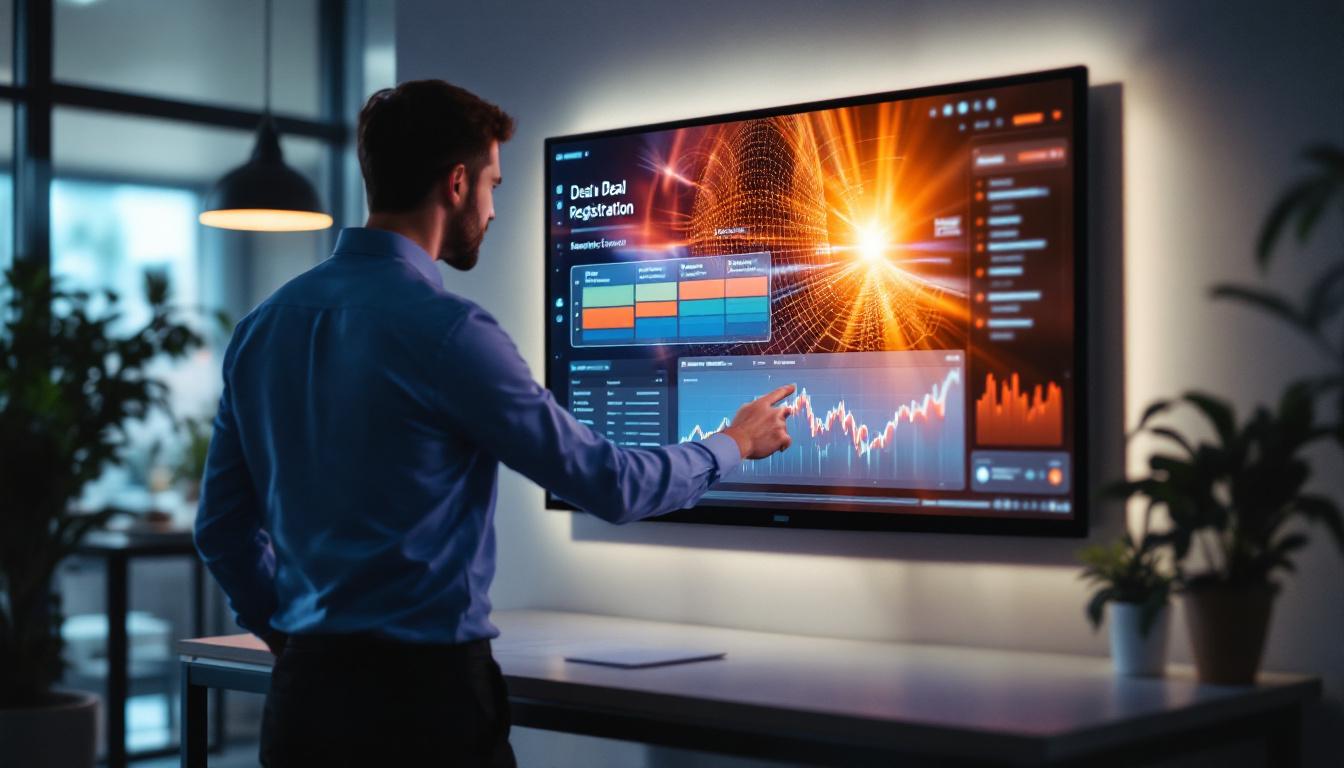
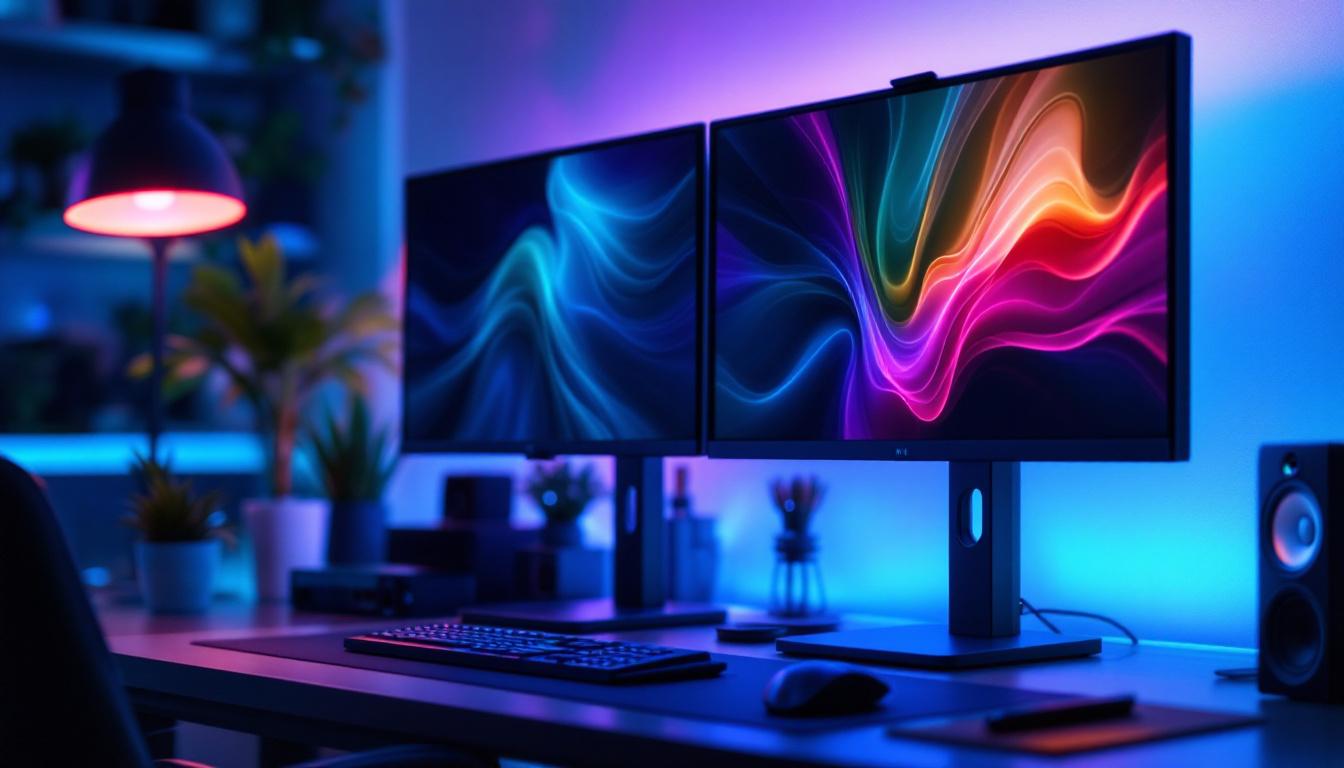
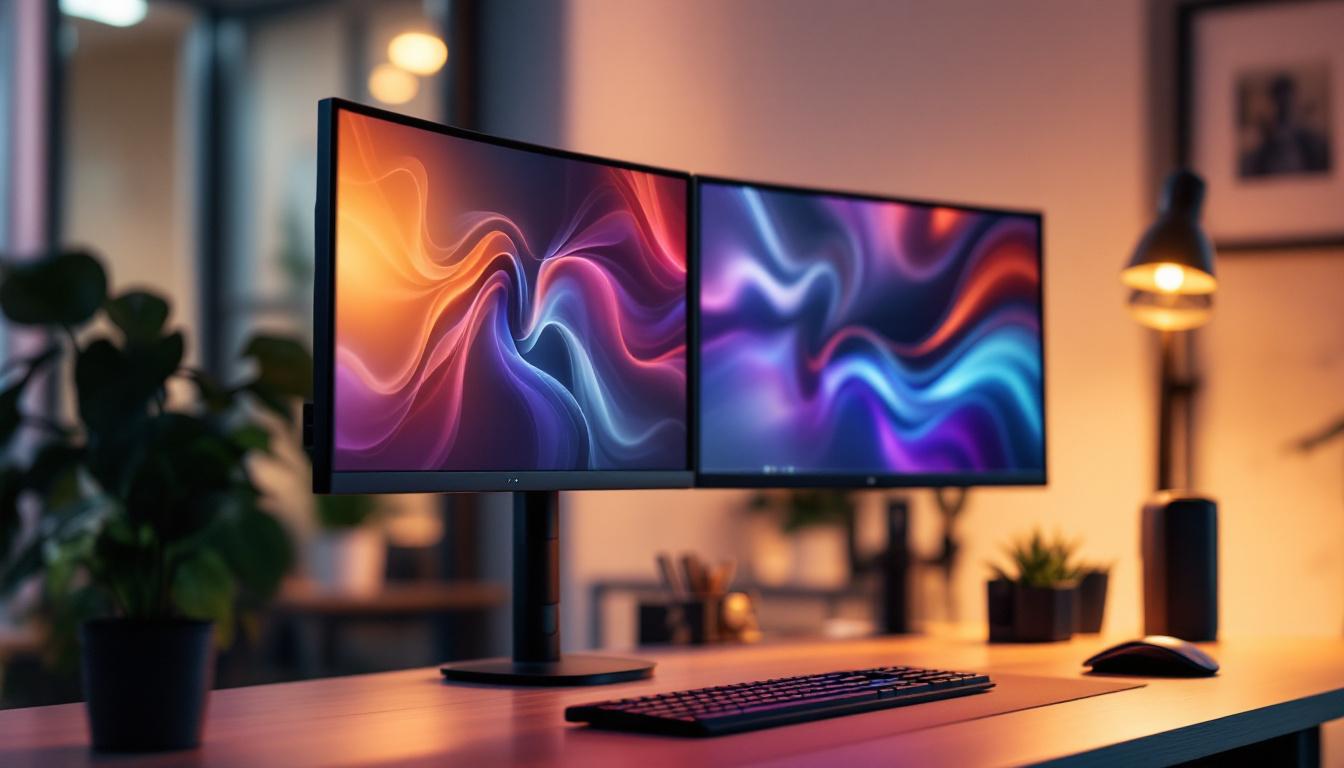
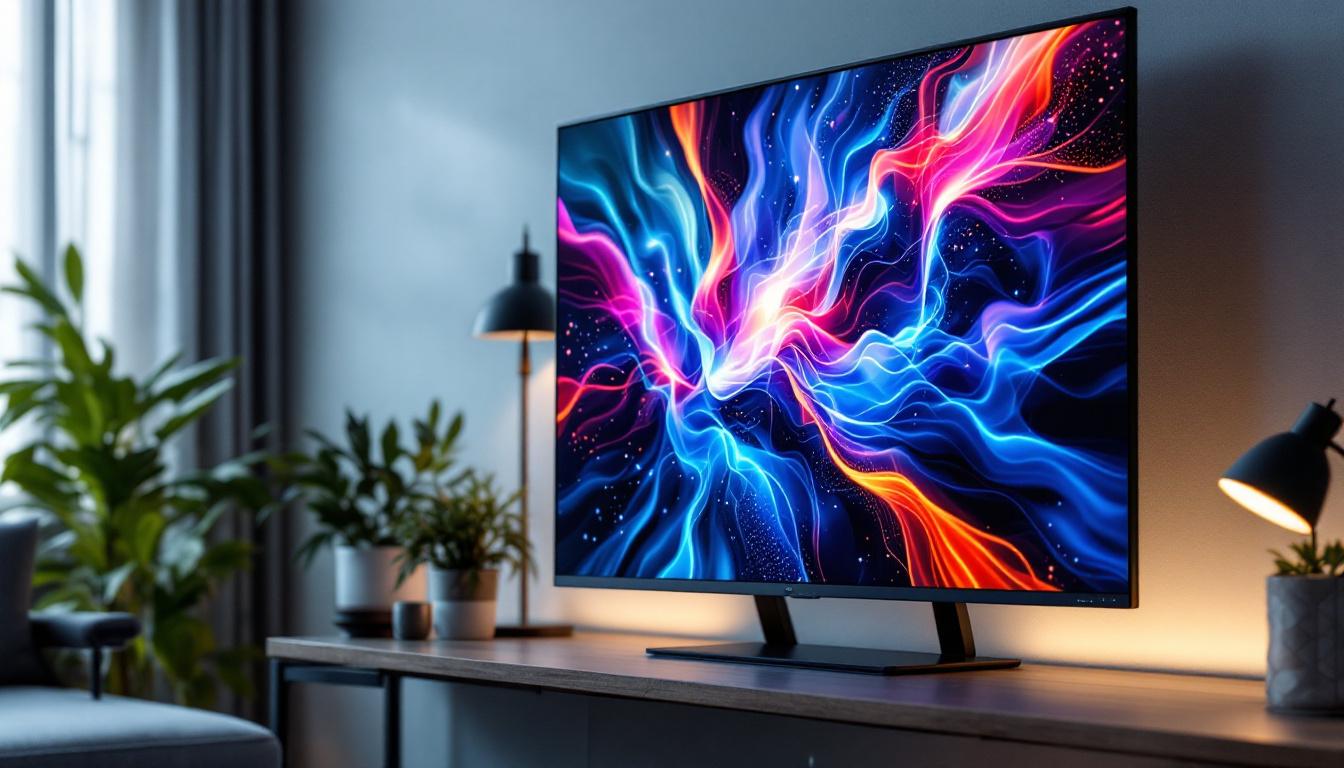
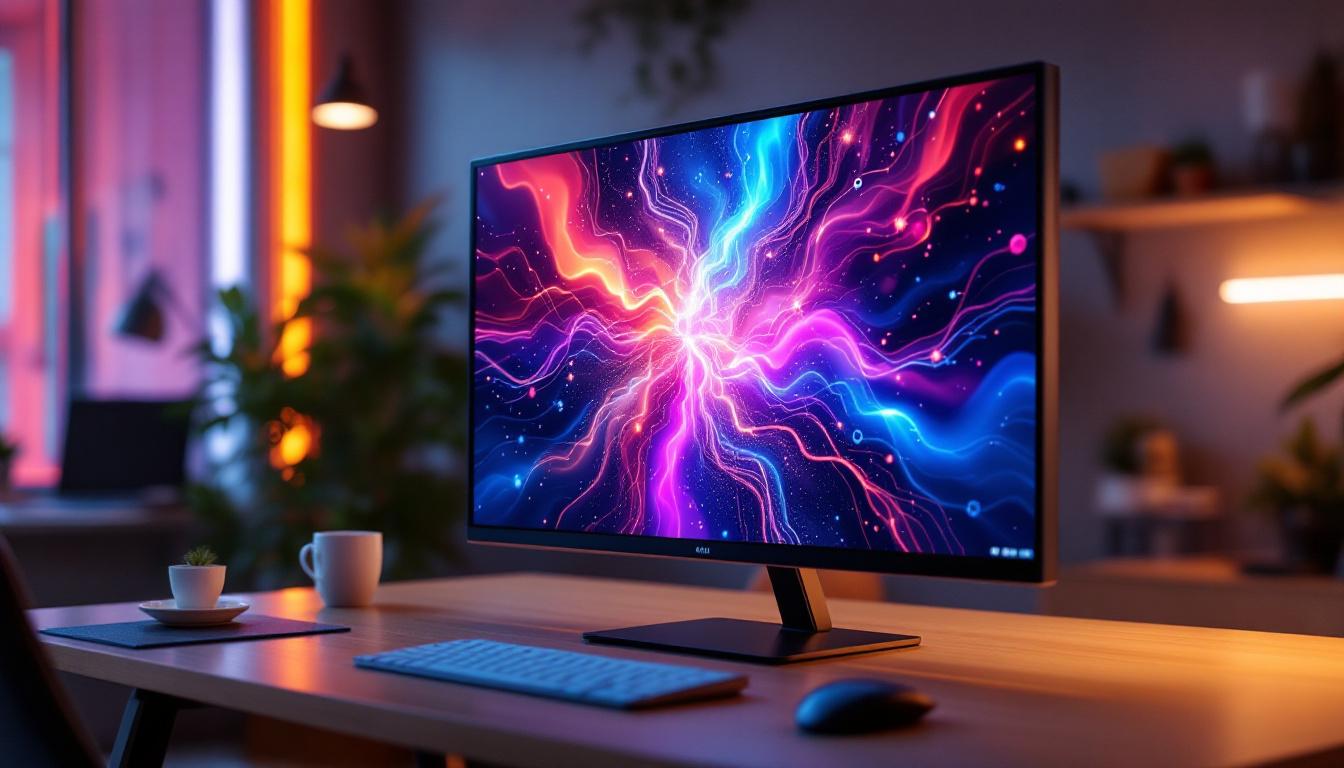
Smart touch monitors are advanced display devices that integrate touch-sensitive technology with high-resolution screens, enabling users to interact directly with the content displayed. Unlike traditional monitors, these devices support multi-touch gestures, allowing for intuitive control similar to that of smartphones and tablets. This interactivity not only enhances user engagement but also facilitates a more dynamic workflow, making it an ideal choice for various applications ranging from educational settings to corporate environments.
The “smart” aspect typically refers to built-in computing capabilities or connectivity options, such as Wi-Fi, Bluetooth, and embedded operating systems, which allow the monitor to run applications independently or connect seamlessly with other devices. This means users can access cloud services, stream content, or even run complex software without the need for an external computer, thus streamlining the user experience and reducing clutter.
Key Features of Smart Touch Monitors
Smart touch monitors often come equipped with a range of features tailored to enhance user experience and productivity. These include:
- Multi-touch support: Enables multiple simultaneous touch points, supporting gestures like pinch-to-zoom, swipe, and rotate.
- High resolution: Typically Full HD (1920×1080) or higher, providing crisp and clear visuals.
- Wide viewing angles: Ensures consistent image quality from different perspectives, crucial for collaborative environments.
- Connectivity options: HDMI, USB-C, DisplayPort, and wireless interfaces for versatile integration.
- Durability: Often designed with tempered glass and anti-glare coatings to withstand heavy use.
In addition to these features, many smart touch monitors also incorporate advanced technologies such as anti-fingerprint coatings and blue light filters, which enhance usability and comfort during extended use. The anti-fingerprint feature keeps the screen clean and clear, minimizing distractions during presentations or collaborative sessions. Meanwhile, blue light filters help reduce eye strain, making these monitors suitable for long hours of work or study, particularly in environments where lighting conditions can vary.
Furthermore, the versatility of smart touch monitors extends beyond just office use. They are increasingly being adopted in retail environments for interactive displays, allowing customers to browse products, check inventory, or even place orders directly from the screen. In educational settings, these monitors serve as powerful tools for interactive learning, enabling teachers to engage students through hands-on activities and collaborative projects. As technology continues to evolve, the applications for smart touch monitors are likely to expand even further, making them an essential component of modern digital interaction.
LED Display Technology Explained
The core of any smart touch monitor is its display technology. LED (Light Emitting Diode) displays have become the standard due to their superior brightness, energy efficiency, and color accuracy compared to older technologies like CCFL (Cold Cathode Fluorescent Lamp) backlit LCDs.
What is an LED Display?
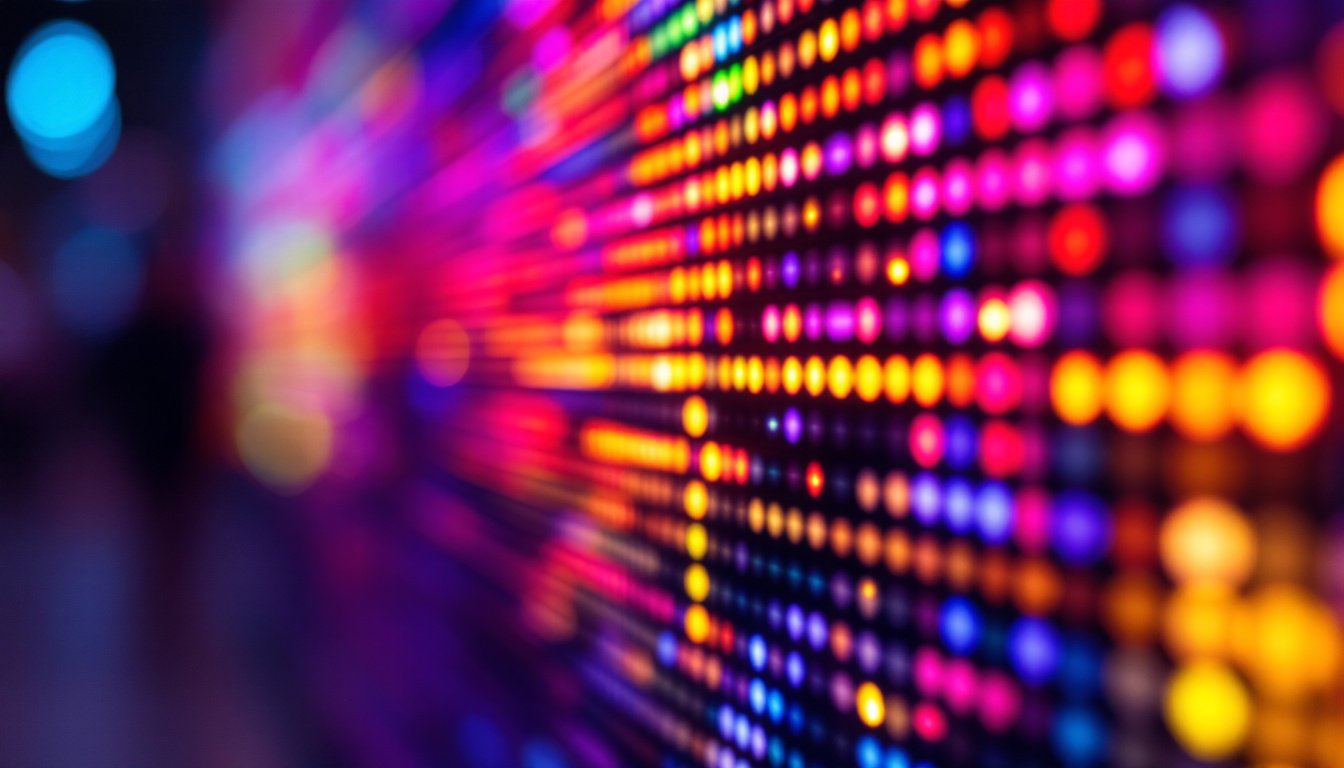
LED displays are essentially LCD panels that use LEDs as a backlight source instead of fluorescent lamps. This change has revolutionized display quality and efficiency. The LEDs illuminate the screen, allowing the liquid crystals to modulate light and produce images.
There are two primary types of LED backlighting used in monitors:
- Edge-lit LED: LEDs are positioned around the edges of the screen, and light is distributed across the display using light guides.
- Direct-lit or Full-array LED: LEDs are placed directly behind the screen in a grid pattern, offering better uniformity and contrast.
Advantages of LED Displays in Smart Touch Monitors
LED technology offers several benefits that make it ideal for smart touch monitors:
- Enhanced Brightness and Contrast: LED backlighting provides higher brightness levels, making screens easily viewable even in well-lit environments. Full-array LEDs with local dimming can deliver deeper blacks and improved contrast ratios.
- Energy Efficiency: LEDs consume less power than traditional fluorescent backlights, contributing to lower energy costs and extended device lifespan.
- Thin and Lightweight Design: The compact size of LEDs allows manufacturers to produce slimmer monitors, which are easier to mount and transport.
- Improved Color Accuracy: LED displays can cover a wider color gamut, supporting vibrant and true-to-life colors essential for design, video editing, and multimedia applications.
How Touch Technology Integrates with LED Displays
The fusion of touch technology with LED displays is a sophisticated process that requires careful engineering to maintain image quality while enabling responsive touch input.
Common Touch Technologies Used
There are several types of touch technologies commonly integrated into smart monitors:
- Projected Capacitive (PCAP): The most widely used technology, PCAP supports multi-touch and offers high accuracy and durability. It works by detecting changes in the electrostatic field when a finger or conductive stylus touches the screen.
- Infrared (IR) Touch: Uses an array of IR sensors around the screen edges to detect touch. This technology supports multi-touch and works with any pointing device but can be more susceptible to dirt and environmental interference.
- Resistive Touch: An older technology that relies on pressure to register input. It is less common in modern smart monitors due to lower sensitivity and limited multi-touch support.
Challenges in Combining Touch and LED Display
Integrating touch sensors onto LED displays involves overcoming several challenges:
- Maintaining Display Clarity: Touch layers must be transparent and thin to avoid degrading image quality or brightness.
- Response Time and Accuracy: The touch system must respond quickly and accurately to user input without lag.
- Durability: The touch surface must withstand repeated use, scratches, and impacts without loss of functionality.
Manufacturers address these challenges by using advanced materials like chemically strengthened glass and optimizing the layering of touch sensors to ensure seamless integration with LED panels.
Applications of Smart Touch Monitors with LED Displays
Smart touch monitors equipped with LED displays are versatile tools used across various industries and settings. Their interactive nature combined with high-quality visuals makes them highly effective in numerous applications.
Business and Corporate Environments
In offices and conference rooms, smart touch monitors facilitate dynamic presentations, video conferencing, and collaborative work sessions. The ability to annotate directly on the screen and interact with software applications enhances productivity and engagement.
According to a 2023 report by the International Data Corporation (IDC), companies that adopted interactive display technologies experienced a 20% increase in meeting efficiency and a 15% improvement in employee collaboration metrics.
Education Sector
Interactive whiteboards and smart monitors have transformed classroom learning by enabling teachers to deliver multimedia lessons and engage students through touch-based activities. LED displays ensure clear visibility even in large classrooms or auditoriums.
Recent studies show that schools integrating smart touch monitors report higher student participation rates and improved retention of information.
Retail and Digital Signage
Retailers use smart touch monitors as interactive kiosks and digital signage to provide customers with product information, wayfinding assistance, and promotional content. The vivid colors and brightness of LED displays attract attention and improve user experience.
Healthcare and Medical Fields
In healthcare, smart touch monitors assist in patient monitoring, diagnostics, and telemedicine. Their intuitive interfaces help medical professionals access and manipulate complex data efficiently, while LED displays ensure critical information is displayed with clarity.
Choosing the Right Smart Touch Monitor with LED Display
Selecting the ideal smart touch monitor depends on several factors related to the intended use, environment, and budget.
Screen Size and Resolution
Screen size should match the workspace and viewing distance. For collaborative environments, larger screens (27 inches and above) with at least Full HD resolution are recommended to accommodate multiple users comfortably.
Touch Technology
Projected capacitive touch is generally preferred for its responsiveness and durability. Infrared touch may be suitable for certain kiosk applications, while resistive touch is typically avoided unless cost constraints dominate.
Brightness and Contrast
Higher brightness levels (300 nits or more) are essential for environments with ambient light. Contrast ratios influence image depth and clarity, particularly for multimedia and design work.
Connectivity and Compatibility
Ensure the monitor supports necessary input ports and wireless connectivity options to integrate seamlessly with existing devices and networks.
Durability and Warranty
Look for monitors with robust construction, tempered glass, and adequate warranty coverage to protect investment over time.
Future Trends in Smart Touch Monitors and LED Displays
The evolution of smart touch monitors is closely tied to advancements in LED display technology and touch interfaces.
Mini-LED and Micro-LED Technologies
Emerging backlighting technologies like mini-LED and micro-LED promise even better brightness control, contrast, and energy efficiency. These innovations will enable thinner, brighter, and more color-accurate displays in future smart monitors.
Enhanced AI Integration
Artificial intelligence is increasingly being embedded into smart monitors to enable features such as gesture recognition, voice control, and adaptive display settings based on environmental conditions.
Flexible and Transparent Displays
Research into flexible and transparent LED displays may lead to new form factors for smart monitors, expanding their use cases in retail, automotive, and wearable technology sectors.
Conclusion
Smart touch monitors with LED displays represent a powerful convergence of interactive technology and high-quality visual performance. Understanding the underlying LED technology, touch integration methods, and practical applications helps users make informed decisions when selecting these devices. As LED technology continues to advance, smart touch monitors will become even more versatile, efficient, and essential across diverse industries.
Whether for business collaboration, education, retail, or healthcare, investing in a smart touch monitor with a robust LED display ensures a future-proof solution that enhances user engagement and productivity.
Discover LumenMatrix’s Innovative LED Solutions
Ready to elevate your interactive experiences with the latest in LED display technology? Look no further than LumenMatrix, a pioneer in crafting visually stunning and technologically advanced LED solutions. From dynamic Indoor and Outdoor LED Wall Displays to specialized options like Vehicle, Sports, and Floor LED Displays, LumenMatrix offers a diverse range of products designed to bring your brand to life. Embrace the future of visual communication with our Custom, All-in-One, and Transparent LED Displays, each engineered to captivate and engage. Check out LumenMatrix LED Display Solutions today and transform your space into a hub of innovation and productivity.