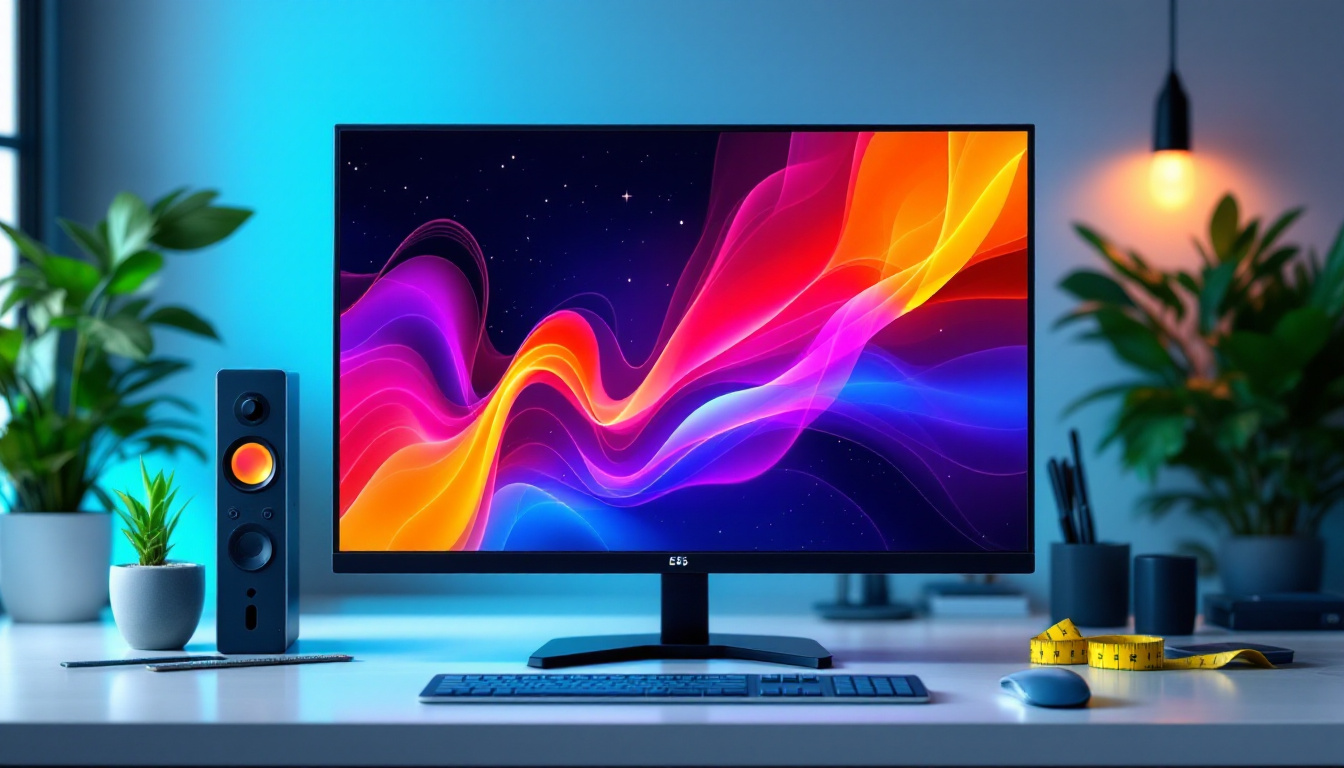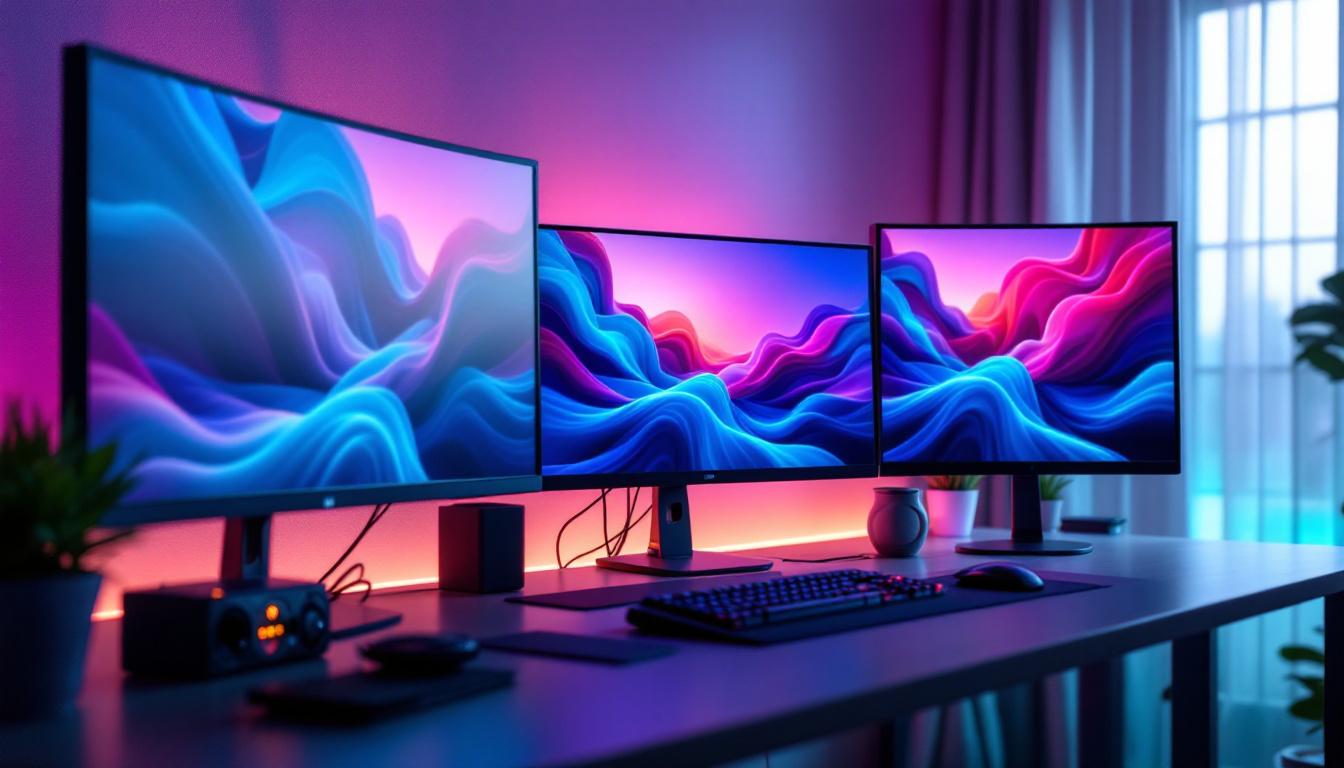
In today’s digital workspace and gaming setups, multiple monitors have become a standard for enhancing productivity and immersive experiences. Among these configurations, the three monitor setup stands out for its balance of screen real estate and ergonomic design. However, one key aspect that often puzzles users is how to effectively manage desktop backgrounds across these multiple LED displays. This article delves into the intricacies of three monitor desktop backgrounds, focusing on LED displays, and offers insights into optimizing your visual experience.
Understanding LED Displays in Multi-Monitor Setups
LED (Light Emitting Diode) technology has revolutionized display screens by offering brighter images, higher contrast ratios, and energy efficiency compared to traditional LCDs. When it comes to multi-monitor setups, especially three monitor configurations, LED displays provide consistent color accuracy and sharpness, which are crucial for both professional and entertainment purposes.
LED monitors typically come with thin bezels and high refresh rates, making them ideal for seamless multi-display arrangements. The thin bezels reduce the visual gap between screens, creating a more immersive and continuous viewing area. This is particularly beneficial when using a panoramic desktop background that spans all three screens. Furthermore, the lightweight design of LED monitors allows for easier mounting and adjustment, enabling users to create a customized workspace that suits their needs.
Why Choose LED Monitors for a Three Monitor Setup?
LED monitors are favored in multi-monitor setups due to their superior image quality and energy efficiency. According to a 2023 report by DisplayMate, LED displays offer up to 30% better color accuracy and 25% lower power consumption compared to older display technologies. This means not only a better visual experience but also reduced operational costs over time. The longevity of LED technology is another significant advantage, as these displays are known to last longer than traditional monitors, further enhancing their cost-effectiveness.
Additionally, LED technology supports higher resolutions and refresh rates, which are essential for gaming and professional design work. When using three monitors, maintaining consistent performance across all screens prevents distractions and ensures a cohesive user experience. The ability to calibrate colors across multiple displays is also a critical feature for graphic designers and video editors, allowing for precise color matching and editing. Moreover, many LED monitors come equipped with advanced features such as adaptive sync technology, which minimizes screen tearing and stuttering, providing a smoother experience during fast-paced gaming or video playback.
Configuring Desktop Backgrounds Across Three LED Monitors
One of the challenges with a three monitor setup is managing desktop backgrounds that span across all screens. Unlike a single monitor, where setting a wallpaper is straightforward, three monitors require careful configuration to avoid stretched or misaligned images.
Choosing the Right Image Resolution and Aspect Ratio
The first step in creating an effective three monitor desktop background is selecting an image with the appropriate resolution. For example, if each monitor is 1920×1080 pixels, the combined resolution for three monitors side-by-side will be 5760×1080 pixels. Using an image with this resolution ensures that the wallpaper fits perfectly without distortion.
Aspect ratio is equally important. The combined aspect ratio of three 16:9 monitors is approximately 48:9, which is an ultra-wide panoramic format. Images designed for this ratio maintain their visual integrity across all screens, providing a seamless background experience. Additionally, consider the orientation of your monitors; if they are arranged vertically, the resolution and aspect ratio will differ significantly, requiring a different approach to image selection.
Software Solutions for Multi-Monitor Backgrounds
Most modern operating systems, including Windows 11 and macOS Ventura, offer built-in support for multi-monitor wallpapers. However, these tools might have limitations in terms of customization and image scaling. Third-party software like DisplayFusion, UltraMon, and Wallpaper Engine provide advanced features such as independent wallpaper settings per monitor, panoramic stretching, and dynamic backgrounds.
For instance, DisplayFusion allows users to assign different wallpapers to each monitor or stretch a single image across all screens with precise control over alignment and scaling. This flexibility is invaluable for users who want to tailor their desktop aesthetics to their workflow or gaming preferences. Furthermore, these applications often come with additional features such as the ability to create slideshow wallpapers, where a series of images can rotate at specified intervals, keeping the desktop fresh and visually engaging.
Another noteworthy aspect of multi-monitor setups is the impact of background choice on productivity and mood. Research suggests that certain colors and images can influence focus and creativity. For example, calming landscapes or abstract art can create a serene working environment, while vibrant colors may energize and inspire. Therefore, when configuring your desktop backgrounds, it’s beneficial to consider not just the visual appeal but also how the images resonate with your personal work style and emotional state throughout the day.
Designing and Selecting Effective Three Monitor Wallpapers
Choosing or designing wallpapers for a three monitor setup involves more than just picking a beautiful image. The goal is to enhance the workspace or gaming environment without causing distraction or visual fatigue. A well-chosen wallpaper can not only improve aesthetics but also contribute to productivity by creating a visually cohesive environment that inspires creativity and focus.
Key Considerations for Wallpaper Design
When designing a wallpaper for three LED monitors, consider the following factors:
- Continuity: The image should flow naturally across all three screens without abrupt breaks, especially near the bezels.
- Focus Areas: Avoid placing important visual elements in the bezel areas where they might be obscured or split.
- Color Balance: Use colors that complement your workspace lighting and reduce eye strain.
- Minimalism: Simple designs or subtle gradients often work better than busy images, which can be distracting.
Professional designers often use software like Adobe Photoshop or GIMP to create custom panoramic wallpapers tailored to their monitor setup’s exact resolution and bezel size. Additionally, utilizing layers and masks can help in fine-tuning the image, ensuring that the transition between screens is seamless. This attention to detail can significantly enhance the overall visual experience, making it feel as though the monitors are part of a single, expansive display.
Popular Themes for Three Monitor Backgrounds
Some popular themes that work well across three monitors include:
- Nature Panoramas: Wide landscapes such as mountain ranges, beaches, or forests provide a calming and expansive feel.
- Cityscapes: Urban skylines at night or during sunset offer vibrant colors and dynamic visuals.
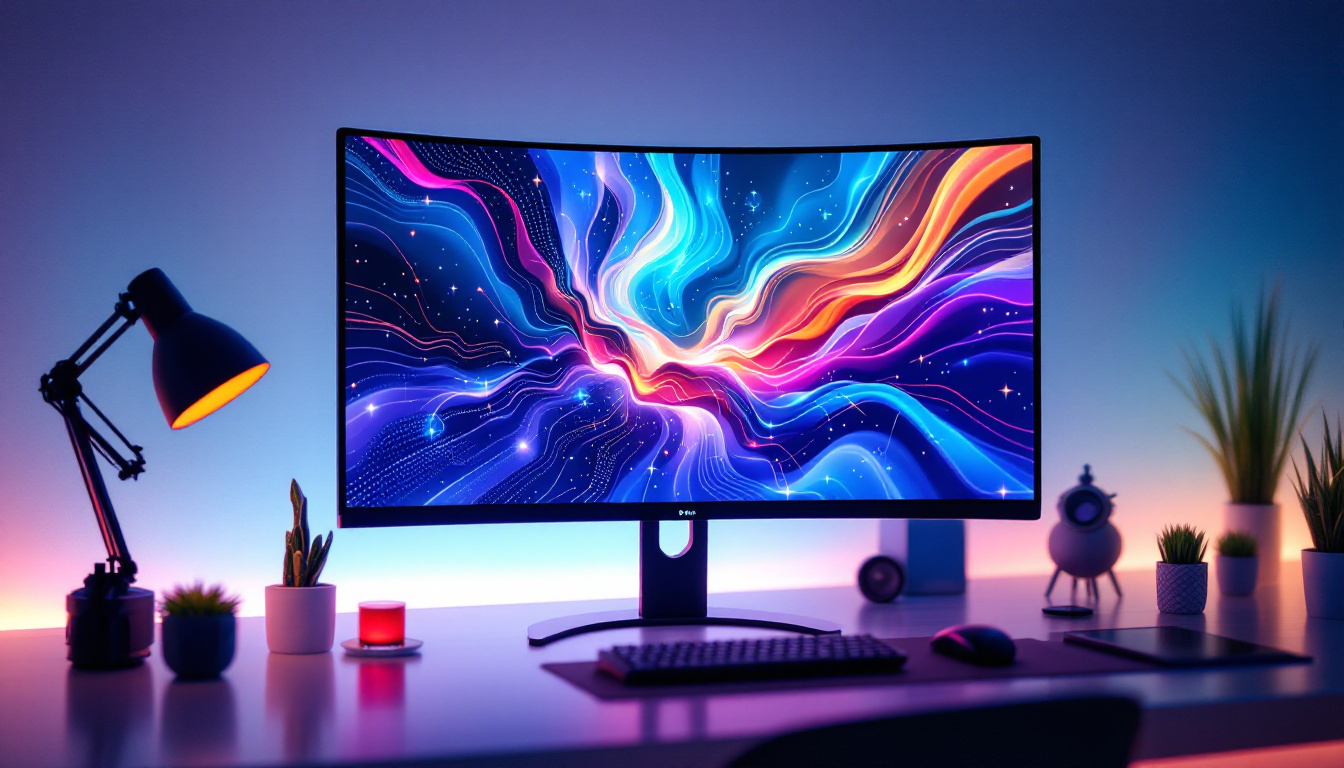
- Abstract Art: Geometric patterns or fluid designs can add a modern touch without overwhelming the senses.
- Gaming and Sci-Fi: For gamers, wallpapers featuring game environments or futuristic scenes enhance immersion.
Many online platforms offer ultra-wide wallpapers specifically designed for multi-monitor setups, ensuring compatibility and visual appeal. Furthermore, some websites allow users to upload their own images and customize them for multi-monitor use, providing an opportunity for personalization. This can be particularly appealing for those who want to showcase their favorite artwork or photography, turning their workspace into a unique reflection of their personality and interests.
Optimizing Performance and Visual Quality on Three LED Monitors
While aesthetics are important, maintaining optimal performance and visual quality across three LED monitors is crucial for a smooth user experience.
Calibrating Color and Brightness
Ensuring color consistency across all three monitors prevents jarring transitions and enhances visual comfort. Calibration tools like the Datacolor SpyderX or X-Rite i1Display Pro can help achieve uniform brightness, contrast, and color profiles.
Regular calibration is recommended, especially if monitors are from different manufacturers or models, as LED panels can vary significantly in color reproduction.
Managing GPU Load and Refresh Rates
Driving three high-resolution LED monitors can be demanding on your graphics processing unit (GPU). To maintain smooth performance, especially in gaming or video editing, it’s important to optimize settings:
- Use the latest GPU drivers to ensure compatibility and performance improvements.
- Adjust refresh rates to match across all monitors, typically 60Hz or higher for gaming setups.
- Consider GPU models with multiple DisplayPort or HDMI outputs capable of supporting triple displays at native resolutions.
Balancing visual quality and performance may require tweaking game or application settings to prevent lag or screen tearing.
Practical Tips for Setting Up and Maintaining a Three Monitor LED Display
Beyond software and image selection, physical setup and maintenance play a significant role in the overall experience of a three monitor LED display.
Ergonomic Placement and Mounting
Positioning monitors at the correct height and angle reduces neck and eye strain. Ideally, the center monitor should be directly in front of the user, with the side monitors angled inward to create a curved field of view.
Using adjustable monitor arms or stands allows for flexible positioning and better desk space management. Additionally, ensuring that all monitors are at the same height and distance helps maintain visual continuity.
Regular Cleaning and Maintenance
LED screens attract dust and fingerprints, which can degrade image quality. Use microfiber cloths and appropriate screen cleaning solutions to keep displays clear. Avoid harsh chemicals that can damage the LED coating.
Maintaining proper ventilation around monitors prevents overheating, which can affect performance and lifespan.
Conclusion: Enhancing Your Three Monitor LED Setup
Setting up a three monitor desktop background on LED displays involves a blend of technical knowledge and aesthetic consideration. Understanding the capabilities of LED technology, selecting the right wallpaper resolution and aspect ratio, and using specialized software can transform a multi-monitor setup into a visually stunning and highly functional workspace.
By calibrating colors, optimizing GPU performance, and carefully arranging physical components, users can enjoy a seamless and immersive experience whether for productivity, creativity, or gaming. As LED technology continues to evolve, the possibilities for multi-monitor configurations and desktop backgrounds will only expand, offering even greater opportunities to customize and enhance digital environments.
Discover the Future of Visual Display with LumenMatrix
Ready to elevate your multi-monitor setup to new heights of clarity and performance? LumenMatrix is at the forefront of LED display innovation, offering a wide array of solutions tailored to meet your needs. From immersive Indoor LED Wall Displays to dynamic Outdoor LED Wall Displays, and from versatile Vehicle LED Displays to sleek LED Poster Displays, our technology is designed to captivate and engage. Experience the pinnacle of visual communication with our LED Sports Displays, interactive Floor LED Displays, and the revolutionary All-in-One LED Display. Don’t just take our word for it; check out LumenMatrix LED Display Solutions today and see how we can transform your space into a visual masterpiece.