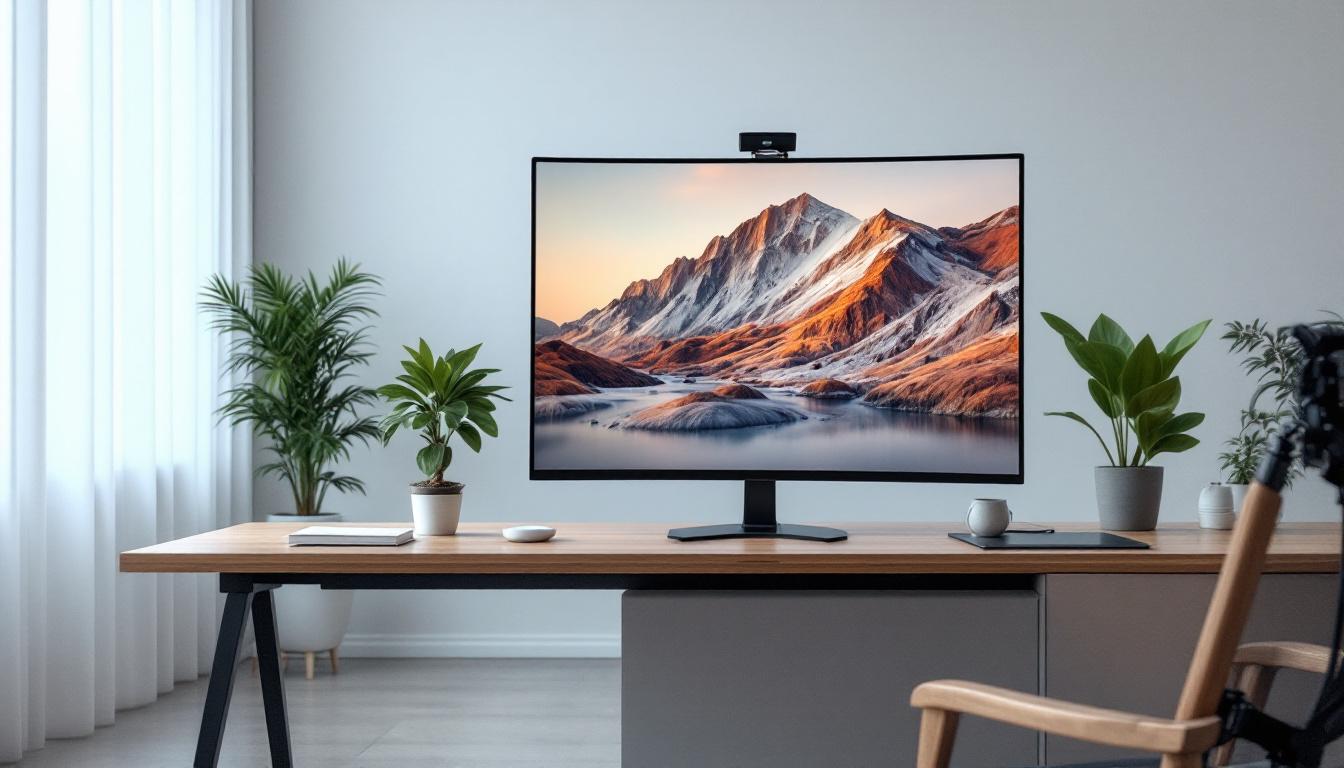
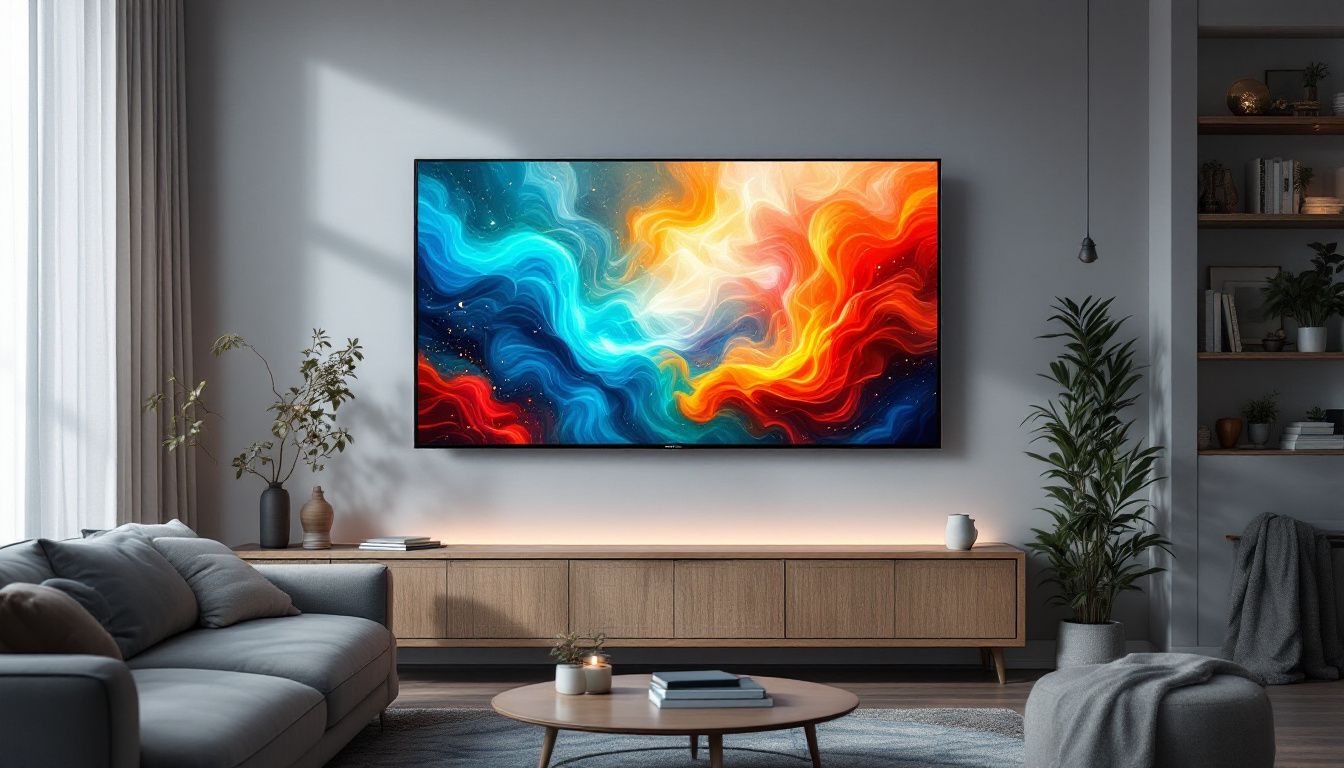
In today’s fast-evolving digital landscape, touch monitors have become an integral part of both professional and personal computing environments. Among these, the 27-inch touch monitor with LED display stands out as a popular choice for users seeking a balance between screen real estate, responsiveness, and visual clarity. This article delves into the technology behind 27-inch LED touch monitors, explaining how they work, their benefits, and key considerations when selecting one for your needs.
Understanding LED Displays in Touch Monitors
What is an LED Display?
LED stands for Light Emitting Diode, a technology used to illuminate screens. Unlike older LCD monitors that rely on cold cathode fluorescent lamps (CCFLs) for backlighting, LED displays use tiny diodes that emit light when an electric current passes through them. This shift has led to thinner, more energy-efficient, and brighter screens with better color accuracy.
In the context of a 27-inch touch monitor, the LED display refers to the backlighting technology that illuminates the liquid crystal display (LCD) panel. The LED backlight shines through the LCD layer, which modulates the light to form images. This combination results in vivid visuals with high contrast ratios, making LED displays the preferred choice for modern touch monitors. Additionally, the rapid response time of LED technology enhances the touch experience, allowing for seamless interaction with applications and content, which is particularly beneficial in environments such as retail, education, and healthcare.
Types of LED Backlighting
There are primarily two types of LED backlighting used in monitors: edge-lit and full-array. Edge-lit LED monitors position LEDs around the edges of the screen, using light guides to distribute illumination evenly. This design allows for slimmer monitors but can sometimes cause uneven brightness or “hotspots.”
Full-array LED backlighting places LEDs directly behind the entire screen area, offering more uniform lighting and better local dimming capabilities. This results in deeper blacks and improved contrast, enhancing the overall image quality. While full-array backlighting is more common in high-end monitors, many 27-inch touch monitors use edge-lit LEDs to balance cost and performance. Furthermore, advancements in LED technology, such as quantum dot enhancement, are beginning to emerge, providing even richer colors and wider viewing angles, making the viewing experience more immersive. As manufacturers continue to innovate, we can expect future touch monitors to incorporate these cutting-edge technologies, further bridging the gap between visual fidelity and interactive functionality.
Touch Technology in 27-Inch Monitors
How Touchscreens Work
Touch monitors combine display technology with touch-sensitive layers to detect user input. The most common touch technologies in 27-inch monitors include capacitive and resistive touchscreens.
Capacitive touchscreens operate by sensing the electrical properties of the human finger. When a finger touches the screen, it changes the local electrostatic field, allowing the device to detect the precise location of the touch. Capacitive screens offer high responsiveness and support multi-touch gestures, making them ideal for modern user interfaces. They are particularly popular in smartphones and tablets, where quick and accurate touch response is essential for a seamless user experience. Furthermore, advancements in capacitive technology have led to the development of edge-to-edge glass designs, enhancing both aesthetics and durability.
Resistive touchscreens, on the other hand, consist of two flexible layers separated by a small gap. When pressed, the layers connect, registering the touch point. While resistive screens can be used with fingers, styluses, or gloves, they generally provide lower clarity and less sensitivity compared to capacitive screens. However, they are often favored in industrial applications due to their robustness and ability to function in harsh environments. This makes them suitable for outdoor kiosks or medical equipment where durability and versatility are paramount.
Multi-Touch Capabilities and Benefits
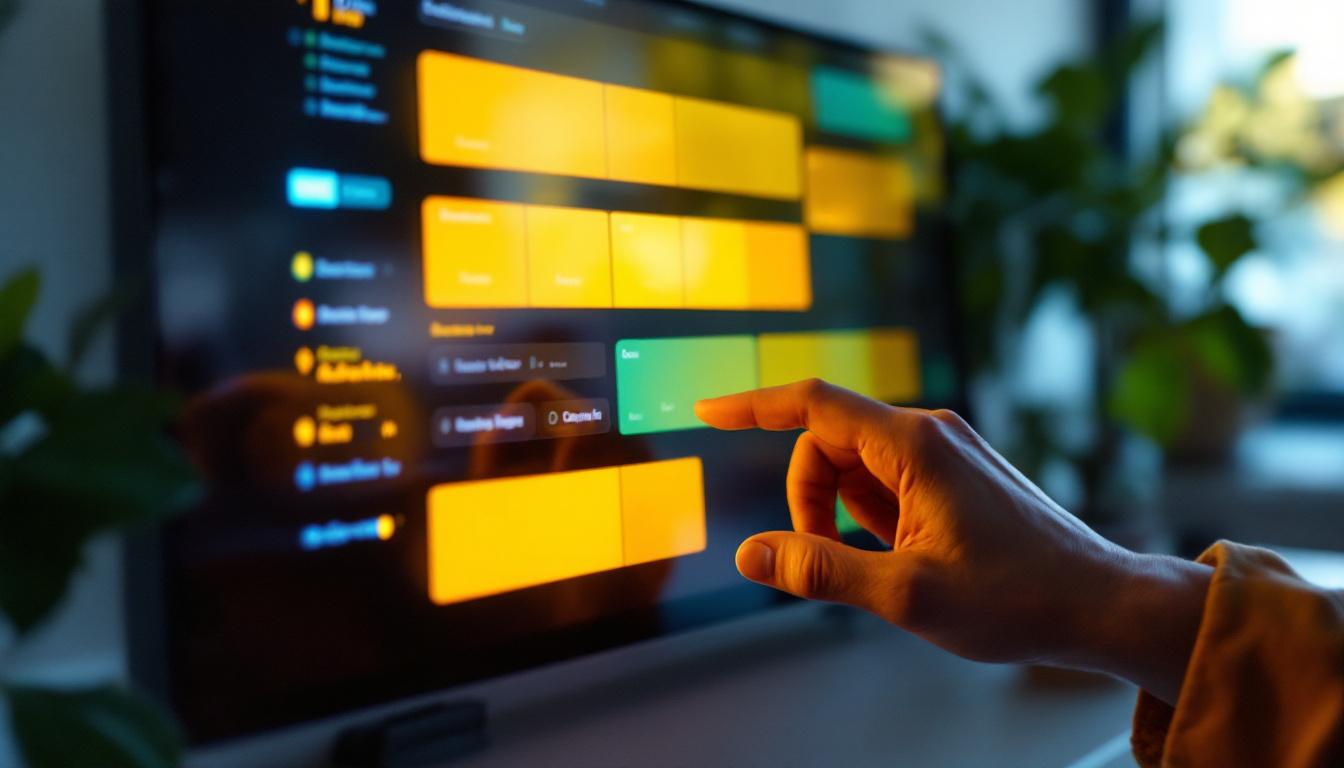
Most 27-inch LED touch monitors today support multi-touch input, allowing users to perform gestures such as pinch-to-zoom, rotate, and swipe with multiple fingers simultaneously. This functionality enhances productivity and user experience, particularly in creative applications, presentations, and interactive kiosks. In graphic design, for instance, artists can easily manipulate images and graphics with intuitive gestures, streamlining their workflow and fostering creativity.
Multi-touch support also enables collaborative work environments where multiple users can interact with the screen at the same time. This feature is especially beneficial in educational settings, design studios, and retail environments where dynamic interaction is key. In classrooms, teachers can engage students by allowing them to participate directly on the screen, fostering a more interactive learning experience. Retailers can use multi-touch displays to create engaging product demonstrations, where customers can explore features and options through touch, significantly enhancing the shopping experience. Additionally, the integration of software that supports multi-user interaction can lead to innovative applications in fields such as gaming and virtual reality, where shared experiences are becoming increasingly popular.
Advantages of a 27-Inch LED Touch Monitor
Optimal Screen Size for Productivity and Entertainment
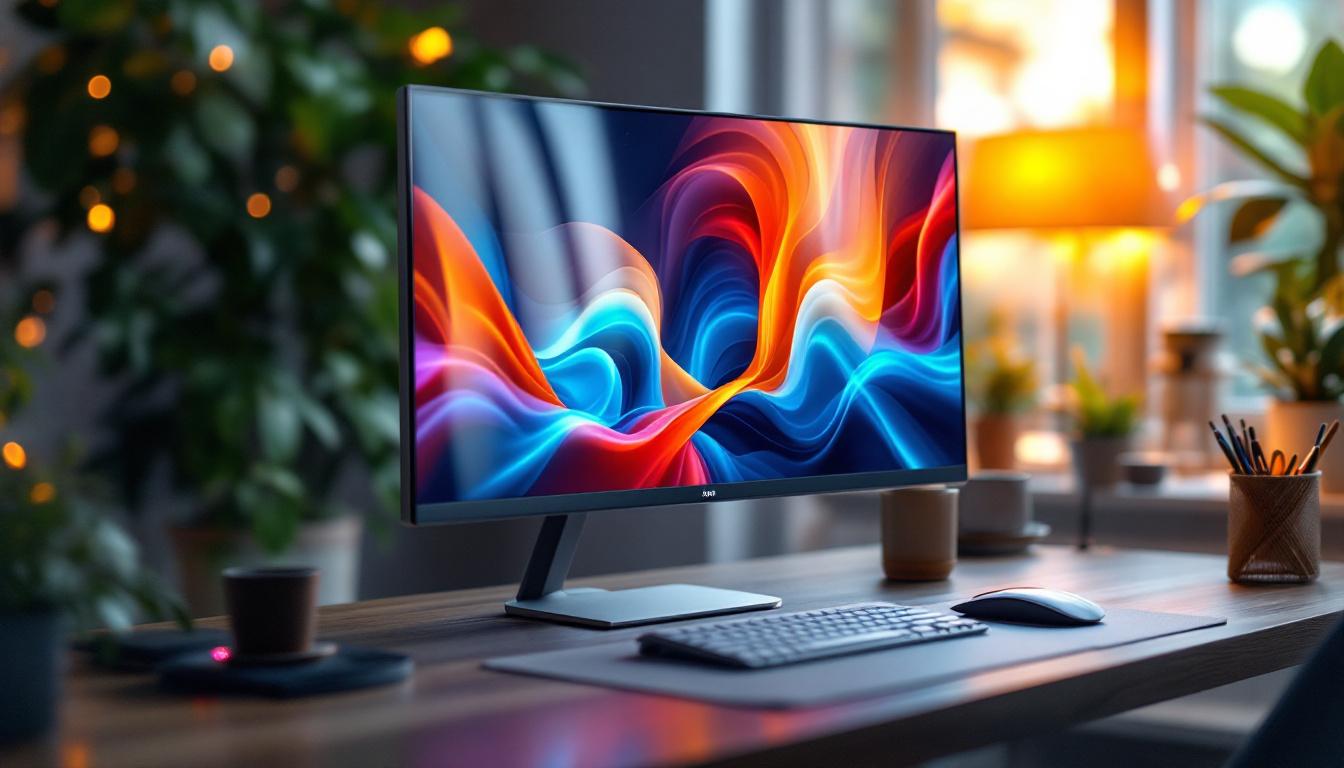
The 27-inch size strikes a sweet spot between compact desktop monitors and large-format displays. It offers ample screen real estate for multitasking, detailed design work, and immersive media consumption without overwhelming desk space.
For professionals such as graphic designers, video editors, and architects, the 27-inch touch monitor provides enough space to work comfortably with high-resolution content. Meanwhile, casual users benefit from a vibrant and responsive display suitable for gaming, streaming, and everyday computing.
Enhanced Visual Quality and Energy Efficiency
LED backlighting contributes to superior image quality, with brighter displays and richer colors compared to older technologies. Many 27-inch LED touch monitors support full HD (1920×1080) or even 4K (3840×2160) resolutions, delivering crisp and detailed visuals.
Additionally, LED displays consume less power than CCFL-backlit monitors, making them more environmentally friendly and cost-effective over time. The reduced heat output also contributes to longer device lifespan and improved user comfort.
Durability and Ease of Maintenance
Touch monitors with LED displays often feature durable glass surfaces that resist scratches and smudges. Many models incorporate anti-glare coatings and fingerprint-resistant layers, maintaining screen clarity and reducing cleaning frequency.
The solid-state nature of LEDs means fewer components prone to failure, translating to greater reliability. This durability is essential for commercial applications where monitors endure frequent use and occasional rough handling.
Key Features to Consider When Choosing a 27-Inch Touch Monitor
Resolution and Display Quality
Resolution significantly impacts visual clarity and workspace. Full HD (1920×1080) is standard for many 27-inch monitors, but higher resolutions such as 2560×1440 (QHD) or 4K offer sharper images and more screen space for multitasking.
Color accuracy is another critical factor, especially for creative professionals. Look for monitors with wide color gamut coverage (such as sRGB or AdobeRGB) and factory calibration for precise color reproduction.
Touch Technology and Responsiveness
Capacitive touchscreens generally provide a smoother and more intuitive experience, supporting multi-touch gestures and faster response times. If the monitor will be used in environments requiring stylus input or gloves, consider models with specialized touch technologies or compatibility features.
Connectivity and Compatibility
Modern 27-inch touch monitors come equipped with various ports, including HDMI, DisplayPort, USB-C, and USB-A. USB-C is particularly valuable for its ability to transmit video, data, and power through a single cable, simplifying setup and reducing clutter.
Ensure the monitor is compatible with your operating system and supports plug-and-play functionality to minimize installation hassles. Some monitors also offer built-in speakers, webcams, or integrated stands for added convenience.
Ergonomics and Design
Adjustable stands that offer tilt, swivel, and height adjustments improve comfort during extended use. Some touch monitors can be mounted on VESA-compatible arms or walls, providing flexible placement options.
Consider the bezel size and overall design aesthetics, especially for professional environments or public-facing installations where appearance matters.
Applications of 27-Inch LED Touch Monitors
Professional and Creative Workspaces
Graphic designers, video editors, and architects benefit from the precision and responsiveness of a 27-inch LED touch monitor. The combination of large screen size, high resolution, and touch input streamlines workflows, enabling direct manipulation of digital content.
Many creative software suites, such as Adobe Creative Cloud and AutoCAD, support touch gestures, enhancing usability and reducing reliance on traditional input devices.
Education and Collaborative Environments
In classrooms and training centers, 27-inch touch monitors facilitate interactive learning experiences. Teachers can annotate directly on the screen, engage students with touch-based activities, and display multimedia content with vivid clarity.
Collaborative workspaces also leverage multi-touch capabilities to enable group brainstorming sessions, presentations, and project management, fostering creativity and teamwork.
Retail, Hospitality, and Public Kiosks
Touch monitors are widely used in retail stores, restaurants, and information kiosks to enhance customer engagement. A 27-inch size is large enough to display detailed menus, product catalogs, or interactive maps while remaining accessible and user-friendly.
LED displays ensure visibility in various lighting conditions, and touch responsiveness guarantees smooth user interactions, improving overall customer satisfaction.
Future Trends in Touch Monitor Technology
Advancements in Display and Touch Sensitivity
Emerging technologies such as mini-LED and micro-LED promise even brighter displays with higher contrast ratios and improved energy efficiency. These innovations will likely trickle down to mainstream 27-inch touch monitors, enhancing visual performance further.
On the touch front, developments in haptic feedback and pressure sensitivity aim to provide more tactile and nuanced user experiences, bridging the gap between physical and digital interaction.
Integration with AI and Smart Systems
Artificial intelligence is increasingly integrated into touch monitors to enable features like voice control, gesture recognition, and adaptive display settings. These smart capabilities will make touch monitors more intuitive and personalized, adapting to user preferences and environmental conditions automatically.
Greater Connectivity and Versatility
Future touch monitors will likely support expanded connectivity options, including wireless display technologies and enhanced USB-C standards. This will facilitate seamless integration with a broader range of devices, from laptops and tablets to IoT systems and smart home setups.
Conclusion
The 27-inch LED touch monitor represents a versatile and powerful tool for a wide range of users, from professionals and educators to retail and hospitality operators. Understanding the underlying LED display technology and touch mechanisms helps in making informed decisions when selecting a monitor that meets specific needs.
With advancements in display quality, touch responsiveness, and connectivity, these monitors continue to evolve, offering enhanced user experiences and expanding their applications. Whether for detailed creative work, interactive presentations, or customer engagement, the 27-inch LED touch monitor remains a compelling choice in today’s digital ecosystem.
Discover LumenMatrix’s Innovative LED Display Solutions
Ready to elevate your visual experience with the latest in LED display technology? Look no further than LumenMatrix, a pioneer in crafting LED displays that bring your content to life. Whether you’re seeking to enhance your professional workspace, captivate students in an educational setting, or engage customers in retail and hospitality, LumenMatrix has a solution tailored to your needs. From Indoor and Outdoor LED Walls to specialized displays for vehicles, sports, and custom installations, our products are designed to revolutionize the way you communicate visually. Check out LumenMatrix LED Display Solutions today and transform your space with unparalleled clarity and impact.