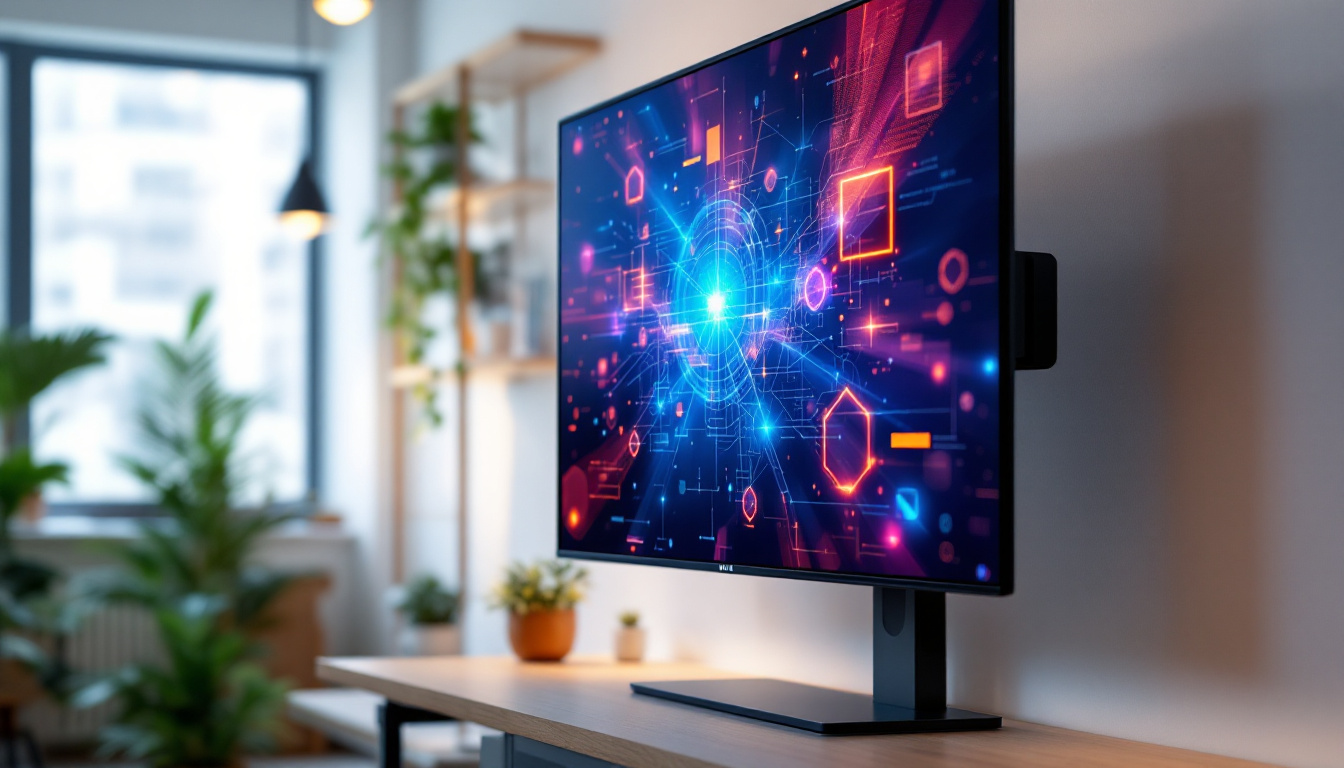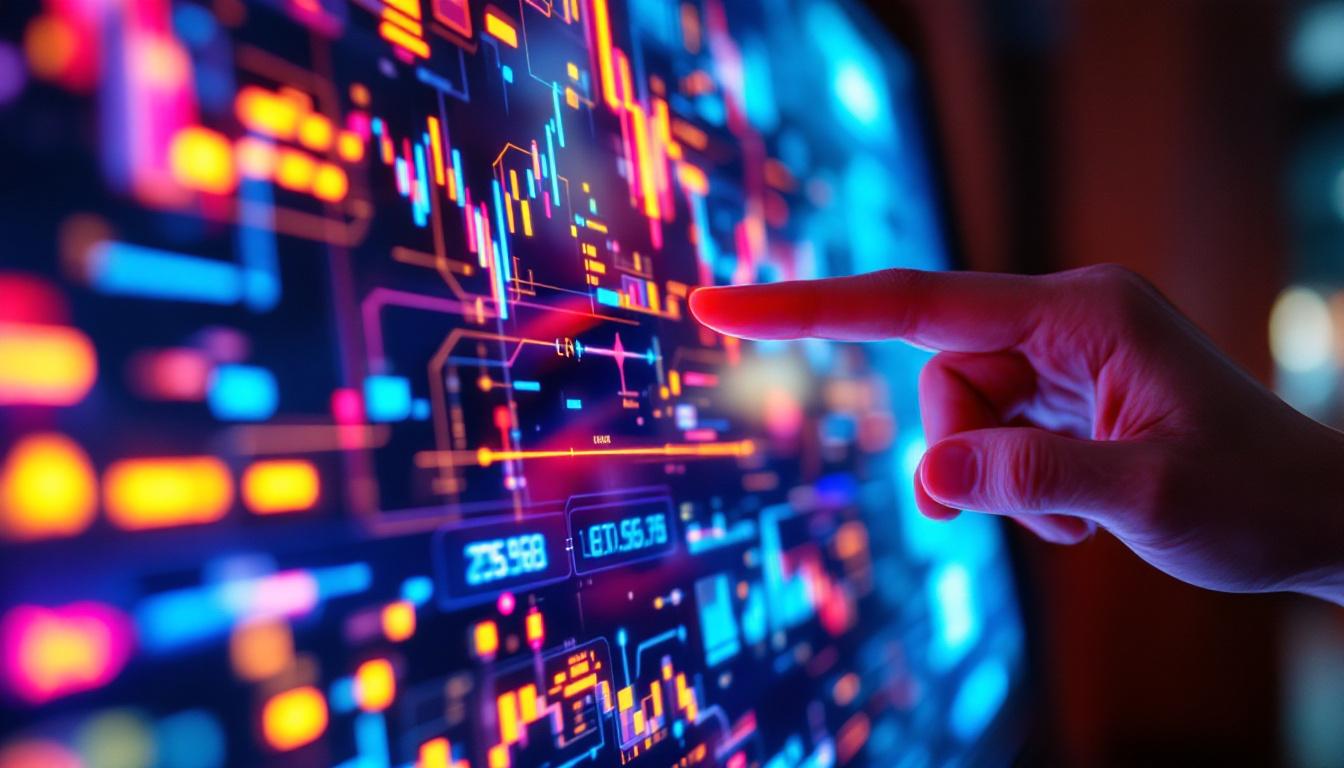
In today’s fast-evolving digital landscape, touch screen technology has become an integral part of everyday devices, from smartphones and tablets to interactive kiosks and industrial control panels. Central to the seamless operation of these devices is the Touch Screen Device Manager, a vital component that ensures the touch interface communicates effectively with the LED display. This article delves into the intricacies of the Touch Screen Device Manager and the LED display technology it supports, providing a comprehensive understanding for professionals, enthusiasts, and end-users alike.
Understanding the Touch Screen Device Manager
The Touch Screen Device Manager (TSDM) is essentially the software layer that manages the interaction between the touch input hardware and the operating system. It interprets the raw signals from the touch sensor and translates them into actionable commands that the device can process.
Modern touch screens rely on various sensing technologies, such as capacitive, resistive, infrared, and surface acoustic wave, each with unique signal characteristics. The TSDM must be compatible with these technologies to accurately detect touches, gestures, and multi-touch inputs.
Role and Importance in Device Functionality
Without an efficient Touch Screen Device Manager, the user experience would be severely compromised. The TSDM handles calibration, gesture recognition, and error correction, ensuring that touches are registered precisely where intended. It also manages noise filtering to prevent false touches caused by environmental interference or hardware anomalies.
For instance, in industrial environments where dust, moisture, or electromagnetic interference is prevalent, the TSDM’s ability to filter noise and maintain responsiveness is crucial. This reliability directly impacts productivity and safety, especially in mission-critical applications like manufacturing controls or medical devices. Furthermore, the TSDM can adapt to user preferences, learning from usage patterns to enhance responsiveness and accuracy over time, which is particularly beneficial in personalized devices like smartphones and tablets.
Integration with Operating Systems and Drivers
The TSDM operates closely with device drivers and the operating system’s input framework. It provides an abstraction layer that allows the OS to receive standardized input events regardless of the underlying hardware technology. This modular approach simplifies device updates and compatibility across different platforms.
Windows, Android, and Linux systems all have their own touch input frameworks, but the TSDM ensures that the hardware can communicate effectively with these diverse environments. For example, Windows’ Human Interface Device (HID) protocol is commonly supported by TSDMs to facilitate plug-and-play touch device functionality. Additionally, the TSDM can support advanced features such as palm rejection and pressure sensitivity, which are essential for applications ranging from graphic design to gaming. By ensuring that these features are seamlessly integrated, the TSDM enhances the overall functionality of touch-enabled devices, making them more intuitive and user-friendly.
LED Display Technology: The Visual Backbone
While the Touch Screen Device Manager handles input, the LED display is responsible for output — presenting the graphical interface that users interact with. LED (Light Emitting Diode) displays have revolutionized screen technology by offering superior brightness, energy efficiency, and durability compared to traditional LCDs. This advancement has not only improved the aesthetic appeal of devices but has also enhanced functionality, allowing for more vibrant and dynamic user interfaces that can adapt to various lighting conditions.
Types of LED Displays Used in Touch Devices
There are several types of LED displays commonly integrated with touch screens:
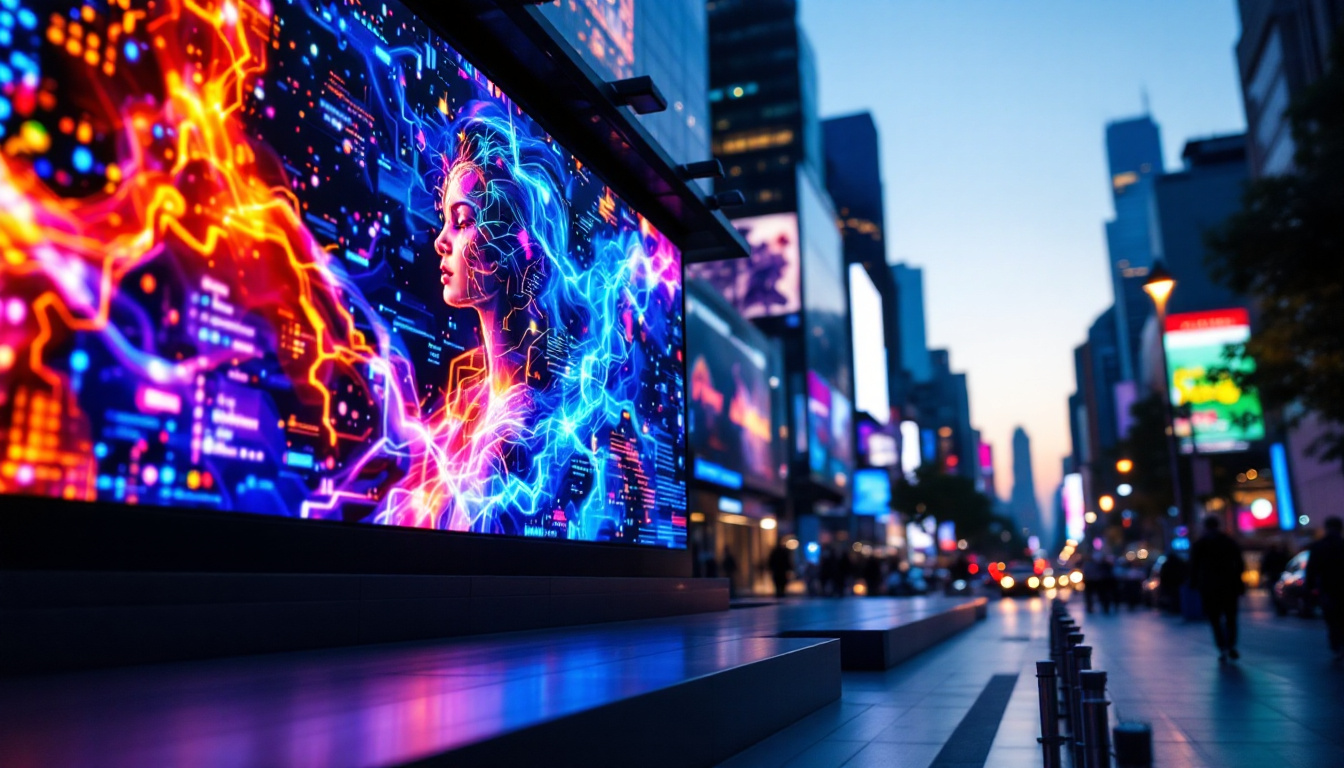
- Direct LED Displays: These use individual LEDs as pixels, providing excellent brightness and contrast. They are often used in large-format displays and outdoor signage, where visibility from a distance is crucial.
- LED-Backlit LCDs: The most prevalent type in consumer electronics, these displays use LEDs as a backlight source behind an LCD panel, combining the sharpness of LCD with the efficiency of LED lighting. This hybrid technology allows manufacturers to produce thinner devices without compromising on display quality.
- OLED Displays: While technically not LED, OLEDs are a related technology where each pixel emits its own light, offering superior color accuracy and contrast ratios. This capability allows for true blacks and a wider color gamut, making OLEDs a favorite for high-end smartphones and televisions.
Understanding the type of LED display is essential for optimizing the touch screen’s performance, as each display technology has different electrical and optical characteristics that affect touch sensitivity and calibration. For instance, OLED displays can offer faster response times, which can enhance the touch experience by making interactions feel more immediate and responsive.
Advantages of LED Displays in Touch Screen Devices
LED displays offer multiple benefits that enhance the overall user experience:
- Brightness and Visibility: LEDs provide higher brightness levels, making screens easily readable even in direct sunlight or brightly lit environments. This is particularly important for outdoor applications, such as kiosks or navigation systems, where glare can be a significant issue.
- Energy Efficiency: Compared to traditional backlighting methods, LEDs consume less power, extending battery life in portable devices. This efficiency not only benefits users by reducing the frequency of charging but also contributes to a lower carbon footprint, aligning with the growing demand for sustainable technology.
- Durability: LEDs have longer lifespans and are less prone to burn-in, ensuring consistent display quality over time. This durability is essential for devices used in commercial settings, where screens are often on for extended periods.
- Thin and Lightweight Design: LED technology enables slimmer device profiles, which is critical for modern, sleek touch screen devices. This design flexibility allows manufacturers to create innovative products that are not only functional but also aesthetically pleasing.
In addition to these advantages, LED displays also support a wide range of color temperatures, allowing manufacturers to tailor the visual output to specific applications. For instance, warmer color temperatures can create a more inviting atmosphere in retail environments, while cooler temperatures can enhance focus and productivity in office settings. This versatility makes LED displays an ideal choice for a variety of touch screen applications, from consumer electronics to professional displays.
How the Touch Screen Device Manager and LED Display Work Together
The synergy between the Touch Screen Device Manager and the LED display is fundamental to delivering a responsive and visually engaging user interface. This section explores how these components interact and the technical considerations involved.
Signal Processing and Timing Coordination
When a user touches the screen, the touch sensor detects the input and sends raw data to the TSDM. The manager processes this data, filters noise, and determines the exact location and nature of the touch. Simultaneously, the LED display must update the visual interface to reflect the input, such as highlighting a button or opening an application.
Timing is critical in this process. Latency between touch detection and screen response should ideally be less than 50 milliseconds to maintain a natural feel. Advances in TSDM algorithms and LED display refresh rates have pushed latency even lower, with some devices achieving under 10 milliseconds.
Calibration and Accuracy
Calibration ensures that the touch coordinates correspond precisely to the pixels on the LED display. Misalignment can cause frustrating user experiences, such as touches registering off-target. The TSDM often includes calibration routines that adjust for manufacturing variances, environmental changes, and wear over time.
For example, some high-end devices use dynamic calibration that continuously adjusts touch mapping based on usage patterns and sensor feedback, maintaining accuracy throughout the device’s lifespan.
Power Management Considerations
Both the touch sensor and LED display consume power, making efficient management essential, especially in battery-powered devices. The TSDM plays a role in power optimization by adjusting sensor polling rates and enabling low-power modes when the device is idle.
LED displays also employ techniques like local dimming and adaptive brightness to reduce energy consumption without compromising visibility. Coordinated power management between the TSDM and display controller extends battery life while preserving performance.
Common Challenges and Solutions in Touch Screen and LED Display Integration
Despite technological advances, integrating touch screen device managers with LED displays presents several challenges. Understanding these issues helps manufacturers and developers design more reliable and user-friendly devices.
Interference and Noise
Electromagnetic interference (EMI) from other electronic components or external sources can cause erratic touch behavior or ghost touches. Shielding, grounding, and advanced filtering algorithms in the TSDM help mitigate these effects.
Additionally, the LED display itself can emit electromagnetic noise, which requires careful circuit design to prevent interference with the touch sensor.
Environmental Factors
Temperature fluctuations, humidity, and exposure to contaminants can degrade touch sensitivity and display quality. Industrial-grade touch screen devices often incorporate ruggedized components and environmental sensors that allow the TSDM to adjust sensitivity dynamically.
For example, in cold environments, capacitive touch sensors may become less responsive, prompting the TSDM to recalibrate or switch to alternative sensing modes if supported.
Software Compatibility and Updates
As operating systems evolve, maintaining compatibility between the TSDM, device drivers, and LED display controllers is essential. Firmware updates often include improvements to touch responsiveness, gesture recognition, and power management.
Manufacturers must ensure that updates do not introduce regressions or conflicts, which can degrade user experience or cause device malfunctions.
Future Trends in Touch Screen Device Management and LED Displays
The future of touch screen technology and LED displays is poised for exciting innovations that will further enhance interactivity, efficiency, and visual quality.
Advanced Gesture Recognition and AI Integration
Next-generation Touch Screen Device Managers are incorporating artificial intelligence and machine learning to better understand user intent. This includes recognizing complex gestures, pressure sensitivity, and even predicting user actions to reduce latency.
AI-driven noise filtering and adaptive calibration will improve accuracy in challenging environments, making touch interfaces more reliable than ever.
MicroLED and Beyond
MicroLED technology promises to revolutionize LED displays by offering even higher brightness, contrast, and energy efficiency with smaller pixel sizes. This will enable ultra-high-resolution touch screens with vibrant colors and deeper blacks, suitable for augmented reality (AR) and virtual reality (VR) applications.
Integration of microLED with flexible substrates will also pave the way for foldable and rollable touch screen devices, expanding design possibilities.
Haptic Feedback and Multisensory Interaction
Combining touch input with advanced haptic feedback mechanisms will create more immersive user experiences. The Touch Screen Device Manager will coordinate tactile responses with visual updates on the LED display, enhancing usability in gaming, education, and professional tools.
Conclusion
The Touch Screen Device Manager and LED display are two cornerstone technologies that define modern interactive devices. Their seamless integration ensures that users enjoy responsive, accurate, and visually stunning interfaces across a wide range of applications.
Understanding the role of the TSDM in managing touch inputs and the advantages of LED display technology provides valuable insights for developers, manufacturers, and end-users seeking to optimize device performance and user experience. As technology continues to advance, these components will evolve together, driving the future of human-computer interaction.
Explore Cutting-Edge LED Display Solutions with LumenMatrix
As you consider the future of touch screen device management and the transformative impact of LED display technology, LumenMatrix stands at the forefront of innovation. Our commitment to revolutionizing visual communication is evident in our extensive range of LED display modules. From the immersive Indoor LED Wall Display to the dynamic Outdoor LED Wall Display, and from the versatile Vehicle LED Display to the sleek LED Poster Display, we offer tailored solutions that cater to your unique needs. Experience the difference with our LED Sports Display, Floor LED Display, Custom LED Display, and the revolutionary All-in-One LED Display, including our state-of-the-art LED Transparent Display. Elevate your brand’s presence and captivate your audience with LumenMatrix’s advanced LED solutions. Check out LumenMatrix LED Display Solutions today and empower your business to communicate with impact and clarity.