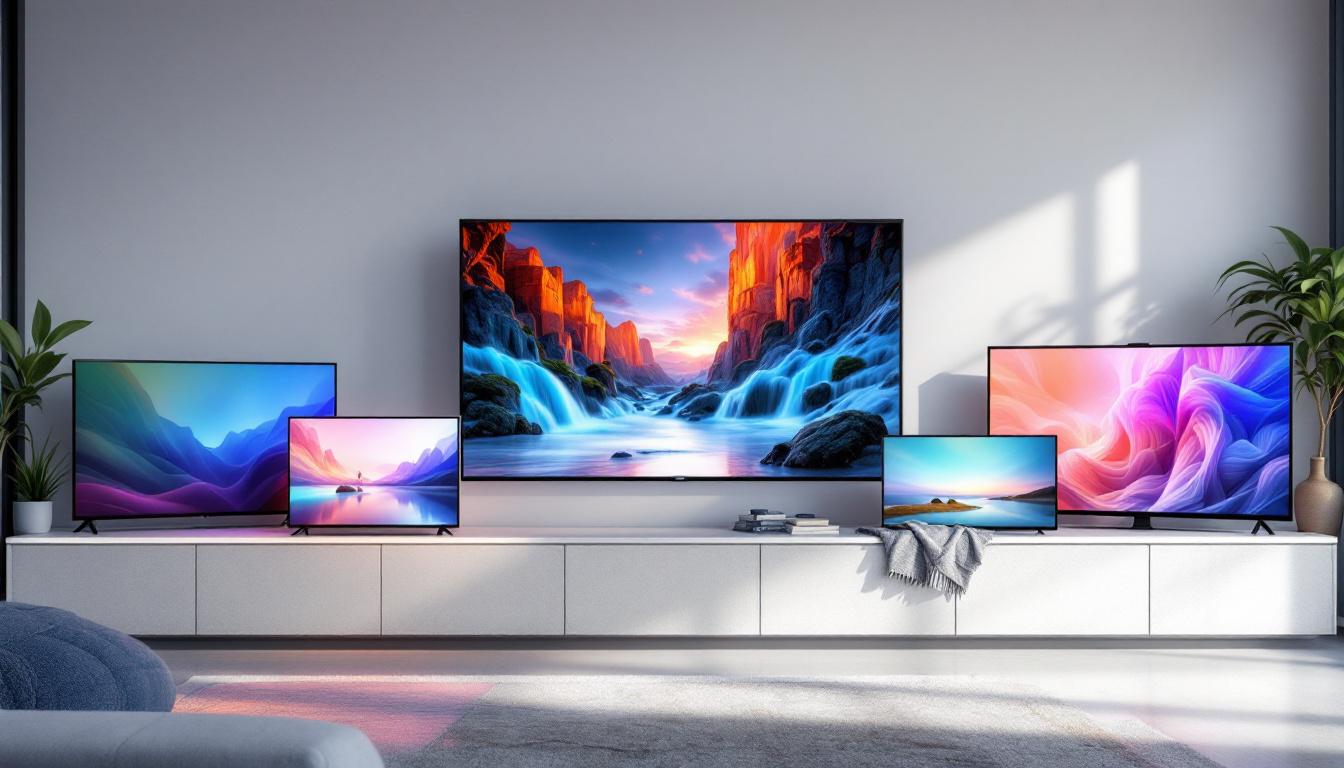
Choosing the right TV screen size can be a daunting task, especially with the wide array of LED displays available in today’s market. Understanding how screen sizes relate to viewing distance, resolution, and room dimensions is crucial for making an informed purchase. This comprehensive guide will walk you through everything you need to know about TV screen sizes, focusing on LED displays, to help you find the perfect fit for your home entertainment setup.
Understanding TV Screen Sizes and Their Measurements
When shopping for a TV, the screen size is one of the first specifications you’ll encounter. This measurement, expressed in inches, represents the diagonal length of the screen—from one corner to the opposite corner. For example, a 55-inch TV has a screen that measures 55 inches diagonally.
It’s important to note that the screen size does not include the bezel or frame around the display. This means two TVs with the same screen size might have slightly different overall dimensions depending on the thickness of their bezels. Modern LED TVs tend to have very slim bezels, maximizing the visible screen area.
Aspect Ratio and Its Impact
Most LED TVs today use a 16:9 aspect ratio, which means the screen’s width is 16 units for every 9 units of height. This widescreen format is ideal for watching movies, sports, and gaming, as it closely matches the format used in most modern content. Understanding the aspect ratio helps in visualizing the actual width and height of the TV, which can be useful when planning space for mounting or placement.
Width and Height Dimensions by Screen Size
Below is a quick reference for the approximate width and height of popular LED TV screen sizes based on a 16:9 aspect ratio:
| Screen Size (Diagonal) | Width (inches) | Height (inches) |
|---|---|---|
| 32″ | 27.9″ | 15.7″ |
| 43″ | 37.5″ | 21.1″ |
| 50″ | 43.6″ | 24.5″ |
| 55″ | 47.9″ | 27.0″ |
| 65″ | 56.7″ | 31.9″ |
| 75″ | 65.4″ | 36.8″ |
| 85″ | 74.1″ | 41.7″ |
These dimensions are useful for ensuring your TV fits the designated space and for estimating the ideal viewing distance.
Choosing the Right TV Size Based on Viewing Distance
One of the most critical factors in selecting a TV size is the distance from which you will be watching. Sitting too close to a large screen can cause eye strain, while sitting too far from a small screen can reduce the immersive experience.
Recommended Viewing Distances
Industry experts and organizations such as the Society of Motion Picture and Television Engineers (SMPTE) provide guidelines for optimal viewing distances based on screen size and resolution. For LED TVs, the following recommendations are widely accepted:
- 1080p (Full HD) TVs: Sit approximately 1.5 to 2.5 times the diagonal screen size away. For a 55-inch TV, this means a viewing distance of about 6.9 to 11.5 feet.
- 4K UHD TVs: Because of the higher resolution, you can sit closer—about 1 to 1.5 times the diagonal screen size. For a 55-inch 4K TV, the ideal distance is roughly 4.5 to 6.9 feet.
These distances help balance picture clarity and comfort, allowing viewers to appreciate the detail without noticing individual pixels.
Room Size and Seating Arrangement Considerations
While the recommended distances provide a technical baseline, practical room layout and seating arrangements also play a role. For example, if your living room is small, a 65-inch or larger TV might overwhelm the space or force viewers to sit too close. Conversely, in a large room, a small TV can feel underwhelming and difficult to see clearly.
Consider the number of viewers and their seating positions. A wider viewing angle is necessary if multiple people will watch from different parts of the room. Many modern LED TVs offer wide viewing angles, but screen size and placement remain key factors.
LED Display Technology: What Makes It Stand Out?
LED TVs are among the most popular choices for consumers due to their combination of picture quality, energy efficiency, and affordability. Understanding how LED displays work can help you appreciate their advantages and limitations.
How LED TVs Work
LED TVs are essentially LCD (Liquid Crystal Display) panels that use Light Emitting Diodes (LEDs) as a backlight source. The LCD panel itself does not emit light; it only controls how much light passes through to create images. The LEDs provide the illumination behind the screen.
There are two main types of LED backlighting:
- Edge-lit LED: LEDs are placed around the edges of the screen, allowing for thinner TV designs. However, this can sometimes lead to uneven brightness or light bleed.
- Full-array LED: LEDs are spread evenly behind the entire screen, providing better brightness uniformity and contrast. Some models include local dimming, which dims LEDs in dark areas to improve black levels.
Benefits of LED TVs
LED TVs offer several advantages over older display technologies such as plasma or CCFL-backlit LCDs:
- Energy Efficiency: LEDs consume less power, making these TVs more environmentally friendly and cost-effective to operate.
- Thin and Lightweight: LED backlighting allows for slim and lightweight designs, which are easier to mount on walls or fit into tight spaces.
- Brightness and Color Accuracy: Modern LED TVs deliver bright images with vibrant colors, especially when combined with technologies like HDR (High Dynamic Range).
- Longevity: LEDs have a long lifespan, reducing the likelihood of screen degradation over time.
Limitations to Consider
Despite their benefits, LED TVs have some limitations:
- Black Levels: Because LEDs emit light from behind the screen, achieving true deep blacks is challenging compared to OLED technology, where pixels emit their own light and can turn off completely.
- Viewing Angles: Some LED TVs, particularly those with VA panels, may have reduced picture quality when viewed from sharp angles.
- Motion Blur: Lower-end LED TVs may exhibit motion blur during fast-moving scenes, though many models include technologies to mitigate this.
How Resolution Influences TV Size Choices
Resolution is another key factor when selecting a TV size. It refers to the number of pixels that make up the image on the screen. The higher the resolution, the sharper and more detailed the picture.
Common TV Resolutions
The most common resolutions found in LED TVs today include:
- HD (720p): 1280 x 720 pixels, generally found in smaller or budget TVs.
- Full HD (1080p): 1920 x 1080 pixels, still common in mid-range TVs and suitable for smaller screen sizes.
- 4K UHD (2160p): 3840 x 2160 pixels, the current standard for most new TVs, providing four times the pixels of Full HD.
- 8K UHD: 7680 x 4320 pixels, emerging technology with limited content availability and premium pricing.
Impact of Resolution on Viewing Experience
Higher resolution allows for larger screen sizes without loss of image clarity. For example, a 65-inch 4K TV will display sharper details than a 65-inch 1080p TV because of the increased pixel density.
This means that if you want a very large TV (65 inches or more) and plan to sit relatively close, opting for a 4K LED TV is advisable to avoid seeing pixelation or a grainy image.
Resolution and Content Availability
While 4K content is becoming increasingly common on streaming platforms like Netflix, Amazon Prime Video, and Disney+, not all content is available in 4K. However, most modern TVs include upscaling technology that improves the appearance of lower-resolution content on higher-resolution screens.
Practical Tips for Selecting Your LED TV Screen Size
With so many factors at play, here are some practical tips to help narrow down your choices:
Measure Your Space First
Before shopping, measure the width, height, and depth of the area where the TV will be placed. Don’t forget to account for additional space needed for ventilation and cable connections.
Consider Your Viewing Distance
Use the viewing distance guidelines to select a screen size that offers an immersive experience without causing discomfort. For smaller rooms, a 43-55 inch TV is often ideal, while larger rooms can accommodate 65 inches or more.
Balance Screen Size with Resolution
If you plan to buy a large TV (55 inches or above), prioritize 4K resolution to ensure sharp images. For smaller TVs, Full HD may suffice and can be more budget-friendly.
Think About Future-Proofing
Technology evolves rapidly, so consider investing in a TV that supports the latest standards such as HDR10+, Dolby Vision, and HDMI 2.1 ports, which will help keep your TV relevant for years to come.
Test Before You Buy
If possible, visit a store to view TVs in person. Pay attention to picture quality, brightness, color accuracy, and viewing angles. This hands-on experience can provide valuable insight beyond specifications.
Conclusion
Selecting the right LED TV screen size involves a balance of technical specifications, room dimensions, and personal preferences. Understanding how screen size, viewing distance, resolution, and LED technology interrelate empowers consumers to make informed decisions that enhance their viewing experience.
By consulting screen size charts, considering your room layout, and prioritizing resolution and display features, you can find an LED TV that not only fits your space but also delivers stunning picture quality for years to come.
Discover Your Perfect LED Display with LumenMatrix
Ready to elevate your viewing experience with a screen that fits your space and exceeds your expectations? LumenMatrix is at the forefront of LED display innovation, offering a wide range of solutions tailored to your needs. From immersive Indoor LED Wall Displays to dynamic Outdoor LED Wall Displays, and from versatile Vehicle LED Displays to eye-catching LED Sports Displays, we have the technology to bring your vision to life. Experience the future of visual communication with our cutting-edge LED display modules. Check out LumenMatrix LED Display Solutions today and transform the way you share your message with the world.