In the world of architectural design and building information modeling (BIM), Revit stands as a cornerstone software, empowering professionals to create detailed and accurate models. Among its many features, the Type Selector plays a pivotal role in managing and customizing elements within a project. This article delves into the Type Selector in Revit with a specific focus on LED displays—an increasingly vital component in modern building designs.
Understanding the Type Selector in Revit
The Type Selector is an essential tool within Revit’s interface, allowing users to choose and switch between different types of a particular family or element. It streamlines the process of modifying properties and ensures consistency across the project.
For instance, when working with lighting fixtures, walls, or furniture, the Type Selector lets you pick from predefined types that vary in size, material, or other parameters. This capability is crucial for maintaining design accuracy and efficiency, especially in complex projects involving numerous components.
How the Type Selector Enhances Workflow
By centralizing type options, the Type Selector reduces the need to create new families from scratch. Designers can quickly adapt existing elements to fit their project requirements, saving time and minimizing errors. This is particularly beneficial when managing components like LED displays, where variations in size, resolution, brightness, and mounting options are common.
Furthermore, the Type Selector also plays a pivotal role in collaborative environments where multiple team members are working on the same project. It ensures that everyone is using the same family types, which helps maintain a cohesive design language throughout the project. This consistency is vital not only for the aesthetic aspects but also for the technical performance of the building systems. For example, using the Type Selector to manage HVAC components can help ensure that air flow rates and equipment sizes are correctly matched to the design intent, thereby optimizing energy efficiency and occupant comfort.
Additionally, the Type Selector can be customized to include user-defined types, allowing for even greater flexibility. This means that as projects evolve, designers can create and save new types that reflect changes in design criteria or client preferences. Such adaptability is essential in today’s fast-paced architectural landscape, where client feedback and regulatory requirements can shift rapidly. By leveraging the Type Selector effectively, teams can ensure that their designs not only meet current standards but are also adaptable for future changes.
LED Displays in Architectural Design
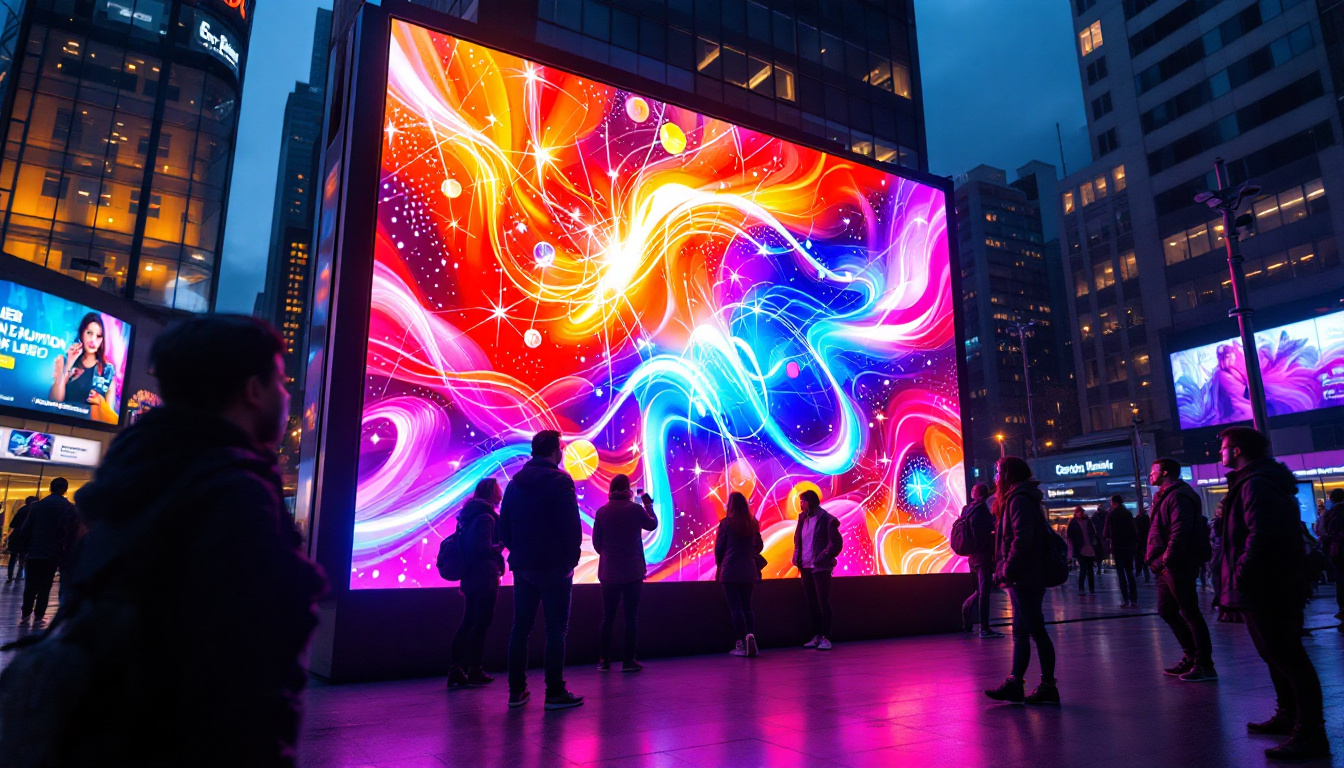
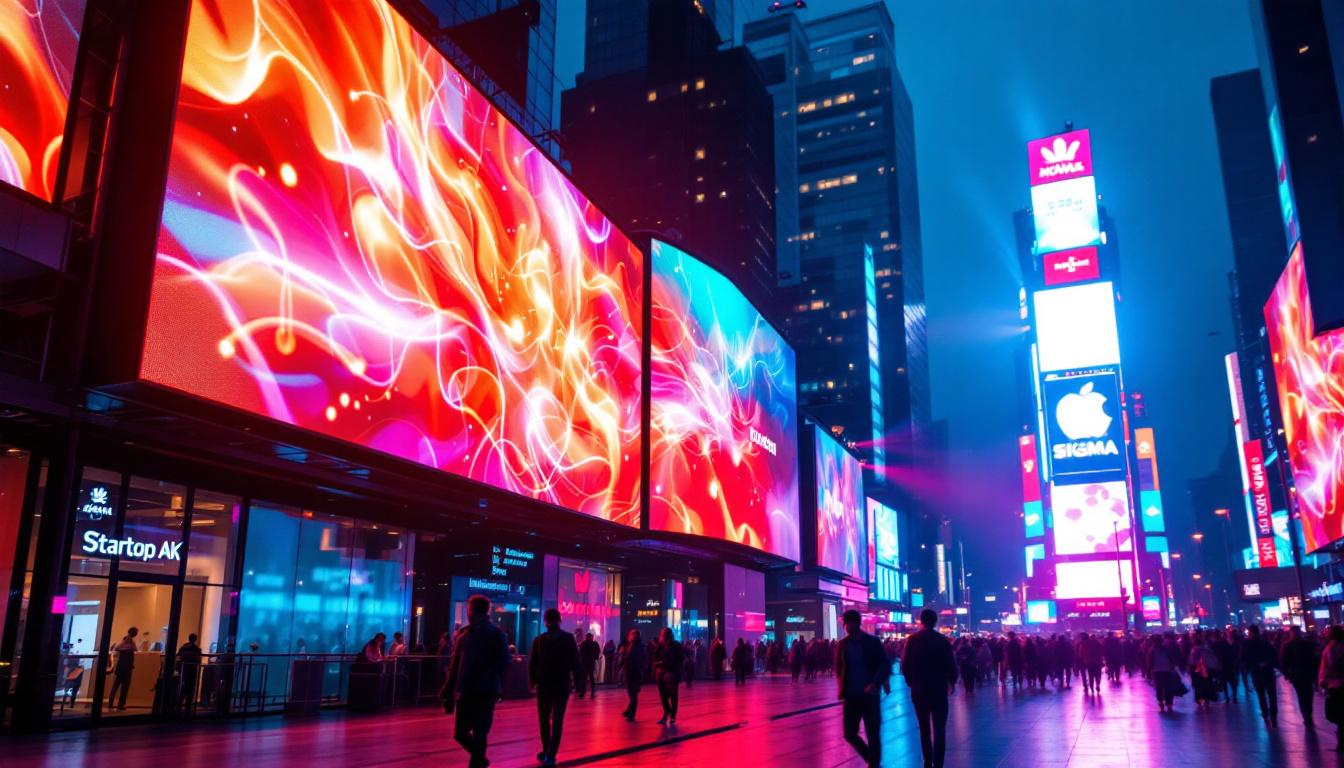
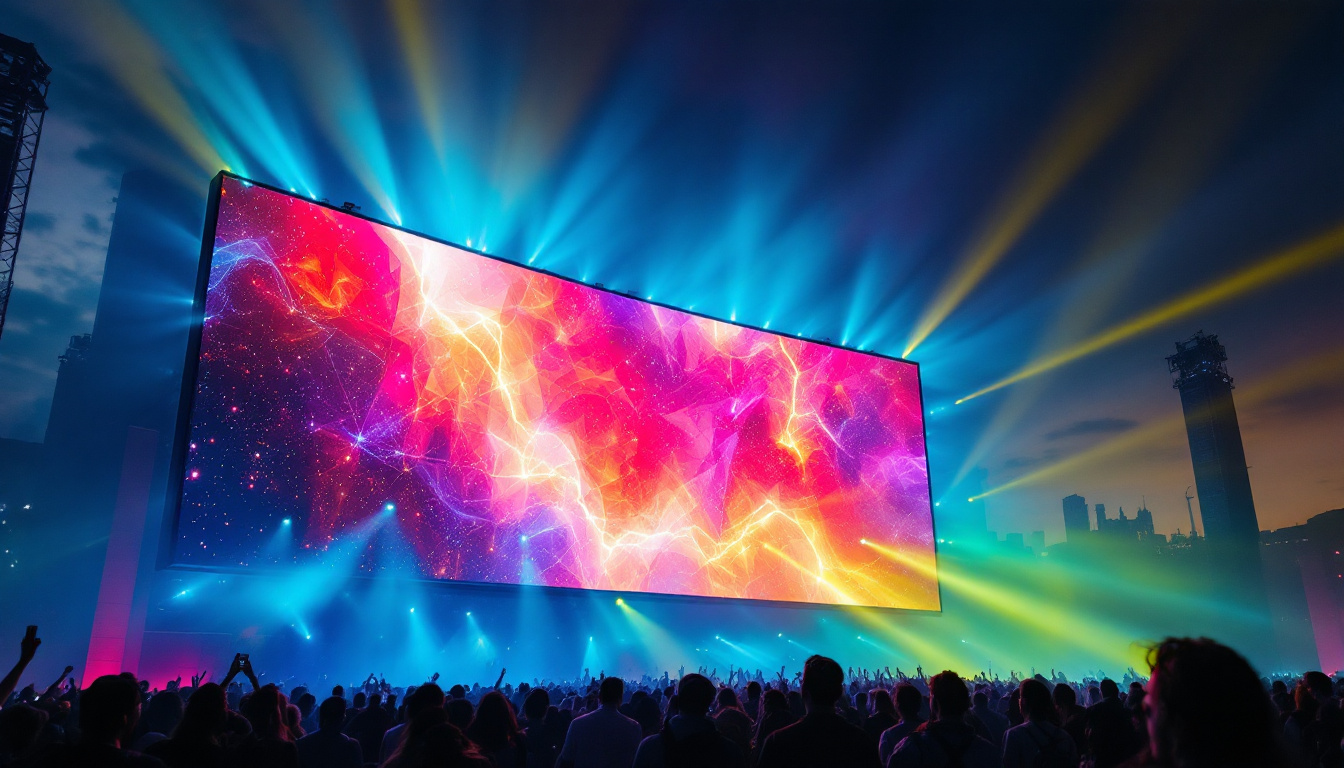
LED displays have become ubiquitous in contemporary architecture, serving both functional and aesthetic purposes. From digital signage in commercial buildings to dynamic facades on skyscrapers, LED technology offers versatility and energy efficiency. The ability to create vibrant, eye-catching visuals has transformed the way architects approach building design, allowing for a seamless blend of technology and artistry that captivates audiences and enhances the urban landscape.
Incorporating LED displays into a Revit model requires attention to detail, as these elements often have specific technical and spatial requirements. Understanding their characteristics and how to represent them accurately in BIM is essential for architects, engineers, and contractors alike. The integration of LED displays into architectural designs not only enhances visual communication but also contributes to the overall narrative of the space, making it a vital component in modern design practices.
Key Characteristics of LED Displays
LED displays vary widely based on several factors:
- Resolution: The number of pixels affects image clarity and viewing distance.
- Brightness: Measured in nits, brightness determines visibility in different lighting conditions.
- Size and Aspect Ratio: Physical dimensions must align with design constraints.
- Power Consumption: Energy efficiency is critical for sustainable building design.
- Mounting and Integration: Structural support and integration with building systems are vital considerations.
These parameters influence how LED displays are modeled and specified within Revit projects. Additionally, the choice of LED technology can impact the overall user experience. For example, high-resolution displays are ideal for close viewing areas, such as lobbies or retail spaces, where intricate details can be appreciated. Conversely, lower-resolution displays may suffice for large-scale advertising on building exteriors, where the primary goal is to capture attention from a distance. This strategic selection not only enhances the visual impact but also ensures that the displays serve their intended purpose effectively.
Moreover, the integration of LED displays into architectural design can also foster interactive experiences. Many modern installations incorporate sensors and responsive technologies that allow the displays to change based on user interaction or environmental factors. This capability opens up new avenues for engagement, transforming static architecture into dynamic environments that can adapt to the needs and preferences of their users. As architects continue to explore the potential of LED technology, the possibilities for innovation in architectural design are virtually limitless.
Modeling LED Displays Using the Type Selector in Revit
Effectively modeling LED displays in Revit hinges on leveraging the Type Selector to manage different display types. This approach promotes accuracy and flexibility, enabling designers to switch between various LED configurations without recreating elements.
Creating LED Display Families
To begin, designers typically develop custom family templates for LED displays. These families incorporate parameters that define key attributes such as pixel pitch, brightness, and dimensions. Using shared parameters ensures that these properties can be scheduled and coordinated throughout the project.
Once the family is created, multiple types can be defined within it, each representing a different LED display variant. For example, a family might include types for indoor and outdoor displays, each with distinct brightness levels and protective enclosures.
Utilizing the Type Selector for Efficient Design
With the LED display family loaded into a project, the Type Selector enables quick switching between types. This functionality is invaluable during design iterations or when adapting the model to client feedback. Instead of replacing the entire element, designers simply select the appropriate type from the dropdown menu, updating the display’s properties instantly.
This method also supports coordination with other disciplines. For example, electrical engineers can reference the LED display types to plan power requirements, while structural engineers can assess mounting needs based on the display’s weight and size.
Benefits of Using the Type Selector for LED Displays
Incorporating LED displays through the Type Selector in Revit offers several advantages that enhance project outcomes and collaboration.
Improved Accuracy and Consistency
By defining LED display types with precise parameters, the model maintains consistency across all instances. This reduces discrepancies between design intent and construction documentation, minimizing costly errors during installation.
Streamlined Project Management
The ability to manage multiple LED display types within a single family simplifies project organization. Schedules and quantity takeoffs become more accurate, aiding budgeting and procurement processes. Additionally, changes to a type propagate automatically to all instances, ensuring up-to-date documentation.
Enhanced Collaboration Across Disciplines
Clear and detailed LED display types facilitate better communication among architects, engineers, and contractors. Shared parameters and standardized types allow all stakeholders to understand the specifications and requirements, fostering smoother coordination and reducing rework.
Practical Examples of LED Display Integration in Revit Projects
To illustrate the application of the Type Selector for LED displays, consider the following real-world scenarios:
Digital Signage in Commercial Complexes
In a large shopping mall project, multiple LED display types are used for wayfinding, advertising, and informational purposes. Designers create a family with types representing different screen sizes and resolutions. Using the Type Selector, they place appropriate displays throughout the model, ensuring each location has the correct specifications for visibility and power supply.
Dynamic Building Facades
For an office tower featuring a dynamic LED facade, the design team develops a family with types that vary by pixel pitch and brightness to accommodate different facade zones. The Type Selector allows quick adjustments during design reviews, enabling the team to optimize visual impact and energy consumption based on environmental analysis.
Transportation Hubs
At an airport terminal, LED displays serve critical roles in passenger information systems. Families with types for indoor and outdoor displays are created, each with parameters for brightness and weather resistance. The Type Selector ensures that the correct display type is used in each location, supporting operational efficiency and passenger experience.
Tips for Optimizing LED Display Families and Types in Revit
Creating and managing LED display types effectively requires attention to best practices that enhance usability and performance within Revit.
Define Clear and Relevant Parameters
Include parameters that reflect real-world specifications such as pixel pitch, brightness, power consumption, and mounting details. Use shared parameters to enable consistent scheduling and data exchange.
Organize Types Logically
Name types clearly to indicate their key characteristics (e.g., “Outdoor 5mm 5000 nits”). This clarity aids selection and reduces confusion during collaboration.
Test Families in Project Environments
Load LED display families into sample projects to verify that types behave as expected. Check visibility, parameter reporting, and compatibility with linked models or other software.
Maintain Up-to-Date Documentation
Keep family files and type definitions current with manufacturer data and project requirements. Regular updates ensure accuracy and reliability throughout the project lifecycle.
Future Trends: LED Displays and BIM Integration
The integration of LED displays within BIM models is evolving alongside advancements in both technology and software capabilities. As smart buildings and IoT (Internet of Things) become more prevalent, LED displays are expected to play increasingly interactive roles.
Emerging trends include:
- Real-Time Data Integration: LED displays connected to building management systems for dynamic content based on occupancy, weather, or other factors.
- Enhanced Visualization: Improved 3D modeling and rendering of LED displays within Revit for more realistic presentations.
- Automated Specification Updates: Integration with manufacturer databases to automatically update display parameters and availability.
These developments will further emphasize the importance of robust Type Selector management to handle increasingly complex LED display configurations.
Conclusion
The Type Selector in Revit is a powerful feature that significantly enhances the modeling and management of LED displays within architectural projects. By leveraging custom families and well-defined types, designers can achieve greater accuracy, consistency, and efficiency. As LED technology continues to advance and integrate with smart building systems, mastering the use of the Type Selector for these elements will remain a critical skill for BIM professionals.
Understanding the nuances of LED display characteristics and applying them effectively in Revit ensures that projects not only meet aesthetic and functional goals but also align with sustainability and operational requirements. This comprehensive approach ultimately supports better design outcomes and smoother project delivery.
Discover LumenMatrix LED Display Solutions
Ready to elevate your architectural projects with the latest in LED display technology? Look no further than LumenMatrix, a pioneer in crafting visually stunning and technologically advanced LED displays. From vibrant Indoor and Outdoor LED Wall Displays to innovative solutions like Vehicle LED Displays and LED Transparent Displays, LumenMatrix offers a wide array of options to bring your designs to life. Embrace the future of visual communication and create immersive experiences that resonate with your audience. Check out LumenMatrix LED Display Solutions today and transform your space with unparalleled clarity and impact.