In today’s fast-evolving digital workspace, the importance of ergonomic and efficient monitor setups cannot be overstated. Whether you are a professional gamer, a graphic designer, or simply someone who spends hours in front of a computer, the way your monitor is positioned plays a crucial role in your comfort and productivity. This is where VESA monitor stands come into the picture, especially for LED displays which dominate the market due to their superior image quality and energy efficiency.
This article dives deep into what VESA monitor stands are, why they matter for LED displays, and how to choose the right one to optimize your workspace. Understanding these elements can transform your viewing experience and protect your health in the long run.
Understanding VESA: The Standard Behind Monitor Mounting
What is VESA?
VESA stands for the Video Electronics Standards Association, an international organization that sets standards for video and display interfaces. One of its most widely adopted standards is the VESA mount interface standard, which specifies the dimensions and mounting hole patterns on the back of monitors and TVs.
The VESA mount standard ensures compatibility between monitors and mounting hardware, such as stands, arms, and wall mounts. This standardization simplifies the process of upgrading or customizing your monitor setup, making it easier to find accessories that fit perfectly without guesswork.
Common VESA Mount Sizes
VESA mounting patterns are defined by the distance in millimeters between the mounting holes on the back of a monitor. The most common sizes include 75×75 mm and 100×100 mm for smaller monitors, and larger sizes like 200×200 mm or 400×400 mm for bigger displays. Knowing your monitor’s VESA pattern is essential when selecting a compatible stand or mount.
For example, a typical 24-inch LED monitor will usually have a 100×100 mm VESA pattern, while larger 32-inch or above monitors might use 200×200 mm or larger. Some ultra-wide or specialty monitors may have unique or proprietary mounting solutions, so checking the specifications is always recommended.
Why VESA Monitor Stands Matter for LED Displays
Ergonomics and Health Benefits
LED displays are favored for their slim profiles and excellent image quality, but their thin design often means they come with basic or fixed stands that limit adjustability. VESA monitor stands allow users to adjust height, tilt, swivel, and rotation, which is critical for maintaining proper posture and reducing eye strain, neck pain, and back discomfort.
According to a study published by the American Optometric Association, improper monitor height and angle can contribute to Computer Vision Syndrome (CVS), which affects nearly 60 million people worldwide. Adjustable VESA stands help position the LED display at eye level and at an optimal distance, significantly mitigating these risks.
Space Efficiency and Desk Organization
Another advantage of VESA-compatible stands is their ability to free up valuable desk space. Many VESA mounts come as arms or clamps that attach to the edge of a desk, lifting the monitor off the surface. This creates more room for keyboards, documents, or other work essentials, contributing to a cleaner and more organized workspace.
In environments like trading floors or creative studios where multiple monitors are used, VESA stands enable multi-monitor setups that are both efficient and aesthetically pleasing. This flexibility is particularly important given the rise of remote work and home offices, where space is often limited.
Enhanced Viewing Experience for LED Displays
LED monitors are known for their vibrant colors, high contrast ratios, and fast refresh rates. To fully appreciate these features, the display must be positioned correctly. VESA stands allow precise adjustments that reduce glare and reflections, which can otherwise degrade image quality and cause eye fatigue.
For gamers and professionals working with color-sensitive tasks such as photo or video editing, the ability to rotate the monitor into portrait or landscape mode is invaluable. VESA stands facilitate this flexibility, ensuring that the LED display’s capabilities are maximized.
Types of VESA Monitor Stands and Mounts
Desktop Stands
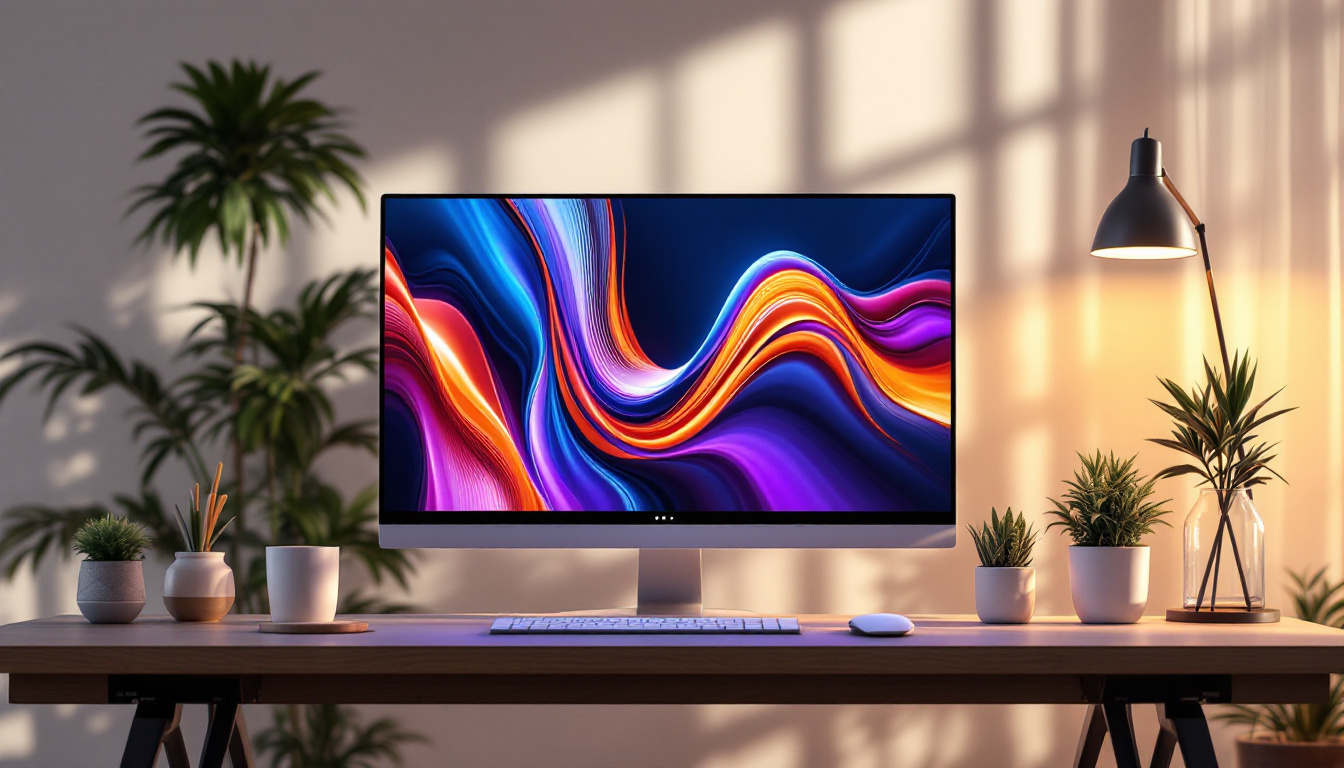
Desktop VESA stands are standalone units that sit on your desk and provide adjustable mounting points for your LED monitor. These stands often offer height adjustment, tilt, swivel, and sometimes rotation. They are ideal for users who want ergonomic benefits without modifying their desk or wall.
Many desktop stands come with cable management features, helping to keep cords organized and out of sight. This is particularly useful for LED displays, which often have multiple input cables such as HDMI, DisplayPort, and power cords.
Monitor Arms
Monitor arms are a popular choice for those looking to maximize desk space and flexibility. These arms clamp to the desk or are mounted through a grommet hole and allow extensive movement of the monitor, including height adjustment, tilt, swivel, and rotation. Some high-end arms even offer gas spring mechanisms for smooth and effortless repositioning.
Monitor arms are excellent for multi-monitor setups, enabling users to position displays side-by-side or stacked vertically. This adaptability is perfect for LED displays used in professional environments where screen real estate and ergonomics are paramount.
Wall Mounts
Wall-mounted VESA stands are ideal for permanent setups or where desk space is severely limited. These mounts attach the LED display directly to the wall, often with adjustable arms or tilting mechanisms to optimize viewing angles.
Wall mounts are common in public spaces, conference rooms, or minimalist home offices. They provide a clean, clutter-free look but require careful installation and consideration of wall strength and cable routing.
Choosing the Right VESA Monitor Stand for Your LED Display
Check Compatibility and Weight Limits
The first step in selecting a VESA stand is verifying compatibility with your LED monitor’s VESA pattern and weight. Most manufacturers list these specifications in the product manual or on their website. Choosing a stand that supports your monitor’s weight is crucial for safety and stability.
For example, a 27-inch LED monitor might weigh around 7 to 10 pounds, while larger 32-inch or 34-inch ultrawide monitors can weigh upwards of 15 pounds. Selecting a stand rated for slightly more than your monitor’s weight ensures durability and reduces the risk of accidents.
Consider Adjustability Features
Assess your ergonomic needs and workspace setup when choosing a stand. If you frequently change your sitting position or share your workspace, a stand with extensive adjustability (height, tilt, swivel, rotation) is beneficial. For users who prefer a fixed setup, a simpler stand might suffice.
Additionally, consider if you want a single monitor arm or a multi-monitor mount. Multi-monitor arms are designed to support two or more displays simultaneously, which is common in trading, programming, and design professions.
Material and Build Quality
Durability and aesthetics are important factors. High-quality VESA stands are typically made from steel or aluminum, offering stability and a premium look. Cheaper plastic stands might save money upfront but can lack rigidity and longevity.
Some stands also feature sleek finishes that complement modern LED monitors, such as matte black or silver, enhancing the overall appearance of your workspace.
Cable Management and Additional Features
Good cable management keeps your desk tidy and prevents cables from tangling or getting damaged. Many VESA stands incorporate channels or clips to route cables neatly along the arm or stand.
Other features to consider include quick-release mechanisms for easy monitor removal, integrated USB hubs for convenience, and compatibility with VESA standards beyond the typical 75×75 or 100×100 mm, especially for larger or specialty monitors.
Installation Tips and Best Practices
Preparing for Installation
Before installing a VESA monitor stand, ensure you have the correct tools, such as screwdrivers and possibly a drill if mounting on a wall. Clear your workspace and carefully read the instructions provided with the stand and monitor.
It’s advisable to have a second person assist with mounting, particularly for larger LED displays, to avoid damage or injury.
Mounting the Monitor
Begin by attaching the VESA mounting plate to the back of your LED monitor using the screws provided. Make sure the screws are snug but not overtightened to avoid damaging the monitor’s casing.
Next, attach the mounting plate to the stand or arm according to the manufacturer’s instructions. If using a desk clamp or grommet mount, secure it firmly to the desk surface.
Adjusting for Optimal Ergonomics
Once mounted, adjust the height so that the top of the screen is at or slightly below eye level. The monitor should be about an arm’s length away from your eyes, roughly 20 to 30 inches depending on screen size.
Tilt the screen slightly upward (10 to 20 degrees) to reduce glare and maintain a comfortable viewing angle. If your stand supports rotation, consider switching to portrait mode for coding, reading, or document editing tasks.
Maintaining Your Setup
Periodically check the tightness of screws and clamps to ensure the monitor remains secure. Clean the LED display with appropriate screen cleaners to maintain image clarity.
Adjust your monitor position as needed to accommodate changes in seating posture or lighting conditions throughout the day.
Conclusion: Enhancing Your LED Display Experience with VESA Monitor Stands
VESA monitor stands offer a practical and versatile solution for optimizing LED display setups. By adhering to standardized mounting patterns, they provide flexibility, ergonomic benefits, and aesthetic improvements that enhance productivity and comfort.
Choosing the right VESA stand involves understanding your monitor’s specifications, your workspace needs, and the features that will best support your daily tasks. Whether it’s a simple desktop stand, a dynamic monitor arm, or a sleek wall mount, investing in a quality VESA-compatible solution is a step toward a healthier, more efficient, and visually pleasing computing environment.
As LED technology continues to advance with higher resolutions, faster refresh rates, and improved color accuracy, pairing these displays with the right VESA monitor stand ensures you get the most out of your investment — both in terms of performance and well-being.
Discover the Perfect VESA Stand for Your LumenMatrix LED Display
Maximize the potential of your LED display with LumenMatrix’s innovative solutions. Elevate your visual experience and embrace the ergonomic flexibility that VESA monitor stands provide. Whether you’re looking to enhance brand visibility or create immersive environments, LumenMatrix has the ideal LED display technology for you. From indoor and outdoor walls to custom and transparent displays, the possibilities are endless. Check out LumenMatrix LED Display Solutions today and transform your space into a captivating visual journey.