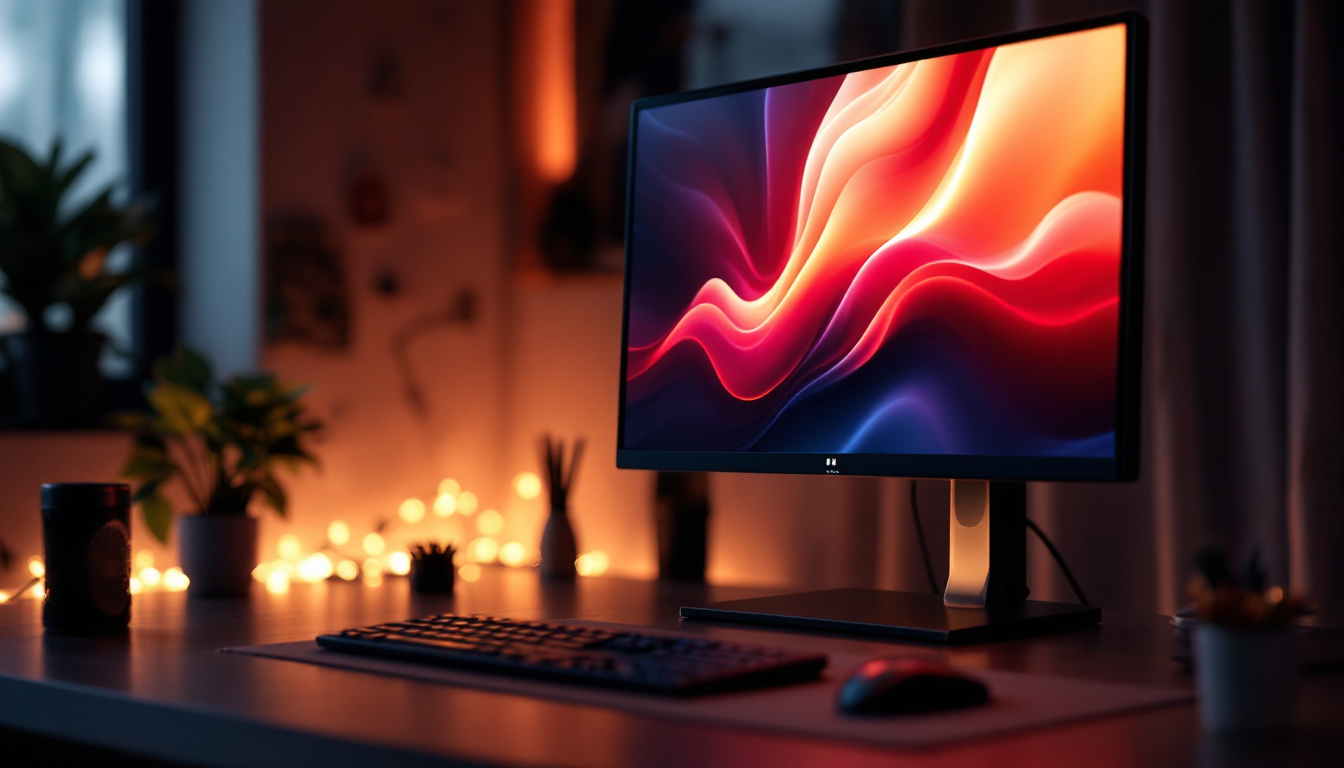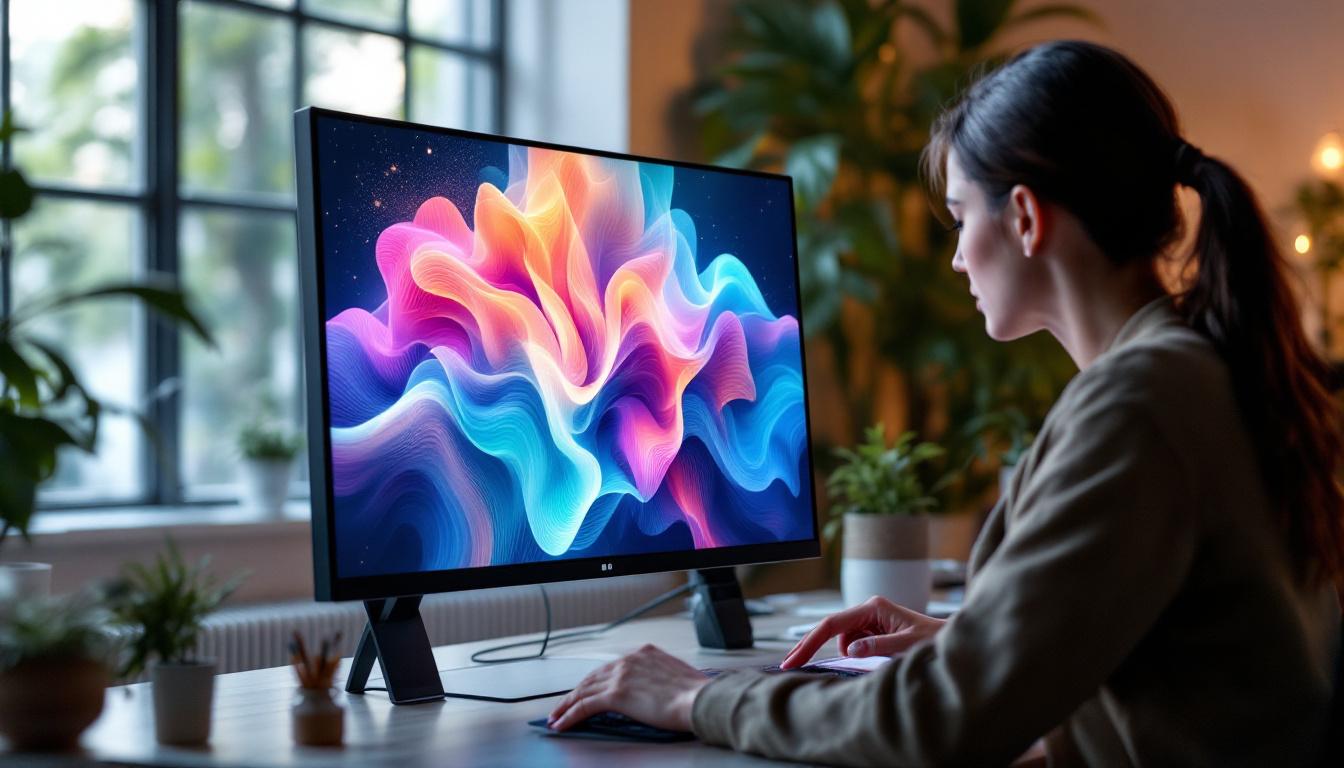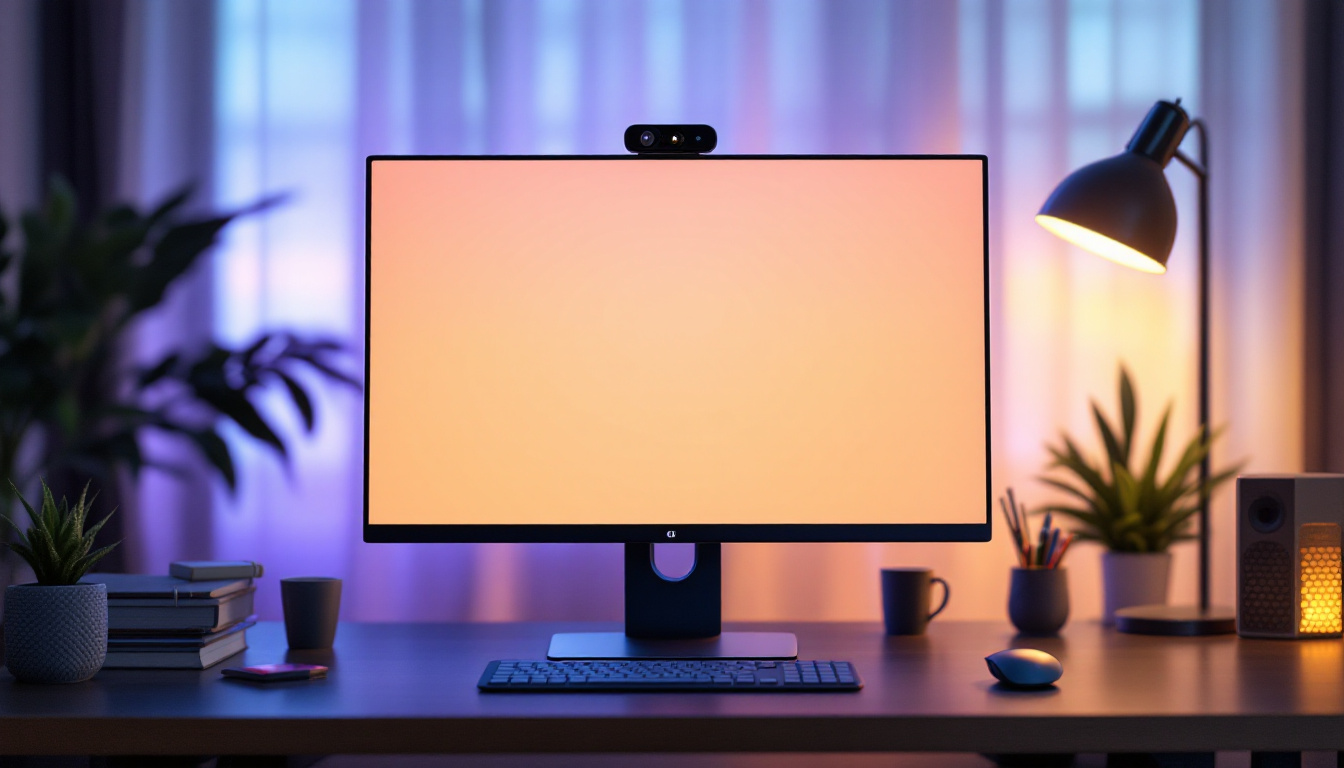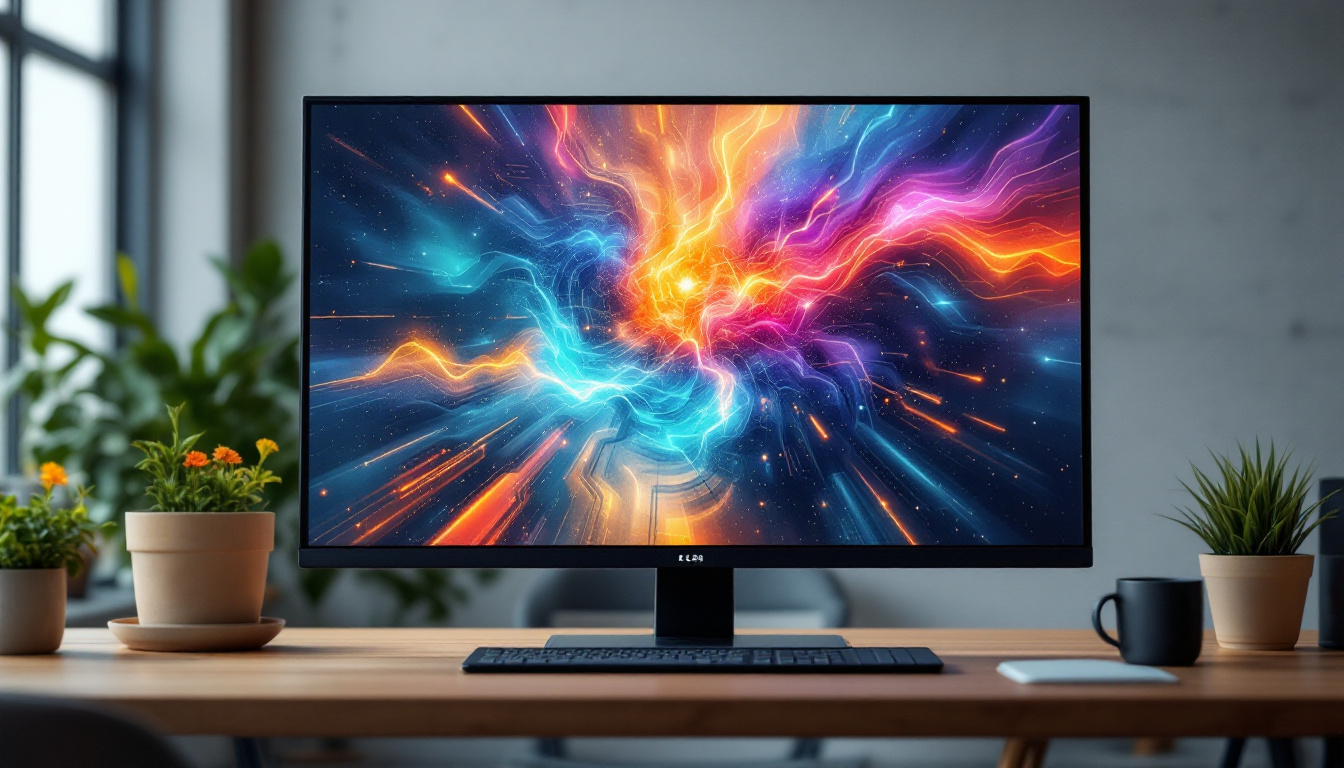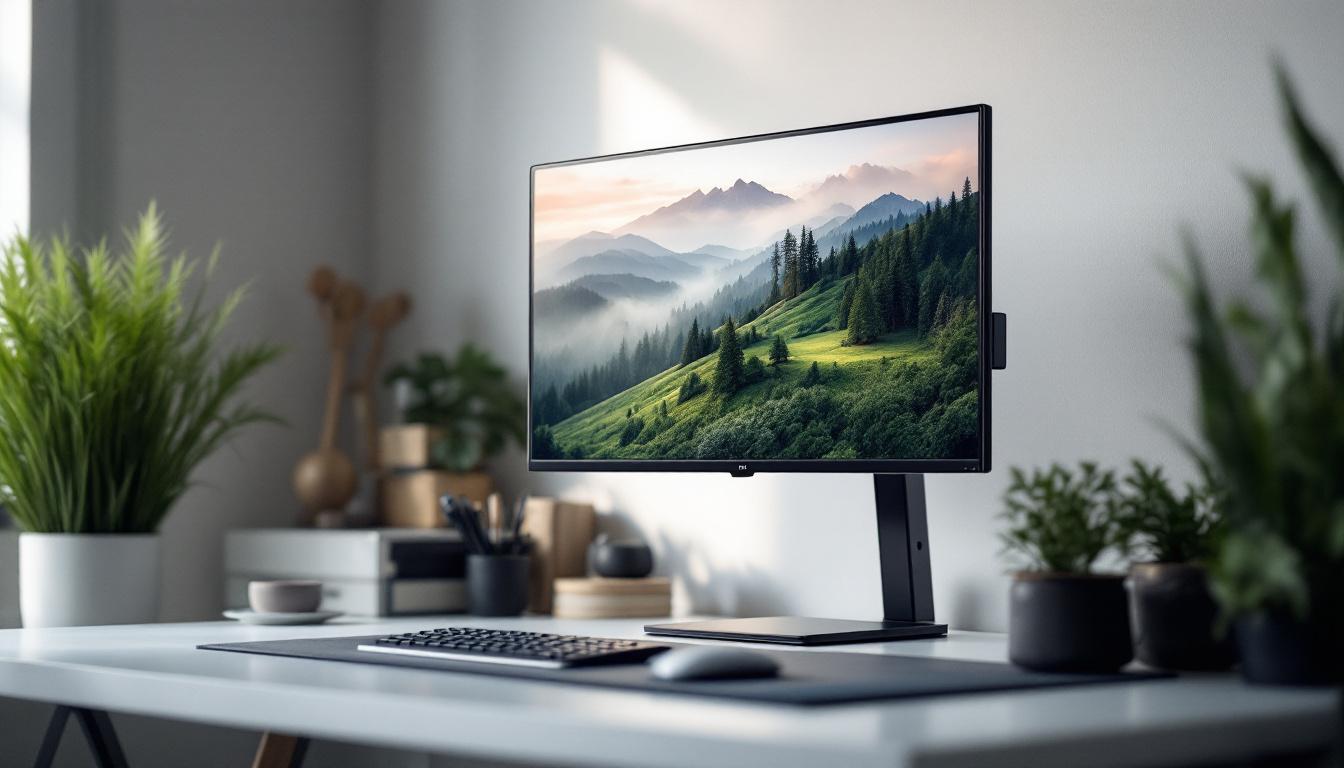
In today’s world of digital workspaces and immersive entertainment setups, the 32-inch monitor has become a popular choice for many users. Whether for professional tasks, gaming, or multimedia consumption, this size strikes a balance between screen real estate and desk space. However, to get the most out of a 32-inch LED monitor, the mounting solution is just as crucial as the display itself. This article delves into the essentials of VESA mounts for 32-inch monitors and explains the technology behind LED displays, helping users make informed decisions for their setups.
Understanding VESA Mounts: What They Are and Why They Matter
The term “VESA mount” refers to a standardized mounting interface established by the Video Electronics Standards Association (VESA). This standard ensures that monitors and mounting hardware are compatible, simplifying the process of attaching a monitor to a wall, desk arm, or other mounting systems.
For a 32-inch monitor, VESA compatibility is especially important because of the size and weight of the display. Without a proper mount, users risk instability, limited adjustability, and inefficient use of workspace. VESA mounts provide a secure, ergonomic, and aesthetically pleasing solution.
VESA Mount Patterns and Their Relevance to 32-Inch Monitors
VESA mount patterns are defined by the distance between the mounting holes on the back of the monitor, measured in millimeters. Common patterns include 75×75 mm, 100×100 mm, and larger sizes for bigger displays. Most 32-inch monitors use the 100×100 mm pattern, which strikes a good balance between sturdiness and compatibility with a wide range of mounts.
When selecting a mount, it’s crucial to check the VESA pattern of the monitor to ensure the mount supports it. Using a mount with the wrong pattern can lead to improper fitting, potential damage, or unsafe installation. Additionally, some monitors may come with a VESA adapter that allows for different mounting patterns, providing even more flexibility when choosing a mount.
Benefits of Using a VESA Mount for a 32-Inch Monitor
Mounting a 32-inch monitor with a VESA-compatible mount offers several advantages:
- Ergonomics: Adjusting the height, tilt, and rotation of the monitor reduces neck and eye strain, promoting better posture during extended use.
- Space Optimization: Freeing up desk space by elevating the monitor allows for a cleaner and more organized workspace.
- Flexibility: Many VESA mounts offer swivel and pivot options, enabling multi-monitor configurations or switching between landscape and portrait modes.
- Improved Aesthetics: A mounted monitor creates a sleek, modern look that enhances the overall workspace ambiance.
Moreover, VESA mounts can significantly enhance productivity, especially for professionals who rely on multiple applications or documents simultaneously. By allowing for adjustable positioning, users can create a customized viewing experience that minimizes distractions and maximizes focus. For instance, a tilted monitor can help reduce glare from overhead lighting, making it easier to view content without straining the eyes.
In addition to these practical benefits, VESA mounts can also contribute to better cable management. Many mounts come equipped with cable management systems that help keep cords organized and out of sight, reducing clutter and potential hazards in the workspace. This not only improves the overall look of the setup but also makes it easier to clean and maintain the area around the monitor.
Choosing the Right VESA Mount for Your 32-Inch LED Monitor
With numerous mounting options available, selecting the right VESA mount for a 32-inch LED monitor involves considering several factors beyond just the VESA pattern.
Weight Capacity and Build Quality
32-inch monitors typically weigh between 10 to 15 pounds (4.5 to 7 kg), depending on the model and features. It’s essential to select a mount that supports at least this weight, ideally with a buffer to ensure safety and durability over time.
Mounts constructed from high-quality materials such as steel or aluminum tend to offer better stability and longevity. Avoid plastic mounts for heavier monitors, as they may not provide sufficient support.
Mounting Style: Wall, Desk Clamp, or Freestanding
VESA mounts come in various styles, each suited to different user needs and environments:
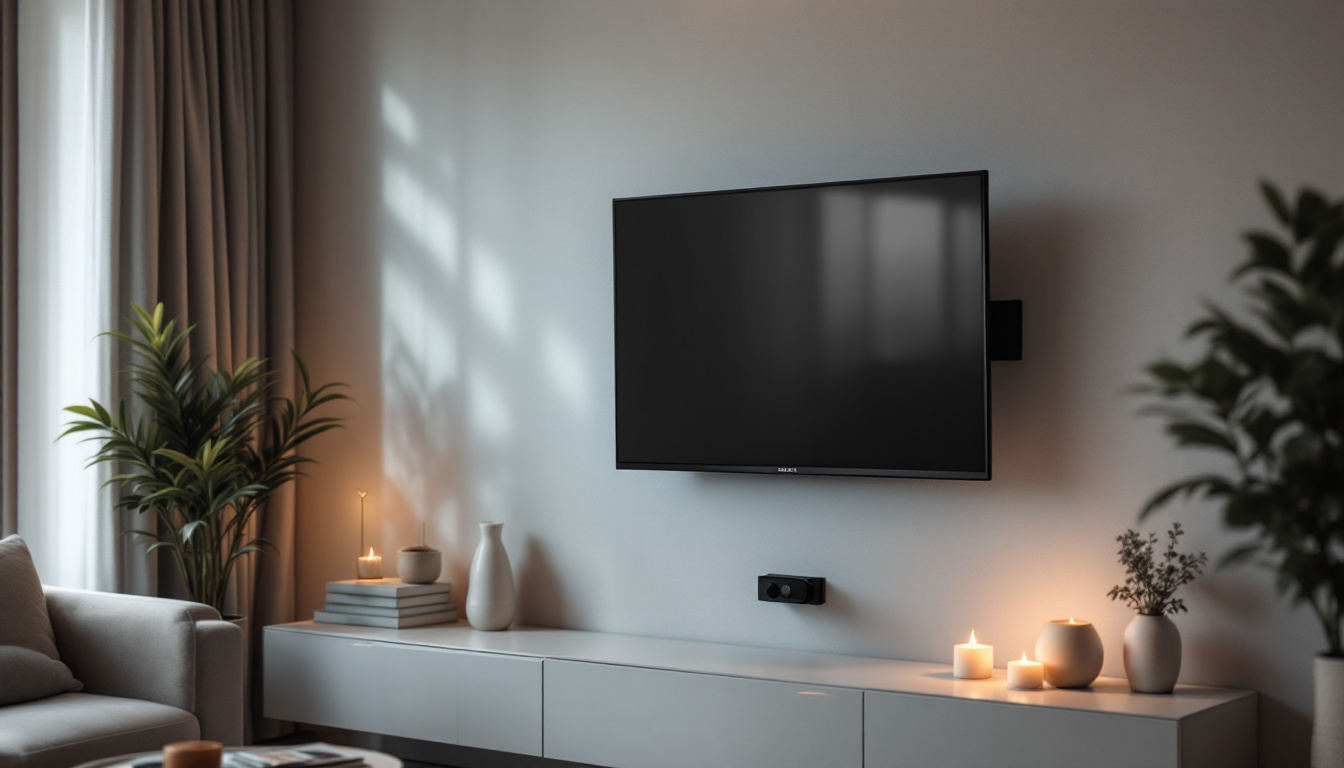
- Wall Mounts: Ideal for saving desk space and creating a minimalist setup. Wall mounts require proper wall anchors and installation but provide a sturdy and permanent solution.
- Desk Clamp Mounts: Attach to the edge of a desk, offering flexibility and easy repositioning without drilling holes. These are popular for home offices and gaming setups.
- Freestanding Mounts: Provide a stable base on the desk itself. They are less common for larger monitors but useful in situations where wall or desk mounting isn’t feasible.
Adjustability Features
Ergonomic adjustability is a key consideration. Look for mounts that offer:
- Height Adjustment: Allows the monitor to be positioned at eye level.
- Tilt: Enables changing the vertical angle to reduce glare and improve viewing comfort.
- Swivel: Permits horizontal rotation, useful in multi-monitor setups or collaborative work.
- Pivot: Allows switching between landscape and portrait orientations.
These features enhance usability and can significantly improve user comfort, especially during long working hours.
LED Display Technology: How It Works and Why It Matters for 32-Inch Monitors
While the VESA mount ensures proper placement and ergonomics, understanding the LED display technology itself is equally important. LED (Light Emitting Diode) displays have become the standard for monitors due to their efficiency, brightness, and color accuracy.
Basics of LED Display Technology
LED monitors use an array of light-emitting diodes as a backlight behind an LCD (Liquid Crystal Display) panel. This backlight illuminates the pixels, which are controlled to produce images. Compared to older CCFL (Cold Cathode Fluorescent Lamp) backlighting, LEDs offer several advantages:
- Energy Efficiency: LEDs consume less power, reducing electricity costs and environmental impact.
- Better Brightness and Contrast: LED backlighting provides brighter images and deeper blacks, enhancing picture quality.
- Thinner Panels: LED technology allows for slimmer and lighter monitors, contributing to sleek designs.
- Longer Lifespan: LEDs generally last longer than CCFLs, ensuring durability and reliability.
Types of LED Backlighting
There are two primary types of LED backlighting used in 32-inch monitors:
- Edge-Lit LED: LEDs are positioned along the edges of the screen, and light is diffused across the panel. This design allows for thinner monitors but may have uneven brightness in some cases.
- Full-Array LED: LEDs are distributed evenly behind the entire screen. This setup offers better uniformity and supports local dimming, which enhances contrast by dimming dark areas independently.
For users prioritizing image quality, full-array LED monitors typically provide superior performance, though they may come at a higher price point.
Why LED Display Quality Matters for a 32-Inch Monitor
At 32 inches, the monitor is large enough for detailed work such as graphic design, video editing, and gaming. High-quality LED displays ensure:
- Accurate Color Reproduction: Essential for creative professionals who require precise color matching.
- Sharp Resolution: Many 32-inch monitors offer 1440p (2560×1440) or even 4K (3840×2160) resolution, providing crisp images and ample screen real estate.
- Reduced Eye Strain: Features like flicker-free technology and blue light filters help protect eyes during prolonged use.
Choosing a monitor with advanced LED technology can significantly enhance the viewing experience and productivity.
Installation Tips and Best Practices for VESA Mounting a 32-Inch LED Monitor
Proper installation of a VESA mount is critical to ensure safety, stability, and optimal ergonomics. Here are some essential tips for mounting a 32-inch LED monitor:
Prepare Your Workspace and Tools
Gather all necessary tools such as a screwdriver, level, measuring tape, and the mounting hardware included with the mount. Clear the desk or area where the installation will take place to avoid accidents or damage.
Check the Monitor’s VESA Compatibility
Verify the VESA pattern on the back of the monitor and ensure it matches the mount’s specifications. Most 32-inch monitors use a 100×100 mm pattern, but it’s always best to confirm.
Follow Manufacturer Instructions Carefully
Each mount comes with detailed installation instructions. Adhering to these guidelines ensures the mount is securely attached and functions as intended. When mounting on a wall, ensure the wall type can support the monitor’s weight and use appropriate anchors.
Adjust for Ergonomics After Installation
Once mounted, adjust the height, tilt, and swivel to position the monitor at eye level and reduce glare. The ideal monitor height aligns the top of the screen with the user’s eye level, promoting a natural neck posture.
Regularly Inspect the Mount and Monitor
Periodically check the mount’s screws and fittings to ensure they remain tight and secure. This maintenance prevents accidents and prolongs the lifespan of both the mount and the monitor.
Conclusion: Maximizing Your 32-Inch LED Monitor Experience with VESA Mounts
Choosing a 32-inch LED monitor is a step toward an enhanced digital experience, whether for work or entertainment. However, the benefits of a high-quality display can only be fully realized when paired with an appropriate mounting solution. VESA mounts provide the versatility, stability, and ergonomic benefits necessary to optimize your setup.
Understanding the VESA standard, selecting a mount that supports the monitor’s size and weight, and appreciating the nuances of LED display technology are all vital in making the best choice. Proper installation and adjustment further ensure comfort and safety, allowing users to enjoy the full potential of their 32-inch LED monitors.
By investing time and attention into these factors, users can create a workspace or gaming station that is not only visually impressive but also comfortable and efficient.
Enhance Your Visual Experience with LumenMatrix
Ready to take your 32-inch LED monitor setup to the next level? LumenMatrix is at the forefront of LED display innovation, offering a wide array of solutions that transform any space into a dynamic visual environment. From Indoor LED Wall Displays to Custom LED Displays, our products are designed to deliver unparalleled brand visibility and audience engagement. Elevate your workspace, gaming area, or commercial setting with our cutting-edge LED technology. Check out LumenMatrix LED Display Solutions today and experience the future of visual communication.