In today’s digital age, LED displays have become an integral part of how we consume visual content, from massive outdoor billboards to vibrant indoor screens. Understanding how video content translates into individual images or frames—such as PNG files—is essential for professionals working in media production, digital signage, and display technology. This article delves into the technical and practical aspects of converting video to PNG images within the context of LED displays, exploring the technology behind LEDs, the significance of frame extraction, and the applications of such conversions.
Understanding LED Display Technology
What is an LED Display?
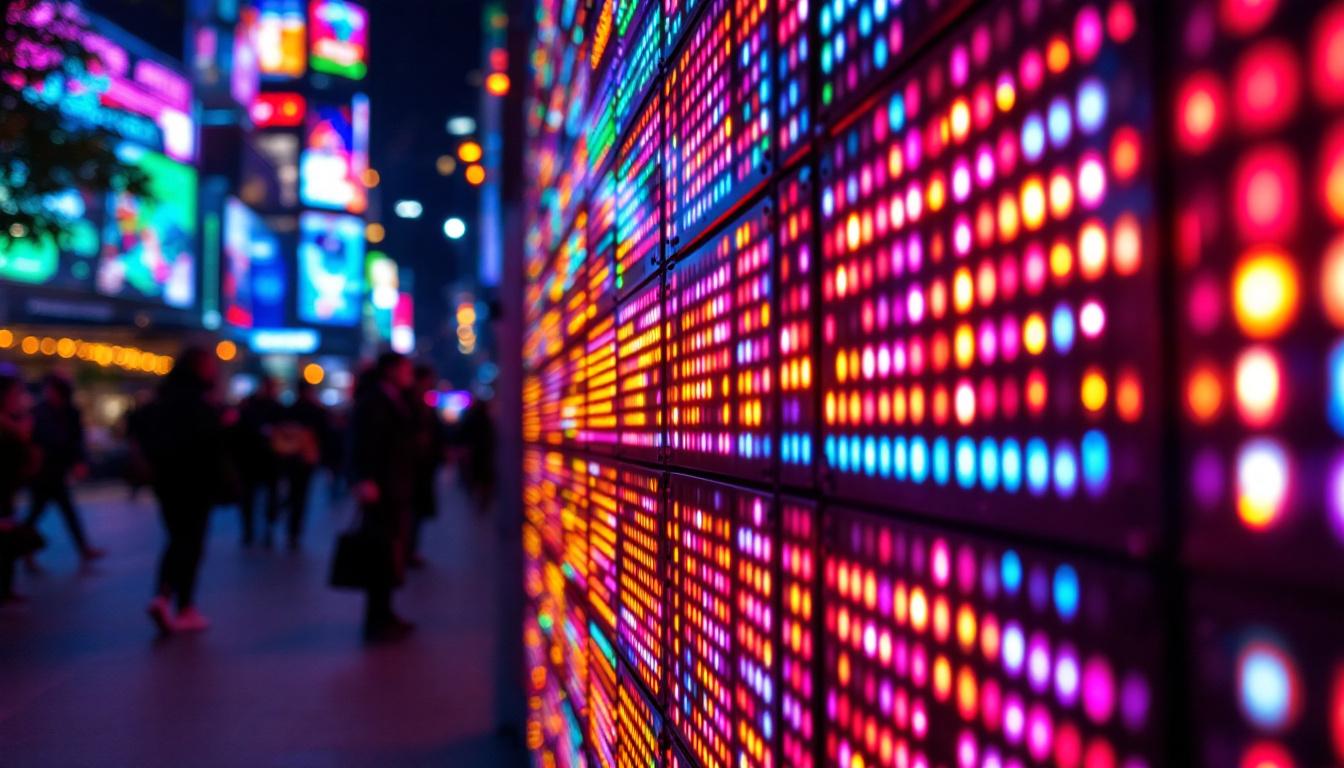
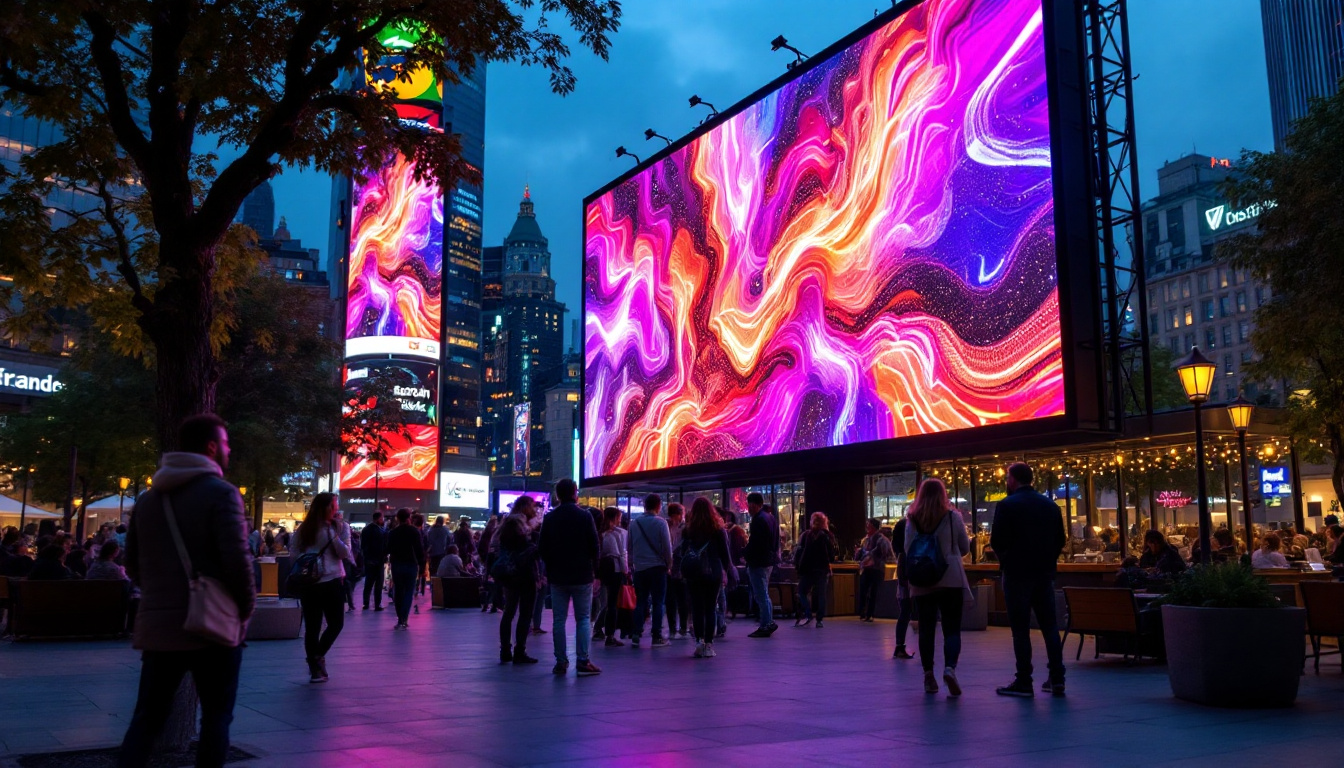
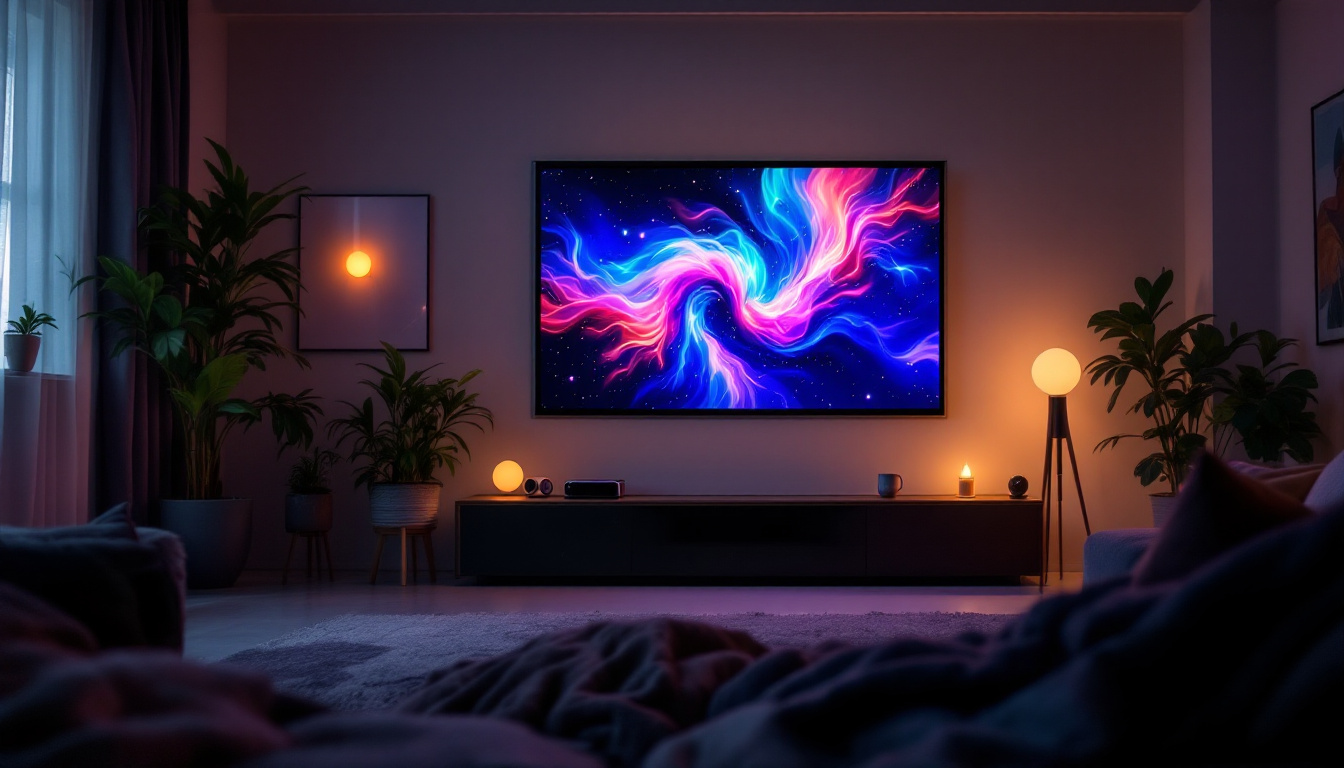
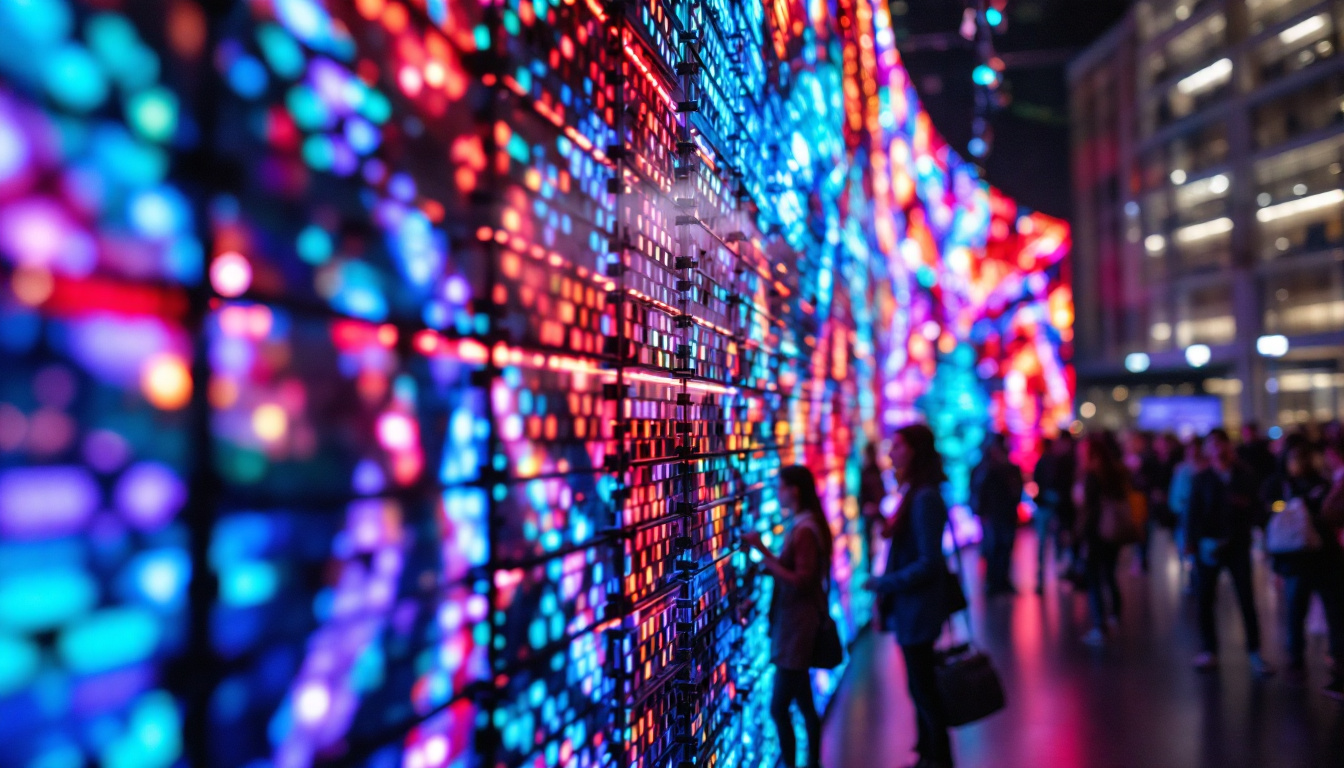
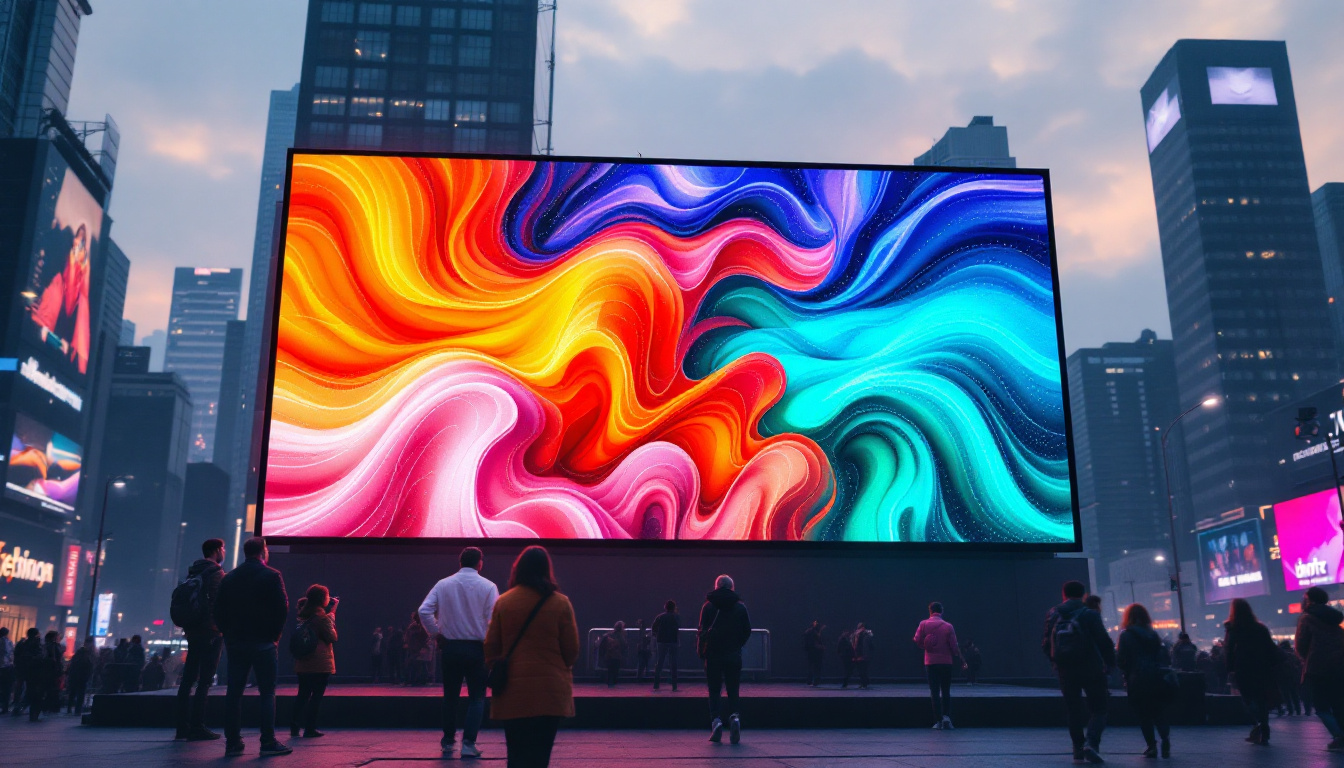
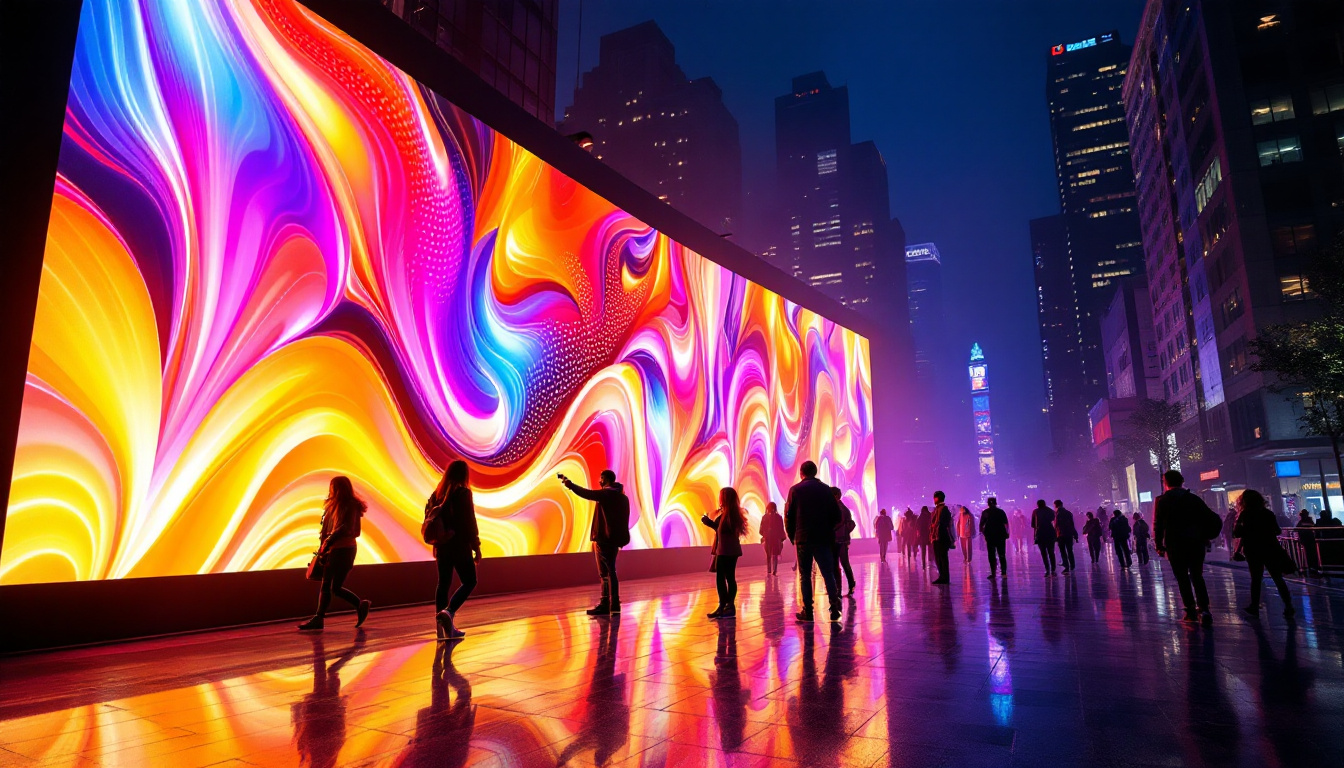
LED stands for Light Emitting Diode, a semiconductor device that emits light when an electric current passes through it. An LED display is a flat panel display that uses an array of LEDs as pixels to create images. These displays are widely used for advertising, information dissemination, and entertainment due to their brightness, energy efficiency, and durability. The versatility of LED displays also extends to various applications, from large-scale billboards to smaller screens in retail environments, where they can attract customers with vibrant visuals.
Unlike traditional LCD or plasma screens, LED displays can be scaled to very large sizes without losing image quality. This scalability makes them ideal for stadiums, shopping malls, and outdoor environments where visibility from a distance is crucial. The technology behind LED displays involves controlling each diode’s brightness and color to form a cohesive image. Furthermore, advancements in LED technology have led to the development of flexible and transparent displays, opening up new possibilities in design and functionality, allowing for creative installations that blend seamlessly into their surroundings.
How LED Displays Work
Each pixel on an LED display is composed of red, green, and blue LEDs. By adjusting the intensity of these three colors, the display can produce a wide spectrum of colors. The control system rapidly switches the LEDs on and off to render video content frame by frame, creating the illusion of continuous motion. This capability is enhanced by the use of sophisticated pixel mapping techniques, which ensure that images are displayed accurately and with high fidelity, regardless of the content being shown.
Modern LED displays use advanced driving circuits and software algorithms to manage color accuracy, brightness uniformity, and refresh rates. The refresh rate, typically ranging from 60Hz to 240Hz or higher, determines how many times per second the display updates its image. This is crucial for smooth video playback and reducing flicker, especially in high-motion content. Additionally, many LED displays now incorporate smart technology, allowing for real-time adjustments based on ambient light conditions, which optimizes visibility and energy consumption. This integration of smart features not only enhances user experience but also contributes to the sustainability of LED technology in various environments.
Video to PNG Conversion: The Basics
What Does Converting Video to PNG Mean?
Video files consist of a sequence of frames displayed rapidly to create motion. Each frame is essentially a still image. Converting video to PNG involves extracting these individual frames and saving them as Portable Network Graphics (PNG) files, which are lossless image files known for their high quality and support for transparency.
This process is particularly useful for analyzing specific frames, creating thumbnails, or repurposing video content for static displays. PNG files maintain the integrity of the original frame’s color and detail, making them ideal for professional use cases where image quality is paramount.
Why Use PNG Format?
PNG is favored over other image formats like JPEG or GIF for several reasons. It supports lossless compression, meaning no image data is lost during the conversion process. This ensures that the extracted frames retain their original quality, which is crucial when dealing with high-resolution LED content.
Additionally, PNG supports transparency, enabling designers to overlay extracted images onto different backgrounds without visual artifacts. This flexibility is valuable in digital signage and multimedia presentations where layering elements is common.
Technical Aspects of Extracting PNG Frames from Video
Frame Rate and Resolution Considerations
When extracting PNG frames from video, understanding the video’s frame rate and resolution is essential. Frame rate determines how many frames per second (fps) are extracted. For example, a 30fps video contains 30 frames each second. Extracting every frame can result in thousands of images for a short video, which might be unnecessary for most applications.
Choosing the right extraction interval depends on the intended use. For detailed analysis or high-quality archival, extracting every frame is ideal. For simpler tasks like creating thumbnails or previews, extracting every tenth or twentieth frame may suffice.
Resolution is equally important. The extracted PNG images will have the same resolution as the original video frames. High-resolution videos produce large image files, which require more storage and processing power but offer superior detail—critical for LED displays where clarity is paramount.
Tools and Software for Conversion
Several tools facilitate video-to-PNG conversion, ranging from command-line utilities to professional video editing software. One of the most popular and versatile tools is FFmpeg, an open-source multimedia framework capable of extracting frames with precise control over frame rate, resolution, and output format.
For example, a command like ffmpeg -i input.mp4 -vf fps=1 output_%04d.png extracts one frame per second from the video and saves it as sequential PNG files. This level of customization allows users to tailor the extraction process to their project’s needs.
Other software options include Adobe Premiere Pro, DaVinci Resolve, and specialized frame grabbers that offer graphical interfaces and additional editing features. Choosing the right tool depends on the user’s technical expertise and project complexity.
Applications of Video to PNG Conversion in LED Displays
Content Creation and Editing
Extracting PNG frames from video is invaluable in content creation for LED displays. Designers often need to isolate specific frames to edit or enhance them individually. For example, a marketing team might extract a high-impact frame from a promotional video to use as a static advertisement on an LED billboard.
PNG images can be edited in graphic design software to adjust colors, add text, or apply effects before being re-imported into video sequences or directly displayed. This flexibility streamlines the content creation workflow and ensures that visuals are optimized for the LED medium.
Quality Control and Troubleshooting
In the LED display industry, quality control is critical. Extracting frames as PNG images allows technicians to inspect individual frames for color accuracy, pixel defects, or synchronization issues. This granular level of analysis helps identify problems that may not be visible during continuous video playback.
For example, if an LED screen is showing color inconsistencies or flickering, extracting and examining specific frames can pinpoint whether the issue lies in the source content or the display hardware. This diagnostic approach saves time and resources in maintenance and repair.
Archiving and Documentation
Archiving video content as a series of PNG images provides a robust method for preserving visual data. Unlike compressed video formats, PNG sequences maintain every detail, making them suitable for long-term storage and future-proofing digital assets.
Documentation of LED display content is also enhanced by frame extraction. Event organizers or broadcasters can create detailed visual records of what was displayed, which can be referenced for legal, marketing, or historical purposes.
Challenges and Best Practices
Managing Large File Sizes
One of the main challenges when converting video to PNG, especially at high resolutions and frame rates, is the sheer volume of data generated. PNG files are larger than compressed video frames, leading to significant storage requirements.
To manage this, users should carefully select extraction parameters, such as frame intervals and resolution scaling, to balance quality and file size. Employing efficient storage solutions and file management practices is also essential for handling large PNG sequences.
Ensuring Color Accuracy
Color fidelity is crucial in LED displays, where vibrant and accurate colors impact viewer experience. When extracting frames, it is important to maintain consistent color profiles and avoid color space conversions that may degrade image quality.
Using software that supports color management and working within the native color space of the video source helps preserve the intended appearance. Calibration of LED displays in conjunction with content preparation ensures that the final output matches design expectations.
Optimizing Workflow Integration
Integrating video-to-PNG conversion into existing workflows requires careful planning. Automation scripts and batch processing can streamline frame extraction, especially for large projects or ongoing content updates.
Collaboration between video editors, graphic designers, and LED technicians is essential to ensure that extracted frames meet technical specifications and creative goals. Clear communication and standardized file naming conventions enhance efficiency and reduce errors.
The Future of LED Displays and Video Frame Extraction
Advancements in LED Technology
LED display technology continues to evolve rapidly. Innovations such as microLED and miniLED promise higher resolution, better contrast, and improved energy efficiency. These advancements will increase the demand for high-quality content preparation, including precise frame extraction and image optimization.
As displays become more sophisticated, the ability to manipulate video content at the frame level will become even more important. Enhanced software tools and AI-driven image processing will facilitate more efficient and creative uses of video-to-PNG conversion.
Integration with AI and Machine Learning
Artificial intelligence and machine learning are beginning to play a role in video processing. Automated frame selection, quality enhancement, and real-time error detection can improve the efficiency and accuracy of converting video to PNG images for LED displays.
These technologies will enable dynamic content adaptation, where LED displays can adjust visuals based on environmental conditions or viewer engagement, using extracted frames as building blocks for responsive media.
Conclusion
Converting video to PNG images is a powerful technique that intersects with the growing field of LED display technology. By understanding the fundamentals of LED displays, the technical nuances of frame extraction, and the practical applications of PNG images, professionals can enhance content quality, streamline workflows, and ensure optimal visual experiences.
As LED technology advances and content demands evolve, mastering video-to-PNG conversion will remain a valuable skill for media creators, technicians, and marketers alike. Embracing best practices and leveraging emerging tools will unlock new possibilities in digital display innovation.
Explore Cutting-Edge LED Solutions with LumenMatrix
Ready to elevate your visual content with the latest in LED display technology? LumenMatrix is at the forefront of innovation, offering a wide range of LED display solutions tailored to your needs. Whether you’re looking for Indoor LED Walls, Outdoor Displays, or specialized options like Vehicle Displays and Transparent LED, we have the tools to transform your space and captivate your audience. Discover how our state-of-the-art LED modules can enhance your brand visibility and create unforgettable visual experiences. Check out LumenMatrix LED Display Solutions today and join the revolution in visual communication.