In today’s workspace and home office setups, the demand for larger, high-quality monitors continues to rise. Among these, the 34-inch ultrawide monitors stand out for their immersive viewing experience and productivity benefits. However, to maximize their potential, proper mounting solutions are essential. This article delves into the nuances of wall mounting a 34-inch LED monitor, exploring the technical aspects, benefits, and practical considerations involved.
Understanding the 34 Inch LED Monitor: Why Size and Display Matter
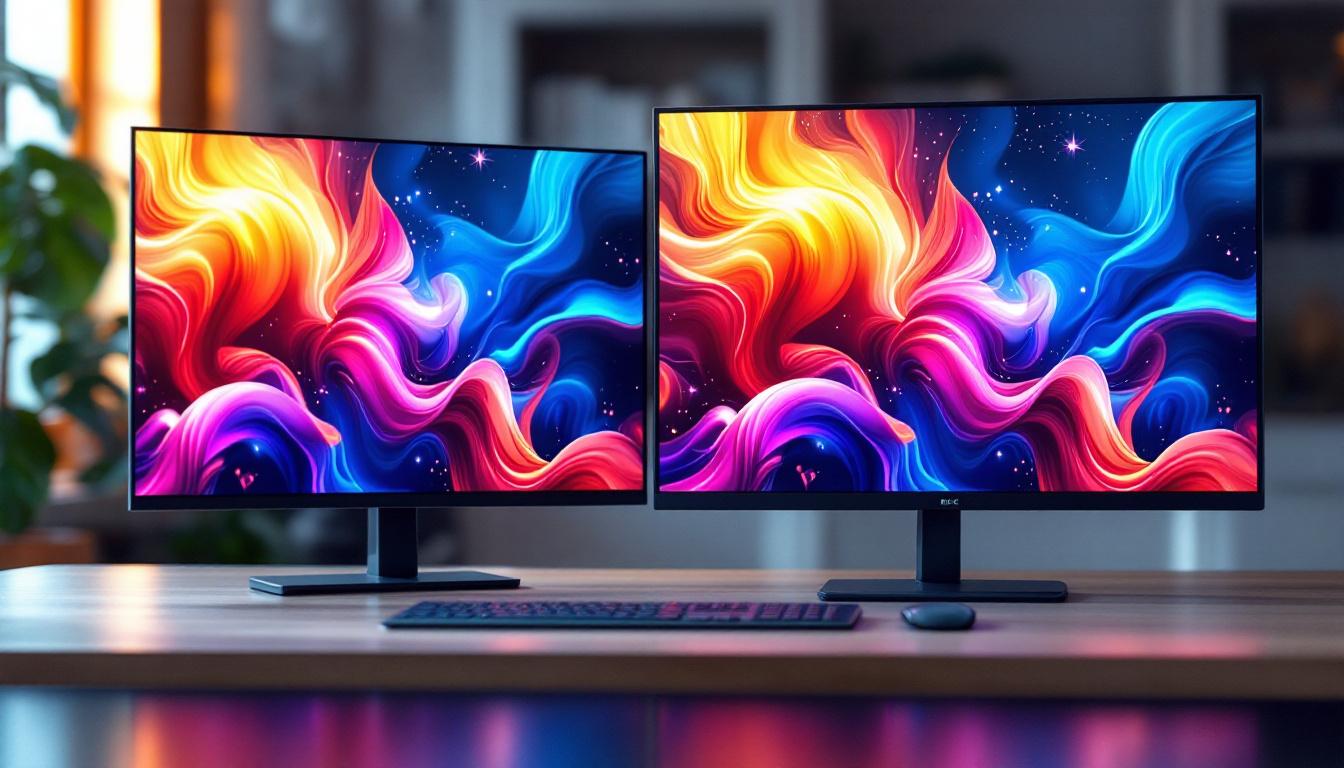
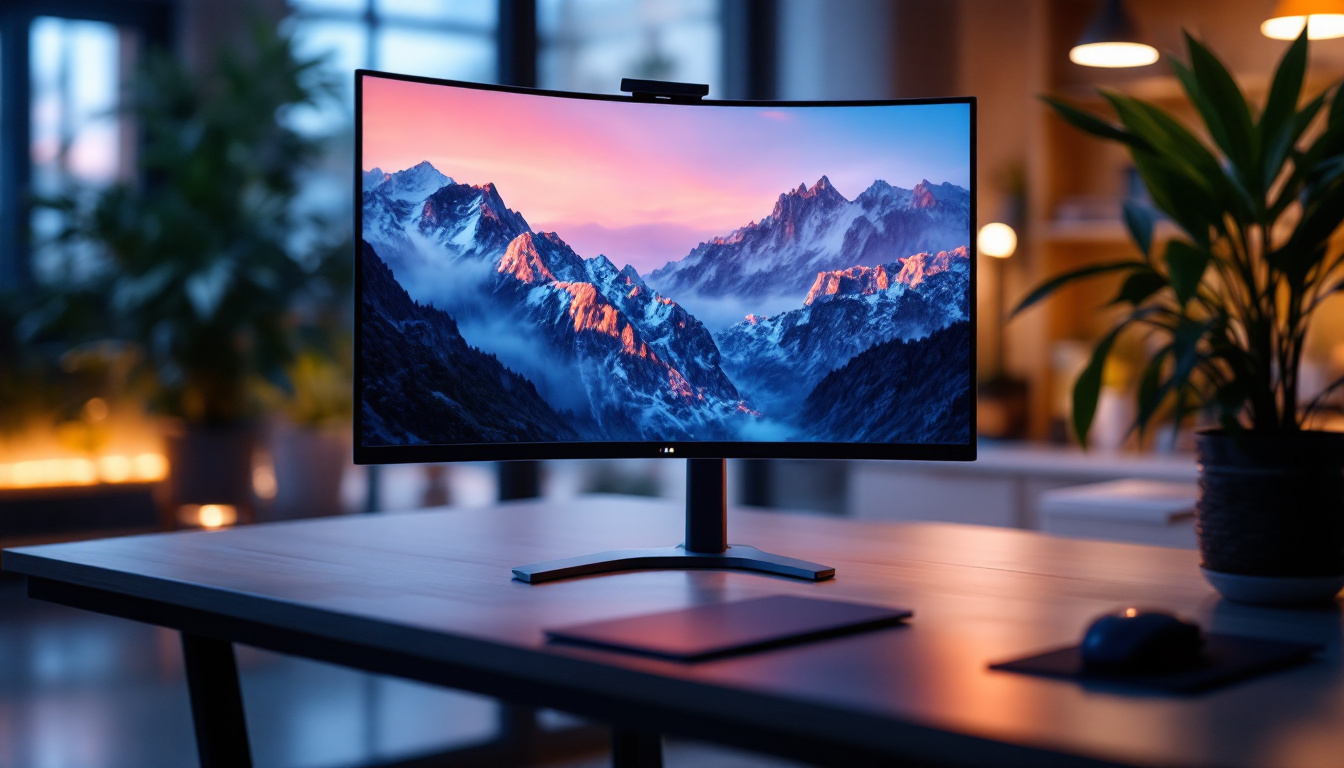
The 34-inch monitor size has gained popularity due to its perfect balance between screen real estate and desk space efficiency. Unlike traditional 16:9 aspect ratio monitors, many 34-inch displays utilize a 21:9 ultrawide format, offering approximately 33% more horizontal space. This makes them ideal for multitasking, video editing, gaming, and immersive media consumption. The extra width allows users to have multiple windows open side by side, enhancing productivity by reducing the need to switch between applications constantly. For gamers, this expansive view can create a more immersive experience, allowing for a wider field of vision that can be crucial in competitive gaming scenarios.
LED (Light Emitting Diode) technology is the backbone of these monitors, providing vibrant colors, high contrast ratios, and energy efficiency. Modern LED displays often incorporate IPS (In-Plane Switching) panels, which enhance color accuracy and viewing angles—a critical factor for professionals in creative industries. The color reproduction capabilities of these monitors can significantly impact graphic design and video editing, where true-to-life colors are essential. Additionally, many of these monitors come with features like HDR (High Dynamic Range) support, further enhancing the viewing experience by delivering deeper blacks and brighter whites, making them perfect for watching movies or playing visually stunning games.
When considering a wall mount for such a monitor, it’s important to understand the display’s dimensions and weight. A typical 34-inch ultrawide LED monitor weighs between 12 to 20 pounds (5.4 to 9 kg), depending on the model and build materials. The thickness of the panel also varies, with some ultra-thin designs requiring specialized mounting brackets. Furthermore, it’s essential to ensure that the wall mount is rated to support the monitor’s weight and size, as well as to provide the necessary tilt and swivel adjustments for optimal viewing angles. Proper mounting not only saves desk space but also enhances ergonomics, allowing users to position their monitor at eye level, reducing neck strain during long hours of work or gaming.
In addition to physical considerations, connectivity options are another crucial aspect of choosing a 34-inch LED monitor. Many of these monitors come equipped with multiple ports, including HDMI, DisplayPort, and USB-C, allowing for versatile connections to various devices such as laptops, gaming consoles, and external storage. This flexibility is particularly beneficial for users who frequently switch between devices or require a multi-monitor setup for enhanced productivity. Moreover, some models include built-in USB hubs, making it easier to connect peripherals like keyboards, mice, and external drives without cluttering the workspace with additional cables. The combination of size, display technology, and connectivity options makes the 34-inch LED monitor a compelling choice for both casual users and professionals alike.
Benefits of Wall Mounting a 34 Inch Monitor
Ergonomics and Health Advantages
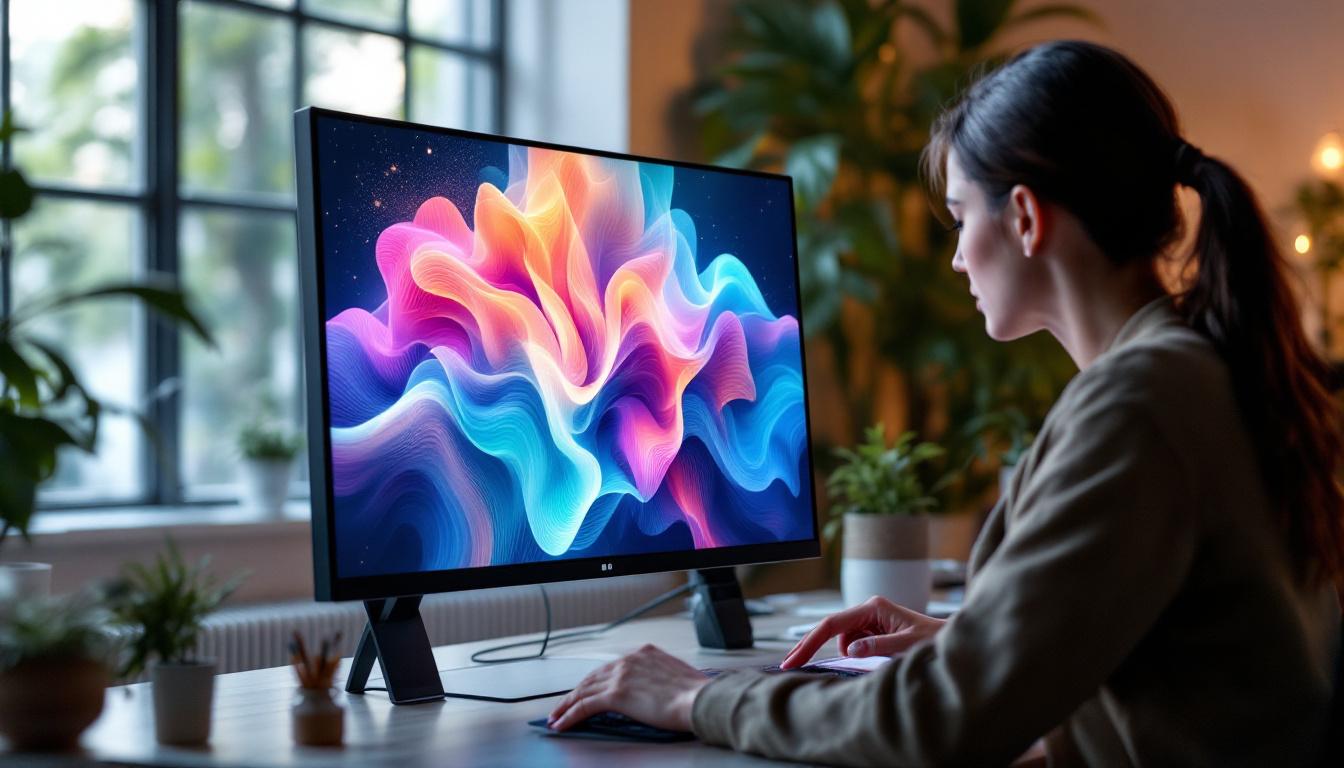
One of the primary reasons for wall mounting a monitor is to improve ergonomics. Positioning the screen at eye level reduces neck strain and encourages better posture. For a 34-inch ultrawide display, which often replaces dual-monitor setups, proper height and distance adjustments are crucial to avoid eye fatigue during extended use.
Wall mounting allows users to customize the monitor’s height, tilt, and sometimes swivel, enabling a comfortable viewing angle. This adaptability can significantly reduce the risk of musculoskeletal issues that arise from poor workstation setup.
Space Optimization
Desk space is a premium commodity, especially in small home offices or compact work environments. By mounting a 34-inch monitor on the wall, users free up valuable surface area for other essentials like keyboards, documents, or additional peripherals. This decluttering effect contributes to a cleaner, more organized workspace, which has been linked to increased productivity and reduced stress.
Aesthetic and Practical Considerations
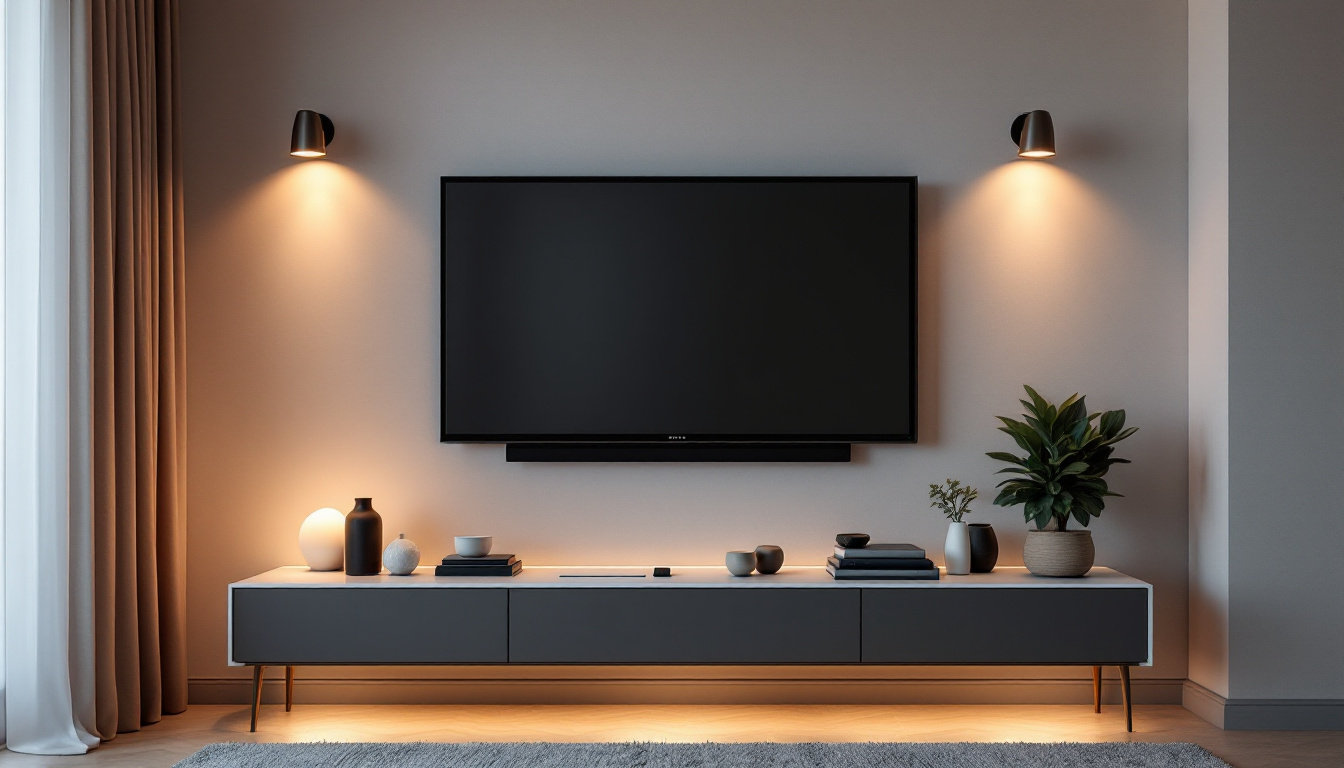
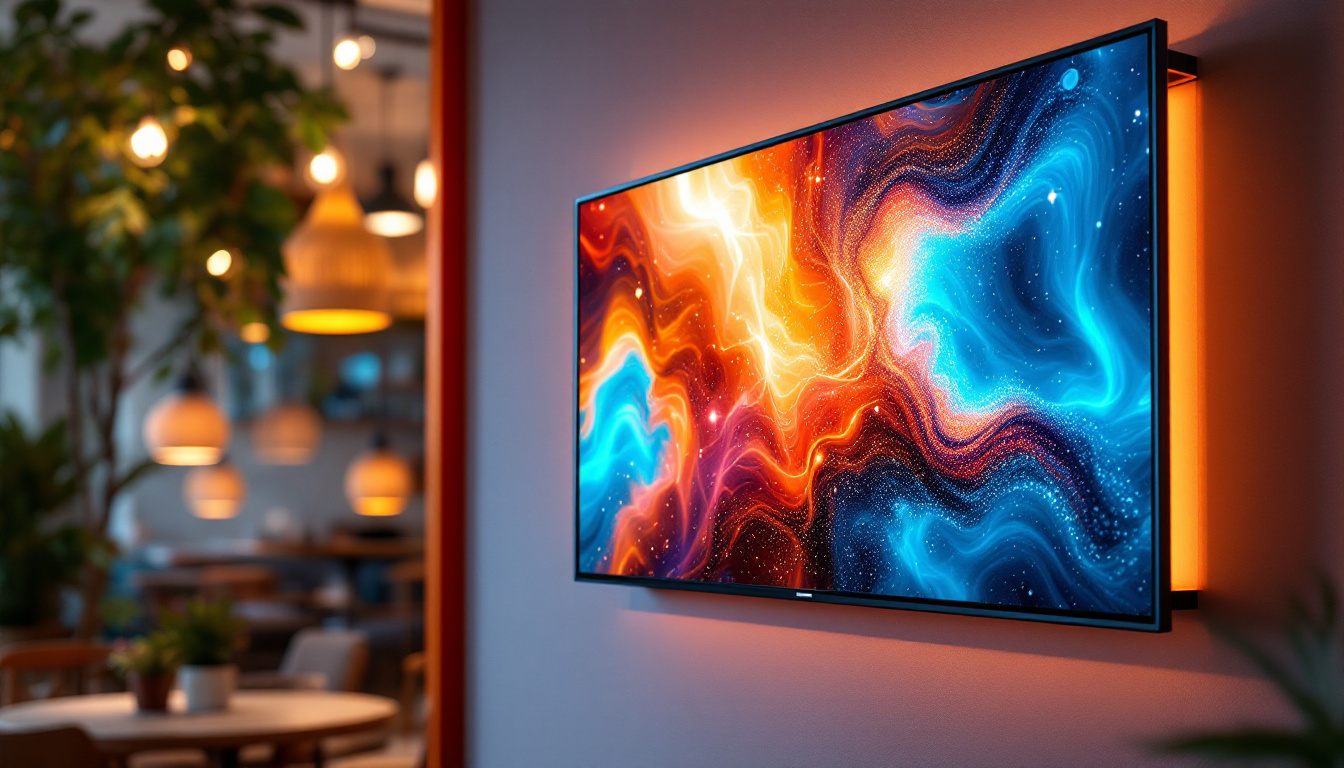
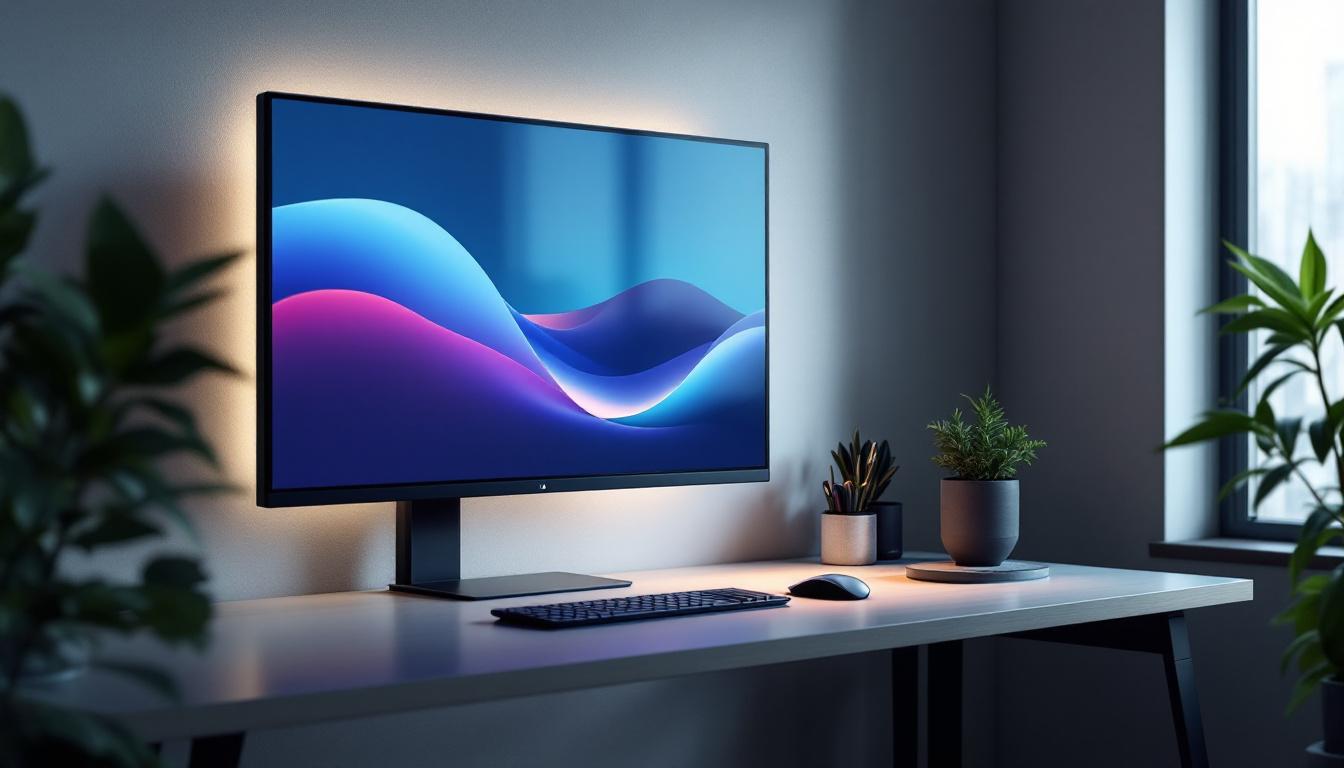
Wall-mounted monitors contribute to a sleek, modern aesthetic. They create an uncluttered look that complements minimalist office designs. Additionally, hiding cables behind the wall or using cable management systems becomes easier, enhancing the overall visual appeal.
From a practical standpoint, wall mounting can also protect the monitor from accidental knocks or spills, especially in busy environments or homes with children and pets.
Choosing the Right Wall Mount for a 34 Inch LED Monitor
Understanding VESA Compatibility
Most monitors, including 34-inch LED displays, adhere to the VESA (Video Electronics Standards Association) mounting interface standards. These standards specify the distance between mounting holes on the back of the monitor, typically measured in millimeters (e.g., 100×100 mm, 200×100 mm).
Before purchasing a wall mount, it’s essential to verify the VESA pattern supported by the monitor. A mismatch can lead to improper installation or even damage to the display. Most 34-inch ultrawide monitors use a 100×100 mm or 100×200 mm VESA pattern, but checking the manufacturer’s specifications is always recommended.
Weight Capacity and Build Quality
The wall mount must support the weight of the monitor safely. While many mounts are rated for up to 20 or 30 pounds, it’s prudent to choose a mount with a higher weight capacity than the monitor’s actual weight for added safety.
Material quality also matters. Steel or aluminum mounts offer durability and stability. Avoid plastic components that may degrade over time or under load.
Mount Type: Fixed, Tilt, Swivel, or Full Motion
Wall mounts come in various types, each offering different levels of adjustability:
- Fixed mounts: Keep the monitor flat against the wall with no movement. Ideal for setups where the viewing angle is constant.
- Tilt mounts: Allow the monitor to tilt up or down, reducing glare and improving viewing comfort.
- Swivel mounts: Enable horizontal rotation, useful for sharing the screen with others or adjusting the angle.
- Full motion mounts: Combine tilt, swivel, and extension arms for maximum flexibility.
For a 34-inch ultrawide monitor, a tilt or full motion mount is often preferred to accommodate the wider viewing angles and varied desk setups.
Installation Considerations: Wall Type and Stud Location
The type of wall where the monitor will be mounted significantly influences the mounting process. Drywall, concrete, brick, or plaster each require different anchors and tools.
For drywall, it’s crucial to locate studs behind the wall to secure the mount properly. Using a stud finder ensures the mount is anchored into solid wood rather than just drywall, which cannot support the monitor’s weight alone.
Concrete or brick walls require masonry anchors or expansion bolts. In all cases, following the mount manufacturer’s installation instructions and using the recommended hardware ensures safety and stability.
Practical Tips for Wall Mounting Your 34 Inch LED Monitor
Preparing the Workspace and Tools
Before starting the installation, clear the workspace and gather all necessary tools: a stud finder, drill, screwdriver, level, measuring tape, and the mounting kit. Having an extra pair of hands is highly recommended for safely handling the monitor during installation.
Measuring and Marking the Mounting Location
Accurate measurements are vital. Determine the ideal height by aligning the center of the screen with your eye level when seated. Mark the drill points on the wall using a pencil and a level to ensure the mount will be perfectly horizontal.
Cable Management Strategies
One of the benefits of wall mounting is the potential for cleaner cable management. Consider using cable raceways, in-wall cable kits, or adhesive clips to route power and data cables neatly. This not only improves aesthetics but also reduces the risk of cable damage.
Post-Installation Adjustments
Once the monitor is mounted, adjust the tilt and swivel to minimize glare and optimize viewing comfort. Test the stability by gently applying pressure to ensure the mount is secure. Finally, connect all cables and organize them for easy access and maintenance.
Common Challenges and How to Overcome Them
Dealing with Heavy or Bulky Monitors
Some 34-inch monitors, especially those with built-in speakers or additional features, can be heavier or bulkier than average. If the monitor’s weight approaches the upper limit of the mount’s capacity, consider using a mount specifically designed for heavier displays or consult a professional installer.
Wall Material Limitations
Older homes or rented apartments may have walls unsuitable for mounting heavy monitors. In such cases, alternatives like desk mounts or monitor arms attached to sturdy desks might be preferable.
Ensuring Proper Ventilation
Wall mounting can sometimes restrict airflow behind the monitor. Ensure there is adequate space between the wall and the monitor to prevent overheating, which can degrade LED panel performance over time.
Conclusion: Maximizing Your 34 Inch LED Monitor Experience with Wall Mounting
Wall mounting a 34-inch LED monitor is an excellent way to enhance ergonomics, save desk space, and improve the overall aesthetic of a workspace. Understanding the technical requirements—such as VESA compatibility, weight capacity, and wall type—is essential to ensure a secure and functional installation.
Choosing the right mount type, preparing the installation site carefully, and managing cables effectively can transform a bulky ultrawide monitor into a sleek, professional centerpiece of any office or gaming setup. With thoughtful planning and execution, wall mounting can unlock the full potential of a 34-inch LED display, making it a worthwhile investment for productivity and comfort.
Discover the Perfect Wall Mount Solution with LumenMatrix
Ready to take your workspace or gaming area to the next level with a premium 34-inch LED monitor wall mount? Look no further than LumenMatrix, your trusted partner in innovative LED display technology. Our extensive range of solutions, from Indoor LED Wall Displays to Custom LED Displays, is designed to meet your unique needs and exceed your expectations. Elevate your visual experience and enhance your brand’s visibility with our captivating and high-quality LED displays. Check out LumenMatrix LED Display Solutions today and transform your environment with cutting-edge technology that’s built to impress.