Wall Mounted UPS: LED Display Explained
In today’s fast-paced and technology-driven world, uninterrupted power supply (UPS) systems have become essential for both residential and commercial environments. Among the various types of UPS units, wall mounted UPS systems stand out for their space-saving design and efficient performance. A key feature that enhances the usability and monitoring of these UPS units is the LED display. This article delves into the role and functionality of LED displays on wall mounted UPS systems, explaining their importance, how to interpret them, and the benefits they bring to users.
Understanding Wall Mounted UPS Systems
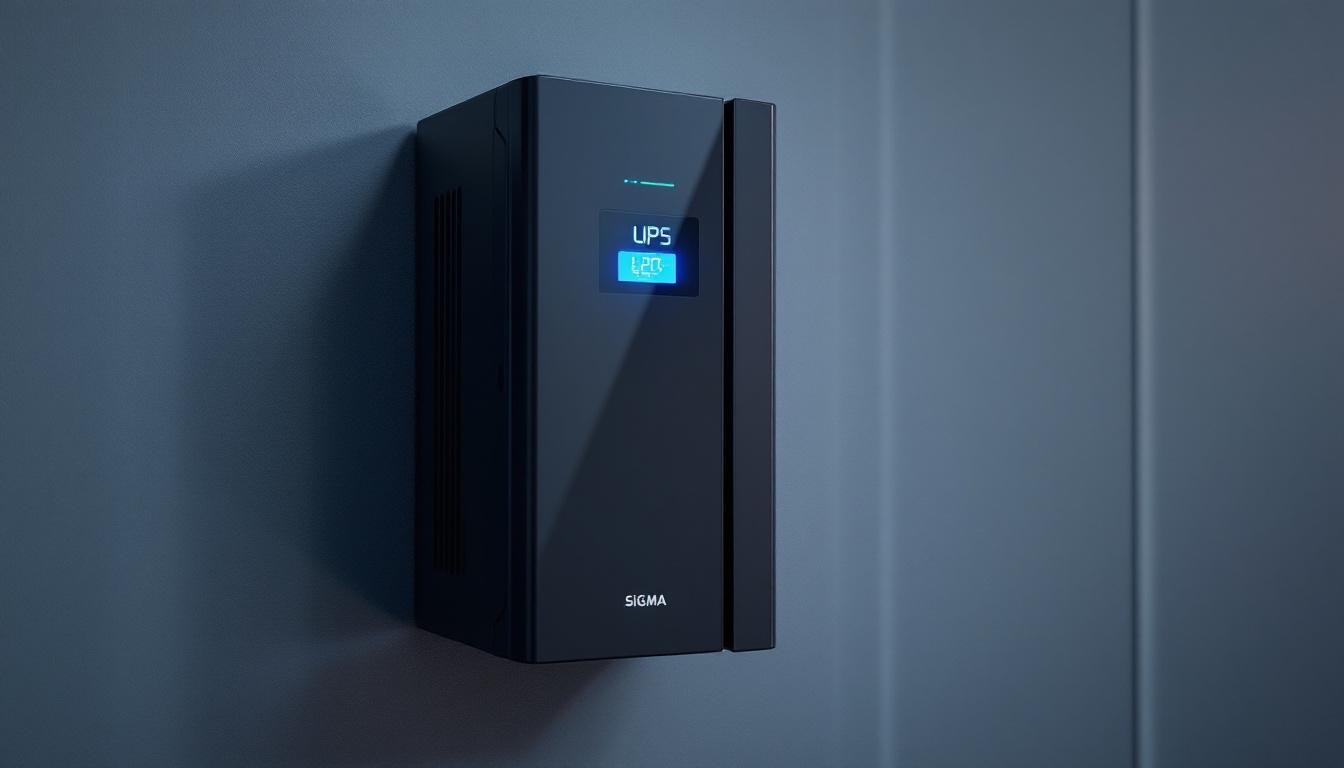
Wall mounted UPS units are designed to be installed on walls rather than placed on floors or racks. This design is particularly advantageous in environments where floor space is limited, such as small offices, data centers, retail outlets, and industrial control rooms. By mounting the UPS on a wall, users can optimize space utilization while ensuring easy access for maintenance and monitoring. This wall-mounted approach not only saves valuable floor space but also helps in maintaining a clean and organized workspace, which can enhance productivity and efficiency in any setting.
These UPS systems provide backup power during outages and protect sensitive electronic equipment from power surges, voltage fluctuations, and other electrical disturbances. Their compact form factor does not compromise their performance; many wall mounted UPS units offer power capacities ranging from a few hundred VA (volt-amperes) to several kVA, suitable for a wide range of applications. Additionally, many models come equipped with advanced features such as LCD displays for real-time monitoring, automatic voltage regulation, and smart battery management systems that extend battery life and improve reliability.
Why Choose a Wall Mounted UPS?
Space efficiency is the primary reason for selecting a wall mounted UPS. In addition, these units often feature streamlined designs that integrate well with modern office aesthetics. They are also easier to install at eye level, making it more convenient for users to read status indicators and perform routine checks. This ergonomic design can significantly reduce the risk of accidents or injuries that might occur when bending down to check floor-mounted units, especially in busy environments where safety is a priority.
Moreover, wall mounted UPS systems are generally quieter and produce less heat compared to larger floor-standing models, contributing to a more comfortable working environment. Their accessibility and compactness make them ideal for protecting critical equipment such as network switches, servers, point-of-sale systems, and medical devices. Furthermore, many wall mounted UPS systems are designed with energy efficiency in mind, utilizing technologies that minimize power consumption and reduce overall operating costs. This not only helps businesses save money but also aligns with sustainability goals by lowering their carbon footprint, making them a smart choice for environmentally conscious organizations.
The Role of LED Displays on Wall Mounted UPS Units
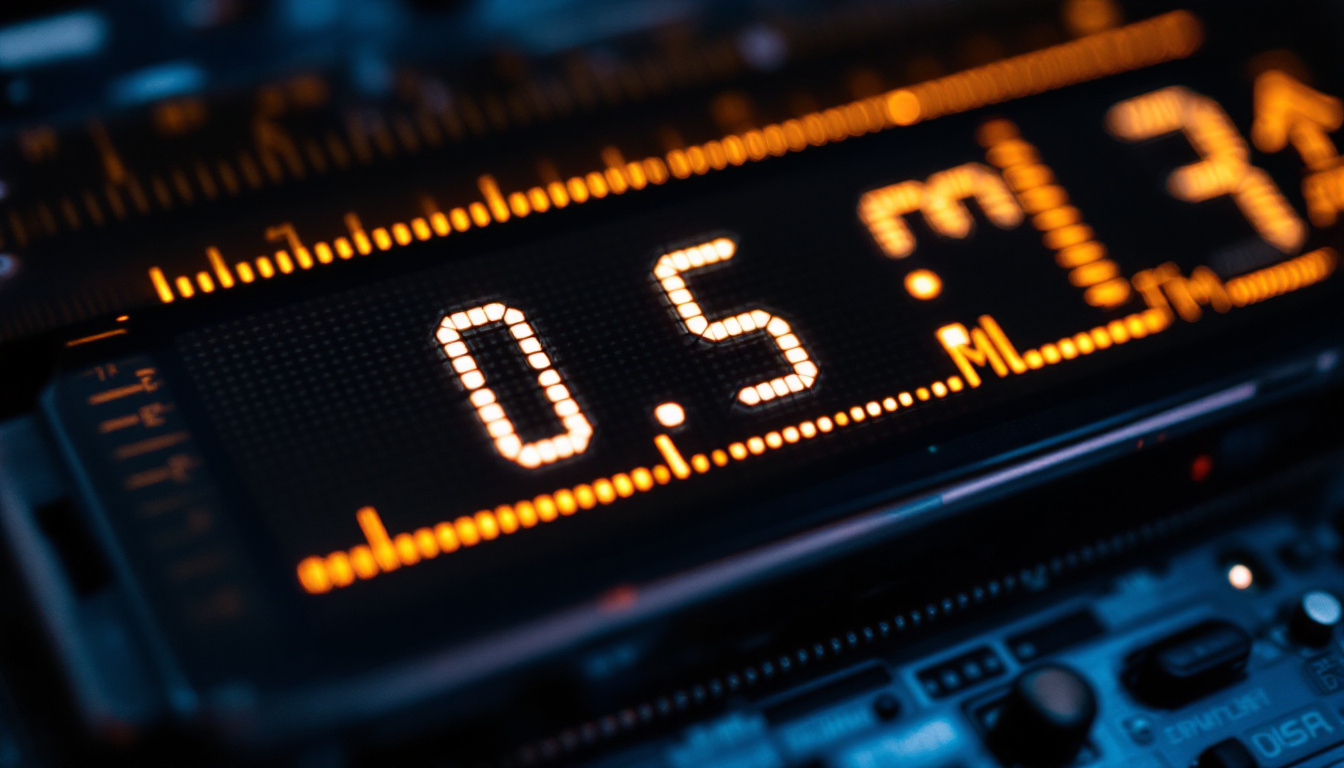
LED displays on wall mounted UPS units serve as the primary interface between the device and the user. Unlike traditional UPS models that may rely solely on audible alarms or simple indicator lights, LED displays provide detailed, real-time information about the UPS’s status and performance.
These displays typically show a variety of data points, including input voltage, output voltage, battery charge level, load percentage, and operational modes. By presenting this information visually, LED displays enable users to quickly assess the health and functionality of the UPS without needing specialized tools or software.
Key Information Displayed on UPS LED Panels
- Input Voltage: Indicates the voltage supplied from the main power source. Monitoring this helps detect power fluctuations or outages.
- Output Voltage: Shows the voltage being delivered to connected devices, ensuring they receive stable power.
- Battery Status: Displays the remaining battery charge and estimated backup time during power failures.
- Load Level: Represents the percentage of the UPS’s capacity currently in use, helping to prevent overload conditions.
- Operating Mode: Indicates whether the UPS is running on mains power, battery power, or in bypass mode.
- Fault or Warning Indicators: Alerts users to issues such as battery faults, overloads, or internal errors.
Having access to this information at a glance allows facility managers, IT personnel, and end-users to make informed decisions promptly, minimizing downtime and protecting critical equipment.
How to Interpret LED Display Indicators on Wall Mounted UPS
Understanding the LED display on a UPS is crucial for effective monitoring and troubleshooting. While the exact layout and symbols may vary between manufacturers, most LED panels follow a standardized approach to convey information clearly.
Reading Voltage and Load Metrics
The input voltage reading helps determine if the power supply is within acceptable limits. For example, a typical input voltage range might be 220-240V in many countries. Values outside this range could indicate power instability or outages.
The output voltage should remain steady, usually matching the nominal voltage required by connected devices. Significant deviations might suggest UPS malfunction or battery issues.
Load percentage is particularly important to monitor. Operating a UPS near or above its maximum load capacity can reduce battery runtime and increase wear on the system. Ideally, users should keep the load below 80% of the UPS’s rated capacity to ensure optimal performance and longevity.
Interpreting Battery and Backup Time Indicators
The battery status indicator often uses a combination of bars or numerical percentages to show remaining charge. Some advanced models also provide an estimated backup time based on current load conditions. This feature is invaluable during power outages, allowing users to plan shutdowns or switch to alternative power sources effectively.
Regularly checking battery health through the LED display can also help identify when the battery needs replacement, preventing unexpected failures.
Recognizing Faults and Alerts
UPS LED displays commonly include warning lights or error codes to alert users to problems. These may include:
- Battery Fault: Indicates issues such as battery degradation or connection problems.
- Overload Warning: Signals that the connected load exceeds the UPS’s capacity.
- Temperature Warning: Alerts when internal temperatures exceed safe operating limits.
- Internal Fault: Points to hardware or software malfunctions within the UPS.
Consulting the UPS user manual or manufacturer’s website can provide detailed explanations of these codes and recommended actions. Prompt response to alerts can prevent damage to the UPS and connected equipment.
Benefits of LED Displays on Wall Mounted UPS Systems
The integration of LED displays into wall mounted UPS units offers several tangible benefits that enhance both user experience and system reliability.
Improved Monitoring and Maintenance
LED displays provide continuous, real-time feedback on UPS status, allowing users to detect issues early. This proactive monitoring reduces the risk of unexpected power failures and equipment damage.
Maintenance personnel can use the displayed information to schedule battery replacements, perform load balancing, and address faults promptly. This reduces downtime and extends the lifespan of both the UPS and the connected devices.
Enhanced User Convenience
With clear visual indicators, users do not need specialized training or additional diagnostic tools to understand the UPS’s condition. This accessibility is particularly valuable in small businesses or non-technical environments where IT support may be limited.
Moreover, the ability to quickly check power status and battery levels without opening the unit or connecting to software interfaces saves time and effort.
Increased Safety and Reliability
By providing immediate alerts for overloads, battery faults, or temperature issues, LED displays help prevent hazardous situations such as electrical fires or equipment damage. This contributes to a safer workplace and ensures continuous operation of critical systems.
Choosing the Right Wall Mounted UPS with LED Display
Selecting an appropriate UPS system involves considering several factors beyond just the presence of an LED display. However, the quality and functionality of the display can significantly impact overall usability.
Display Features to Look For
- Clarity and Readability: The LED panel should be bright and clear, with easily distinguishable indicators and numeric readouts.
- Comprehensive Information: A good display provides all essential data points, including voltage, load, battery status, and fault alerts.
- User-Friendly Interface: Intuitive symbols, color coding, and simple navigation buttons enhance user experience.
- Additional Connectivity: Some models integrate LED displays with communication ports for remote monitoring via software or network interfaces.
Matching UPS Capacity and Features to Needs
Before purchasing, assess the total power requirements of the equipment to be protected. Choose a UPS with a capacity that comfortably exceeds this load to allow for future expansion and to maintain battery runtime.
Consider additional features such as automatic voltage regulation (AVR), surge protection, and battery management systems. These enhance the UPS’s ability to provide clean, stable power and prolong battery life.
Maintaining Your Wall Mounted UPS and LED Display
Proper maintenance ensures that both the UPS and its LED display function optimally over time. Regular checks and cleaning can prevent common issues.
Routine Inspection
Periodically inspect the LED display for signs of damage or malfunction. Ensure that all indicators light up correctly during self-tests or startup sequences.
Verify that the displayed readings correspond with actual power conditions using a multimeter or other measuring devices if necessary.
Battery Care
Follow manufacturer guidelines for battery maintenance, including charging cycles and replacement intervals. The LED display’s battery status indicators can guide timely interventions.
Environmental Considerations
Keep the UPS unit in a clean, dry, and well-ventilated area to prevent overheating and dust accumulation. Avoid exposing the LED display to direct sunlight or harsh lighting that could impair visibility.
Conclusion
Wall mounted UPS systems equipped with LED displays offer a powerful combination of space-saving design and enhanced monitoring capabilities. The LED display serves as a vital tool for users to understand the UPS’s operational status, battery health, and potential faults at a glance. This transparency not only improves maintenance and reliability but also ensures the safety of connected equipment and personnel.
When selecting a wall mounted UPS, prioritizing models with clear, comprehensive LED displays can greatly enhance the overall user experience and system performance. Regular maintenance and attentive monitoring of the LED indicators further contribute to maximizing the lifespan and effectiveness of these essential power protection devices.
In a world where power stability is critical, understanding and utilizing the LED display on wall mounted UPS units is an important step toward safeguarding valuable electronics and maintaining uninterrupted operations.
Discover LumenMatrix’s Advanced LED Display Solutions
As you consider the importance of reliable and efficient wall mounted UPS systems with LED displays, take the next step in visual technology with LumenMatrix. Our innovative LED display solutions are designed to bring your visual communication to life, whether it’s for indoor or outdoor applications, vehicles, sports arenas, or any custom project you have in mind. Experience the difference that cutting-edge LED display modules can make in enhancing your brand’s visibility and creating immersive experiences. Check out LumenMatrix LED Display Solutions today and transform the way you share your message with the world.