Choosing the right monitor can be a daunting task, especially with the myriad of specifications manufacturers list. Among these, the contrast ratio is a critical yet often misunderstood feature that significantly impacts your viewing experience. Whether you’re a gamer, a graphic designer, or simply someone who spends hours in front of a screen, understanding what a good contrast ratio means for an LED monitor is essential.
This article dives deep into the concept of contrast ratio, how it affects image quality, and what you should look for when selecting an LED display. By the end, you’ll be equipped with the knowledge to make an informed decision that suits your needs and preferences.
Understanding Contrast Ratio: The Basics
What Is Contrast Ratio?
Contrast ratio is the measure of the difference in luminance between the brightest white and the darkest black a monitor can display. It is typically expressed as a ratio, such as 1000:1, where the first number represents the brightness of the white level, and the second number represents the brightness of the black level.
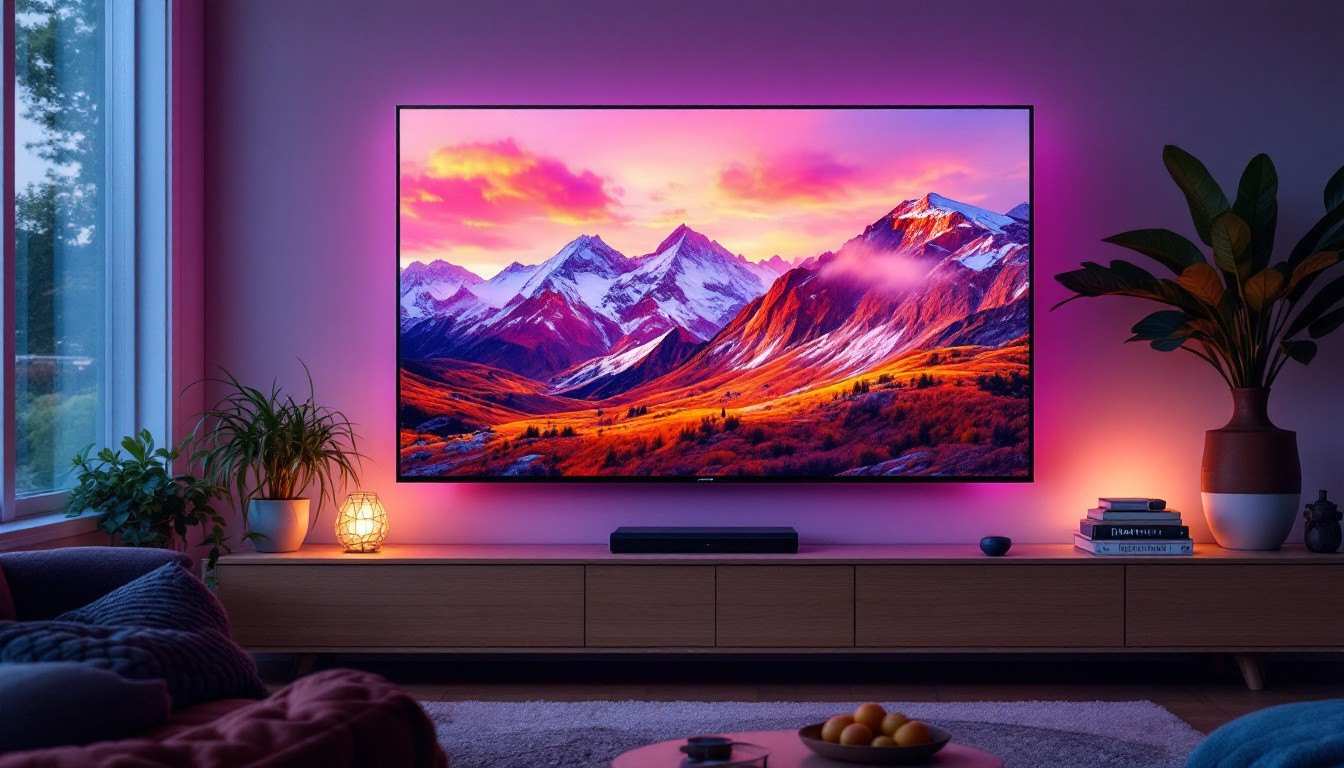
For example, a contrast ratio of 1000:1 means the brightest white is 1000 times brighter than the darkest black. This ratio is crucial because it determines how well a monitor can display details in shadows and highlights, affecting overall image depth and realism. A higher contrast ratio generally leads to more vivid and lifelike images, making it especially important for activities such as graphic design, gaming, and watching movies, where visual fidelity is paramount. In practical terms, a monitor with a high contrast ratio can reveal subtle textures and details that might be lost on a display with a lower ratio, enhancing the viewing experience significantly.
Static vs. Dynamic Contrast Ratio
It’s important to distinguish between static and dynamic contrast ratios, as they measure different aspects of a monitor’s performance. The static contrast ratio refers to the difference between white and black levels at a single point in time, under consistent lighting conditions. This is often considered the more reliable and meaningful measurement.
Dynamic contrast ratio, on the other hand, measures the difference between the brightest white and darkest black over time, as the monitor adjusts its backlight or brightness dynamically. While dynamic contrast ratios can be impressively high on paper—sometimes reaching millions to one—they are less indicative of real-world performance because they rely on backlight manipulation rather than true pixel-level contrast. This can lead to scenarios where the monitor appears to have a superior contrast ratio during certain scenes, but in reality, the overall image quality may suffer due to the artificial enhancement of brightness levels. Understanding these differences is essential for consumers looking to purchase a monitor that meets their specific needs, as a high dynamic contrast ratio may not always translate to a better viewing experience in practical applications.
Why Contrast Ratio Matters for LED Monitors
Impact on Image Quality
Contrast ratio directly influences the perceived image quality on your monitor. A higher contrast ratio means deeper blacks and brighter whites, which translates to more vibrant colors, sharper details, and better differentiation between shades. This is especially noticeable in scenes with high dynamic range, such as night scenes in movies or shadowy areas in games.
Monitors with low contrast ratios tend to produce washed-out images where blacks appear grayish and colors lack depth. This can cause eye strain over extended periods and diminish the overall viewing experience.
Effect on Different Use Cases
The importance of contrast ratio varies depending on how you use your monitor. For photographers and graphic designers, a high contrast ratio ensures accurate color representation and detail in shadows and highlights, which is critical for editing work.
Gamers benefit from higher contrast ratios as well, since it enhances immersion by providing richer visuals and better visibility in dark scenes. Even for everyday office work, a good contrast ratio improves readability and reduces eye fatigue.
What Is a Good Contrast Ratio for an LED Monitor?
Typical Contrast Ratios for LED Displays
LED monitors, which use Light Emitting Diodes for backlighting, generally offer contrast ratios ranging from 700:1 to 3000:1 in static contrast. Most mid-range LED monitors fall around 1000:1, which is considered the industry standard for decent image quality.
Some high-end LED monitors equipped with advanced technologies like local dimming can push static contrast ratios higher, sometimes exceeding 3000:1. However, these models tend to be more expensive and targeted toward professionals or enthusiasts.
Recommended Contrast Ratios by Use Case
For general office work and web browsing, a contrast ratio of around 700:1 to 1000:1 is sufficient. This range ensures clear text and comfortable viewing without noticeable image washout.
For multimedia consumption, gaming, and casual photo editing, a contrast ratio of 1000:1 to 2000:1 is ideal. This range offers richer visuals and better shadow detail, enhancing the overall experience.
For professional photo and video editing, or any color-critical work, look for monitors with a static contrast ratio above 2000:1. These displays provide the precision and depth needed for accurate color grading and detailed image analysis.
Factors Influencing Contrast Ratio in LED Monitors
Panel Technology: IPS vs. VA vs. TN
The type of LCD panel used in an LED monitor greatly affects its contrast ratio. The three main panel types are In-Plane Switching (IPS), Vertical Alignment (VA), and Twisted Nematic (TN).
- IPS panels are known for their excellent color accuracy and wide viewing angles but typically have lower contrast ratios, usually around 1000:1. Blacks may appear slightly grayish in dark environments.
- VA panels offer higher contrast ratios, often between 2000:1 and 3000:1, resulting in deeper blacks and better shadow detail. This makes them a popular choice for multimedia and gaming.
- TN panels have the lowest contrast ratios, generally around 700:1, and poorer color reproduction. They are favored mainly for fast response times in competitive gaming rather than image quality.
Backlighting and Local Dimming
LED monitors use backlighting to illuminate the LCD panel. The quality and control of this backlighting impact the contrast ratio. Monitors with edge-lit LEDs tend to have lower contrast ratios compared to those with full-array local dimming (FALD).
Local dimming allows specific zones of the backlight to dim or brighten independently, improving the perceived contrast ratio by making blacks darker without affecting bright areas. This technology is especially beneficial for HDR (High Dynamic Range) content, where contrast plays a critical role.
Ambient Lighting Conditions
Even the best contrast ratio can be undermined by poor ambient lighting. In a brightly lit room, reflections and glare can wash out the screen, making blacks appear lighter and reducing perceived contrast. Conversely, in a dark room, a monitor with a good contrast ratio will deliver a more immersive and visually striking experience.
Using a monitor hood or adjusting room lighting can help optimize contrast perception, regardless of the monitor’s specifications.
How to Measure and Compare Contrast Ratios
Manufacturer Specifications vs. Real-World Performance
Contrast ratios listed in product specifications can be misleading. Manufacturers often quote dynamic contrast ratios, which are typically much higher than static contrast ratios but less relevant to everyday use. It’s important to focus on static contrast ratio values when comparing monitors.
Independent reviews and tests provide more reliable information, measuring contrast ratios under controlled conditions. Websites like DisplayMate, RTINGS, and professional review outlets conduct such tests and can be valuable resources.
Testing Contrast Ratio Yourself
If you want to test your monitor’s contrast ratio, there are online tools and test patterns available. These usually involve displaying black and white blocks and measuring luminance with a colorimeter or by visual inspection.
While consumer-level tools may not be highly precise, they can give a good indication of whether your monitor meets your expectations for contrast performance.
Additional Tips for Choosing the Right Monitor
Consider Resolution and Color Accuracy
Contrast ratio is just one aspect of image quality. Resolution determines the sharpness and detail, while color accuracy affects how true-to-life images appear. For professional work, look for monitors that offer wide color gamut coverage (such as Adobe RGB or DCI-P3) alongside a good contrast ratio.
HDR Support and Contrast
HDR technology enhances contrast and color range beyond standard displays. Monitors with HDR support typically have higher contrast capabilities and better backlighting systems. However, HDR implementation varies widely, so check for certifications like VESA DisplayHDR to ensure quality.
Viewing Environment and Ergonomics
Think about where and how you will use your monitor. If your workspace has a lot of ambient light, a monitor with anti-glare coating and higher brightness may be more important than an ultra-high contrast ratio. Ergonomic features like adjustable stands and blue light filters also contribute to a comfortable viewing experience.
Conclusion: Finding the Best Contrast Ratio for Your Needs
Understanding contrast ratio is key to selecting an LED monitor that delivers the image quality you desire. While a static contrast ratio of around 1000:1 is adequate for most users, those seeking richer visuals and deeper blacks should consider monitors with higher ratios, especially VA panel displays or those with local dimming features.
Remember to weigh contrast ratio alongside other specifications such as panel type, resolution, color accuracy, and HDR capabilities. By taking a holistic approach, you can find a monitor that not only meets your technical requirements but also enhances your overall viewing experience.
In a market filled with options, informed choices lead to greater satisfaction and productivity, whether for work, gaming, or entertainment.
Explore High-Contrast LED Displays with LumenMatrix
Now that you’re equipped with the knowledge of what makes a great contrast ratio for monitors, take the next step with LumenMatrix. As a leader in LED display technology, we offer an extensive range of innovative LED display solutions tailored to your unique needs. From vibrant Indoor LED Walls to dynamic Outdoor LED Displays and beyond, our mission is to transform your visual communication with unparalleled clarity and impact. Don’t settle for less—check out LumenMatrix LED Display Solutions today and experience the difference a high-quality LED display can make.