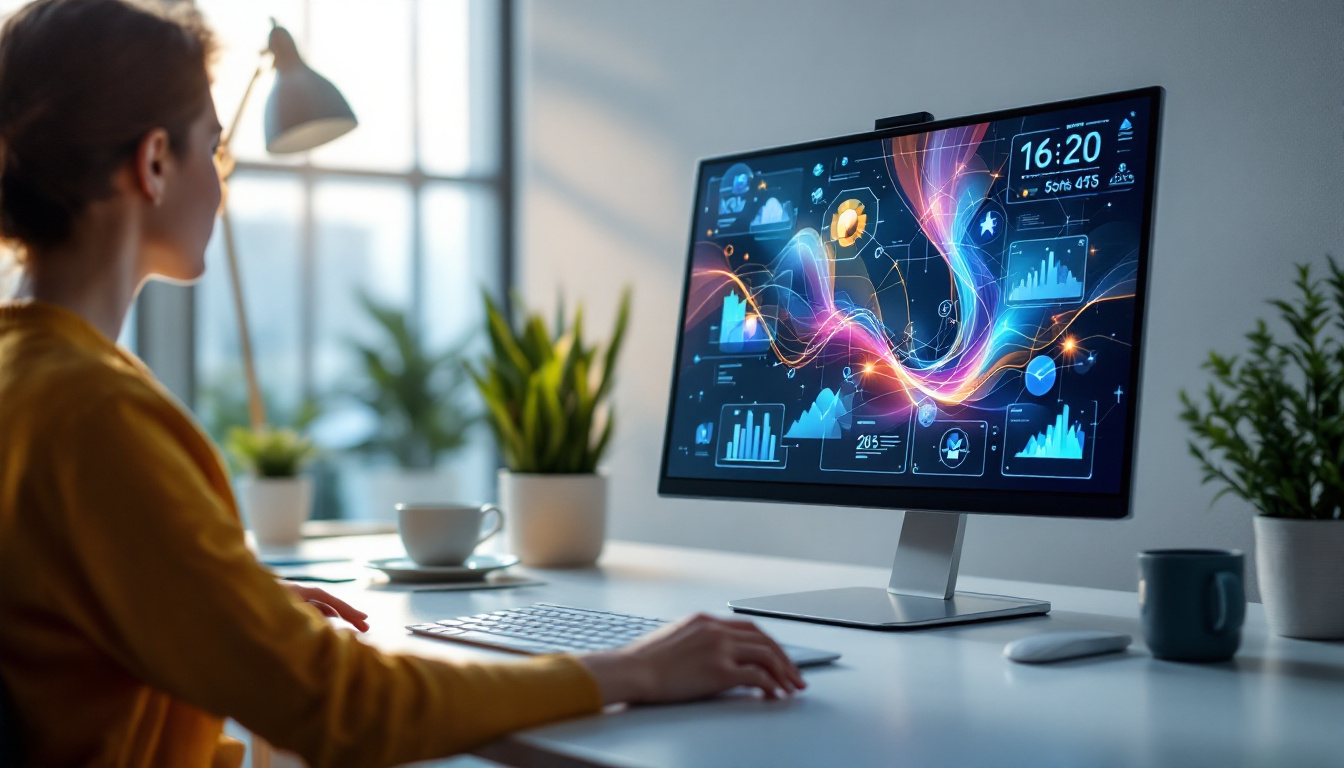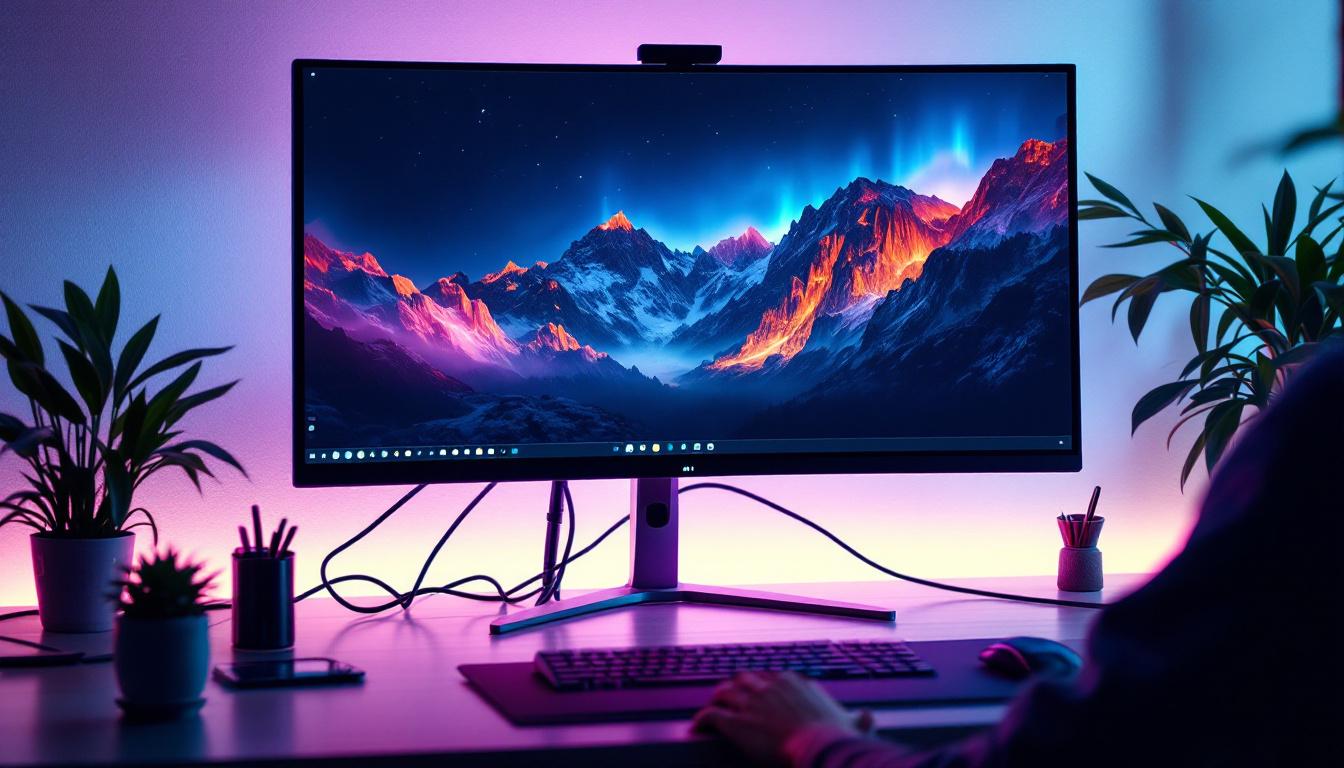
Choosing the perfect monitor can be a daunting task, especially with the plethora of options available on the market today. Among the various display technologies, LED monitors have become the most popular choice for both casual users and professionals alike. But what exactly makes an LED monitor stand out? And more importantly, who are the top manufacturers producing the best LED displays? This article delves deep into the world of LED monitors, explaining the technology behind them and highlighting the leading brands that excel in delivering outstanding display performance.
Understanding LED Display Technology
What is an LED Monitor?
LED stands for Light Emitting Diode, and in the context of monitors, it refers to the backlighting technology used to illuminate the screen. Unlike traditional LCD monitors that use cold cathode fluorescent lamps (CCFLs) for backlighting, LED monitors employ arrays of LEDs. This shift has brought about significant improvements in picture quality, energy efficiency, and design flexibility.
It’s important to clarify that LED monitors are essentially LCD panels lit by LEDs. The term “LED monitor” is often used interchangeably with “LED-backlit LCD monitor.” The actual image formation still relies on liquid crystals, but the backlighting method changes the overall display characteristics.
Types of LED Backlighting
There are two primary types of LED backlighting used in monitors: edge-lit and full-array (also known as direct-lit).
- Edge-lit LED: LEDs are placed along the edges of the screen. Light is then diffused across the panel. This design allows for thinner monitors and is common in consumer-grade displays.
- Full-array LED: LEDs are distributed evenly behind the entire screen. This method enables better local dimming, which improves contrast ratios and black levels, making it ideal for professional-grade and high-end monitors.
Additionally, some high-end monitors use quantum dot technology combined with LED backlighting to enhance color accuracy and brightness further.
Why LED Displays Are Preferred
LED monitors offer several advantages over older technologies:
- Energy Efficiency: LEDs consume less power than CCFLs, making monitors more environmentally friendly and cost-effective over time.
- Better Color and Brightness: LED backlighting can produce brighter images and a wider color gamut, especially when paired with advanced technologies like quantum dots.
- Thinner and Lighter Designs: The compact size of LEDs allows manufacturers to create slim and lightweight monitors, enhancing aesthetics and ergonomics.
- Longer Lifespan: LEDs generally have a longer operational life compared to CCFLs, reducing the need for replacements.
Key Features to Consider in LED Monitors
Resolution and Screen Size
Resolution determines how sharp and detailed the images on a monitor appear. Common resolutions include Full HD (1920×1080), Quad HD (2560×1440), and 4K Ultra HD (3840×2160). For professionals working in graphic design, video editing, or gaming enthusiasts, higher resolutions are often preferred to ensure crisp visuals.
Screen size also plays a crucial role in user experience. While larger monitors provide more screen real estate, they require higher resolutions to maintain image clarity. Typical sizes range from 24 inches for office work to 32 inches or more for immersive gaming and professional tasks.
Refresh Rate and Response Time
Refresh rate, measured in Hertz (Hz), indicates how many times the screen updates per second. A higher refresh rate, such as 144Hz or 240Hz, results in smoother motion, which is particularly beneficial for gaming and fast-paced video content.
Response time refers to how quickly a pixel can change from one color to another, usually measured in milliseconds (ms). Lower response times reduce motion blur and ghosting effects, enhancing the visual experience during rapid movements.
Color Accuracy and Gamut
Color accuracy is vital for professionals in photography, video production, and design. Monitors with high color accuracy reproduce colors that are true to life, ensuring that what is seen on screen matches the final output.
Color gamut defines the range of colors a monitor can display. Common standards include sRGB, Adobe RGB, and DCI-P3. Monitors covering a wider gamut offer richer and more vibrant colors.
Connectivity and Ergonomics
Modern monitors come equipped with various connectivity options such as HDMI, DisplayPort, USB-C, and Thunderbolt. USB-C and Thunderbolt ports are especially useful for users who want to connect laptops or other devices with a single cable for video, data, and power.
Ergonomic features like adjustable height, tilt, swivel, and pivot enhance user comfort during prolonged use. Some monitors also offer blue light filters and flicker-free technology to reduce eye strain.
Top Manufacturers of LED Monitors in 2024
Samsung: Innovation Meets Quality
Samsung is widely recognized for its cutting-edge display technology and extensive product range. The company’s LED monitors are known for their vibrant colors, high brightness levels, and sleek designs. Samsung’s use of quantum dot technology in its “QLED” monitors significantly enhances color accuracy and brightness, making them popular among gamers and creative professionals.
Samsung’s Smart Monitor series also integrates smart TV features, allowing users to stream content without connecting to a PC. Their ultrawide monitors are favored for multitasking and immersive gaming experiences.
Dell: Reliability and Professionalism
Dell has a strong reputation for producing reliable monitors that cater to business and professional markets. The Dell UltraSharp series is particularly praised for its color accuracy, factory calibration, and build quality. These monitors often cover 99% or more of the sRGB color space and offer excellent uniformity, making them ideal for photo and video editing.
Dell’s focus on ergonomic design and extensive connectivity options ensures that users can customize their workspace comfortably. Their monitors also tend to have competitive pricing, providing great value for professionals.
LG: Pioneers in IPS Technology
LG is a pioneer in In-Plane Switching (IPS) panel technology, which offers wide viewing angles and consistent color reproduction. Their LED monitors are well-regarded for delivering sharp images with accurate colors, making them a favorite among photographers and designers.
The LG UltraFine and UltraGear series cater to both creative professionals and gamers, with features like 4K resolution, high refresh rates, and HDR support. LG’s commitment to innovation is evident in their adoption of OLED technology in some monitors, pushing the boundaries of contrast and color depth.
ASUS: Gaming and Professional Excellence
ASUS has carved a niche in the gaming monitor segment with its Republic of Gamers (ROG) series. These monitors boast high refresh rates (up to 360Hz), low response times, and adaptive sync technologies like NVIDIA G-SYNC and AMD FreeSync, providing a fluid gaming experience.
For professionals, ASUS ProArt monitors offer exceptional color accuracy and factory calibration, supporting wide color gamuts and HDR content. ASUS balances performance and affordability, making their monitors accessible to a broad audience.
BenQ: Specialists in Color and Eye Care
BenQ is renowned for producing monitors that emphasize color accuracy and eye comfort. Their PhotoVue and PD series are designed for photographers, graphic designers, and video editors, offering 100% sRGB and Rec. 709 color spaces, along with hardware calibration support.
BenQ also integrates eye-care technologies such as low blue light and flicker-free screens, which are beneficial for users who spend long hours in front of the monitor. Their EX series targets gamers, combining fast refresh rates with vivid color reproduction.
How to Choose the Best LED Monitor for Your Needs
Identify Your Primary Use Case
The first step in selecting a monitor is understanding your main requirements. Are you a gamer seeking ultra-fast refresh rates? A creative professional needing color precision? Or a general user looking for a reliable display for office work and media consumption? Defining your use case helps narrow down the features that matter most.
Set a Realistic Budget
LED monitors come in a wide price range, from budget-friendly models under $150 to premium monitors exceeding $1,000. While higher-priced monitors usually offer better performance and features, there are excellent mid-range options that provide great value. Setting a budget helps focus your search and avoid overspending.
Consider Future-Proofing
Technology evolves rapidly, so investing in a monitor with features that will remain relevant is wise. For instance, opting for a 4K resolution monitor or one with USB-C connectivity can extend the device’s usability as your needs grow.
Read Reviews and Test if Possible
Before making a final decision, reading expert reviews and user feedback can provide insights into real-world performance and reliability. If possible, testing the monitor in-store allows you to evaluate image quality, ergonomics, and build firsthand.
Emerging Trends in LED Monitor Technology
Mini-LED and Micro-LED Backlighting
Mini-LED technology uses thousands of tiny LEDs for backlighting, enabling more precise local dimming and higher contrast ratios. This technology bridges the gap between traditional LED and OLED displays, offering improved black levels without the risk of burn-in.
Micro-LED, still in the early stages of commercialization, promises even better performance with self-emissive pixels that provide perfect blacks and exceptional brightness. These advancements are expected to redefine monitor quality in the coming years.
HDR and Wide Color Gamut Enhancements
High Dynamic Range (HDR) support is becoming more common in LED monitors, delivering greater contrast and a broader range of colors. Standards like HDR10 and Dolby Vision enhance visual realism, particularly in gaming and multimedia applications.
Manufacturers are also pushing wider color gamut coverage beyond sRGB, embracing standards like DCI-P3 and Adobe RGB to meet the demands of creative professionals.
Integration of AI and Smart Features
Some modern monitors incorporate AI-driven features such as automatic brightness adjustment, blue light reduction, and even eye-tracking. These innovations aim to improve user comfort and productivity by adapting the display to ambient conditions and user behavior.
Conclusion
LED monitors have revolutionized the way users experience digital content, offering superior image quality, energy efficiency, and sleek designs. Understanding the technology behind LED displays and the key features to consider can help buyers make informed decisions tailored to their needs.
Leading manufacturers like Samsung, Dell, LG, ASUS, and BenQ continue to push the boundaries of LED monitor technology, catering to diverse audiences from gamers to creative professionals. By carefully evaluating your requirements and budget, and staying informed about emerging trends, it is possible to find the best LED monitor that delivers exceptional performance and value.
As display technology continues to evolve, keeping an eye on innovations such as Mini-LED, Micro-LED, and AI integration will ensure that your next monitor investment remains relevant and future-proof for years to come.
Discover the Future of LED Displays with LumenMatrix
As you consider upgrading to the best LED monitor for your needs, don’t miss out on the innovative solutions from LumenMatrix. As a frontrunner in LED display technology, LumenMatrix offers a wide array of products designed to bring your visual experiences to life. Whether you’re looking for an Indoor LED Wall Display for a corporate setting, an Outdoor LED Wall Display for high-impact advertising, or any of their specialized solutions like Vehicle LED Displays and LED Sports Displays, LumenMatrix has you covered. Embrace the future of visual communication with LumenMatrix’s cutting-edge digital signage and LED display solutions. Check out LumenMatrix LED Display Solutions today and see how they can enhance engagement and transform your space with clarity and impact.