In today’s multimedia-driven world, the quality and clarity of both video and audio signals are paramount. Whether you’re a gamer, a professional content creator, or simply someone who enjoys high-definition movies, understanding the capabilities of your display connections is essential. One common question that arises is: Will DisplayPort carry audio? This article dives deep into the functionalities of DisplayPort, especially in relation to audio transmission, and explores how it integrates with LED displays to deliver a seamless audiovisual experience.
Understanding DisplayPort: More Than Just a Video Connector
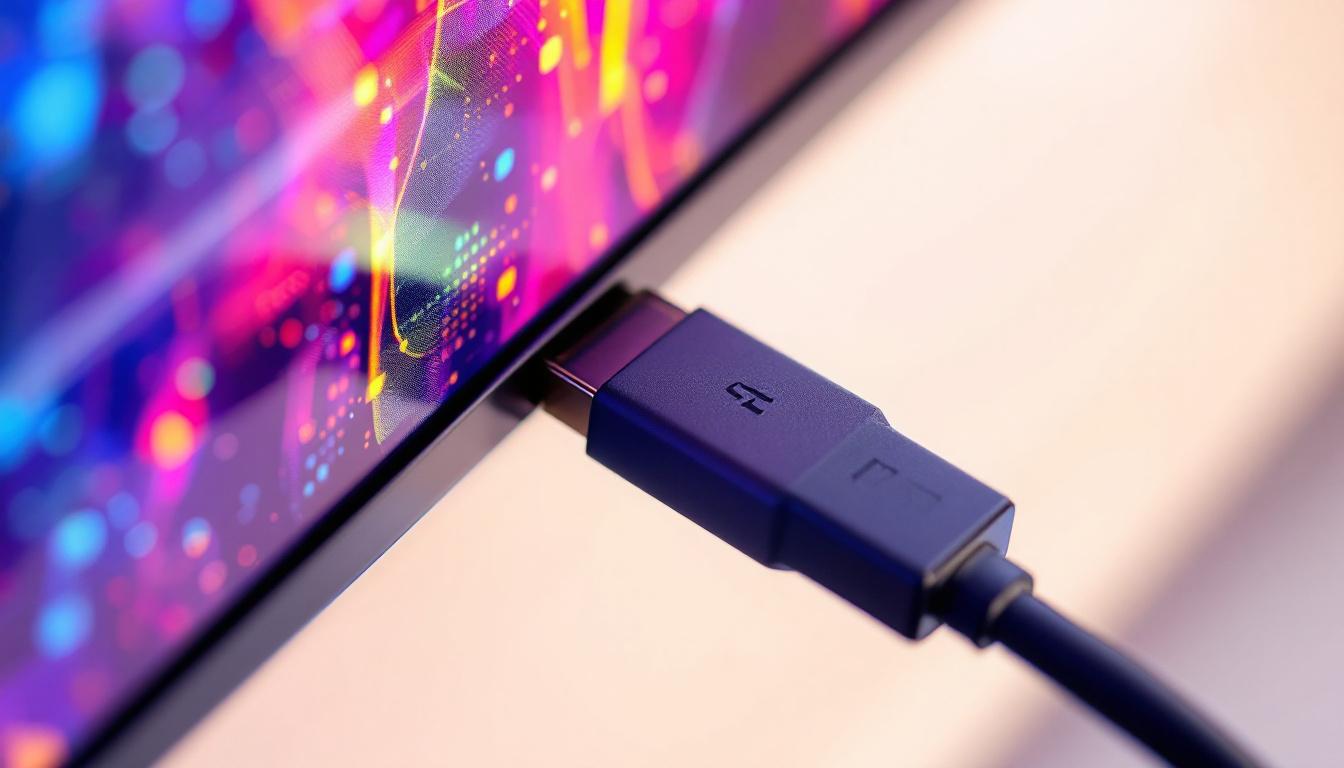
DisplayPort is a digital display interface developed by the Video Electronics Standards Association (VESA) in 2006. It was designed to replace older standards like VGA and DVI and to compete with HDMI in the realm of high-definition video and audio transmission. Unlike VGA or DVI, which primarily focus on video signals, DisplayPort was engineered with versatility in mind.
At its core, DisplayPort supports high-resolution video output, including 4K and even 8K displays, with refresh rates that cater to high-performance gaming and professional applications. But what sets DisplayPort apart is its ability to carry multiple types of data streams simultaneously, including audio, video, and even USB data in some implementations.
Technical Specifications That Matter
DisplayPort’s architecture allows it to transmit uncompressed digital audio and video signals. The latest versions of DisplayPort, such as DisplayPort 1.4 and 2.0, support bandwidths up to 32.4 Gbps and 80 Gbps respectively, enabling the transmission of ultra-high-definition video and multi-channel audio without compression.
This high bandwidth capacity is critical for LED displays, which often require large amounts of data to render vivid colors and smooth motion. DisplayPort’s support for high dynamic range (HDR), wide color gamut, and variable refresh rates makes it an ideal choice for modern LED monitors and TVs.
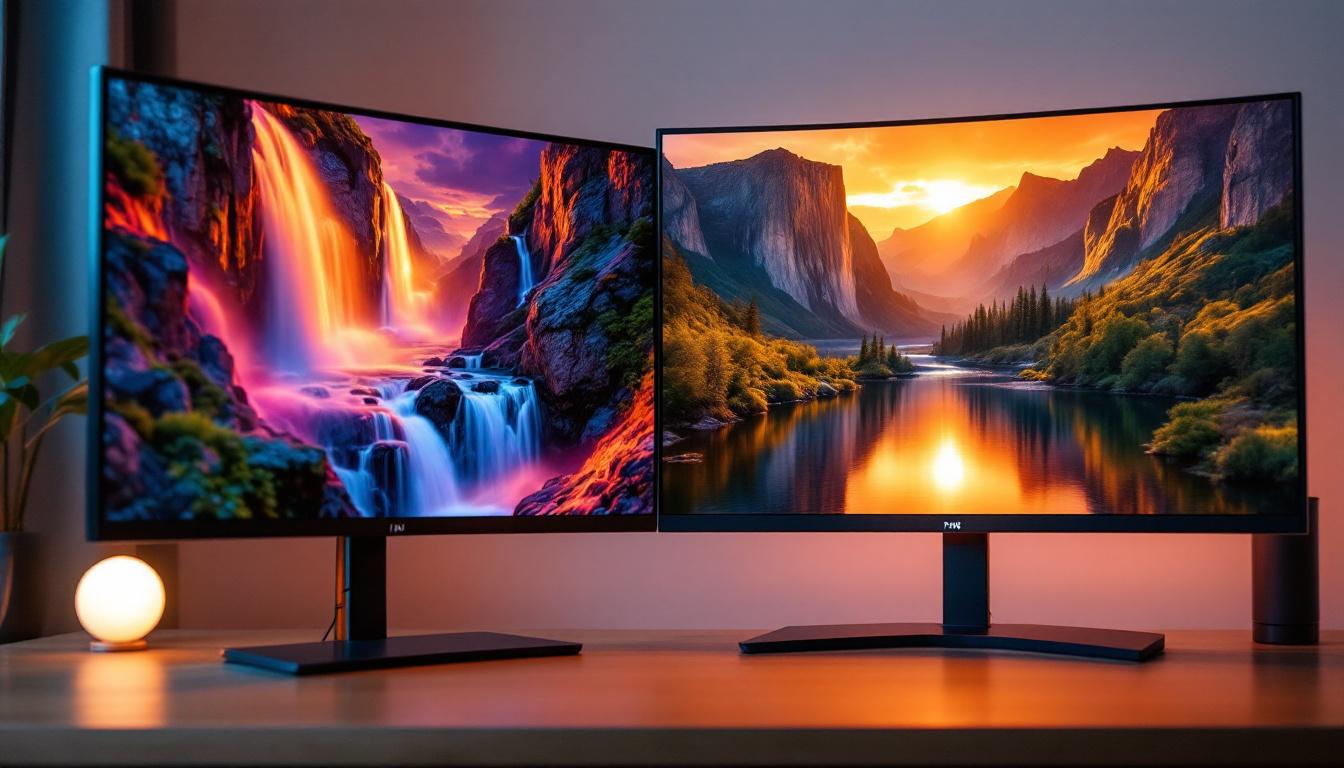
Moreover, DisplayPort’s versatility extends beyond just video and audio. It supports daisy chaining of multiple monitors through a single connection, allowing users to expand their workspace without cluttering their desk with multiple cables. This feature is particularly beneficial for professionals who rely on multi-monitor setups for tasks such as video editing, graphic design, or data analysis. The MST (Multi-Stream Transport) hub capability enables users to connect several displays in a series, enhancing productivity and providing a seamless visual experience.
Another noteworthy aspect of DisplayPort is its backward compatibility with older interfaces. Through the use of adapters, users can connect DisplayPort outputs to HDMI, DVI, or VGA inputs, ensuring that even legacy devices can benefit from the advanced features of DisplayPort technology. This adaptability not only extends the lifespan of older equipment but also offers users the flexibility to upgrade their systems without the need for complete overhauls, making DisplayPort a future-proof choice in an ever-evolving tech landscape.
Will DisplayPort Carry Audio? The Definitive Answer
The short answer is: Yes, DisplayPort can carry audio signals. However, the extent to which it does depends on several factors, including the device’s hardware capabilities, the cable used, and the software configuration.
How Audio Transmission Works Over DisplayPort
DisplayPort carries audio using the same data lanes as video, multiplexing both signals into a single stream. This means that when you connect a DisplayPort cable from a computer or media player to a compatible LED display or audio receiver, the audio data travels alongside the video data.
Typically, DisplayPort supports multi-channel audio formats such as Dolby Digital, DTS, and PCM up to 8 channels at 24-bit, 192 kHz. This is on par with HDMI’s audio capabilities, making DisplayPort a robust solution for high-fidelity sound. The ability to transmit high-quality audio alongside video makes DisplayPort an excellent choice for gaming setups and home theaters, where immersive sound is just as important as stunning visuals. Additionally, the versatility of DisplayPort allows for daisy-chaining multiple monitors, which can further enhance the audio experience by enabling surround sound setups when paired with the right hardware.
Device and Cable Compatibility
While DisplayPort inherently supports audio transmission, not all devices implement this feature. Some older graphics cards or monitors may only support video over DisplayPort, requiring separate audio connections. It’s essential to check the specifications of both the source device and the display to ensure that audio over DisplayPort is supported. Newer devices, especially those designed for gaming or professional audio-visual work, are more likely to fully utilize the audio capabilities of DisplayPort.
Similarly, the cable quality and type can influence audio transmission. Standard DisplayPort cables generally support audio, but if you’re using adapters (for example, DisplayPort to HDMI), the adapter must also support audio pass-through. Otherwise, you might encounter situations where video is transmitted but audio is absent. Furthermore, the length of the cable can also affect performance; longer cables may require higher quality materials to maintain signal integrity, which is crucial for both audio and video quality. In scenarios where high-definition audio is essential, investing in premium cables and ensuring compatibility across all devices can make a significant difference in the overall experience.
DisplayPort vs HDMI: Audio Transmission Comparison
HDMI is widely recognized for its audio and video transmission capabilities, especially in consumer electronics. Comparing DisplayPort and HDMI helps clarify their respective strengths and use cases.
Audio Quality and Formats
Both DisplayPort and HDMI support high-quality audio formats, including multi-channel surround sound. HDMI has traditionally been the go-to standard for home theater systems due to its support for advanced audio formats like Dolby TrueHD and DTS-HD Master Audio.
DisplayPort, while equally capable in terms of raw audio data transmission, is more common in computer monitors and professional environments. It supports uncompressed audio and can handle multi-channel setups, but its adoption in consumer AV equipment is less widespread than HDMI.
Use Cases and Device Ecosystems
HDMI dominates in televisions, Blu-ray players, gaming consoles, and soundbars, making it the default choice for home entertainment setups. DisplayPort, on the other hand, is favored in desktop PCs, high-end monitors, and professional AV gear, where its high bandwidth and multi-stream transport (MST) capabilities shine.
For users who require both high-resolution video and superior audio quality, understanding which interface their devices support is crucial. In many cases, DisplayPort’s audio capabilities are sufficient, but HDMI might be preferred for compatibility with consumer audio devices.
LED Displays and Audio Integration
LED displays, ranging from desktop monitors to large-scale video walls, rely heavily on the quality of their input signals. DisplayPort’s ability to carry both video and audio simplifies the setup by reducing the number of cables needed.
How Audio Complements LED Visuals
LED technology is prized for its brightness, color accuracy, and energy efficiency. When paired with high-quality audio transmitted via DisplayPort, the overall viewing experience is significantly enhanced. Whether it’s a corporate presentation, a gaming session, or a cinematic experience, synchronized audio and video are key to immersion.
Many modern LED monitors come with built-in speakers or audio output ports that utilize the audio signal carried over DisplayPort. This eliminates the need for additional audio cables or external sound systems in some scenarios.
Challenges and Considerations
Despite its advantages, there are a few challenges to be aware of when relying on DisplayPort for audio on LED displays:
- Driver Support: Proper drivers must be installed on the source device to enable audio over DisplayPort.
- Monitor Capabilities: Not all LED displays have speakers or audio output; some may require external audio solutions.
- Adapter Limitations: Using adapters or converters can sometimes disrupt audio transmission if they don’t support audio pass-through.
Practical Tips for Ensuring Audio Over DisplayPort
To get the best audio experience through DisplayPort, consider the following practical advice:
Check Device Specifications
Before purchasing or using a DisplayPort cable or device, verify that both the source (e.g., PC, laptop, media player) and the display support audio over DisplayPort. Manufacturer websites and user manuals usually provide this information.
Use Certified Cables and Adapters
Invest in high-quality, certified DisplayPort cables that are rated for audio and video transmission. If adapters are necessary, ensure they explicitly support audio pass-through to avoid signal loss.
Configure Audio Settings Correctly
On Windows, macOS, or Linux systems, audio output settings often need to be configured to select the DisplayPort device as the default audio output. This step is crucial, as the system might default to built-in speakers or other audio devices.
Update Drivers and Firmware
Keeping your graphics drivers and display firmware up to date ensures compatibility and can resolve audio transmission issues. Manufacturers frequently release updates that enhance DisplayPort functionality.
The Future of DisplayPort and Audio Integration
DisplayPort continues to evolve, with the latest standards pushing the boundaries of bandwidth and feature support. DisplayPort 2.0, for example, promises bandwidth up to 80 Gbps, enabling 16K resolution at 60 Hz with HDR and multi-channel audio.
As LED displays become more advanced, incorporating higher refresh rates, wider color gamuts, and immersive audio technologies, DisplayPort’s role as a unified audio-video interface is set to grow. The industry trend toward simplifying connectivity while enhancing quality aligns perfectly with DisplayPort’s capabilities.
Moreover, the integration of DisplayPort with USB-C connectors in many modern laptops and devices further streamlines connectivity, allowing a single cable to handle power, data, video, and audio simultaneously.
Conclusion: DisplayPort as a Comprehensive Audio-Video Solution for LED Displays
DisplayPort is not just a video interface; it is a comprehensive digital connection capable of carrying high-quality audio alongside ultra-high-definition video. For users of LED displays, understanding that DisplayPort can carry audio signals is crucial for optimizing their setup and achieving the best audiovisual performance.
While compatibility and configuration can sometimes pose challenges, the benefits of using DisplayPort—such as reduced cable clutter, support for advanced audio formats, and high bandwidth for crisp visuals—make it an excellent choice for both professional and consumer applications.
When selecting cables, devices, and settings, keeping the nuances of DisplayPort’s audio capabilities in mind will ensure a smooth, immersive experience that leverages the full potential of modern LED displays.
Discover the Full Potential of Your Audiovisual Experience with LumenMatrix
Ready to elevate your LED display experience to new heights? LumenMatrix is at the forefront of LED display innovation, offering a vast array of solutions that bring your visual and auditory content to life. From immersive Indoor and Outdoor LED Wall Displays to dynamic Vehicle and Sports LED Displays, our technology is designed to maximize engagement and deliver your message with unparalleled impact. Don’t just take our word for it; check out LumenMatrix LED Display Solutions today and see how we can transform your space into a captivating audiovisual spectacle.