In the rapidly evolving world of interactive technology, the integration of touch-sensitive interfaces with vibrant LED displays has transformed how users engage with digital content. Among the innovations leading this charge is the Touch Board, a versatile platform that combines capacitive touch sensing with LED display capabilities. This article delves into the technology behind the Touch Board’s LED display, its applications, and why it stands out in the landscape of interactive devices.
Understanding the Touch Board: A Brief Overview
The Touch Board is a microcontroller-based development platform designed primarily for creating interactive projects that respond to touch inputs. Originally developed by Bare Conductive, the Touch Board is notable for its ability to detect capacitive touch on various surfaces, enabling users to create custom touch-sensitive interfaces beyond traditional buttons and screens.
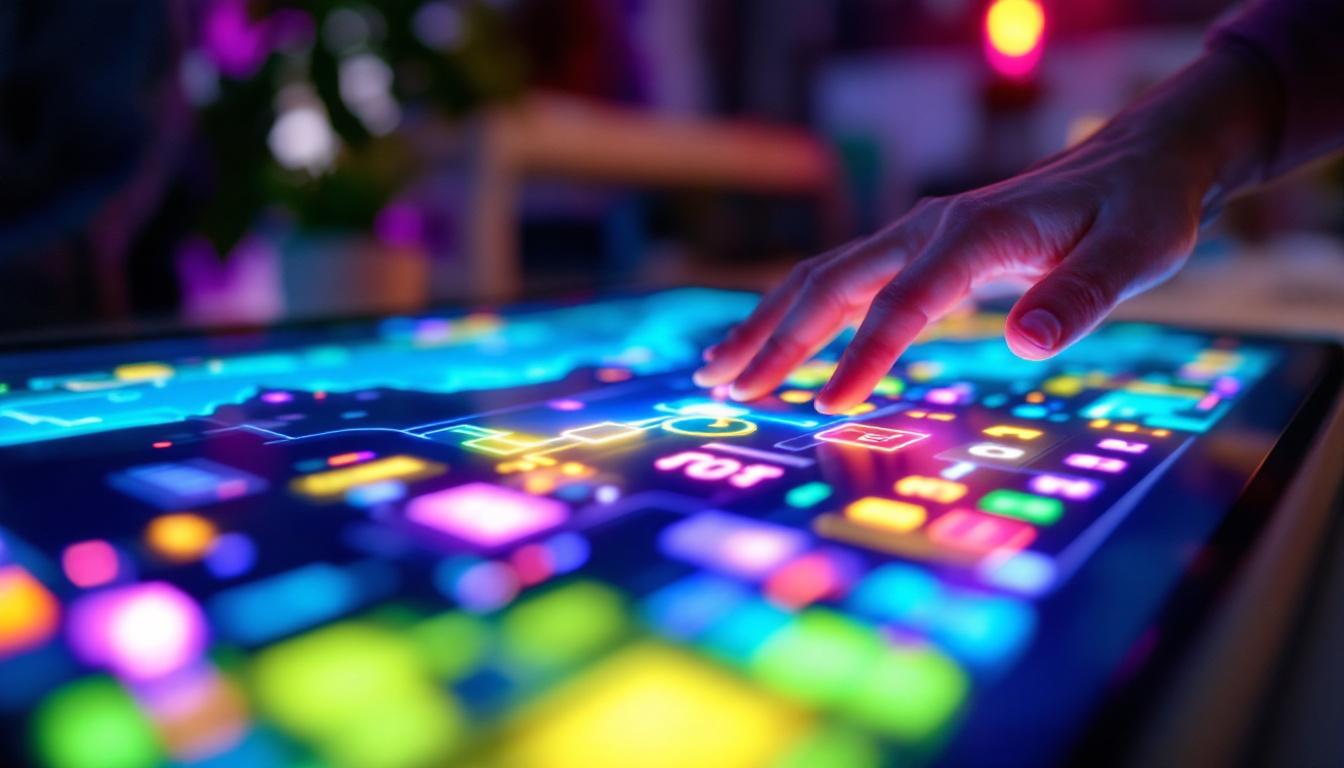
What sets the Touch Board apart is its integration with LED displays, allowing for immediate visual feedback that enhances user interaction. This combination of touch sensing and dynamic visual output has made it a favorite among educators, artists, and developers aiming to build engaging, intuitive experiences. The versatility of the Touch Board is evident in its wide range of applications, from interactive art installations to educational tools that teach programming and electronics in a hands-on manner.
Moreover, the Touch Board’s user-friendly design and extensive documentation make it accessible for beginners while still offering advanced features that appeal to seasoned developers. Many users have shared their innovative projects online, showcasing the board’s potential in creating everything from responsive sound installations to interactive games that engage players in unique ways. This community-driven aspect fosters collaboration and inspires new ideas, making the Touch Board a vibrant part of the maker movement.
Core Components of the Touch Board
At its heart, the Touch Board features an ATmega32U4 microcontroller, which provides ample processing power for handling touch inputs and controlling LED outputs. The board supports multiple capacitive touch channels, enabling simultaneous detection across various points. Additionally, it includes an onboard audio amplifier and supports MIDI communication, expanding its multimedia capabilities. This allows users to not only create visual feedback but also generate sound, making it an excellent tool for musicians and sound designers looking to experiment with interactive audio.
The LED display component typically involves addressable RGB LEDs, such as WS2812B or similar, which allow for precise control over color and brightness at the individual LED level. This granular control is crucial for creating intricate visual effects and responsive lighting patterns that correspond to touch events. Users can program these LEDs to respond in real-time to user interactions, creating immersive environments that can react dynamically to the audience’s presence. The combination of touch and light opens up endless possibilities for storytelling and artistic expression, allowing creators to push the boundaries of traditional media and engage their audiences in novel ways.
How the LED Display Works on the Touch Board
The LED display on the Touch Board operates by leveraging individually addressable LEDs arranged in various configurations, such as strips, matrices, or custom shapes. Each LED contains red, green, and blue diodes, which can be combined at different intensities to produce a wide spectrum of colors.
Addressable LEDs and Their Significance
Unlike traditional LED arrays where all LEDs display the same color or pattern simultaneously, addressable LEDs allow each diode to be controlled independently. This means the Touch Board can illuminate specific LEDs in response to touch inputs, creating dynamic and interactive lighting effects that enhance user engagement.
For example, touching a particular sensor pad can trigger a ripple of color across an LED strip or illuminate a specific section of a matrix, providing immediate visual feedback that is both informative and aesthetically pleasing.
Communication Protocols and Control
The Touch Board communicates with the LED display using protocols such as the WS2812’s one-wire data transmission. This protocol sends color data sequentially to each LED in the chain, with the microcontroller timing the signals precisely to ensure accurate color rendering.
Programming the Touch Board to control LEDs involves writing code that maps touch inputs to LED outputs. Developers can use Arduino-compatible environments, leveraging libraries like FastLED or Adafruit NeoPixel, which simplify the process of creating complex lighting patterns synchronized with touch events.
Applications of Touch Board LED Displays
The fusion of touch sensing and LED displays opens up a broad spectrum of applications across different fields. From interactive art installations to educational tools and commercial products, the Touch Board’s LED display capabilities provide both functional and creative advantages.
Interactive Art and Installations
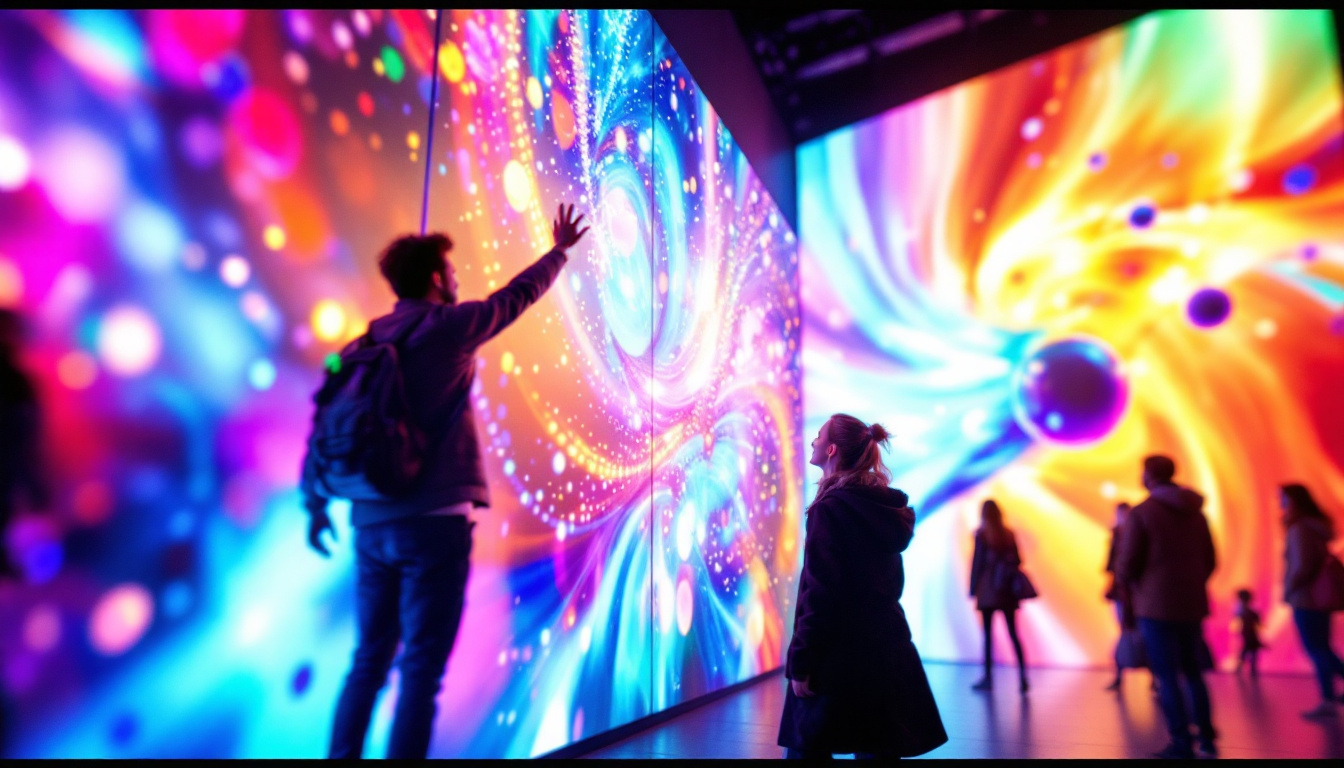
Artists and designers often use the Touch Board to create immersive installations where visitors can influence the visual environment through touch. The LED display serves as a canvas that responds in real-time, enhancing the sensory experience and fostering deeper engagement.
For instance, an installation might feature a wall of touch-sensitive panels that light up in vibrant colors when pressed, or a sculpture embedded with LEDs that change hues based on user interaction. These projects demonstrate how technology can bridge the gap between digital and physical art.
Educational Tools and STEM Learning
In educational settings, the Touch Board’s LED display is a powerful tool for teaching concepts related to electronics, programming, and human-computer interaction. Students can experiment with coding LED patterns that respond to touch, gaining hands-on experience with microcontrollers and sensor technologies.
Moreover, the immediate visual feedback provided by the LEDs helps learners understand cause-and-effect relationships in programming and electronics, making abstract concepts more tangible and accessible.
Commercial and Consumer Products
The Touch Board’s capabilities have also been harnessed in commercial products such as interactive kiosks, musical instruments, and smart home devices. The LED display provides intuitive visual cues that improve usability and aesthetic appeal.
For example, a smart lighting system might use touch-sensitive panels to allow users to select lighting scenes, with the LED display indicating the current mode or brightness level. This integration enhances user experience by combining tactile input with informative visual output.
Technical Considerations When Using LED Displays with the Touch Board
While the Touch Board offers robust functionality, there are several technical aspects to consider to optimize the performance and reliability of LED displays in projects.
Power Requirements and Management
Addressable LED strips and matrices can consume significant power, especially when many LEDs are illuminated at high brightness. It is essential to provide a stable power supply capable of delivering sufficient current to prevent voltage drops that can cause flickering or color inconsistencies.
Typically, each WS2812B LED can draw up to 60 milliamps at full brightness white. For large installations, power injection points may be necessary to maintain consistent voltage along the LED chain. Additionally, careful wiring and the use of appropriate gauge cables help ensure safe and efficient power delivery.
Signal Integrity and Data Transmission
The one-wire communication protocol used by addressable LEDs is sensitive to timing and signal integrity. Long LED strips or complex layouts can introduce signal degradation, leading to erratic LED behavior.
To mitigate this, it is recommended to use short data lines, add a resistor (typically 300-500 ohms) in series with the data line to reduce noise, and include a capacitor across the power supply to smooth voltage fluctuations. In some cases, signal repeaters or level shifters may be necessary for longer runs.
Programming and Software Tools
Developers working with the Touch Board and LED displays benefit from a rich ecosystem of software libraries and tools. FastLED and Adafruit NeoPixel are among the most popular libraries, offering functions to control color, brightness, and animation effects efficiently.
Writing responsive code involves mapping touch inputs to LED outputs, often requiring debounce logic to filter false touches and smooth transitions to create visually appealing animations. The Touch Board’s compatibility with Arduino IDE makes it accessible for beginners while remaining powerful enough for advanced projects.
Future Trends and Innovations in Touch Board LED Displays
The intersection of touch technology and LED displays continues to evolve, driven by advances in materials, microcontrollers, and software capabilities. Emerging trends promise to expand the possibilities for Touch Board applications even further.
Integration with IoT and Wireless Connectivity
Future iterations of touch-sensitive LED displays are increasingly incorporating wireless communication protocols such as Bluetooth and Wi-Fi. This enables remote control, data logging, and integration with smart home ecosystems, enhancing functionality and user convenience.
For the Touch Board, adding wireless modules or using companion devices can open new avenues for interactive projects that respond to environmental data or user preferences beyond direct touch.
Enhanced Sensor Precision and Multi-Touch Capabilities
Advancements in capacitive sensing technology allow for more precise detection and multi-touch recognition. This means the Touch Board can distinguish between multiple simultaneous touches, enabling more complex gestures and interactions.
Combined with LED displays, this capability can lead to sophisticated user interfaces that rival commercial touchscreens in responsiveness and functionality, while maintaining the flexibility of custom hardware.
Energy-Efficient and Flexible LED Technologies
Developments in LED technology, such as organic LEDs (OLEDs) and flexible LED panels, offer new design possibilities. These technologies allow for thinner, lighter, and more energy-efficient displays that can be integrated into unconventional surfaces.
The Touch Board’s adaptability makes it well-suited to leverage these innovations, enabling interactive installations on curved surfaces, textiles, or wearable devices, broadening the scope of creative and functional applications.
Conclusion
The Touch Board’s integration of capacitive touch sensing with addressable LED displays represents a powerful combination for creating interactive, engaging experiences across art, education, and commercial domains. Understanding the technical foundations and practical considerations of its LED display capabilities allows developers and creators to harness its full potential effectively.
As technology advances, the Touch Board continues to be a versatile tool that bridges the gap between physical interaction and digital feedback, inspiring innovation and creativity in interactive design.
Explore Cutting-Edge LED Displays with LumenMatrix
Ready to elevate your interactive projects with the latest in LED display technology? Discover LumenMatrix’s comprehensive range of LED display solutions, from Indoor and Outdoor LED Walls to innovative Transparent Displays and beyond. Whether you’re looking to enhance brand visibility, create immersive environments, or captivate your audience, LumenMatrix is your partner in revolutionizing visual communication. Check out LumenMatrix LED Display Solutions today and start transforming your creative vision into a luminous reality.