Desktop PC Screen: LED Display Explained
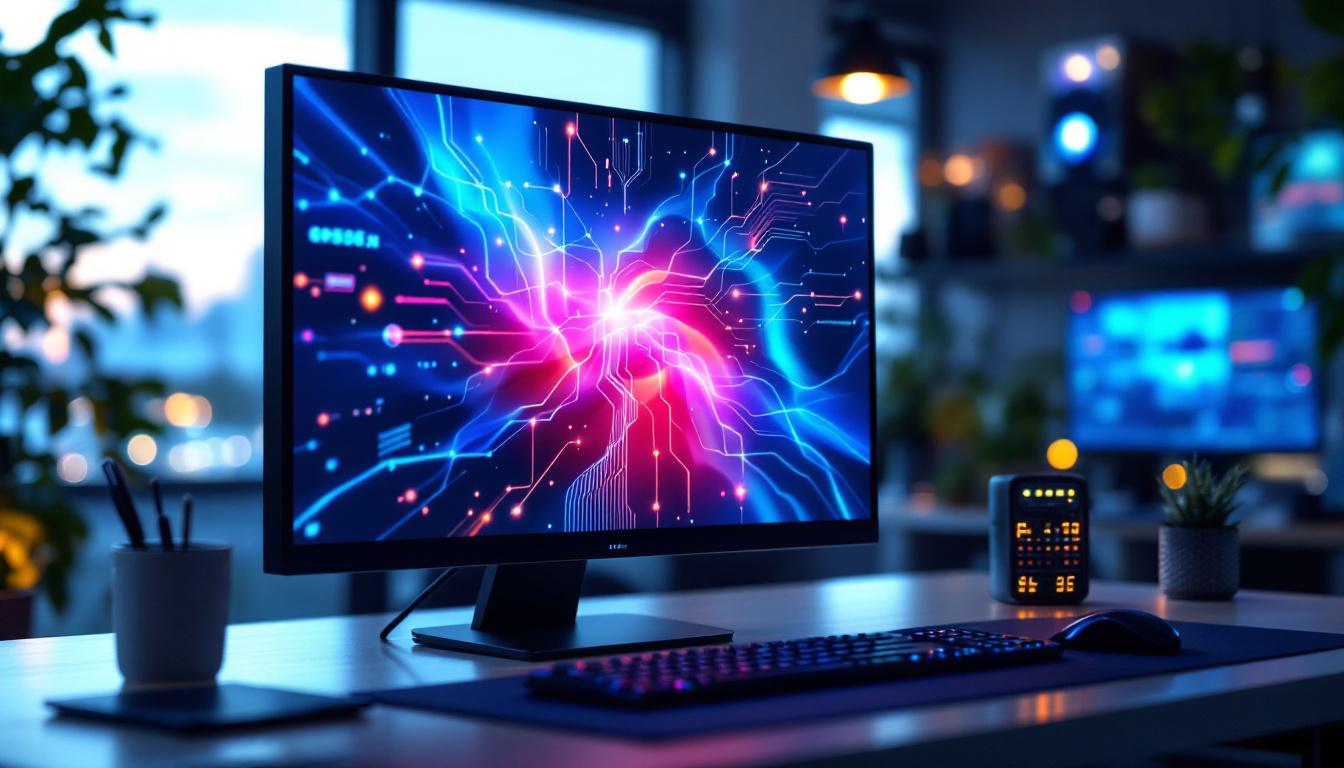
In the realm of desktop computing, the display screen is one of the most critical components influencing user experience. Among the various technologies available, LED displays have become the dominant choice for desktop PC monitors. Understanding what LED displays are, how they work, and their advantages can help consumers make informed decisions when selecting a monitor. This article delves into the intricacies of LED desktop screens, exploring their technology, benefits, and considerations for users.
Understanding LED Display Technology
LED stands for Light Emitting Diode, a semiconductor device that emits light when an electric current passes through it. In the context of desktop PC screens, LED displays refer to LCD (Liquid Crystal Display) panels that use LED backlighting instead of older fluorescent backlighting methods.
It’s important to clarify that the screen itself is not made up of LEDs forming the image directly (as in LED video walls or some TVs), but rather the LEDs serve as a backlight source behind the LCD panel. The LCD layer controls the image by modulating light passing through it, while the LED backlight provides the illumination necessary for the image to be visible.
From CCFL to LED Backlighting
Before LED backlighting became standard, most LCD monitors used Cold Cathode Fluorescent Lamps (CCFLs) for illumination. CCFLs consume more power, generate more heat, and are bulkier compared to LEDs. The transition to LED backlighting brought significant improvements in energy efficiency, screen thinness, and color accuracy.
LED backlighting can be implemented in different ways, such as edge-lit or full-array backlighting. Edge-lit LED displays place LEDs along the edges of the screen, using light guides to distribute illumination evenly. Full-array LED backlighting involves a grid of LEDs directly behind the screen, allowing for more precise control of brightness and contrast through local dimming.
One of the most impressive advancements in LED technology is the introduction of HDR (High Dynamic Range) displays, which take advantage of full-array backlighting. HDR allows for a wider range of colors and greater contrast between the darkest and brightest parts of an image, resulting in a more lifelike viewing experience. This technology is particularly beneficial for gaming and video editing, where color accuracy and detail in shadows and highlights are crucial. As HDR content becomes more prevalent, the demand for displays that can fully utilize this technology continues to grow.
Moreover, the environmental impact of LED technology is also noteworthy. LEDs are more energy-efficient, which not only lowers electricity bills but also reduces carbon footprints. Unlike CCFLs, which contain mercury and require careful disposal, LEDs are more environmentally friendly, making them a preferable choice for eco-conscious consumers. As manufacturers strive to create sustainable products, the shift towards LED technology represents a significant step forward in reducing electronic waste and promoting greener practices in the tech industry.
Key Advantages of LED Desktop Screens
LED displays offer several compelling benefits over older display technologies, making them the preferred choice for desktop monitors across various use cases.
Improved Energy Efficiency
One of the most significant advantages of LED backlighting is its energy efficiency. Compared to CCFL-backlit LCDs, LED displays consume up to 30-40% less power. This reduction not only lowers electricity bills but also contributes to environmental sustainability by reducing overall energy consumption. Additionally, the lower heat output of LED screens means that they can help maintain a cooler workspace, which can be particularly beneficial in warmer climates or in settings where multiple monitors are used simultaneously.
Enhanced Image Quality and Color Accuracy
LED backlighting enables better control over brightness and color reproduction. Full-array LED displays with local dimming can achieve higher contrast ratios by dimming specific areas of the screen while keeping others bright. This results in deeper blacks and more vibrant colors, enhancing the viewing experience for tasks such as photo editing, gaming, and video playback. Moreover, many modern LED monitors support wide color gamuts like Adobe RGB or DCI-P3, which are essential for professional content creators who require precise color accuracy. The ability to display a broader spectrum of colors not only enriches visual content but also allows designers and artists to work with greater confidence, knowing that their creations will appear as intended across different devices.
Thinner and Lighter Designs
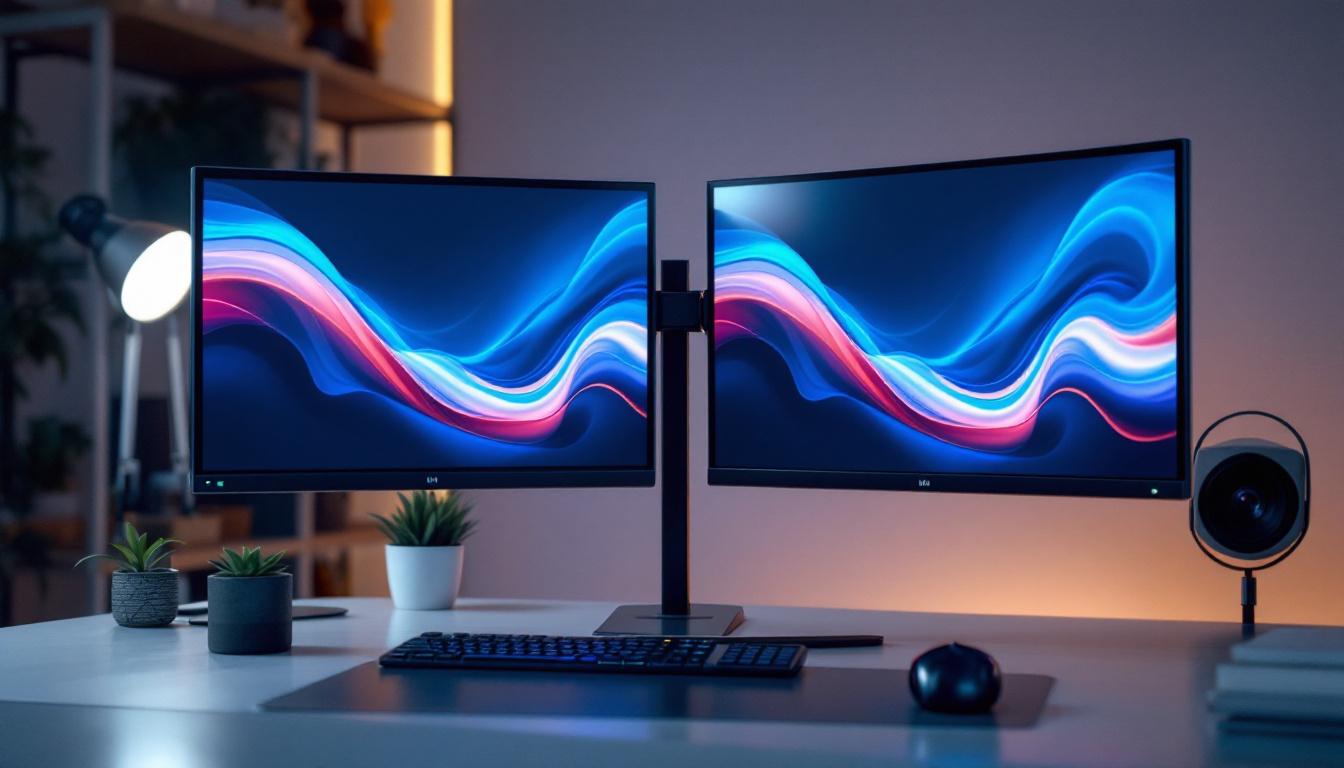
The compact size of LEDs allows manufacturers to produce thinner and lighter monitors. This design flexibility benefits users with limited desk space and those who prioritize aesthetics. Slim profiles also improve portability for users who frequently move their desktop setups or attend LAN events. Furthermore, the sleek design of LED monitors often includes features such as ultra-narrow bezels, which maximize screen real estate and create a more immersive experience, especially when multiple monitors are used in a multi-display setup.
Longer Lifespan and Durability
LED backlights generally have a longer operational lifespan than CCFLs, often lasting upwards of 50,000 hours. They are also more resistant to shocks and vibrations, which enhances the overall durability of the monitor. This longevity makes LED displays a cost-effective investment over time. In addition, many LED monitors come equipped with advanced technologies that protect against screen burn-in and image retention, ensuring that users can enjoy a consistent visual experience without the worry of degrading image quality over time. This resilience is particularly valuable in environments where monitors are used continuously, such as in control rooms or for digital signage applications.
Types of LED Desktop Displays
While LED refers primarily to the backlighting technology, desktop monitors vary in panel types and LED configurations. Understanding these distinctions helps users select a monitor tailored to their needs.
Panel Types: IPS, TN, and VA
The LCD panel technology combined with LED backlighting determines the display’s characteristics such as viewing angles, response time, and color reproduction.
- IPS (In-Plane Switching): Known for wide viewing angles and accurate color reproduction, IPS panels are favored by graphic designers, photographers, and professionals requiring color precision.
- TN (Twisted Nematic): TN panels typically offer faster response times and higher refresh rates, making them popular among gamers. However, they have narrower viewing angles and less accurate colors.
- VA (Vertical Alignment): VA panels provide better contrast ratios and deeper blacks than IPS or TN but may have slower response times. They offer a middle ground for general use and multimedia consumption.
Edge-Lit vs. Full-Array LED Backlighting
As previously mentioned, LED backlighting can be implemented in two main configurations:
- Edge-Lit: LEDs are positioned along the edges of the screen. This method allows for thinner monitors and lower manufacturing costs but may result in uneven brightness and less effective local dimming.
- Full-Array: LEDs are distributed uniformly behind the entire screen. This setup enables local dimming, which improves contrast and black levels but typically results in a thicker and more expensive monitor.
Considerations When Choosing an LED Desktop Monitor
Selecting the right LED desktop screen involves evaluating multiple factors beyond just the LED technology. The user’s specific needs and preferences should guide the decision.
Resolution and Screen Size
Resolution determines the amount of detail a screen can display. Common resolutions for desktop monitors include Full HD (1920×1080), Quad HD (2560×1440), and 4K UHD (3840×2160). Higher resolutions provide sharper images but require more powerful graphics hardware to drive them effectively.
Screen size also plays a role in user comfort and productivity. Larger screens offer more workspace and immersive experiences but may require more desk space. Typical desktop monitors range from 21 to 32 inches diagonally, with ultrawide options gaining popularity for multitasking.
Refresh Rate and Response Time
Refresh rate, measured in Hertz (Hz), indicates how many times the screen updates per second. Higher refresh rates (120Hz, 144Hz, or even 240Hz) provide smoother motion, which is particularly beneficial for gaming and fast-paced video content.
Response time measures how quickly a pixel can change color, impacting motion blur and ghosting effects. Lower response times (1-5 milliseconds) are preferred for gaming and video editing.
Connectivity and Ergonomics
Modern LED monitors come equipped with various connectivity options such as HDMI, DisplayPort, USB-C, and legacy VGA or DVI ports. Choosing a monitor with compatible inputs ensures seamless integration with the desktop PC and peripherals.
Ergonomic features like adjustable height, tilt, swivel, and pivot improve comfort during extended use. Monitors with VESA mount compatibility allow users to customize their setup further.
Emerging Trends in LED Desktop Displays
As technology evolves, LED desktop monitors continue to incorporate new features that enhance performance and user experience.
Mini-LED and Micro-LED Technologies
Mini-LED backlighting uses thousands of tiny LEDs to provide even more precise local dimming and improved contrast ratios compared to traditional full-array LED setups. This technology bridges the gap between conventional LED and OLED displays, offering superior image quality without the burn-in risk associated with OLEDs.
Micro-LED represents a future display technology where microscopic LEDs form the image directly, eliminating the need for an LCD layer. While currently expensive and limited in availability, Micro-LED promises unparalleled brightness, contrast, and energy efficiency.
HDR (High Dynamic Range) Support
HDR-capable LED monitors can display a wider range of brightness and color, resulting in more lifelike and vivid images. HDR standards such as HDR10 and Dolby Vision are becoming increasingly common in desktop monitors, especially those targeting creative professionals and gamers.
Conclusion: Making the Most of LED Desktop Screens
LED desktop PC screens have revolutionized how users interact with their computers by offering energy-efficient, high-quality displays. The combination of LED backlighting with advanced LCD panel technologies delivers sharp images, vibrant colors, and sleek designs suitable for a wide range of applications.
When selecting an LED monitor, users should consider factors such as panel type, resolution, refresh rate, and ergonomic features to ensure the display meets their specific needs. Staying informed about emerging technologies like Mini-LED and HDR support can also help users future-proof their setups.
Ultimately, understanding the fundamentals of LED display technology empowers consumers to choose desktop monitors that enhance productivity, entertainment, and overall computing satisfaction.
Discover the Future of Visual Display with LumenMatrix
Ready to elevate your visual experience with the latest in LED technology? LumenMatrix is at the forefront of innovative LED display solutions, offering a wide array of products from Indoor and Outdoor LED Walls to specialized displays for vehicles, sports, and custom applications. Whether you’re looking to enhance your brand’s visibility or create a mesmerizing visual environment, our cutting-edge displays are designed to captivate and engage. Check out LumenMatrix LED Display Solutions and join the revolution in visual communication today.