In today’s digital world, choosing the right monitor can significantly impact productivity, entertainment, and overall user experience. Among the most popular display technologies, LCD monitors with LED backlighting stand out for their clarity, energy efficiency, and sleek designs. However, understanding the dimensions and specifications of these monitors is crucial before making a purchase or setting up a workspace. This article delves into the intricacies of LCD monitor dimensions and explains the LED display technology that powers them.
Understanding LCD Monitor Dimensions
When shopping for an LCD monitor, dimensions are one of the first aspects to consider. But what exactly do these dimensions represent, and why are they important?
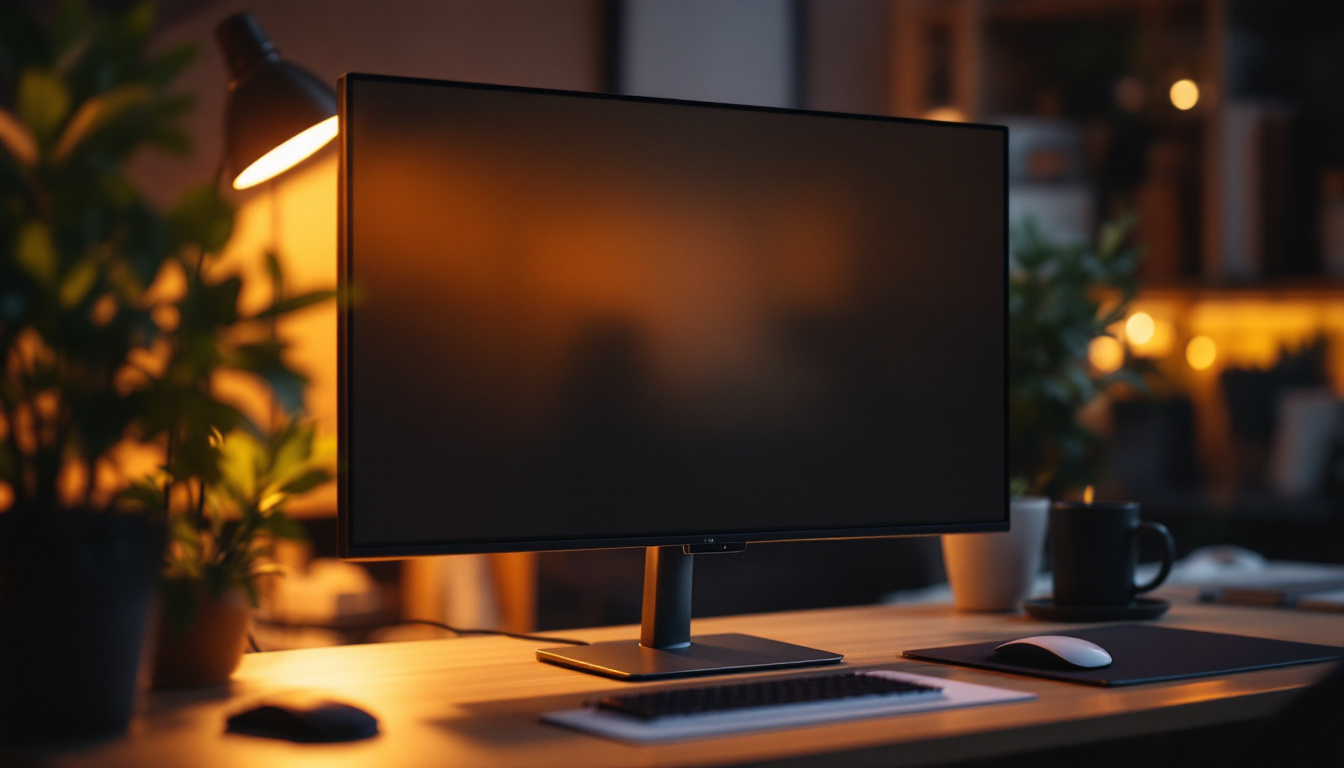
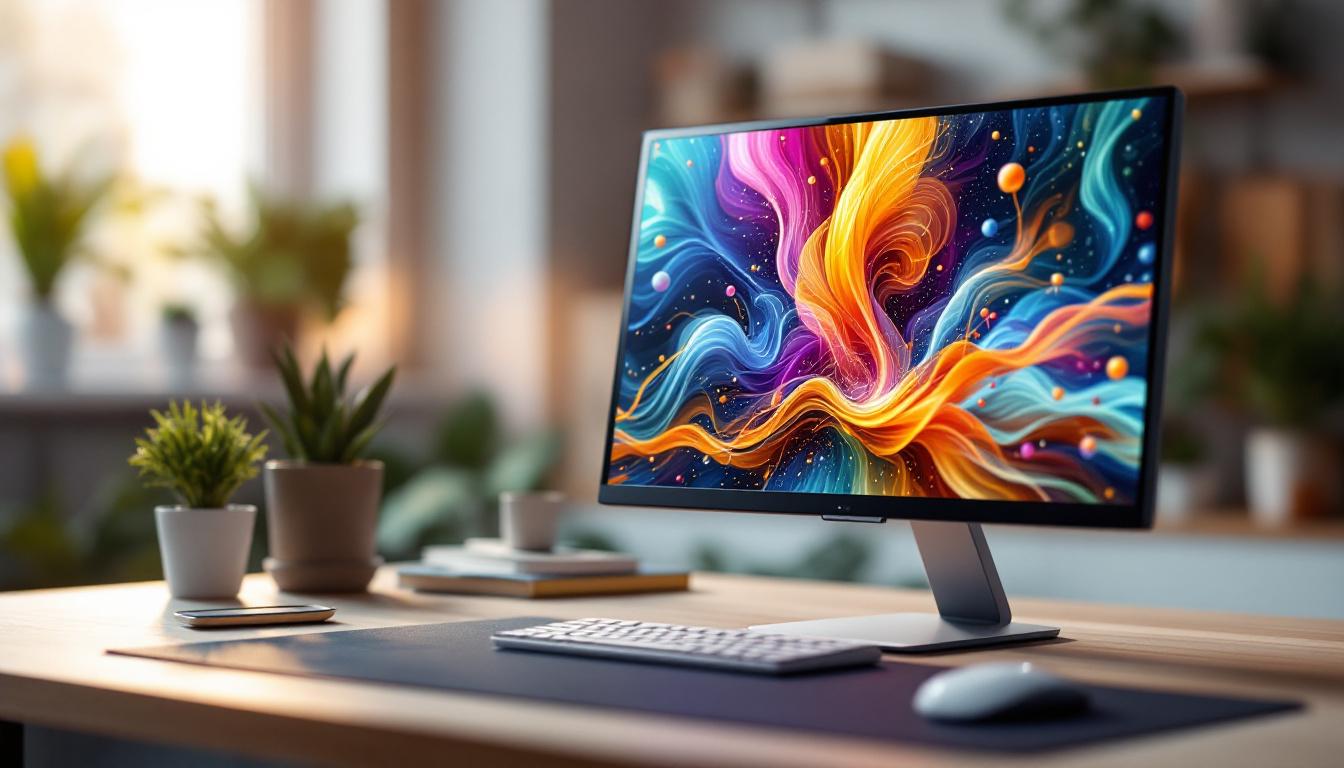
LCD monitor dimensions typically refer to the physical size of the screen, usually measured diagonally in inches. This measurement excludes the bezel—the frame surrounding the screen—and focuses solely on the active display area. For example, a 24-inch monitor means the visible screen area measures 24 inches from one corner to the opposite diagonal corner.
Aspect Ratio and Its Impact on Dimensions
The aspect ratio is the proportional relationship between the width and height of the display. Common aspect ratios include 16:9, 16:10, and 21:9. The most prevalent among modern LCD monitors is 16:9, which is ideal for widescreen video content and general computing tasks.
Aspect ratio directly affects the shape and usability of the screen. For instance, a 27-inch monitor with a 16:9 aspect ratio will have a different width and height compared to a 27-inch monitor with a 21:9 ratio. Ultrawide monitors (21:9) offer more horizontal space, which is beneficial for multitasking and immersive gaming experiences. This additional width allows users to have multiple windows open side by side, enhancing productivity, especially for professionals in fields like graphic design, video editing, and programming, where screen real estate is paramount.
Physical Dimensions vs. Screen Size
It’s important to distinguish between the screen size and the overall physical dimensions of the monitor. While the screen size refers to the diagonal measurement of the display area, the physical dimensions include the bezel, stand, and sometimes the depth of the monitor. These measurements are crucial for determining whether the monitor will fit on a desk or in a specific workspace.
For example, a 24-inch LCD monitor might have an overall width of approximately 22 inches and a height of 13 inches, including the bezel and stand. Manufacturers often provide detailed specifications for both screen size and physical dimensions to help consumers make informed decisions. Additionally, the depth of the monitor can play a significant role in how it fits into a setup, especially for wall-mounted displays or in cramped office spaces. Understanding these measurements can also aid in selecting the right monitor arm or stand, ensuring that your workspace remains organized and efficient.
Furthermore, it’s worth noting that the weight of the monitor, which can vary significantly based on its size and construction, is another critical factor to consider. Heavier monitors may require sturdier stands or wall mounts, while lighter models can be more versatile in terms of placement and portability. As technology advances, many manufacturers are focusing on creating thinner and lighter models without compromising on performance, allowing for sleek designs that complement modern workspaces.
LED Display Technology Explained
LCD monitors utilize Liquid Crystal Display technology to create images on the screen. However, the term “LED monitor” often causes confusion. To clarify, LED monitors are essentially LCD monitors that use Light Emitting Diodes (LEDs) as a backlight source instead of the older Cold Cathode Fluorescent Lamps (CCFLs).
How LED Backlighting Works
In an LCD monitor, liquid crystals do not emit light by themselves. Instead, they modulate light passing through them to create images. The backlight is responsible for illuminating the screen. LED backlighting uses arrays of LEDs positioned either along the edges of the screen (edge-lit) or directly behind the panel (direct-lit or full-array).
Edge-lit LED monitors are thinner and more energy-efficient but may have less uniform brightness across the screen. Full-array LED backlighting offers better brightness uniformity and supports local dimming, which improves contrast by dimming parts of the screen independently. This capability allows for a more dynamic viewing experience, particularly in scenes with high contrast, such as dark shadows against bright highlights.
Advantages of LED Backlit LCD Monitors
LED backlighting brings several benefits over older CCFL technology:
- Energy Efficiency: LEDs consume less power, reducing electricity costs and environmental impact.
- Thinner Designs: LED backlights are more compact, allowing manufacturers to produce slimmer monitors.
- Better Brightness and Contrast: LED technology supports higher brightness levels and better contrast ratios, enhancing image quality.
- Longer Lifespan: LEDs generally last longer than CCFLs, increasing the overall durability of the monitor.
Additionally, the rapid response time of LEDs contributes to smoother motion handling, making them ideal for fast-paced gaming and video playback. This responsiveness is crucial for users who require precise timing, such as gamers or professional video editors, as it minimizes motion blur and ghosting effects during high-speed scenes.
Common Misconceptions About LED Monitors
Despite the term “LED monitor,” these displays are not OLED (Organic LED) screens. OLED technology differs significantly by producing light from organic compounds without the need for a backlight, offering deeper blacks and more vibrant colors. LED monitors, in contrast, rely on LCD panels with LED backlighting.
Understanding this distinction helps consumers set realistic expectations about color accuracy, contrast, and viewing angles when selecting a monitor. Furthermore, while LED monitors can achieve impressive brightness levels, they may still struggle with color reproduction in certain scenarios compared to OLED displays, which excel in delivering a wider color gamut and more nuanced shades. This is particularly important for professionals in graphic design and photography, where color fidelity is paramount.
Choosing the Right LCD Monitor Dimensions for Your Needs
Selecting the appropriate monitor size and dimensions depends largely on the intended use, workspace constraints, and personal preferences. Here are some guidelines to help make the right choice.
For Office and Productivity Use
Monitors ranging from 22 to 27 inches with a 16:9 aspect ratio are popular for office environments. These sizes offer a good balance between screen real estate and desk space. A 24-inch monitor, for example, provides ample room for multiple windows and applications without overwhelming the user.
Higher resolutions such as 1920×1080 (Full HD) or 2560×1440 (QHD) enhance clarity, making text and graphics easier to read. For professionals working with spreadsheets, documents, or coding, these dimensions and resolutions improve comfort and efficiency.
For Creative Professionals
Graphic designers, video editors, and photographers often require larger monitors with higher resolutions and wider color gamuts. Monitors sized 27 inches and above, with resolutions of 2560×1440 or 3840×2160 (4K), provide the detail and workspace necessary for precise editing.
Ultrawide monitors with 21:9 aspect ratios are gaining popularity in creative fields, as they allow simultaneous viewing of multiple toolbars and timelines without the need for multiple screens.
For Gaming and Entertainment
Gamers benefit from monitors with fast refresh rates (120Hz or higher), low response times, and immersive screen sizes. Sizes between 24 and 32 inches are common, with ultrawide options providing a more encompassing field of view.
LED backlighting enhances brightness and contrast, which is crucial for visually rich games and HDR content. Additionally, curved monitors in larger dimensions help reduce eye strain and improve immersion.
Workspace and Ergonomics Considerations
Before purchasing, measure your desk space to ensure the monitor fits comfortably. Consider the height, tilt, and swivel adjustments offered by the stand or whether a VESA mount is supported for flexible positioning.
Ergonomics play a vital role in reducing neck and eye strain. A monitor with adjustable height and tilt helps maintain proper posture, especially during long hours of use.
Additional Factors Influencing Monitor Dimensions and Quality
Beyond size and backlighting, several other specifications impact the overall performance and suitability of an LCD monitor.
Resolution and Pixel Density
Resolution determines the number of pixels displayed on the screen, affecting image sharpness and clarity. Pixel density, measured in pixels per inch (PPI), is especially important for smaller monitors with high resolutions, as it dictates how crisp the visuals appear.
For example, a 24-inch monitor with 1920×1080 resolution has a pixel density of around 92 PPI, while a 27-inch monitor with 2560×1440 resolution offers approximately 109 PPI. Higher pixel densities reduce the visibility of individual pixels, resulting in smoother images.
Color Accuracy and Gamut
Color reproduction is critical for creative professionals and anyone who values vibrant, true-to-life images. Monitors with higher color gamut coverage (such as Adobe RGB or DCI-P3) and factory calibration provide better color accuracy.
LED backlighting can improve color vibrancy, but it’s essential to check the monitor’s specifications and reviews to ensure it meets the required standards.
Refresh Rate and Response Time
While not directly related to dimensions, refresh rate and response time affect the visual experience. Higher refresh rates (above 60Hz) and lower response times (below 5ms) reduce motion blur and screen tearing, which is especially important for gaming and fast-paced video content.
Conclusion: Making an Informed Choice
Understanding LCD monitor dimensions and LED display technology is fundamental to selecting the right monitor for any purpose. The diagonal screen size, aspect ratio, and physical dimensions determine how the monitor fits into your workspace and meets your visual needs.
LED backlighting enhances the performance of LCD monitors by providing better brightness, contrast, and energy efficiency compared to older technologies. However, it’s important to differentiate LED-backlit LCDs from OLED displays to set accurate expectations.
By considering factors such as intended use, resolution, color accuracy, and ergonomic features alongside dimensions, users can make well-informed decisions that enhance productivity, creativity, and entertainment experiences.
Explore Cutting-Edge LED Displays with LumenMatrix
Ready to elevate your visual experience with the latest in LED display technology? LumenMatrix offers a wide array of innovative solutions tailored to meet your needs. From captivating Indoor LED Wall Displays to dynamic Outdoor LED Wall Displays, and from versatile Vehicle LED Displays to sleek LED Poster Displays, our products are designed to revolutionize visual communication. Discover how our LED Sports Displays, Floor LED Displays, Custom LED Displays, All-in-One LED Displays, and LED Transparent Displays can enhance engagement and bring your brand’s message to life with unparalleled clarity. Don’t miss out on the opportunity to transform your space with LumenMatrix’s state-of-the-art LED display modules. Check out LumenMatrix LED Display Solutions today and start creating unforgettable visual experiences.