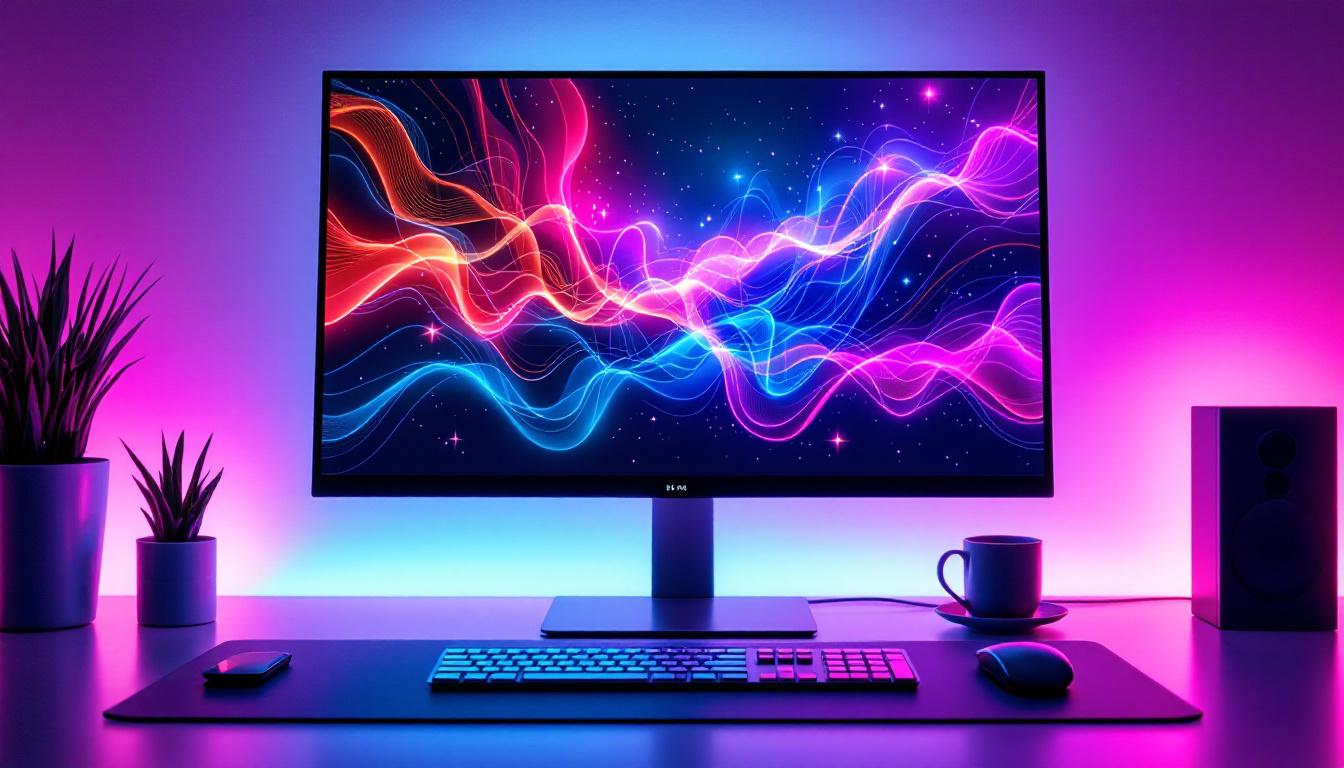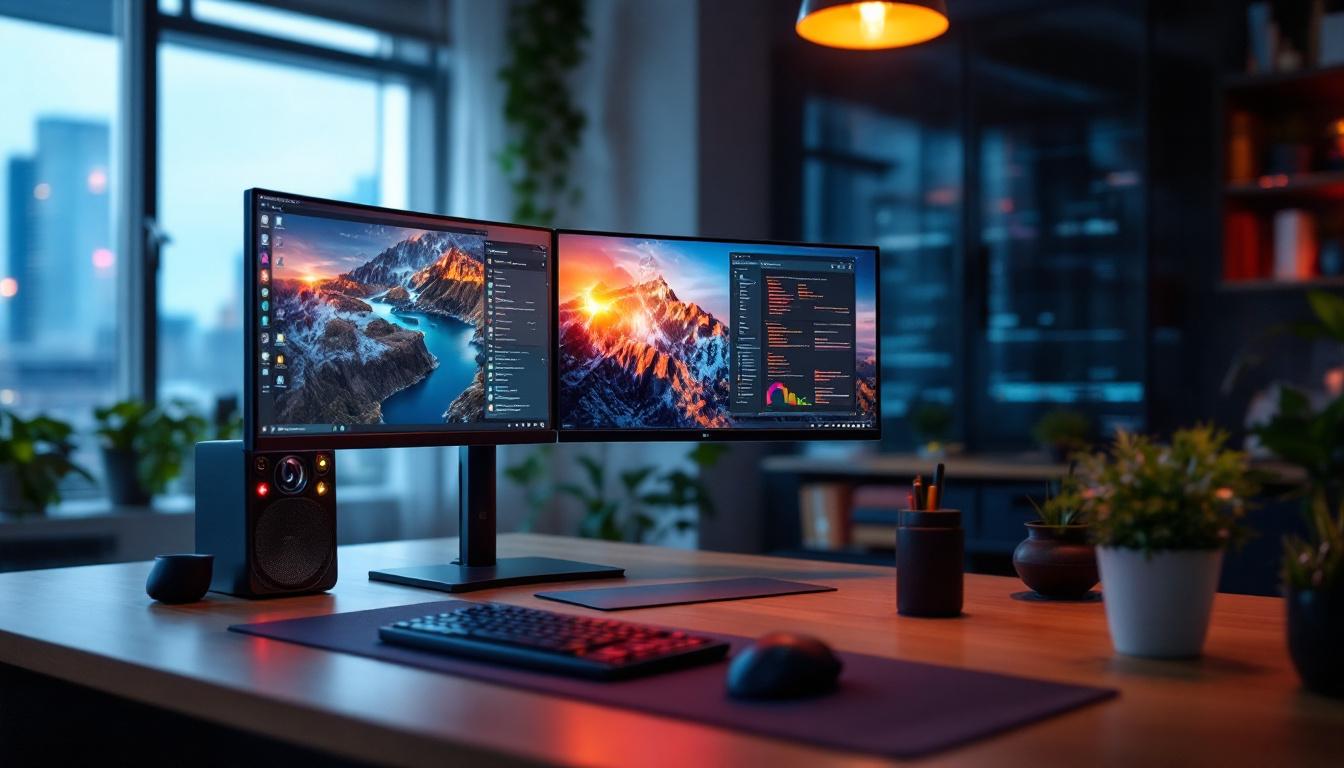
In today’s digital age, LED displays have become an integral part of how information is presented and consumed. From advertising billboards to computer monitors, LED technology powers a wide range of screens that deliver vibrant visuals and dynamic content. Among these, PC LED screens stand out as essential tools for both personal and professional use, offering clarity, efficiency, and versatility. This article explores the fundamentals of PC LED screens, how they work, their advantages, and their applications in modern computing environments.
Understanding LED Technology in PC Screens
What is an LED Screen?
LED stands for Light Emitting Diode, a semiconductor device that emits light when an electric current passes through it. An LED screen is a flat panel display that uses an array of these tiny diodes to produce images. Unlike traditional LCD screens that rely on fluorescent backlighting, LED screens use LEDs for backlight or as direct light sources, resulting in better brightness, contrast, and energy efficiency.
In the context of PCs, LED screens typically refer to LCD panels with LED backlighting, often called LED-backlit LCDs. This technology has largely replaced older CCFL (cold cathode fluorescent lamp) backlighting due to its superior performance and environmental benefits. The transition to LED technology has not only improved the visual experience but has also contributed to the reduction of energy consumption in electronic devices, making them more eco-friendly. Additionally, LED screens can be designed to be thinner and lighter, allowing for sleeker computer designs that are more portable and aesthetically pleasing.
How Do PC LED Screens Work?
PC LED screens function by combining two key components: the liquid crystal display (LCD) panel and the LED backlight. The LCD panel contains liquid crystals that can modulate light to create images by blocking or allowing light to pass through in specific patterns. The LED backlight provides the illumination necessary for the LCD to display visible images.
When electricity powers the screen, the LEDs emit light that passes through the LCD layer. The liquid crystals adjust their alignment based on the electrical signals they receive, controlling the amount of light that reaches the viewer’s eyes. This process creates the colors and images seen on the screen. Advances in LED technology, such as edge-lit and full-array backlighting, have further enhanced image quality and screen uniformity. Edge-lit displays use LEDs positioned along the edges of the screen, allowing for a thinner profile, while full-array backlighting employs a grid of LEDs behind the entire panel, providing more consistent brightness and improved contrast ratios. This innovation has made LED screens particularly popular among gamers and graphic designers who require high fidelity in color reproduction and detail.
Moreover, the development of OLED (Organic Light Emitting Diode) technology, which is often confused with traditional LED screens, has taken the visual experience a step further. Unlike standard LED-backlit LCDs, OLED panels emit their own light and do not require a backlight. This allows for deeper blacks and a wider color gamut, as each pixel can be turned off completely. As the market for displays continues to evolve, understanding the nuances between these technologies is crucial for consumers looking to invest in high-quality PC screens that meet their specific needs and preferences.
Key Advantages of PC LED Screens
Superior Image Quality
One of the most significant benefits of LED screens is their ability to deliver bright, sharp, and vibrant images. LED backlighting offers higher brightness levels than traditional CCFL backlights, which is particularly useful in environments with strong ambient light. Moreover, LED screens provide better contrast ratios, enabling deeper blacks and more vivid colors, which enhances the overall viewing experience.
Modern PC LED screens often support wide color gamuts and high dynamic range (HDR), making them ideal for graphic design, video editing, and gaming where color accuracy and detail matter.
Energy Efficiency and Longevity
LED technology is known for its energy efficiency. Compared to older backlighting methods, LED screens consume less power, which translates to lower electricity bills and reduced environmental impact. This efficiency is especially important for users who keep their PCs running for extended periods.
Additionally, LEDs have a longer operational lifespan than CCFLs, often lasting tens of thousands of hours without significant degradation. This durability reduces the need for frequent screen replacements and maintenance, providing cost savings over time.
Thin and Lightweight Design
LED backlighting allows PC screens to be thinner and lighter than their CCFL counterparts. This slim profile is advantageous for modern desktop setups and portable devices, such as laptops and all-in-one PCs. The reduced weight also makes screens easier to mount or move, enhancing user convenience.
Types of PC LED Screens
Edge-Lit LED Screens
Edge-lit LED screens position LEDs along the edges of the display panel. Light is then distributed across the screen using light guides, creating an even backlight. This design enables extremely thin displays and is commonly found in consumer-grade monitors and laptops.
While edge-lit screens are cost-effective and sleek, they may sometimes suffer from less uniform brightness compared to other types, especially on larger displays.
Full-Array LED Screens
Full-array LED screens feature a grid of LEDs placed directly behind the LCD panel, allowing for more precise control of backlighting. This arrangement supports local dimming, where different screen zones can be dimmed or brightened independently, enhancing contrast and black levels.
Full-array LED screens are typically found in higher-end monitors and professional displays, offering superior image quality, especially for HDR content.
Mini-LED and Micro-LED Screens
Emerging technologies like mini-LED and micro-LED are pushing the boundaries of LED display performance. Mini-LED screens use thousands of tiny LEDs for backlighting, providing even finer local dimming and improved brightness. Micro-LED displays, on the other hand, consist of microscopic LEDs that serve as individual pixels, eliminating the need for an LCD layer altogether.
These technologies promise enhanced color accuracy, contrast, and energy efficiency, although they are currently more expensive and primarily found in premium devices.
Applications of PC LED Screens
Everyday Computing
PC LED screens are ubiquitous in everyday computing tasks, from browsing the internet to office work. Their vibrant displays and energy efficiency make them suitable for home and office environments alike. The availability of various sizes and resolutions allows users to choose screens that best fit their needs and budgets.
Gaming and Entertainment
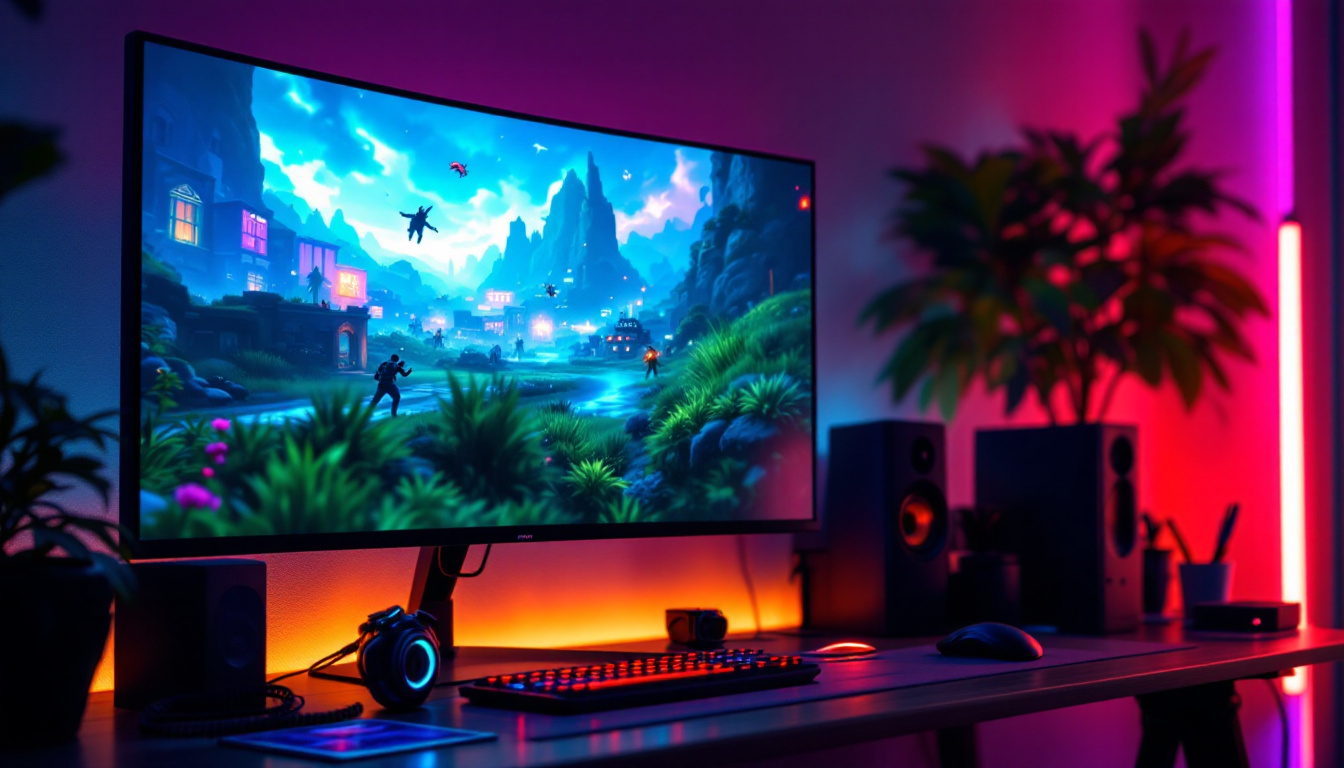
For gamers, PC LED screens offer fast refresh rates, low response times, and rich color reproduction, all critical for immersive gameplay. Many gaming monitors incorporate LED technology with features like adaptive sync to reduce screen tearing and input lag.
In entertainment, LED screens enhance video playback quality, supporting 4K resolution and HDR content, which delivers lifelike visuals and deeper immersion.
Professional and Creative Work
Professionals in graphic design, photography, video production, and other creative fields rely on PC LED screens for their color accuracy and high resolution. Monitors with wide color gamuts and precise calibration capabilities help ensure that digital work translates accurately to print or broadcast.
Additionally, LED screens’ ability to display fine details and subtle gradients supports tasks that require meticulous attention to visual quality.
Choosing the Right PC LED Screen
Resolution and Size Considerations
When selecting a PC LED screen, resolution and size are primary factors. Common resolutions include Full HD (1920×1080), Quad HD (2560×1440), and 4K Ultra HD (3840×2160). Higher resolutions provide sharper images and more screen real estate but require more powerful graphics hardware.
Screen size should balance workspace needs and desk space. Larger screens improve productivity by allowing multiple windows to be open simultaneously, while smaller screens are more portable and space-efficient.
Refresh Rate and Response Time
Refresh rate, measured in hertz (Hz), indicates how many times per second the screen updates its image. Higher refresh rates (120Hz, 144Hz, or more) provide smoother motion, beneficial for gaming and video editing.
Response time refers to how quickly pixels change color, affecting motion clarity. Lower response times reduce motion blur and ghosting, enhancing fast-paced visual experiences.
Connectivity and Additional Features
Modern PC LED screens offer various connectivity options including HDMI, DisplayPort, USB-C, and sometimes legacy ports like VGA or DVI. USB hubs and audio outputs add convenience.
Additional features such as adjustable stands, blue light filters, flicker-free technology, and built-in speakers can improve ergonomics and user comfort.
Future Trends in PC LED Screens
Advancements in Display Technology
The future of PC LED screens is marked by continuous innovation. Technologies like OLED (organic LED) and micro-LED are gaining traction, offering even better contrast, color accuracy, and energy efficiency. While OLED screens provide perfect blacks and vibrant colors, micro-LED promises longer lifespan and higher brightness without burn-in issues.
Integration with Smart and Interactive Features
Smart displays with touch capabilities, voice control, and AI integration are becoming more common. These features enhance interactivity and productivity, blurring the lines between traditional monitors and smart devices.
Sustainability and Eco-Friendly Designs
As environmental concerns grow, manufacturers are focusing on sustainable materials, energy-saving modes, and recyclable components in PC LED screens. Compliance with international standards like ENERGY STAR and EPEAT ensures that new screens meet rigorous environmental criteria.
Conclusion
PC LED screens represent a cornerstone of modern computing, combining advanced technology with practical benefits. Their superior image quality, energy efficiency, and sleek design make them suitable for a wide range of applications, from everyday use to professional and gaming environments. Understanding the different types of LED screens and their features empowers users to make informed choices that enhance their digital experiences.
As LED technology continues to evolve, the future promises even more immersive, efficient, and sustainable displays that will redefine how users interact with their PCs and digital content.
Discover the Future of Visuals with LumenMatrix
Ready to elevate your visual experience with the latest in LED display technology? LumenMatrix is at the forefront of innovation, offering a comprehensive range of LED display solutions tailored to your needs. Whether you’re looking for an Indoor LED Wall Display for a corporate setting, an Outdoor LED Wall Display for high-impact advertising, or any of our specialized displays like Vehicle, Sports, or Floor LED Displays, LumenMatrix has you covered. Our mission is to transform your digital interactions with displays that not only captivate but also communicate your message with unparalleled clarity. Don’t wait to enhance your digital experience—check out LumenMatrix LED Display Solutions today and join the revolution in visual communication.