Light Emitting Diodes (LEDs) have revolutionized the way we display information, from vibrant billboards to crystal-clear television screens. Understanding how to make an LED display involves grasping the technology behind LEDs, the design principles of displays, and the manufacturing process. This article delves deeply into the world of LED displays, explaining their components, working mechanisms, and how to create one from scratch.
Understanding LED Technology
Before diving into the construction of an LED display, it’s essential to understand what LEDs are and how they function. An LED is a semiconductor device that emits light when an electric current passes through it. Unlike traditional incandescent bulbs, LEDs are highly energy-efficient, durable, and capable of producing intense, vibrant colors. This efficiency not only translates to lower energy bills but also contributes to a reduced carbon footprint, making LEDs a more environmentally friendly option for lighting and displays.
The Science Behind LEDs
LEDs operate on the principle of electroluminescence. When electrons recombine with holes within the semiconductor material, energy is released in the form of photons, which we perceive as light. The color of the light depends on the semiconductor material used and its bandgap energy. For instance, gallium arsenide (GaAs) produces infrared light, while gallium nitride (GaN) is used for blue and green LEDs. The ability to manipulate these materials has led to innovations such as white LEDs, which are created by combining different colors or using phosphor coatings to achieve a broad spectrum of light that closely resembles natural sunlight.
Advantages of LED Technology
LEDs offer several advantages over traditional lighting and display technologies:
- Energy Efficiency: LEDs consume up to 80% less energy than incandescent bulbs.
- Longevity: Typical LED lifespan ranges from 25,000 to 100,000 hours.
- Brightness and Color Range: LEDs can produce a wide spectrum of colors with high brightness levels.
- Compact Size: Their small size allows for high-resolution displays.
Moreover, the durability of LEDs makes them resistant to shock and vibration, which is particularly beneficial in applications such as automotive lighting and portable devices. Unlike fragile incandescent bulbs, LEDs do not have filaments that can break, leading to a more reliable performance in various environments. Additionally, the low heat emission of LEDs enhances safety and reduces cooling costs in large installations, such as stadiums or concert venues, where numerous lights are used simultaneously. This combination of efficiency, longevity, and resilience has made LEDs the preferred choice for both commercial and residential lighting solutions.
Components of an LED Display
Creating an LED display involves integrating multiple components that work together to produce the desired visual output. Each element plays a crucial role in the display’s functionality and performance.
LED Modules
At the core of any LED display are the LED modules. These modules consist of individual LEDs arranged in a matrix to form pixels. The density of these pixels, measured as pixel pitch (distance between pixels), determines the display’s resolution. For example, a pixel pitch of 1.5mm is typical for indoor high-definition displays, while outdoor displays might have a larger pitch of 10mm or more for visibility at greater distances.
Driver ICs and Control Circuits
Driver integrated circuits (ICs) regulate the current flowing through each LED to control brightness and color. These ICs receive data signals from the control system and adjust the LEDs accordingly. Advanced driver ICs support grayscale and color depth, enabling smooth gradients and vivid images.
Power Supply
LED displays require stable and efficient power supplies to ensure consistent brightness and prevent damage. Power supplies convert alternating current (AC) from the mains into direct current (DC) suitable for LEDs. Proper voltage regulation and current limiting are essential to maintain LED longevity.
Control System
The control system is the brain of the LED display. It processes input data (such as video signals or text) and translates it into signals that the driver ICs can interpret. Modern control systems often use microcontrollers or specialized LED display controllers, which support various communication protocols like SPI, I2C, or Ethernet.
How to Make an LED Display: Step-by-Step Guide
Building an LED display requires careful planning, precise assembly, and thorough testing. Below is a detailed guide outlining the fundamental steps involved in making a basic LED display.
Step 1: Define the Display Specifications
Start by determining the purpose and size of your LED display. Consider factors such as:
- Resolution: How many pixels do you need? Higher resolution means more LEDs and finer detail.
- Viewing Distance: Larger pixel pitches are suitable for distant viewing, while smaller pitches are ideal for close-up.
- Color Requirements: Will your display be monochrome, bi-color, or full RGB?
- Environment: Indoor or outdoor use affects brightness and weatherproofing needs.
For example, an outdoor advertising billboard might require a pixel pitch of 10mm with full RGB capability and high brightness, while an indoor scoreboard might use a 4mm pitch with simpler color requirements.
Step 2: Select and Source Components
Once specifications are clear, source the necessary components:
- LEDs: Choose LEDs that match your color and brightness needs. High-quality LEDs from reputable manufacturers ensure reliability.
- Driver ICs: Select driver chips compatible with your LED configuration and control system.
- Printed Circuit Boards (PCBs): Design or purchase PCBs that accommodate your LED layout and circuitry.
- Power Supply: Ensure the power supply can handle the total current draw with a margin for safety.
- Control Hardware: Microcontrollers, LED display controllers, or FPGA boards depending on complexity.
Step 3: Design the Circuit and PCB Layout
Using electronic design automation (EDA) software like Eagle, KiCad, or Altium Designer, create the schematic and PCB layout. Key considerations include:
- Current Paths: LEDs require constant current; design circuits to prevent overcurrent.
- Heat Dissipation: Include copper pours and thermal vias to manage heat.
- Signal Integrity: Minimize noise and interference in data lines.
- Modularity: Design modules that can be easily connected to scale the display.
Step 4: Assemble the LED Modules
With PCBs and components ready, proceed to assembly:
- Solder LEDs: Position and solder LEDs onto the PCB carefully to avoid damage.
- Attach Driver ICs: Solder driver chips and other components as per the schematic.
- Test Each Module: Verify that all LEDs light correctly and that driver circuits function as expected.
Step 5: Integrate Power and Control Systems
Connect the assembled LED modules to the power supply and control hardware. Ensure proper wiring to prevent voltage drops and signal degradation. Use shielded cables if necessary to maintain signal quality.
Step 6: Program the Control System
Develop or configure software to manage the display content. This involves:
- Data Encoding: Convert images, text, or video into data packets compatible with the driver ICs.
- Refresh Rate: Set appropriate refresh rates (typically 60Hz or higher) to avoid flicker.
- Color Calibration: Adjust brightness and color balance for uniformity.
Step 7: Test and Calibrate the Display
After assembly and programming, conduct comprehensive testing:
- Visual Inspection: Check for dead pixels, color inconsistencies, or brightness variations.
- Electrical Testing: Measure voltage and current to ensure safe operation.
- Environmental Testing: For outdoor displays, test weather resistance and temperature tolerance.
Applications of LED Displays
LED displays are ubiquitous in modern life, serving a wide range of applications due to their versatility and performance.
Advertising and Digital Signage
Outdoor LED billboards and indoor digital signage dominate advertising landscapes worldwide. According to a 2023 report by Grand View Research, the global digital signage market is expected to reach $31.71 billion by 2028, driven largely by LED technology. Their high brightness, dynamic content capabilities, and energy efficiency make LEDs ideal for capturing consumer attention.
Television and Monitors
LED backlighting has become standard in LCD televisions and computer monitors, providing better contrast and lower power consumption compared to older CCFL backlights. OLED technology, a variant of LED, offers even greater color accuracy and contrast.
Sports Arenas and Event Displays
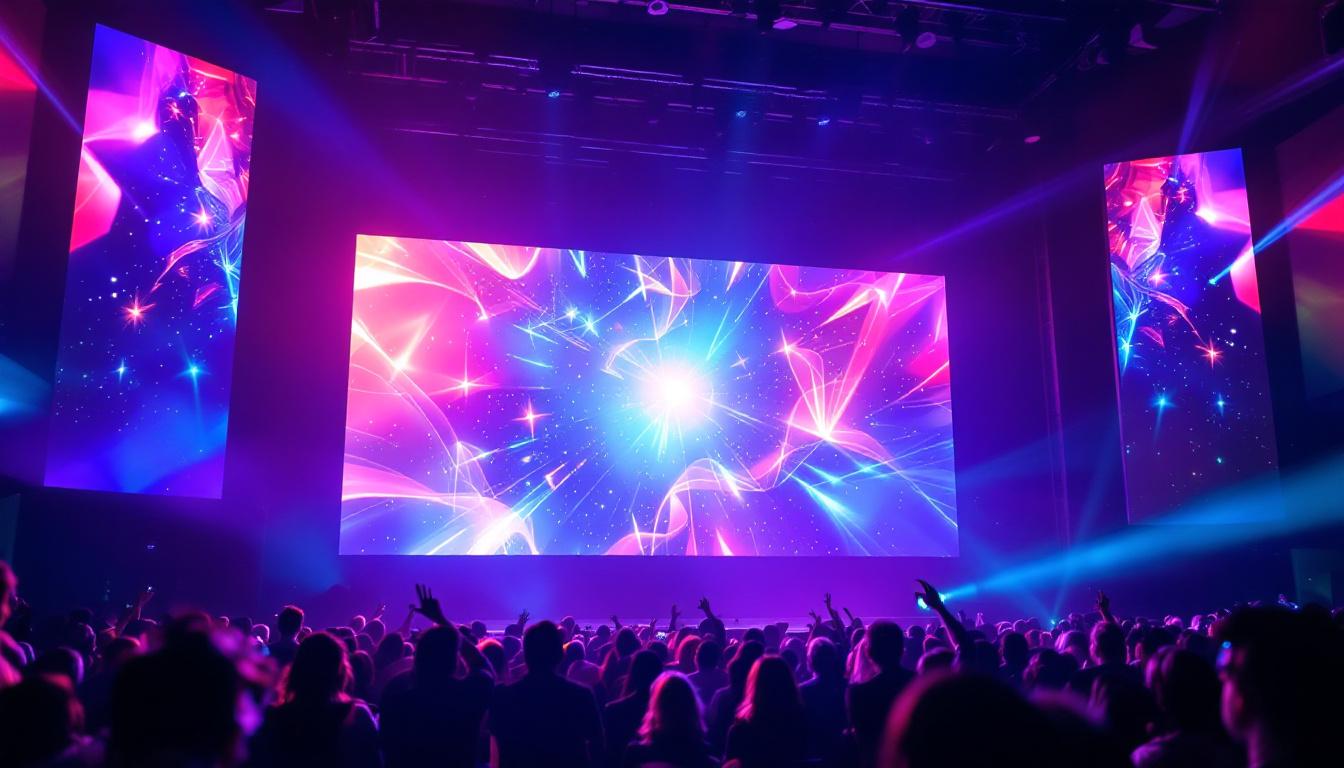
Large-scale LED displays are essential in stadiums and concert venues, delivering real-time scores, replays, and interactive content. Their modular nature allows for flexible sizing and shapes.
Automotive and Wearables
LEDs are increasingly used in vehicle dashboards, headlights, and wearable devices, offering compact, bright, and energy-efficient displays.
Future Trends in LED Display Technology
The LED display industry continues to evolve rapidly, driven by innovations in materials, design, and integration with digital technologies.
MicroLED and MiniLED Displays
MicroLED technology involves microscopic LEDs that can be individually controlled, offering superior brightness, contrast, and energy efficiency compared to OLEDs. MiniLEDs, slightly larger than MicroLEDs, are already enhancing LCD backlighting with improved local dimming and contrast.
Flexible and Transparent Displays
Advancements in flexible substrates and transparent LED arrays are enabling new form factors such as foldable screens, wearable displays, and see-through advertising panels.
Integration with IoT and AI
Smart LED displays connected to the Internet of Things (IoT) and powered by artificial intelligence (AI) enable dynamic content adaptation based on audience behavior, environmental conditions, and real-time data analytics.
Conclusion
Making an LED display is a multifaceted process that combines semiconductor physics, electronics design, and software programming. Understanding the components and their roles is crucial for anyone interested in building or working with LED displays. As LED technology continues to advance, its applications and capabilities will only expand, offering exciting opportunities for innovation in visual communication.
Whether creating a simple monochrome display or a sophisticated full-color video wall, the principles outlined here provide a solid foundation for exploring the vibrant world of LED displays.
Illuminate Your Space with LumenMatrix
Ready to transform your environment with a dazzling LED display? LumenMatrix is at the forefront of LED display innovation, offering a wide array of solutions that bring your visual communication to life. From Indoor and Outdoor LED Wall Displays to specialized options like Vehicle, Sports, and Floor LED Displays, our products are designed to captivate and engage your audience. Discover how our Custom, All-in-One, and Transparent LED Displays can elevate your brand’s visibility. Check out LumenMatrix LED Display Solutions today and start creating unforgettable visual experiences.