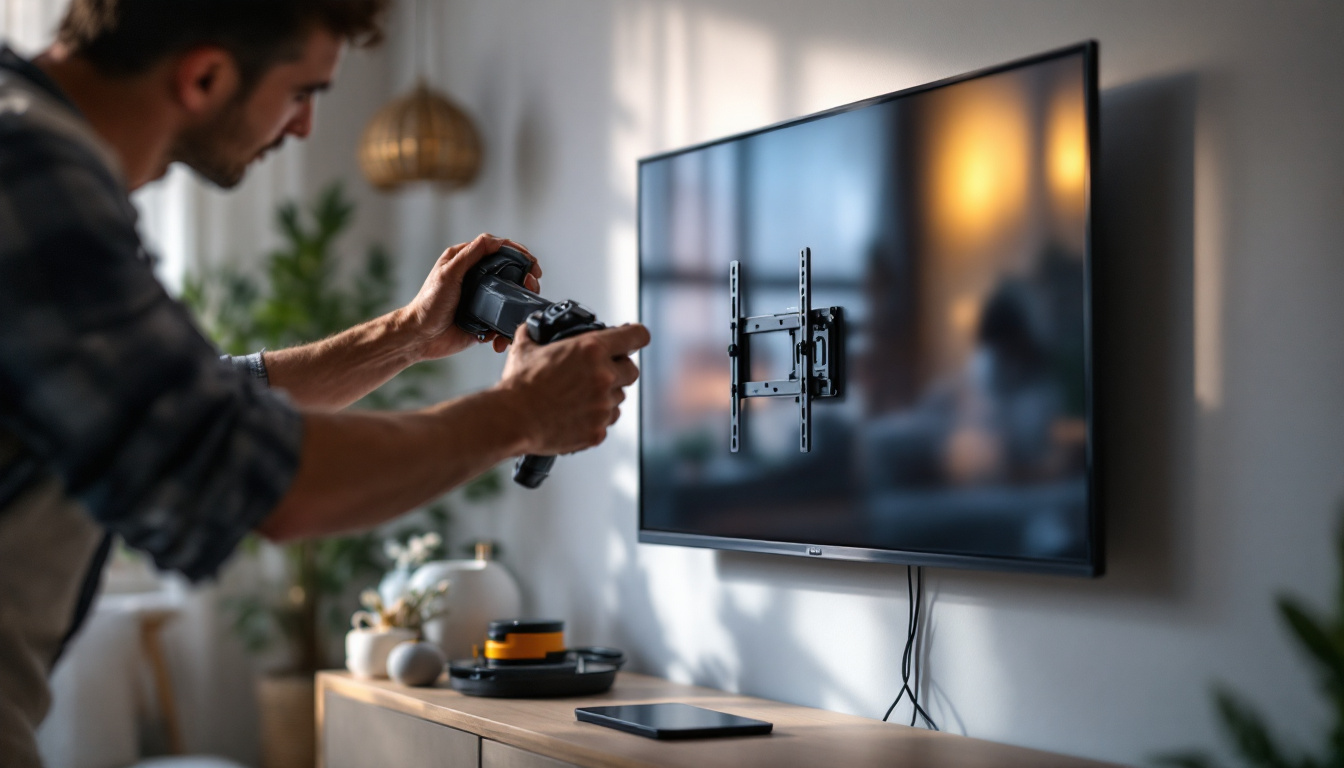
In today’s fast-paced digital world, the way we set up our workspaces has a profound impact on productivity, comfort, and even health. One essential component of an efficient workstation is the desktop monitor mount, especially when paired with LED displays. This article explores the best desktop monitor mounts available, the benefits of LED displays, and how to choose the right combination for your needs.
Understanding LED Displays and Their Advantages
LED (Light Emitting Diode) technology has revolutionized the display industry, offering superior visual performance compared to older LCD and CRT monitors. LED displays are known for their vibrant colors, high contrast ratios, and energy efficiency. The advancements in LED technology have also led to the development of various display types, including OLED and QLED, which further enhance color accuracy and brightness levels, making them suitable for a wide range of applications from home entertainment to professional graphic design.
One of the key advantages of LED monitors is their slim profile and lightweight design, making them ideal candidates for mounting solutions. This slimness not only saves desk space but also allows for more flexible positioning, which is crucial when pairing with adjustable monitor mounts. Additionally, many LED displays come with built-in cable management systems that help maintain a clean and organized workspace, reducing clutter and enhancing the overall aesthetic of the environment.
Moreover, LED displays typically feature flicker-free technology and blue light reduction, which can reduce eye strain during prolonged use. This makes them an excellent choice for professionals who spend hours in front of their screens, such as graphic designers, programmers, and office workers. The incorporation of advanced technologies like adaptive brightness and color calibration further ensures that users experience optimal viewing conditions, regardless of the ambient lighting. Furthermore, with the rise of remote work and online collaboration, having a high-quality LED display can significantly improve productivity and reduce fatigue, allowing users to focus on their tasks without distraction.
In addition to their ergonomic benefits, LED displays are also more environmentally friendly compared to their predecessors. They consume less power, which not only lowers electricity bills but also contributes to a reduced carbon footprint. Many manufacturers are now focusing on sustainable practices, using recyclable materials and energy-efficient production methods. This shift towards sustainability is becoming increasingly important to consumers who are more conscious of their environmental impact, making LED displays not just a smart choice for performance but also for eco-friendliness.
Why Use a Desktop Monitor Mount?
Ergonomics and Health Benefits
One of the primary reasons to invest in a desktop monitor mount is to improve ergonomics. Poor monitor placement can lead to neck, back, and eye strain. Adjustable mounts allow users to position their screens at the optimal height, distance, and angle, promoting better posture and reducing the risk of musculoskeletal issues.
According to a study published by the National Institute for Occupational Safety and Health (NIOSH), ergonomic interventions such as adjustable monitor mounts can significantly reduce workplace musculoskeletal disorders. This makes monitor mounts not just a convenience but a health investment.
Maximizing Desk Space
Another practical benefit of monitor mounts is the ability to free up valuable desk space. Traditional monitor stands take up a considerable footprint, limiting room for other essentials like documents, keyboards, or additional devices. By elevating the monitor, mounts create a cleaner, more organized workspace that can enhance productivity and focus.
Flexibility and Multi-Monitor Setups
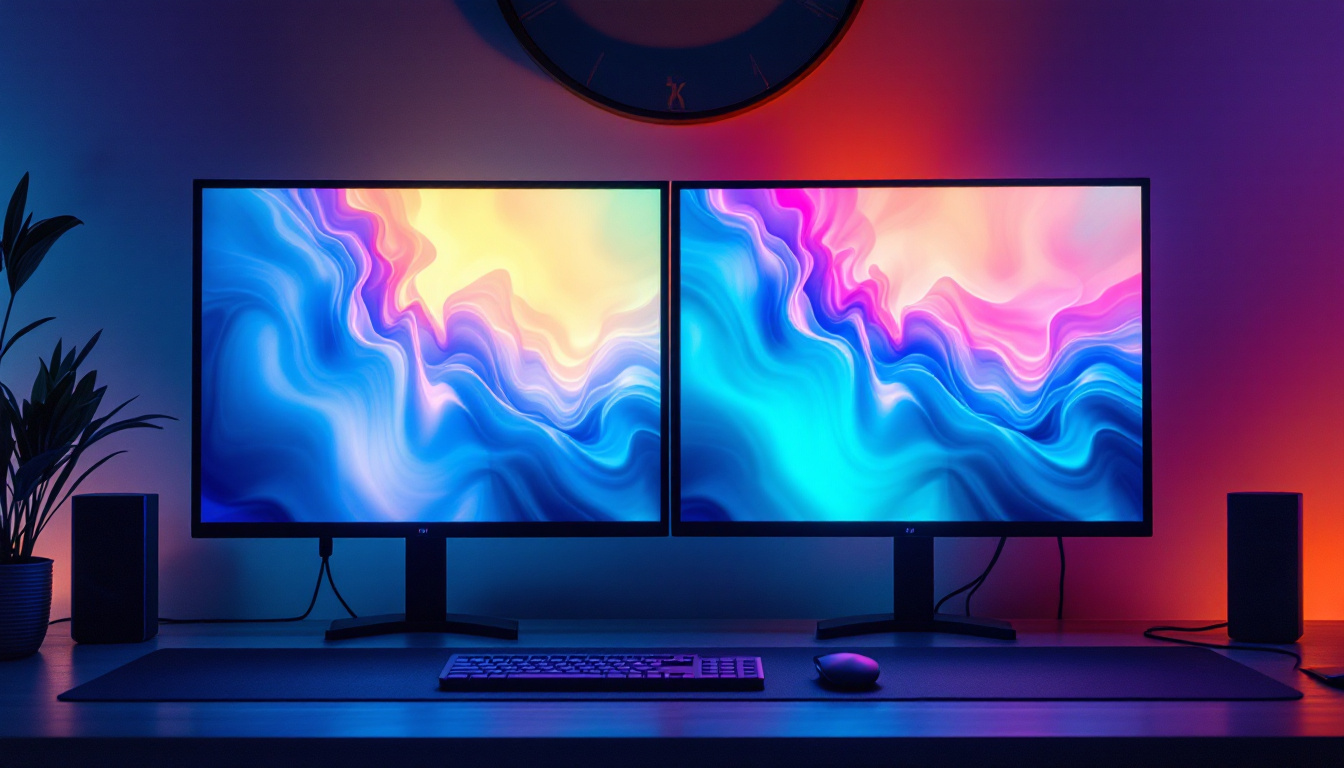
For users who work with multiple screens, monitor mounts provide the flexibility to arrange displays in various configurations—side-by-side, stacked, or angled. This adaptability is crucial for professionals in finance, software development, video editing, and other fields where multitasking across multiple screens is common.
Types of Desktop Monitor Mounts
Choosing the right desktop monitor mount depends on your workspace, monitor size, and personal preferences. Here are the most common types:
Clamp Mounts
Clamp mounts attach securely to the edge of your desk, making them easy to install and remove without damaging your desk surface. They are ideal for desks with limited space and provide excellent adjustability in height and tilt. Clamp mounts are popular for their stability and minimal footprint.
Grommet Mounts
Grommet mounts require a hole in the desk surface, either pre-existing or drilled, through which the mount is secured. This type offers a very sturdy hold and is often preferred for heavier monitors or multi-monitor arms. Grommet mounts keep cables organized and hidden, contributing to a tidy workspace.
Wall Mounts
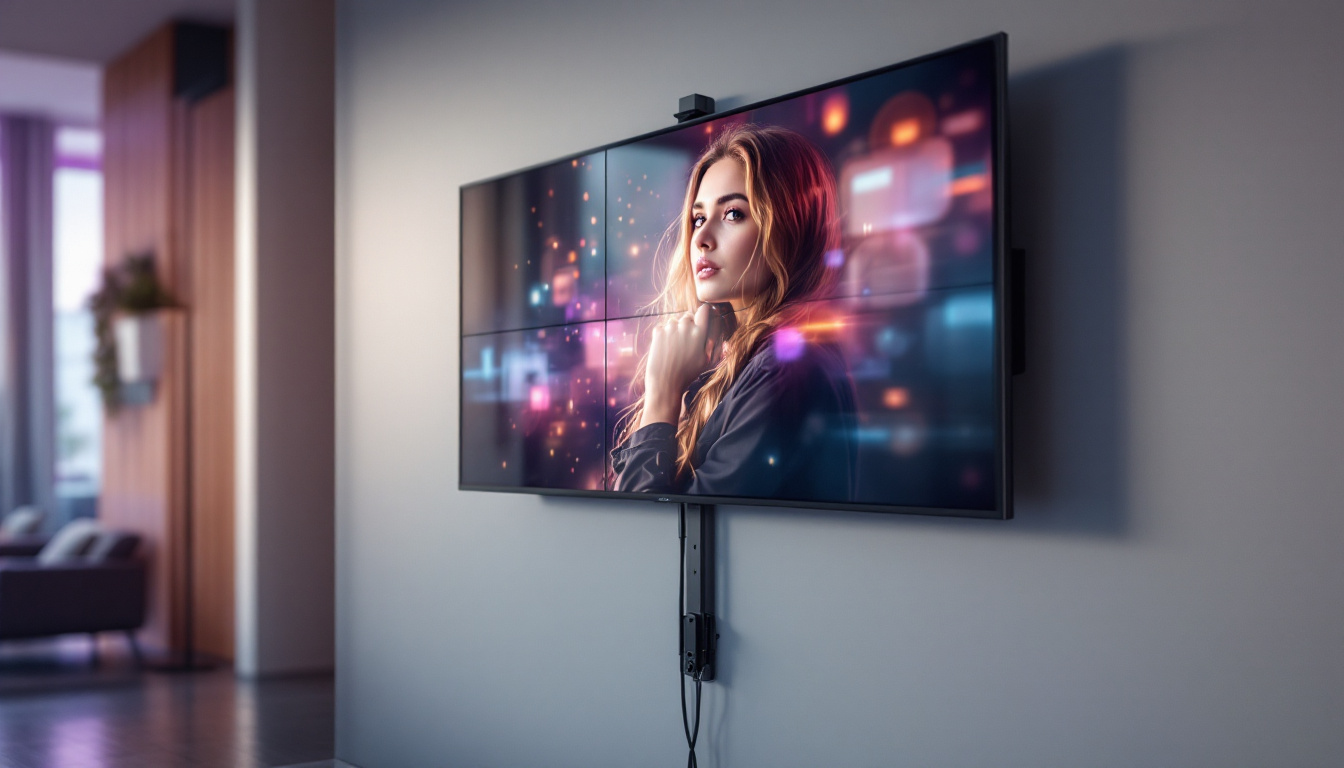
For those with limited desk space, wall mounts can be an excellent option. They free up the entire desk surface and allow for flexible positioning. However, installation requires drilling into the wall, which may not be feasible in all settings, such as rented offices or homes.
Freestanding Mounts
Freestanding mounts sit directly on the desk without any attachment to the desk surface. They are easy to move and set up but generally offer less stability and adjustability compared to clamp or grommet mounts. These are suitable for users who need a portable solution or cannot modify their desk.
Key Features to Look for in a Monitor Mount for LED Displays
Weight Capacity and Compatibility
LED monitors vary widely in size and weight, so it’s crucial to select a mount that can safely support your specific display. Most mounts specify a weight limit and compatible VESA (Video Electronics Standards Association) mounting patterns. Ensuring compatibility prevents damage to both the monitor and mount.
Adjustability
A good monitor mount should offer multiple points of adjustment, including height, tilt, swivel, and rotation. This flexibility allows users to customize their viewing angle to reduce glare and maintain ergonomic posture. Some mounts also support pivoting between landscape and portrait modes, which can be beneficial for coding or reading documents.
Cable Management
Integrated cable management systems help keep cords organized and out of sight, reducing clutter and minimizing the risk of accidental disconnections or damage. This feature is especially valuable in multi-monitor setups where cable complexity can increase quickly.
Build Quality and Materials
Durability is essential for a monitor mount, especially if it supports heavier LED displays. Look for mounts made from high-quality materials such as steel or aluminum, which provide strength without excessive weight. A solid build also ensures long-term stability and safety.
Top Recommended Desktop Monitor Mounts for LED Displays
Based on user reviews, expert opinions, and performance testing, several monitor mounts stand out as excellent choices for LED displays:
Ergotron LX Desk Mount
The Ergotron LX is a premium option known for its robust construction and wide range of motion. It supports monitors up to 34 inches and 25 pounds, making it compatible with most LED displays. Its smooth adjustability allows for effortless repositioning, and its sleek design complements modern workspaces.
AmazonBasics Premium Single Monitor Stand
This mount offers great value with solid build quality and essential ergonomic features. It supports up to 25 pounds and includes height adjustment, tilt, swivel, and rotation. The integrated cable management system keeps workspaces tidy, making it a popular choice for budget-conscious users.
VIVO Dual Monitor Desk Mount
For users with dual LED monitors, the VIVO dual mount provides excellent flexibility and stability. It supports two monitors up to 27 inches each and features independent height and tilt adjustments. The sturdy clamp base fits most desks, and the built-in cable management system keeps everything organized.
HUANUO Single Monitor Mount
This mount is praised for its easy installation and smooth gas spring arm, which allows for effortless height and angle adjustments. It supports monitors up to 32 inches and 17.6 pounds. Its compact design is ideal for smaller desks, and it includes a cable management system to reduce clutter.
How to Install and Set Up Your Monitor Mount
Installing a desktop monitor mount is generally straightforward but requires careful attention to detail to ensure safety and functionality.
First, determine the type of mount suitable for your desk and monitor. Follow the manufacturer’s instructions carefully, making sure to use the correct screws and tools. For clamp mounts, ensure the desk edge is sturdy enough to support the weight. For grommet mounts, measure and drill the hole precisely if one does not already exist.
Once the mount is secured, attach the monitor using the VESA mounting holes. Double-check that all screws are tightened properly. Adjust the monitor’s position to your preferred height and angle, and organize cables through the mount’s management system to maintain a clean workspace.
Maintaining Your Monitor Mount and Workspace
Regular maintenance of your monitor mount ensures longevity and consistent performance. Periodically check screws and joints for tightness, especially if you frequently adjust the monitor’s position. Clean the mount and monitor with appropriate materials to avoid dust buildup, which can affect movement and appearance.
Additionally, maintaining an ergonomic workspace extends beyond the monitor mount. Consider investing in an adjustable chair, keyboard tray, and proper lighting to create a comfortable and productive environment.
Conclusion: Choosing the Best Desktop Monitor Mount for Your LED Display
Choosing the right desktop monitor mount for your LED display is a decision that impacts comfort, productivity, and workspace aesthetics. Understanding the benefits of LED technology and the ergonomic advantages of adjustable mounts helps in making an informed choice.
Whether you need a single mount for a compact setup or a multi-monitor arm for an expansive workstation, there are options tailored to every need and budget. Prioritizing features like weight capacity, adjustability, build quality, and cable management will ensure your investment enhances your daily computing experience.
By combining a high-quality LED display with the best desktop monitor mount, users can create a workspace that supports health, efficiency, and style—key factors for success in any professional or personal computing environment.
Enhance Your Workspace with LumenMatrix LED Displays
Ready to elevate your professional or personal computing environment with unparalleled visual quality and ergonomic design? Look no further than LumenMatrix, a pioneer in LED display technology. Our diverse range of solutions, from Indoor and Outdoor LED Wall Displays to innovative Transparent and Custom LED Displays, is crafted to meet your unique needs and exceed expectations. Experience the difference in brand visibility and audience engagement with our cutting-edge displays. Check out LumenMatrix LED Display Solutions today and transform your workspace into a hub of productivity and style.