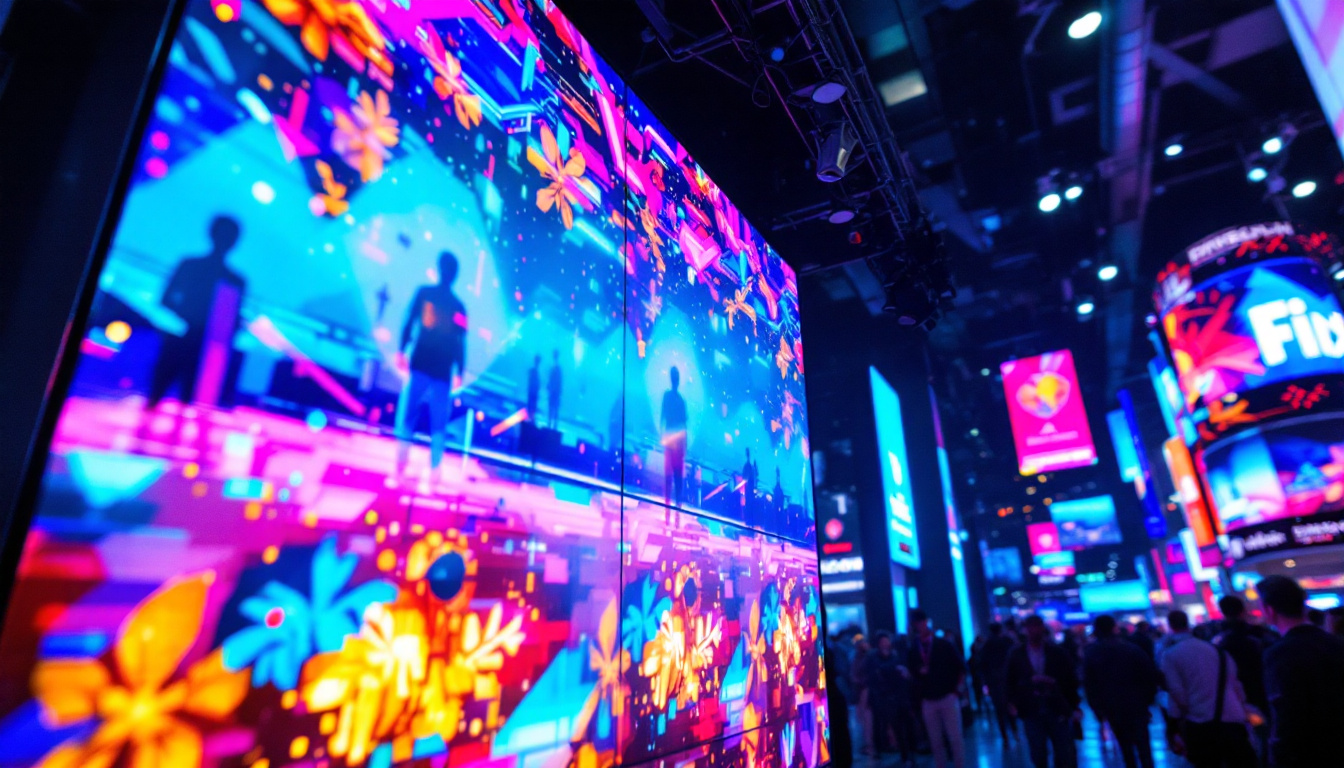
In today’s digital world, LED displays are everywhere—from massive billboards towering over city streets to compact screens on personal devices. Whether you’re a business owner looking to optimize your digital signage, a tech enthusiast curious about display technology, or simply someone trying to adjust an LED screen for better usability, understanding how to make an LED screen smaller is essential. This article delves into the technical and practical aspects of LED displays, exploring how screen size can be adjusted, why it matters, and what factors influence these changes.
Understanding LED Displays: The Basics
Before exploring how to make an LED screen smaller, it’s important to grasp what an LED display actually is. LED stands for Light Emitting Diode, a semiconductor device that emits light when an electric current passes through it. LED displays use an array of these tiny diodes to create images and videos with vibrant colors and high brightness.
LED screens come in various forms, including:
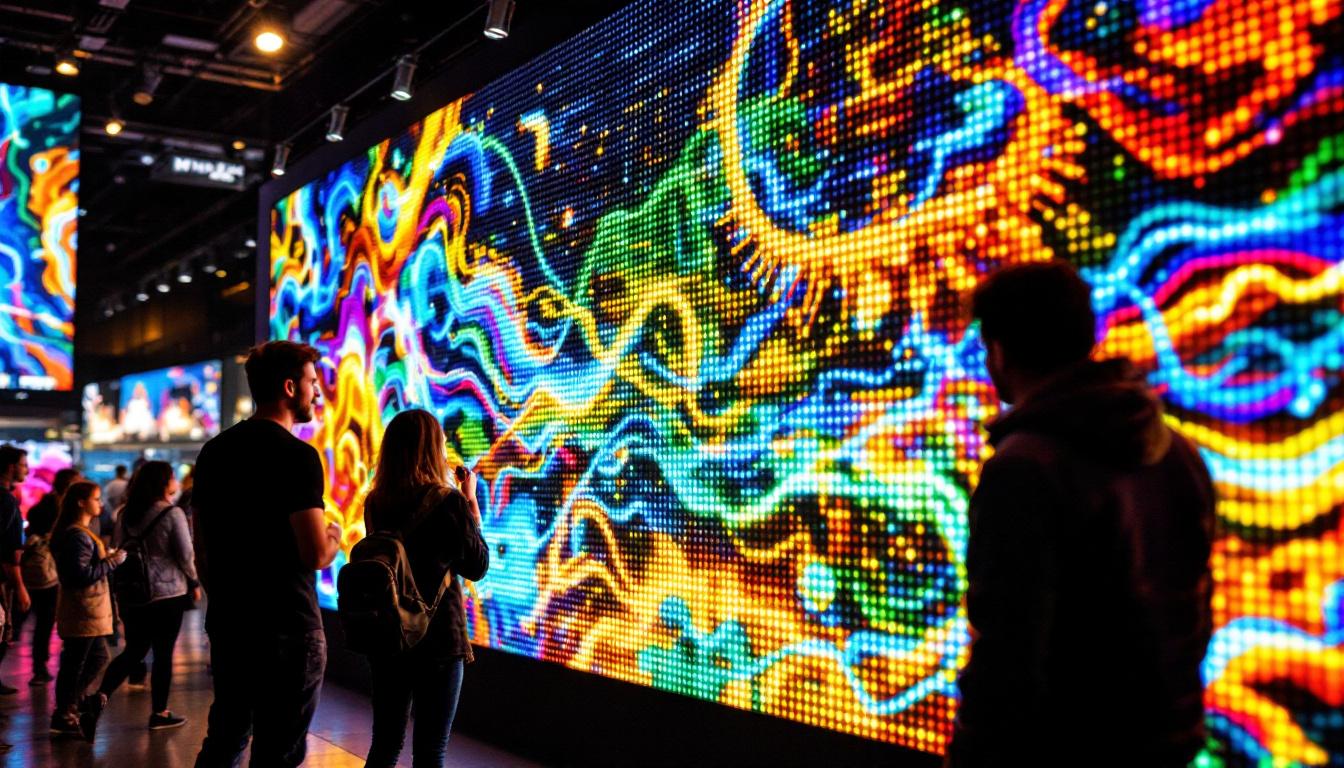
- Direct View LED Displays: These consist of individual LEDs arranged closely to form a screen. They are commonly used for large outdoor billboards and indoor video walls.
- LED-backlit LCD Displays: These are LCD screens illuminated by LED backlights, found in televisions, monitors, and smartphones.
Each type has different characteristics affecting how screen size and resolution can be manipulated. For instance, direct view LED displays are particularly advantageous for large-scale advertising due to their ability to maintain visibility even in bright sunlight, while LED-backlit LCD displays are often more cost-effective and energy-efficient for everyday consumer electronics.
Pixel Pitch and Its Role in Screen Size
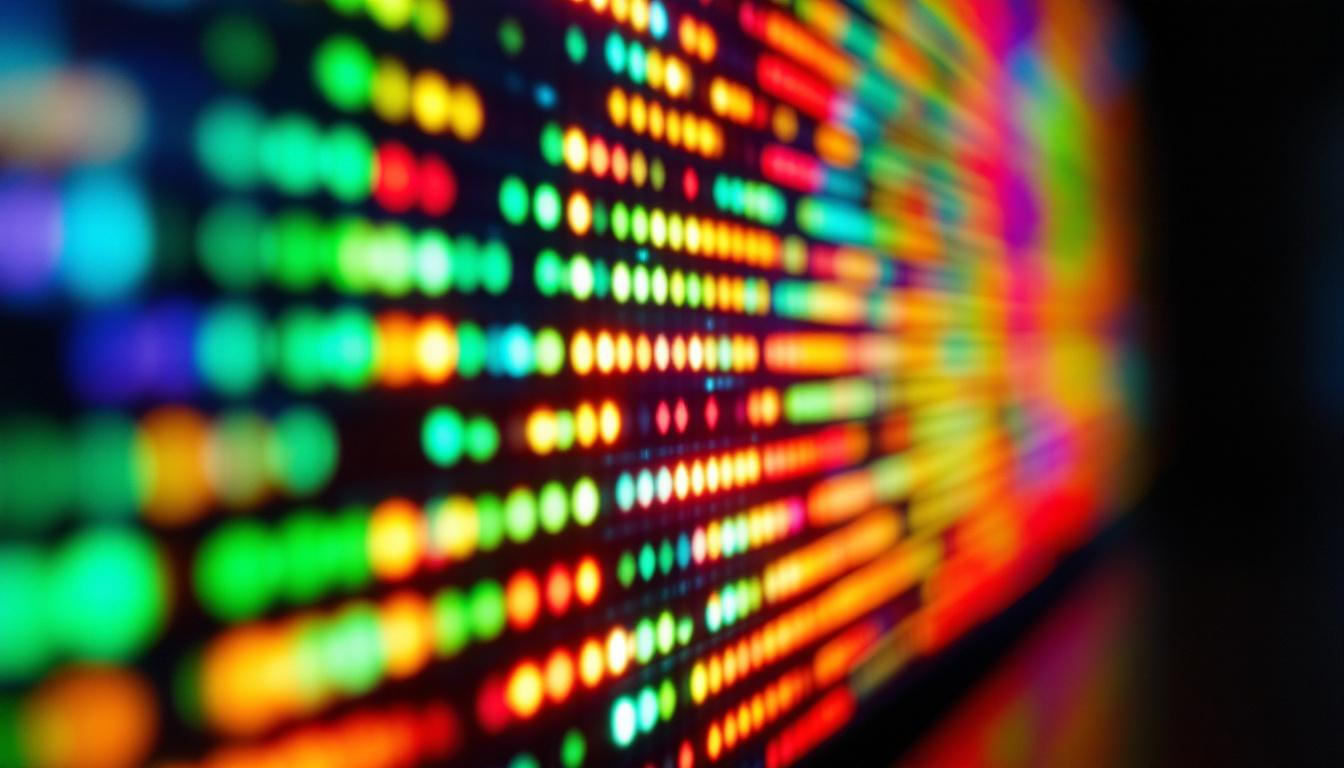
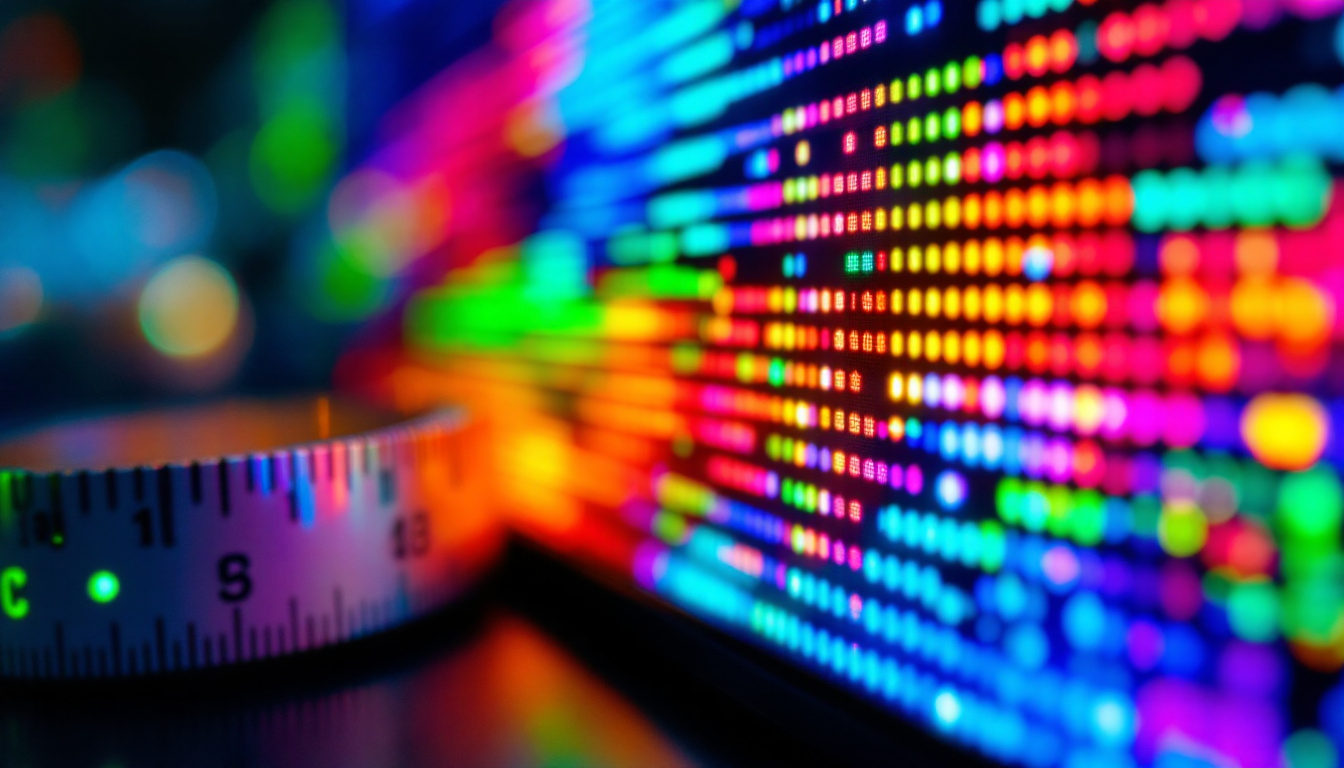
One of the most crucial technical terms when discussing LED screen size is pixel pitch. Pixel pitch refers to the distance between the centers of two adjacent pixels, measured in millimeters. A smaller pixel pitch means more pixels per unit area, resulting in higher resolution and sharper images.
For example, a display with a 1.5mm pixel pitch will have a much finer image than one with a 10mm pixel pitch. This directly impacts how small or large a screen can be while maintaining image clarity. If you want to make a screen smaller but keep the same resolution, you’ll need a display with a smaller pixel pitch. Additionally, the choice of pixel pitch can significantly influence the viewing distance; displays with a smaller pixel pitch are ideal for close-up viewing, making them perfect for indoor settings like conference rooms or retail displays.
Furthermore, advancements in technology have led to the development of microLED displays, which utilize even smaller pixel pitches and offer exceptional color accuracy and contrast. These displays are paving the way for new applications in augmented and virtual reality, where compact size and high resolution are paramount. As the demand for high-quality visual experiences continues to grow, understanding pixel pitch and its implications on screen size will become increasingly important for both consumers and manufacturers alike.
How to Make an LED Screen Smaller: Practical Approaches
When people ask, “How do I make the screen smaller?” they might mean different things depending on the context. It could mean physically reducing the size of the display, adjusting the visible area of the screen, or changing the resolution to make content appear smaller. Each approach has distinct methods and implications.
1. Physically Reducing the Screen Size
Physically making an LED screen smaller involves either purchasing a smaller display panel or modifying existing hardware. For direct-view LED displays, this means using LED modules with fewer pixels or smaller pixel pitch modules to build a more compact screen.
For instance, a business that currently uses a 10-foot-wide LED billboard could opt for a 5-foot-wide panel with a higher pixel density to maintain image quality. This is often the most straightforward way to make the screen smaller but requires investment in new hardware.
2. Adjusting Screen Resolution and Scaling
Another way to make the screen appear smaller is by adjusting the resolution or scaling settings. On LED-backlit LCD screens, such as computer monitors or TVs, users can change the display resolution through the device’s settings. Lowering the resolution effectively reduces the amount of content displayed, making everything appear larger or smaller depending on the scaling.
For example, setting a 24-inch monitor to a lower resolution will make icons and text appear larger, while increasing resolution makes them smaller. However, this method doesn’t physically change the screen size but rather alters the perceived size of content.
3. Using Software to Crop or Resize the Display Area
In some cases, software solutions can crop or resize the active display area on an LED screen. This is common in digital signage systems where content managers want to limit the display to a specific section of a large LED wall.
By defining a smaller active area, the visible content is confined to a portion of the screen, effectively making the screen “smaller” from a user perspective without physically altering the hardware. This method is flexible and cost-effective but may reduce the impact of the display.
Why Making the Screen Smaller Matters: Key Benefits
Understanding why one might want to make an LED screen smaller is crucial for deciding the best approach. Here are some common reasons and benefits associated with reducing screen size or adjusting display parameters.
1. Space Constraints and Practicality
Physical space is often a limiting factor. In retail environments, offices, or homes, large LED screens might not fit or could overwhelm the space. Making the screen smaller allows for better integration into the environment, improving aesthetics and usability.
2. Cost Efficiency
Smaller screens generally cost less to purchase, install, and maintain. For businesses, downsizing an LED display can lead to significant savings on energy consumption and reduce the need for complex mounting or structural support.
3. Improved Image Quality with Higher Pixel Density
By opting for a smaller screen with a higher pixel pitch, users can achieve sharper images and better viewing experiences, especially at close distances. This is particularly important for indoor displays where viewers are near the screen.
4. Enhanced Focus and User Experience
In some applications, a smaller screen helps focus attention on specific content without distractions. For example, in control rooms or retail kiosks, a compact LED display can streamline information delivery and improve user interaction.
Technical Considerations When Adjusting LED Screen Size
Making an LED screen smaller is not just about physical dimensions; several technical factors influence the outcome and quality of the display.
Resolution and Aspect Ratio
Changing the screen size affects resolution and aspect ratio. Maintaining the correct aspect ratio is essential to avoid image distortion. For example, a 16:9 aspect ratio is standard for most video content, and deviating from this can result in stretched or squashed images.
When reducing screen size, it’s important to ensure that the resolution scales proportionally to preserve image integrity.
Brightness and Viewing Distance
Brightness levels must be adjusted based on screen size and viewing distance. Smaller screens used up close require higher brightness and pixel density to deliver clear images. Conversely, large outdoor LED screens are designed for visibility from hundreds of feet away and have different brightness requirements.
Power Consumption and Heat Management
Smaller LED screens typically consume less power, but higher pixel density can increase energy usage per unit area. Proper heat dissipation is critical to maintain performance and extend the lifespan of LEDs.
Compatibility with Content and Control Systems
When resizing screens, compatibility with existing content management systems and control hardware must be considered. Some systems may require reconfiguration or software updates to handle new screen dimensions or resolutions effectively.
Common Challenges and Solutions in Making LED Screens Smaller
While making an LED screen smaller can be beneficial, it also presents challenges that need to be addressed to ensure optimal performance and user satisfaction.
Challenge: Maintaining Image Quality
Reducing screen size without sacrificing image quality requires careful selection of pixel pitch and resolution. Using low-quality modules or improper scaling can lead to pixelation or blurry images.
Solution: Invest in high-quality LED modules with appropriate pixel pitch for the intended viewing distance. Work with experienced display manufacturers to customize the screen size and resolution.
Challenge: Cost Implications
While smaller screens can reduce costs, upgrading to higher pixel density modules or new control systems may increase expenses.
Solution: Conduct a cost-benefit analysis to determine the optimal balance between screen size, resolution, and budget. Consider long-term savings in energy and maintenance.
Challenge: Technical Complexity
Adjusting screen size often involves technical expertise in hardware and software configuration.
Solution: Collaborate with professional AV integrators or LED display specialists who can manage installation, calibration, and ongoing support.
Future Trends in LED Display Technology and Screen Size
LED display technology continues to evolve rapidly, influencing how screen size can be managed and optimized.
MicroLED and MiniLED Technologies
Emerging MicroLED and MiniLED technologies offer much smaller pixel pitches and higher brightness with lower power consumption. These advancements enable ultra-small, high-resolution screens ideal for smartphones, wearables, and compact digital signage.
Flexible and Transparent LED Displays
Flexible LED panels allow screens to be curved or shaped, offering new possibilities for fitting displays into unconventional spaces. Transparent LED displays can overlay content on glass surfaces without blocking visibility, effectively making the screen “smaller” in terms of visual footprint.
AI-Driven Display Optimization
Artificial intelligence is increasingly used to optimize display settings dynamically based on ambient light, content type, and viewer distance, enhancing image quality regardless of screen size.
Conclusion
Making an LED screen smaller involves a combination of physical hardware choices, resolution adjustments, and software configurations. Whether the goal is to fit a display into a limited space, improve image quality, or reduce costs, understanding the underlying technology and practical considerations is key.
By focusing on pixel pitch, resolution, and viewing conditions, users can effectively tailor LED screens to their specific needs. As LED technology advances, new options like MicroLED and flexible displays will provide even greater flexibility in screen size and design.
Ultimately, making the screen smaller is not just about reducing dimensions—it’s about enhancing the overall viewing experience while balancing technical and economic factors. With the right approach, LED displays can be customized to deliver stunning visuals in any size.
Discover the Perfect LED Display Solution with LumenMatrix
Ready to enhance your visual experience with a smaller, more impactful LED display? LumenMatrix is at the forefront of LED display innovation, offering a wide range of solutions tailored to your unique needs. From vibrant Indoor LED Walls to dynamic Outdoor LED Displays and beyond, our cutting-edge technology is designed to captivate your audience and amplify your message. Don’t let space constraints limit your creativity. Explore our LED display solutions and revolutionize the way you communicate visually. Check out LumenMatrix LED Display Solutions today and see the difference for yourself.