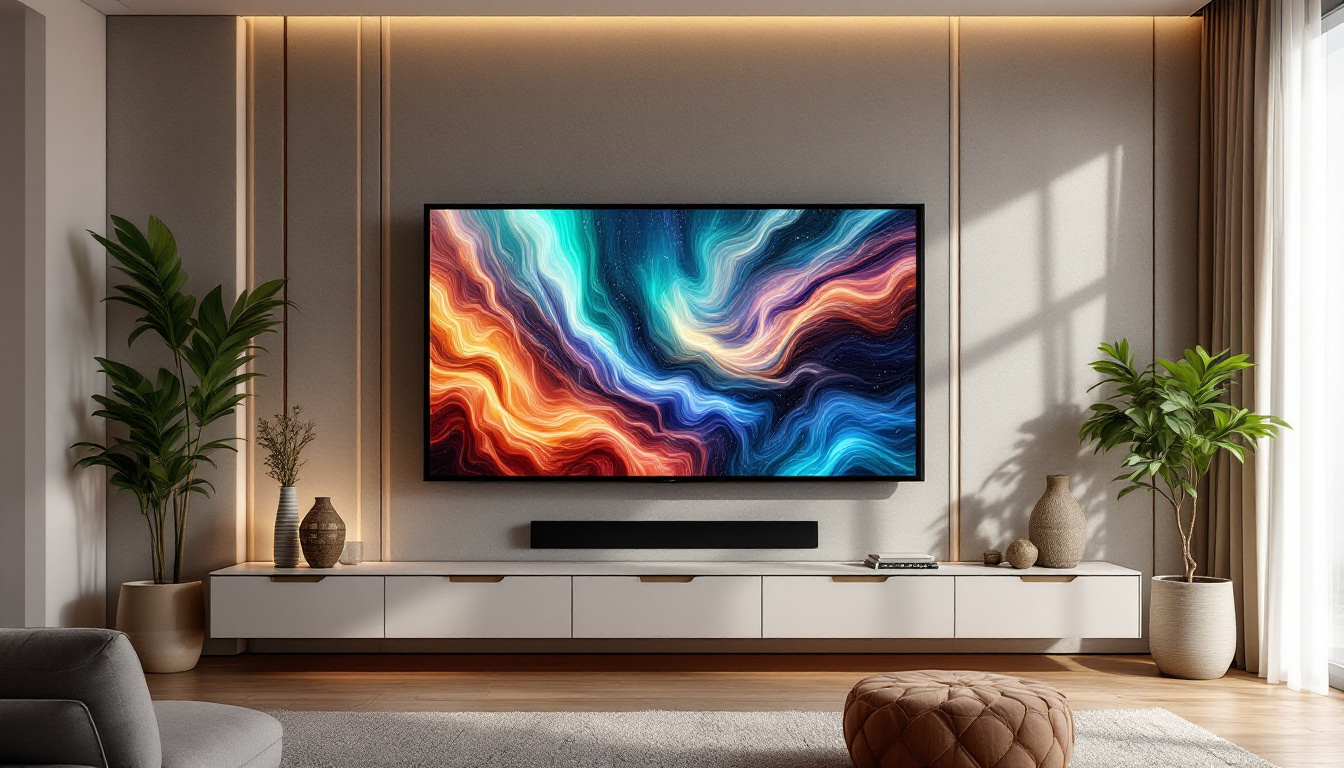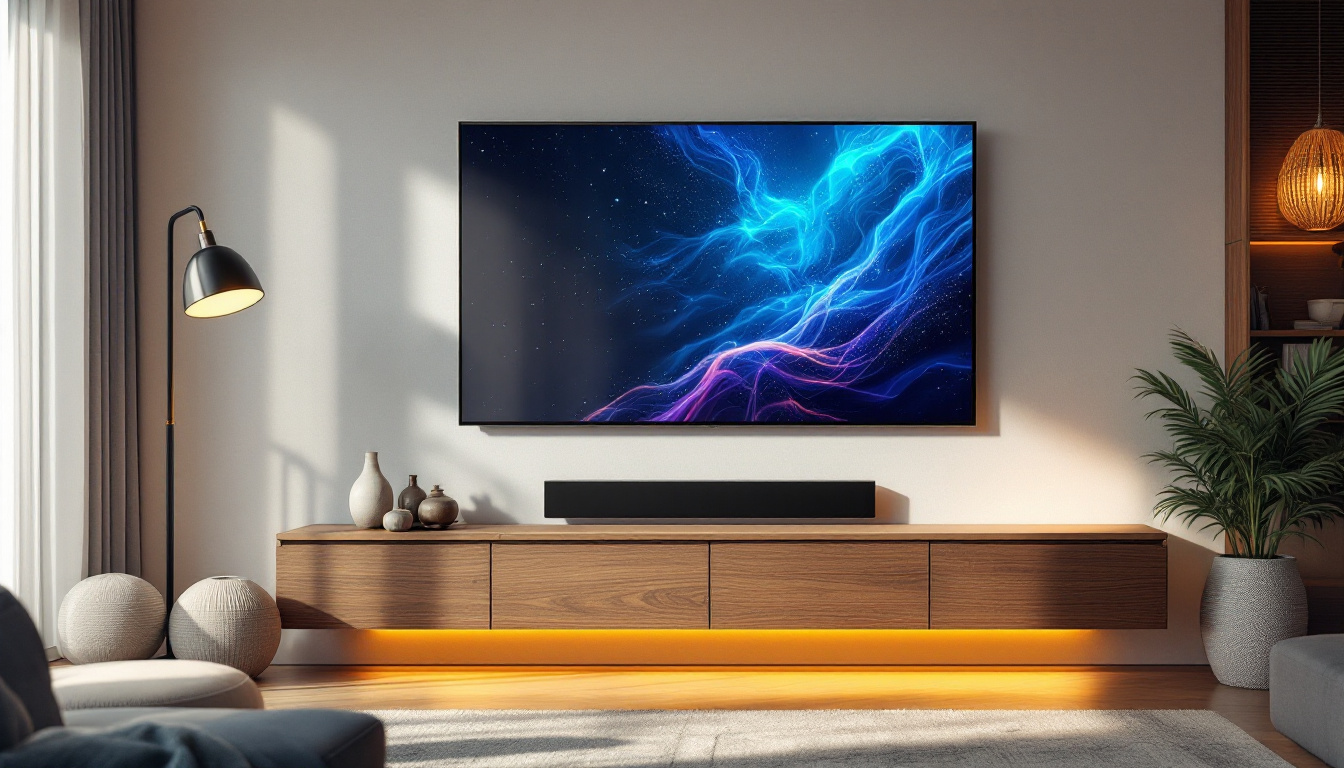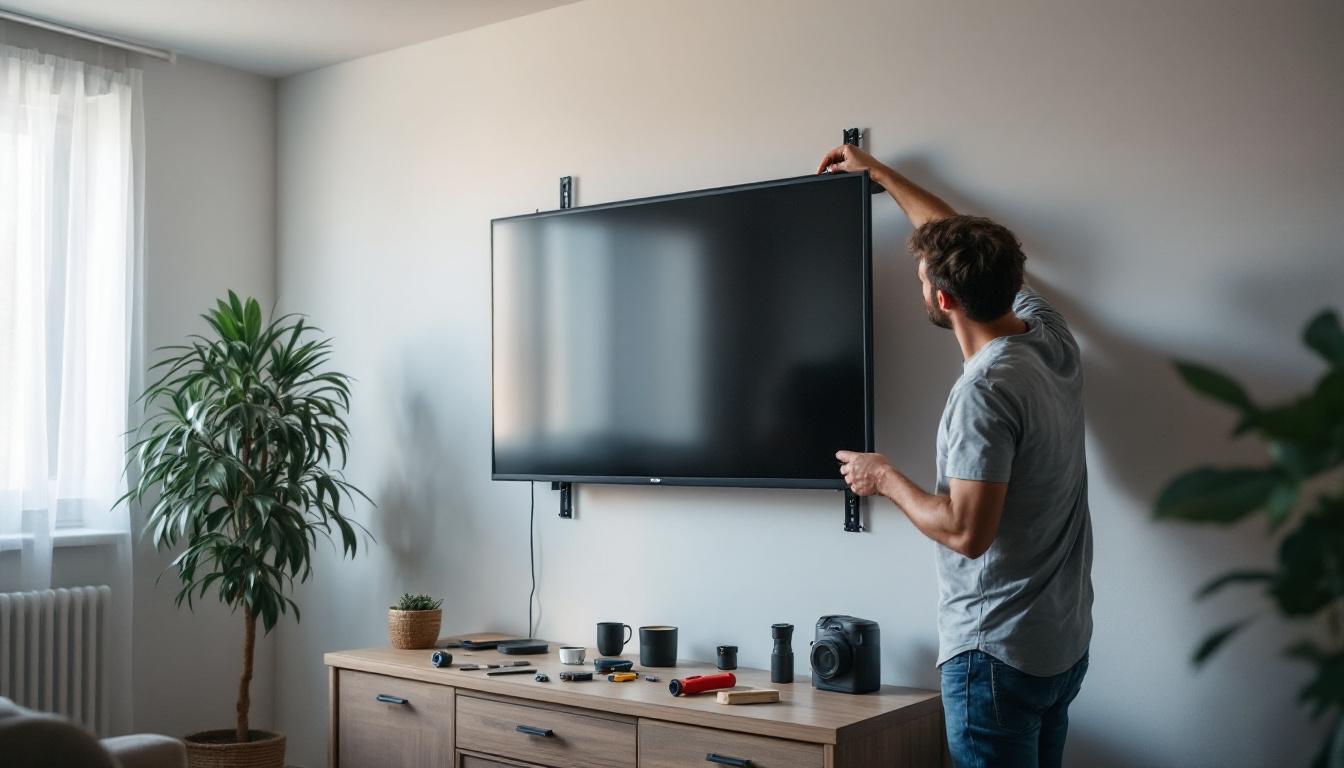
Mounting a full motion TV wall mount for an LED display can transform your viewing experience, offering flexibility, space-saving benefits, and a sleek modern look. However, the process requires careful planning and precise execution to ensure safety and optimal performance. This guide provides comprehensive instructions on installing a full motion TV wall mount specifically designed for LED displays, along with an explanation of key considerations related to LED technology and mounting mechanics.
Understanding Full Motion TV Wall Mounts
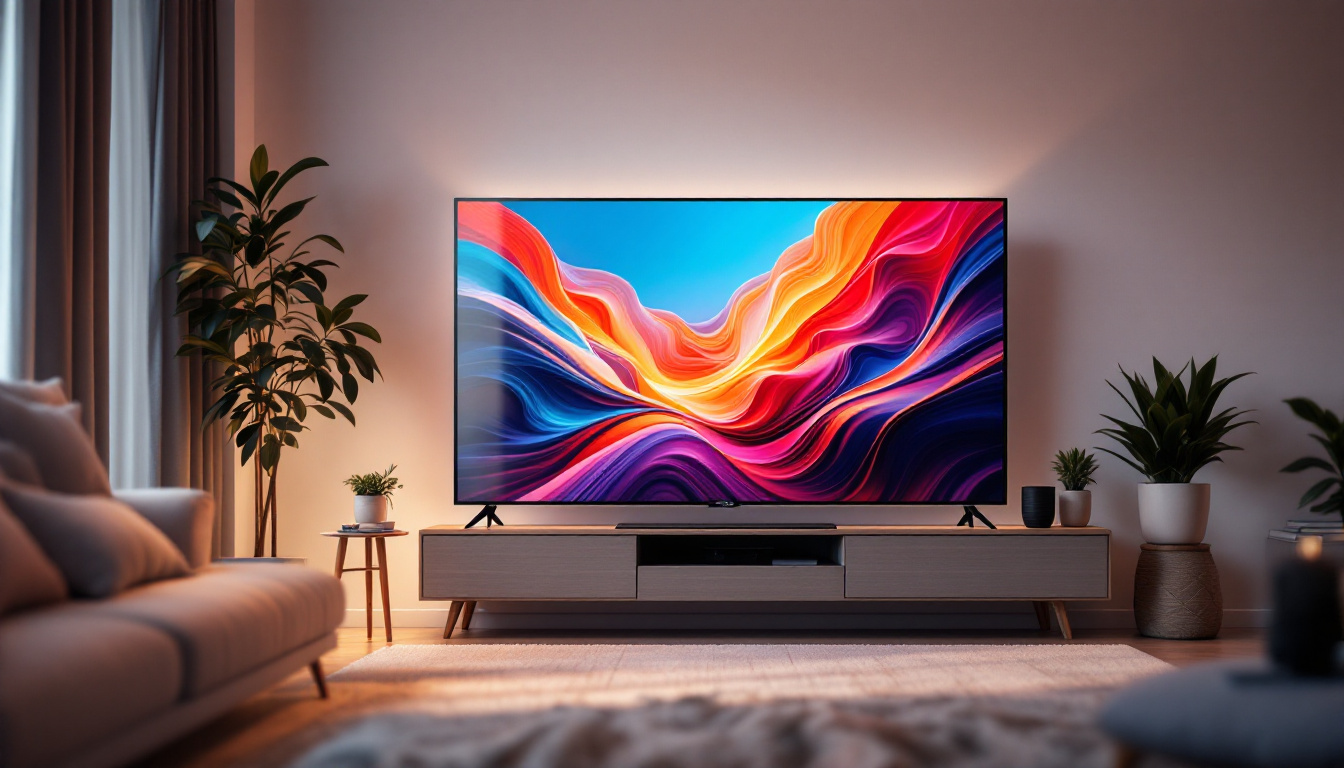
Full motion TV wall mounts, also known as articulating mounts, allow you to tilt, swivel, and extend your TV away from the wall. This versatility is especially beneficial for LED displays, which are typically lightweight and thin, making them ideal candidates for such mounts. The ability to adjust the viewing angle enhances the overall home entertainment experience, making it easier to enjoy your favorite shows and movies from various locations in the room.
Unlike fixed or tilting mounts, full motion mounts provide the ability to adjust your TV’s angle dynamically, improving viewing comfort from different seating positions or reducing glare from windows and lights. According to a 2023 consumer electronics study, over 60% of TV owners prefer full motion mounts for their flexibility and ease of use. This preference is particularly evident in larger living spaces where seating arrangements can vary, allowing viewers to optimize their viewing angles without the hassle of physically moving the TV.
Key Features of Full Motion Mounts
Full motion mounts usually consist of several pivot points and a sturdy arm mechanism that supports the TV’s weight while allowing smooth movement. Most mounts support VESA (Video Electronics Standards Association) patterns, which are standardized mounting hole configurations on the back of TVs. Ensuring compatibility between your LED TV’s VESA pattern and the mount is crucial. In addition, many manufacturers provide detailed installation guides that simplify the mounting process, making it accessible even for those who may not be particularly handy.
Additionally, these mounts often come with cable management systems to keep wires organized and hidden, maintaining a clean aesthetic. When selecting a mount, consider the maximum weight capacity and the arm extension length to suit your room layout. Some advanced models even feature built-in leveling adjustments, which allow for fine-tuning after installation, ensuring that your TV hangs perfectly straight. Furthermore, many full motion mounts are designed with durability in mind, featuring robust materials that withstand the test of time, providing peace of mind that your investment is secure. This combination of functionality and style makes full motion mounts a popular choice for modern home theaters and entertainment setups.
Preparing for Installation
Proper preparation is essential to a successful and safe installation. Before beginning, gather all necessary tools and materials. Typical tools include a stud finder, drill, screwdriver, level, measuring tape, and a socket wrench. Having a helper is also recommended to assist with lifting and positioning the TV.
Checking Wall Compatibility
The type of wall you are mounting on—drywall, concrete, brick, or wood studs—affects the installation method. Full motion mounts exert more leverage on the wall than fixed mounts, so securing the mount to studs or solid masonry is critical. Drywall anchors alone are insufficient for supporting the weight and movement.
Use a stud finder to locate the wooden studs behind drywall. Mark the center of each stud where you plan to attach the mount. For concrete or brick walls, use a masonry drill bit and appropriate anchors designed for heavy loads.
Measuring and Marking
Measure the height at which you want the TV to be mounted, typically eye level when seated, which is about 42 inches from the floor to the center of the screen. Mark this height on the wall. Next, mark the positions for the mounting holes based on the mount’s bracket dimensions and the stud locations.
Double-check all measurements with a level to ensure the mount will be perfectly horizontal. Misalignment can cause strain on the mount and uneven viewing angles.
Step-by-Step Installation Instructions
Follow these detailed steps to install your full motion TV wall mount safely and correctly.
1. Attach the Mounting Plate to the TV
Lay your LED TV face down on a soft, flat surface to avoid scratches. Locate the VESA mounting holes on the back of the TV. Align the mounting plate of the wall mount with these holes.
Use the provided screws, washers, and spacers (if necessary) to secure the plate to the TV. Tighten the screws firmly but avoid over-tightening, which can damage the TV’s casing or internal components.
2. Install the Wall Bracket
Hold the wall bracket against the wall, aligning it with the stud marks and the previously marked mounting hole positions. Use a level to ensure it’s perfectly horizontal.
Drill pilot holes into the studs at the marked points. Then, attach the bracket using lag bolts or heavy-duty screws supplied with the mount. Use a socket wrench to tighten securely. The bracket must be firmly anchored to support the TV’s weight and movement.
3. Connect the TV to the Wall Bracket
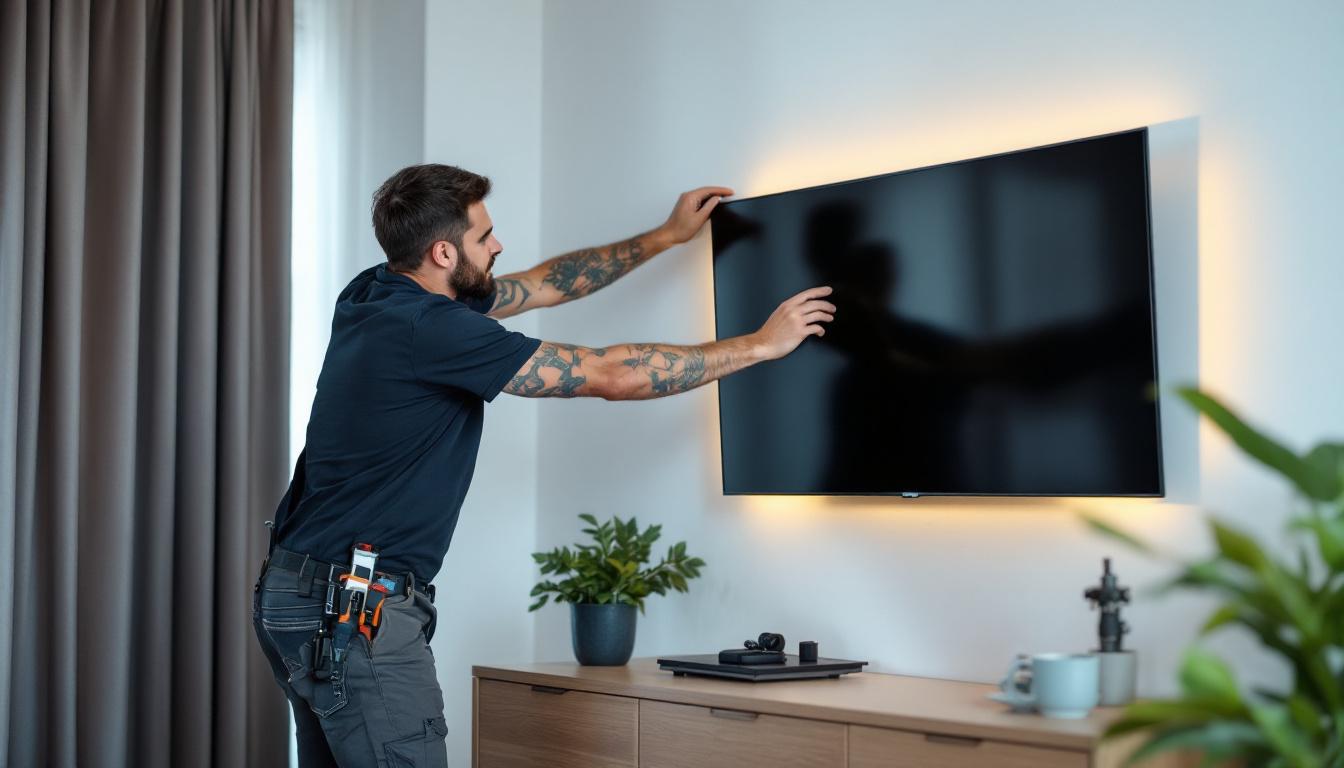
With the help of a second person, lift the TV and hook the mounting plate onto the wall bracket. Depending on the mount design, this may involve sliding the plate into place or securing it with locking screws or safety bolts.
Ensure the TV is securely attached and test the movement by gently tilting, swiveling, and extending the arm. The motion should be smooth without excessive play or resistance.
4. Manage Cables and Adjust Viewing Angle
Route your HDMI, power, and other cables through the mount’s cable management system if available. This keeps cables organized and reduces strain on connectors when adjusting the TV position.
Adjust the TV to your preferred viewing angle. Full motion mounts allow you to pull the TV away from the wall, swivel left or right, and tilt up or down. Experiment with different positions to find the most comfortable setup.
Important Safety and Maintenance Tips
Safety should always be a priority when installing and using a full motion TV wall mount. LED displays, while lighter than older CRT models, still require secure mounting to prevent accidents and damage.
Weight Limits and Compatibility
Always verify that your TV’s weight does not exceed the mount’s maximum capacity. Overloading the mount can cause it to fail, potentially damaging the TV and injuring people nearby.
Check the VESA pattern compatibility to ensure the mounting plate fits your TV. Using incorrect hardware or forcing incompatible parts can compromise the installation’s integrity.
Regular Inspection and Adjustment
Periodically inspect the mount and mounting hardware for signs of wear, loosening, or damage. Tighten any loose screws and replace worn components as needed.
Because full motion mounts have moving parts, occasional lubrication of pivot points with a silicone-based lubricant can maintain smooth operation. Avoid oil-based lubricants that can attract dust and dirt.
Environmental Considerations
LED displays are sensitive to temperature and humidity extremes. Avoid mounting your TV in direct sunlight or near heat sources to prolong its lifespan. Ensure the wall mount and TV have adequate ventilation to prevent overheating.
Understanding LED Display Technology and Its Impact on Mounting
LED (Light Emitting Diode) displays have become the standard for modern TVs due to their energy efficiency, brightness, and slim profiles. These characteristics influence how they should be mounted and handled.
Why LED Displays Are Ideal for Full Motion Mounts
LED TVs are significantly lighter and thinner than older LCD or plasma models, making them easier to mount on full motion arms without requiring excessively heavy-duty hardware. Their slim design also reduces the distance from the wall when retracted, creating a cleaner look.
Because LED panels are delicate, mounting hardware must distribute weight evenly and avoid pressure points that could damage the screen or internal components.
Heat Dissipation and Mounting
LED displays generate less heat than plasma TVs but still require proper ventilation. Full motion mounts that allow the TV to be pulled away from the wall facilitate airflow behind the panel, helping to dissipate heat effectively.
Ensuring that the mount does not block ventilation ports on the TV is essential to prevent overheating and potential damage.
Screen Protection and Viewing Angles
LED displays offer wide viewing angles, but glare and reflections can still affect image quality. The flexibility of full motion mounts enables users to adjust the TV to minimize glare and optimize the viewing angle based on room lighting and seating arrangement.
Additionally, the ability to tilt the TV can reduce neck strain and improve comfort during extended viewing sessions.
Common Challenges and Troubleshooting
Despite careful planning, some challenges may arise during or after installation. Understanding common issues can help you troubleshoot effectively.
Mount Not Level or Secure
If the TV appears crooked or the mount feels unstable, recheck the level of the wall bracket and ensure all screws are fully tightened into studs. Use a high-quality level and consider using a laser level for greater accuracy.
TV Does Not Move Smoothly
Full motion mounts should operate smoothly without excessive resistance or looseness. If movement is stiff, check for misaligned pivot points or insufficient lubrication. If the mount feels loose or wobbly, tighten all bolts and screws.
Cables Are Strained or Tangled
Improper cable management can cause strain on connectors or limit the mount’s range of motion. Use cable ties or the mount’s built-in cable management features to secure cables. Leave enough slack to accommodate full extension and swivel.
Conclusion
Installing a full motion TV wall mount for your LED display offers enhanced flexibility, improved aesthetics, and a better viewing experience. By understanding the specifics of full motion mounts, preparing your installation carefully, and considering the unique characteristics of LED technology, you can achieve a secure and functional setup.
Always prioritize safety by verifying weight limits, using proper tools, and mounting to solid wall structures. Regular maintenance and adjustments will keep your TV mount functioning smoothly for years to come. With these instructions and insights, your LED display will be perfectly positioned to deliver stunning visuals and comfortable viewing angles.
Enhance Your Viewing Experience with LumenMatrix
Ready to take your home entertainment to the next level? Discover the unparalleled clarity and vibrant visuals of LumenMatrix’s advanced LED display solutions. Whether you’re looking to create a dynamic home theater or captivate an audience with stunning digital signage, LumenMatrix has the innovative technology to transform your space. Check out LumenMatrix LED Display Solutions today and see how our state-of-the-art displays can elevate your viewing experience.