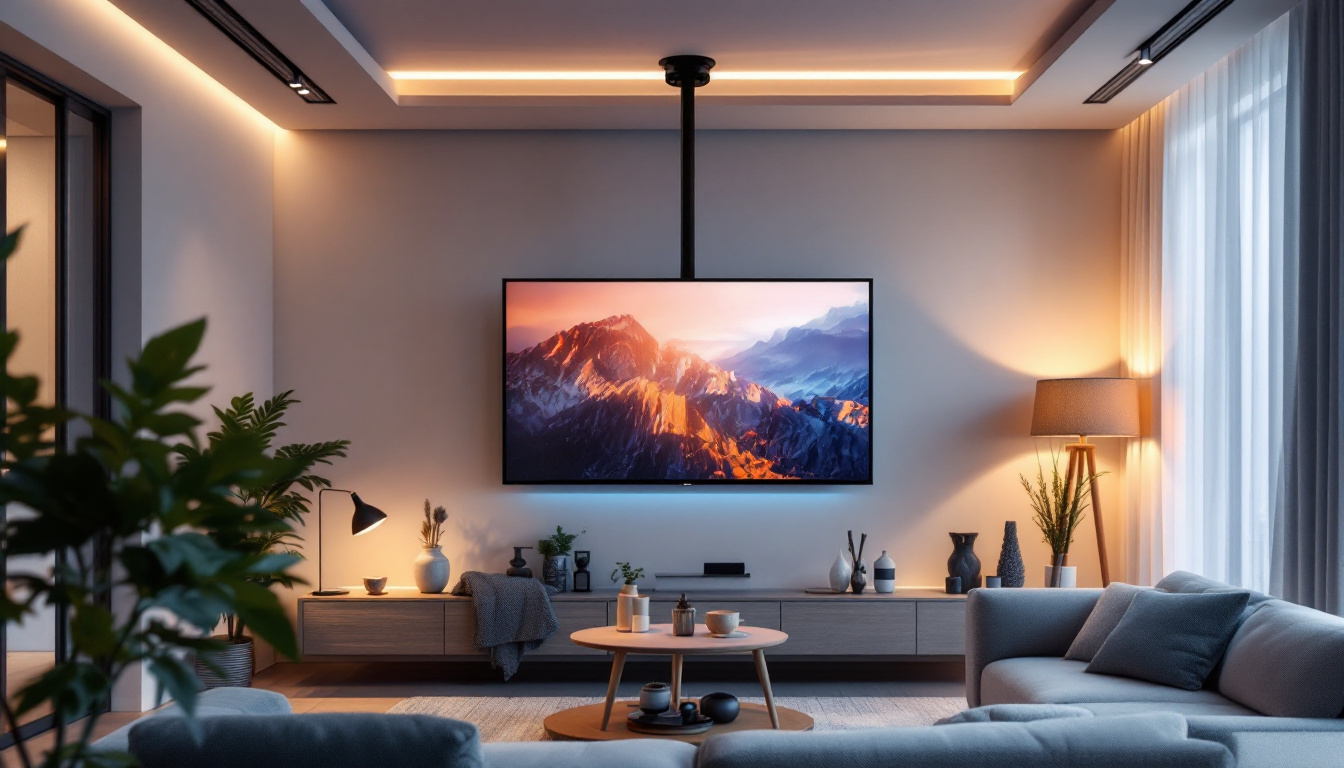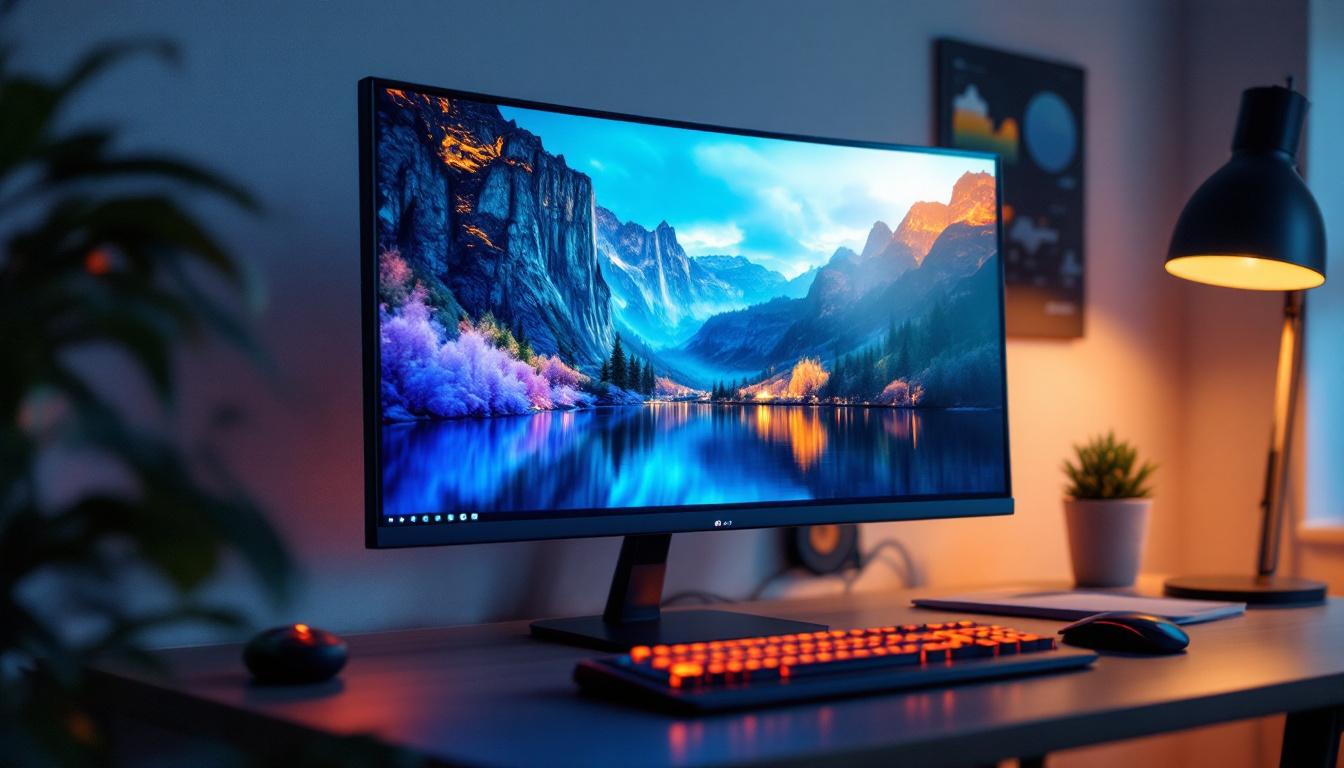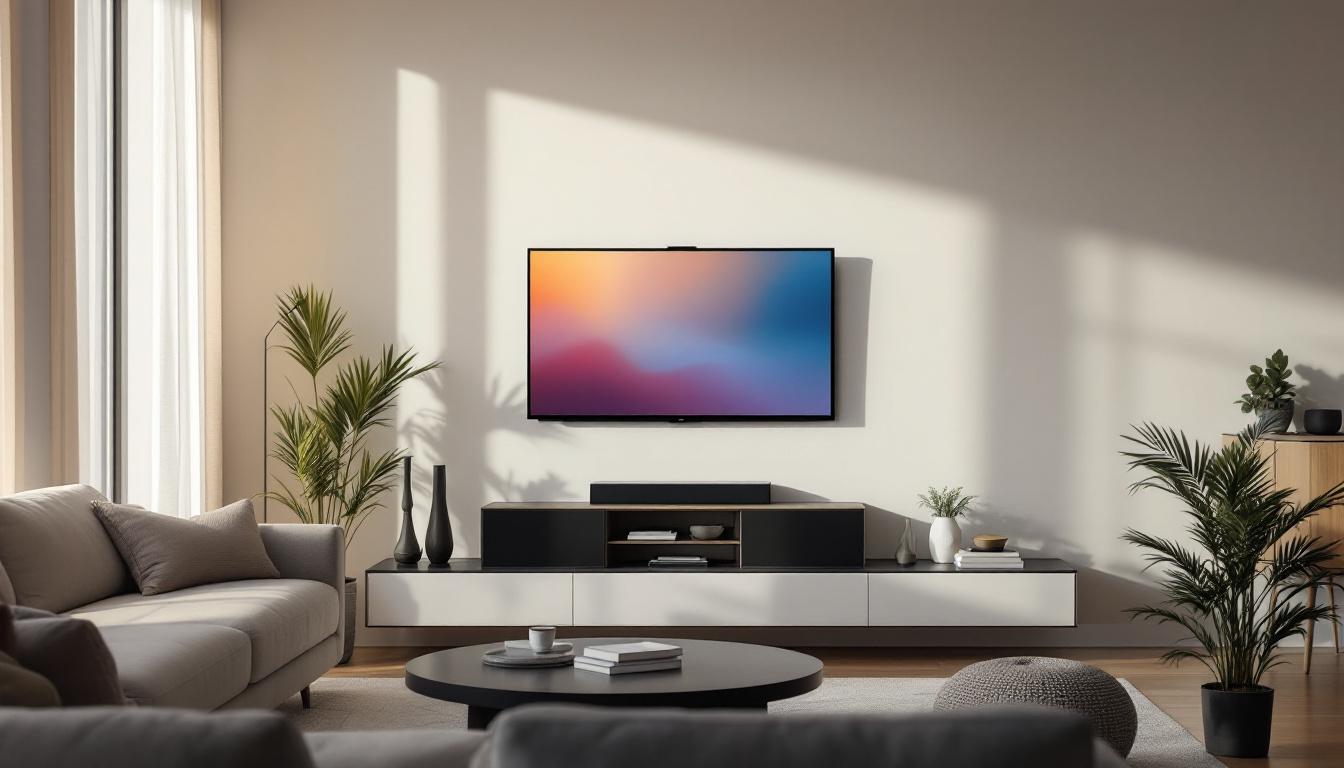
In today’s digital age, LED displays have become a centerpiece in homes, offices, and public spaces alike. Whether it’s a sleek television mounted on a living room wall or a large digital signage screen in a corporate lobby, the mounting system plays a crucial role in both the functionality and aesthetics of the display. Understanding the parts of a TV monitor bracket and how they relate to LED displays is essential for anyone looking to optimize their viewing experience or install a display safely and efficiently.
Understanding LED Displays: The Basics
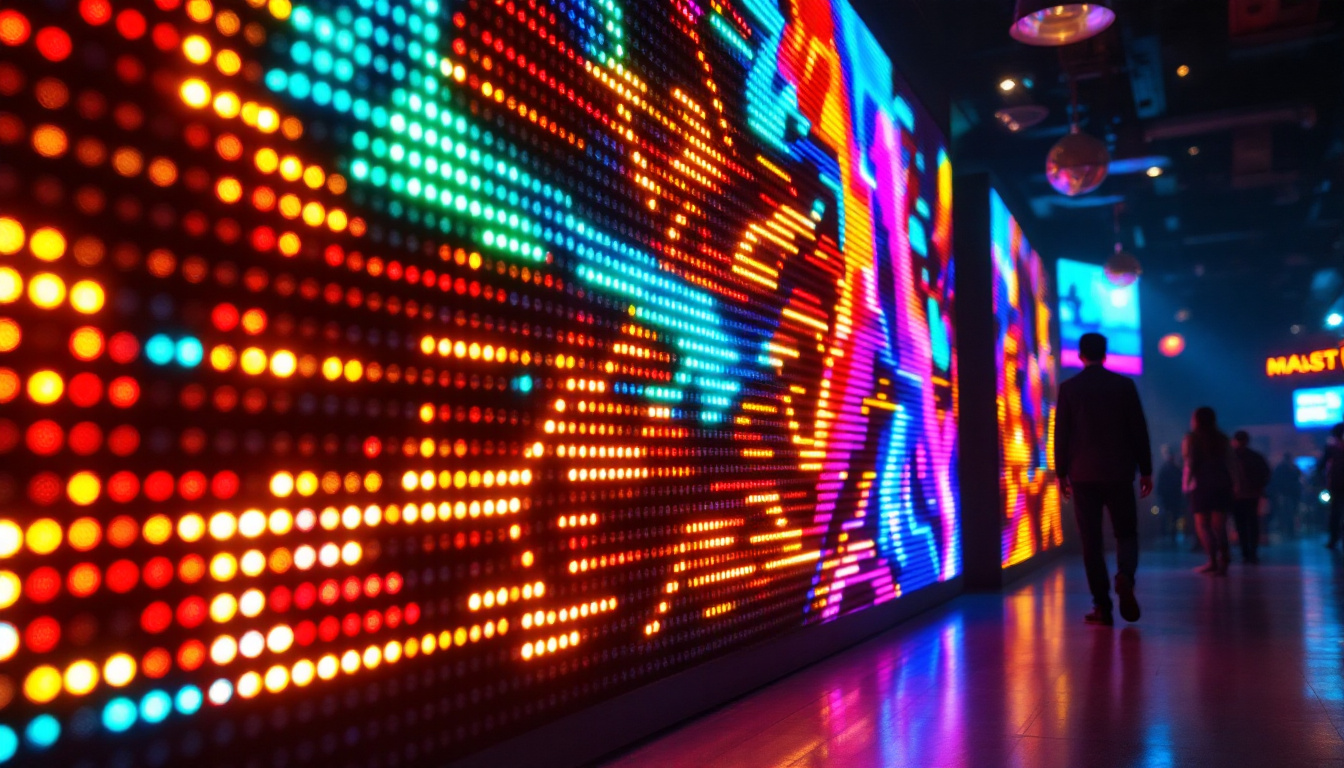
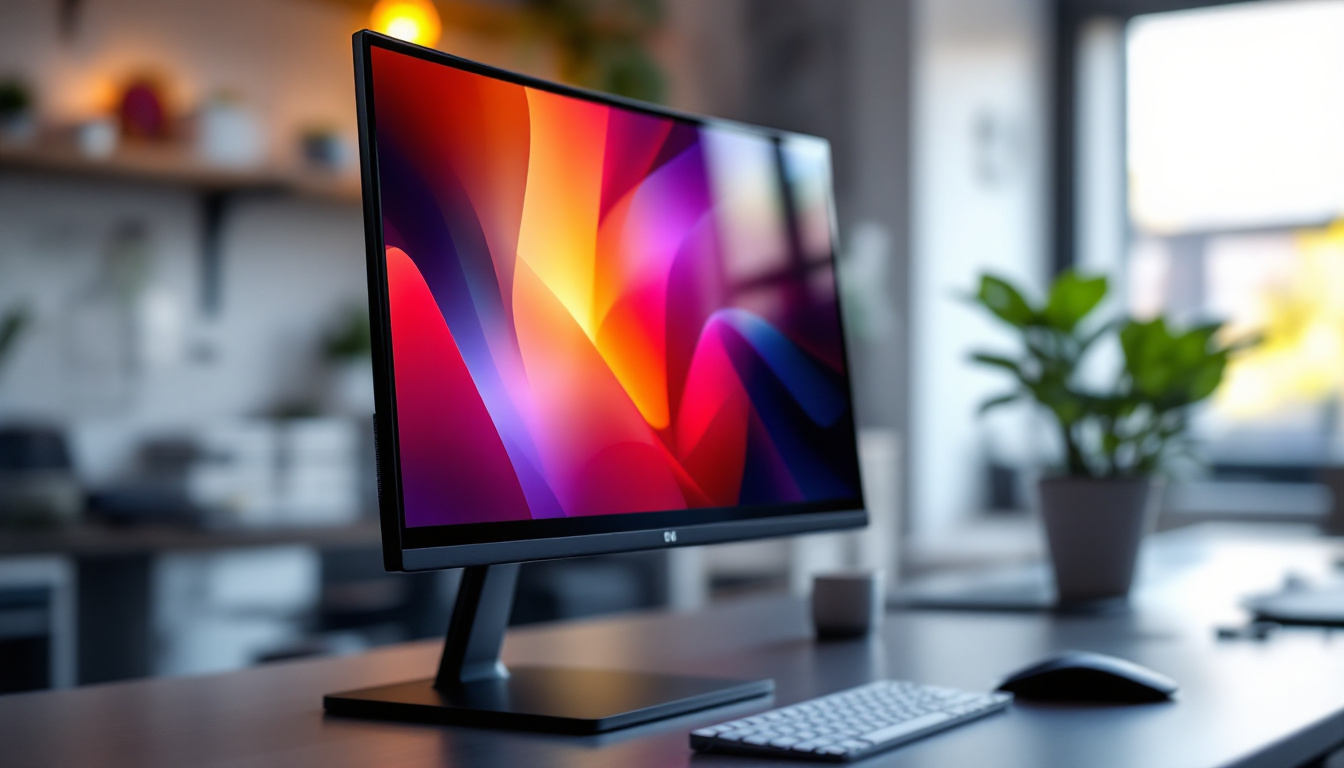
LED, or Light Emitting Diode, displays have revolutionized screen technology by offering brighter images, better contrast, and energy efficiency compared to traditional LCD or plasma screens. These displays use an array of tiny LEDs to create images, which can be arranged in various configurations depending on the size and resolution of the screen.
LED technology is widely used in television screens, computer monitors, and large-scale digital signage. The design of these displays often necessitates specific mounting solutions to ensure stability, optimal viewing angles, and ease of maintenance.
Why Mounting Matters for LED Displays
Mounting an LED display is not just about saving space or achieving a clean look. The bracket and mounting system directly impact the display’s durability, heat dissipation, and user interaction. A poorly chosen or installed bracket can lead to screen damage, uneven weight distribution, or even safety hazards.
Moreover, modern LED displays are often ultra-thin and lightweight, which allows for innovative mounting options such as flush wall mounts or articulating arms. Selecting the right bracket parts ensures that the display remains secure and accessible for any necessary adjustments or servicing.
Key Components of TV Monitor Brackets
TV monitor brackets come in various designs and sizes, but most share common components that work together to hold the display securely. Understanding these parts can help in choosing the right bracket for an LED display.
1. Wall Plate
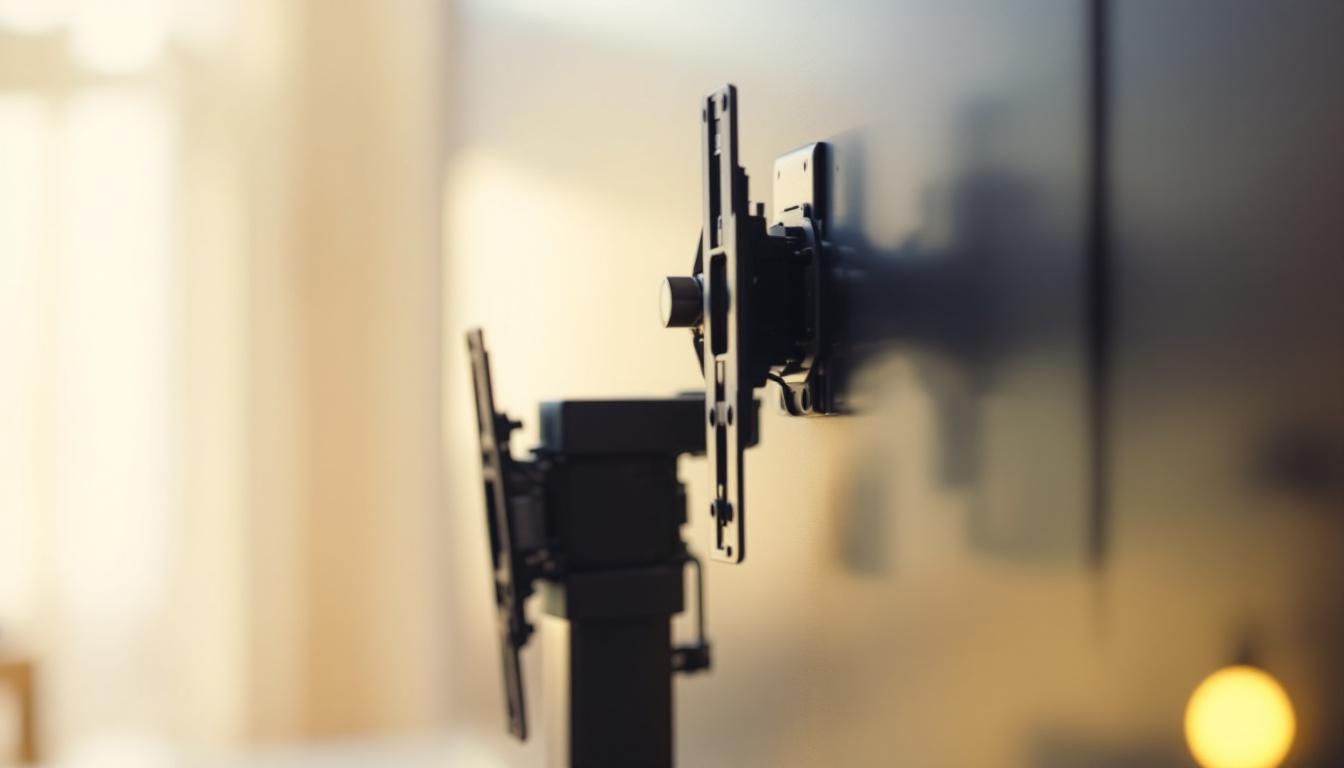
The wall plate is the foundational element of any mounting system. It attaches directly to the wall and serves as the anchor point for the entire bracket assembly. Wall plates vary in size and shape depending on the weight and size of the LED display they are designed to support.
For heavier or larger LED panels, the wall plate is often reinforced with multiple screw holes to distribute the load evenly across the wall surface. High-quality wall plates are typically made of steel or aluminum to provide strength and durability.
2. Mounting Arms or Brackets
These components connect the LED display to the wall plate. Mounting arms can be fixed, tilting, or full-motion (articulating), depending on the desired flexibility. Fixed arms keep the display flush against the wall, while tilting and articulating arms allow for angle adjustments to optimize viewing.
The mounting arms usually have VESA (Video Electronics Standards Association) mounting holes that correspond to the mounting pattern on the back of the LED display. VESA standards ensure compatibility across different brands and models.
3. Tilt and Swivel Mechanisms
Many modern brackets include tilt and swivel features to enhance viewing comfort. The tilt mechanism allows the screen to be angled up or down, which is particularly useful in rooms with varying seating heights or lighting conditions. Swivel mechanisms enable horizontal rotation, allowing the display to be viewed from different positions within a room.
These mechanisms typically use adjustable joints or hinges with locking screws to maintain the desired position securely.
4. Extension Arms and Articulating Joints
For displays that need to be pulled away from the wall or repositioned frequently, extension arms and articulating joints provide the necessary mobility. These parts allow the screen to extend, retract, and pivot, making them ideal for conference rooms, kitchens, or multi-purpose spaces.
Articulating brackets are more complex and generally costlier but offer unmatched flexibility for LED display placement.
5. Cable Management Features
Integrated cable management is an important feature in many TV monitor brackets. These parts help organize and conceal power cords, HDMI cables, and other connections, contributing to a clean installation and reducing the risk of cable damage or tripping hazards.
Some brackets include clips, channels, or covers that route cables along the arms or behind the wall plate discreetly.
Choosing the Right Bracket for Your LED Display
Selecting the appropriate TV monitor bracket involves considering several factors related to the LED display’s size, weight, and intended use. Making the right choice ensures safety, optimal performance, and a pleasing aesthetic.
Weight Capacity and Size Compatibility
Every bracket has a maximum weight rating, which must not be exceeded. LED displays, especially larger models, can be surprisingly heavy due to their internal components and casing. It’s essential to check the display’s weight and compare it against the bracket’s specifications.
Additionally, the bracket must support the display’s VESA mounting pattern. VESA patterns are standardized distances between mounting holes on the back of the display, commonly measured in millimeters (e.g., 200×200, 400×400). Ensuring compatibility avoids installation issues and potential damage.
Mounting Location and Wall Type
The type of wall where the bracket will be installed influences the choice of mounting hardware. Drywall, concrete, brick, and wood studs each require different anchors and screws to ensure a secure fit.
For example, mounting on drywall alone is insufficient for heavy LED displays; the bracket should be anchored into wall studs or reinforced with appropriate anchors. Understanding the wall structure helps in selecting the right bracket and installation method.
Adjustability and Viewing Angle
Consider how the LED display will be used and viewed. Fixed mounts are suitable for displays that do not require frequent repositioning, such as TVs in living rooms or bedrooms. For spaces like kitchens or conference rooms, where viewing angles vary, tilting or articulating brackets provide greater flexibility.
Adjustable brackets also facilitate easier access to ports and cables on the back of the display, simplifying maintenance and upgrades.
Installation and Maintenance Considerations
Some brackets are designed for easy installation, featuring quick-release mechanisms or tool-free adjustments. These can be beneficial for users who plan to move or upgrade their displays frequently.
Maintenance access is another important factor. Brackets that allow the display to be pulled away from the wall or tilted forward enable easier cleaning and servicing, which is especially relevant for commercial LED displays.
Common Materials and Build Quality
The durability and safety of a TV monitor bracket depend heavily on the materials used and the quality of construction. Most brackets are made from metal alloys such as steel or aluminum, each offering distinct advantages.
Steel Brackets
Steel is the most common material for heavy-duty brackets due to its strength and rigidity. Steel brackets can support larger and heavier LED displays without bending or warping over time. They are often powder-coated to prevent rust and corrosion, ensuring longevity even in humid environments.
Aluminum Brackets
Aluminum brackets are lighter than steel and resistant to corrosion, making them suitable for lightweight LED displays and installations in environments where moisture is a concern. Although not as strong as steel, aluminum brackets are often designed with reinforced structures to provide adequate support.
Plastic and Composite Components
Some brackets incorporate plastic or composite materials in non-load-bearing parts such as cable covers or adjustment knobs. These materials reduce weight and cost but do not compromise the bracket’s overall strength when used appropriately.
Safety and Compliance Standards
When selecting and installing TV monitor brackets for LED displays, adhering to safety and compliance standards is critical. These standards ensure that the mounting system is reliable and reduces the risk of accidents or damage.
VESA Compliance
As mentioned earlier, VESA standards govern the mounting hole patterns on displays and brackets. Ensuring VESA compliance guarantees compatibility and simplifies the installation process.
Weight and Load Testing
Reputable bracket manufacturers conduct rigorous load testing to certify that their products can safely support specified weights. Look for brackets that have been tested and certified according to industry standards.
Building Codes and Regulations
In commercial or public installations, mounting systems must comply with local building codes and fire safety regulations. This may include requirements for seismic bracing in earthquake-prone areas or fire-resistant materials in certain buildings.
Installation Tips for Optimal Results
Proper installation is as important as choosing the right bracket. Following best practices helps ensure safety and longevity of the LED display setup.
Locate Wall Studs Accurately
Use a stud finder to locate wall studs before drilling. Anchoring the wall plate into studs provides the strongest support, especially for heavy LED displays.
Use Appropriate Hardware
Use screws, anchors, and bolts recommended by the bracket manufacturer. Avoid substituting with inferior or incompatible hardware, as this can compromise safety.
Follow Manufacturer Instructions
Every bracket model has specific installation guidelines. Following these instructions carefully ensures that all components are assembled correctly and securely.
Check Level and Alignment
Use a spirit level to ensure the bracket is mounted straight. An uneven mount can cause strain on the display and detract from the viewing experience.
Test Adjustments and Stability
After installation, test all tilt, swivel, and extension functions to confirm smooth operation. Verify that the display is stable and securely fastened.
Conclusion
Understanding the parts of a TV monitor bracket and their relationship to LED displays is essential for achieving a safe, functional, and aesthetically pleasing installation. From the wall plate to articulating arms and cable management features, each component plays a vital role in supporting and enhancing the LED display experience.
Choosing the right bracket involves assessing the display’s size, weight, mounting location, and desired adjustability. Prioritizing quality materials, compliance with standards, and proper installation techniques ensures that the LED display remains secure and performs optimally for years to come.
Whether upgrading a home entertainment system or installing digital signage in a commercial setting, investing time in understanding TV monitor bracket parts and LED display requirements pays off in safety, convenience, and visual enjoyment.
Explore Cutting-Edge LED Display Solutions with LumenMatrix
Now that you’re equipped with the knowledge of TV monitor bracket parts and their significance in enhancing your LED display setup, take the next step with LumenMatrix. As a pioneer in LED display technology, LumenMatrix offers an array of innovative solutions designed to transform your visual experience. From Indoor and Outdoor LED Wall Displays to specialized options like Vehicle, Sports, and Floor LED Displays, our products are crafted to captivate and engage your audience. Discover the perfect LED display to match your newly understood mounting needs and elevate your space. Check out LumenMatrix LED Display Solutions and see how our commitment to excellence can bring your vision to life.