In the rapidly evolving world of digital displays, LED technology remains at the forefront, powering everything from smartphone screens to massive outdoor billboards. One critical yet often overlooked factor in determining the quality and clarity of an LED display is the concept of dot pitch. Understanding dot pitch—and how to calculate it—can provide valuable insights into display resolution, viewing experience, and overall performance.
This article delves into the fundamentals of dot pitch, explains its significance in LED displays, and guides you through the practical use of a dot pitch calculator. Whether you’re a display manufacturer, a digital signage professional, or simply a tech enthusiast, this comprehensive overview will help you make informed decisions about LED display technology.
What is Dot Pitch?
Dot pitch, sometimes referred to as pixel pitch in the context of LED displays, is the distance between the centers of two adjacent pixels or dots on a screen. It is typically measured in millimeters (mm) and serves as a key indicator of a display’s resolution and image sharpness.
In simpler terms, the smaller the dot pitch, the closer the pixels are packed together, resulting in a sharper and more detailed image. Conversely, a larger dot pitch means pixels are spaced further apart, which can lead to a grainier or less crisp display. This measurement plays a crucial role in determining how a display performs in various environments, particularly in settings where high-definition visuals are essential, such as in digital signage, gaming, and professional video production.
Moreover, the impact of dot pitch extends beyond mere resolution; it also affects viewing distance. Displays with a smaller dot pitch are ideal for close-up viewing, as they can deliver finer details without visible pixelation. In contrast, displays with a larger dot pitch might be more suitable for larger venues where viewers are positioned farther away, allowing for a more comfortable viewing experience without the need for excessive detail.
Dot Pitch vs. Pixel Pitch: Clarifying the Terms
While dot pitch and pixel pitch are often used interchangeably, there is a subtle difference. Dot pitch traditionally refers to the distance between phosphor dots on CRT monitors, whereas pixel pitch is the distance between pixels on LCD or LED displays. However, in modern LED technology, pixel pitch is the more accurate term and is commonly used to describe the spacing between individual LED clusters.
For the purposes of this article, “dot pitch” will be used synonymously with pixel pitch, focusing on LED displays. Understanding this distinction is important for consumers and professionals alike, as it can influence purchasing decisions. For instance, a display with a pixel pitch of 1.5mm may be more suitable for a retail environment where customers are likely to be close to the screen, while a 5mm pixel pitch might suffice for outdoor advertising where viewers are typically at a greater distance. Therefore, selecting the appropriate dot pitch is essential for achieving optimal visual performance in any application.
Why Dot Pitch Matters in LED Displays
The dot pitch of an LED display directly influences several critical factors, including image clarity, viewing distance, and overall user experience. Understanding these relationships helps manufacturers and end-users select the right display for their needs.
Impact on Image Quality
A smaller dot pitch means more pixels per unit area, which translates to higher resolution and finer detail. For example, an LED display with a dot pitch of 1.5 mm will deliver a much crisper image compared to one with a 10 mm dot pitch, assuming the same physical screen size.
This is particularly important for applications requiring close viewing distances, such as indoor digital signage, control rooms, or retail displays, where viewers stand just a few feet away from the screen.
Optimal Viewing Distance
Dot pitch also determines the ideal viewing distance for an LED display. The general rule is that the viewing distance should be at least the same as the dot pitch in millimeters multiplied by 1000 to convert to millimeters, or roughly dot pitch (mm) × 1 meter. For instance, a display with a 5 mm dot pitch is best viewed from about 5 meters away or more.
Viewing an LED display too close to a screen with a large dot pitch results in visible pixelation, where individual LEDs or pixels become discernible, detracting from the overall image quality.
Cost and Energy Efficiency Considerations
Displays with smaller dot pitches require more LEDs per square meter, which increases manufacturing costs and power consumption. Therefore, selecting the appropriate dot pitch balances image quality with budget and energy efficiency.
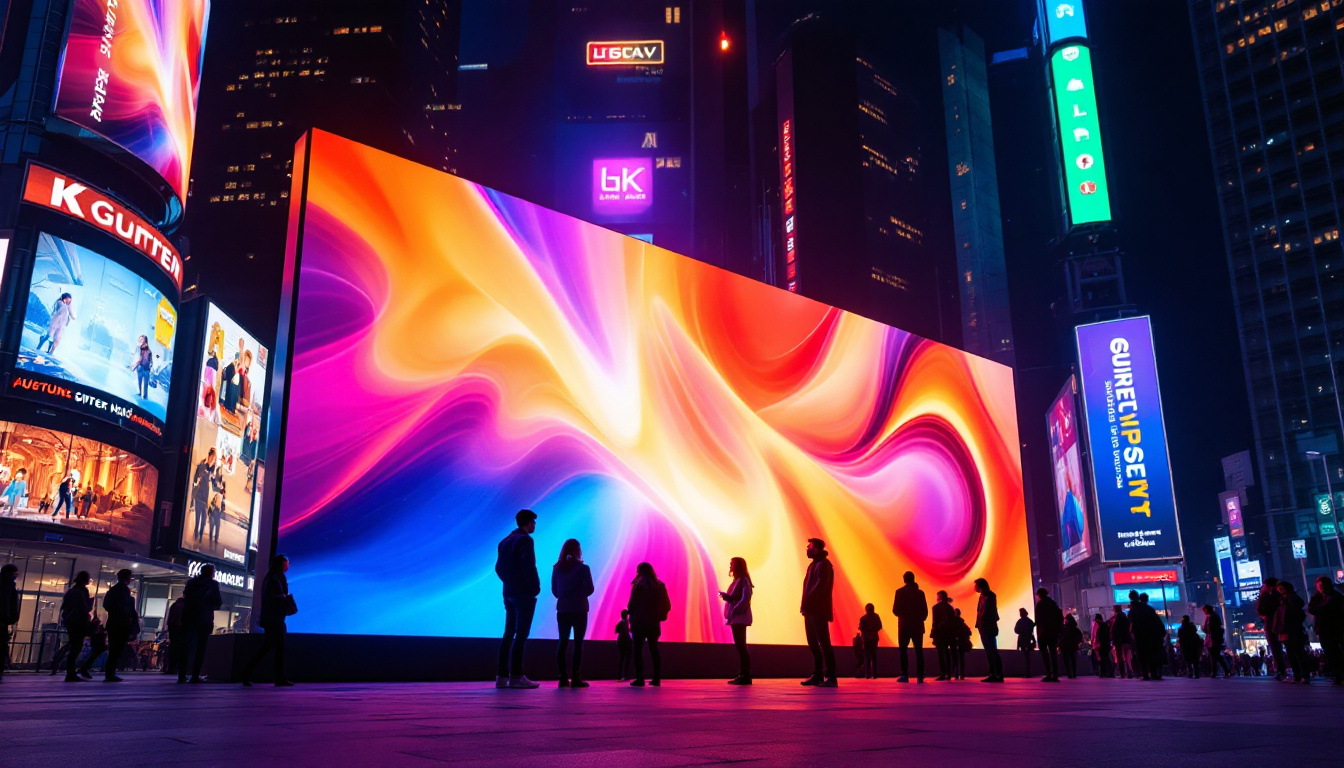
For example, large outdoor billboards typically use LED displays with dot pitches ranging from 10 mm to 20 mm, as viewers are generally far away. Indoor displays, on the other hand, often feature dot pitches under 4 mm to ensure high resolution at close range.
How to Calculate Dot Pitch for LED Displays
Calculating dot pitch is straightforward once you understand the key components involved. The calculation involves the physical dimensions of the display and the number of pixels or LEDs along those dimensions.
Basic Dot Pitch Formula
The dot pitch (P) can be calculated using the formula:
P = D / NWhere:
- P = Dot pitch (mm)
- D = Physical width or height of the display (mm)
- N = Number of pixels or LEDs along that dimension
For example, if an LED display is 1920 mm wide and has 384 pixels horizontally, the dot pitch is:
P = 1920 mm / 384 = 5 mmCalculating Pixel Density (Pixels Per Inch)
While dot pitch is measured in millimeters, pixel density is often expressed as pixels per inch (PPI). To convert dot pitch to PPI, use the formula:
PPI = 25.4 / PWhere 25.4 mm equals 1 inch. For a 5 mm dot pitch display, the PPI is:
PPI = 25.4 / 5 = 5.08 pixels per inchThis relatively low pixel density is typical of large-format LED displays designed for long-distance viewing.
Using a Dot Pitch Calculator
Many online tools and software applications simplify these calculations by allowing users to input display dimensions and resolution to instantly determine the dot pitch. These calculators are especially useful for professionals designing custom LED displays or evaluating existing installations.
When using a dot pitch calculator, ensure you have accurate measurements of the display’s physical size and pixel count. Some calculators also factor in pixel shape and arrangement, such as square or rectangular pixels, which can affect dot pitch calculations.
Applications of Dot Pitch in LED Display Selection
Understanding dot pitch helps in choosing the right LED display for specific environments and use cases. Here are some common scenarios where dot pitch plays a decisive role.
Indoor vs. Outdoor LED Displays
Indoor LED displays generally require smaller dot pitches (1.2 mm to 4 mm) to provide high-resolution images at close viewing distances. Examples include:
- Retail store displays
- Conference room screens
- Broadcast studios
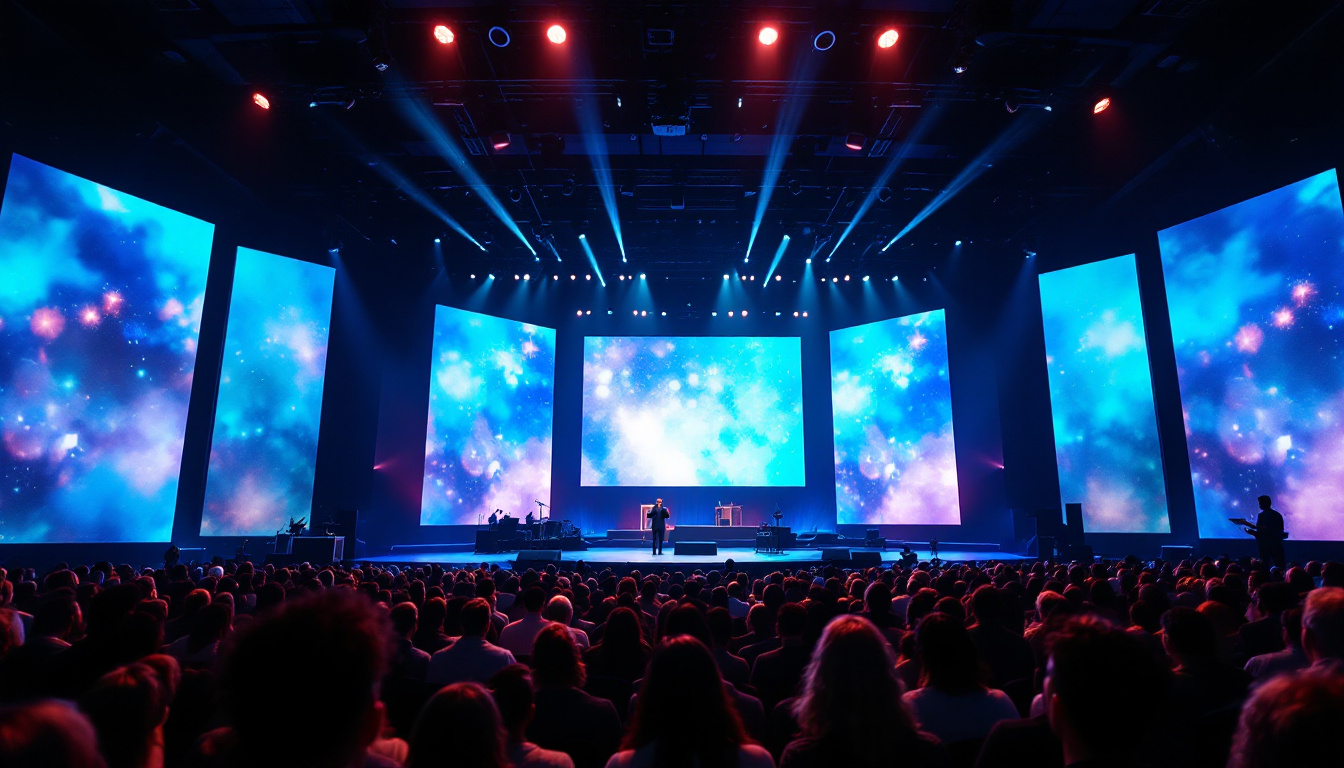
Outdoor LED displays, such as billboards and stadium screens, often use larger dot pitches (6 mm to 20 mm) because viewers are farther away, and the displays must withstand weather conditions and higher brightness levels.
Digital Signage and Advertising
For digital signage, the choice of dot pitch impacts how well the content engages viewers. High-resolution displays with smaller dot pitches allow for detailed graphics, text, and video, enhancing brand messaging and customer interaction.
Conversely, for large-scale advertising where the message needs to be visible from a distance, a larger dot pitch is sufficient and more cost-effective.
Control Rooms and Command Centers
In environments where operators monitor multiple data streams and require precise image clarity, such as control rooms, smaller dot pitches are essential. Displays with dot pitches under 2 mm enable crisp visuals and reduce eye strain during extended use.
Factors Affecting Dot Pitch Beyond Pixel Spacing
While dot pitch is a fundamental measure, other factors influence the perceived quality of an LED display. These include pixel shape, LED type, and display technology advancements.
Pixel Shape and Arrangement
LED pixels can be arranged in various configurations, such as square, rectangular, or triangular patterns. The shape and layout affect how pixels are spaced and how the human eye perceives the image. For instance, a triangular arrangement can sometimes improve color blending and viewing angles.
LED Type and Brightness
The type of LEDs used (e.g., SMD – Surface-Mounted Device, or DIP – Dual In-line Package) impacts brightness, color accuracy, and lifespan. Higher-quality LEDs can enhance image quality even if the dot pitch is relatively large.
Advancements in LED Technology
Emerging technologies like MicroLED and MiniLED offer smaller pixel sizes and improved brightness, pushing the boundaries of dot pitch and display resolution. These innovations enable ultra-high-definition displays with exceptional color and contrast.
Practical Tips for Using a Dot Pitch Calculator Effectively
To maximize the benefits of a dot pitch calculator and make informed decisions, consider the following tips:
Measure Accurately
Ensure precise measurement of the display’s physical dimensions. Use calibrated tools and double-check measurements to avoid errors in dot pitch calculation.
Know Your Viewing Environment
Consider the typical viewing distance and lighting conditions. This information will help determine the optimal dot pitch for your application.
Balance Quality and Budget
Smaller dot pitches generally mean higher costs. Evaluate the trade-offs between image quality and budget constraints to select the most appropriate display.
Consult with Experts
If unsure, seek advice from display manufacturers or digital signage specialists. They can provide tailored recommendations based on your specific needs.
Conclusion
Dot pitch is a fundamental parameter that directly influences the visual performance of LED displays. By understanding what dot pitch is, why it matters, and how to calculate it, professionals and consumers alike can make better-informed decisions when selecting or designing LED display solutions.
Whether deploying an indoor video wall, an outdoor billboard, or a control room monitor, considering dot pitch alongside other factors such as viewing distance, budget, and technological advancements will ensure optimal image quality and user satisfaction.
Using a dot pitch calculator simplifies this process, providing quick and accurate measurements that guide the selection of the right LED display for any application. As LED technology continues to advance, staying informed about dot pitch and related concepts remains essential for anyone involved in the digital display industry.
Discover the Future of Visual Display with LumenMatrix
Ready to experience the pinnacle of LED display technology? LumenMatrix is at the forefront of innovation, offering a wide array of LED display solutions tailored to your unique needs. From mesmerizing Indoor LED Walls to dynamic Outdoor LED Displays, and from versatile Vehicle LED Displays to stunning LED Sports Displays, our products are designed to captivate and engage. Elevate your visual communication with our Custom LED Displays, All-in-One LED Displays, and revolutionary LED Transparent Displays. Don’t just share your message—make an unforgettable impact. Check out LumenMatrix LED Display Solutions today and transform your space into a visual spectacle.