In today’s digital age, screen brightness plays a crucial role in how we interact with our devices. Whether it’s a smartphone, laptop, television, or digital signage, the clarity and visibility of the display can significantly impact user experience. LED displays, known for their energy efficiency and vibrant colors, are among the most common screen technologies in use. However, sometimes these screens may appear dim or less vibrant than expected, prompting users to seek ways to make their screens brighter.
This article delves into the fundamentals of LED displays, explores why screen brightness matters, and provides practical, scientifically grounded methods to enhance screen brightness effectively. By understanding the technology behind LED screens and the factors influencing brightness, users can optimize their viewing experience in various environments.
Understanding LED Display Technology
What is an LED Display?
LED stands for Light Emitting Diode, a semiconductor device that emits light when an electric current passes through it. LED displays use an array of these diodes to create images by controlling the intensity and color of each diode. Unlike traditional LCD screens that rely on backlighting, LED displays can either be direct-emission (as in OLEDs) or use LEDs as a backlight source behind an LCD panel.
Most modern screens, including smartphones, laptops, and televisions, use LED backlighting combined with LCD technology. This hybrid approach offers improved brightness, contrast, and energy efficiency compared to older CCFL (cold cathode fluorescent lamp) backlights. The advancements in LED technology have also led to a significant reduction in power consumption, making them more environmentally friendly and cost-effective for consumers.
Types of LED Displays
There are primarily two types of LED display technologies:
- LED-backlit LCDs: These use LEDs as a backlight behind an LCD panel. The LEDs can be arranged either around the edges of the screen (edge-lit) or directly behind the panel (direct-lit or full-array). Full-array LED backlighting allows for local dimming, enhancing contrast and perceived brightness.
- OLED Displays: Organic LEDs are self-emissive, meaning each pixel emits its own light. This allows for deeper blacks and higher contrast ratios but can sometimes be less bright than LED-backlit LCDs in direct sunlight.
Understanding which type of LED display your device uses is important because it influences how brightness adjustments affect the screen and the methods available to enhance it. Moreover, the choice between LED-backlit LCDs and OLED displays can significantly impact your viewing experience, particularly in terms of color accuracy and response time. For instance, OLED displays tend to have faster refresh rates, making them ideal for fast-paced gaming and high-definition video playback, while LED-backlit LCDs often excel in bright environments where their backlighting can shine through effectively.
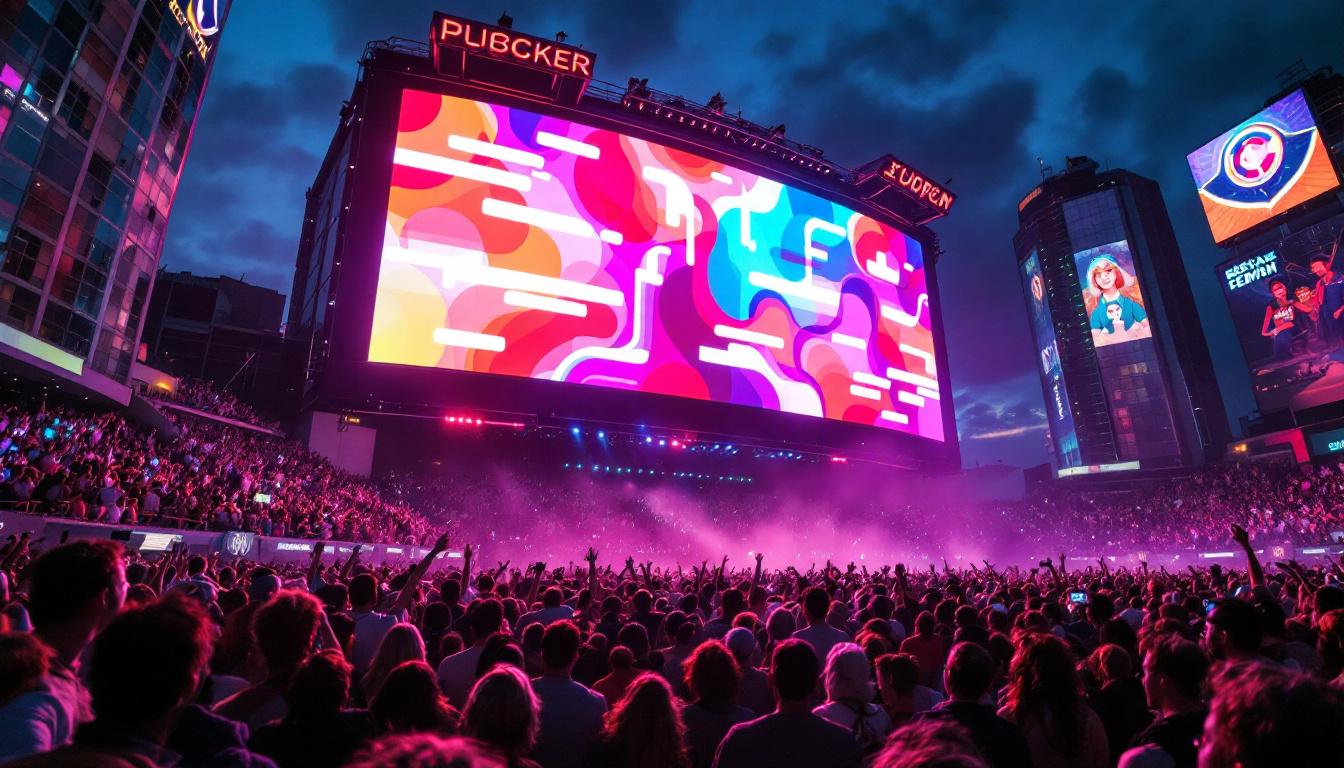
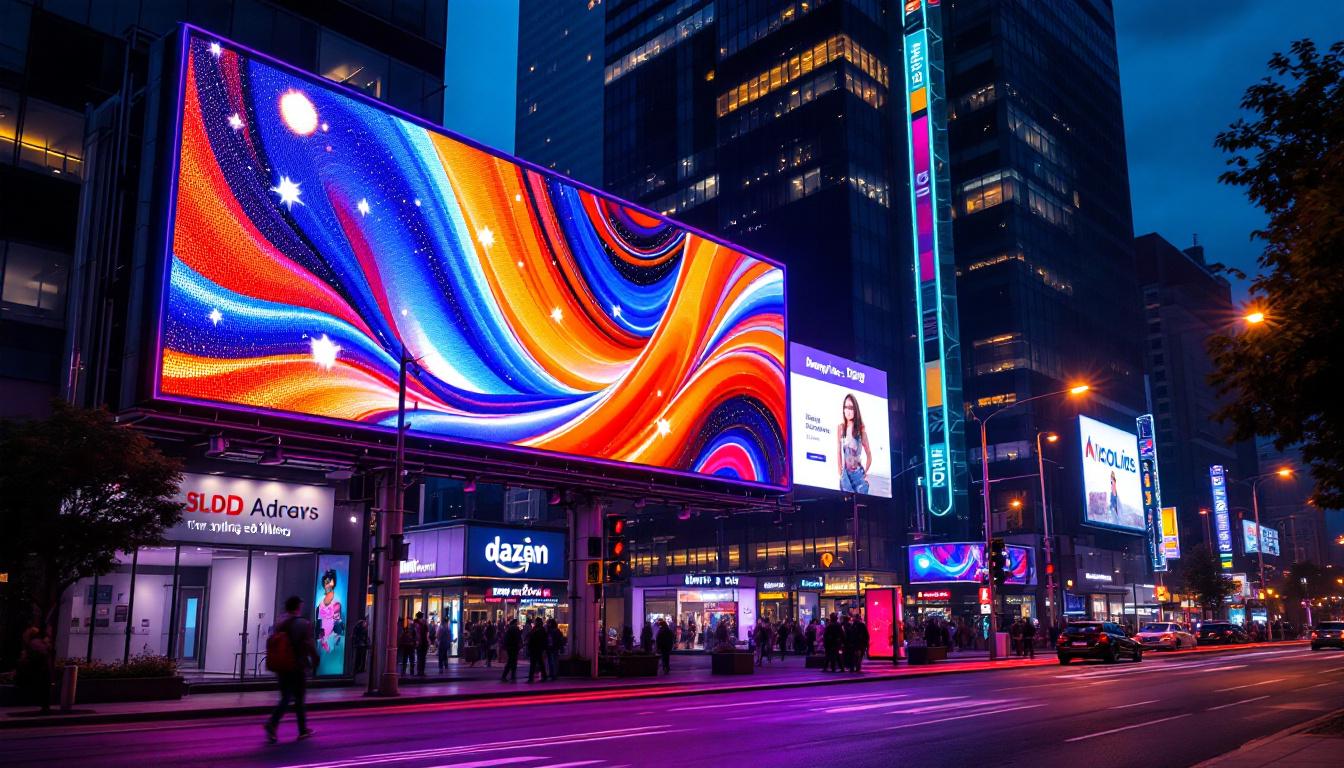
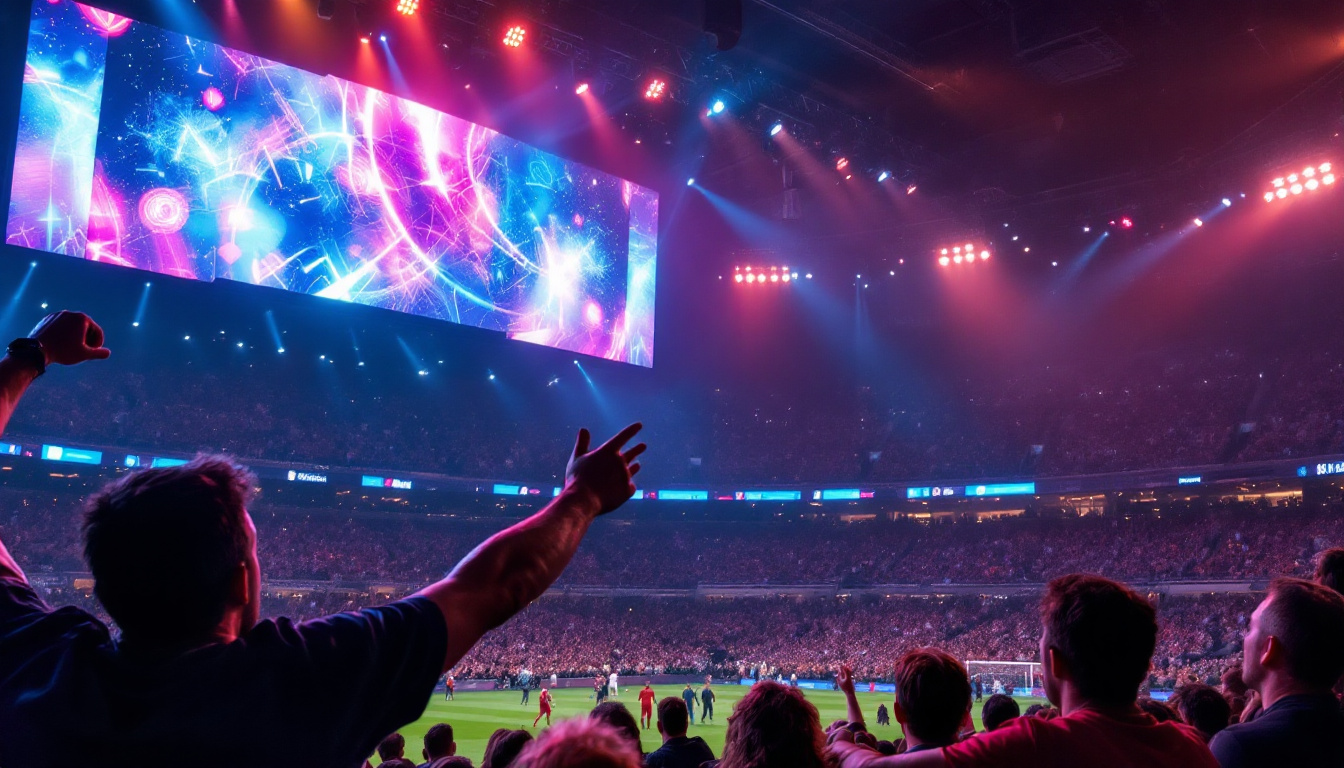
Additionally, the evolution of LED technology has paved the way for innovative applications beyond traditional screens. For example, large-scale LED displays are now commonplace in stadiums, concert venues, and advertising billboards, where their ability to produce vibrant colors and high brightness levels can captivate large audiences. Furthermore, advancements in microLED technology are on the horizon, promising even smaller pixel sizes and greater flexibility in display design, potentially revolutionizing how we interact with screens in everyday life.
Why Screen Brightness Matters
Impact on Visibility and Eye Comfort
Screen brightness directly affects visibility, especially in varying ambient lighting conditions. A screen that is too dim can strain the eyes as users squint to see content, while an overly bright screen can cause glare and discomfort. According to a 2022 study published in the Journal of Ophthalmology, improper screen brightness settings contribute to digital eye strain symptoms in over 60% of frequent device users.
Optimal brightness settings reduce eye fatigue and improve readability. For instance, in bright outdoor environments, increasing screen brightness is essential to counteract ambient light reflections and ensure content remains visible.
Energy Consumption and Battery Life
Brightness levels also influence energy consumption, particularly in portable devices like smartphones and laptops. Higher brightness settings consume more power, reducing battery life. Conversely, lowering brightness can extend usage time but may compromise visibility.
Modern devices often include adaptive brightness features that automatically adjust screen brightness based on ambient light sensors, balancing visibility and energy efficiency. However, manual adjustments are sometimes necessary to meet specific user needs or preferences.
How to Make Your LED Screen Brighter
Adjusting Software Settings
The simplest way to increase screen brightness is through software controls. Most operating systems and devices provide brightness sliders in their settings menus or quick-access panels.
- Windows PCs: Use the Action Center or Settings > System > Display to adjust brightness.
- macOS: Use the brightness keys on the keyboard or System Preferences > Displays.
- Smartphones and Tablets: Access brightness controls via the notification shade or Settings > Display.
Enabling or disabling adaptive brightness can also impact perceived brightness. If the screen seems too dim despite manual adjustments, disabling adaptive brightness may help maintain a consistent brightness level.
Calibrating Display Settings
Beyond the brightness slider, calibrating display settings such as contrast, gamma, and color temperature can enhance perceived brightness and image clarity. Calibration tools and software, including built-in utilities or third-party applications like DisplayCAL, allow users to fine-tune these parameters.
For example, increasing contrast can make bright areas appear more vivid, which can compensate for lower brightness levels. Adjusting color temperature towards cooler tones (higher Kelvin values) can also create a perception of increased brightness.
Using External Tools and Accessories
In some cases, physical factors limit screen brightness, such as screen protectors or environmental lighting. Using anti-glare screen protectors can reduce reflections, making the screen appear brighter and clearer. Additionally, positioning the screen away from direct light sources or using shading devices can improve visibility without altering the screen itself.
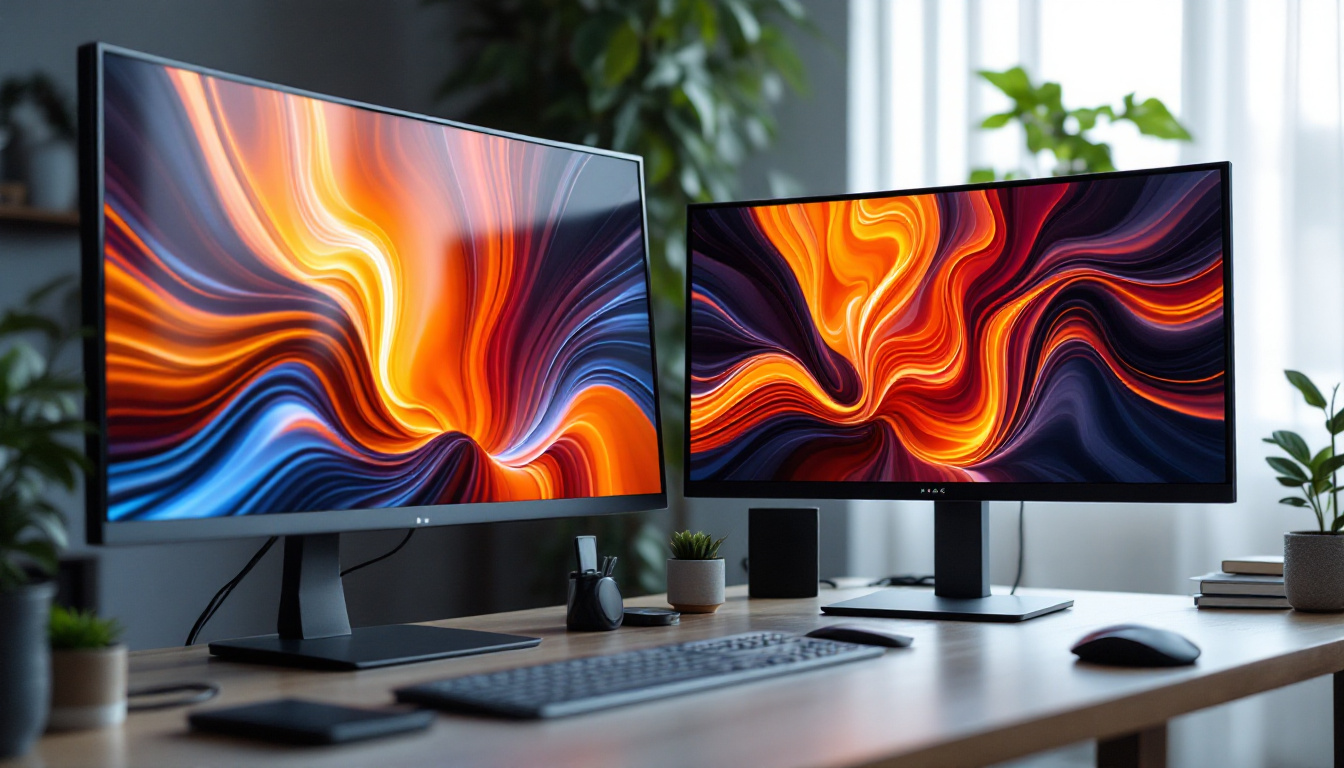
For desktop setups, external monitors with higher brightness specifications can be considered. Many professional-grade monitors offer brightness levels exceeding 400 nits, compared to typical laptop screens that range between 200-300 nits.
Hardware Adjustments and Upgrades
For users comfortable with hardware modifications, upgrading the LED backlight or replacing the screen panel with a higher brightness model can significantly improve brightness. This approach is more common in custom-built PCs or specialized devices.
However, such modifications require technical expertise and may void warranties. It is advisable to consult with professionals or authorized service centers before attempting hardware changes.
Factors Affecting LED Screen Brightness
Ambient Lighting Conditions
Ambient light is one of the most significant factors influencing how bright a screen appears. In brightly lit environments, especially outdoors, even a high-brightness screen can appear washed out. Conversely, in dimly lit rooms, lower brightness settings may suffice.
Understanding the environment where the device is used helps in selecting appropriate brightness levels. Devices with ambient light sensors can automatically adjust brightness to suit these conditions.
Screen Coatings and Filters
Screen coatings, such as anti-reflective or matte finishes, impact brightness perception. Matte screens diffuse reflected light, reducing glare but sometimes making the display appear less vibrant. Glossy screens offer sharper images and more vivid colors but can reflect ambient light, reducing visibility in bright settings.
Choosing the right screen type based on usage scenarios can optimize brightness and viewing comfort.
Device Age and Screen Wear
Over time, LED screens can experience brightness degradation due to wear and tear. The intensity of LEDs diminishes with prolonged use, leading to dimmer displays. This phenomenon is more pronounced in OLED screens, where organic materials degrade faster.
Regular maintenance, such as cleaning the screen and avoiding prolonged high-brightness usage, can help extend screen lifespan. In cases of significant brightness loss, professional repair or replacement may be necessary.
Advanced Techniques to Enhance Screen Brightness
Software-Based Brightness Enhancement
Some software solutions use algorithms to enhance screen brightness and contrast beyond the hardware’s native capabilities. These tools adjust image processing parameters in real-time to make the display appear brighter and more vivid.
Examples include graphics driver utilities that offer dynamic contrast enhancement or third-party applications that tweak gamma and brightness curves. While these methods can improve perceived brightness, they may also introduce artifacts or color inaccuracies if not used carefully.
HDR (High Dynamic Range) Displays
HDR technology allows screens to display a wider range of brightness levels, from deep blacks to intense highlights. HDR-capable LED displays can achieve peak brightness levels significantly higher than standard displays, often exceeding 1000 nits.
Using HDR content on compatible devices can dramatically enhance brightness and image quality. However, HDR effectiveness depends on both the display hardware and the content being viewed.
Using External Lighting Solutions
In professional or multimedia environments, external lighting solutions such as bias lighting can improve perceived screen brightness and reduce eye strain. Bias lighting involves placing a soft light source behind the screen to increase ambient light without causing glare.
This technique enhances contrast perception and makes the screen appear brighter without increasing actual brightness settings, which can save battery life and reduce eye fatigue.
Common Misconceptions About Screen Brightness
Higher Brightness Always Means Better Visibility
While increasing brightness can improve visibility in bright environments, excessively high brightness in dark settings can cause discomfort and reduce image quality by washing out colors. The key is to balance brightness with ambient lighting and personal comfort.
Brightness is the Only Factor Affecting Screen Quality
Brightness is just one aspect of display quality. Contrast ratio, color accuracy, resolution, and refresh rate also significantly impact how users perceive screen clarity and vibrancy.
All LED Screens Have the Same Brightness Capabilities
LED screen brightness varies widely depending on the device, manufacturer, and intended use. For example, outdoor digital signage screens often exceed 2000 nits to remain visible under direct sunlight, while typical laptop screens range between 200-400 nits.
Conclusion
Making an LED screen brighter involves understanding the underlying technology, environmental factors, and device capabilities. Adjusting software settings, calibrating display parameters, and considering hardware options can all contribute to improved screen brightness and user experience.
Balancing brightness with eye comfort and energy consumption is essential for optimal device use. By applying the techniques and insights discussed, users can ensure their LED displays perform at their best, whether for work, entertainment, or everyday communication.
Explore Cutting-Edge Brightness with LumenMatrix
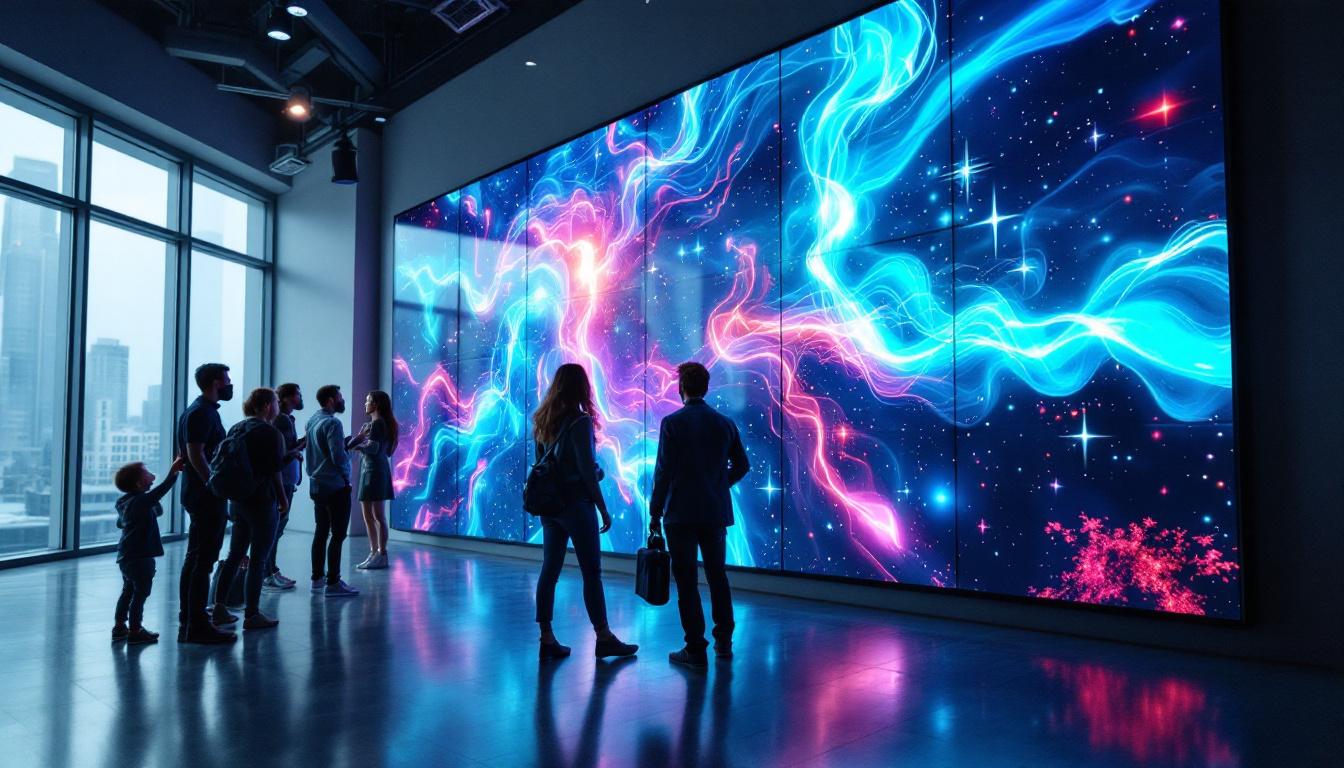
Now that you’re equipped with the knowledge to maximize your LED screen’s brightness, why not experience the pinnacle of display technology with LumenMatrix? As a pioneer in LED innovation, LumenMatrix offers an extensive array of LED display solutions tailored to your needs. From vibrant Indoor LED Walls to dynamic Outdoor LED Displays, and even specialized options like Vehicle and Sports LED Displays, LumenMatrix is committed to transforming your visual communication. Elevate your brand’s presence and captivate your audience with unparalleled clarity and impact. Check out LumenMatrix LED Display Solutions today and light up your world with brilliance.