When shopping for a new monitor or setting up a multi-display workstation, you might come across the term “bezel” quite often. But what exactly is a bezel on a monitor, and why does it matter? This article delves into the concept of bezels, particularly in LED displays, explaining their function, design evolution, and impact on user experience. Whether you’re a casual user, a gamer, or a professional, understanding monitor bezels can help you make informed decisions when choosing or configuring your display setup.
Defining the Bezel: What Is It and What Does It Do?
The Basic Definition of a Monitor Bezel
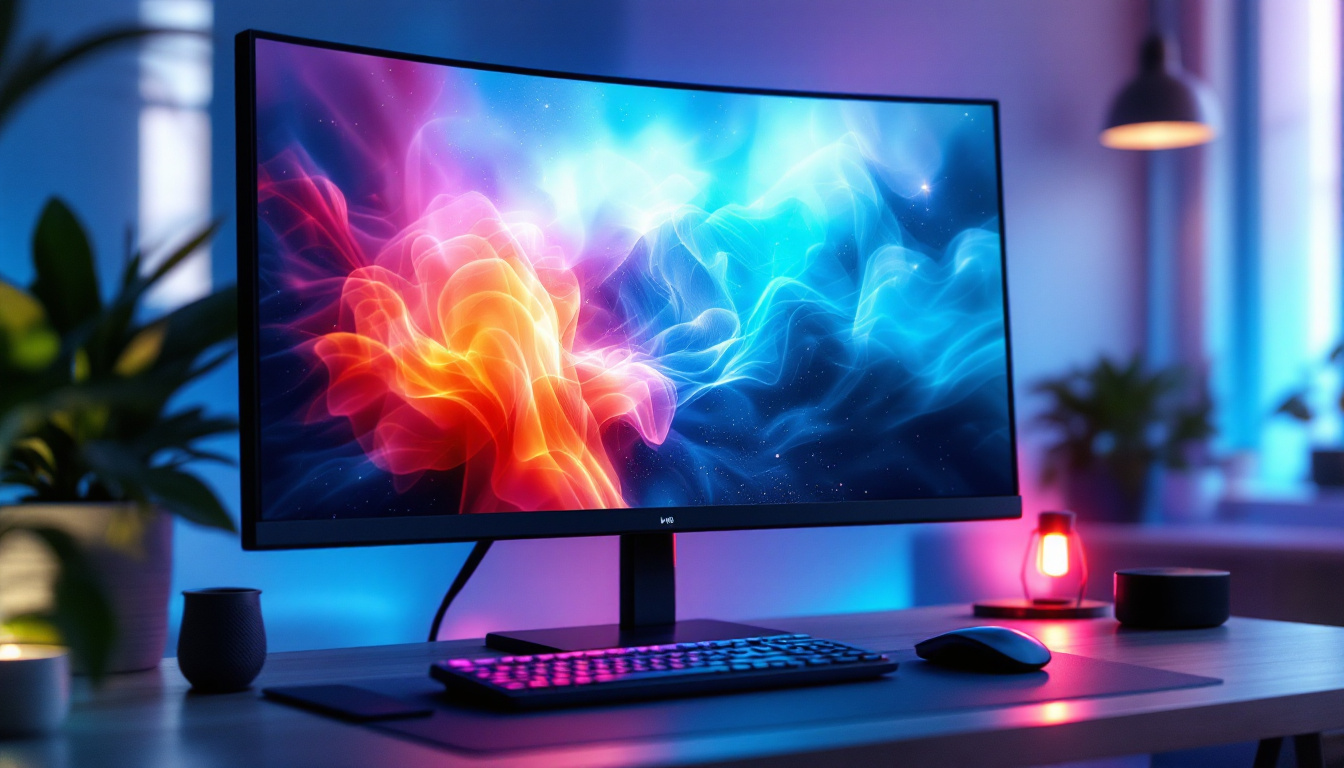
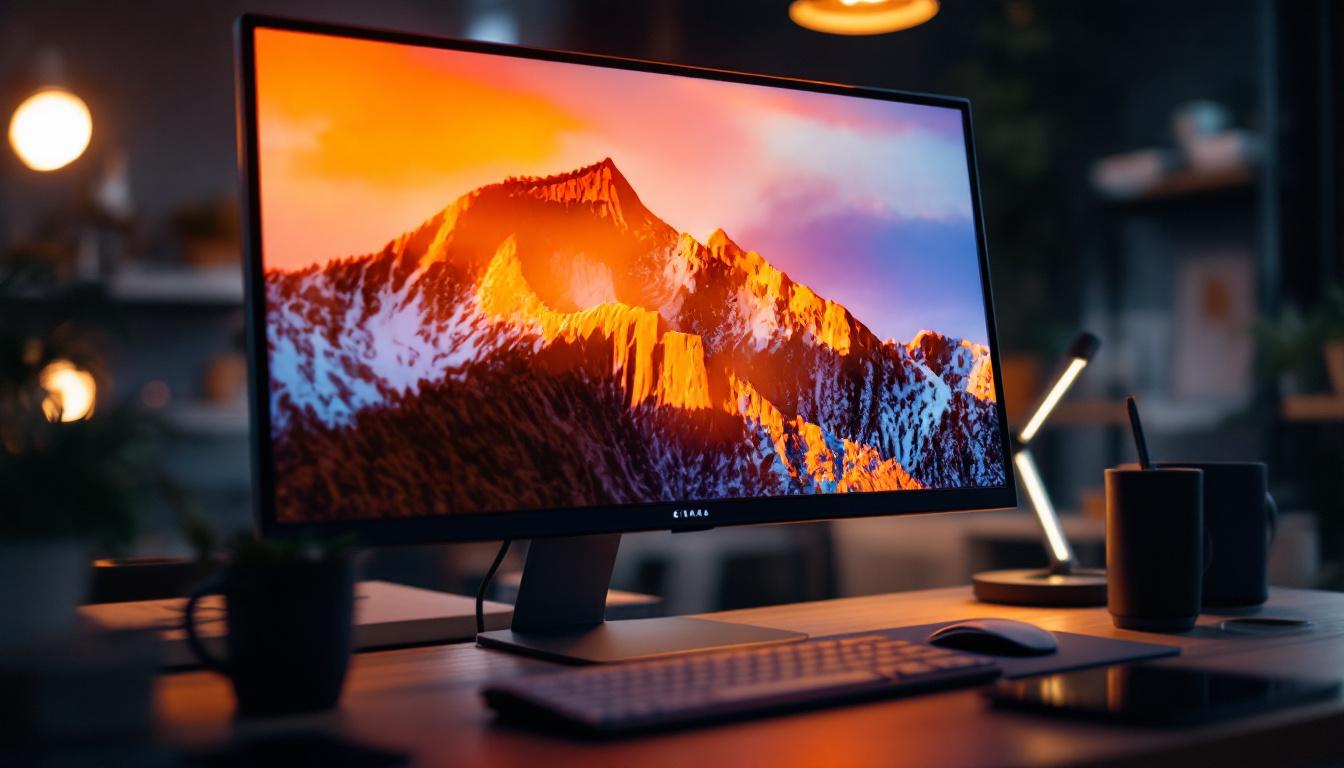
Simply put, the bezel is the frame or border that surrounds the visible screen area of a monitor. It is the physical edge that encases the display panel, providing structural support and housing essential components like wiring, sensors, and sometimes buttons. Bezels can be made from plastic, metal, or other materials, depending on the design and price point of the monitor.
On an LED monitor, the bezel doesn’t emit light or display images; instead, it acts as a protective barrier, shielding the delicate screen from damage and helping to maintain the integrity of the display. It also contributes to the overall aesthetics and ergonomics of the device.
Why Bezels Are Necessary
While it might seem ideal to have a screen that extends edge-to-edge with no border, bezels serve several important functions. They provide space for the internal electronics that control the display and house connectors and sensors. Bezels also help dissipate heat generated by the monitor’s components, which is crucial for maintaining performance and longevity.
Moreover, bezels offer a tactile boundary, making it easier to handle and position the monitor without accidentally touching or damaging the screen surface.
The Evolution of Monitor Bezels: From Thick Frames to Slim Profiles
Early Monitors and Their Bulky Bezels
In the early days of computer monitors, bezels were quite thick, sometimes measuring several centimeters. This was largely due to the bulky cathode ray tube (CRT) technology, which required substantial casing to house the vacuum tubes and electronics. Bezels also helped protect the fragile glass screens and provided a sturdy frame for the heavy monitors.
As technology advanced and flat-panel displays like LCD and LED became the norm, bezels started to shrink. The transition to thinner, lighter panels allowed manufacturers to reduce the size of bezels, improving both the look and functionality of monitors.
The Rise of Thin and Ultra-Thin Bezels
In recent years, the trend has been toward ultra-thin or even “borderless” bezels. Many modern LED monitors boast bezels that are just a few millimeters thick, or use design techniques that make the bezel almost invisible from the front. This minimalist approach has become especially popular in multi-monitor setups, where large bezels can disrupt the seamless viewing experience.
Manufacturers achieve ultra-thin bezels through innovations in display technology and materials. For example, some monitors use in-cell touch technology or integrate the circuitry behind the display panel itself, minimizing the need for a physical frame.
Impact of Bezel Size on User Experience
The size of the bezel can significantly affect how users interact with their monitors. Thicker bezels may be more durable and easier to grip, but they can also create visual distractions, especially when using multiple screens side by side. Thin bezels enhance immersion and provide a cleaner, more modern aesthetic, which is highly valued in gaming, professional design, and entertainment contexts.
For professionals working with large spreadsheets, video editing timelines, or detailed graphics, bezel size can influence workflow efficiency. Thin bezels help reduce the visual break between screens, making it easier to focus and manage content across multiple displays.
Bezel Types and Designs in LED Monitors
Standard Bezels
Standard bezels are the traditional monitor frames that range from moderate to thick in width. These are common in budget-friendly and mid-range monitors. While they may not offer the sleek look of ultra-thin bezels, standard bezels are often more robust and less prone to damage.
Standard bezels are also practical for users who frequently adjust or move their monitors, as the thicker frame provides a better grip and protection.
Edge-to-Edge and Frameless Designs
Edge-to-edge or frameless monitors feature extremely thin bezels, sometimes so minimal that the screen appears to extend to the very edge of the device. This design is popular in high-end LED monitors and gaming displays, where immersive visuals are a priority.
These monitors often use advanced manufacturing techniques to integrate the bezel components behind the screen or along the sides, reducing the visible frame to a bare minimum. However, frameless designs may be more delicate and require careful handling.
Bezel-Less and Infinity Displays
Some manufacturers use terms like “bezel-less” or “infinity display” to market monitors with virtually no visible bezel. While technically there is always some form of frame or border for structural reasons, these designs push the limits of bezel reduction to create an almost uninterrupted viewing experience.
Infinity displays are particularly prevalent in curved monitors and ultra-wide screens, where the goal is to maximize screen real estate and immersion.
How Bezel Size Affects Multi-Monitor Setups
The Challenge of Bezels in Multi-Display Configurations
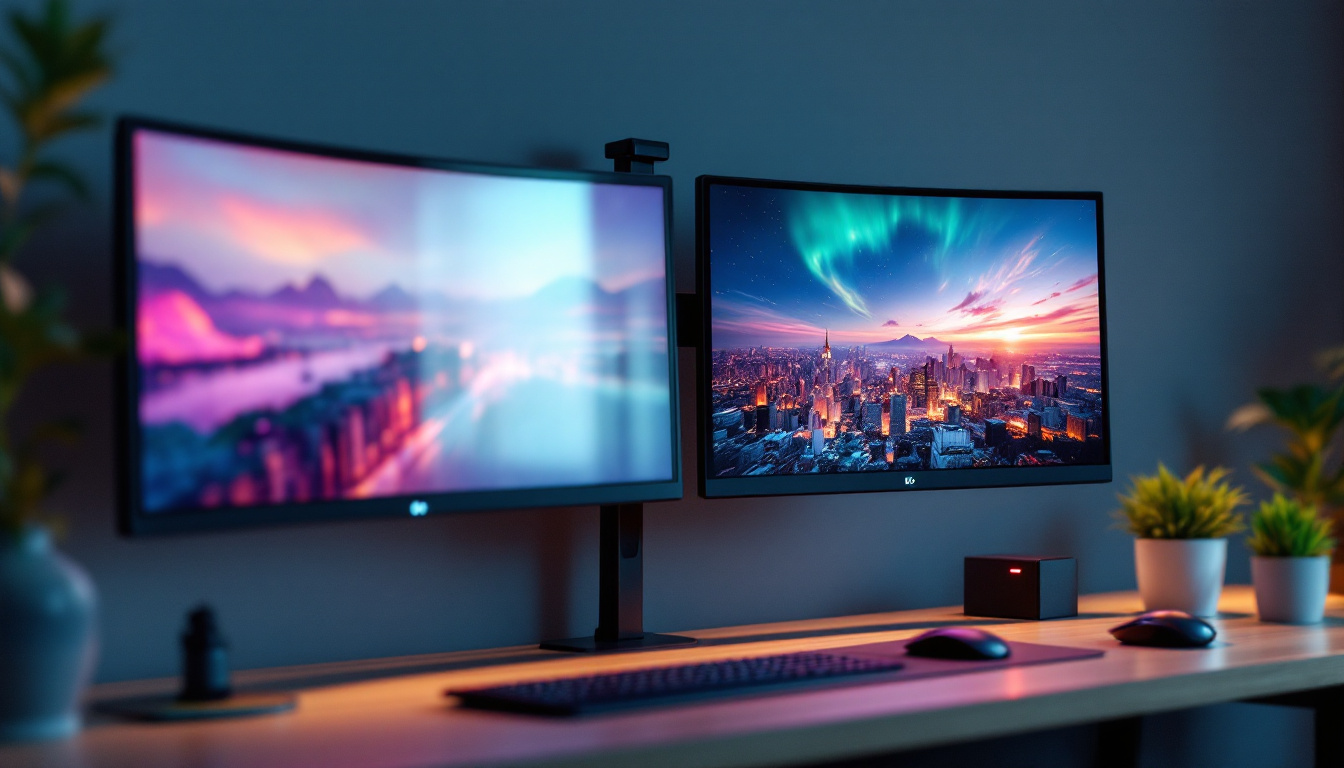
One of the most common concerns with monitor bezels arises when users set up multiple displays side by side. In such configurations, the bezels create visible gaps between screens, which can interrupt the continuity of images and reduce immersion.
For gamers, video editors, and financial traders who rely on expansive screen real estate, these gaps can be distracting and may impact productivity or enjoyment.
Choosing Monitors with Thin Bezels for Seamless Viewing
To address this, many users opt for monitors with ultra-thin or frameless bezels. These monitors minimize the gap between screens, creating a more seamless visual experience. Some high-end monitors are even designed specifically for multi-display setups, with synchronized bezels and alignment features.
Additionally, software solutions can help compensate for bezel gaps by adjusting the display output to align images across multiple screens, but hardware bezel size remains a key factor.
Considerations for Mounting and Alignment
When arranging multiple monitors, bezel thickness also affects how closely the screens can be positioned. Thicker bezels require more space and may necessitate specialized mounts or stands to achieve the desired alignment. Conversely, thin-bezel monitors can be placed closer together, sometimes nearly edge-to-edge, enhancing the overall setup.
Choosing the right bezel size and monitor design can simplify installation and improve the ergonomics of the workspace.
Bezel and Display Technology: How LED Monitors Differ
LED Monitors and Their Construction
LED monitors are essentially LCD panels that use light-emitting diodes (LEDs) for backlighting. This technology allows for thinner panels and improved energy efficiency compared to older CCFL-backlit LCDs.
The bezel in LED monitors is designed to accommodate the slim profile of these panels while protecting the delicate layers of the display. Because LED backlighting is more compact, manufacturers can reduce bezel size more easily than with older technologies.
Impact of Bezel on Display Quality and Performance
While the bezel itself does not directly affect the display quality, its design can influence user perception and comfort. For example, thick bezels can cause unwanted reflections or shadows, especially in brightly lit environments. Thin bezels reduce these issues, allowing for a clearer and more immersive viewing experience.
Moreover, bezel design can affect the monitor’s ability to dissipate heat. Proper ventilation through the bezel area helps maintain optimal operating temperatures, which is crucial for LED monitors to prevent overheating and color distortion.
Trends in Bezel Integration with Touch and Sensor Technologies
Modern LED monitors sometimes integrate touch sensors or ambient light sensors into the bezel area. This integration requires careful design to ensure that the bezel remains slim without compromising functionality. Advances in in-cell touch technology have allowed some monitors to embed touch capabilities directly into the display panel, further reducing bezel size.
These innovations are particularly relevant for professional and interactive displays, where bezel design must balance aesthetics, durability, and functionality.
Practical Tips for Choosing the Right Bezel Size
Assess Your Usage Needs
Before selecting a monitor, consider how you will use it. If you primarily use a single monitor for general tasks, bezel size may be less critical. However, if you plan to build a multi-monitor setup, prioritize thin bezels to minimize visual disruption.
Gamers and creative professionals often benefit from ultra-thin or frameless designs that enhance immersion and provide a sleek look.
Consider Your Workspace and Ergonomics
Think about the physical space where the monitor will be placed. Thicker bezels can add bulk, which might be a concern in tight workspaces. Additionally, ergonomics are important—thin bezels can allow for more flexible monitor arrangements and better viewing angles.
Balance Aesthetics, Durability, and Cost
While ultra-thin bezels are visually appealing, they can sometimes be more fragile and expensive. If durability is a priority, especially in environments where monitors are frequently moved or adjusted, a slightly thicker bezel might be more practical.
Budget considerations also come into play, as monitors with the latest bezel-reducing technology tend to cost more.
Conclusion: The Bezel’s Role in Your Monitor Experience
The bezel on a monitor, especially in LED displays, is more than just a frame—it’s a critical component that balances protection, functionality, and aesthetics. Understanding what a bezel is and how its size and design impact your viewing experience can help you choose the right monitor for your needs.
From the bulky bezels of early monitors to today’s ultra-thin and nearly bezel-less designs, the evolution reflects advances in technology and changing user expectations. Whether setting up a single display or a multi-monitor array, paying attention to bezel size can enhance immersion, productivity, and overall satisfaction.
Ultimately, the best bezel is one that fits seamlessly into your workspace, supports your workflow, and complements your visual preferences.
Discover the Future of LED Displays with LumenMatrix
Ready to elevate your visual experience with the latest in LED display technology? LumenMatrix is at the forefront of innovation, offering a wide range of LED display solutions tailored to your unique needs. From immersive Indoor LED Wall Displays to dynamic Outdoor LED Wall Displays, and from versatile Vehicle LED Displays to engaging LED Sports Displays, our products are designed to captivate and communicate with unparalleled clarity. Embrace the future of digital signage and transform your space with LumenMatrix. Check out LumenMatrix LED Display Solutions today and see the difference cutting-edge technology can make.