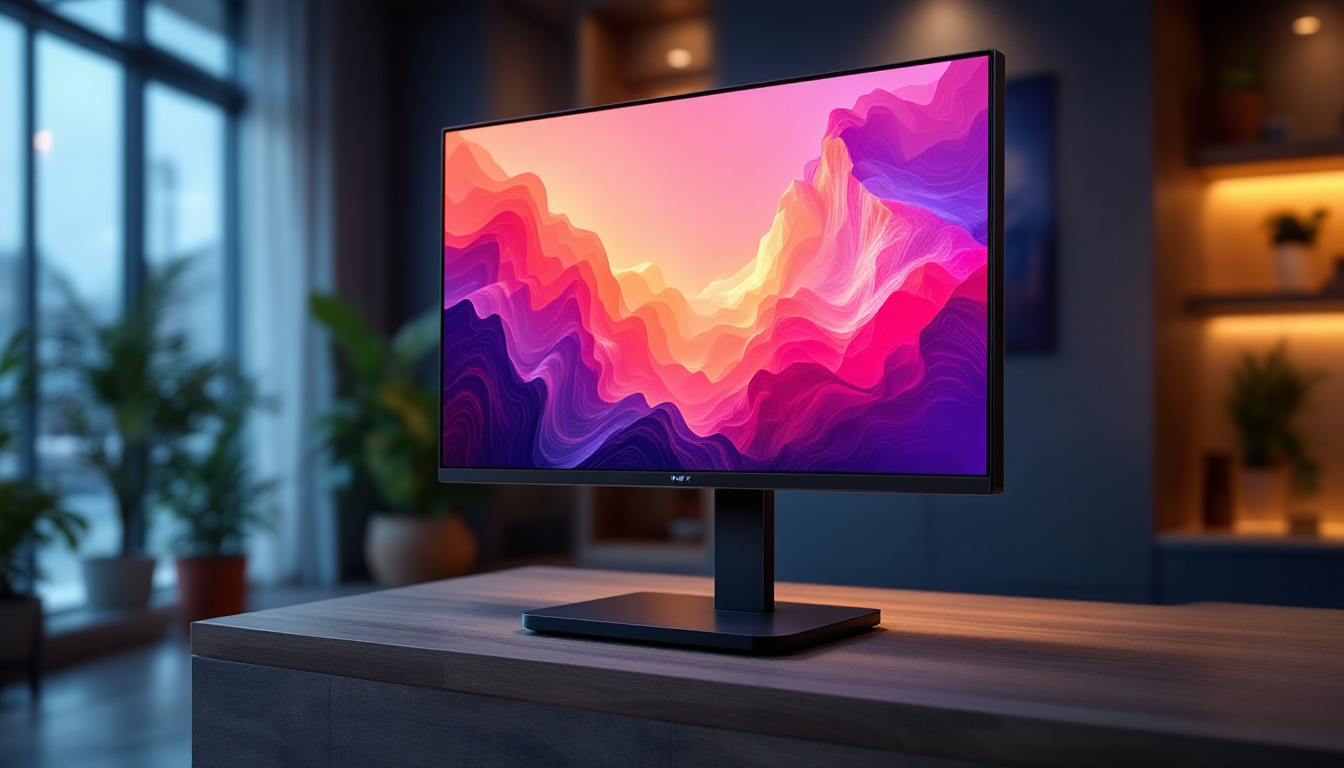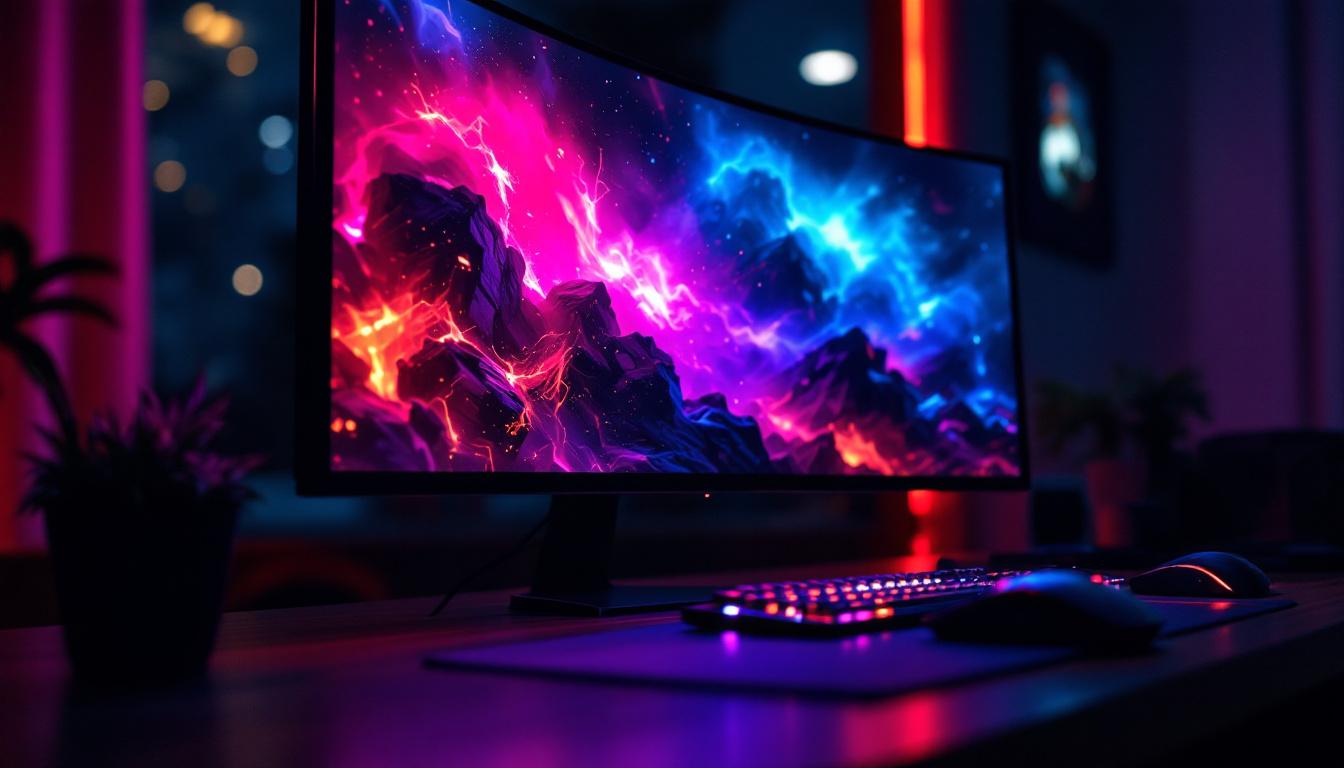
In the world of gaming, the quality of your monitor can make all the difference between an immersive experience and a frustrating one. Among the many technical specifications to consider, contrast ratio and LED display technology stand out as critical factors that influence visual clarity, color depth, and overall gameplay enjoyment. This article dives deep into what makes a gaming monitor’s contrast ratio important, how LED displays function, and how to select the best contrast gaming monitor suited for your needs.
Understanding Contrast Ratio: Why It Matters for Gaming
Contrast ratio is the measure of the difference between the darkest black and the brightest white a monitor can produce. It’s expressed as a ratio, such as 1000:1, which means the brightest white is 1000 times brighter than the darkest black. For gamers, this metric is crucial because it directly affects how detailed and vibrant images appear on screen.
High contrast ratios enhance the visibility of subtle details in dark scenes, which is especially important in genres like horror, stealth, and first-person shooters. For example, spotting an enemy hiding in shadows becomes easier when the monitor can display deep blacks without washing out the image. Conversely, a low contrast ratio can result in dull visuals where dark areas appear grayish, diminishing the gaming experience.
Modern gaming monitors typically advertise contrast ratios ranging from 1000:1 to 3000:1 for LED panels, with some advanced models using technologies like OLED or Mini-LED to push these numbers even higher. However, it’s important to note that manufacturers often report static contrast ratios, which differ from dynamic contrast ratios that fluctuate based on the content displayed.
Static vs. Dynamic Contrast Ratio
Static contrast ratio measures the difference in luminance between black and white at a single point in time, providing a consistent benchmark. Dynamic contrast ratio, on the other hand, varies depending on the scene, adjusting the backlight to boost contrast in darker or brighter sections. While dynamic contrast can enhance perceived image quality, it sometimes introduces artifacts or unnatural brightness shifts, which may distract gamers.
For competitive gaming, static contrast ratio is generally more reliable, ensuring consistent image quality without unexpected changes. Casual gamers or those who prioritize cinematic visuals might appreciate dynamic contrast features more.
LED Display Technology: How It Influences Contrast
LED (Light Emitting Diode) displays have become the standard in gaming monitors due to their energy efficiency, brightness, and slim profile. However, the term “LED monitor” often refers to an LCD panel with LED backlighting rather than a pure LED display. Understanding how LED backlighting works is key to grasping its impact on contrast performance.
Types of LED Backlighting
There are primarily two types of LED backlighting used in gaming monitors:
- Edge-Lit LED: LEDs are positioned around the edges of the screen, and light is diffused across the panel. This design allows for thinner monitors and lower cost but can result in uneven brightness and lower contrast due to less precise light control.
- Full-Array LED: LEDs are placed directly behind the entire screen, allowing for more uniform brightness and better control of local dimming zones. This results in improved contrast ratios and deeper blacks.
Full-array LED monitors with local dimming technology can selectively dim or brighten specific screen areas, significantly enhancing contrast. This is particularly beneficial in games with mixed lighting conditions, such as dark dungeons illuminated by flickering torches.
Mini-LED and OLED: The Next Steps in Contrast Quality
While traditional LED-backlit LCDs offer solid performance, newer technologies like Mini-LED and OLED are pushing contrast capabilities even further.
- Mini-LED: Uses thousands of tiny LEDs as backlighting, enabling much finer local dimming control. This leads to exceptional contrast ratios, often exceeding 100,000:1, and reduces halo effects around bright objects on dark backgrounds.
- OLED (Organic LED): Each pixel emits its own light and can be turned off completely, resulting in true blacks and infinite contrast ratios. OLED monitors provide stunning visuals but tend to be more expensive and have potential issues like burn-in over time.
For gamers seeking the absolute best contrast and color accuracy, OLED and Mini-LED monitors represent the cutting edge, though traditional LED-backlit LCDs remain popular for their balance of performance and affordability.
Key Features to Look for in a High-Contrast Gaming Monitor
When shopping for a gaming monitor with excellent contrast, several factors beyond the raw contrast ratio should be considered to ensure the best visual experience.
Panel Type: IPS vs. VA vs. TN
The type of LCD panel used in a monitor greatly affects contrast and color reproduction:
- VA (Vertical Alignment): Known for the highest contrast ratios among LCD panels, often reaching 3000:1 or more. VA panels deliver deep blacks and rich colors, making them ideal for immersive gaming.
- IPS (In-Plane Switching): Offers superior color accuracy and wider viewing angles but generally has lower contrast ratios (around 1000:1). Modern IPS panels have improved black levels but still lag behind VA in contrast.
- TN (Twisted Nematic): Typically features the lowest contrast ratios and color fidelity but excels in fast response times, making them popular for competitive gaming where speed is paramount.
Choosing the right panel depends on your gaming priorities—whether you value vibrant visuals and contrast or ultra-fast responsiveness.
Refresh Rate and Response Time
While contrast and display technology are vital, refresh rate and response time also impact gaming performance. Monitors with high refresh rates (144Hz, 240Hz, or higher) provide smoother motion, reducing blur and input lag. Response time, measured in milliseconds, indicates how quickly pixels can change color, affecting ghosting and motion clarity.
High contrast monitors with fast refresh rates and low response times offer the best of both worlds: stunning visuals and competitive edge.
Resolution and Screen Size
Higher resolution monitors (1440p, 4K) enhance image sharpness and detail, complementing high contrast ratios by making textures and shadows more defined. Screen size also plays a role in immersion; larger screens with high contrast can create a more captivating gaming environment.
However, higher resolution and larger screens demand more powerful graphics hardware to maintain smooth frame rates, so balance your monitor choice with your PC’s capabilities.
Top Gaming Monitors with Outstanding Contrast in 2024
Several gaming monitors currently stand out for their excellent contrast performance combined with other gaming-centric features. Here are some of the best options available:
Samsung Odyssey Neo G8
The Samsung Odyssey Neo G8 is a 32-inch 4K monitor featuring Mini-LED backlighting with over 2000 local dimming zones. It boasts a static contrast ratio exceeding 5000:1, delivering deep blacks and vibrant colors. With a 240Hz refresh rate and 1ms response time, it’s perfect for high-end gaming setups that demand both visual fidelity and performance.
LG UltraGear 27GP950-B
This 27-inch 4K IPS monitor offers excellent color accuracy and a respectable static contrast ratio of around 1200:1. While not as high as VA or Mini-LED panels, its Nano IPS technology enhances color vibrancy. It supports 144Hz refresh rate with a 1ms response time, making it a versatile choice for gamers who want a balance between color quality and speed.
Acer Predator XB323QK NV
Acer’s Predator XB323QK NV combines a 32-inch IPS panel with a 144Hz refresh rate and 4K resolution. Its contrast ratio is typical for IPS panels (~1000:1), but it compensates with excellent color reproduction and HDR support. It’s a solid option for gamers prioritizing color accuracy over contrast depth.
ASUS ROG Swift PG32UQX
Featuring a 32-inch 4K IPS panel with full-array local dimming via Mini-LED backlight, the ASUS ROG Swift PG32UQX delivers impressive contrast performance with a dynamic contrast ratio of 1,000,000:1. It supports 144Hz refresh rate and HDR1000, making it a premium choice for immersive gaming experiences.
ViewSonic Elite XG320U
This 32-inch 4K VA panel monitor offers a high static contrast ratio of around 3000:1, excellent for deep blacks and vibrant visuals. With a 144Hz refresh rate and 1ms response time, it caters to gamers who want superior contrast without sacrificing speed.
Tips for Optimizing Contrast on Your Gaming Monitor
Even the best monitor can benefit from proper calibration to ensure optimal contrast and color performance. Here are some practical tips:
- Adjust Brightness and Contrast Settings: Use the monitor’s on-screen display (OSD) menu to tweak brightness and contrast levels. Avoid maxing out brightness, which can wash out blacks, and find a balance that preserves shadow detail.
- Enable Local Dimming or HDR: If your monitor supports local dimming or HDR, enable these features to enhance contrast dynamically. Be mindful that some games may require manual activation of HDR in settings.
- Calibrate with Software: Use calibration tools or software like DisplayCAL to fine-tune your monitor’s color and contrast settings for the best accuracy.
- Update Graphics Drivers: Keeping your GPU drivers up to date ensures compatibility with the latest display technologies and can improve image quality.
Conclusion: Choosing the Best Contrast Gaming Monitor for You
Selecting the best contrast gaming monitor involves understanding how contrast ratio and LED display technologies affect your gaming experience. High contrast ratios enhance visual depth, making dark scenes more immersive and vibrant colors pop. LED backlighting types, panel technology, refresh rates, and resolution all interplay to deliver the final image quality.
For gamers seeking the ultimate contrast and color performance, Mini-LED and OLED monitors represent the pinnacle of current technology, albeit at a premium price. VA panels offer excellent static contrast at a more affordable level, while IPS panels provide superior color accuracy with moderate contrast ratios.
Ultimately, the best monitor balances contrast with other features like refresh rate, response time, resolution, and budget. By considering these factors carefully, gamers can enjoy a visually stunning and responsive gaming experience that brings their favorite games to life.
Discover the Ultimate Gaming Experience with LumenMatrix
Ready to elevate your gaming setup with a monitor that boasts unparalleled contrast and breathtaking visuals? Look no further than LumenMatrix, where innovation meets excellence in LED display technology. With a diverse range of solutions from Indoor LED Walls to Custom LED Displays, LumenMatrix is committed to transforming your gaming experience. Don’t just play the game—immerse yourself in it with vivid colors and sharp contrasts that bring every scene to life. Check out LumenMatrix LED Display Solutions today and witness the revolution in visual communication.