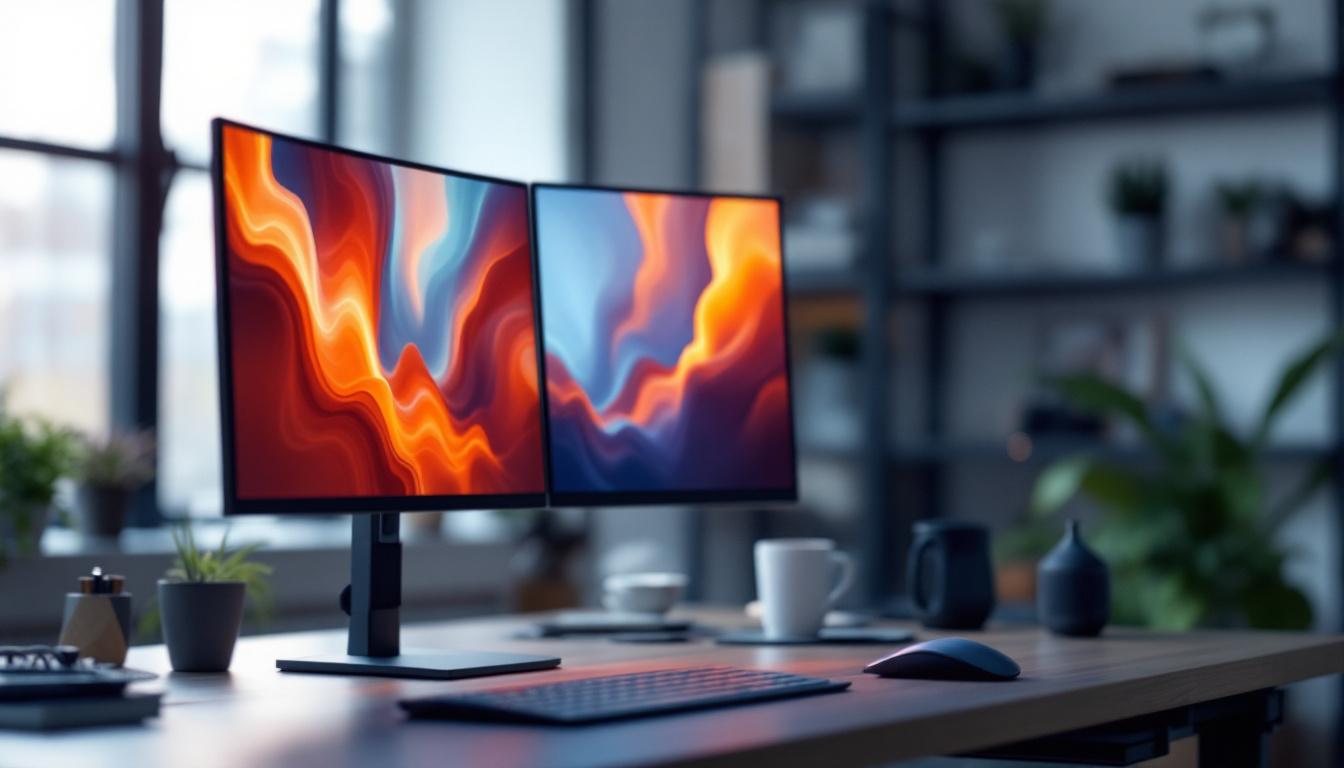
In today’s fast-paced work environments and increasingly digital lifestyles, the tools we use to interact with technology can greatly impact productivity and comfort. Among these tools, the arm monitor stand has emerged as a popular accessory, especially when paired with LED displays. This article delves into the details of arm monitor stands, their benefits, and how LED displays integrated with these stands enhance user experience.
What Is an Arm Monitor Stand?
An arm monitor stand is a mechanical support device designed to hold and position computer monitors. Unlike traditional fixed stands that come with monitors, arm stands offer flexibility in height, angle, and distance adjustments. This adaptability allows users to customize their viewing experience to suit ergonomic needs and workspace constraints. By providing the ability to adjust the monitor’s position, these stands can help reduce neck and eye strain, which is particularly beneficial for those who spend long hours in front of a screen.
Typically, these stands are mounted to a desk via clamps or grommets, freeing up valuable desk space. They often feature gas springs or tension mechanisms that enable smooth movement and sturdy positioning of the monitor. The ability to rotate, tilt, swivel, and extend the monitor arm provides users with a dynamic range of motion that enhances comfort and reduces strain. This is especially important in modern work environments where multitasking is common, allowing users to easily switch between documents, applications, or even video calls without compromising their posture.
Types of Arm Monitor Stands
Arm monitor stands come in various designs to accommodate different needs. Single-arm stands support one monitor, while dual or multi-arm stands can hold multiple displays simultaneously. Some advanced models include cable management systems to keep cords organized and out of sight, contributing to a cleaner workspace. This feature not only enhances aesthetics but also minimizes the risk of tangling or tripping over cables, promoting a safer work environment.
Materials used in arm stands range from lightweight aluminum to heavy-duty steel, affecting durability and weight capacity. Choosing the right type depends on the monitor size, weight, and the user’s workspace setup. Additionally, some stands come with adjustable features that allow for easy repositioning, making them ideal for shared workspaces where different users may have varying preferences. Investing in a quality arm monitor stand can significantly enhance productivity by creating a more comfortable and efficient workspace tailored to individual needs.
Understanding LED Displays
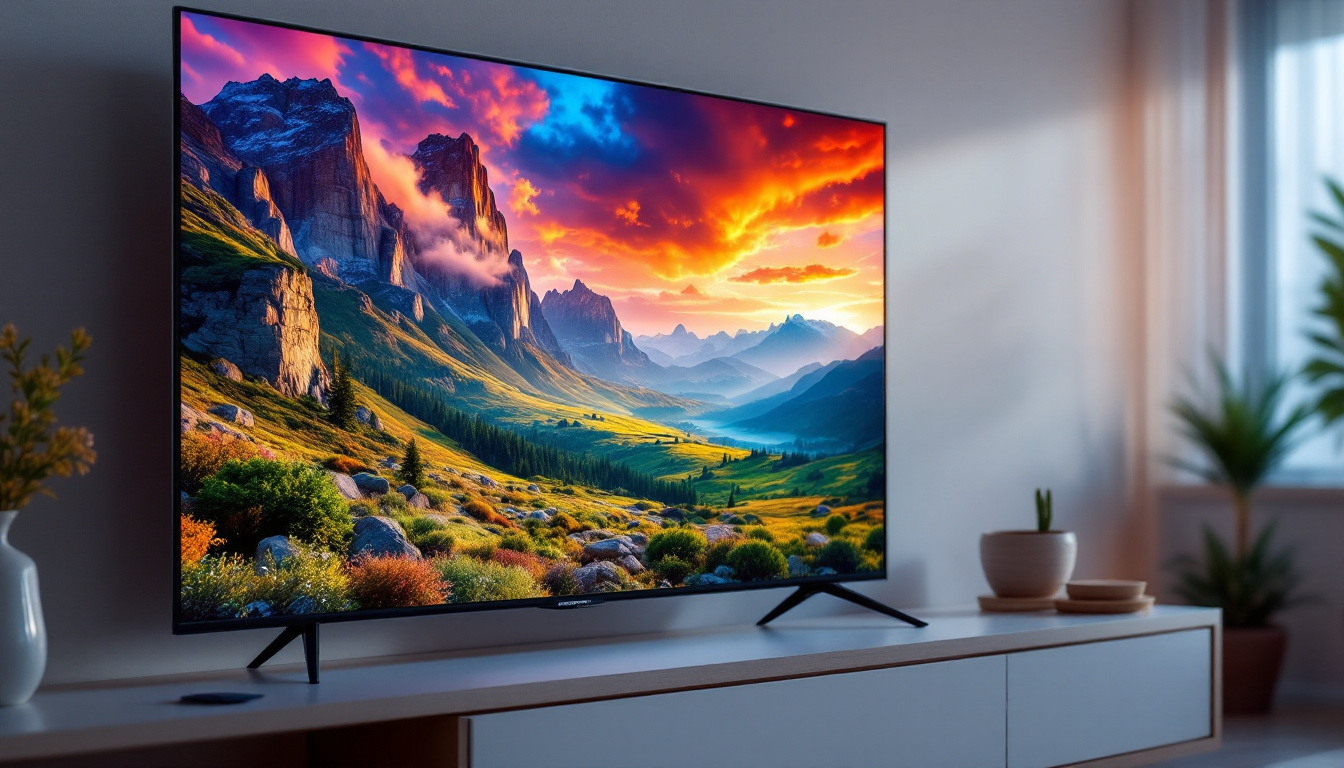
LED (Light Emitting Diode) displays have become the standard for computer monitors, TVs, and digital signage due to their superior image quality and energy efficiency. Unlike older LCD panels that rely on cold cathode fluorescent lamps (CCFL) for backlighting, LED displays use LEDs, which offer better brightness, contrast, and color accuracy.
LED technology has evolved rapidly, with innovations such as OLED (Organic LED) and Mini-LED providing even more vivid and precise visuals. These advancements make LED displays ideal for professional work, gaming, and multimedia consumption. OLED displays, for instance, are known for their ability to produce true blacks and an infinite contrast ratio, making them particularly appealing for movie enthusiasts and gamers who crave immersive experiences.
Key Advantages of LED Displays
LED displays are known for their energy efficiency, consuming significantly less power than CCFL-backlit monitors. This efficiency translates to lower electricity bills and a smaller environmental footprint. Additionally, LED screens have thinner profiles, allowing manufacturers to design sleek and lightweight monitors. This not only enhances portability but also opens up new possibilities for creative and innovative designs in consumer electronics.
Another major benefit is the improved color gamut and contrast ratios. This means images and videos appear more vibrant and lifelike, which is crucial for graphic designers, video editors, and anyone requiring accurate color representation. Furthermore, the longevity of LED displays is noteworthy; they typically have a lifespan of over 50,000 hours, far exceeding that of traditional displays. This durability not only makes them a cost-effective choice over time but also reduces electronic waste, contributing to a more sustainable approach in technology use.
Why Combine Arm Monitor Stands with LED Displays?
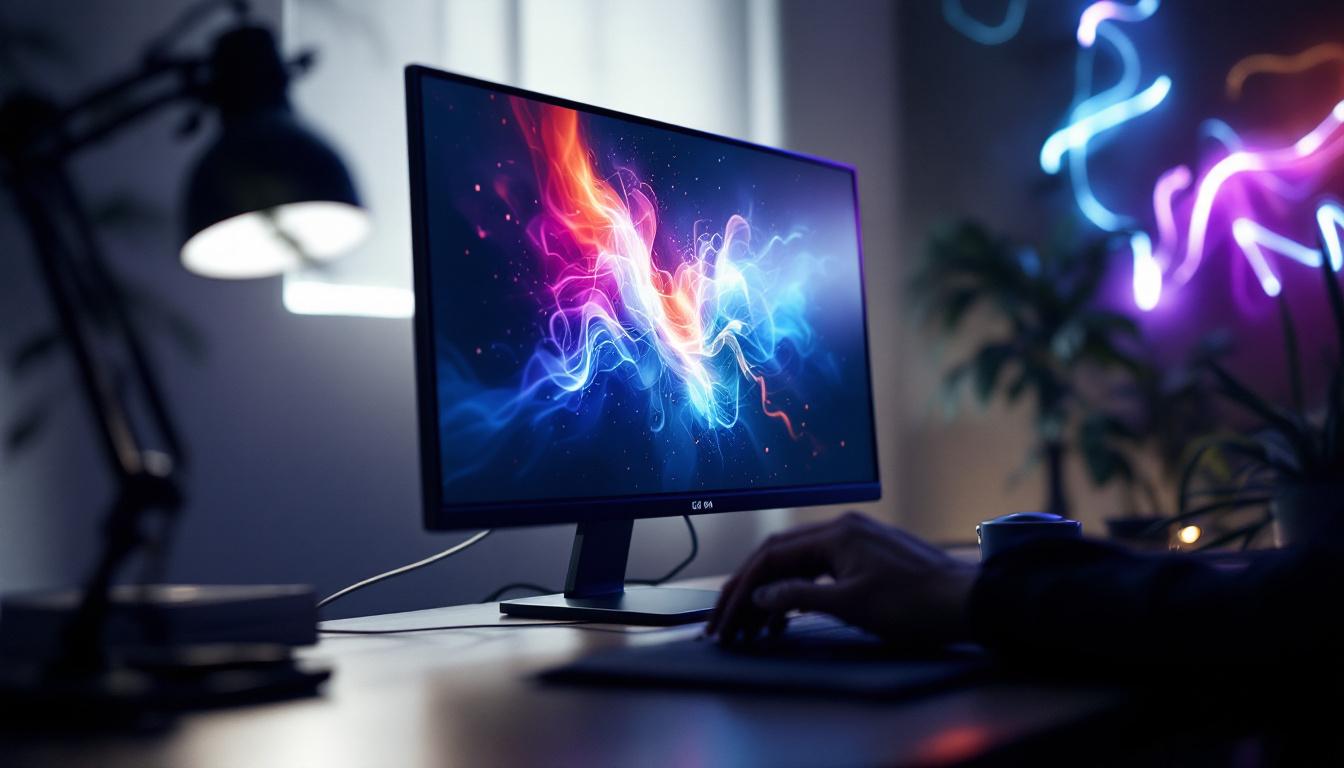
The synergy between arm monitor stands and LED displays creates an optimal workstation setup. LED monitors’ slim and lightweight design complements the flexibility of arm stands, allowing users to maximize ergonomic benefits without compromising on screen quality.
Adjusting the height and angle of an LED monitor with an arm stand helps reduce neck and eye strain, common complaints among office workers and gamers alike. This ergonomic positioning supports better posture and can prevent repetitive strain injuries over time.
Space Efficiency and Aesthetics
Using an arm monitor stand with an LED display frees up desk space, providing room for other essential items or a cleaner, minimalist workspace. This is particularly advantageous in small offices or home workstations where space is limited.
Moreover, the sleek design of LED monitors paired with modern arm stands contributes to a professional and organized appearance. Many users report increased satisfaction and focus when working in a tidy environment, highlighting the psychological benefits of an uncluttered desk.
Features to Look for in an Arm Monitor Stand for LED Displays
When selecting an arm monitor stand for an LED display, several features should be considered to ensure compatibility and maximize usability.
Weight Capacity and Compatibility
One of the most critical factors is the weight capacity of the arm stand. LED monitors vary in size and weight, with larger models sometimes exceeding 15 pounds. It’s essential to choose a stand that can safely support the monitor’s weight to avoid damage or accidents.
Additionally, check the VESA mounting compatibility. Most monitors adhere to VESA standards (typically 75x75mm or 100x100mm mounting patterns), but verifying this ensures the arm stand will securely attach to the display.
Range of Motion
The degree of adjustability is another important consideration. Look for stands that offer tilt (usually between -45° and +45°), swivel (up to 180°), rotation (landscape to portrait mode), and height adjustment. These features allow users to tailor the monitor’s position to their specific needs throughout the day.
Build Quality and Materials
Durability is essential for long-term use. High-quality materials such as steel or aluminum provide strength and stability. Some stands include gas springs for smooth, effortless adjustments, while others use tension screws that require manual tightening.
Also, consider the base design—whether it uses a clamp, grommet mount, or freestanding base—as this affects installation and desk compatibility.
Cable Management
Integrated cable management systems help keep cords organized and prevent tangling. This not only improves aesthetics but also reduces the risk of cords being accidentally unplugged or damaged during monitor adjustments.
Setting Up an Arm Monitor Stand with an LED Display
Proper installation is key to enjoying the full benefits of an arm monitor stand and LED display combination. Following manufacturer instructions carefully ensures safety and optimal performance.
Step-by-Step Installation
Begin by assembling the arm stand components, typically including the arm, base, and mounting plate. Secure the base to the desk using the clamp or grommet method, ensuring it is tightly fastened to prevent wobbling.
Next, attach the mounting plate to the back of the LED monitor using the appropriate screws and verify that the VESA pattern matches. Once secured, connect the monitor to the arm and adjust the tension mechanisms as needed for smooth movement.
Finally, route the cables through the arm’s cable management channels to keep the workspace tidy. Adjust the monitor’s position to the desired height, tilt, and angle for ergonomic comfort.
Ergonomic Positioning Tips
For optimal ergonomics, position the monitor so that the top of the screen is at or slightly below eye level. The screen should be about an arm’s length away, reducing eye strain while maintaining clarity.
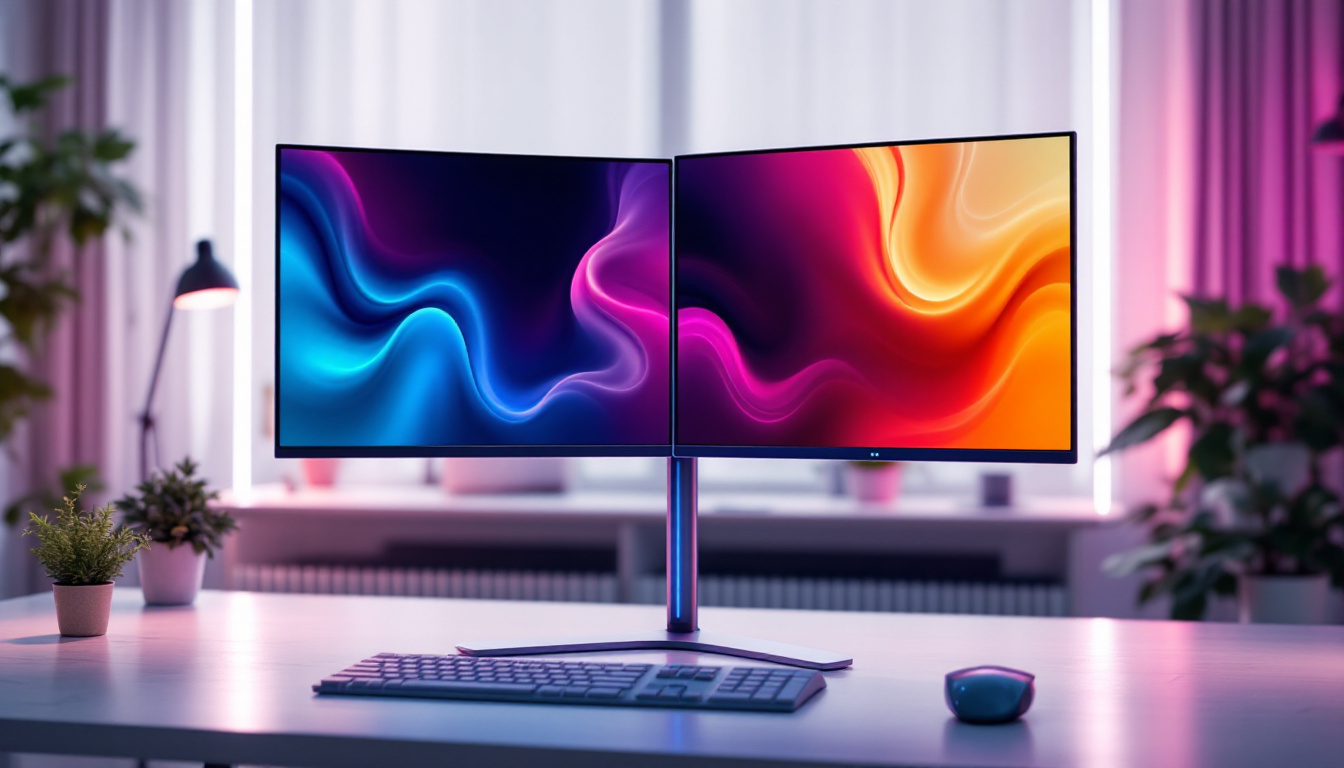
Avoid glare by adjusting the tilt and swivel to minimize reflections from windows or overhead lighting. If multiple monitors are used, align them at the same height and angle to create a seamless viewing experience.
Common Use Cases and Benefits
Arm monitor stands with LED displays are widely used across various settings, each benefiting from the combination in unique ways.
Office Workstations
In corporate environments, arm monitor stands help employees maintain proper posture during long hours of computer use. This can lead to reduced musculoskeletal complaints and improved productivity. Companies increasingly invest in ergonomic solutions as part of workplace wellness programs, recognizing the impact on employee health and satisfaction.
Creative Professionals
Graphic designers, video editors, and photographers benefit from the precise color accuracy and adjustability of LED monitors on arm stands. The ability to switch between landscape and portrait orientations facilitates detailed work and multi-tasking.
Gaming Setups
Gamers appreciate the flexibility to position their LED displays for immersive experiences. Adjustable arm stands allow for quick changes in viewing angles and distances, enhancing comfort during extended gaming sessions. Additionally, the sleek aesthetics complement modern gaming rigs.
Home Offices and Remote Work
With remote work becoming more prevalent, home office setups have evolved to prioritize comfort and efficiency. Arm monitor stands paired with LED displays help create professional-grade workspaces in limited spaces, improving focus and reducing fatigue.
Conclusion: Enhancing Your Workspace with Arm Monitor Stands and LED Displays
The integration of arm monitor stands and LED displays represents a significant advancement in ergonomic and aesthetic workstation design. By offering superior adjustability, space-saving benefits, and enhanced visual quality, this combination addresses the needs of diverse users—from office professionals to creatives and gamers.
Investing in a high-quality arm monitor stand compatible with your LED display can lead to improved comfort, productivity, and overall satisfaction with your workspace. As technology continues to evolve, these tools will remain essential components for optimizing the way people interact with their digital environments.
Upgrade Your Workspace with LumenMatrix
Ready to take your workstation to the next level? LumenMatrix is at the forefront of LED display innovation, offering a wide array of solutions tailored to your unique needs. From the sleek Indoor LED Wall Display to the dynamic Outdoor LED Wall Display, and from the versatile Vehicle LED Display to the stunning LED Transparent Display, we have everything you need to create an engaging and efficient workspace. Elevate your professional or gaming setup with our cutting-edge technology designed to bring your digital interactions to life. Check out LumenMatrix LED Display Solutions today and transform your workspace into a hub of productivity and creativity.