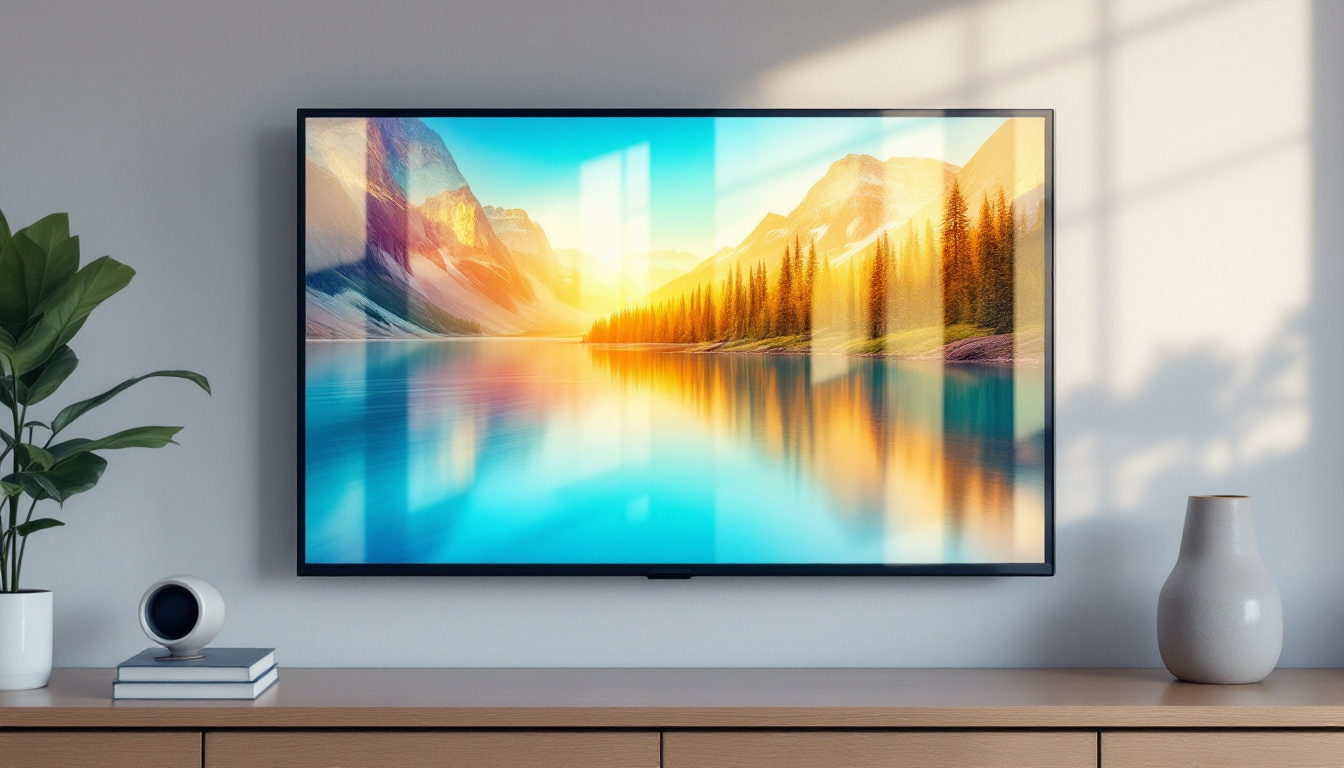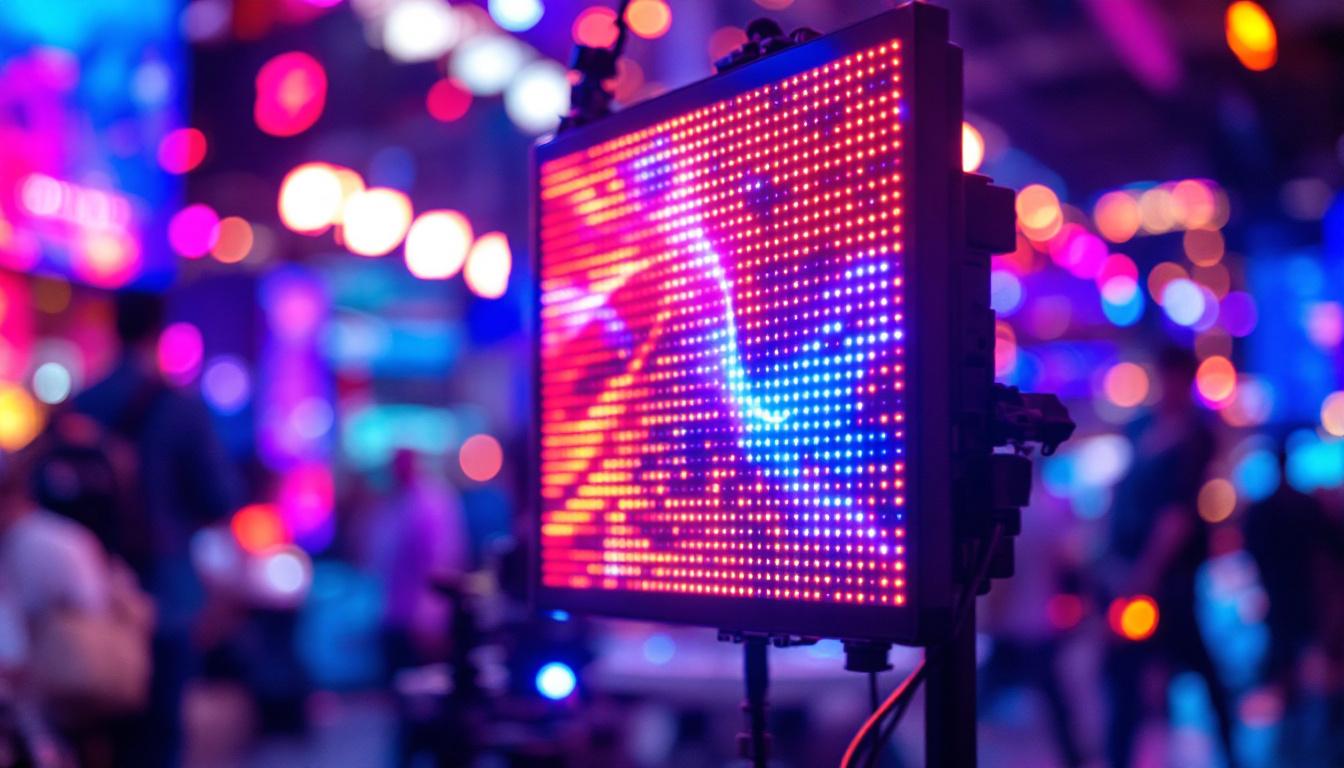
In today’s fast-evolving digital landscape, touch screen monitors have become an essential interface for a wide range of applications—from retail kiosks and industrial controls to home offices and creative studios. Among the various types available, USB touch screen monitors with LED displays stand out for their versatility, ease of use, and impressive visual performance. This article delves deep into the technology behind USB touch screen monitors, focusing on LED display technology, and explains why these devices are increasingly popular across multiple sectors.
Understanding USB Touch Screen Monitors
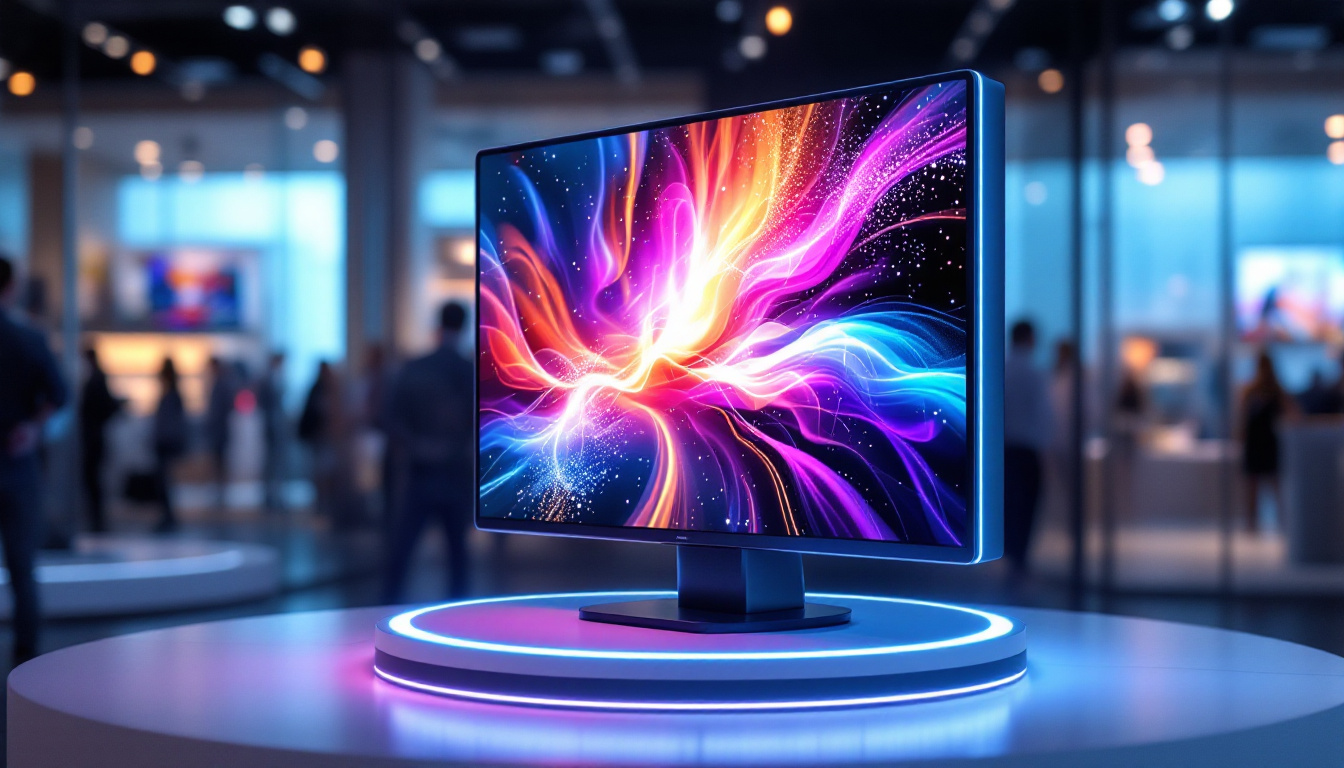
USB touch screen monitors combine the functionality of a traditional display with touch input capabilities, allowing users to interact directly with the screen. Unlike conventional monitors that rely solely on keyboard and mouse inputs, touch screen monitors enable intuitive gestures such as tapping, swiping, and pinching, enhancing user experience and productivity. This direct interaction not only streamlines tasks but also makes technology more accessible for users of all ages and skill levels, fostering a more engaging and interactive environment.
The “USB” aspect refers to the connectivity method. Many modern touch screen monitors use USB ports not only to deliver touch input signals but also to power the touch functionality, simplifying setup and reducing cable clutter. This plug-and-play convenience is a significant advantage for users who want a straightforward, efficient setup without needing specialized drivers or complex configurations. Additionally, the versatility of USB connections allows these monitors to be easily integrated into various systems, from personal computers to kiosks and digital signage, making them a popular choice across different sectors.
How USB Touch Screen Monitors Work
At their core, USB touch screen monitors integrate a display panel with a touch-sensitive layer. When a user touches the screen, the touch sensor detects the location of the contact point and sends this data through the USB interface to the connected device. The operating system then interprets the input, allowing users to interact with applications directly on the screen. This seamless communication between the monitor and the device is vital for ensuring a responsive and fluid user experience, particularly in applications that require quick navigation or real-time feedback.
There are several types of touch technologies used in these monitors, including capacitive, resistive, and infrared. Capacitive touchscreens, which are common in USB touch monitors, rely on the electrical properties of the human body to detect touch, offering high sensitivity and multi-touch support. This feature is particularly beneficial for applications that require gestures, such as pinch-to-zoom or swipe navigation. Resistive touchscreens, on the other hand, detect pressure and are often used in industrial environments due to their durability. These monitors can be operated with a stylus or gloved hands, making them ideal for settings where traditional touch inputs may not be feasible. Furthermore, infrared touch technology uses an array of infrared light beams to detect touch, providing a highly durable solution that can withstand harsh conditions while still delivering accurate touch responses.
LED Display Technology Explained
LED (Light Emitting Diode) display technology has revolutionized the way images are rendered on screens. Unlike older LCD displays that use cold cathode fluorescent lamps (CCFL) for backlighting, LED displays employ an array of light-emitting diodes to illuminate the screen, resulting in numerous benefits.
What Is an LED Display?
An LED display is essentially an LCD screen that uses LEDs as its backlight source. This subtle but impactful difference leads to better brightness, contrast, and energy efficiency. The LEDs can be placed either behind the screen (direct LED) or along the edges (edge-lit LED), each configuration offering distinct advantages in terms of thickness, uniformity, and cost.
Direct LED backlighting typically provides superior contrast and local dimming capabilities, which enhance the viewing experience by producing deeper blacks and more vivid colors. Edge-lit LED displays, meanwhile, allow for thinner and lighter monitor designs, making them popular for portable USB touch screen monitors.
Benefits of LED Displays in USB Touch Screen Monitors
One of the primary reasons USB touch screen monitors utilize LED technology is the superior image quality it delivers. LED displays offer higher brightness levels, often exceeding 300 nits, which is crucial for visibility in brightly lit environments such as retail stores or industrial settings.
Additionally, LED backlighting consumes less power compared to CCFL, contributing to energy savings and longer device lifespan. This is particularly important for USB-powered devices, where power efficiency directly impacts performance and usability.
LED displays also support a wider color gamut and better color accuracy, making them ideal for creative professionals who require precise color reproduction. The fast response times of LED displays reduce motion blur, enhancing the experience for interactive applications and video playback.
Key Features of USB Touch Screen Monitors with LED Displays
When selecting a USB touch screen monitor with an LED display, several features should be considered to ensure the device meets the specific needs of the user or business.
Resolution and Screen Size
Resolution is a critical factor that determines the clarity and detail of the display. Common resolutions for USB touch screen monitors range from HD (1366×768) to Full HD (1920×1080), with some premium models offering 4K UHD (3840×2160). Higher resolution monitors provide sharper images and more screen real estate, which is beneficial for multitasking and detailed work.
Screen size varies widely, typically from 7 inches for compact portable models to 24 inches or more for desktop setups. The choice depends on the intended use—smaller monitors are ideal for point-of-sale systems or mobile applications, while larger screens suit design studios or control rooms.
Touch Technology and Responsiveness
As mentioned earlier, capacitive touch technology is prevalent in USB touch screen monitors due to its responsiveness and multi-touch capability. This technology supports gestures like zooming and rotating, which are essential for modern user interfaces.
Some monitors also feature stylus support, enhancing precision for tasks such as digital drawing or handwriting recognition. The touch response time and accuracy are crucial for a seamless user experience, especially in professional environments where speed and precision matter.
Connectivity and Compatibility
USB touch screen monitors typically connect via USB 2.0 or USB 3.0 ports, with the latter offering faster data transfer rates and improved power delivery. Many models also include HDMI or DisplayPort inputs for video signals, allowing the USB connection to handle touch data exclusively.
Compatibility with various operating systems—Windows, macOS, Linux, and Android—is another important consideration. Most USB touch screen monitors are designed to be plug-and-play with popular OS platforms, but verifying driver support is recommended for specialized setups.
Applications and Use Cases
USB touch screen monitors with LED displays have found applications across diverse industries due to their flexibility and performance.
Retail and Point-of-Sale Systems
In retail environments, these monitors serve as interactive kiosks and point-of-sale terminals, streamlining customer transactions and enhancing engagement. The bright LED display ensures visibility even under strong store lighting, while the responsive touch interface speeds up checkout processes.
Healthcare and Medical Devices
Medical professionals rely on touch screen monitors for patient monitoring, imaging, and data entry. The clarity of LED displays aids in accurate diagnostics, and the touch interface simplifies navigation through complex software systems.
Industrial and Manufacturing Controls
Durable USB touch screen monitors with LED displays are used in factories and control rooms to manage machinery and monitor production lines. Their robust design and clear visuals improve operational efficiency and reduce errors.
Education and Training
Interactive learning environments benefit from touch screen monitors that support multimedia content and collaborative activities. LED displays provide vibrant visuals that keep students engaged, while touch functionality encourages hands-on interaction.
Choosing the Right USB Touch Screen Monitor with LED Display
Selecting the ideal USB touch screen monitor requires balancing technical specifications with practical needs. Here are some tips to guide the decision-making process:
Assess Your Usage Environment
Consider the lighting conditions where the monitor will be used. For brightly lit spaces, opt for monitors with high brightness and anti-glare coatings. In darker environments, contrast and color accuracy become more critical.
Prioritize Touch Accuracy and Durability
For applications requiring frequent or precise touch input, choose capacitive touch technology with multi-touch support. If the monitor will be exposed to harsh conditions, look for ruggedized models with protective glass and sealed designs.
Check Compatibility and Connectivity Options
Ensure the monitor supports your operating system and has the necessary ports for your setup. USB 3.0 connectivity is preferable for enhanced performance, especially if the monitor handles high-resolution touch data.
Evaluate Display Quality
Look for monitors with at least Full HD resolution and LED backlighting for optimal image quality. Consider color accuracy metrics like sRGB coverage if color fidelity is important.
Future Trends in USB Touch Screen Monitors and LED Displays
The market for USB touch screen monitors continues to evolve, driven by advances in display technology and user interface design.
Integration of OLED and Mini-LED Technologies
While LED displays dominate currently, emerging technologies like OLED (Organic LED) and Mini-LED promise even better contrast ratios, color accuracy, and thinner form factors. These innovations could soon be integrated into USB touch screen monitors, offering users richer visual experiences.
Enhanced Multi-Touch and Haptic Feedback
Future touch screen monitors are expected to support more sophisticated multi-touch gestures and incorporate haptic feedback, providing tactile sensations that simulate physical button presses or textures, thereby improving usability.
Wireless and Portable Solutions
Wireless USB touch screen monitors are gaining traction, enabling clutter-free setups and greater mobility. Advances in battery technology and wireless data transmission will make these monitors more practical for on-the-go professionals and flexible workspaces.
Conclusion
USB touch screen monitors with LED displays represent a powerful combination of interactive technology and high-quality visual performance. Their ease of connectivity, energy efficiency, and superior image quality make them suitable for a wide array of applications—from retail and healthcare to education and industrial control.
Understanding the underlying LED technology and the key features of these monitors helps users make informed decisions tailored to their specific needs. As display and touch technologies continue to advance, USB touch screen monitors are poised to become even more integral to modern computing environments.
For businesses and individuals seeking an intuitive, vibrant, and reliable interface, investing in a USB touch screen monitor with an LED display is a forward-thinking choice that aligns with current trends and future innovations.
Discover the Future of Interactive Displays with LumenMatrix
Ready to elevate your interactive experience? LumenMatrix, a pioneer in LED display technology, offers a comprehensive range of solutions tailored to meet your unique needs. From captivating Indoor LED Wall Displays to dynamic Outdoor LED Wall Displays, and from mobile Vehicle LED Displays to innovative LED Poster Displays, our products are designed to make a lasting impression. Embrace the future with our LED Sports Displays, interactive Floor LED Displays, and customizable Custom LED Displays. For businesses seeking an all-encompassing solution, our All-in-One LED Display and LED Transparent Display options are perfect for creating immersive environments that engage and inspire. Experience the transformative power of LumenMatrix and revolutionize your visual communication today. Check out LumenMatrix LED Display Solutions and join the forefront of display innovation.