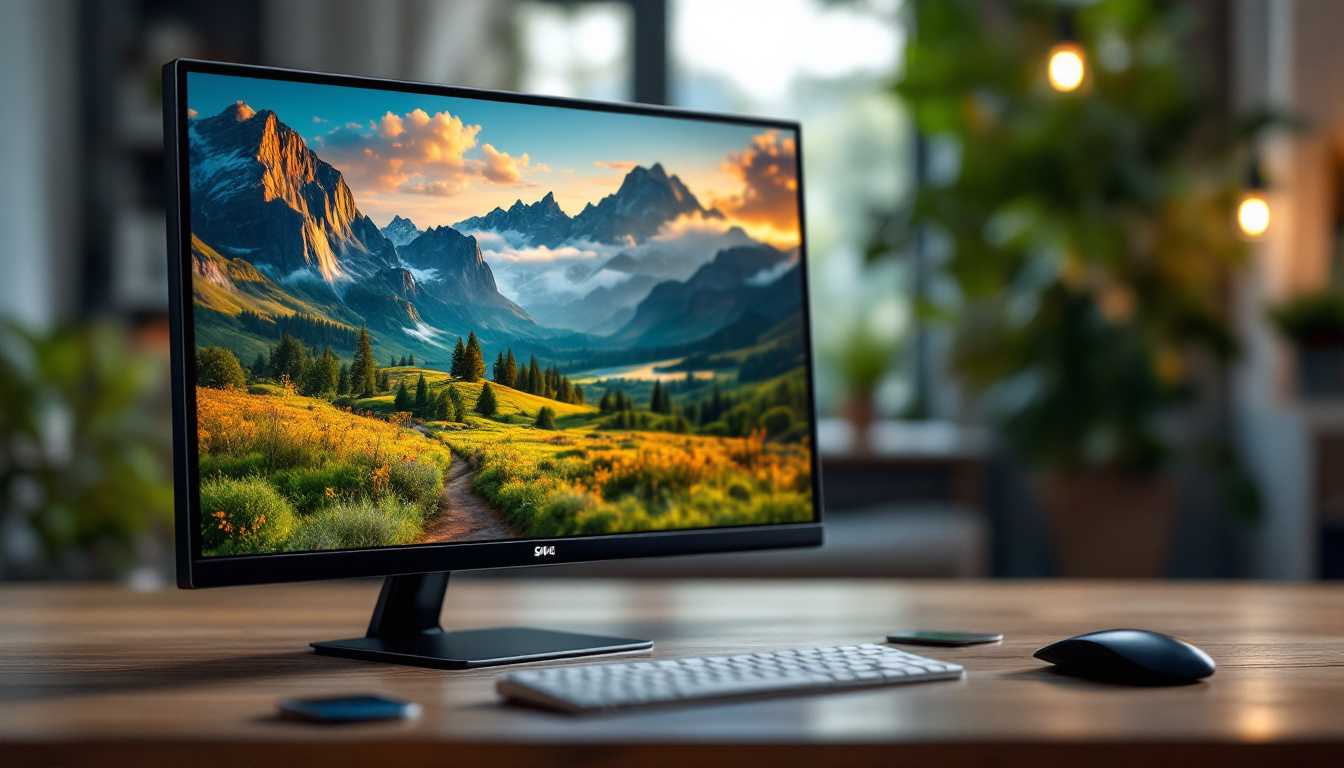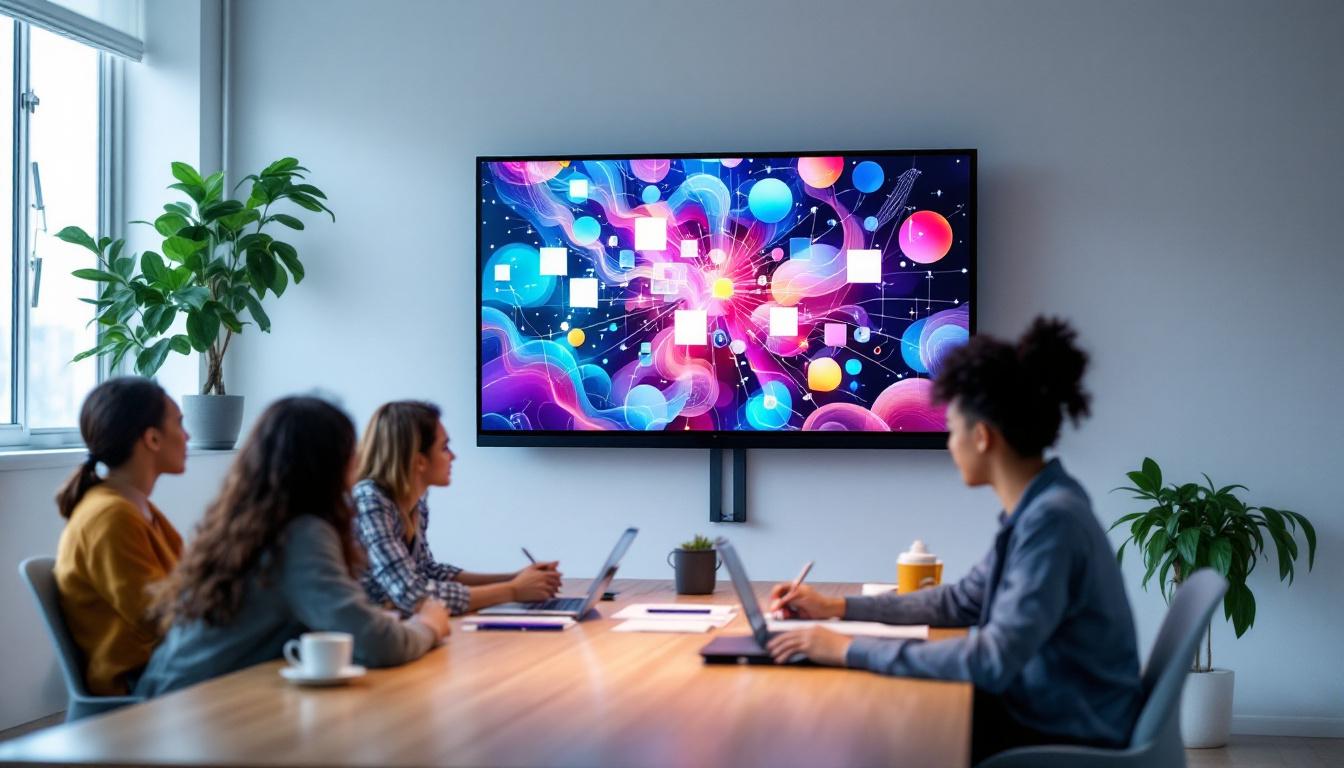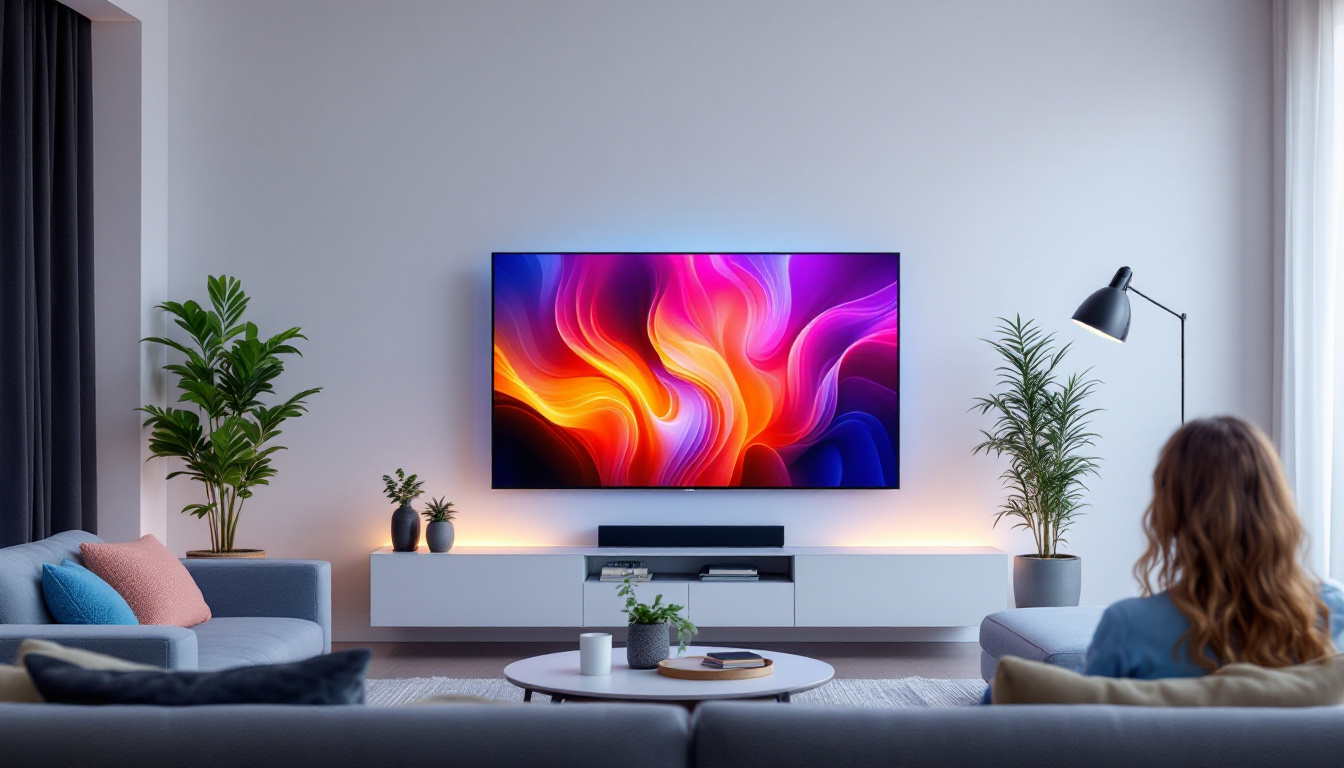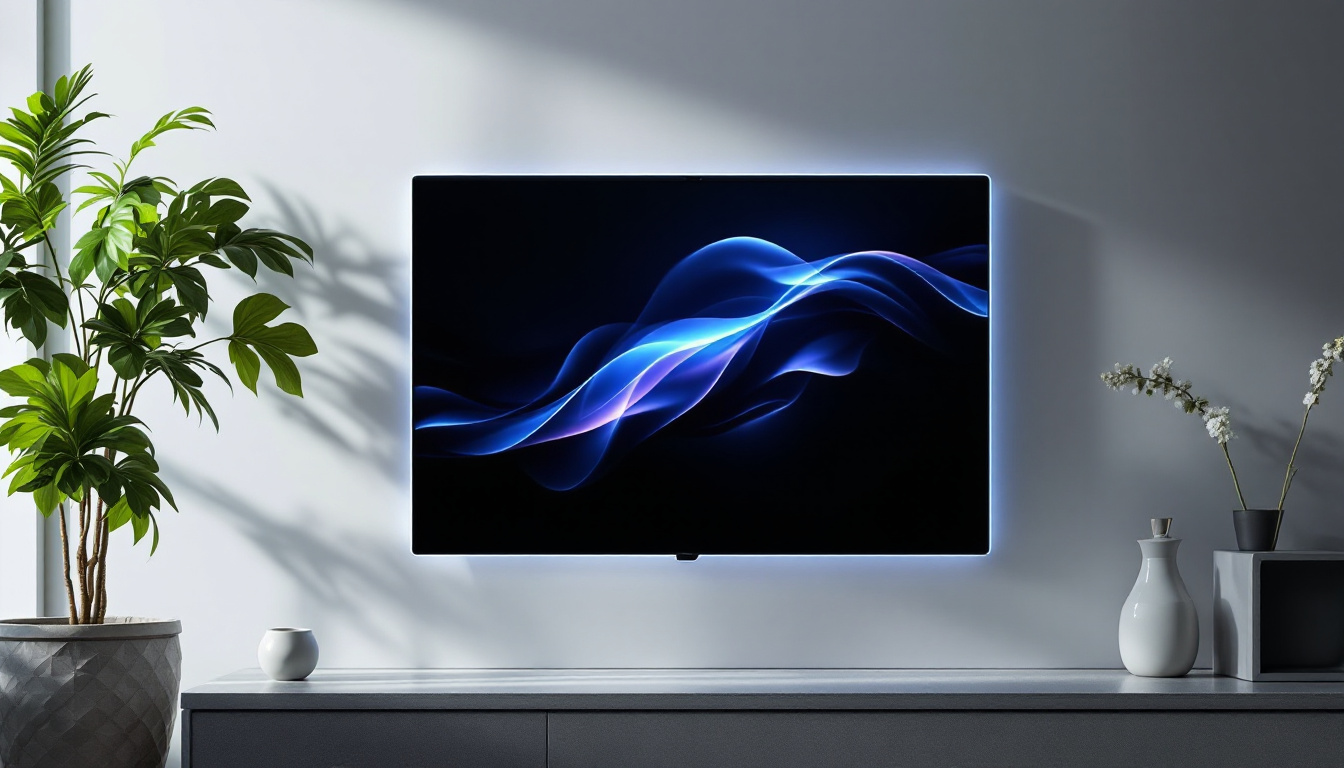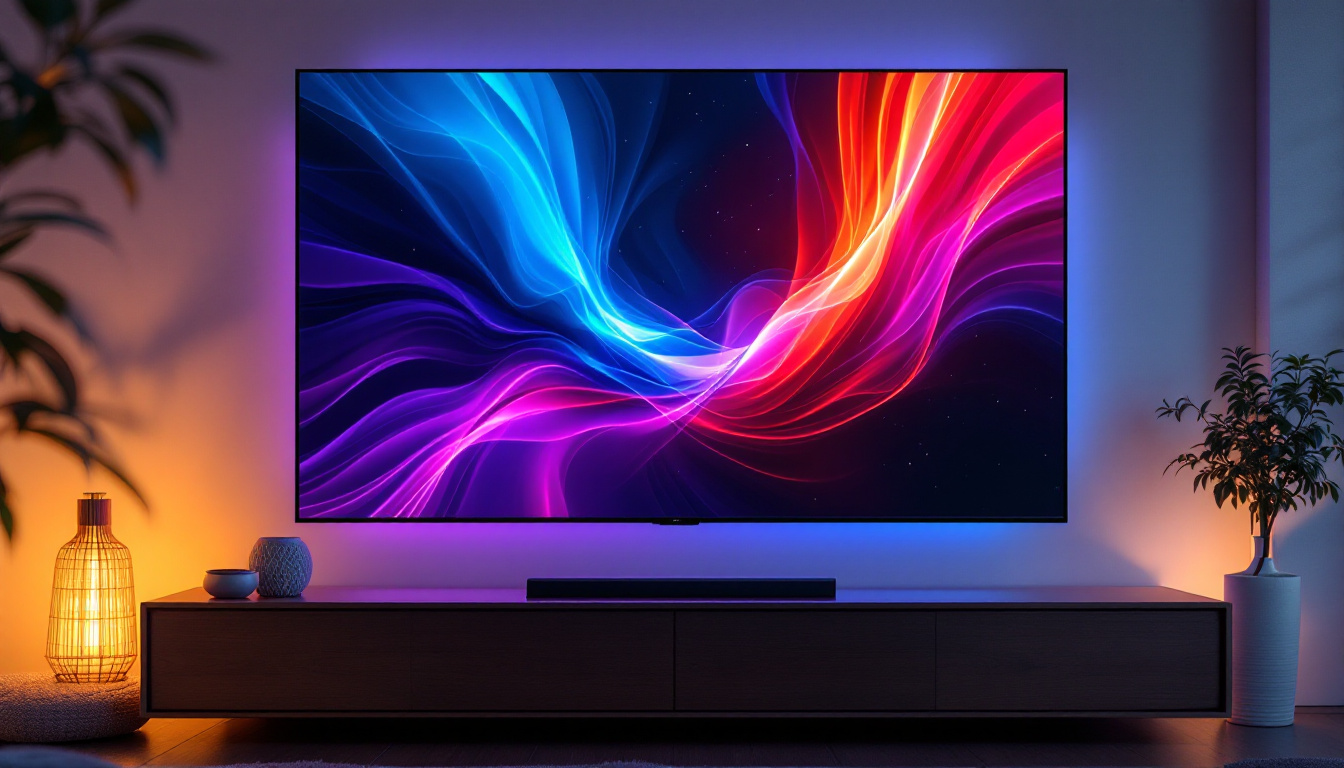
In today’s fast-paced digital world, the setup of your workstation plays a crucial role in productivity, comfort, and overall user experience. One of the key components in optimizing a workspace is the computer monitor mounting bracket, especially when used with LED displays. Understanding the nuances of mounting brackets and how they interact with LED monitors can help users create ergonomic, space-efficient, and visually appealing setups.
This article delves into the essentials of computer monitor mounting brackets, explores the technology behind LED displays, and offers practical advice for selecting and installing the right mount for your needs.
Understanding Computer Monitor Mounting Brackets
What is a Monitor Mounting Bracket?
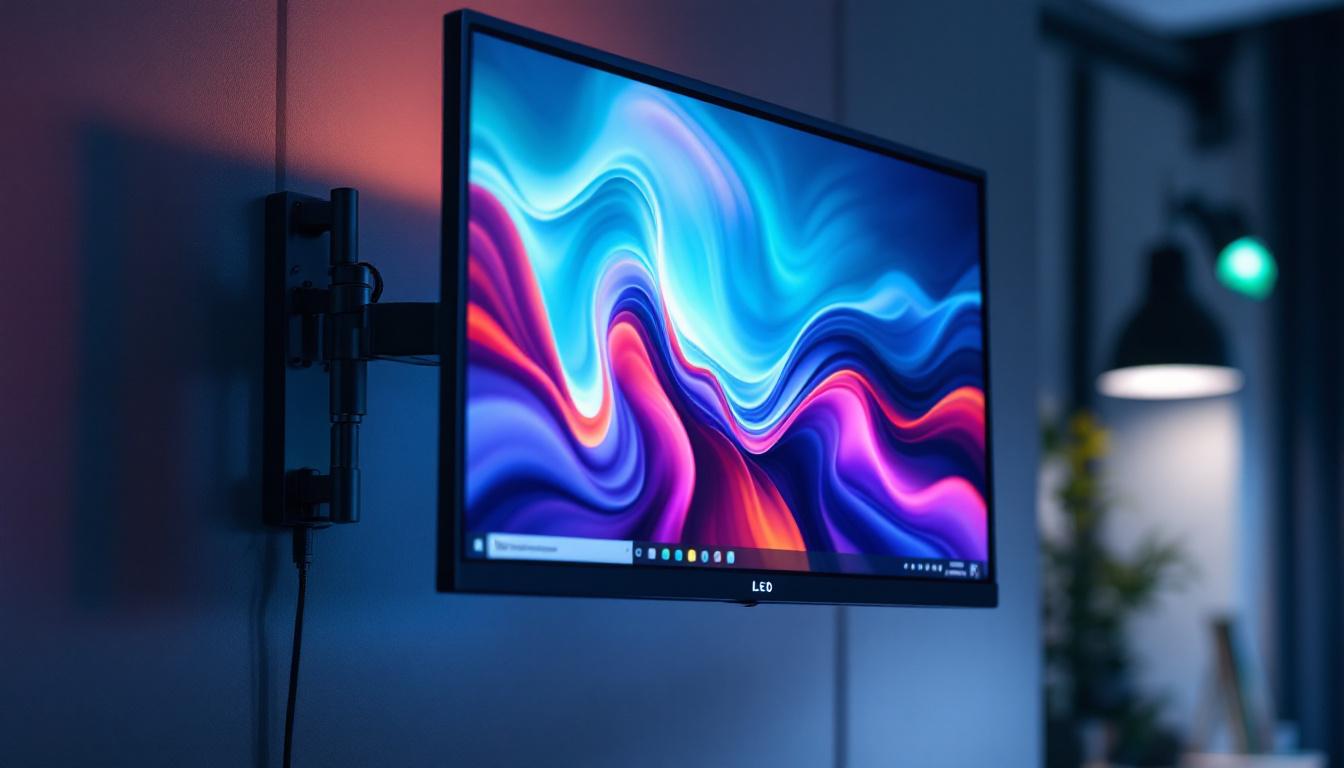
A computer monitor mounting bracket is a hardware accessory designed to securely hold a monitor in place, typically attaching it to a desk, wall, or an adjustable arm. Unlike traditional monitor stands that come with most displays, mounting brackets offer greater flexibility in positioning, allowing users to adjust height, tilt, swivel, and rotation with ease.
These brackets are particularly popular in professional environments, gaming setups, and home offices where desk space optimization and ergonomic positioning are priorities.
Types of Monitor Mounting Brackets
Monitor mounting brackets come in several varieties, each catering to different needs and setups:
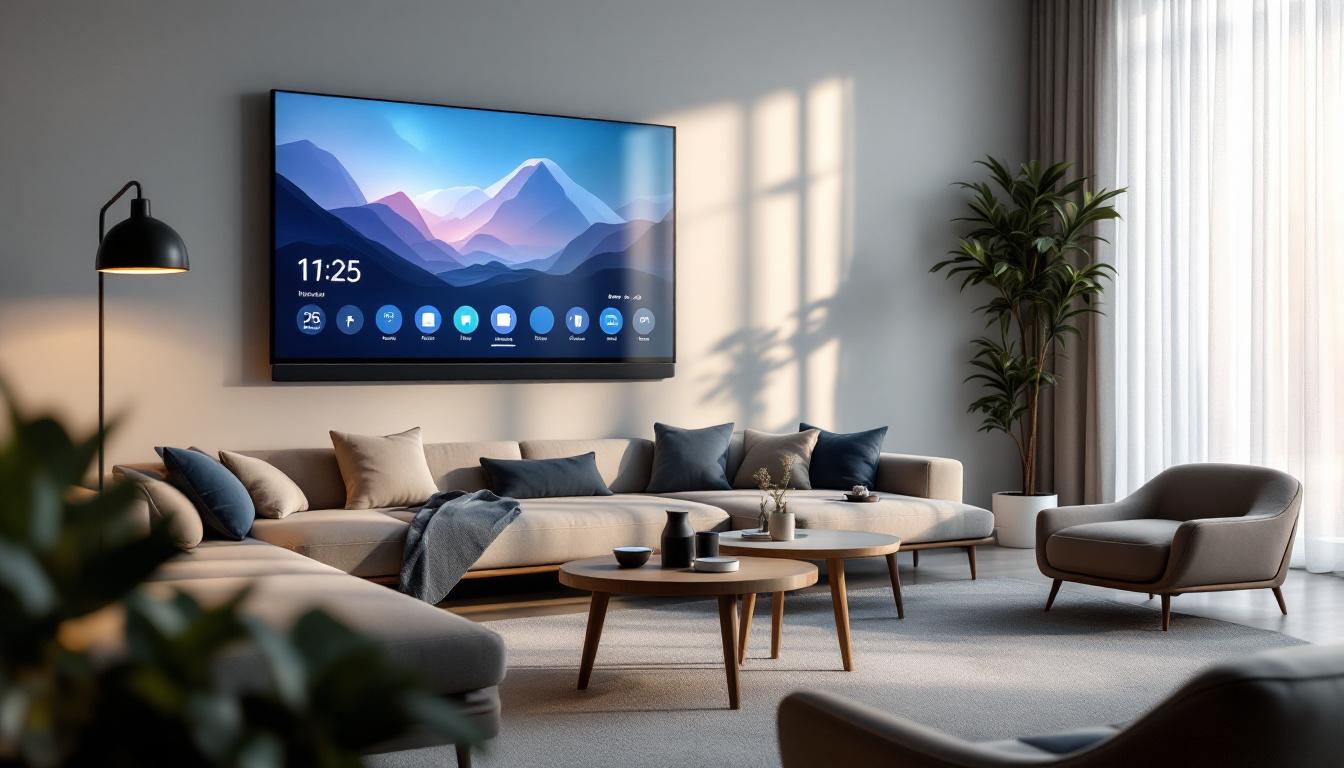
- Wall Mounts: These brackets attach directly to a wall, freeing up desk space and providing a clean, minimalist look. They are ideal for fixed setups where the monitor position does not need frequent adjustment.
- Desk Clamps: Desk clamp mounts secure the monitor arm to the edge of a desk. They are adjustable and allow for easy repositioning, making them suitable for dynamic work environments.
- Grommet Mounts: These mounts use a hole in the desk surface (or create one) to anchor the monitor arm, offering a sturdy and space-saving solution.
- Freestanding Arms: These mounts sit on the desk surface with a weighted base, providing flexibility without the need for desk modifications.
Benefits of Using a Monitor Mounting Bracket
There are numerous advantages to using a mounting bracket over a traditional monitor stand:
- Ergonomics: Proper monitor height and angle reduce neck and eye strain, promoting better posture and comfort during long hours of use.
- Space Efficiency: Mounting a monitor can free up valuable desk space, allowing for a cleaner and more organized workspace.
- Multi-Monitor Setups: Mounts facilitate the arrangement of multiple monitors in seamless configurations, enhancing productivity for professionals such as designers, traders, and developers.
- Aesthetic Appeal: A mounted monitor can create a sleek, modern look that complements contemporary office designs.
LED Displays: Technology and Advantages
What is an LED Display?
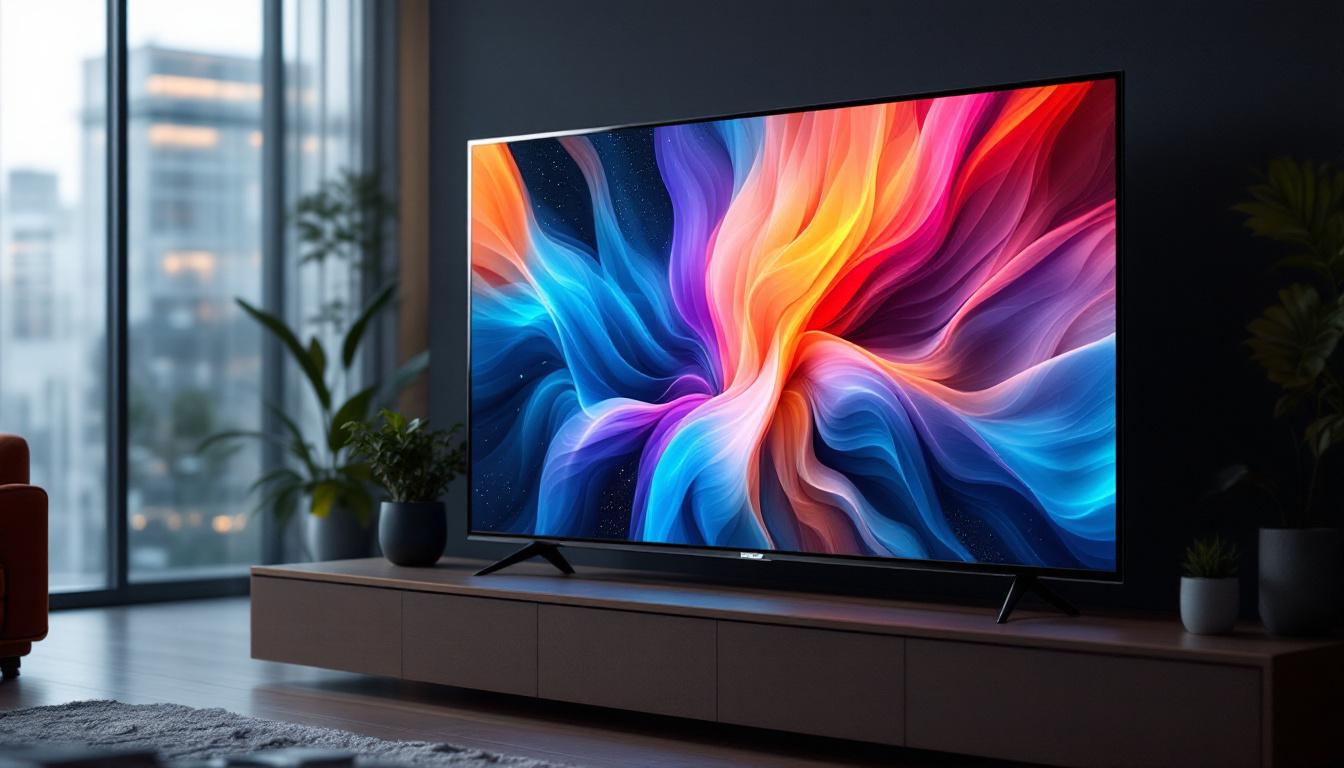
LED (Light Emitting Diode) displays are a type of flat-panel display technology that uses light-emitting diodes to produce images. Unlike traditional LCDs that rely on cold cathode fluorescent lamps (CCFL) for backlighting, LED displays use LEDs, which provide several performance and energy efficiency benefits.
LED technology is now the standard for most computer monitors, televisions, and digital signage due to its superior image quality and environmental advantages.
Types of LED Displays
There are several variants of LED displays, each with unique characteristics:
- Edge-Lit LED: LEDs are placed along the edges of the screen, and light is distributed across the panel. This design allows for thinner displays but may have uneven brightness in some cases.
- Direct-Lit LED: LEDs are positioned directly behind the screen, offering more uniform brightness and better contrast than edge-lit models.
- Full-Array LED: A more advanced form of direct-lit LED with zones that can be dimmed independently, resulting in improved contrast ratios and deeper blacks.
- Mini-LED: Uses thousands of tiny LEDs for backlighting, providing even finer control over brightness and contrast, approaching OLED quality at a lower cost.
Advantages of LED Displays
LED displays offer several benefits that make them the preferred choice for computer monitors:
- Energy Efficiency: LEDs consume less power compared to older CCFL-backlit LCDs, reducing electricity costs and environmental impact.
- Better Brightness and Contrast: LED technology enables higher brightness levels and improved contrast ratios, enhancing image clarity and color vibrancy.
- Longer Lifespan: LEDs have a longer operational life, often exceeding 50,000 hours, which translates to greater durability and less frequent replacements.
- Thinner and Lighter Designs: LED backlighting allows for slimmer monitor profiles, contributing to more elegant and space-saving setups.
Choosing the Right Monitor Mounting Bracket for Your LED Display
Compatibility Considerations
When selecting a monitor mounting bracket for an LED display, compatibility is paramount. Most modern monitors adhere to the VESA (Video Electronics Standards Association) mounting standard, which specifies the dimensions and screw hole patterns used for mounting.
Common VESA patterns include 75×75 mm and 100×100 mm, but larger monitors may use bigger patterns such as 200×200 mm or more. It is essential to verify your monitor’s VESA compatibility before purchasing a mount to ensure a secure fit.
Weight and Size Limits
Monitor mounts have specified weight and size limits. LED displays vary widely in size, from compact 21-inch models to ultra-wide 34-inch or larger screens. Selecting a mount that can support the monitor’s weight and dimensions is critical for safety and functionality.
For example, a lightweight 24-inch LED monitor typically weighs around 7 to 10 pounds, whereas a 32-inch ultra-wide LED display can weigh upwards of 20 pounds. Always check the mount’s specifications for maximum supported weight and screen size.
Adjustability Features
Different users have different preferences for monitor positioning. Consider the following adjustability features when choosing a mounting bracket:
- Height Adjustment: Allows raising or lowering the monitor to eye level, reducing neck strain.
- Tilt: Enables angling the screen forward or backward for optimal viewing comfort.
- Swivel: Permits horizontal rotation, useful for sharing the screen with others.
- Rotation: Supports pivoting the monitor between landscape and portrait modes, beneficial for coding, reading, or design work.
Installation Environment
Consider the environment where the monitor will be mounted. Wall mounts require sturdy walls capable of supporting the monitor’s weight, typically drywall with studs or concrete. Desk mounts need desks with sufficient thickness and edge clearance for clamps or grommets.
In shared workspaces or hot-desking environments, flexible mounts with quick-release mechanisms may be advantageous for easy monitor repositioning or removal.
Installation Tips and Best Practices
Preparing for Installation
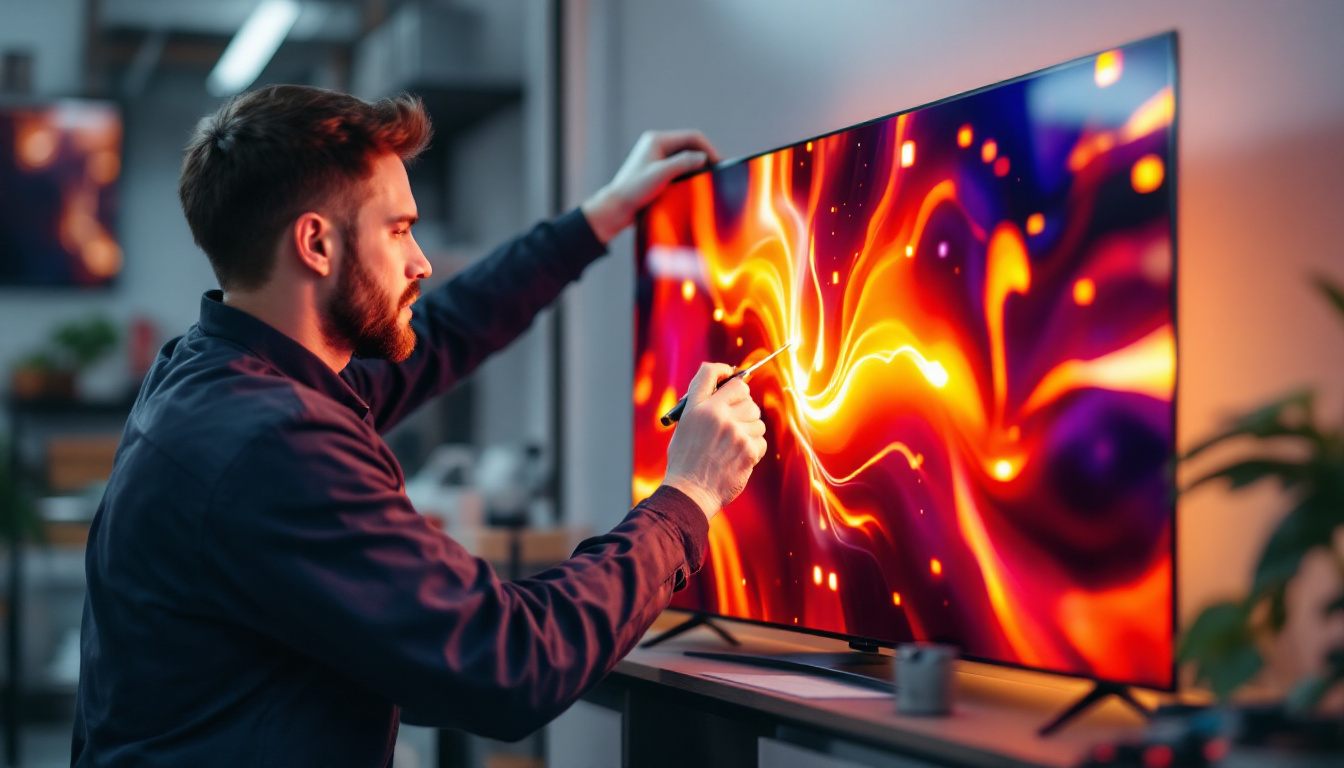
Before installing a monitor mounting bracket, gather all necessary tools and materials. Common tools include a screwdriver, drill (for wall mounts), stud finder, level, and measuring tape. Reading the manufacturer’s instructions thoroughly is essential to avoid mistakes.
Ensure the mounting location is free of obstructions and that cables can be routed cleanly without strain. Planning cable management alongside the mount installation improves the overall appearance and functionality of the setup.
Step-by-Step Installation Guide
- Check VESA Compatibility: Confirm your monitor’s mounting holes match the bracket’s pattern.
- Attach the Bracket to the Monitor: Secure the mounting plate or arms to the back of the LED display using the provided screws.
- Prepare the Mounting Surface: For wall mounts, locate studs using a stud finder and mark drilling points. For desk mounts, ensure the clamp or grommet hole is positioned correctly.
- Install the Mount: Drill pilot holes if necessary, then secure the mount to the wall or desk surface using appropriate anchors and screws.
- Mount the Monitor: Attach the monitor to the bracket or arm, ensuring it clicks or locks into place securely.
- Adjust and Secure: Adjust the height, tilt, and swivel to the desired position and tighten all adjustment points.
- Manage Cables: Use cable clips or sleeves to organize and secure cables along the mount or desk.
Safety Considerations
Safety is paramount when mounting a monitor. Ensure that all screws and bolts are tightened properly to prevent accidental falls. Avoid mounting monitors on weak or unstable surfaces.
If unsure about wall strength or installation procedures, consulting a professional installer can prevent damage to property and injury.
Enhancing Your Workspace with Mounted LED Displays
Ergonomics and Health Benefits
Proper monitor placement reduces the risk of musculoskeletal disorders, eye strain, and headaches. The Occupational Safety and Health Administration (OSHA) recommends that the top of the monitor screen be at or slightly below eye level, with the display about 20 to 30 inches from the eyes.
Using a mounting bracket makes achieving these ergonomic standards easier, especially for users who share workspaces or use multiple monitors.
Improved Productivity and Focus
Studies have shown that multi-monitor setups can increase productivity by up to 42% by reducing the time spent switching between applications and windows. Monitor mounts facilitate the creation of seamless multi-display arrays, enabling users to work more efficiently.
Additionally, a clutter-free desk achieved through mounting can improve focus and reduce distractions, contributing to better work performance.
Design and Aesthetic Appeal
A well-mounted LED display contributes to a modern, professional look in any workspace. Cable management solutions integrated with mounts help maintain a clean appearance, which can positively influence mood and client impressions.
For gamers and content creators, the ability to position monitors precisely enhances immersion and visual experience, making mounting brackets a valuable accessory.
Conclusion
Computer monitor mounting brackets are indispensable tools for anyone looking to optimize their workspace, particularly when paired with LED displays. Understanding the types of mounts, compatibility requirements, and installation best practices ensures a safe, ergonomic, and visually pleasing setup.
LED displays, with their superior image quality and energy efficiency, complement mounting solutions perfectly, offering users the flexibility to create personalized, efficient work or gaming environments.
Investing in the right mounting bracket not only enhances comfort and productivity but also contributes to a cleaner, more organized workspace that supports long-term health and performance.
Discover the Future of Visual Display with LumenMatrix
Ready to elevate your workspace and experience the ultimate in visual clarity and engagement? LumenMatrix is at the forefront of LED display innovation, offering a diverse range of solutions tailored to bring your visual communication to life. From immersive Indoor LED Wall Displays to dynamic Outdoor LED Wall Displays and beyond, our mission is to transform how you connect and captivate your audience. Don’t settle for less—Check out LumenMatrix LED Display Solutions today and step into a world where your message shines with unparalleled impact.