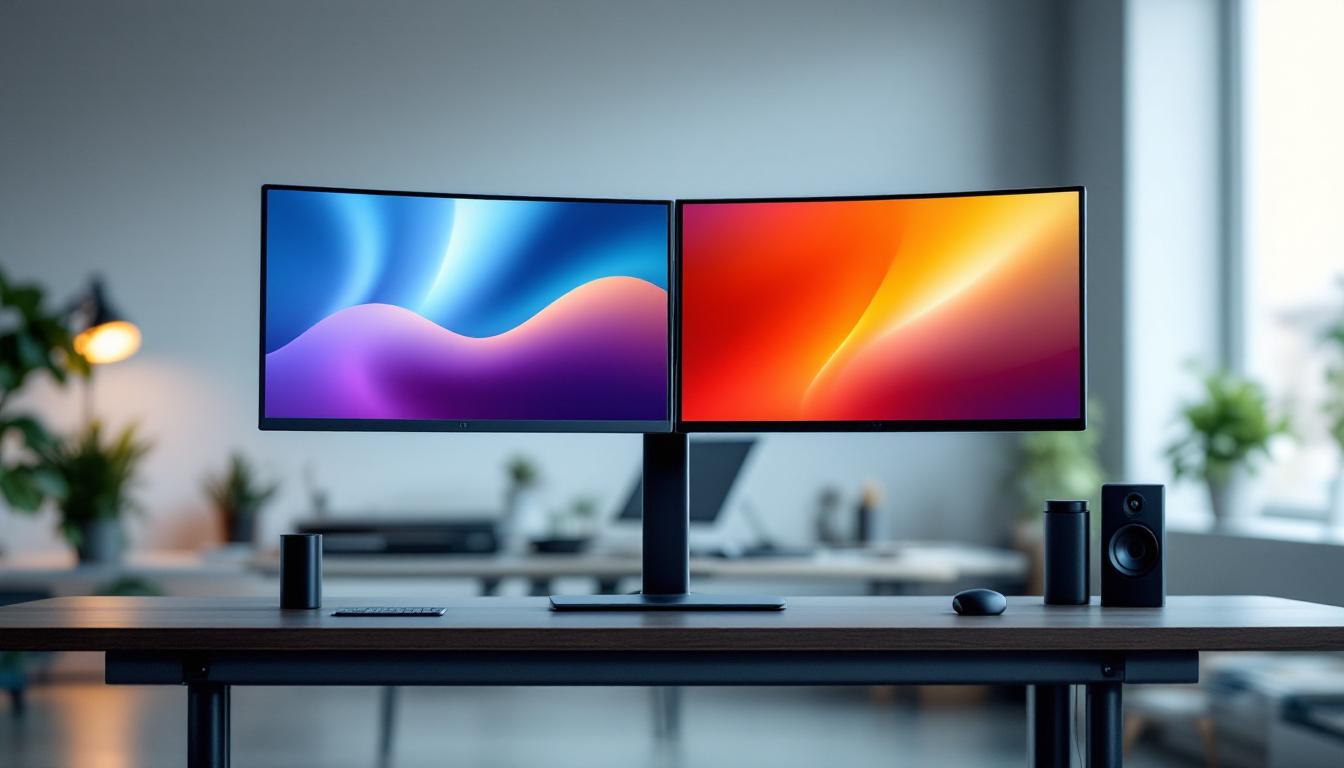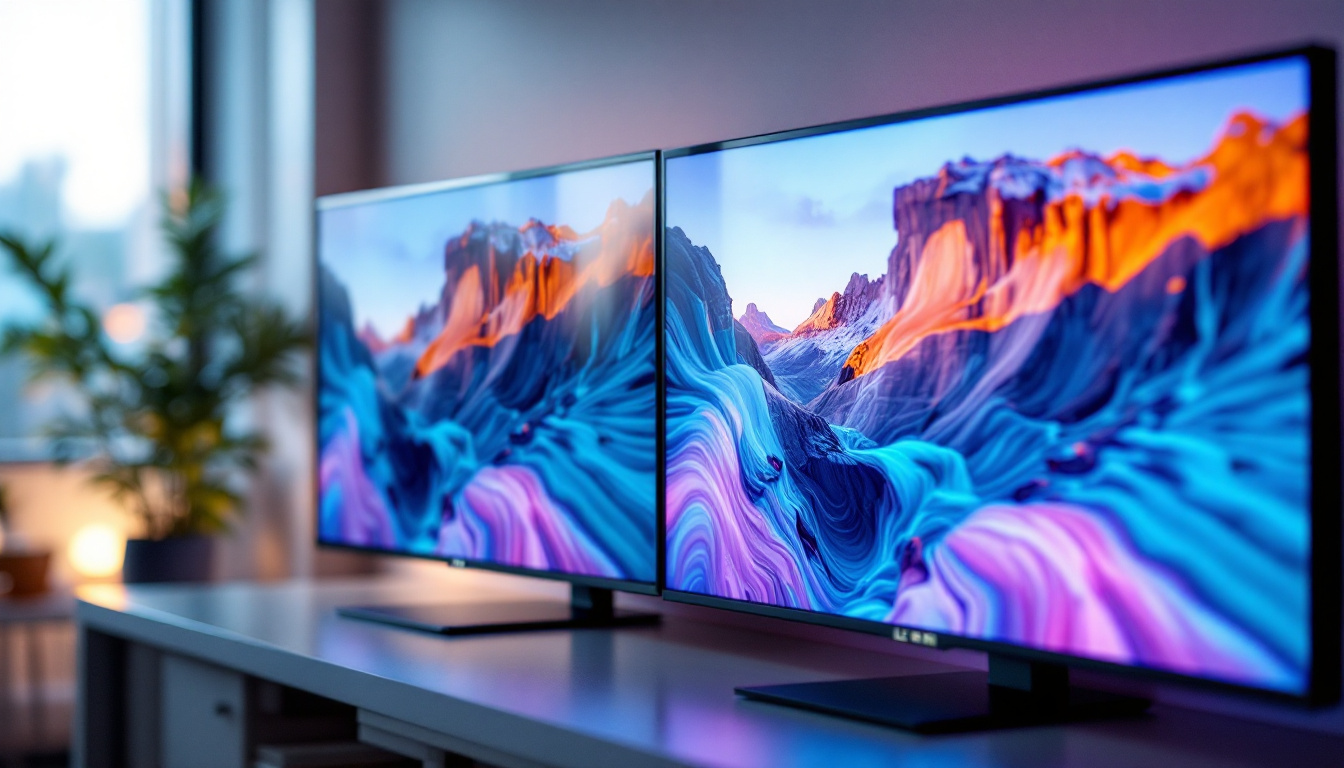
In today’s digital age, the desktop monitor is a vital component of any computer setup, whether for work, gaming, or entertainment. Among the various types of display technologies available, LED desktop monitors have become increasingly popular due to their superior image quality, energy efficiency, and sleek designs. But what exactly is an LED desktop monitor, and how does its display technology work? This article provides a comprehensive explanation of LED displays, explores their advantages and limitations, and offers guidance on choosing the right LED monitor for your needs.
Understanding LED Display Technology
What Does LED Mean?
LED stands for Light Emitting Diode, a semiconductor device that emits light when an electric current passes through it. In the context of desktop monitors, LED refers to the backlighting technology used to illuminate the screen. Unlike traditional LCD monitors that use cold cathode fluorescent lamps (CCFLs) for backlighting, LED monitors use an array of LEDs to provide light.
This distinction is important because the type of backlighting affects the monitor’s brightness, color accuracy, energy consumption, and overall display quality. The transition from CCFL to LED backlighting has been a significant advancement in monitor technology over the past decade.
How Does an LED Monitor Work?
Most LED desktop monitors are actually LCD (Liquid Crystal Display) panels that use LEDs as a backlight source. The LCD panel itself does not emit light; instead, it modulates the light passing through it to create images. The LED backlight shines through the LCD matrix, which controls the color and intensity of each pixel.
There are two primary types of LED backlighting used in monitors:
- Edge-Lit LED: LEDs are placed along the edges of the screen, and light is spread evenly across the display using light guides. This design allows for thinner monitors and lower production costs.
- Full-Array LED: LEDs are distributed evenly behind the entire screen, enabling better local dimming and improved contrast ratios.
Types of LED Displays: OLED vs. LED-LCD
It’s also worth distinguishing between LED-LCD monitors and OLED (Organic Light Emitting Diode) displays, which are often confused due to the similar acronyms. OLED monitors use organic compounds that emit light directly when electrically stimulated, eliminating the need for a backlight.
While OLED displays offer superior contrast, deeper blacks, and faster response times, they are currently less common and more expensive than LED-LCD monitors. Most desktop monitors labeled as “LED” are actually LED-backlit LCDs rather than true OLEDs.
Advantages of LED Desktop Monitors
Enhanced Image Quality and Color Accuracy
One of the primary reasons LED monitors have become the industry standard is their ability to deliver vibrant colors and sharp images. LED backlighting provides a more consistent and brighter light source compared to CCFLs, which translates into better color reproduction and higher contrast ratios.
Modern LED monitors often support wide color gamuts such as sRGB, Adobe RGB, or DCI-P3, making them suitable for professional photo editing, video production, and graphic design. High Dynamic Range (HDR) support is also increasingly common, enhancing the range between the darkest and brightest parts of an image.
Energy Efficiency and Environmental Impact
LED backlighting consumes significantly less power than traditional CCFL backlights. According to the U.S. Department of Energy, LED monitors can use up to 30-50% less energy, depending on screen size and settings. This not only reduces electricity bills but also contributes to lower carbon emissions.
Additionally, LED monitors do not contain mercury, which is present in CCFL backlights and poses environmental hazards during disposal. The longer lifespan of LEDs also means fewer replacements and less electronic waste over time.
Design Flexibility and Slim Profiles
Because LEDs are smaller and generate less heat than CCFLs, manufacturers can design thinner and lighter monitors. Edge-lit LED monitors, in particular, have enabled ultra-slim profiles that fit well in modern workspaces or multi-monitor setups.
The compact design also allows for more innovative features such as curved screens, ultra-wide aspect ratios, and flexible mounting options, enhancing user comfort and productivity.
Key Specifications to Consider When Choosing an LED Monitor
Resolution and Screen Size
Resolution determines the number of pixels displayed on the screen and directly impacts image sharpness. Common resolutions for LED desktop monitors include Full HD (1920×1080), Quad HD (2560×1440), and 4K UHD (3840×2160). Larger screen sizes benefit from higher resolutions to maintain image clarity.
For general office work or casual use, a 24-inch Full HD monitor may suffice. However, professionals in creative fields or gamers might prefer 27-inch or larger monitors with Quad HD or 4K resolution for enhanced detail and workspace.
Refresh Rate and Response Time
The refresh rate, measured in hertz (Hz), indicates how many times per second the monitor updates the image. Higher refresh rates (e.g., 120Hz, 144Hz, or even 240Hz) provide smoother motion, which is especially beneficial for gaming and video editing.
Response time refers to how quickly a pixel can change from one color to another, typically measured in milliseconds (ms). Lower response times reduce motion blur and ghosting effects, improving visual clarity during fast-moving scenes.
Color Accuracy and Panel Type
The type of LCD panel used in an LED monitor influences color accuracy, viewing angles, and contrast. The most common panel types are:
- TN (Twisted Nematic): Offers fast response times and high refresh rates but limited color accuracy and narrow viewing angles.
- IPS (In-Plane Switching): Provides superior color reproduction and wide viewing angles, making it ideal for professional use.
- VA (Vertical Alignment): Balances good contrast and color accuracy but with slower response times compared to TN and IPS.
For users prioritizing image quality and color fidelity, IPS panels are generally recommended.
Connectivity and Additional Features
Modern LED monitors come with a variety of connectivity options, including HDMI, DisplayPort, USB-C, and legacy ports like VGA or DVI. USB-C ports can provide power delivery and data transfer, streamlining cable management.
Additional features such as built-in speakers, adjustable stands, blue light filters, and flicker-free technology contribute to user comfort and convenience, particularly for extended use.
Common Applications of LED Desktop Monitors
Office and Productivity
LED monitors are widely used in office environments due to their energy efficiency, ergonomic designs, and sharp displays. Features like adjustable height, tilt, and swivel help reduce strain during long working hours, while high-resolution screens improve readability and multitasking capabilities.
Many businesses have adopted LED monitors as part of their green initiatives to reduce energy consumption and minimize environmental impact.
Creative and Professional Use
Graphic designers, photographers, video editors, and other creative professionals rely on LED monitors with high color accuracy and wide color gamuts. Monitors supporting HDR and 10-bit color depth enable more precise color grading and image editing.
Calibration tools and software are often used in conjunction with LED monitors to ensure consistent and accurate color reproduction across devices.
Gaming and Entertainment
Gamers benefit from LED monitors with high refresh rates, low response times, and adaptive sync technologies such as NVIDIA G-SYNC or AMD FreeSync. These features reduce screen tearing and input lag, providing a smoother and more immersive gaming experience.
LED monitors with vibrant colors and HDR support also enhance movie watching and streaming, delivering richer visuals and deeper contrast.
Limitations and Considerations of LED Monitors
Backlight Bleeding and Uniformity
Because LED monitors use backlighting, some models may exhibit backlight bleeding, where light leaks around the edges or corners of the screen. This can be distracting, especially in dark scenes or low-light environments.
Full-array LED monitors with local dimming tend to have better uniformity and reduced backlight bleed compared to edge-lit models, but they are usually more expensive.
Viewing Angles and Color Shifts
While IPS panels offer wide viewing angles, TN and some VA panels may suffer from color shifts or reduced contrast when viewed from off-center positions. This can affect collaborative work or multi-user scenarios where the screen is shared.
Price and Quality Variations
The market offers a wide range of LED monitors, from budget-friendly options to high-end professional displays. Lower-cost models may compromise on color accuracy, build quality, or features. It is important to balance budget with intended use and prioritize specifications that matter most.
Future Trends in LED Monitor Technology
Mini-LED and Micro-LED Innovations
Emerging backlighting technologies such as Mini-LED and Micro-LED are poised to further enhance LED monitor performance. Mini-LED uses thousands of tiny LEDs for backlighting, enabling finer local dimming zones and improved contrast. Micro-LED displays, still in development, promise self-emissive pixels like OLED but with higher brightness and longer lifespan.
These advancements could bridge the gap between LED-LCD and OLED, offering superior image quality without some of OLED’s drawbacks, such as burn-in.
Higher Resolutions and Refresh Rates
As content and applications demand more detail and smoother motion, LED monitors continue to push boundaries with 8K resolution and refresh rates exceeding 240Hz. These improvements benefit professionals working with ultra-high-definition content and competitive gamers seeking every advantage.
Integration with Smart Features
Smart monitors with built-in operating systems, voice assistants, and wireless connectivity are becoming more common. These features enable seamless integration with cloud services, collaboration tools, and multimedia streaming without needing a separate PC.
Conclusion
LED desktop monitors represent a mature and versatile display technology that balances image quality, energy efficiency, and design flexibility. Understanding the fundamentals of LED backlighting, panel types, and key specifications helps consumers make informed decisions tailored to their specific needs.
Whether for professional creative work, immersive gaming, or everyday productivity, LED monitors offer a wide range of options to suit various budgets and preferences. As technology continues to evolve, innovations like Mini-LED and Micro-LED promise to elevate the visual experience even further, making LED displays a reliable and future-proof choice for desktop computing.
Discover the Future of LED Displays with LumenMatrix
Ready to experience the pinnacle of LED display technology? LumenMatrix is at the forefront of innovation, offering a diverse range of LED display solutions that cater to every need. From breathtaking Indoor LED Walls to dynamic Outdoor LED Displays, and from versatile Vehicle LED Displays to sleek LED Poster Displays, our products are designed to make your brand shine. Embrace the revolution in visual communication with LumenMatrix’s cutting-edge digital signage and LED displays that promise to captivate your audience and amplify your message. Check out LumenMatrix LED Display Solutions today and transform your visual experience.