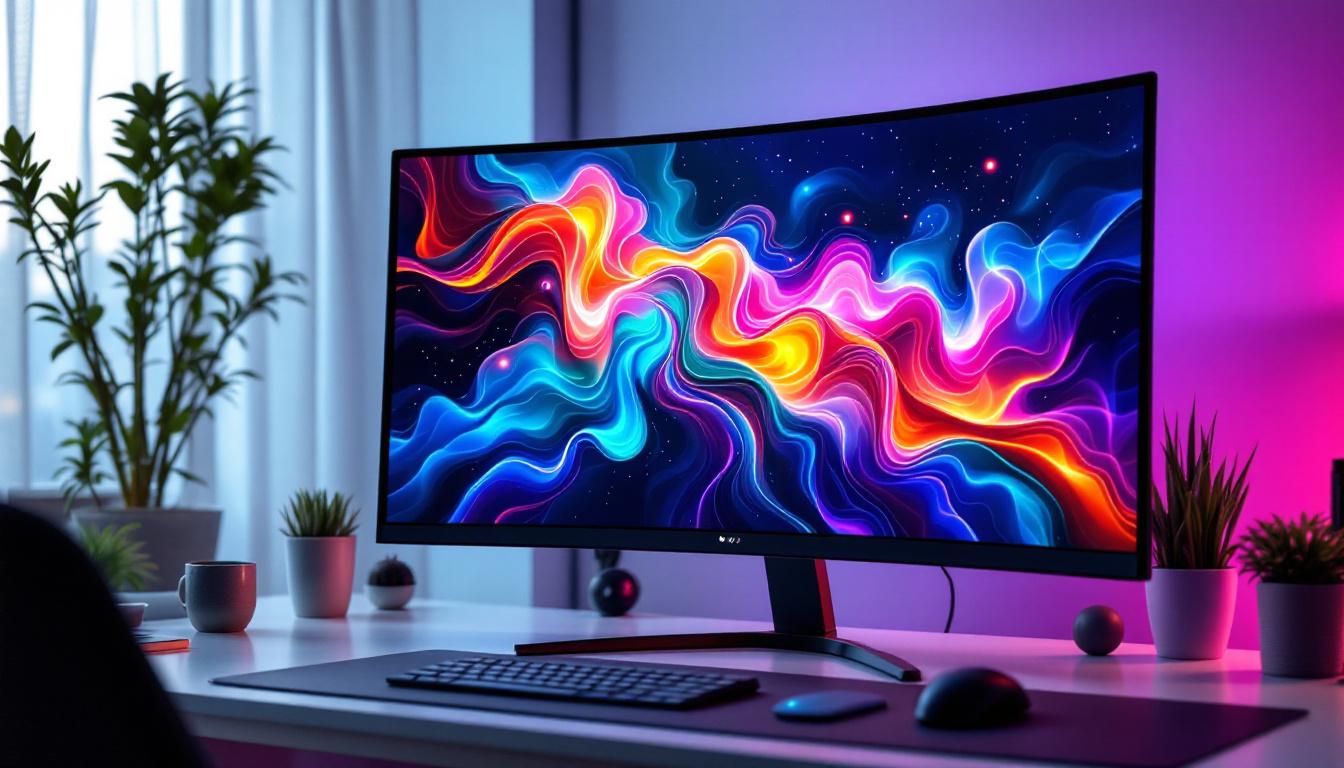
In recent years, curved LED monitors have surged in popularity, becoming a staple for gamers, creative professionals, and office workers alike. These displays promise enhanced immersion, reduced eye strain, and a more natural viewing experience compared to traditional flat screens. But what exactly makes a curved LED monitor different? How does the LED technology behind these displays work, and why should consumers consider curved designs over flat ones?
This comprehensive guide delves into the technology, benefits, and considerations of curved LED monitors, helping you make an informed decision whether you’re upgrading your workstation or building a high-performance gaming setup.
Understanding LED Display Technology
What is an LED Monitor?
LED monitors are a type of flat-panel display that use Light Emitting Diodes (LEDs) as the backlight source for Liquid Crystal Displays (LCDs). Unlike older LCD monitors that relied on Cold Cathode Fluorescent Lamps (CCFLs), LED monitors use LEDs to illuminate the screen, offering several advantages including better energy efficiency, thinner panels, and improved color accuracy.
The term “LED monitor” can be a bit misleading because the actual image is produced by liquid crystals, not by LEDs themselves. Instead, LEDs provide the backlight that shines through the LCD panel to create the visible image. This distinction is important because it affects how the display performs in terms of brightness, contrast, and color reproduction.
Types of LED Backlighting
There are primarily two types of LED backlighting used in monitors:
- Edge-Lit LED: LEDs are placed along the edges of the screen, and light is diffused across the panel. This design allows for thinner monitors but can sometimes result in uneven brightness and less precise local dimming.
- Direct-Lit or Full-Array LED: LEDs are positioned directly behind the LCD panel in a grid. This allows for better control of brightness and contrast through local dimming zones, improving black levels and overall picture quality.
High-end curved LED monitors often use full-array backlighting with local dimming to deliver superior image quality, especially for HDR content.
The Science Behind Curved Monitors
Why Curve the Screen?
The curvature of a monitor is designed to mimic the natural curve of the human eye. When viewing a flat screen, especially a large one, the edges of the display can appear distorted or less sharp because they are farther from the viewer’s eyes compared to the center. Curving the screen helps maintain a consistent focal distance across the entire display, which can reduce eye strain and improve visual comfort.
Curved monitors also enhance immersion by wrapping the image slightly around the viewer. This effect is particularly noticeable in gaming and multimedia applications, where the sense of depth and peripheral vision engagement can be heightened.
Curvature Ratings and What They Mean
Curved monitors are often described by their radius of curvature, measured in millimeters (e.g., 1500R, 1800R, 3000R). The “R” stands for radius, and the number indicates the radius of the circle that the curve would form if extended into a full circle.
A smaller number means a more pronounced curve. For example:
- 1500R: A very tight curve, often used in ultrawide gaming monitors to maximize immersion.
- 1800R: A moderate curve that balances immersion and comfort, popular in both gaming and professional monitors.
- 3000R and above: Subtler curves, often found in office monitors where comfort is prioritized over immersion.
Choosing the right curvature depends on the monitor size and intended use. For larger ultrawide monitors (34 inches and above), a tighter curve (1500R to 1800R) can be beneficial, while smaller monitors may not require as much curvature.
Benefits of Curved LED Monitors
Enhanced Immersion and Viewing Experience
One of the primary reasons users opt for curved monitors is the immersive experience they provide. The curve wraps the display around the viewer’s field of vision, creating a more engaging and natural viewing environment. This is especially valuable for gaming, video editing, and watching movies, where peripheral vision plays a critical role in immersion.
Studies have shown that curved displays can reduce the need for frequent head and eye movements, allowing users to take in more information comfortably and quickly. This can translate into improved reaction times in fast-paced games and increased productivity in multitasking scenarios.
Reduced Eye Strain and Fatigue
Because the curvature aligns more closely with the natural shape of the eye, curved monitors can reduce eye strain during extended use. This is particularly important for professionals who spend long hours in front of screens, such as graphic designers, video editors, and programmers.
By maintaining a consistent focal distance, the eyes do not have to constantly refocus when moving from the center to the edges of the screen. This can help prevent headaches, dry eyes, and overall visual fatigue.
Improved Contrast and Reduced Glare
Curved monitors can also help minimize reflections and glare from ambient lighting. The curve directs reflections away from the viewer’s direct line of sight, which can improve contrast and make colors appear richer. This is especially beneficial in brightly lit environments.
When combined with LED technology’s ability to deliver high brightness and contrast ratios, curved LED monitors can produce vivid images with deep blacks and vibrant colors, enhancing the overall visual experience.
Considerations When Choosing a Curved LED Monitor
Size and Resolution
Curved monitors are most effective at larger screen sizes, typically 27 inches and above. Ultrawide monitors, which often feature a 21:9 aspect ratio or wider, benefit greatly from curvature because their extended horizontal span can otherwise cause distortion and viewing discomfort.
Resolution is another critical factor. Higher resolutions such as 1440p (QHD) or 4K (UHD) are recommended for larger curved monitors to maintain sharpness and clarity across the expansive screen real estate. Lower resolutions on large curved displays can result in visible pixelation and reduced image quality.
Viewing Distance and Desk Setup
The optimal viewing distance for a curved monitor depends on its size and curvature. For example, a 34-inch 1800R curved monitor is best viewed from about 20 to 30 inches away. Sitting too close or too far can diminish the benefits of the curve and cause discomfort.
Additionally, desk space and ergonomics should be considered. Curved monitors tend to be wider and may require larger desks or adjustable monitor arms to position them correctly. Ensuring the monitor is at eye level and centered is crucial for maximizing comfort.
Price and Brand Considerations
Curved LED monitors generally come at a premium compared to flat counterparts, especially models with advanced features like high refresh rates, HDR support, and wide color gamuts. Prices can range from around $250 for basic models to over $1,500 for professional-grade ultrawide curved displays.
Reputable brands like Samsung, LG, Dell, and ASUS offer a broad spectrum of curved LED monitors catering to different needs and budgets. It’s advisable to read reviews and consider warranty and customer support when making a purchase.
Applications of Curved LED Monitors
Gaming
Curved LED monitors have become a favorite among gamers due to their immersive qualities and fast response times. Many gaming curved monitors feature refresh rates of 144Hz or higher and support adaptive sync technologies like NVIDIA G-SYNC or AMD FreeSync, which reduce screen tearing and stuttering.
The wider field of view offered by ultrawide curved monitors can provide a competitive edge in first-person shooters and racing games by increasing peripheral vision. The curvature also helps maintain consistent image quality across the screen, which is vital for spotting in-game details.
Professional Workstations
Creative professionals benefit from curved LED monitors for tasks that require color accuracy and multitasking. The expansive screen space allows for multiple windows and toolbars to be open simultaneously without the need for multiple monitors, reducing clutter.
Monitors with high color accuracy, wide color gamut (such as Adobe RGB or DCI-P3), and HDR support are particularly valuable for photo editing, video production, and 3D modeling. The curvature enhances focus and reduces distractions, improving workflow efficiency.
Office and Productivity
Even in traditional office environments, curved LED monitors can boost productivity by providing a more comfortable and engaging workspace. Large curved displays help reduce the need for multiple monitors and minimize the physical strain of shifting gaze and posture.
Features like flicker-free technology, blue light filters, and ergonomic stands further contribute to healthier and more productive workdays.
Future Trends in Curved LED Monitor Technology
Advancements in OLED and Mini-LED
While traditional LED-backlit LCD monitors dominate the market, emerging technologies like OLED (Organic Light Emitting Diode) and Mini-LED are beginning to influence curved monitor designs. OLED displays offer perfect black levels and superior contrast because each pixel emits its own light, eliminating the need for backlighting.
Mini-LED technology uses thousands of tiny LEDs for backlighting, enabling even more precise local dimming and higher brightness levels. These advancements promise to elevate curved monitor image quality to new heights, especially for HDR content.
Integration with VR and AR
Curved monitors may also play a role in bridging traditional displays with virtual and augmented reality experiences. Some manufacturers are exploring hybrid devices that combine curved screens with VR elements to create immersive work and gaming environments without the need for headsets.
Increased Customization and Ergonomics
Future curved monitors are expected to offer greater customization options, including adjustable curvature, modular screen configurations, and enhanced ergonomic features. This will allow users to tailor their displays to specific tasks and preferences, further improving comfort and productivity.
Conclusion
Curved LED monitors represent a significant evolution in display technology, combining the advantages of LED backlighting with a design that aligns with human vision. They offer improved immersion, reduced eye strain, and enhanced image quality, making them an excellent choice for gamers, professionals, and everyday users alike.
When selecting a curved LED monitor, it’s essential to consider factors such as screen size, resolution, curvature radius, and intended use to ensure the best experience. As technology advances, curved monitors will continue to improve, integrating cutting-edge display innovations to meet the diverse needs of modern users.
Whether upgrading your home office, building a gaming rig, or enhancing your creative workspace, understanding the fundamentals of curved LED monitors will help you choose a display that delivers both performance and comfort.
Discover the Future of Visual Experience with LumenMatrix
Ready to elevate your visual experience with the latest in curved LED monitor technology? Look no further than LumenMatrix, a pioneer in crafting immersive LED display modules that transform any space into a dynamic visual spectacle. From gaming to professional workstations, our solutions cater to a wide range of applications, ensuring that your message resonates with brilliance and clarity. Don’t just read about the future of display technology—immerse yourself in it. Check out LumenMatrix LED Display Solutions today and witness the revolution in visual communication.