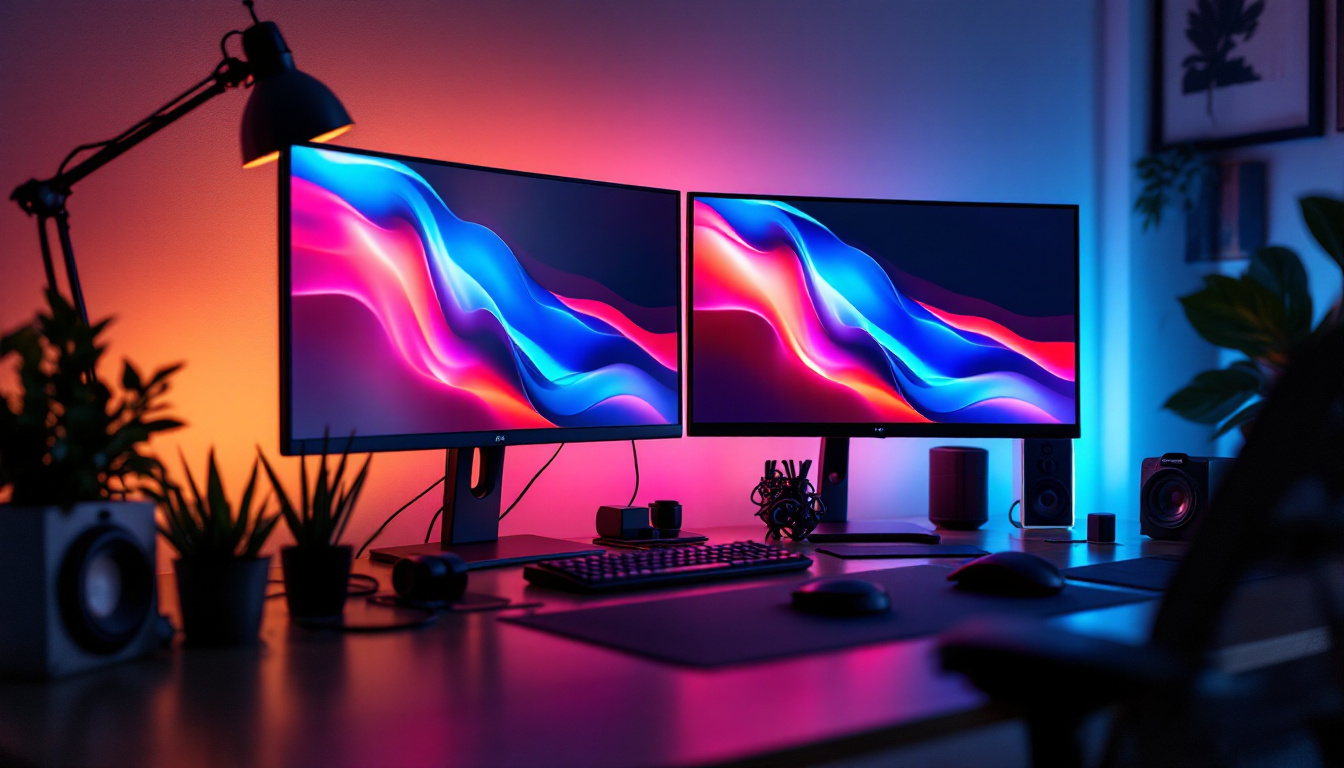
In today’s digital age, choosing the right display monitor is a crucial decision for professionals, gamers, content creators, and everyday users alike. With a vast array of display technologies and sizes available, understanding the fundamentals of LED displays and how size impacts your viewing experience can help you make an informed purchase. This article delves into the world of LED monitors, exploring their technology, size options, and how to select the ideal display for your needs.
Understanding LED Display Technology
LED, short for Light Emitting Diode, is a display technology that has become the industry standard for monitors and televisions. Unlike older LCD panels that use cold cathode fluorescent lamps (CCFL) for backlighting, LED displays utilize an array of light-emitting diodes to illuminate the screen. This shift has brought numerous advantages in terms of energy efficiency, picture quality, and design flexibility.
LED displays can be categorized into two main types: edge-lit and direct-lit (or full-array). Edge-lit LED monitors position LEDs along the edges of the screen, allowing for thinner designs but sometimes resulting in uneven brightness. Direct-lit LED displays place LEDs directly behind the screen, offering better uniformity and contrast but often at a higher cost and thickness.
Moreover, advancements such as Mini-LED and Micro-LED technologies are pushing the boundaries of brightness, contrast ratios, and color accuracy. Mini-LEDs use thousands of tiny LEDs to provide more precise local dimming zones, significantly enhancing HDR performance. Micro-LEDs, still emerging in the consumer market, promise even greater brightness and energy efficiency without the burn-in issues seen in OLED displays.
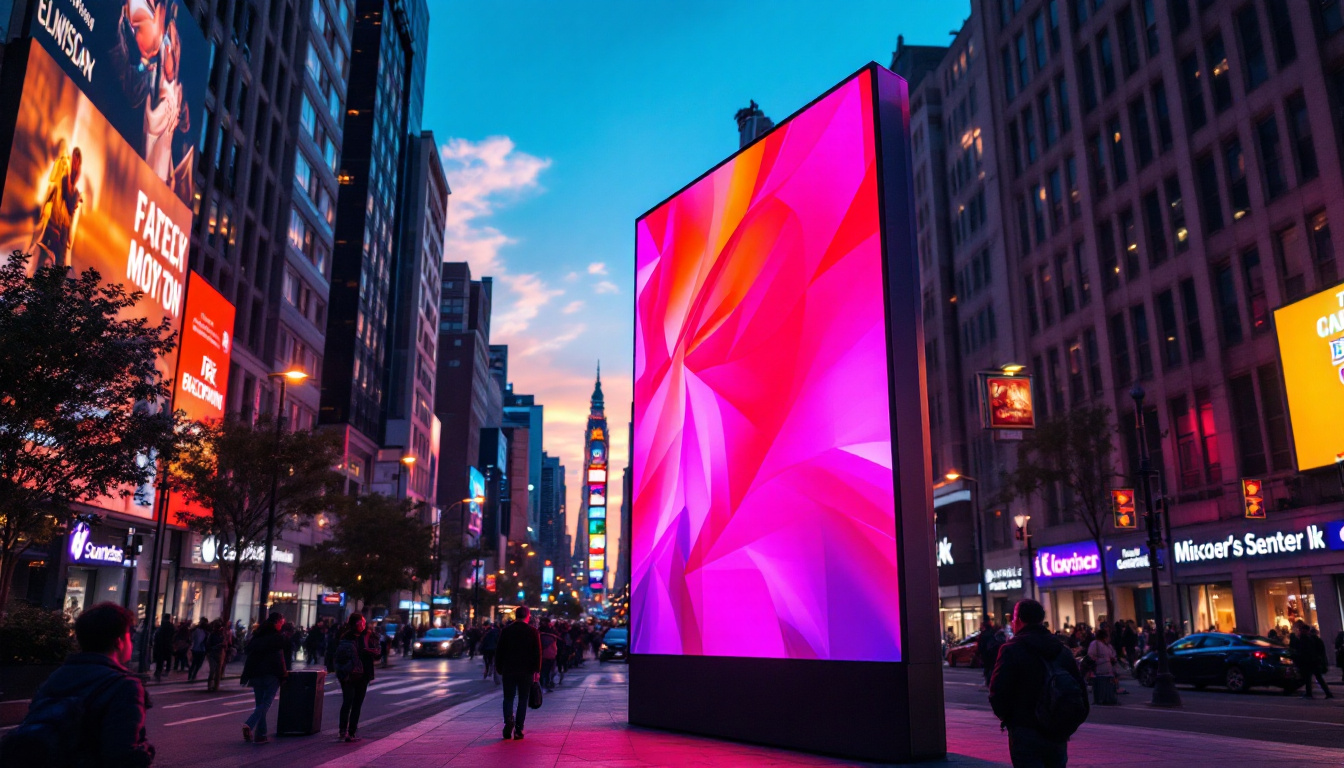
In addition to these innovations, LED technology has also found its way into various applications beyond traditional screens. For instance, outdoor LED displays are now commonplace in advertising and public information systems, providing vibrant visuals that can withstand harsh weather conditions. These large-scale installations utilize robust materials and advanced cooling systems to ensure longevity and optimal performance, making them ideal for high-traffic areas where visibility is crucial.
The versatility of LED technology extends to smart lighting solutions as well. With the integration of smart controls, LED lights can now be adjusted for brightness and color temperature, allowing users to create customized environments that enhance mood and productivity. This adaptability has made LED lighting a popular choice in both residential and commercial settings, further solidifying its role as a cornerstone of modern technology.
The Importance of Display Size
When selecting a monitor, size is one of the most immediately noticeable factors. Display size is measured diagonally from one corner of the screen to the opposite corner, typically in inches. Common monitor sizes range from compact 21-inch models to expansive 49-inch ultrawide displays. Understanding how size affects usability, comfort, and productivity is essential.
Viewing Distance and Comfort
The optimal viewing distance varies depending on the screen size and resolution. For example, a 24-inch monitor is typically best viewed from about 20 to 30 inches away, while larger 32-inch or 34-inch ultrawide monitors may require a distance of 30 to 40 inches for comfortable viewing. Sitting too close to a large screen can cause eye strain, while sitting too far from a small screen can make details difficult to discern.
Ergonomics experts recommend positioning your monitor so that the top of the screen is at or slightly below eye level, with the display tilted slightly upward. This setup reduces neck strain and encourages a natural posture during extended use. Additionally, incorporating anti-glare screens or blue light filters can further enhance comfort, especially during long hours of work or gaming. Proper lighting in the room also plays a crucial role; avoiding harsh overhead lights and minimizing reflections can create a more pleasant viewing environment.
Screen Real Estate and Productivity
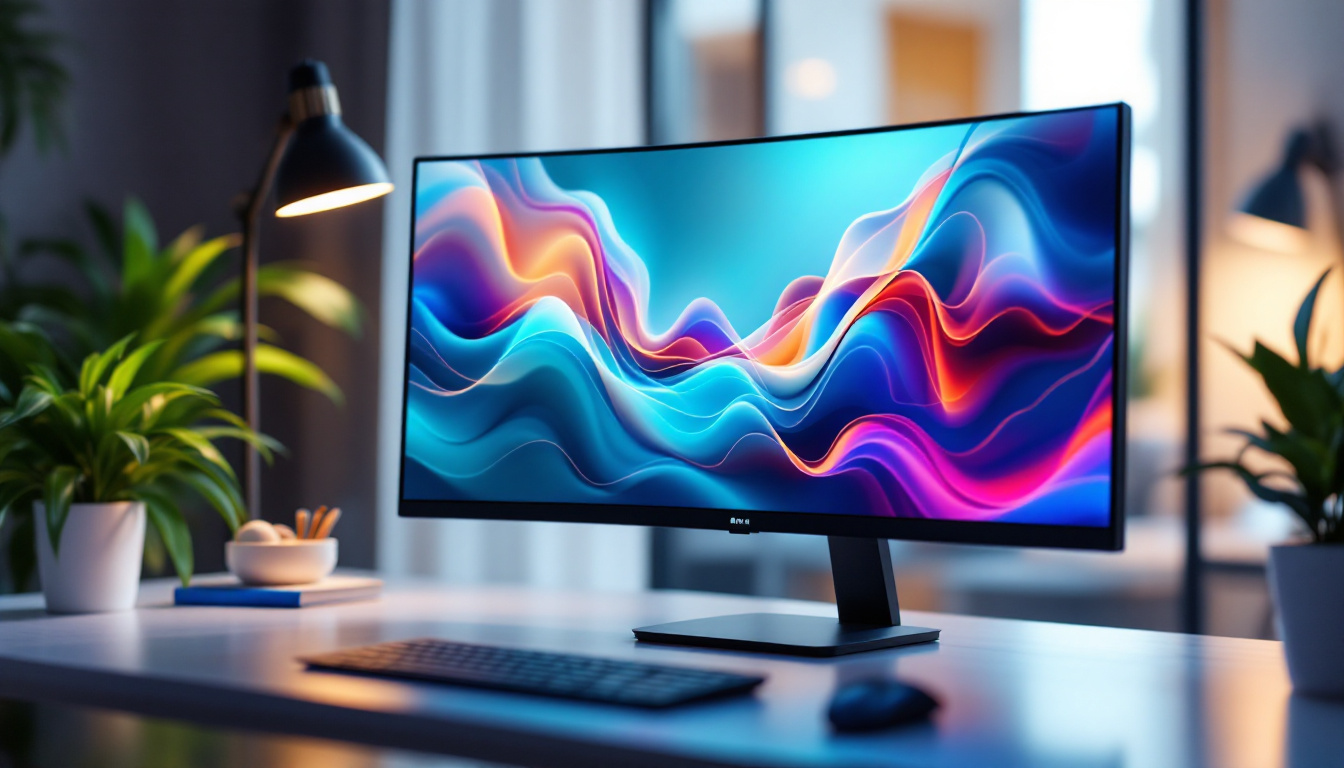
Larger monitors or ultrawide displays provide more screen real estate, which can significantly improve productivity. Professionals working with multiple applications, spreadsheets, or design software benefit from the ability to view more content simultaneously without switching between windows. For instance, a 34-inch ultrawide monitor with a 3440×1440 resolution offers nearly twice the horizontal workspace of a standard 27-inch 2560×1440 display.
However, increased size and resolution also demand more from your computer’s graphics hardware. Ensuring your system can support the monitor’s native resolution is vital to avoid performance bottlenecks, especially in gaming or video editing scenarios. Moreover, the benefits of a larger display extend beyond just multitasking; they can also enhance creative workflows. Graphic designers and video editors often find that having a larger canvas allows for more precise work, as they can see finer details without zooming in and out excessively. This can lead to a more intuitive and fluid creative process, ultimately resulting in higher quality output.
Common LED Monitor Sizes and Their Uses
LED monitors come in a variety of sizes tailored to different applications. Below is an overview of popular sizes and the typical use cases they serve.
21 to 24 Inches: Compact and Versatile
Monitors in the 21 to 24-inch range are popular for general office work, casual gaming, and home use. These sizes offer a good balance between screen space and desk footprint, making them suitable for smaller workstations or multi-monitor setups. A 24-inch LED monitor with Full HD (1920×1080) resolution remains a common choice for budget-conscious users seeking sharp images and decent color reproduction.
27 Inches: The Sweet Spot
The 27-inch monitor size is often considered the “sweet spot” for many users. It provides ample screen space for multitasking and creative work without overwhelming the desk area. When paired with a higher resolution such as 2560×1440 (QHD), these monitors deliver crisp visuals and improved detail, ideal for photo editing, programming, and gaming.
32 Inches and Above: Immersive and Professional
Monitors 32 inches and larger cater to professionals requiring extensive screen real estate, such as video editors, CAD designers, and financial analysts. These displays often feature 4K UHD (3840×2160) resolution, offering exceptional clarity and color depth. Ultrawide monitors in this size range, with aspect ratios like 21:9 or even 32:9, enhance immersion in gaming and provide expansive workspace for complex workflows.
However, these larger displays require careful consideration of desk space and viewing distance to maintain comfort and usability.
Resolution and Aspect Ratio: Complementing Size
Display size alone does not determine image quality. Resolution and aspect ratio work hand-in-hand with size to shape the viewing experience. Higher resolution means more pixels, resulting in sharper images and finer detail. Aspect ratio defines the proportional relationship between the width and height of the screen.
Standard Resolutions for LED Monitors
Common resolutions include:
- Full HD (1920×1080): The baseline for many 21- to 24-inch monitors, offering clear images suitable for everyday tasks.
- QHD (2560×1440): Popular in 27-inch monitors, providing a noticeable improvement in detail and workspace.
- 4K UHD (3840×2160): Found in 32-inch and larger monitors, delivering ultra-sharp visuals for professional and entertainment use.
Aspect Ratios and Their Impact
The most common aspect ratio for LED monitors is 16:9, which matches the standard widescreen format used in most media content. Ultrawide monitors with 21:9 or 32:9 ratios offer wider horizontal space, beneficial for multitasking and immersive gaming. However, some older software and games may not fully support ultrawide formats, so compatibility should be verified before purchase.
Choosing the Right LED Monitor Size for Your Needs
Selecting the perfect LED monitor size involves balancing your specific requirements, workspace constraints, and budget. Here are several factors to consider:
Purpose and Usage
Identify your primary use case. For general office work and web browsing, a 24-inch Full HD monitor may suffice. Gamers and creative professionals often benefit from larger, higher-resolution displays that enhance detail and immersion. For video editing or CAD work, a 32-inch 4K monitor can provide the precision needed.
Desk Space and Ergonomics
Measure your desk area to ensure the monitor fits comfortably without crowding. Consider adjustable stands or monitor arms to optimize positioning. Remember that larger monitors require greater viewing distances to prevent eye strain.
Budget Constraints
While larger and higher-resolution monitors offer better performance, they come at a higher price. Balance features with affordability, and consider future-proofing by investing in a monitor with connectivity options like USB-C or DisplayPort.
Additional Features to Consider in LED Monitors
Beyond size and resolution, several features can enhance your LED monitor experience.
Refresh Rate and Response Time
For gamers, a high refresh rate (120Hz, 144Hz, or higher) and low response time (1ms to 5ms) are crucial for smooth gameplay and reduced motion blur. Professional users may prioritize color accuracy over refresh rate.
Color Accuracy and HDR Support
Content creators require monitors with wide color gamut coverage (such as Adobe RGB or DCI-P3) and HDR support to ensure accurate color reproduction. LED monitors with Mini-LED backlighting often deliver superior HDR performance due to better contrast and brightness.
Connectivity and Ergonomics
Multiple input options (HDMI, DisplayPort, USB-C) increase compatibility with various devices. Adjustable stands, VESA mount compatibility, and blue light filters contribute to a comfortable and versatile setup.
Conclusion
LED display technology has revolutionized the monitor market, offering energy-efficient, high-quality screens in a variety of sizes to suit diverse needs. Understanding the interplay between display size, resolution, aspect ratio, and other features empowers users to select the ideal monitor for their workspace and applications.
Whether opting for a compact 24-inch LED monitor for everyday tasks or a sprawling 49-inch ultrawide for immersive gaming and professional workflows, the key is to balance size with ergonomics, resolution, and budget. Staying informed about the latest LED advancements, such as Mini-LED and Micro-LED, can also help future-proof your investment in display technology.
By carefully considering these factors, users can enhance productivity, comfort, and enjoyment in their digital environments.
Explore Cutting-Edge LED Displays with LumenMatrix
Ready to elevate your visual experience with the latest in LED display technology? LumenMatrix is at the forefront of innovation, offering a wide range of LED display solutions tailored to your needs. From immersive Indoor LED Wall Displays to dynamic Outdoor LED Wall Displays, and from versatile Vehicle LED Displays to engaging LED Sports Displays, our products are designed to captivate and communicate effectively. Embrace the future of visual storytelling with LumenMatrix’s advanced LED solutions. Check out LumenMatrix LED Display Solutions today and transform your space into a vibrant hub of engagement and interaction.