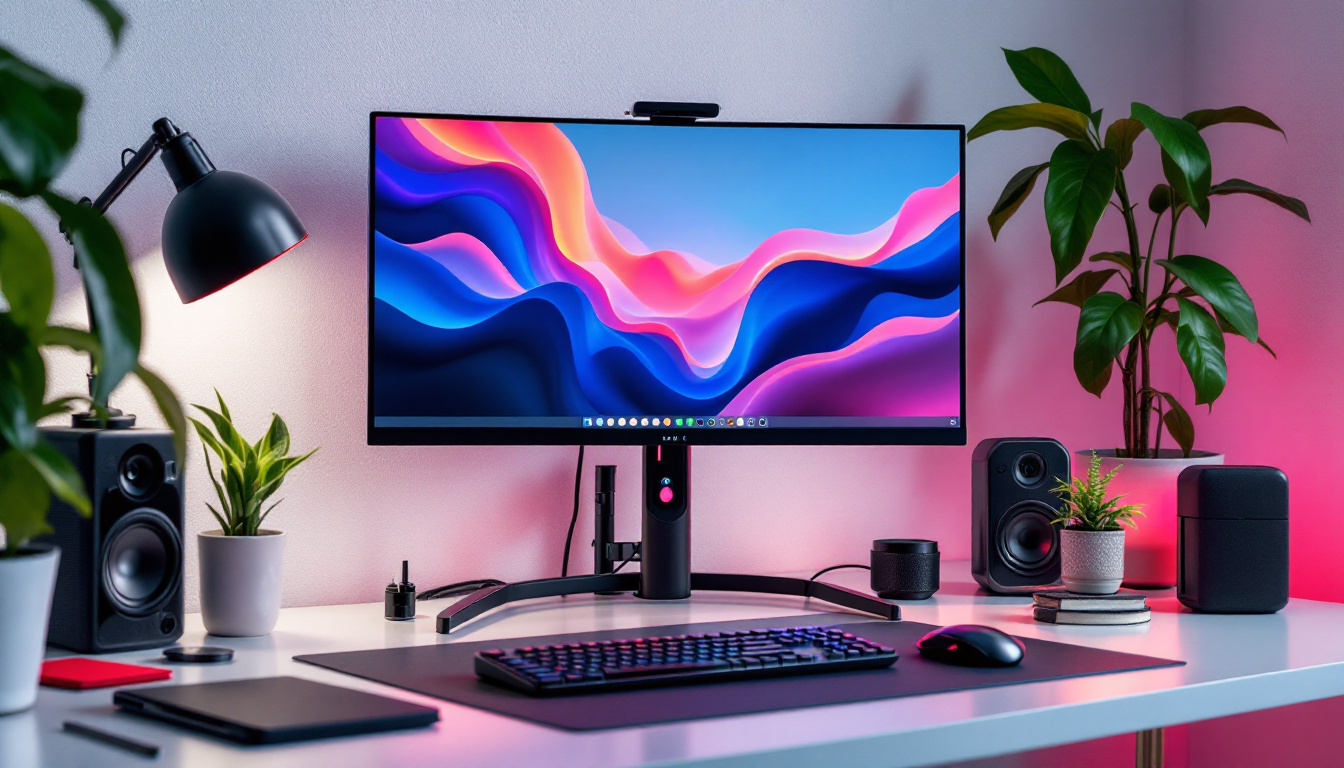
In today’s digital workspace, the combination of ergonomic accessories and advanced display technology has become essential for productivity and comfort. One such accessory is the raised computer monitor stand, which, when paired with modern LED displays, can transform your workstation into an efficient and health-conscious environment. This article explores the benefits of raised monitor stands, the technology behind LED displays, and how their integration can enhance your computing experience.
Understanding Raised Computer Monitor Stands
What Is a Raised Monitor Stand?
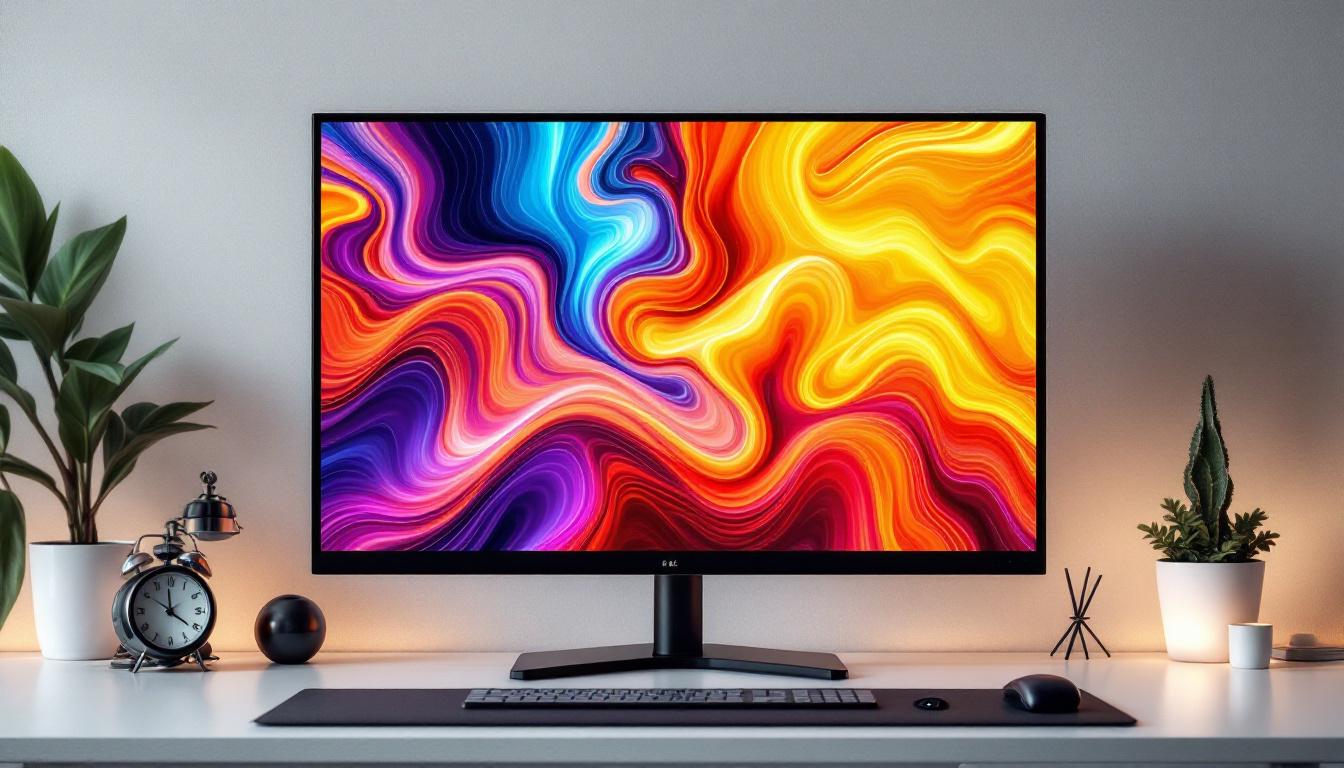
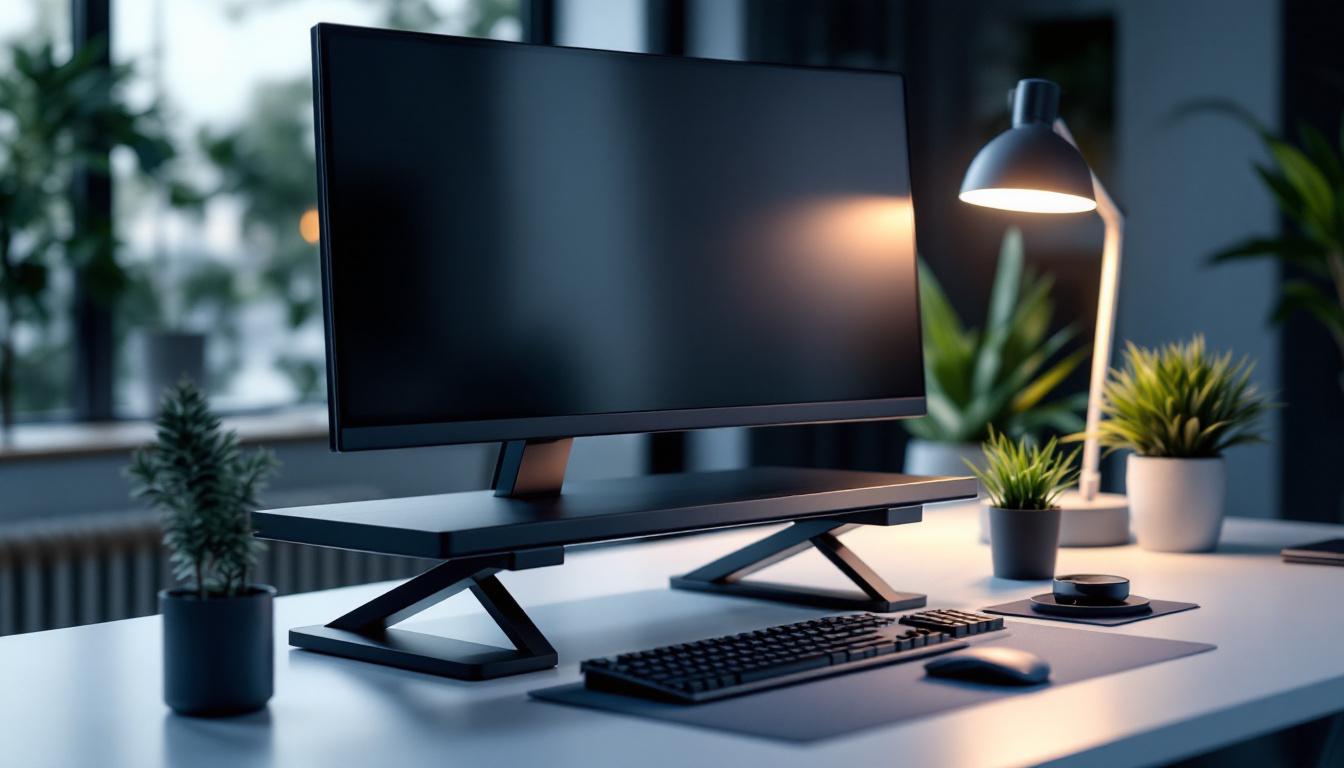
A raised computer monitor stand is a platform designed to elevate your monitor above the desk surface. Typically adjustable or fixed, these stands help position the screen at eye level, reducing strain on the neck and shoulders. They come in various materials such as wood, metal, or plastic, and some models include additional features like storage compartments or cable management systems.
With the increasing amount of time spent in front of screens, maintaining proper posture is crucial. According to the American Optometric Association, improper monitor height can lead to eye strain, headaches, and musculoskeletal problems. A raised monitor stand addresses these issues by promoting ergonomic alignment. Furthermore, many stands are designed with aesthetics in mind, allowing them to blend seamlessly into any office decor, whether modern or traditional.
Benefits of Using a Raised Monitor Stand
Ergonomics is the primary driver behind the use of raised monitor stands. By elevating the monitor to the correct height, users can maintain a neutral neck position, which reduces fatigue and discomfort during prolonged computer use. Additionally, raised stands can free up valuable desk space, allowing for better organization and a cleaner workspace. This decluttering effect can also have a positive impact on mental clarity, as a tidy environment often fosters productivity and creativity.
Studies have shown that ergonomic interventions, including proper monitor placement, can reduce work-related musculoskeletal disorders by up to 25%. This improvement not only enhances comfort but also boosts productivity by minimizing distractions caused by physical discomfort. Moreover, a well-organized workspace can lead to improved workflow, as essential tools and documents are easily accessible, reducing the time spent searching for items.
Types of Raised Monitor Stands
Raised monitor stands come in several varieties to suit different needs:
- Fixed Stands: Simple platforms without height adjustment, ideal for users with a consistent setup.
- Adjustable Stands: Allow users to change the height and sometimes the angle of the monitor for personalized ergonomics.
- Monitor Arms: Flexible mounts attached to the desk or wall, offering extensive adjustability and freeing up desk space.
- Multi-tier Stands: Provide additional shelves for keyboards, laptops, or office supplies, maximizing desk organization.
In addition to these basic types, there are also specialized stands designed for specific environments or uses. For instance, some stands are tailored for gaming setups, featuring RGB lighting and extra space for gaming accessories, while others are designed for compact workspaces, incorporating foldable features for easy storage. Furthermore, some models are equipped with built-in wireless charging pads or USB hubs, enhancing functionality and convenience for tech-savvy users.
When selecting a raised monitor stand, it’s essential to consider factors such as the weight of your monitor, the overall height adjustment range, and any additional features that may benefit your specific work habits. Investing in a high-quality stand can lead to long-term health benefits and increased comfort, making it a worthwhile addition to any workstation.
LED Display Technology: A Modern Standard
What Is an LED Display?
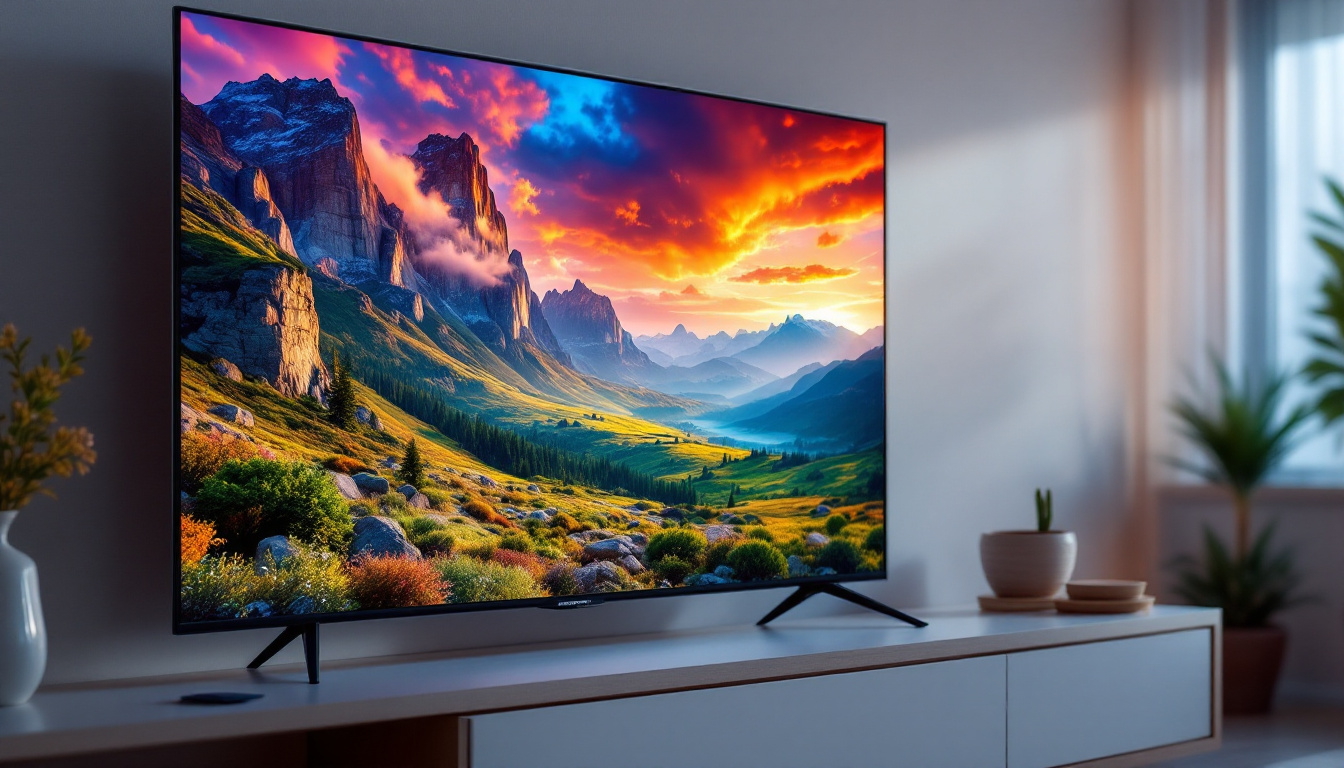
LED (Light Emitting Diode) displays are a type of screen technology that uses tiny diodes to emit light and create images. Unlike older LCD screens that rely on fluorescent backlighting, LED displays use LEDs for backlighting, resulting in better brightness, contrast, and energy efficiency.
The evolution of LED technology has led to various forms, including:
- Edge-lit LED: LEDs placed along the edges of the screen.
- Direct-lit LED: LEDs distributed evenly behind the screen.
- OLED (Organic LED): A newer technology where each pixel emits its own light, allowing for deeper blacks and more vibrant colors.
Advantages of LED Displays
LED displays have become the standard for computer monitors due to several key advantages:
- Energy Efficiency: LED backlighting consumes less power than traditional fluorescent lighting, reducing electricity costs and environmental impact.
- Improved Image Quality: LEDs provide higher contrast ratios and better color accuracy, enhancing visual clarity and reducing eye strain.
- Thin and Lightweight Design: The compact nature of LEDs allows for slimmer monitors, saving desk space and improving aesthetics.
- Longevity: LED displays typically have longer lifespans, often exceeding 50,000 hours of use.
LED Displays and Eye Health
Modern LED monitors often come equipped with features aimed at reducing eye strain, such as flicker-free technology and blue light filters. Blue light exposure has been linked to digital eye strain and sleep disturbances, making these features especially important for users who spend many hours in front of screens.
According to a 2021 study published in the Journal of Ophthalmology, monitors with blue light reduction technology can significantly decrease symptoms of eye fatigue and dryness, contributing to better overall eye health.
Integrating Raised Monitor Stands with LED Displays
Why Combine These Two Technologies?
The synergy between raised monitor stands and LED displays offers a comprehensive solution for ergonomic and visual comfort. While LED displays provide superior image quality and energy efficiency, raised stands ensure that the display is positioned correctly for prolonged use.
Combining these technologies helps mitigate common issues such as neck strain and eye fatigue, which are prevalent among office workers and gamers alike. This integration supports both physical health and productivity.
Choosing the Right Raised Stand for Your LED Monitor
When selecting a raised monitor stand for an LED display, consider the following factors:
- Weight Capacity: LED monitors vary in weight; ensure the stand can support your specific model safely.
- Height Adjustability: Adjustable stands offer flexibility to find the optimal eye-level position.
- Surface Area: The stand should accommodate the base of your monitor securely without wobbling.
- Additional Features: Look for stands with cable management, storage options, or anti-slip surfaces for enhanced usability.
For example, a 27-inch LED monitor weighing approximately 8 pounds requires a stand rated for at least 10 pounds to ensure stability and safety.
Setting Up Your Workspace
Proper setup is critical to maximize the benefits of a raised monitor stand and LED display. Follow these ergonomic guidelines:
- Eye Level: The top of the monitor screen should be at or slightly below eye level.
- Viewing Distance: Position the monitor about an arm’s length (20-30 inches) away from your eyes.
- Screen Angle: Tilt the monitor slightly upward (10-20 degrees) to reduce glare and maintain a natural head position.
- Lighting: Use ambient lighting to avoid reflections on the screen, which can cause eye strain.
Practical Applications and User Experiences
Office Environments
In corporate settings, ergonomic workstations are increasingly prioritized to reduce absenteeism and improve employee well-being. Companies investing in raised monitor stands and LED displays report higher employee satisfaction and productivity. For instance, a 2022 survey by the Occupational Safety and Health Administration (OSHA) found that 68% of workers experienced less discomfort when using ergonomic accessories, including monitor stands.
Moreover, LED monitors’ energy efficiency aligns with corporate sustainability goals, helping organizations reduce their carbon footprint.
Gaming and Creative Workstations
Gamers and creative professionals benefit significantly from the combination of raised stands and LED displays. High refresh rates and vivid colors of LED monitors enhance gaming experiences and graphic design accuracy. Meanwhile, raised stands help maintain posture during extended sessions, preventing fatigue and improving focus.
Popular gaming setups often feature adjustable monitor arms with LED displays that support 144Hz or higher refresh rates, enabling smooth visuals and quick response times.
Remote Work and Home Offices
The surge in remote work has prompted many to upgrade their home offices. Raised monitor stands are an affordable and effective way to improve ergonomics without investing in a full desk overhaul. Paired with LED monitors, they create a comfortable and visually appealing workspace that supports long hours of virtual meetings and multitasking.
According to a 2023 report by the International Workplace Group, 74% of remote workers consider ergonomic equipment essential for maintaining productivity at home.
Maintenance and Care for Monitor Stands and LED Displays
Cleaning and Upkeep
Maintaining your raised monitor stand and LED display ensures longevity and optimal performance. Clean the monitor screen regularly with a microfiber cloth and a screen-safe cleaner to avoid scratches and dust buildup. For the stand, wipe down surfaces with a damp cloth and avoid harsh chemicals that could damage materials.
Regular Adjustments and Inspections
Periodically check the stability of your monitor stand, especially if it is adjustable or has moving parts. Tighten screws and inspect for wear to prevent accidents. For LED displays, keep firmware updated if applicable, and monitor brightness and color settings to reduce eye strain over time.
Future Trends in Monitor Stands and LED Displays
Smart Monitor Stands
Emerging technologies are leading to the development of smart monitor stands equipped with sensors that automatically adjust height based on user posture or time of day. These innovations aim to further reduce ergonomic risks and enhance user convenience.
Advancements in Display Technology
LED technology continues to evolve with the rise of microLED and quantum dot displays, which promise even better color accuracy, brightness, and energy efficiency. These advancements will complement ergonomic accessories like raised stands to create the ultimate user experience.
Conclusion
The raised computer monitor stand and LED display together represent a powerful combination for creating a comfortable, efficient, and health-conscious workspace. By understanding the benefits and proper integration of these technologies, users can significantly improve their posture, reduce eye strain, and enhance overall productivity. Whether in professional offices, gaming setups, or home offices, investing in ergonomic accessories and advanced display technology is a smart choice for long-term well-being and performance.
Enhance Your Workspace with LumenMatrix
Ready to elevate your digital workspace with the ultimate ergonomic and visual comfort? Discover LumenMatrix’s innovative LED display solutions, designed to transform your professional office, gaming setup, or home office into a captivating visual environment. From Indoor and Outdoor LED Wall Displays to specialized solutions like Vehicle and Sports Displays, LumenMatrix is committed to revolutionizing your visual communication. Check out LumenMatrix LED Display Solutions today and experience the difference in engagement and clarity that our technology can bring to your space.