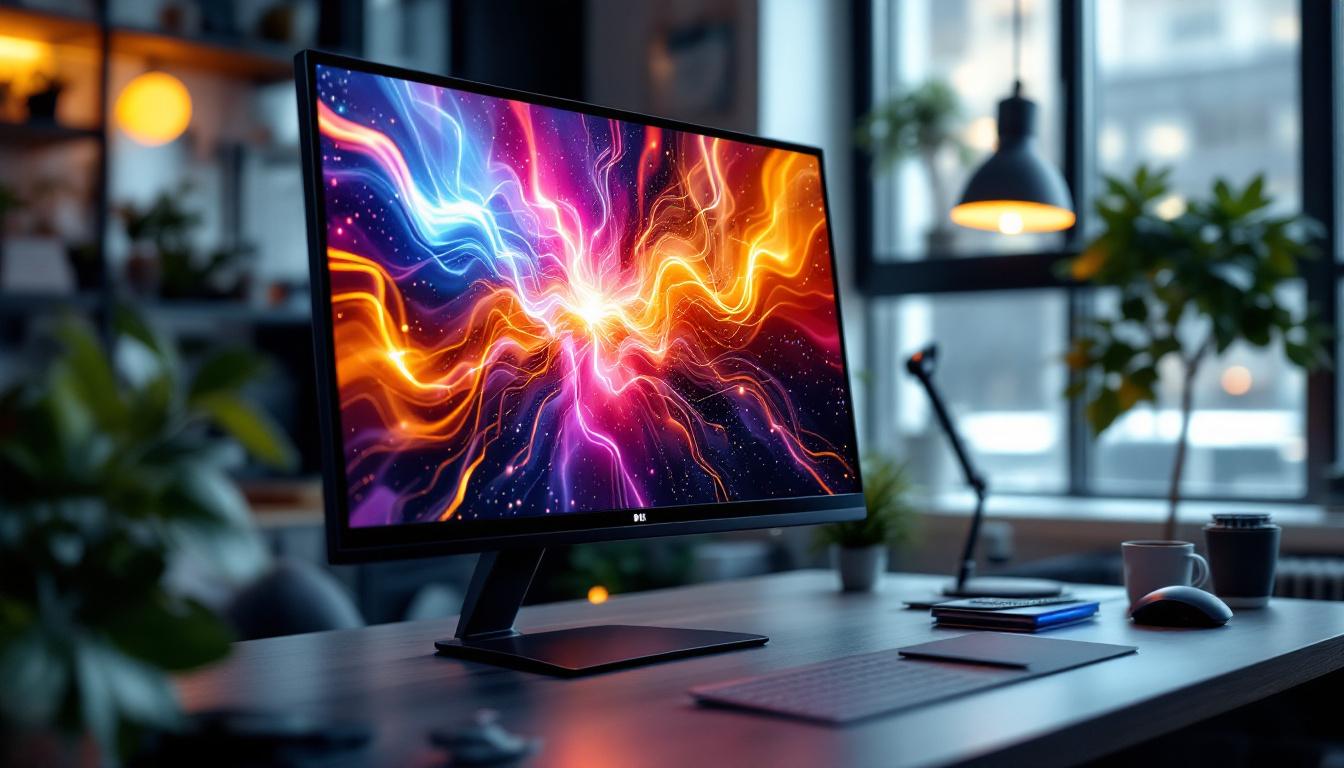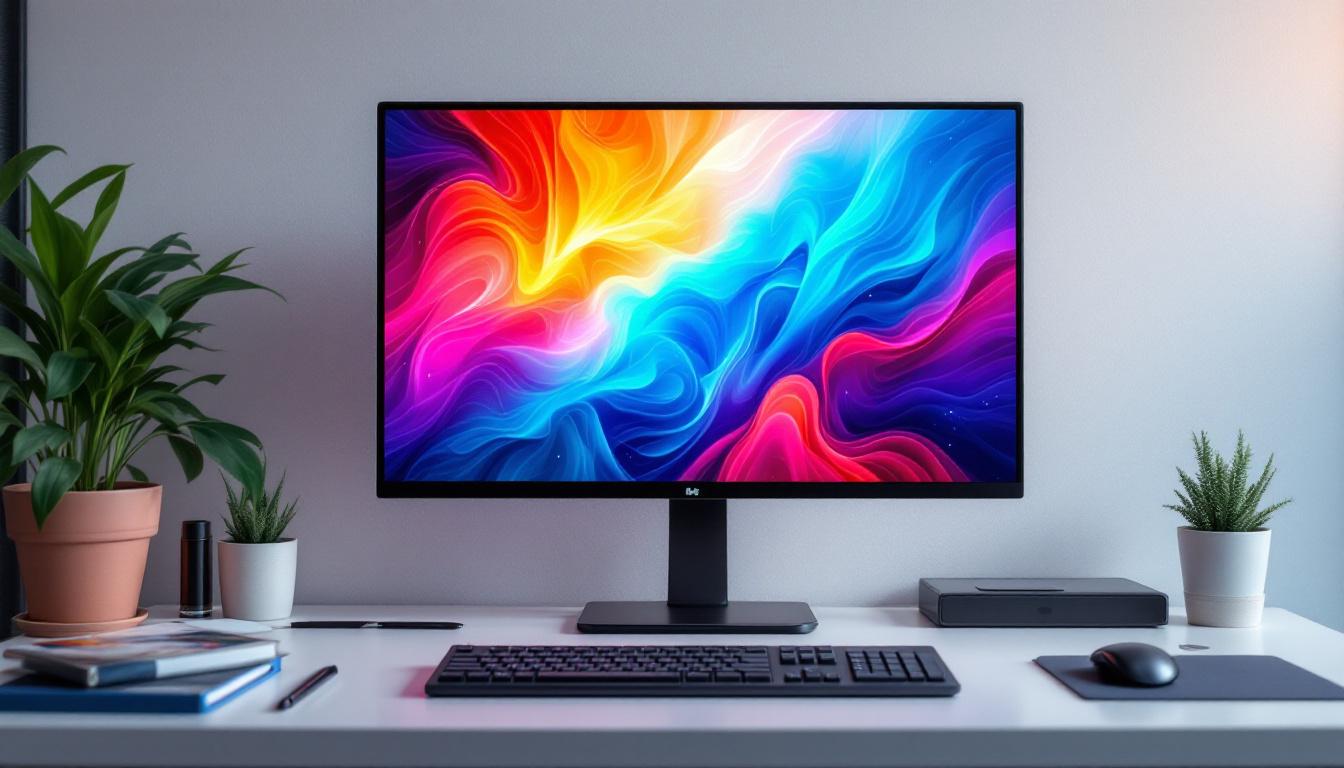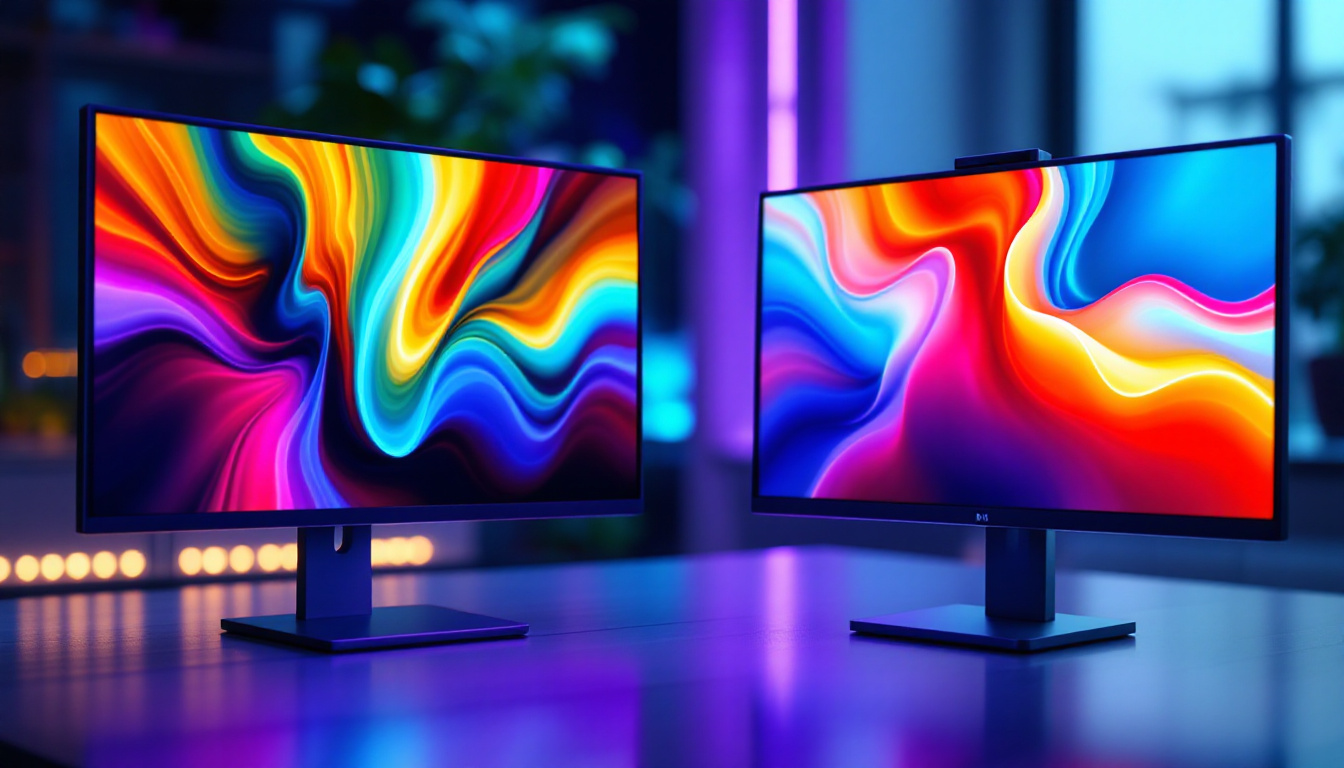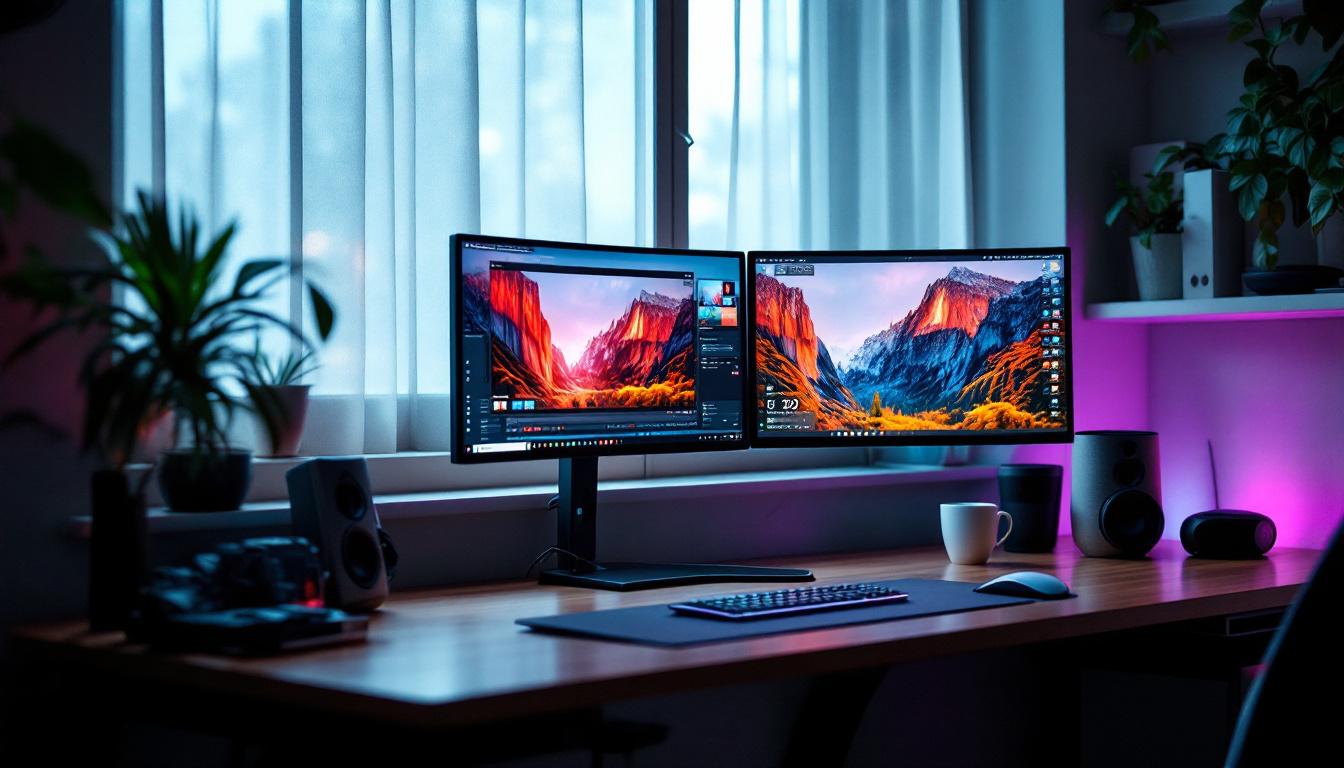
In today’s fast-paced digital environment, optimizing workspace efficiency is more important than ever. Dual monitor setups have become a staple for professionals, gamers, and creatives alike, offering enhanced productivity and immersive experiences. Among the various mounting solutions, the corner dual monitor stand stands out as a versatile and ergonomic choice, particularly when paired with LED displays. This article delves into the nuances of corner dual monitor stands, their compatibility with LED displays, and why this combination is rapidly gaining popularity.
Understanding Corner Dual Monitor Stands
A corner dual monitor stand is a specialized mounting solution designed to hold two monitors at an angle, typically forming a 90-degree setup that fits snugly into a corner. Unlike traditional side-by-side mounts, corner stands maximize desk space by utilizing often underused corner areas, making them ideal for compact or home office setups.
These stands come in various designs, from fixed-angle mounts to fully adjustable arms that allow users to tilt, swivel, and rotate their monitors. The flexibility offered by these stands supports ergonomic positioning, reducing neck and eye strain during extended computer use. Some models even incorporate integrated cable management systems, helping to keep your workspace tidy and organized by concealing unsightly cables and cords, which can often clutter a desk and detract from the overall aesthetic.
Why Choose a Corner Dual Monitor Stand?
One of the primary benefits of corner dual monitor stands is their space-saving design. For users with limited desk real estate, such as those in small apartments or shared workspaces, the ability to tuck monitors into a corner frees up valuable surface area for other essentials. This can be particularly advantageous for multitaskers who may need to juggle between paperwork, a laptop, and other office supplies. Furthermore, corner stands can also create a more immersive workspace, allowing for a wider field of view that enhances productivity, especially for tasks that require extensive data analysis or graphic design work.
Additionally, corner stands facilitate a more natural viewing angle. By positioning monitors at a slight inward angle, users can maintain better posture and reduce the need to turn their heads excessively. This ergonomic advantage is supported by studies indicating that proper monitor alignment can decrease musculoskeletal discomfort by up to 25%. Moreover, the ability to adjust the height of the monitors can further enhance comfort, allowing users to align their screens with eye level, which is essential for reducing strain on the eyes and neck over long periods of use.
Materials and Build Quality
Quality corner dual monitor stands are typically constructed from durable materials like steel or aluminum, ensuring stability and longevity. The build quality also influences the stand’s weight capacity, which is crucial when pairing with heavier LED monitors. Many stands support monitors weighing up to 17.6 lbs (8 kg) each, accommodating a broad range of LED display sizes. In addition to strength, many manufacturers also prioritize aesthetics, offering stands in various finishes such as matte black, silver, or even wood grain to complement different office decors.
Moreover, some advanced models feature gas spring mechanisms, allowing for effortless height adjustments with just a gentle touch. This feature is particularly beneficial for teams that share workspaces, as it enables quick and easy customization for different users. Additionally, the inclusion of VESA compatibility in most stands ensures that they can accommodate a wide variety of monitor brands and sizes, making them a versatile choice for any setup. As remote work becomes increasingly prevalent, investing in a quality corner dual monitor stand can significantly enhance both comfort and efficiency in a home office environment.
LED Displays: Features and Benefits
LED (Light Emitting Diode) displays have revolutionized screen technology, offering superior brightness, energy efficiency, and color accuracy compared to older LCD and CCFL-backlit monitors. Their widespread adoption in dual monitor setups is no coincidence.
Brightness and Energy Efficiency
LED displays provide brighter images with higher contrast ratios, making text and graphics clearer and more vivid. This is particularly beneficial in environments with variable lighting conditions, such as offices with large windows or rooms with overhead lighting.
Moreover, LED technology consumes significantly less power than traditional backlighting methods, reducing electricity costs and environmental impact. According to the U.S. Department of Energy, LED-backlit monitors use up to 30% less energy than CCFL-backlit counterparts.
Color Accuracy and Viewing Angles
For professionals in graphic design, video editing, or any field requiring precise color representation, LED displays offer enhanced color accuracy and consistency. Many modern LED monitors support wide color gamuts such as sRGB and AdobeRGB, ensuring that what appears on screen closely matches real-world colors.
Additionally, LED panels often feature improved viewing angles, meaning colors and brightness remain consistent even when viewed from the side. This characteristic complements corner dual monitor setups, where monitors are angled toward the user but not always directly in front.
Integrating LED Displays with Corner Dual Monitor Stands
The synergy between LED displays and corner dual monitor stands creates an optimized workspace that balances aesthetics, ergonomics, and functionality. However, successful integration requires attention to several factors.
Monitor Size and Weight Compatibility
When selecting a corner dual monitor stand, it’s essential to verify the maximum supported monitor size and weight. LED monitors vary widely, with common sizes ranging from 21 to 32 inches. Larger displays generally weigh more, so the stand must accommodate this to maintain stability and prevent damage.
For example, a corner dual monitor stand rated for up to 27-inch monitors and 17.6 lbs per arm would be suitable for most mid-sized LED displays but might struggle with heavier 32-inch models. Always consult the manufacturer’s specifications before purchase.
VESA Mounting Standards
Most LED monitors support VESA mounting, a standardized hole pattern on the back of the display that allows for secure attachment to monitor stands. Common VESA sizes include 75×75 mm and 100×100 mm. Ensuring that both the LED monitors and the corner dual monitor stand adhere to compatible VESA standards is crucial for a seamless setup.
Adjustability and Ergonomics
One of the key advantages of corner dual monitor stands is their adjustability. Look for stands offering tilt, swivel, and height adjustment to tailor the monitor position to individual ergonomic needs. This flexibility is particularly important when using LED displays, as their brightness and color settings may require specific viewing angles for optimal comfort.
Height adjustability also helps align the top of the monitor screen at or slightly below eye level, a recommendation supported by ergonomic experts to reduce neck strain.
Practical Applications and Use Cases
Corner dual monitor stands paired with LED displays cater to a diverse range of users, each benefiting uniquely from this setup.
Professional Workstations
In industries such as finance, software development, and content creation, dual monitors enhance multitasking capabilities. Traders, for example, can monitor multiple data streams simultaneously, while developers can code on one screen and test applications on another. The corner dual monitor stand helps maintain an organized and ergonomic workspace, reducing fatigue during long work hours.
Creative and Design Studios
Graphic designers, video editors, and photographers benefit from the color accuracy and sharpness of LED displays. The corner dual monitor stand allows these professionals to position their screens at optimal angles, facilitating detailed work without compromising on desk space.
Gaming Setups
Gamers increasingly adopt dual monitor configurations to enhance immersion and communication. One screen can display the game, while the other handles chat, streaming software, or system monitoring tools. The corner dual monitor stand’s adjustability supports comfortable viewing angles during extended gaming sessions, and the LED displays deliver vivid visuals with fast response times.
Installation Tips for a Seamless Setup
Proper installation of a corner dual monitor stand with LED displays ensures safety, stability, and usability. Here are some best practices:
Step 1: Assess Your Workspace
Measure the available corner desk space to confirm the stand and monitors will fit comfortably. Consider cable management options and proximity to power outlets.
Step 2: Verify Monitor Specifications
Check the weight, size, and VESA compatibility of your LED monitors. Confirm that the stand supports these specifications to avoid stability issues.
Step 3: Assemble the Stand Carefully
Follow the manufacturer’s instructions meticulously. Use the provided tools and hardware to ensure a secure assembly. Double-check all screws and joints for tightness.
Step 4: Mount the Monitors
Attach the monitors to the stand using the VESA mounts. It’s advisable to have a second person assist with this step, especially with larger or heavier displays.
Step 5: Adjust and Calibrate
Position the monitors at comfortable angles and heights. Calibrate the LED displays for brightness, contrast, and color settings to suit your environment and preferences.
Maintaining Your Corner Dual Monitor Setup
Regular maintenance ensures longevity and optimal performance of both the stand and LED displays.
Cleaning and Care
Use a microfiber cloth to clean the LED screens, avoiding harsh chemicals that can damage the display. Dust the stand regularly to prevent buildup that could affect moving parts.
Check for Wear and Stability
Periodically inspect the stand’s joints and mounting points for signs of wear or loosening. Tighten screws as needed to maintain stability.
Software Updates and Calibration
Keep your monitor’s firmware and graphics drivers up to date to benefit from performance improvements and bug fixes. Recalibrate color settings if you notice any drift over time.
Conclusion: The Future of Dual Monitor Workspaces
The combination of corner dual monitor stands and LED displays represents a thoughtful evolution in workspace design, blending ergonomic principles with cutting-edge technology. As remote work and digital multitasking continue to rise, investing in a setup that maximizes comfort, efficiency, and visual quality becomes increasingly valuable.
By understanding the features, benefits, and installation considerations outlined above, users can create a productive and visually stunning environment tailored to their unique needs. Whether for professional, creative, or recreational use, this setup offers a compelling solution for modern computing demands.
Enhance Your Workspace with LumenMatrix
Ready to take your dual monitor workspace to the next level? LumenMatrix is at the forefront of LED display innovation, offering a wide array of solutions that transform any environment into a dynamic and engaging space. From the immersive Indoor LED Wall Display to the vibrant Outdoor LED Wall Display, and from the versatile All-in-One LED Display to the stunning LED Transparent Display, LumenMatrix has the perfect LED solution to complement your corner dual monitor stand. Elevate your visual experience and discover how our cutting-edge technology can amplify your brand’s message. Check out LumenMatrix LED Display Solutions today and revolutionize the way you communicate visually.