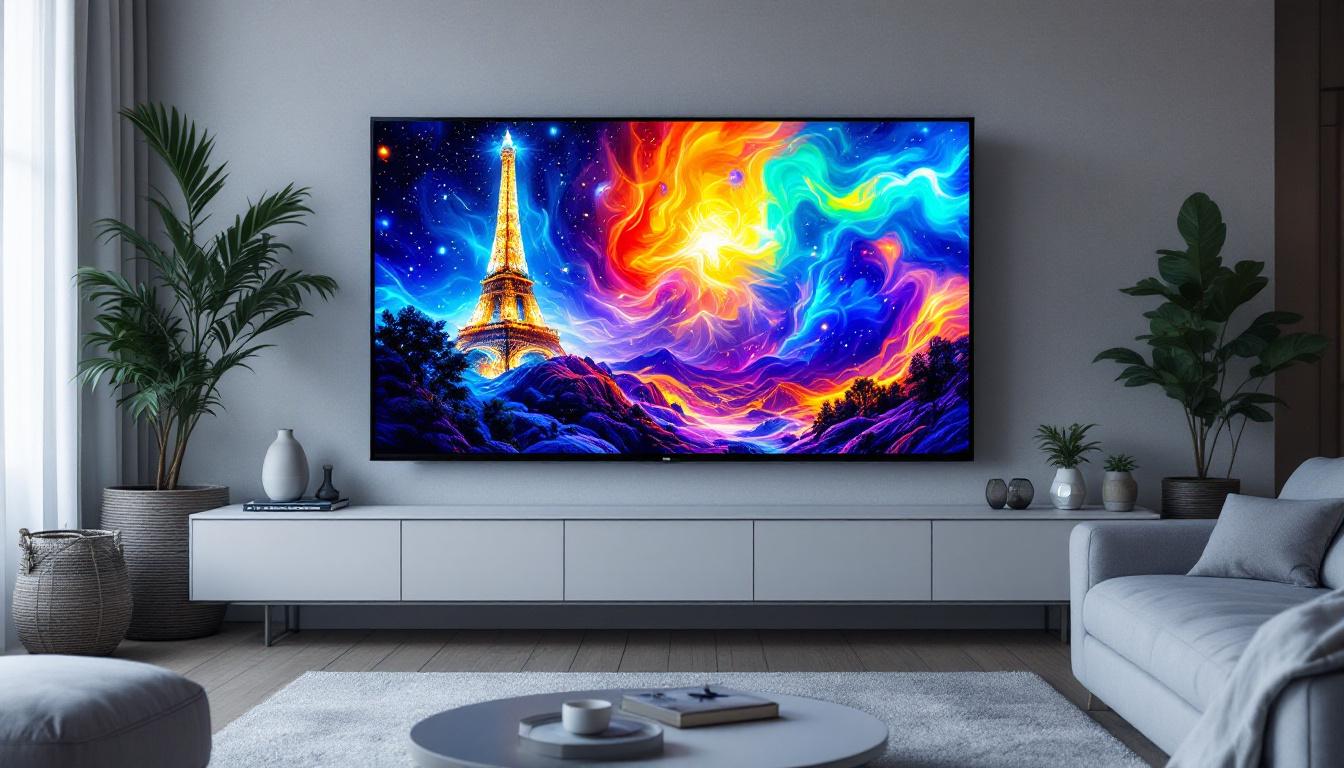
In today’s digital world, screens are everywhere—from smartphones and laptops to televisions and large public displays. Among the various display technologies, LCD and LED screens dominate the market, each offering unique advantages and applications. Understanding the differences between LCD and LED displays, as well as the significance of screen sizes, is essential for consumers, businesses, and tech enthusiasts alike. This article delves into the intricacies of LCD screen sizes and LED display technology, providing a comprehensive guide to help you make informed decisions.
Understanding LCD and LED Display Technologies
What is an LCD Screen?
LCD stands for Liquid Crystal Display. It is a flat-panel display technology that uses liquid crystals sandwiched between two layers of glass or plastic. These crystals do not emit light directly; instead, they manipulate light to create images on the screen. An LCD screen requires a backlight to illuminate the display, which is where LED technology often comes into play.
Liquid crystals react to electric currents by aligning themselves to block or allow light to pass through. This process forms the images you see on the screen. LCDs have been widely used in monitors, televisions, smartphones, and other devices due to their relatively low power consumption and sharp image quality. The technology has evolved significantly since its inception, with advancements leading to improved color accuracy and faster response times, making them suitable for a variety of applications, from gaming to professional graphic design.
Moreover, the manufacturing process of LCDs has become more refined, allowing for thinner panels that can be seamlessly integrated into modern devices. The introduction of features like wide viewing angles and high refresh rates has further enhanced the user experience, making LCDs a popular choice for consumers seeking high-quality visual performance without breaking the bank.
How Does an LED Display Differ?
LED stands for Light Emitting Diode. In the context of displays, LED refers to the type of backlighting used in LCD screens. Traditional LCD screens used Cold Cathode Fluorescent Lamps (CCFLs) as backlights, but modern LCDs use LEDs, which are more energy-efficient, thinner, and capable of producing better brightness and contrast.
It’s important to note that when people say “LED TV” or “LED display,” they are typically referring to an LCD screen with LED backlighting, not a fundamentally different screen technology. There are also OLED (Organic LED) displays, which differ significantly from LCDs, but that is a separate category. The use of LEDs allows for localized dimming, which enhances the contrast ratio and improves the overall picture quality, especially in darker scenes. This feature is particularly beneficial for watching movies or playing video games, where depth of color and detail can greatly enhance the experience.
Additionally, the flexibility of LED technology has led to the development of various display types, including edge-lit and full-array LED displays. Edge-lit displays are thinner and can be more aesthetically pleasing, while full-array displays provide superior performance in terms of brightness and color uniformity. As display technology continues to advance, the integration of smart features and connectivity options into LED displays has made them even more versatile, catering to the needs of modern consumers who seek both functionality and style in their viewing experiences.
The Importance of Screen Size in LCD Displays
How Screen Size Affects User Experience
Screen size is a critical factor in determining the usability and visual comfort of an LCD display. It is usually measured diagonally from one corner of the screen to the opposite corner, typically in inches. The choice of screen size depends heavily on the intended use case.
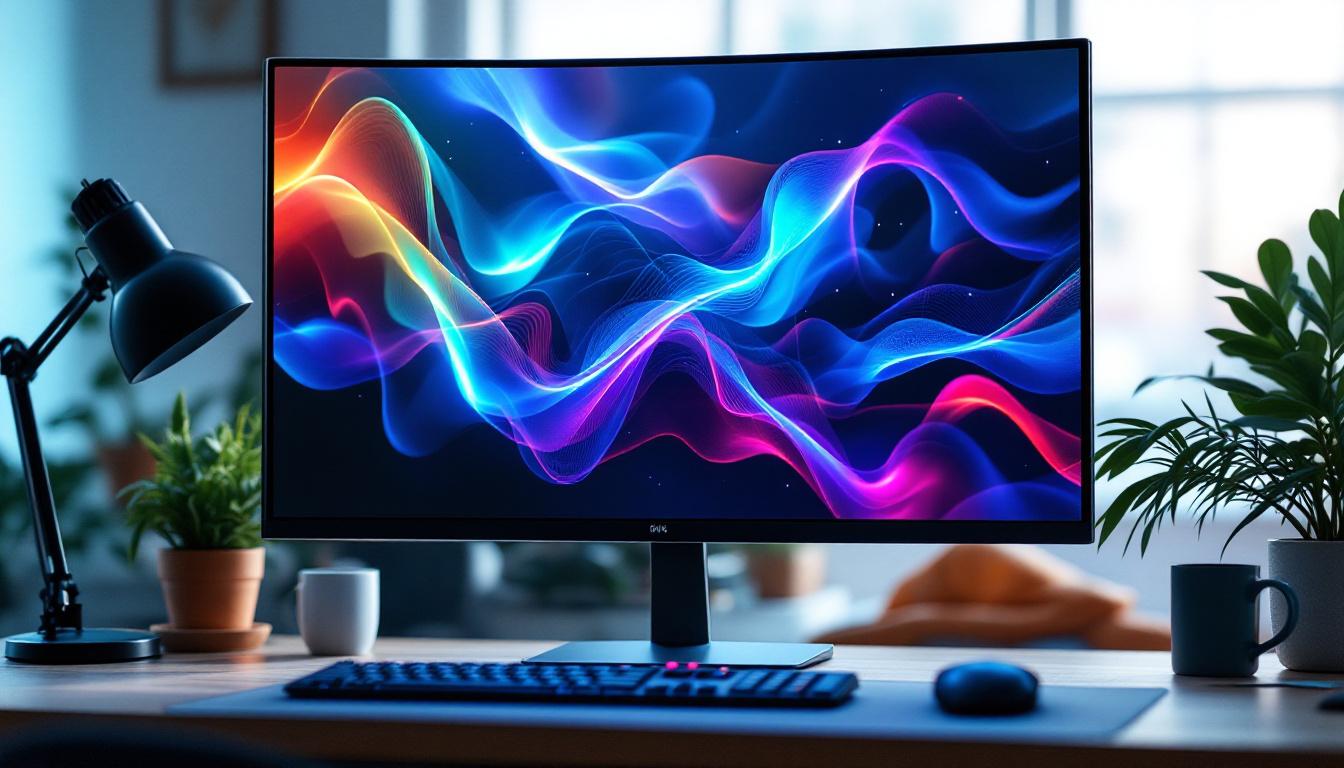
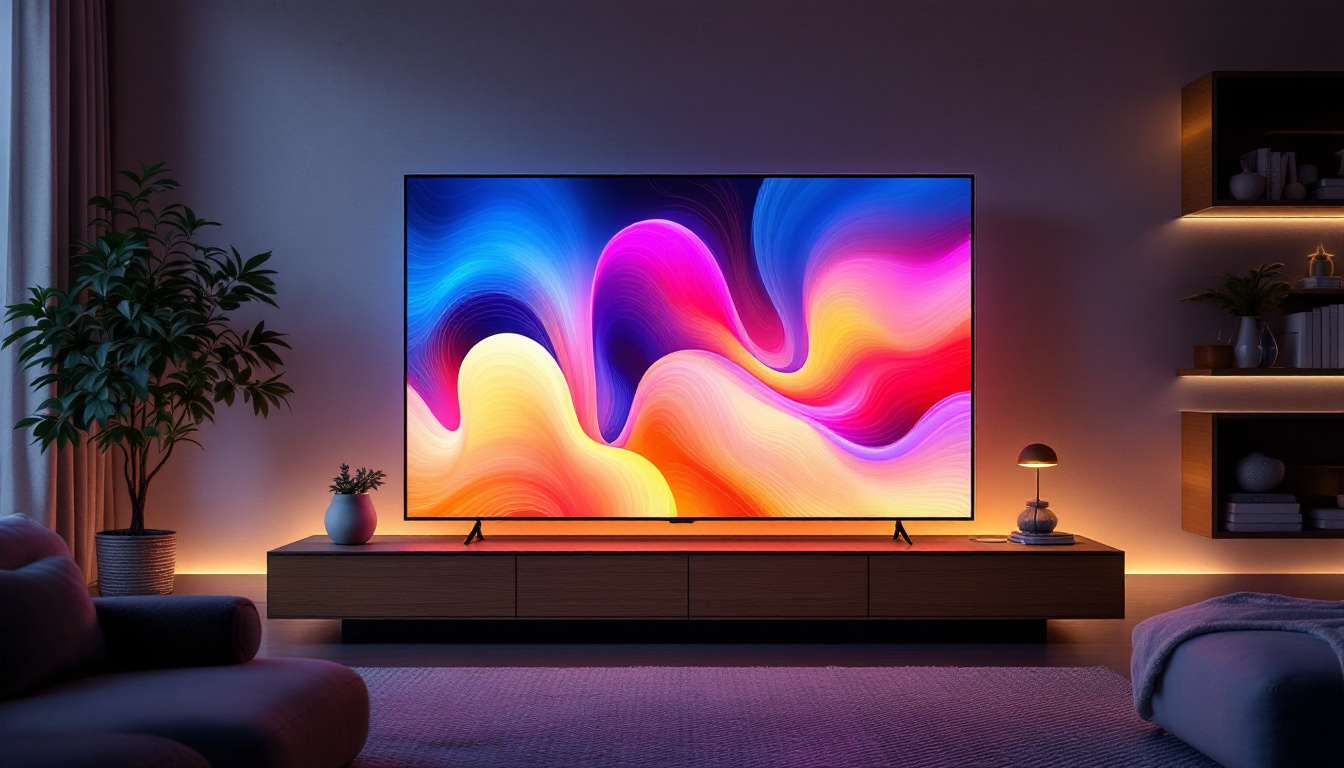
For example, a 24-inch LCD monitor is ideal for office work and general computing, offering a balance between screen real estate and desk space. Conversely, a 55-inch LCD TV is better suited for living rooms where viewers sit farther away. Choosing the right screen size ensures optimal viewing angles, reduces eye strain, and enhances overall satisfaction. Larger screens can provide a more immersive experience, especially for activities such as gaming or watching movies, where detail and clarity are paramount. Additionally, the right screen size can facilitate multitasking, allowing users to have multiple windows open simultaneously without feeling cramped.
Common LCD Screen Sizes and Their Applications
LCD screen sizes vary widely, catering to different needs and environments. Here are some common sizes and their typical uses:
- 10 to 15 inches: Common for tablets, small laptops, and portable monitors.
- 17 to 24 inches: Popular for desktop monitors and budget laptops.
- 27 to 32 inches: Favored by gamers, graphic designers, and professionals needing larger workspaces.
- 40 to 55 inches: Standard for home televisions and conference room displays.
- 65 inches and above: Used for home theaters, digital signage, and commercial displays.
Choosing a screen size also involves considering resolution, pixel density, and viewing distance to ensure the best visual experience. For instance, a higher resolution on a smaller screen can provide sharper images, while a larger screen with lower resolution may result in pixelation when viewed up close. Additionally, the aspect ratio plays a significant role in how content is displayed; widescreen formats are often preferred for movies and gaming, while traditional ratios may be more suitable for standard office applications. As technology advances, the availability of ultra-wide and curved displays is also expanding, offering unique viewing experiences that cater to specific user preferences and needs.
LED Backlighting: Enhancing LCD Screen Performance
Types of LED Backlighting
LED backlighting comes in several configurations, each affecting the display’s brightness, contrast, and energy efficiency:
- Edge-Lit LED: LEDs are placed along the edges of the screen, allowing for thinner panels and lower manufacturing costs. However, edge-lit displays may suffer from uneven brightness and less precise local dimming.
- Direct-Lit LED: LEDs are positioned directly behind the LCD panel, providing more uniform backlighting but resulting in thicker screens.
- Full-Array LED with Local Dimming: A grid of LEDs covers the entire back of the screen, with the ability to dim specific zones independently. This technology offers superior contrast ratios and deeper blacks, enhancing image quality significantly.
Benefits of LED Backlighting Over CCFL
Switching from CCFL to LED backlighting has brought several advantages:
- Energy Efficiency: LEDs consume less power, which reduces electricity costs and extends device battery life.
- Improved Brightness and Contrast: LEDs can achieve higher brightness levels and better contrast ratios, resulting in more vibrant and lifelike images.
- Thinner and Lighter Panels: LED backlights allow manufacturers to produce slimmer and lighter displays, improving portability and aesthetics.
- Longer Lifespan: LEDs generally last longer than CCFLs, reducing maintenance and replacement costs.
Choosing the Right LCD Screen Size and LED Display for Your Needs
Factors to Consider When Selecting Screen Size
Choosing the appropriate LCD screen size involves balancing several factors:
- Viewing Distance: The farther you sit from the screen, the larger the screen size should be to maintain clarity and detail.
- Resolution: Higher resolutions (such as 4K) allow for larger screens without sacrificing image sharpness.
- Space Constraints: Physical space available on desks or walls can limit screen size options.
- Purpose: Gaming, professional work, casual viewing, and digital signage all have different optimal screen sizes.
For instance, a 27-inch 1440p monitor is often recommended for productivity tasks, while a 55-inch 4K TV is ideal for home entertainment.
Understanding LED Display Specifications
When evaluating LED displays, consider the following specifications:
- Brightness: Measured in nits, higher brightness improves visibility in well-lit environments.
- Contrast Ratio: Indicates the difference between the darkest black and the brightest white; higher ratios mean better image depth.
- Color Accuracy: Essential for professional photo and video editing.
- Refresh Rate and Response Time: Important for gaming and fast-moving content to reduce motion blur.
Matching these specs with your usage scenario ensures you get the best performance from your LCD LED display.
Emerging Trends and Innovations in LCD and LED Displays
Mini-LED and Micro-LED Technologies
Recent advancements in LED technology have led to the development of Mini-LED and Micro-LED displays, which promise even better performance than traditional LED-backlit LCDs.
Mini-LED uses thousands of tiny LEDs as backlights, enabling more precise local dimming and improved contrast ratios. This technology is gaining popularity in high-end monitors and TVs, offering near-OLED levels of picture quality without the risk of burn-in.
Micro-LED goes a step further by using microscopic LEDs that emit their own light, eliminating the need for an LCD panel altogether. This results in displays with exceptional brightness, color accuracy, and energy efficiency. While still emerging, Micro-LED is poised to revolutionize the display market in the coming years.
Impact of Screen Size and LED Technology on Energy Consumption
Energy efficiency is a growing concern for both consumers and businesses. Larger screens naturally consume more power, but LED backlighting and newer technologies help mitigate this impact. For example, a 65-inch LED-backlit LCD TV can consume up to 30-40% less energy than a similarly sized CCFL-backlit model.
Additionally, features like automatic brightness adjustment and local dimming contribute to reducing overall energy consumption. Choosing energy-efficient displays not only lowers electricity bills but also supports environmental sustainability efforts.
Conclusion: Making an Informed Choice
Understanding the relationship between LCD screen sizes and LED display technology is crucial for selecting the right device for your needs. Whether you’re buying a monitor for work, a TV for entertainment, or a digital signage solution for your business, considering screen size, LED backlighting type, and display specifications will ensure you get the best value and performance.
As display technologies continue to evolve with innovations like Mini-LED and Micro-LED, consumers can expect even more vibrant, energy-efficient, and versatile screens in the near future. Staying informed about these developments will help you make smarter purchasing decisions and enjoy an enhanced viewing experience.
Discover the Future of Visual Display with LumenMatrix
Ready to experience the ultimate in LED display technology? LumenMatrix is at the forefront of innovation, offering a wide array of LED display solutions tailored to your needs. From mesmerizing Indoor LED Walls to dynamic Outdoor LED Displays, and from versatile Vehicle LED Displays to sleek LED Poster Displays, we have it all. Elevate your space with our LED Sports Displays, Floor LED Displays, and Custom LED options, or streamline with our All-in-One LED Displays and LED Transparent Displays. Embrace the revolution in visual communication and let your brand shine. Check out LumenMatrix LED Display Solutions today and transform your visual engagement.