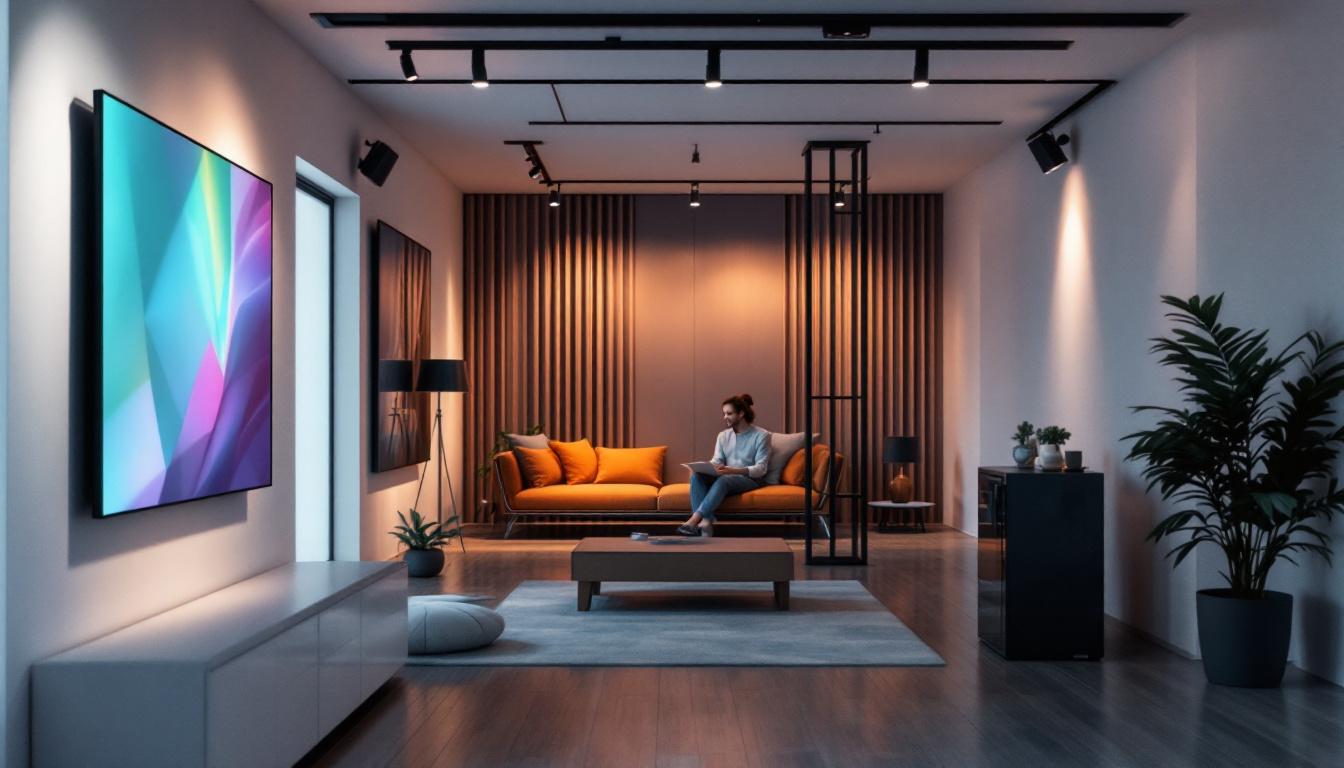
In the world of architectural design and interior lighting, precision and flexibility are paramount. Track lighting systems have become a staple in both commercial and residential projects due to their adaptability and modern aesthetic. When it comes to integrating these systems into Building Information Modeling (BIM) workflows, Revit families play a crucial role. This article delves into the specifics of track lighting Revit families, with a particular focus on LED displays — a popular and energy-efficient lighting solution.
Understanding Track Lighting in Architectural Design
Track lighting offers a versatile method of illuminating spaces, allowing designers to direct light exactly where it’s needed. Unlike fixed lighting fixtures, track lighting can be adjusted, repositioned, or expanded with ease, making it ideal for dynamic environments such as retail stores, galleries, offices, and modern homes.
LED technology has revolutionized track lighting by providing brighter illumination with significantly lower energy consumption and longer lifespan compared to traditional incandescent or halogen bulbs. This shift towards LED has also influenced how lighting components are modeled and specified within digital design tools like Revit.
The Role of Track Lighting in Modern Spaces
Track lighting systems are prized for their flexibility. In commercial settings, they highlight merchandise or artwork, enhancing visual appeal and customer experience. In residential applications, they serve both functional and decorative purposes, from task lighting in kitchens to accent lighting in living rooms.
LED track lighting, in particular, supports a wide range of color temperatures and dimming capabilities, enabling designers to create ambiance and mood tailored to specific environments. This adaptability is a key reason why LED track lighting has seen a market growth rate exceeding 10% annually worldwide, according to recent industry reports.
Moreover, the design of track lighting systems has evolved to include various styles and finishes, allowing them to seamlessly blend with different architectural aesthetics. From sleek, minimalist designs that complement contemporary interiors to more ornate styles that enhance traditional spaces, track lighting can be customized to suit any design vision. Additionally, many systems now offer smart technology integration, allowing users to control lighting through mobile apps or voice commands, further enhancing the user experience and convenience.
In terms of installation, track lighting can be mounted on ceilings or walls, providing even more versatility in how spaces are illuminated. This adaptability not only makes it easier to achieve the desired lighting effect but also allows for creative arrangements that can transform the look and feel of a space. For instance, in a gallery setting, track lighting can be strategically positioned to create dramatic shadows and highlights, drawing attention to specific artworks while maintaining an overall cohesive design. As designers continue to explore innovative applications for track lighting, its role in architectural design is likely to expand even further, making it an essential consideration for any modern project.
What is a Revit Family and Why It Matters for Track Lighting
Revit families are parametric models that represent real-world building components within Autodesk Revit software. These families contain detailed geometric and data information, enabling architects, engineers, and designers to accurately plan, visualize, and coordinate building elements.
For lighting designers and BIM coordinators, having precise Revit families for track lighting fixtures is essential. These families not only depict the physical appearance of the lighting but also embed crucial technical data such as wattage, lumens, color temperature, mounting details, and electrical connections.
Types of Revit Families Relevant to Track Lighting
Track lighting Revit families typically fall into three categories:
- System Families: These are built into Revit and include basic lighting fixtures but lack customization flexibility.
- Loadable Families: Custom models created or imported into Revit, offering detailed geometry and parameters tailored to specific manufacturers or project needs.
- In-Place Families: Unique, project-specific models created directly within a project file, often for highly customized lighting solutions.
For LED track lighting, loadable families are most common, as they allow designers to incorporate manufacturer-specific details and ensure coordination with electrical and mechanical systems.
Key Features of LED Track Lighting Revit Families
When selecting or creating LED track lighting families in Revit, several features enhance their usefulness and accuracy within a BIM workflow:
Parametric Controls and Flexibility
Parametric families enable users to adjust dimensions, light output, color temperature, and mounting options without needing to replace the entire model. For example, a track head can be rotated or moved along the track length, simulating real-world adjustability.
This flexibility is vital for designers who need to experiment with different lighting layouts or adapt designs to evolving client requirements.
Embedded Photometric Data
Photometric data defines how light is distributed from a fixture, including beam angle, intensity, and spread. Incorporating this data into Revit families allows for accurate lighting analysis and visualization using tools like Autodesk Insight or third-party lighting simulation software.
For LED track lighting, photometric accuracy is crucial because LEDs often have highly directional light output, which impacts how spaces are illuminated and how shadows are cast.
Material and Finish Representation
Realistic visualization is increasingly important in client presentations and design reviews. High-quality Revit families include detailed material parameters that simulate finishes such as matte black, brushed aluminum, or white powder coating.
These visual cues help stakeholders understand the aesthetic impact of lighting choices before installation.
Electrical and Mechanical Integration
LED track lighting families often contain parameters related to electrical load, voltage, and connection types. This data supports coordination with electrical engineers and ensures compliance with building codes and standards.
Additionally, families may include mechanical mounting details, such as track length, connection points, and support structures, facilitating clash detection and installation planning.
How to Use LED Track Lighting Families Effectively in Revit
Maximizing the benefits of LED track lighting families requires an understanding of best practices for their incorporation into Revit projects.
Selecting the Right Family for Your Project
Start by sourcing families from reputable manufacturers or trusted BIM content providers. These families are more likely to include accurate geometry, photometric data, and manufacturer specifications.
When manufacturer-specific families are unavailable, generic LED track lighting families can be customized, but care must be taken to verify data accuracy.
Configuring Parameters to Match Design Intent
Adjust family parameters to reflect the specific lighting scenario. This includes setting the correct wattage, color temperature, beam angle, and mounting height.
Utilizing Revit’s type catalog feature can streamline this process by allowing multiple fixture variants within a single family file, enabling quick switching between options.
Integrating with Lighting Analysis Tools
For projects requiring detailed lighting performance evaluation, export photometric data from Revit families into lighting simulation software. This step ensures that the LED track lighting design meets illumination standards and energy efficiency goals.
Some Revit plugins facilitate this integration, automating data transfer and reducing manual input errors.
Coordinating with Other Disciplines
Effective use of LED track lighting families also involves close collaboration with electrical and mechanical teams. Sharing Revit models with embedded electrical parameters helps identify potential conflicts early, avoiding costly onsite adjustments.
Clash detection tools within Revit or Navisworks can highlight issues such as track interference with HVAC ducts or structural elements.
Common Challenges and Solutions When Working with LED Track Lighting Families
Despite their advantages, working with LED track lighting Revit families can present challenges that designers should anticipate.
Managing File Size and Performance
Highly detailed families with complex geometry and embedded data can increase project file size and reduce performance. To mitigate this, use simplified geometry where possible and limit the number of loaded families to those essential for the current phase of design.
Ensuring Data Accuracy and Consistency
Inconsistent or outdated photometric and electrical data can lead to design errors. Always verify family data against manufacturer specifications and update families as needed.
Implementing a centralized BIM content management system can help maintain version control and data integrity.
Customization vs. Standardization
Balancing the need for customized lighting solutions with the benefits of standardized families is critical. Over-customization can complicate coordination, while excessive standardization may limit design flexibility.
Establish clear project guidelines for family usage and parameter settings to maintain consistency across teams.
The Future of Track Lighting Revit Families with LED Technology
As LED technology continues to evolve, so too will the capabilities of Revit families representing these fixtures. Emerging trends include integration with smart lighting controls, IoT connectivity, and advanced simulation features.
For example, next-generation Revit families may incorporate dynamic parameters for color tuning, occupancy sensing, and daylight harvesting, enabling designers to model not just static lighting but intelligent systems that respond to user needs and environmental conditions.
Moreover, advancements in real-time rendering and virtual reality will allow stakeholders to experience LED track lighting effects more vividly during the design phase, improving decision-making and client satisfaction.
Conclusion
LED track lighting has become an indispensable element in modern architectural and interior design, offering unparalleled flexibility, energy efficiency, and aesthetic appeal. Revit families serve as the digital backbone for integrating these lighting solutions into BIM workflows, providing detailed geometry, technical data, and parametric controls that enhance design accuracy and collaboration.
Understanding the features and best practices for using LED track lighting Revit families empowers designers to create sophisticated lighting schemes that meet both functional and visual goals. As technology advances, these families will continue to evolve, supporting smarter, more sustainable, and highly customizable lighting environments.
For professionals involved in lighting design, architecture, and BIM coordination, mastering the use of LED track lighting Revit families is essential to delivering cutting-edge, efficient, and visually compelling projects.
Explore Cutting-Edge LED Track Lighting Solutions with LumenMatrix
Ready to elevate your architectural and interior designs with the latest in LED track lighting technology? Discover LumenMatrix’s innovative LED display solutions, designed to bring your projects to life with vibrant colors and dynamic visuals. From sleek Indoor LED Wall Displays to versatile Outdoor LED Wall Displays, and from engaging LED Sports Displays to customizable Floor LED Displays, LumenMatrix has the tools to transform your space. Experience the future of visual communication and make a lasting impression with LumenMatrix’s state-of-the-art LED displays. Check out LumenMatrix LED Display Solutions today and light up your designs with brilliance and flair.