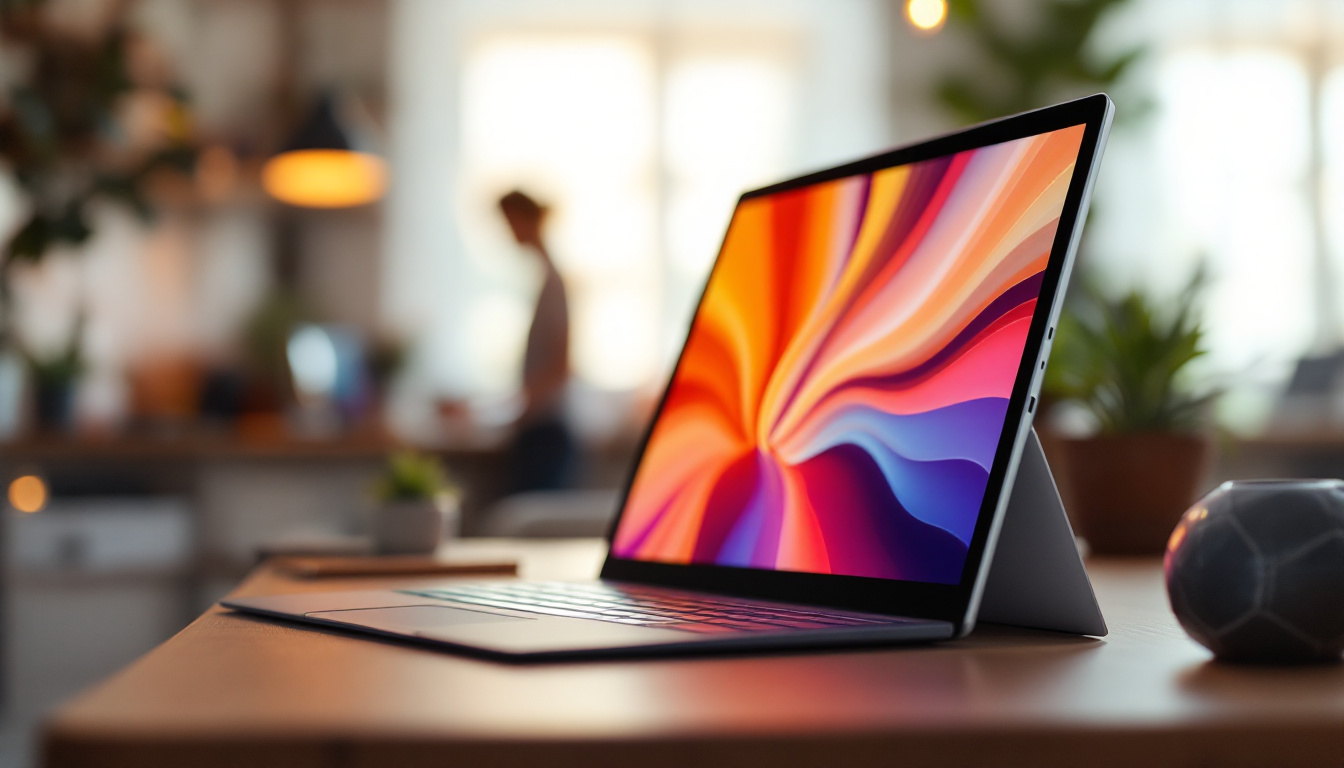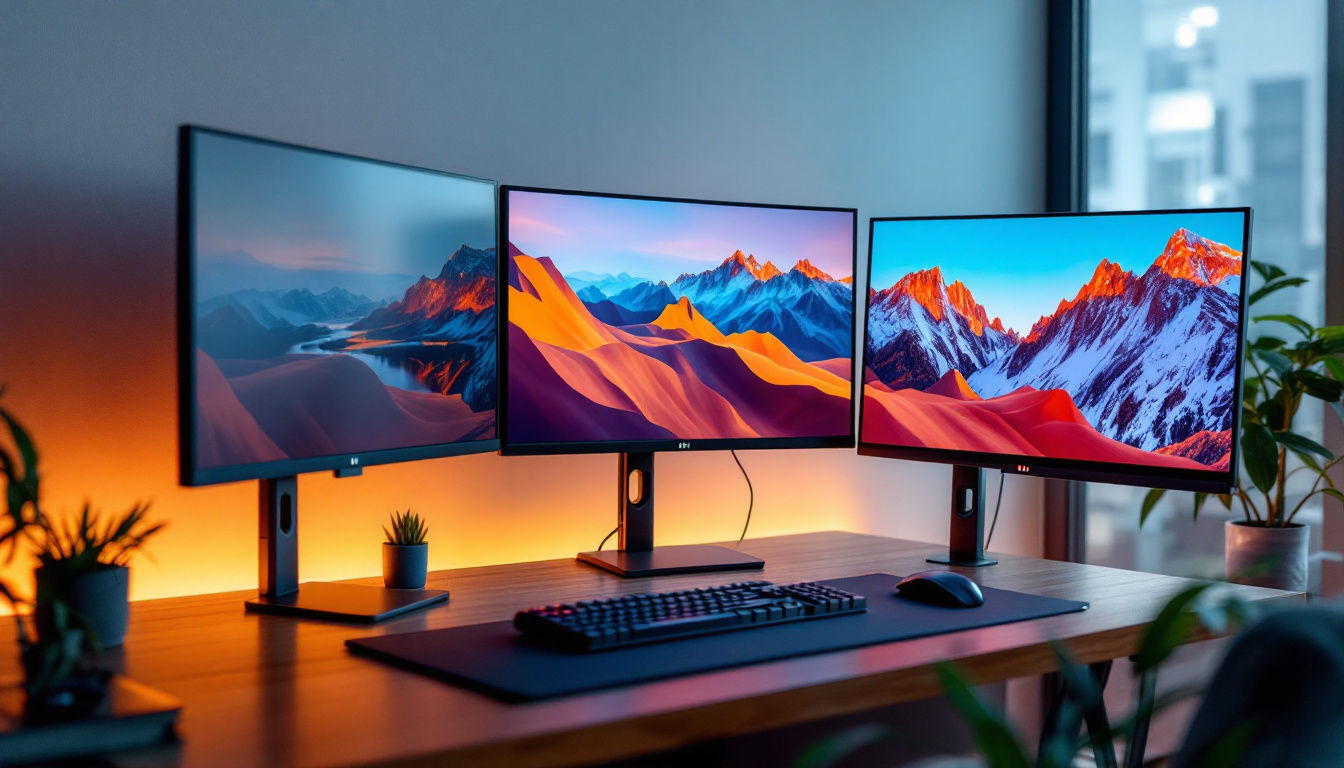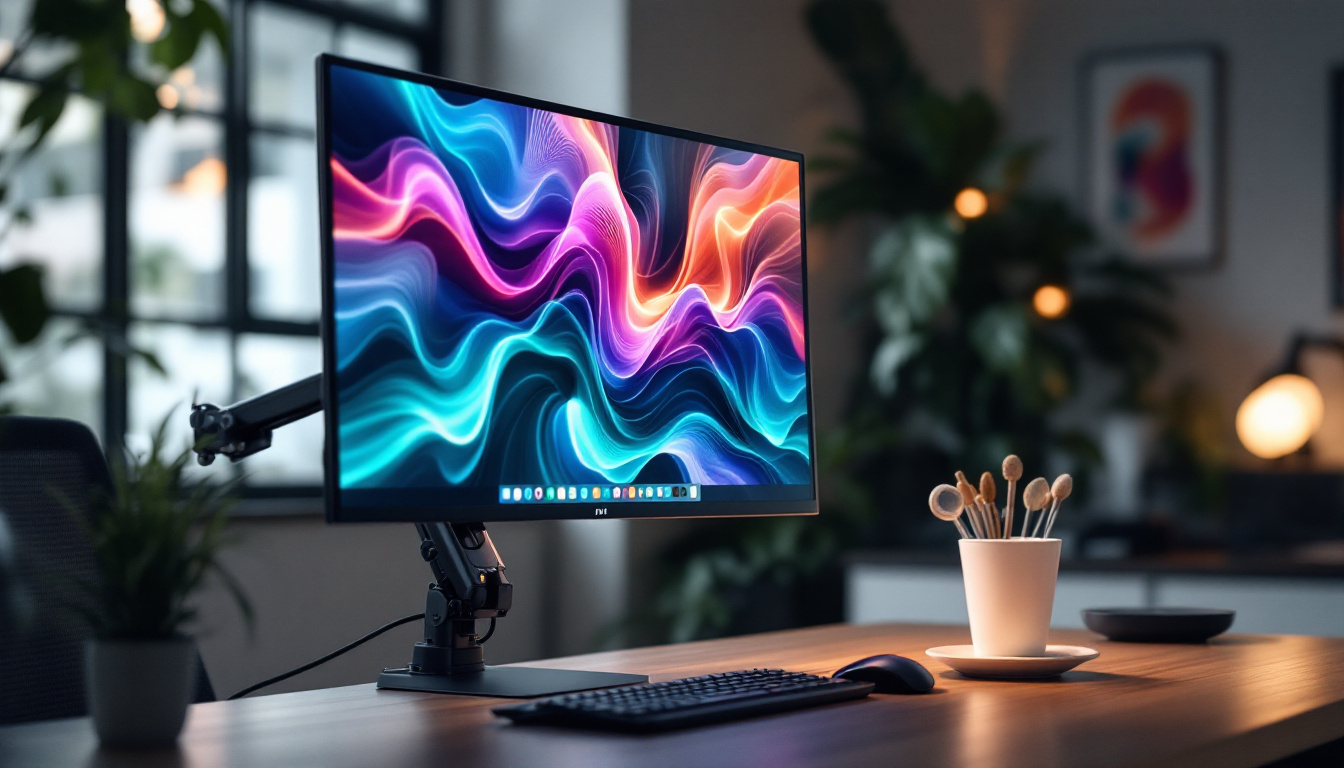
In today’s fast-paced digital world, touch screen technology has become an integral part of how we interact with devices. From smartphones to kiosks, and increasingly in professional environments, touch screen monitors are transforming the way we engage with computers and digital content. Among the various sizes and types available, a 50-inch touch screen monitor with an LED display stands out for its versatility, clarity, and immersive experience.
This article delves into the fundamentals of 50-inch touch screen monitors featuring LED displays, exploring their technology, applications, benefits, and considerations for purchase. Whether you are a business owner, IT professional, or tech enthusiast, understanding the nuances of this technology will help you make informed decisions and maximize its potential.
Understanding LED Display Technology in Touch Screen Monitors
What is an LED Display?
LED stands for Light Emitting Diode, a technology that has revolutionized display screens over the past decade. Unlike traditional LCDs that rely on fluorescent backlighting, LED displays use light-emitting diodes to illuminate the screen. This results in better brightness, contrast, and energy efficiency.
In a 50-inch touch screen monitor, the LED panel serves as the foundation for clear, vibrant images. The LEDs can be arranged in various ways, such as edge-lit or backlit configurations, each affecting the display’s uniformity and thickness. The LED technology also contributes to a thinner and lighter monitor design, which is crucial for large-format touch screens. Additionally, LED displays are known for their longevity, often lasting significantly longer than their LCD counterparts, which means less frequent replacements and lower overall costs for businesses that rely on these monitors for presentations or interactive displays.
Furthermore, the color accuracy and range offered by LED technology are remarkable. With advancements in color gamut capabilities, modern LED displays can reproduce a wider spectrum of colors, making them ideal for applications that require precise color representation, such as graphic design or video editing. This capability is particularly beneficial in environments where visual fidelity is paramount, enhancing the user experience by providing stunning visuals that draw in viewers.
How Touch Screen Technology Integrates with LED Displays
Touch screen monitors combine display technology with touch sensors, allowing users to interact directly with what is shown on the screen. The two most common touch technologies used in large monitors are capacitive and infrared (IR) touch.
Capacitive touch screens use the electrical properties of the human body to detect touch, offering high accuracy and multi-touch capabilities. Infrared touch screens use an array of IR sensors around the screen’s edges to detect interruptions caused by a finger or stylus. Each technology has its pros and cons, but both integrate seamlessly with LED displays to deliver responsive and precise touch experiences. Capacitive screens, for instance, are often preferred for their smooth and fluid interaction, making them ideal for applications requiring quick gestures or multi-user environments, such as classrooms or collaborative workspaces.
Moreover, the integration of touch technology with LED displays has paved the way for innovative applications beyond traditional computing. Businesses are increasingly utilizing touch screen monitors for interactive kiosks, digital signage, and even in retail environments where customer engagement is key. The ability to touch, swipe, and pinch-to-zoom on a vibrant LED display transforms the way information is presented and consumed, creating an immersive experience that captivates users and enhances brand interaction.
Why Choose a 50-Inch Touch Screen Monitor?
Optimal Size for Collaboration and Presentation
The 50-inch size hits a sweet spot between portability and visibility. It is large enough to be used in conference rooms, classrooms, retail environments, and control centers without overwhelming the space. This size enables multiple users to interact simultaneously, making it ideal for collaborative work and presentations.
According to recent market research, the demand for large-format touch screens in professional settings has grown by over 20% annually, driven by increasing remote collaboration and interactive learning trends. A 50-inch monitor provides a shared digital workspace that enhances engagement and productivity.
Versatility Across Industries
From healthcare to hospitality, education to retail, 50-inch touch screen monitors with LED displays serve a wide range of applications:
- Healthcare: Used for patient check-in kiosks, medical imaging review, and telemedicine consultations.
- Education: Interactive whiteboards and digital lesson delivery.
- Retail: Digital signage, interactive product catalogs, and self-service kiosks.
- Corporate: Video conferencing, data visualization, and collaborative brainstorming sessions.
The flexibility of these monitors makes them a valuable investment for organizations seeking to enhance user experience and operational efficiency.
Key Features to Consider in a 50-Inch Touch Screen Monitor
Resolution and Image Quality
Resolution is a critical factor affecting image clarity and detail. For a 50-inch monitor, Full HD (1920×1080 pixels) is the minimum standard, but many models now offer 4K UHD (3840×2160 pixels) resolution. A higher resolution ensures sharper images and better text readability, which is particularly important for detailed presentations and design work.
LED displays also support wide color gamuts and high contrast ratios, enhancing the visual experience. Look for monitors that offer at least 300 nits of brightness and a contrast ratio of 1000:1 or higher for optimal viewing in various lighting conditions.
Touch Technology and Responsiveness
Multi-touch capability is essential for modern interactive applications. Most 50-inch touch monitors support 10-point or more multi-touch, allowing multiple users to interact simultaneously. The touch response time should be minimal to avoid lag, ideally under 10 milliseconds.
Additionally, consider the type of touch technology. Capacitive touch screens offer superior accuracy and support gestures like pinch-to-zoom, while IR touch screens are more durable and can be used with gloves or styluses. The choice depends on the intended use environment and user preferences.
Connectivity and Compatibility
Robust connectivity options ensure the monitor integrates smoothly with various devices and systems. Common ports include HDMI, DisplayPort, USB-C, and traditional USB for touch input. Some models also feature wireless connectivity options such as Wi-Fi and Bluetooth, enabling cable-free setups.
Compatibility with operating systems like Windows, macOS, Android, and Linux is crucial, especially for businesses using diverse software ecosystems. Check that the monitor supports plug-and-play functionality and comes with reliable driver support.
Durability and Build Quality
Given the size and interactive nature, durability is a significant consideration. Look for monitors with reinforced glass, such as tempered or chemically strengthened glass, to withstand frequent touches and potential impacts.
Many commercial-grade touch monitors also offer IP ratings for dust and water resistance, which can be important in industrial or outdoor settings. The build quality affects not only longevity but also user safety and maintenance costs.
Applications and Use Cases of 50-Inch LED Touch Screen Monitors
Corporate and Enterprise Environments
In corporate settings, 50-inch touch screen monitors are transforming meeting rooms into dynamic collaboration hubs. Interactive displays facilitate video conferencing, real-time document editing, and brainstorming sessions with digital whiteboarding tools.
For example, a multinational consulting firm implemented 50-inch touch monitors in their conference rooms, resulting in a 30% increase in meeting efficiency and participant engagement. The ability to annotate presentations and instantly share content across devices has streamlined workflows significantly.
Education and Training
Interactive learning is gaining momentum, and large touch screen monitors play a pivotal role. They enable teachers to deliver multimedia lessons, engage students with interactive quizzes, and facilitate group projects with multi-user touch capabilities.
Studies show that classrooms equipped with interactive displays see improved student participation and retention rates. The 50-inch size is large enough to be visible to an entire classroom while maintaining a manageable footprint.
Retail and Customer Engagement
Retailers use 50-inch touch screen monitors to create immersive shopping experiences. Interactive kiosks allow customers to browse catalogs, customize products, and access promotions without needing staff assistance.
In one case study, a fashion retailer reported a 25% increase in customer interaction time and a 15% boost in sales after deploying interactive touch screens in their stores. The LED display’s vibrant colors and touch responsiveness make digital signage more engaging and effective.
Healthcare and Medical Applications
Healthcare providers utilize large touch screen monitors for patient check-in, electronic health record access, and telemedicine consultations. The clarity of LED displays aids in reviewing medical images, while touch functionality streamlines data entry and navigation.
Hospitals adopting 50-inch touch monitors have improved patient throughput and reduced administrative errors, highlighting the technology’s impact on operational efficiency and patient care quality.
Choosing the Right 50-Inch Touch Screen Monitor: Practical Tips
Assess Your Specific Needs
Start by defining the primary purpose of the monitor. Is it for collaboration, digital signage, or specialized applications like medical imaging? Understanding your use case will guide your choice of resolution, touch technology, and connectivity features.
Evaluate Environment and Installation Requirements
Consider where the monitor will be installed. Will it be mounted on a wall, placed on a stand, or integrated into a kiosk? Environmental factors such as lighting, dust, and potential physical contact should influence your selection, especially regarding brightness, durability, and IP ratings.
Budget and Total Cost of Ownership
While initial purchase price is important, factor in the total cost of ownership, including installation, maintenance, and potential software licensing. Investing in a higher-quality monitor with better support and warranty can save costs in the long run.
Check Reviews and Vendor Support
Research product reviews and seek recommendations from industry professionals. Reliable vendor support and warranty services are essential for minimizing downtime and ensuring smooth operation.
The Future of 50-Inch Touch Screen Monitors and LED Displays
Advancements in Display and Touch Technologies
Emerging technologies like OLED and microLED promise even better image quality, thinner designs, and improved energy efficiency. Meanwhile, touch technologies are evolving to include haptic feedback, pressure sensitivity, and enhanced multi-touch capabilities.
These innovations will further expand the applications and user experiences of large-format touch screen monitors, making them more intuitive and immersive.
Integration with AI and IoT
Future touch screen monitors will increasingly integrate with artificial intelligence and Internet of Things (IoT) ecosystems. This integration will enable smarter interfaces, predictive interactions, and seamless connectivity across devices and environments.
For example, AI-powered touch screens could adapt content dynamically based on user behavior or environmental conditions, enhancing personalization and efficiency.
Conclusion
50-inch touch screen monitors with LED displays represent a powerful convergence of size, clarity, and interactivity. Their versatility across industries—from corporate collaboration to retail engagement and healthcare innovation—underscores their growing importance in the digital landscape.
Understanding the underlying LED technology, touch capabilities, and key features is essential for selecting the right monitor to meet specific needs. As technology continues to advance, these large-format touch screens will become even more integral to how people work, learn, and interact with digital content.
Investing in a high-quality 50-inch LED touch screen monitor today can unlock new possibilities for engagement, productivity, and innovation in any professional setting.
Discover LumenMatrix’s Advanced LED Display Solutions
As you consider the benefits and applications of a 50-inch LED touch screen monitor, LumenMatrix stands at the forefront of this transformative technology. With our commitment to innovation and quality, we offer a diverse range of LED display solutions that cater to your unique needs. Whether you’re looking to enhance corporate collaboration, elevate retail experiences, or streamline healthcare operations, our Indoor and Outdoor LED Wall Displays, Vehicle LED Displays, and specialized solutions like LED Sports and Floor Displays are designed to make a lasting impact. Experience the future of visual communication with LumenMatrix. Check out LumenMatrix LED Display Solutions and see how we can illuminate your brand’s message with unparalleled clarity and engagement.