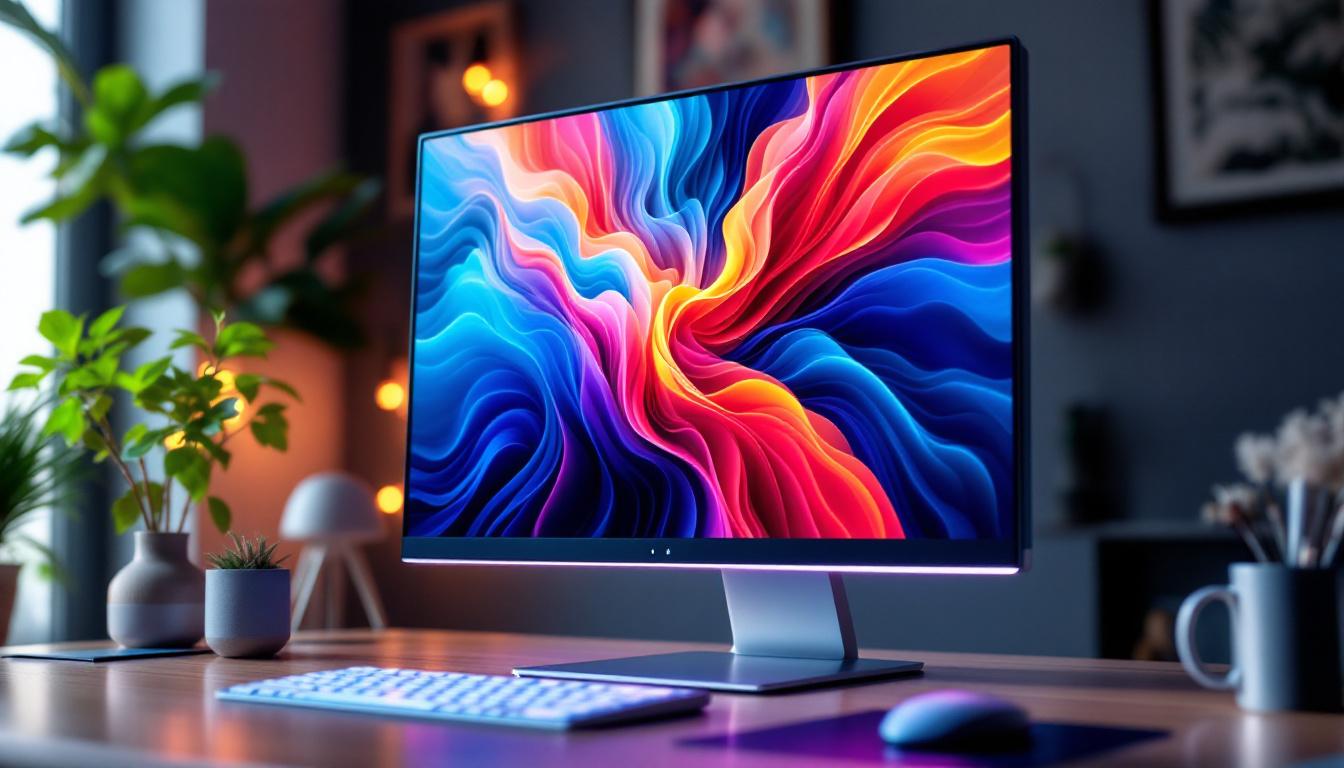
In today’s digital world, the quality of a monitor can significantly impact both productivity and entertainment experiences. One of the most critical factors that determine a monitor’s visual performance is contrast. Whether you’re a graphic designer, gamer, or casual user, understanding what contrast means on an LED display can help you make informed decisions when purchasing or calibrating a monitor. This article delves into the concept of contrast on LED monitors, explaining its importance, how it’s measured, and how it affects your viewing experience.
Understanding Monitor Contrast: The Basics
Contrast on a monitor refers to the difference in luminance between the brightest white and the darkest black that the display can produce. It essentially measures how well a screen can distinguish between light and dark areas, which directly influences image clarity, depth, and realism.
In simple terms, a higher contrast ratio means the whites appear brighter and the blacks appear deeper, resulting in more vivid and dynamic images. Conversely, a low contrast ratio can make images look washed out or dull, reducing the overall visual quality.
Contrast Ratio Explained
The contrast ratio is typically expressed as a ratio, such as 1000:1 or 3000:1. This number indicates how many times brighter the brightest white is compared to the darkest black on the screen. For example, a contrast ratio of 1000:1 means the brightest white is 1000 times brighter than the darkest black.
Manufacturers often advertise high contrast ratios to highlight the quality of their displays. However, it’s important to note that these figures can sometimes be misleading because they may be measured under ideal laboratory conditions rather than real-world usage. Factors such as ambient lighting, viewing angles, and the content being displayed can all affect how contrast appears in practice. Therefore, it’s advisable for consumers to look for reviews and real-world tests to gauge a monitor’s performance accurately.
Static vs. Dynamic Contrast Ratio
There are two main types of contrast ratios to be aware of:
- Static Contrast Ratio: This measures the difference between white and black at a single point in time. It reflects the inherent capability of the monitor’s panel technology.
- Dynamic Contrast Ratio: This measures the contrast over time by adjusting the backlight to enhance dark scenes and brighten light scenes. It can produce higher numbers but may not always represent actual performance during regular use.
Static contrast ratio is generally considered a more reliable indicator of a monitor’s true contrast performance. This is especially important for tasks that require color accuracy, such as photo editing or graphic design, where the subtleties of light and shadow can significantly impact the final output. On the other hand, dynamic contrast ratios can be appealing for watching movies or playing video games, where dramatic shifts in lighting can enhance the viewing experience, even if they don’t always reflect the monitor’s baseline capabilities.
Moreover, the technology behind the monitor’s panel can also influence contrast performance. For instance, OLED panels are known for their exceptional contrast ratios due to their ability to turn off individual pixels completely, resulting in true blacks. In contrast, traditional LCD panels may struggle to achieve the same level of depth because they rely on backlighting, which can lead to light bleed and grayish blacks. Understanding these differences can help consumers make informed choices based on their specific needs and preferences.
How Contrast Works on LED Displays
LED monitors use Light Emitting Diodes as the backlight source behind an LCD panel. Unlike older CCFL (cold cathode fluorescent lamp) backlights, LEDs can be controlled more precisely, which impacts contrast capabilities.
Role of Backlighting in Contrast
The backlight is crucial because it illuminates the pixels on the LCD panel. When displaying black or dark images, the backlight must be dimmed or turned off to achieve deep blacks. However, since LCD pixels themselves do not emit light, some light leakage can occur, causing blacks to appear grayish or washed out.
LED backlighting technology, especially with local dimming features, can significantly improve contrast by selectively dimming portions of the screen. This reduces light bleed and enhances black levels, resulting in a better contrast ratio.
Types of LED Backlighting Affecting Contrast
There are several LED backlighting methods, each influencing contrast differently:
- Edge-Lit LED: LEDs are placed around the edges of the screen. This design is thinner and more energy-efficient but may produce uneven lighting and lower contrast due to limited local dimming.
- Full-Array LED: LEDs are distributed evenly behind the entire screen. This allows for better local dimming and improved contrast performance.
- Mini-LED: A newer technology using thousands of tiny LEDs for even more precise local dimming zones, offering superior contrast and black levels compared to traditional LED backlights.
Why Contrast Matters: Impact on User Experience
Contrast is not just a technical specification; it profoundly affects how content appears on your screen and how comfortable it is to view for extended periods.
Improved Image Quality and Color Accuracy
High contrast ratios make images appear sharper and more lifelike. This is especially important for professionals working in photography, video editing, or graphic design, where accurate color reproduction and detail in shadows and highlights are critical.
For example, a monitor with a contrast ratio of 3000:1 can display subtle gradations in dark scenes that a 1000:1 monitor might miss, ensuring that no detail is lost.
Enhanced Gaming and Entertainment Experience
Gamers benefit from high contrast because it enhances immersion. Dark scenes in games or movies become more atmospheric and realistic when blacks are truly black rather than grayish. This can also improve gameplay by making it easier to spot enemies or objects in shadowed areas.
Reduced Eye Strain and Better Comfort
Monitors with poor contrast can cause eye fatigue because the eyes constantly struggle to differentiate between shades. Good contrast helps reduce this strain by providing clear and distinct images, making it easier to focus for longer periods.
How to Choose a Monitor Based on Contrast
When selecting an LED monitor, contrast ratio should be one of several key factors considered alongside resolution, refresh rate, color accuracy, and panel type.
Recommended Contrast Ratios for Different Uses
Understanding typical contrast requirements can guide you in choosing the right monitor:
- Office and General Use: A contrast ratio of around 1000:1 is usually sufficient for everyday tasks like browsing, document editing, and video streaming.
- Professional Photo and Video Editing: Look for monitors with at least 1500:1 static contrast and support for wide color gamuts to ensure accurate image reproduction.
- Gaming and Entertainment: Higher contrast ratios, preferably with local dimming or OLED technology, enhance visual immersion and enjoyment.
Panel Types and Their Contrast Characteristics
The type of LCD panel also affects contrast:
- TN (Twisted Nematic): Typically lower contrast ratios (~700:1 to 1000:1) but faster response times.
- IPS (In-Plane Switching): Better color accuracy and viewing angles but moderate contrast (~1000:1 to 1300:1).
- VA (Vertical Alignment): Known for higher contrast ratios (up to 3000:1), making them ideal for deep blacks and rich images.
Calibration and Adjustments to Optimize Contrast
Even the best monitor can benefit from proper calibration to achieve optimal contrast performance tailored to your environment and needs.
Adjusting Brightness and Contrast Settings
Most monitors allow manual adjustment of brightness and contrast through on-screen menus. Finding the right balance is key; too high contrast can cause loss of detail in highlights, while too low contrast makes the image flat.
Calibration tools and software can assist in fine-tuning these settings to ensure the display shows accurate and comfortable visuals.
Ambient Lighting Considerations
The lighting conditions in your room can affect perceived contrast. Bright ambient light can wash out the screen, making blacks appear gray. Using monitors with anti-glare coatings and adjusting room lighting can help maintain good contrast perception.
Using Test Patterns for Contrast Calibration
Test patterns, such as those provided by calibration software or websites, can help users identify if their monitor is displaying true blacks and whites correctly. Patterns with gradients and black level tests are particularly useful for contrast calibration.
Future Trends in Monitor Contrast Technology
As display technology evolves, contrast performance continues to improve, enhancing visual experiences across all applications.
OLED and MicroLED Displays
Unlike LED-backlit LCDs, OLED (Organic Light Emitting Diode) panels emit light at the pixel level, allowing for true blacks by turning off individual pixels completely. This results in near-infinite contrast ratios and exceptional image quality.
MicroLED is an emerging technology that combines the benefits of OLED with higher brightness and longevity, promising even better contrast and color performance in the near future.
Advanced Local Dimming Techniques
Mini-LED and full-array local dimming continue to advance, offering more dimming zones and better control over backlight brightness. This technology narrows the gap between LED LCDs and OLEDs in terms of contrast.
HDR (High Dynamic Range) Support
HDR content requires displays with high contrast capabilities to reproduce the wide range of luminance levels accurately. Monitors with high contrast ratios and HDR certification can deliver stunning visuals with enhanced depth and realism.
Conclusion
Contrast on an LED monitor is a fundamental aspect that shapes the quality and clarity of the images you see. Understanding contrast ratios, how LED backlighting influences contrast, and the practical implications for different use cases empowers consumers and professionals alike to select the best display for their needs.
Whether it’s for professional color work, immersive gaming, or everyday tasks, paying attention to contrast ensures a more enjoyable and visually comfortable experience. As display technology continues to evolve, the future promises even more impressive contrast capabilities, bringing digital content to life like never before.
Discover the Future of Visual Clarity with LumenMatrix
Ready to experience the pinnacle of contrast and color accuracy in LED displays? LumenMatrix is at the forefront of LED display technology, offering a wide array of solutions that cater to every need—be it for vibrant advertising, dynamic sports events, or immersive entertainment. Embrace the future of visual communication with our Indoor and Outdoor LED Wall Displays, Vehicle LED Displays, and more. Elevate your visual experience and engage your audience like never before. Check out LumenMatrix LED Display Solutions today and see the difference for yourself.