In today’s digital age, the computer monitor is more than just a screen; it’s a critical interface between users and their work, entertainment, or creative projects. Among the various types of displays available, LED monitors have become the standard for most users due to their superior image quality, energy efficiency, and sleek design. However, to fully leverage the benefits of an LED display, the role of a computer monitor stand cannot be overlooked. This article delves into the essentials of LED displays, explores the importance of monitor stands, and offers insights on how to optimize your setup for comfort, productivity, and aesthetics.
Understanding LED Displays: Technology and Advantages
What is an LED Display?
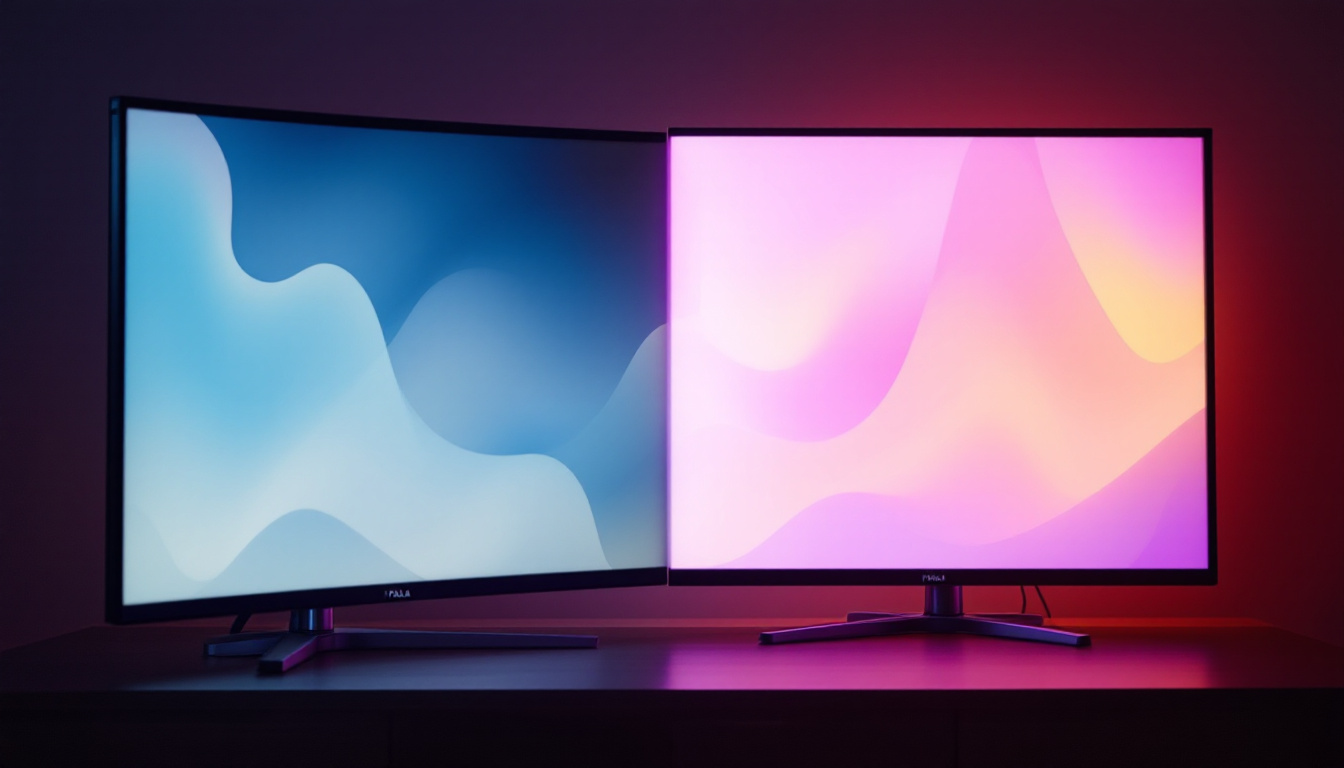
LED stands for Light Emitting Diode, a technology used in modern computer monitors to illuminate the screen. Unlike older LCD monitors that relied on cold cathode fluorescent lamps (CCFL) for backlighting, LED monitors use an array of tiny diodes to provide light. This fundamental difference results in several advantages, including better brightness, contrast, and color accuracy.
LED displays come in two main types: edge-lit and full-array. Edge-lit LEDs place the diodes along the edges of the screen, allowing for thinner and lighter panels, while full-array LED monitors have a grid of LEDs behind the entire screen, offering more uniform brightness and improved local dimming capabilities. The choice between these types often depends on the intended use; for example, gamers may prefer full-array displays for their superior contrast in dark scenes, while casual users might opt for the sleek design of edge-lit models.
Benefits of LED Monitors Over Other Technologies
Compared to older LCDs and even some OLEDs, LED monitors offer a balanced combination of performance and affordability. Key benefits include:
- Energy Efficiency: LED backlighting consumes significantly less power, which translates to lower electricity bills and a smaller environmental footprint.
- Brightness and Contrast: LEDs can achieve higher brightness levels and deeper blacks, enhancing image clarity and detail in both bright and dark scenes.
- Longevity: LED monitors generally have longer lifespans than CCFL-backlit LCDs, often exceeding 50,000 hours of use.
- Design Flexibility: The compact size of LEDs allows manufacturers to produce ultra-thin, lightweight monitors that are easier to handle and aesthetically pleasing.
Moreover, LED monitors are increasingly equipped with advanced features such as adaptive brightness control and flicker-free technology. These enhancements not only improve the viewing experience but also contribute to eye comfort during prolonged use. As many people spend hours in front of screens for work or leisure, these features are becoming essential for maintaining visual health and reducing fatigue.
Current Trends in LED Monitor Technology
As of 2024, LED display technology continues to evolve with innovations such as mini-LED and micro-LED. Mini-LED monitors use thousands of tiny LEDs to improve local dimming and contrast ratios dramatically, making them ideal for professionals in photography, video editing, and gaming. Micro-LED, still emerging, promises even better performance with self-emissive pixels, combining the best aspects of OLED and LED technologies without the drawbacks like burn-in.
Additionally, advancements in color accuracy, refresh rates, and resolution have made LED monitors versatile for various applications, from casual browsing to high-end creative work and competitive gaming. Features like 4K and even 8K resolution are becoming more common, providing users with incredibly detailed images that enhance the viewing experience. Furthermore, the integration of smart technology into LED displays is on the rise, allowing users to connect seamlessly to the internet and access streaming services directly from their monitors, thereby transforming them into multifunctional entertainment hubs.
The Role of a Computer Monitor Stand
Why a Monitor Stand Matters
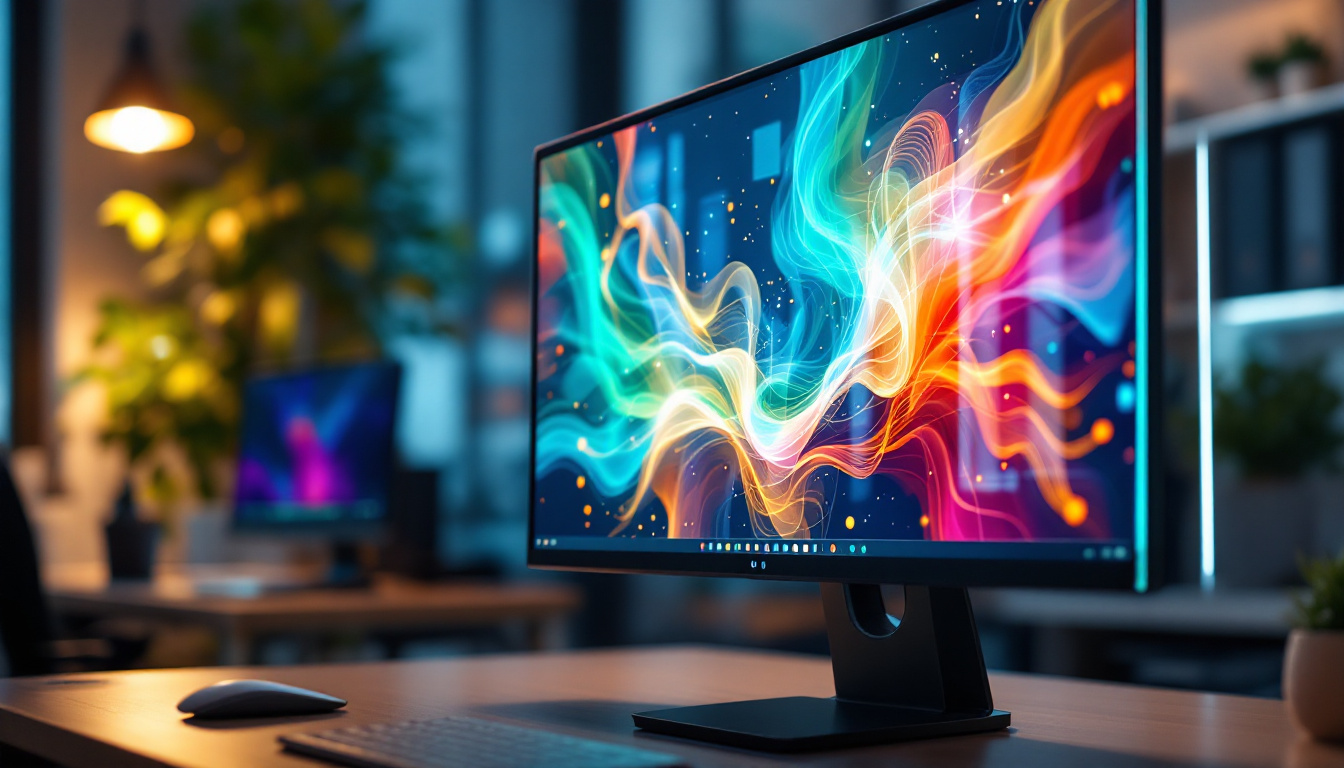
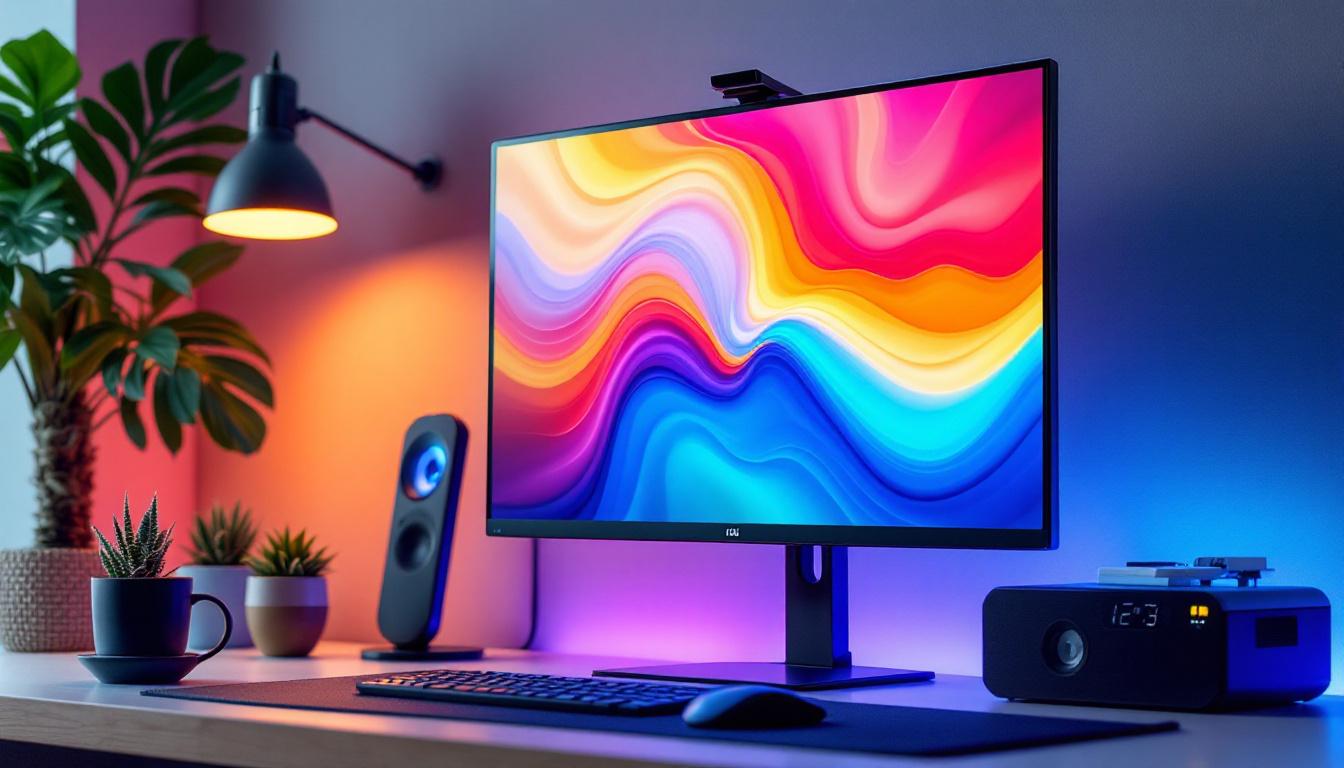
While the display technology is crucial, the physical positioning of the monitor significantly impacts user comfort and productivity. A monitor stand is not merely a functional accessory; it is a vital ergonomic tool. Poor monitor placement can lead to neck strain, eye fatigue, and poor posture, which over time may cause chronic discomfort or musculoskeletal issues. The importance of a proper setup cannot be overstated, especially in an age where many individuals spend hours in front of screens for work, study, or leisure.
Proper monitor height, distance, and angle help reduce glare, minimize reflections, and ensure that the user’s eyes are aligned with the top third of the screen. This alignment promotes a natural and comfortable viewing experience, reducing the risk of headaches and fatigue during extended use. Furthermore, a well-positioned monitor can enhance focus and concentration, allowing users to engage more deeply with their tasks. Studies have shown that a comfortable workspace can lead to increased productivity and overall job satisfaction, making the investment in a quality monitor stand worthwhile.
Types of Monitor Stands
Monitor stands come in various designs tailored to different needs and setups:
- Fixed Stands: These are the default stands that come with most monitors. They usually offer minimal adjustability, such as tilt, but lack height or swivel options. While they may be sufficient for casual users, those who spend long hours at their desks might find them lacking in comfort.
- Adjustable Stands: These provide height adjustment, tilt, swivel, and sometimes pivot (rotation from landscape to portrait), allowing users to customize the monitor position precisely. This flexibility is particularly beneficial for users who alternate between tasks that require different viewing angles, such as graphic design or coding.
- Monitor Arms: Mounted to the desk or wall, monitor arms offer the greatest flexibility. They free up desk space and enable dynamic positioning, including multi-monitor setups. This is especially advantageous for professionals who require multiple screens for data analysis or trading, as it allows for a more organized and efficient workflow.
- Ergonomic Stands: Designed with health and comfort in mind, these stands often incorporate cable management, anti-slip bases, and easy adjustment mechanisms. Many ergonomic stands also feature materials that reduce vibrations and enhance stability, ensuring that the monitor remains securely in place even during intense typing sessions.
Choosing the Right Stand for Your LED Monitor
When selecting a monitor stand for an LED display, consider the size and weight of the monitor, the available desk space, and your ergonomic needs. For example, a 27-inch LED monitor weighing around 7-9 pounds may require a robust adjustable stand or a monitor arm to ensure stability and flexibility. Additionally, the aesthetic appeal of the stand can complement your workspace, contributing to a cohesive design that enhances your overall environment.
Additionally, ensure that the stand’s mounting interface (usually VESA compatibility) matches your monitor’s specifications. Most modern LED monitors support VESA mounts, but it’s important to verify before purchasing a stand or arm. Beyond compatibility, consider features such as cable management systems that help keep your workspace tidy and organized. A clutter-free desk not only looks better but can also lead to improved focus and efficiency, as you won’t be distracted by tangled cords or misplaced accessories. Furthermore, investing in a stand that allows for easy adjustments can make a significant difference in your daily comfort and productivity, as it encourages you to maintain an optimal viewing position throughout your workday.
Optimizing Your Workspace with LED Displays and Stands
Ergonomic Setup Tips
To create an ergonomic workstation using an LED monitor and stand, follow these guidelines:
- Eye Level Positioning: The top of the monitor screen should be at or slightly below eye level to maintain a neutral neck position.
- Viewing Distance: Position the monitor about an arm’s length away (20-30 inches) to reduce eye strain.
- Screen Angle: Tilt the monitor slightly upward (10-20 degrees) to minimize glare and reflections.
- Desk Height: Your desk and chair should be adjusted so that your forearms are parallel to the floor when typing, with wrists in a neutral position.
Implementing these adjustments can significantly improve comfort and productivity, especially for users spending long hours in front of their computers.
Enhancing Visual Experience with LED Displays
Beyond physical positioning, optimizing the LED monitor’s settings can enhance visual comfort and image quality. Adjust brightness to match ambient lighting conditions, typically around 120-150 cd/m² for indoor use. Use color calibration tools or software to ensure accurate color representation, particularly important for creative professionals.
Many modern LED monitors include blue light filters and flicker-free technology, which help reduce eye fatigue. Activating these features or using third-party software can contribute to healthier screen time habits.
Multi-Monitor Setups and Stands
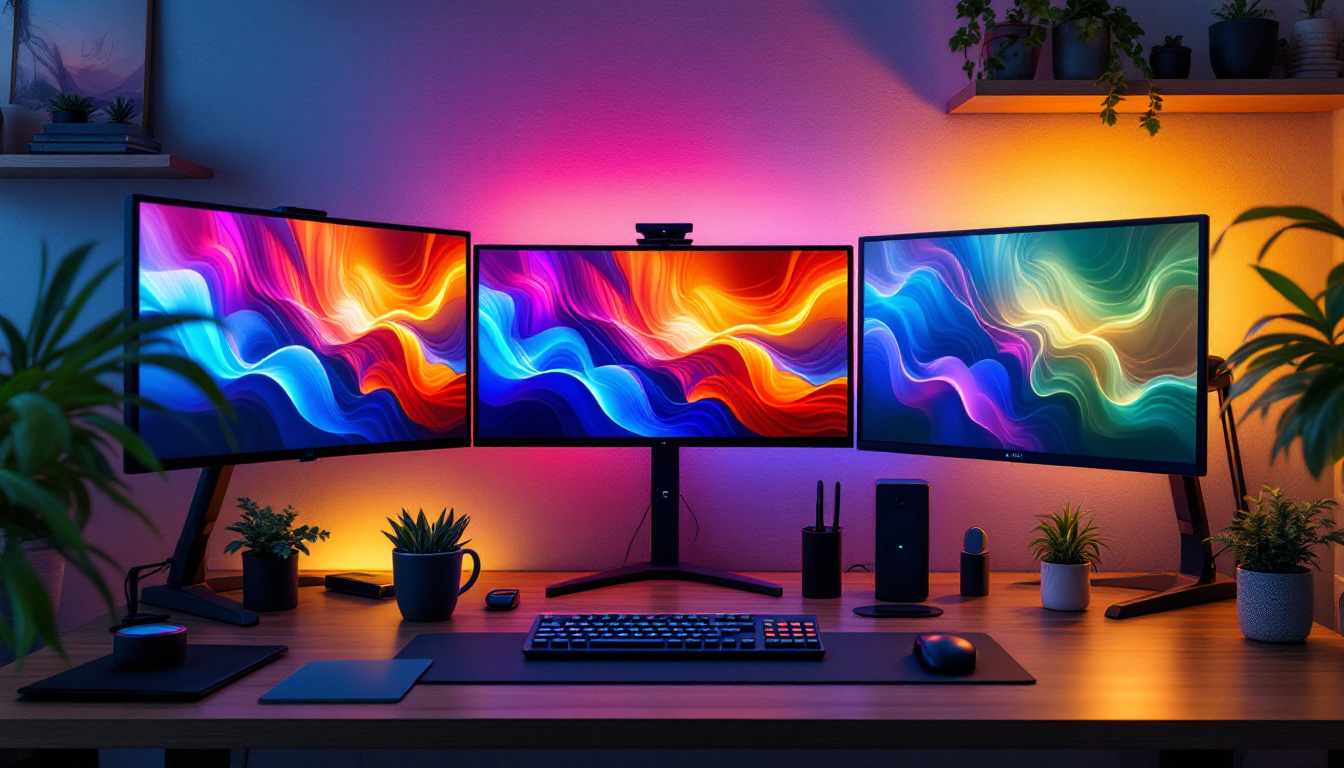
For users requiring multiple displays, such as traders, designers, or programmers, using adjustable monitor arms or multi-monitor stands can streamline the workspace. These setups allow seamless alignment of screens, reducing neck movement and improving workflow efficiency.
When choosing stands for multi-monitor configurations, ensure they support the combined weight and size of all monitors and offer sufficient adjustability to create a cohesive visual field.
Maintenance and Longevity of LED Monitors and Stands
Cleaning and Care
Maintaining the cleanliness of your LED monitor is essential for optimal performance and longevity. Use a microfiber cloth and screen-safe cleaning solutions to gently wipe the display, avoiding harsh chemicals that can damage the screen coating.
Similarly, keep the monitor stand and mounting hardware free of dust and debris to ensure smooth adjustments and prevent wear.
Extending the Lifespan of Your Setup
To maximize the lifespan of an LED monitor, avoid prolonged exposure to direct sunlight and excessive heat, which can degrade the display components. Using a surge protector can safeguard against voltage spikes that might damage the electronics.
Regularly check the stability of the monitor stand or arm, tightening screws and ensuring secure mounting to prevent accidents or damage.
Conclusion: Integrating Technology and Ergonomics for Optimal Use
LED displays represent a significant advancement in monitor technology, offering superior image quality, energy efficiency, and sleek design. However, the benefits of an LED monitor are fully realized only when paired with an appropriate monitor stand that ensures ergonomic positioning and user comfort.
By understanding the technology behind LED displays and the critical role of monitor stands, users can create a workspace that not only looks professional but also supports health and productivity. Whether upgrading a home office, setting up a gaming station, or designing a creative studio, investing in the right LED monitor and stand combination is a smart choice for the modern user.
Discover the Future of Visual Display with LumenMatrix
Ready to elevate your workspace and enhance your visual experience? LumenMatrix is at the forefront of LED display innovation, offering a wide array of solutions tailored to meet your needs. From the immersive Indoor LED Wall Display to the dynamic Outdoor LED Wall Display, and from the versatile All-in-One LED Display to the stunning LED Transparent Display, LumenMatrix has the technology to transform your environment. Embrace the revolution in visual communication and check out LumenMatrix LED Display Solutions today to share your message with unparalleled impact and clarity.