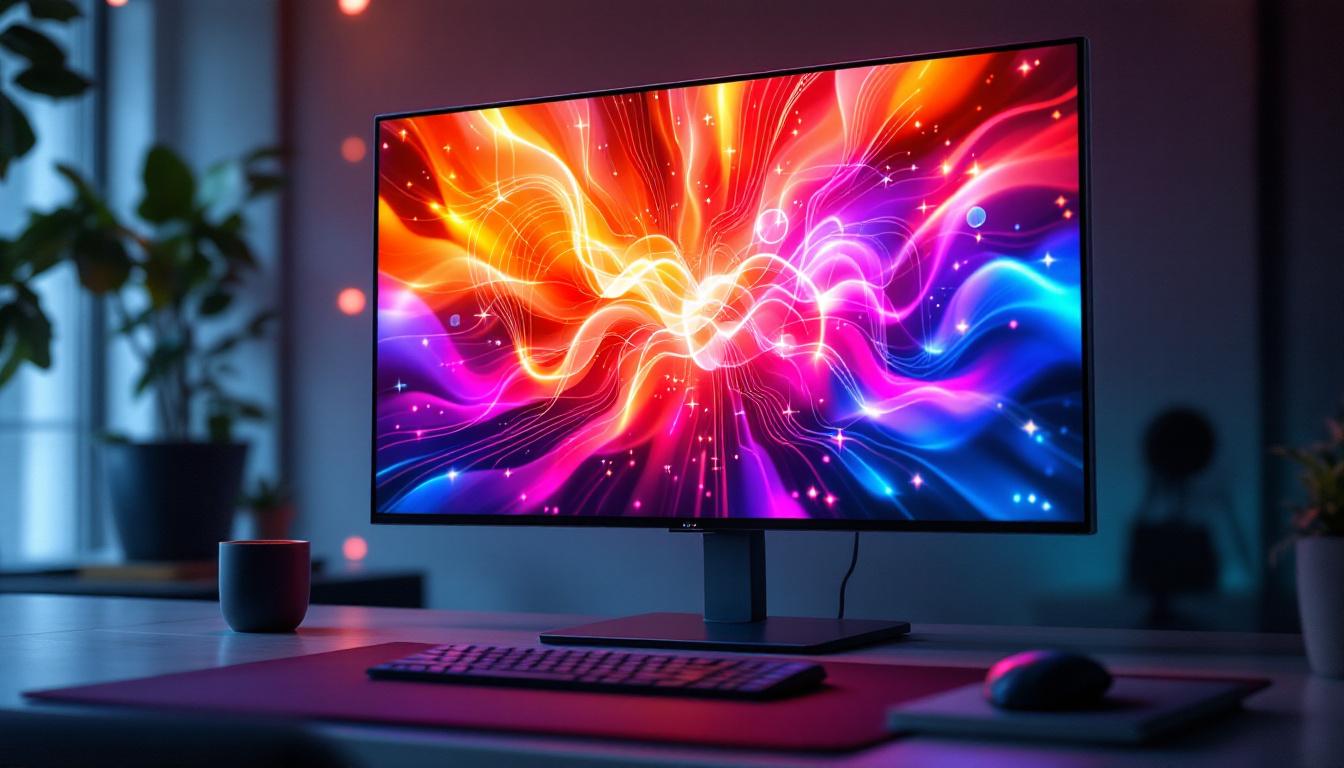
Touch screen monitors have become an integral part of modern computing, transforming how users interact with their PCs. From creative professionals to business environments, and even casual users, the ability to directly manipulate on-screen content with a touch has revolutionized the user experience. Among the various types of touch screen monitors, those equipped with LED displays stand out for their vibrant visuals, energy efficiency, and sleek design.
This article delves into the world of touch screen monitors for PCs, focusing on LED display technology. It explores how these monitors work, their advantages, the different types of touch technologies, and practical considerations when choosing the right monitor for your needs.
Understanding LED Display Technology in Touch Screen Monitors
LED, or Light Emitting Diode, technology has become the standard for modern displays, including touch screen monitors. Unlike traditional LCDs that rely on cold cathode fluorescent lamps (CCFL) for backlighting, LED displays use an array of light-emitting diodes to illuminate the screen. This shift has brought numerous benefits in terms of image quality, power consumption, and design flexibility.
How LED Displays Work
At the core, an LED display is still an LCD panel, but the backlighting is provided by LEDs instead of fluorescent lamps. These LEDs can be arranged in different configurations, such as edge-lit or direct-lit, each affecting brightness and uniformity.
Edge-lit LED displays position LEDs along the edges of the screen, using light guides to distribute illumination evenly. This design allows for thinner and lighter monitors. Direct-lit or full-array LED displays place LEDs directly behind the screen, offering better brightness and contrast but often at a higher cost and thickness.
Benefits of LED Displays in Touch Screen Monitors
LED displays offer several advantages that make them ideal for touch screen monitors:
- Improved Brightness and Contrast: LEDs provide brighter images and deeper blacks, enhancing visual clarity and making touch interactions more precise.
- Energy Efficiency: LED backlighting consumes less power than CCFL, which is beneficial for both desktop and portable touch screen devices.
- Thin and Lightweight Design: The compact nature of LEDs enables slimmer monitor profiles, which is aesthetically pleasing and saves desk space.
- Longer Lifespan: LEDs generally last longer than fluorescent lamps, reducing the need for replacements and maintenance.
In addition to these advantages, LED technology also supports a wider color gamut, allowing for more vibrant and true-to-life colors. This is particularly important in applications such as graphic design, video editing, and gaming, where color accuracy is paramount. The ability of LED displays to produce a broader spectrum of colors enhances the overall user experience, making touch interactions not only more responsive but also visually engaging.
Furthermore, many modern LED touch screen monitors incorporate advanced technologies such as anti-glare coatings and high refresh rates. Anti-glare coatings minimize reflections and distractions, making it easier to view the screen in various lighting conditions, while high refresh rates ensure smoother motion and responsiveness during touch interactions. This combination of features makes LED displays not just functional but also a pleasure to use, whether for professional tasks or casual entertainment.
Types of Touch Technologies Used in LED Touch Screen Monitors
While LED technology defines the display’s illumination, the touch functionality depends on the type of touch sensor integrated into the monitor. Understanding these technologies is crucial for selecting a monitor that meets your performance and usage requirements.
Resistive Touch Technology
Resistive touch screens consist of two thin, transparent layers separated by a small gap. When pressure is applied, the layers make contact, registering the touch. This technology supports input from fingers, styluses, or any pointed object.
Resistive touch screens are typically more affordable and durable in harsh environments. However, they offer lower clarity due to the additional layers and generally support only single-touch input.
Capacitive Touch Technology
Capacitive touch screens are the most common in modern touch monitors. They use a layer of capacitive material that stores electrical charge. When a conductive object like a finger touches the screen, it changes the local electrostatic field, which sensors detect to determine the touch location.
Capacitive touch screens provide better image clarity, support multi-touch gestures, and offer a more responsive experience. They are, however, more sensitive to environmental factors like water or gloves, which can interfere with touch detection.
Infrared and Optical Touch Technologies
Infrared (IR) touch screens use an array of IR LEDs and photodetectors around the screen’s edges to create an invisible grid. When an object interrupts the grid, the system calculates the touch point.
Optical touch technology operates similarly but uses cameras and image processing to detect touch points. Both IR and optical technologies support multi-touch and can detect touches from any object, including gloved fingers or styluses.
Why Choose a Touch Screen Monitor with LED Display for Your PC?
Touch screen monitors with LED displays combine the best of visual performance and interactive technology. They are increasingly popular in various applications, from professional workstations to educational settings and retail environments.
Enhanced User Interaction and Productivity
Touch screen monitors enable direct manipulation of content, which can be more intuitive and faster than using a mouse and keyboard. For creative professionals, this means easier drawing, design, and editing workflows. In business or educational contexts, touch monitors facilitate interactive presentations, collaborative work, and engaging learning experiences.
Superior Visual Experience
LED displays deliver vibrant colors, high contrast ratios, and sharp images, which are essential for tasks requiring color accuracy, such as photo editing or video production. The improved brightness also ensures usability in various lighting conditions, including bright office environments.
Energy Savings and Environmental Benefits
Compared to older backlighting technologies, LED displays consume significantly less power. This reduction not only lowers electricity costs but also contributes to a smaller carbon footprint, aligning with growing sustainability goals in workplaces and homes.
Key Considerations When Selecting a Touch Screen LED Monitor for Your PC
Choosing the right touch screen monitor involves evaluating several factors to ensure it fits your specific needs and budget.
Screen Size and Resolution
The size of the monitor affects both usability and desk space. Common sizes range from 15 inches for compact setups to over 27 inches for professional use. Higher resolutions, such as Full HD (1920×1080) or 4K (3840×2160), provide sharper images and more workspace but may require more powerful hardware to drive effectively.
Touch Technology Compatibility
Consider the type of touch technology based on your usage. For example, capacitive touch is ideal for multi-touch gestures and smooth interaction, while infrared touch may be better suited for environments requiring input with gloves or styluses.
Connectivity Options
Ensure the monitor supports the necessary ports for your PC, such as HDMI, DisplayPort, USB-C, or legacy VGA/DVI connections. Some touch monitors also include USB hubs to connect peripherals directly.
Ergonomics and Mounting
Adjustable stands, tilt, swivel, and VESA mount compatibility can enhance comfort and flexibility, especially for prolonged use. Touch monitors with anti-glare coatings or matte finishes can reduce reflections and eye strain.
Durability and Warranty
Since touch screens are subject to frequent physical interaction, durability is important. Look for monitors with robust glass surfaces, such as tempered glass, and check the warranty terms for coverage on touch functionality.
Popular Use Cases for Touch Screen LED Monitors
Touch screen LED monitors are versatile and find applications across diverse sectors.
Creative and Design Work
Graphic designers, digital artists, and video editors benefit from the precision and immediacy of touch input combined with the superior color accuracy of LED displays. Devices like pen-enabled touch monitors allow for natural drawing experiences similar to traditional media.
Business and Office Environments
Interactive presentations, data visualization, and collaborative meetings are enhanced by touch screen monitors. They enable users to annotate documents, navigate software intuitively, and engage audiences more effectively.
Education and Training
Classrooms and training centers utilize touch screen monitors to foster interactive learning. Students can engage directly with educational content, participate in quizzes, and collaborate on projects in real-time.
Retail and Hospitality
Point-of-sale systems, self-service kiosks, and information displays often rely on touch screen LED monitors for quick, user-friendly interaction. The bright, clear displays attract attention and facilitate smooth transactions.
Future Trends in Touch Screen LED Monitor Technology
The evolution of touch screen monitors continues, driven by advancements in display and touch technologies.
Integration of OLED and MicroLED Displays
While LED-backlit LCDs dominate the market today, emerging technologies like OLED and MicroLED promise even better contrast, color accuracy, and thinner profiles. These displays could redefine touch screen monitors with enhanced visual performance and flexibility.
Improved Touch Sensitivity and Haptics
Future touch screens may incorporate advanced haptic feedback to simulate textures and resistance, making interactions more immersive. Enhanced sensitivity will also improve recognition of different touch pressures and gestures.
AI and Gesture Recognition
Artificial intelligence integration could enable touch monitors to recognize complex gestures, handwriting, and even user intent, streamlining workflows and accessibility.
Conclusion
Touch screen monitors with LED displays represent a significant leap in PC interaction and visual quality. By combining responsive touch technology with vibrant, energy-efficient LED backlighting, these monitors cater to a wide range of users—from creative professionals to educators and business users.
Understanding the underlying LED technology, touch mechanisms, and key features helps users make informed choices tailored to their specific needs. As display technologies continue to advance, touch screen monitors will become even more integral to the computing experience, offering richer, more intuitive ways to engage with digital content.
Whether upgrading an existing setup or investing in a new system, considering an LED touch screen monitor can enhance productivity, creativity, and overall user satisfaction.
Discover LumenMatrix’s Innovative LED Display Solutions
Ready to elevate your interactive experience with the latest in LED touch screen technology? LumenMatrix is at the forefront of LED display innovation, offering a wide array of solutions tailored to meet your unique needs. From captivating Indoor LED Wall Displays to dynamic Outdoor LED Wall Displays, and from versatile Vehicle LED Displays to sleek LED Poster Displays, our products are designed to transform your visual communication. Embrace the future with LumenMatrix’s Custom LED Displays, All-in-One LED Displays, and revolutionary LED Transparent Displays. Don’t just share your message—make a lasting impression. Check out LumenMatrix LED Display Solutions today and see how we can help you create engaging, memorable experiences.