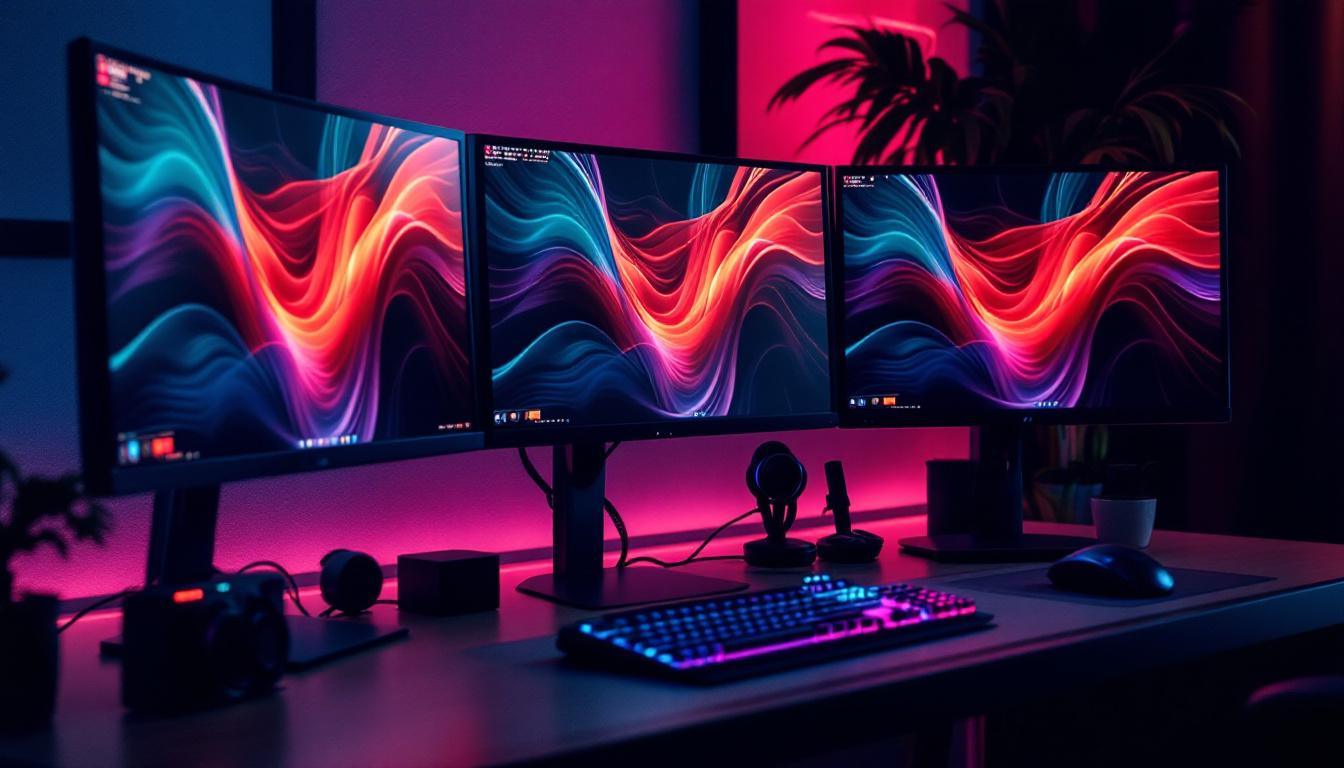
In today’s fast-paced digital world, maximizing workspace efficiency and comfort is more important than ever. For professionals, gamers, and creatives alike, multiple monitor setups have become a standard to enhance productivity and immersive experiences. Among these, triple monitor configurations stand out for their ability to provide expansive screen real estate. However, achieving an optimal triple monitor setup requires more than just purchasing three screens—it demands the right support system. This is where a good triple monitor stand becomes essential.
Alongside the physical hardware, understanding the nuances of LED displays used in these monitors can significantly impact the quality and performance of your setup. This article delves into the essentials of choosing a good triple monitor stand and explains the key aspects of LED display technology to help you make informed decisions.
Why Choose a Triple Monitor Setup?
Before exploring the stands and display technology, it’s important to understand why a triple monitor setup is beneficial. Whether for work or entertainment, having three screens offers several distinct advantages:
- Enhanced Productivity: Studies have shown that multi-monitor setups can increase productivity by up to 42%. This is because users can multitask more efficiently, referencing documents, spreadsheets, or communication tools simultaneously without constant window switching.
- Immersive Gaming and Creative Work: Gamers and digital artists benefit from the panoramic views and extended workspace that triple monitors provide. This setup allows for more detailed visual work and a more engaging gaming experience.
- Improved Ergonomics: With the right stand, triple monitors can be positioned at eye level and at comfortable angles, reducing neck and eye strain during long sessions.
Given these advantages, investing in a quality triple monitor stand is crucial to unlocking the full potential of your multi-screen environment.
Key Features of a Good Triple Monitor Stand
Not all triple monitor stands are created equal. Selecting the right one depends on several factors that affect stability, flexibility, and overall user experience.
Sturdiness and Build Quality
A good triple monitor stand must be robust enough to support the combined weight of three monitors. Most modern LED monitors range from 5 to 15 pounds each, so the stand should support at least 45 pounds comfortably. Materials like heavy-duty steel or aluminum ensure durability and stability. Avoid stands that feel flimsy or have plastic components in critical load-bearing areas, as these can lead to wobbling or even accidents.
Adjustability and Ergonomics
Ergonomic adjustability is a top priority. A quality stand should offer height adjustment, tilt, swivel, and rotation options for each monitor arm. This flexibility allows users to customize the viewing angles and positions to reduce strain on the neck, shoulders, and eyes. For instance, tilting monitors slightly downward can help maintain a natural line of sight, reducing fatigue over extended periods.
Space-Saving Design
One of the main reasons to use a triple monitor stand is to free up desk space. Look for stands with a clamp or grommet mount that attaches to the desk edge, minimizing the footprint. Some designs feature cable management systems integrated into the arms or base, helping keep your workspace neat and organized.
Compatibility and VESA Mounting
Ensure the stand supports the VESA mounting pattern of your monitors, typically 75×75 mm or 100×100 mm. Compatibility with various monitor sizes—usually between 17 to 32 inches—is also important. Some stands offer adjustable arms that can accommodate different screen sizes and weights, providing versatility if you plan to upgrade or change monitors in the future.
Ease of Installation and Use
Look for stands that come with clear instructions and all necessary hardware. Quick-release mechanisms or tool-free adjustments can make setup and daily use more convenient. A stand that’s easy to assemble and adjust encourages regular ergonomic improvements and reduces frustration.
Popular Triple Monitor Stand Designs
Triple monitor stands come in several configurations, each suited to different needs and desk setups.
Single Base with Three Arms
This design features a single base or clamp that anchors to the desk, with three adjustable arms extending to hold each monitor. It offers a compact footprint and centralized stability, making it a popular choice for most users. The arms typically allow independent adjustment, so each monitor can be positioned uniquely.
Freestanding Triple Monitor Stands
Freestanding stands rest on the desk surface without the need for clamps or grommets. These are ideal for desks where mounting is not possible or preferred. However, they tend to take up more desk space and may not offer as much height adjustment as clamp-mounted options.
Wall-Mounted Triple Monitor Stands
For ultimate space-saving, wall-mounted stands attach directly to the wall behind the desk. These are excellent for minimalist setups but require careful installation and wall compatibility. They often provide excellent height and angle adjustments but lack portability.
Understanding LED Displays in Triple Monitor Setups
While the stand supports your monitors physically, the display technology determines the quality and clarity of the images you see. LED displays have become the standard for computer monitors due to their efficiency and performance. Here’s what you need to know about LED technology in the context of triple monitor setups.
What is an LED Display?
LED stands for Light Emitting Diode. In monitors, LED refers to the backlighting method used in LCD (Liquid Crystal Display) panels. Unlike older CCFL (Cold Cathode Fluorescent Lamp) backlights, LEDs are more energy-efficient, provide better brightness, and allow for thinner panel designs.
LED displays can be categorized mainly into two types:
- Edge-Lit LED: LEDs are placed along the edges of the screen, and light is distributed across the panel using light guides. This design allows for thinner monitors but may have uneven brightness in some cases.
- Direct-Lit or Full-Array LED: LEDs are placed directly behind the screen in a grid. This setup offers better uniformity and allows for local dimming, improving contrast ratios.
Benefits of LED Monitors for Triple Setups
LED monitors are particularly advantageous for multi-monitor configurations due to several reasons:
- Energy Efficiency: LED backlighting consumes less power, which is beneficial when running three monitors simultaneously.
- Slim Profiles: LED technology enables thinner bezels and lighter screens, making it easier to align multiple monitors closely for a seamless viewing experience.
- Better Brightness and Color: LEDs provide brighter displays with richer colors, enhancing visual clarity across all three screens.
- Longevity: LED monitors tend to have longer lifespans and more consistent performance over time compared to older technologies.
Important LED Display Specifications to Consider
When selecting LED monitors for a triple setup, pay attention to these key specifications:
Resolution
Higher resolution monitors (such as 2560×1440 or 4K UHD) provide sharper images and more workspace. For triple setups, matching resolutions across all monitors ensures a consistent visual experience and easier window management.
Refresh Rate
The refresh rate, measured in Hertz (Hz), indicates how many times the screen updates per second. While 60Hz is standard for most office work, gamers may prefer 120Hz or higher for smoother motion. Matching refresh rates across monitors prevents visual tearing or lag during gaming or video editing.
Color Accuracy
For creative professionals, color accuracy is paramount. Look for monitors with wide color gamut coverage (such as sRGB, AdobeRGB) and factory calibration. This ensures that colors are consistent and true to life across all screens.
Viewing Angles
IPS (In-Plane Switching) LED panels offer superior viewing angles compared to TN (Twisted Nematic) panels. In a triple monitor setup, where monitors are angled towards the user, IPS panels maintain consistent color and brightness from different perspectives.
Bezel Size
Thin bezels reduce the visual gap between monitors, creating a more immersive and continuous display. Many modern LED monitors feature ultra-thin bezels specifically designed for multi-monitor setups.
Optimizing Your Triple Monitor Setup
Once you have selected a good triple monitor stand and LED displays, optimizing the setup is key to achieving the best experience.
Calibration and Color Matching
To ensure a consistent look across all three monitors, calibrate them using color calibration tools or software. This process adjusts brightness, contrast, and color settings to match each screen as closely as possible, reducing eye strain and improving visual coherence.
Arrangement and Alignment
Position the monitors at equal height and angle them slightly inward to create a curved field of view. This arrangement mimics natural human vision and enhances immersion. The stand’s adjustability plays a crucial role here, allowing fine-tuning of each arm.
Cable Management
Use the cable management features of your monitor stand or additional clips and sleeves to organize power and data cables. A tidy workspace not only looks better but also reduces the risk of cable damage and interference.
Adjusting Brightness and Contrast
Set the brightness and contrast levels to comfortable values that suit your environment. Avoid excessively bright screens in dim rooms to prevent eye fatigue. Many LED monitors have presets or adaptive brightness features that can help.
Conclusion: Investing in Quality for Long-Term Benefits
A good triple monitor stand and high-quality LED displays are investments that pay off in productivity, comfort, and visual enjoyment. By focusing on sturdy construction, ergonomic adjustability, and compatibility, users can create a workspace that supports extended use without discomfort.
Understanding LED technology helps in selecting monitors that deliver vibrant colors, sharp images, and energy efficiency. Together, the right stand and displays form the foundation of a powerful triple monitor setup, whether for professional tasks, gaming, or creative projects.
As multi-monitor configurations continue to grow in popularity, prioritizing quality and thoughtful design ensures that your setup remains functional, comfortable, and future-proof.
Discover the Future of Visual Display with LumenMatrix
Ready to elevate your triple monitor setup to the next level? Explore LumenMatrix’s innovative range of LED display solutions, designed to bring unparalleled vibrancy and clarity to your visual experiences. Whether you’re looking to enhance your professional workspace or create an immersive gaming environment, LumenMatrix offers a diverse selection of LED display modules, including Indoor and Outdoor LED Walls, Vehicle Displays, and more. Experience the revolution in visual communication and make a lasting impression with LumenMatrix. Check out LumenMatrix LED Display Solutions today and transform your space with cutting-edge technology.